What is virtual staging?
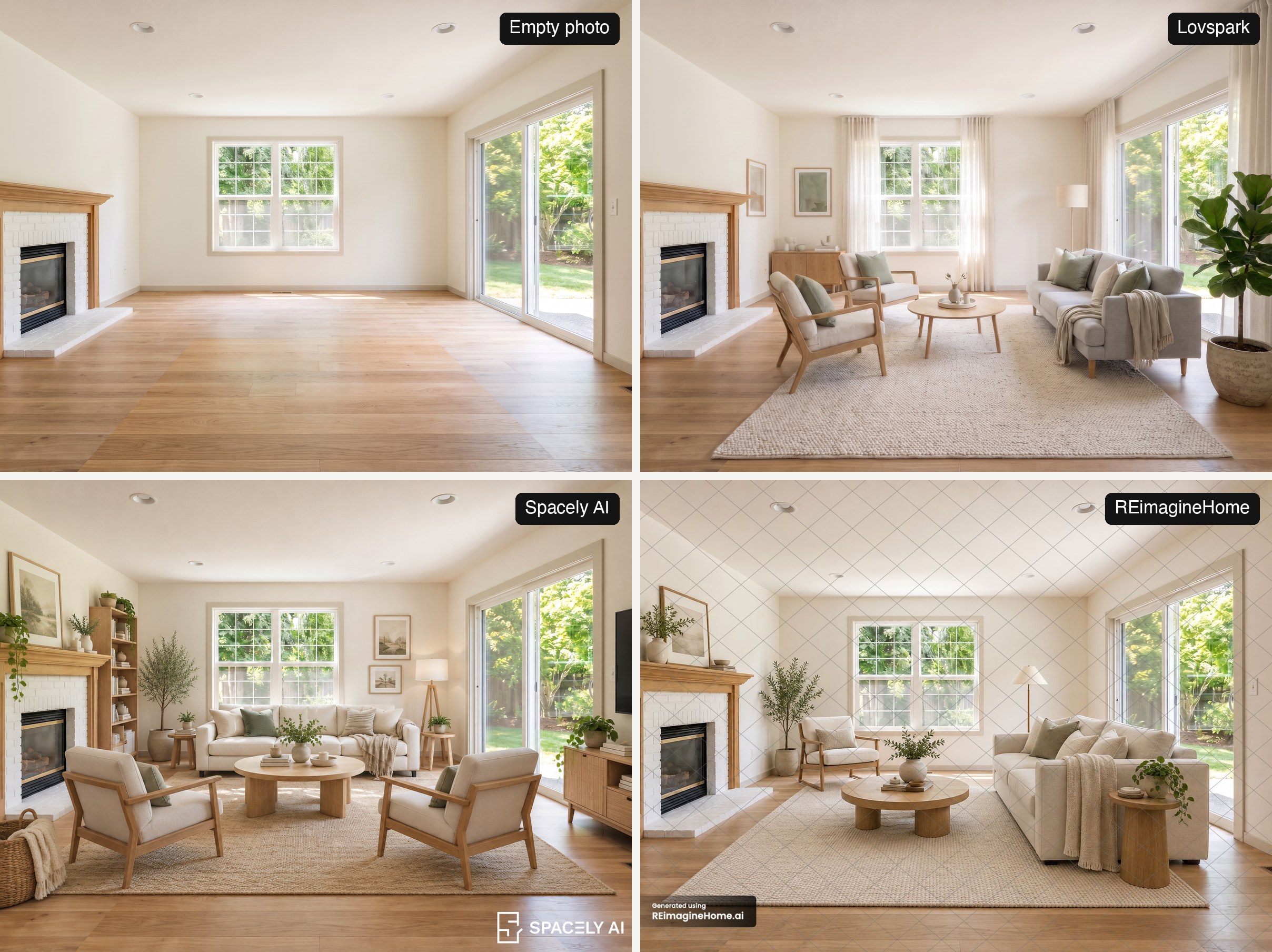
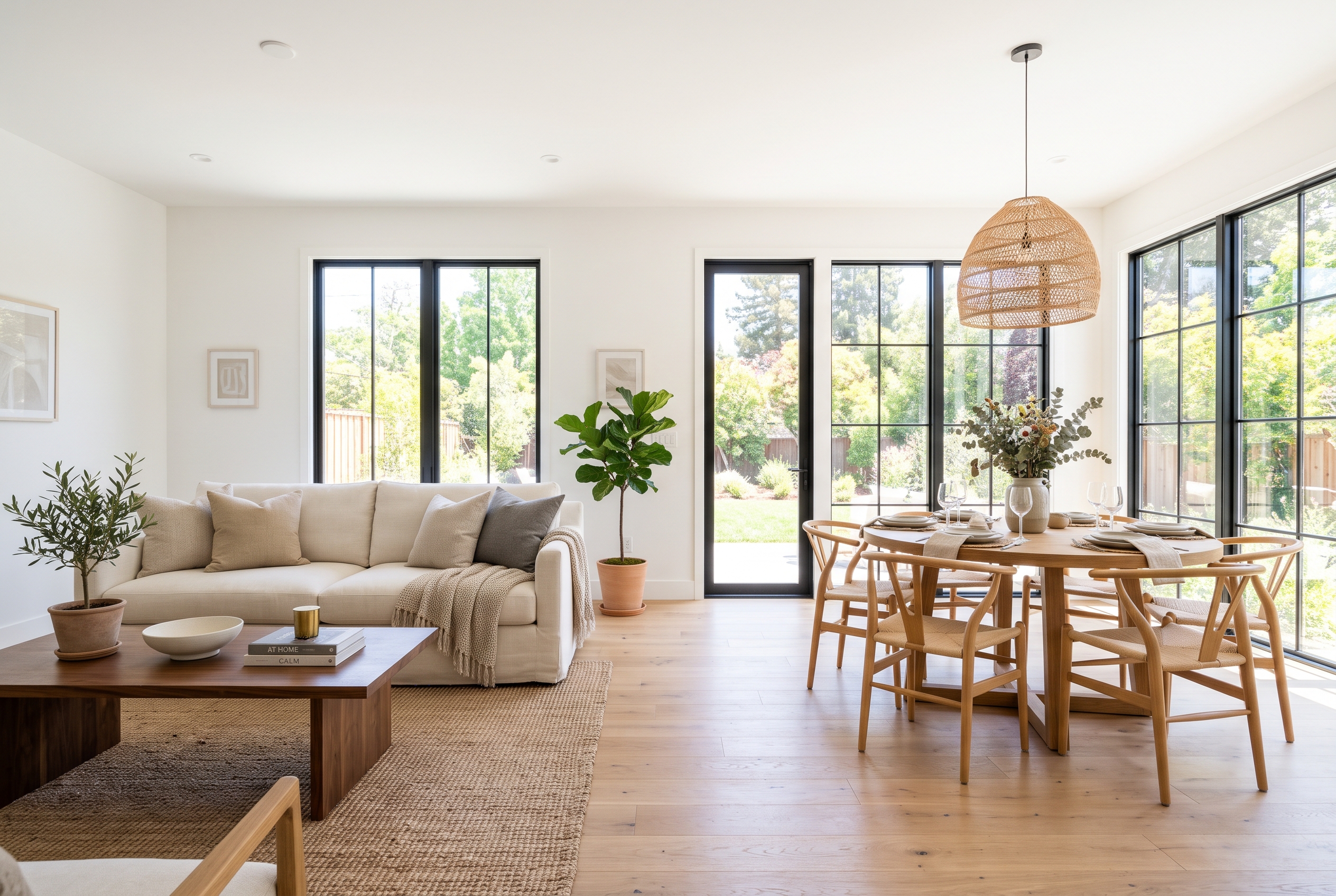
Virtual staging is the practice of adding furniture, rugs, lighting and decor to photos of an empty room with editing software or AI, so buyers and renters can see how the space could be lived in. The room itself stays real: the walls, floors, windows and view in the photo are the ones a buyer will see in person. Only the furnishings are digital.
It is used mostly for vacant listings, new builds and rentals, where empty rooms look smaller and colder in photos than they are. Agents use it in listing photos, on property websites and in social posts; developers use it to show units before they are finished.
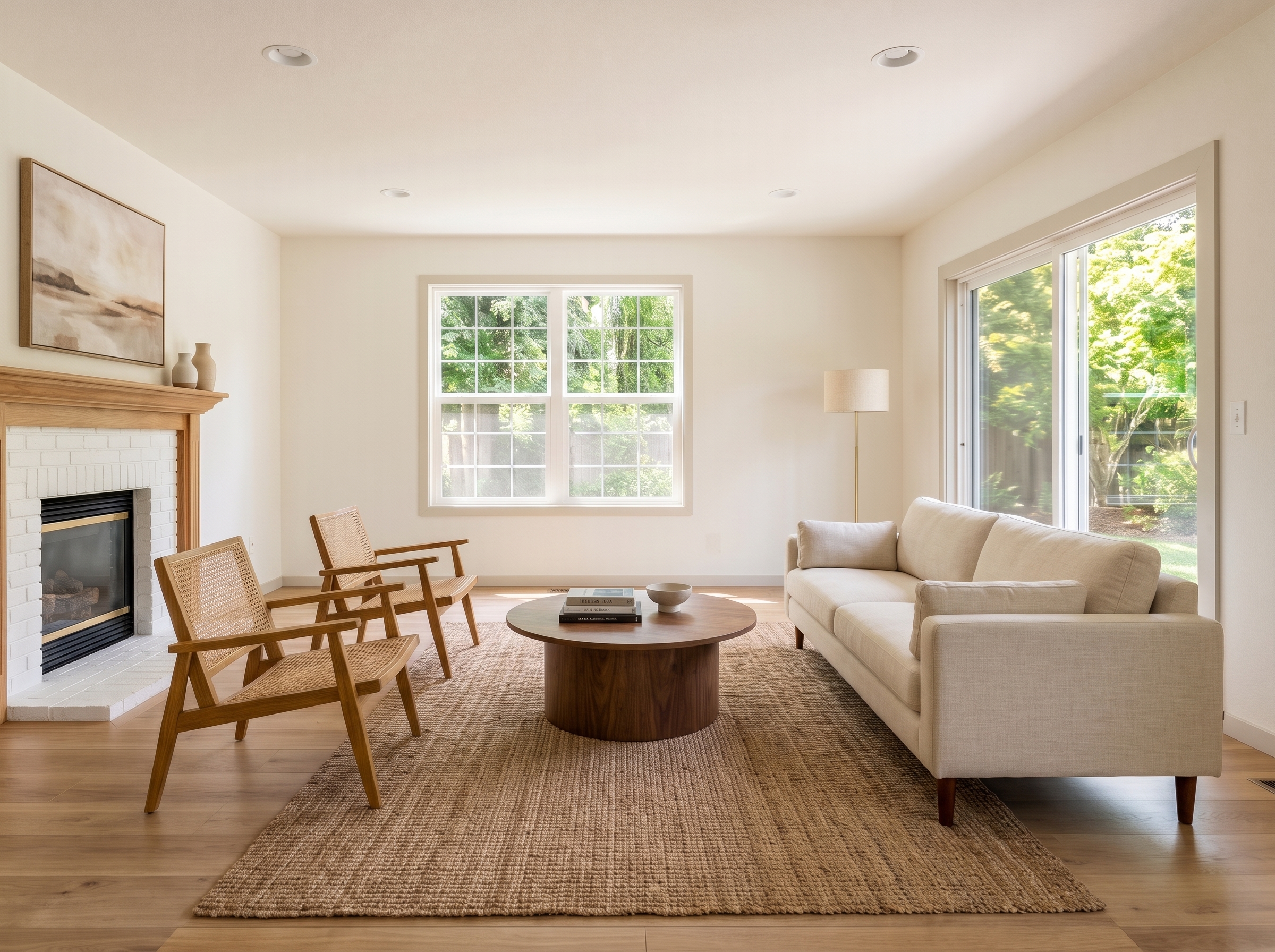
How virtual staging works
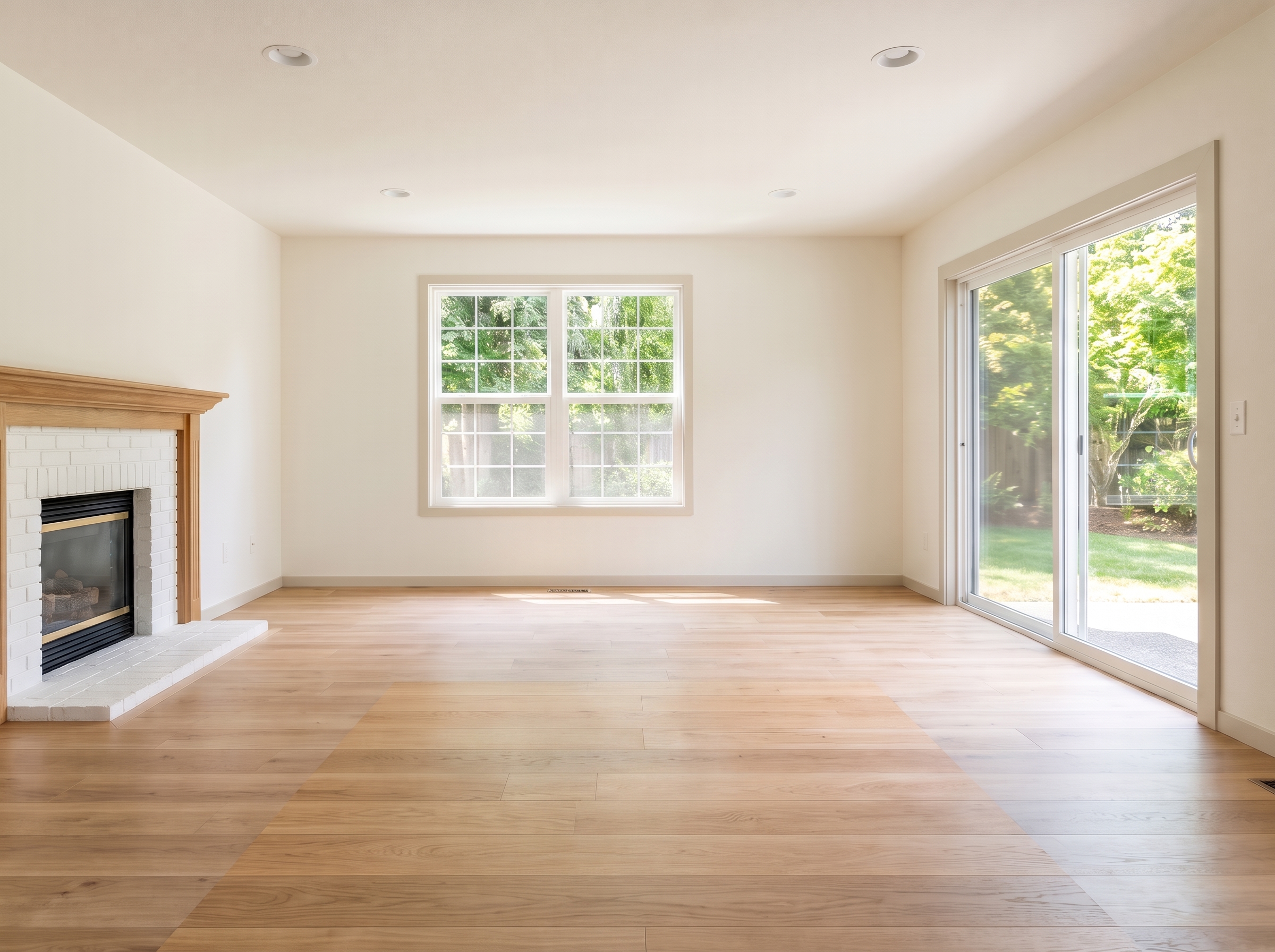
Every method starts from a well-lit, level photo of the empty room. What differs is who places the furniture and how long it takes:
- Editing services. You upload photos and a designer composites 3D furniture into each one, usually within 24 to 48 hours. Quality is consistent, and revisions are often included.
- AI tools. You upload a photo, pick or describe a style, and the software furnishes the room in about a minute. You can try several styles of the same room at little cost; you are also the one who checks scale and details.
- Do it yourself in 3D. Model the room in SketchUp or similar software, place furniture, render and composite. It gives full control but takes hours per room and real skill.
How much does virtual staging cost?
Prices vary by method far more than by provider. Typical 2026 prices in the United States:
| Option | Typical price | Turnaround |
|---|---|---|
| AI virtual staging tool | Under $1 to a few dollars per image, on a subscription or credits | About a minute |
| Human editing service | About $20–$40 per image; large services such as BoxBrownie list $24–$30 | 24–48 hours |
| Physical staging, staging company | About $1,850 on average; about $2,000 a month for a vacant home | Days to schedule, weeks of rental |
Physical staging figures are from Angi. In NAR's 2025 Profile of Home Staging, the median amount spent when sellers' agents used a staging service was $1,500, compared with $500 when the agent staged the home personally. Service prices were checked in October 2026 and change often, so confirm on each provider's pricing page.
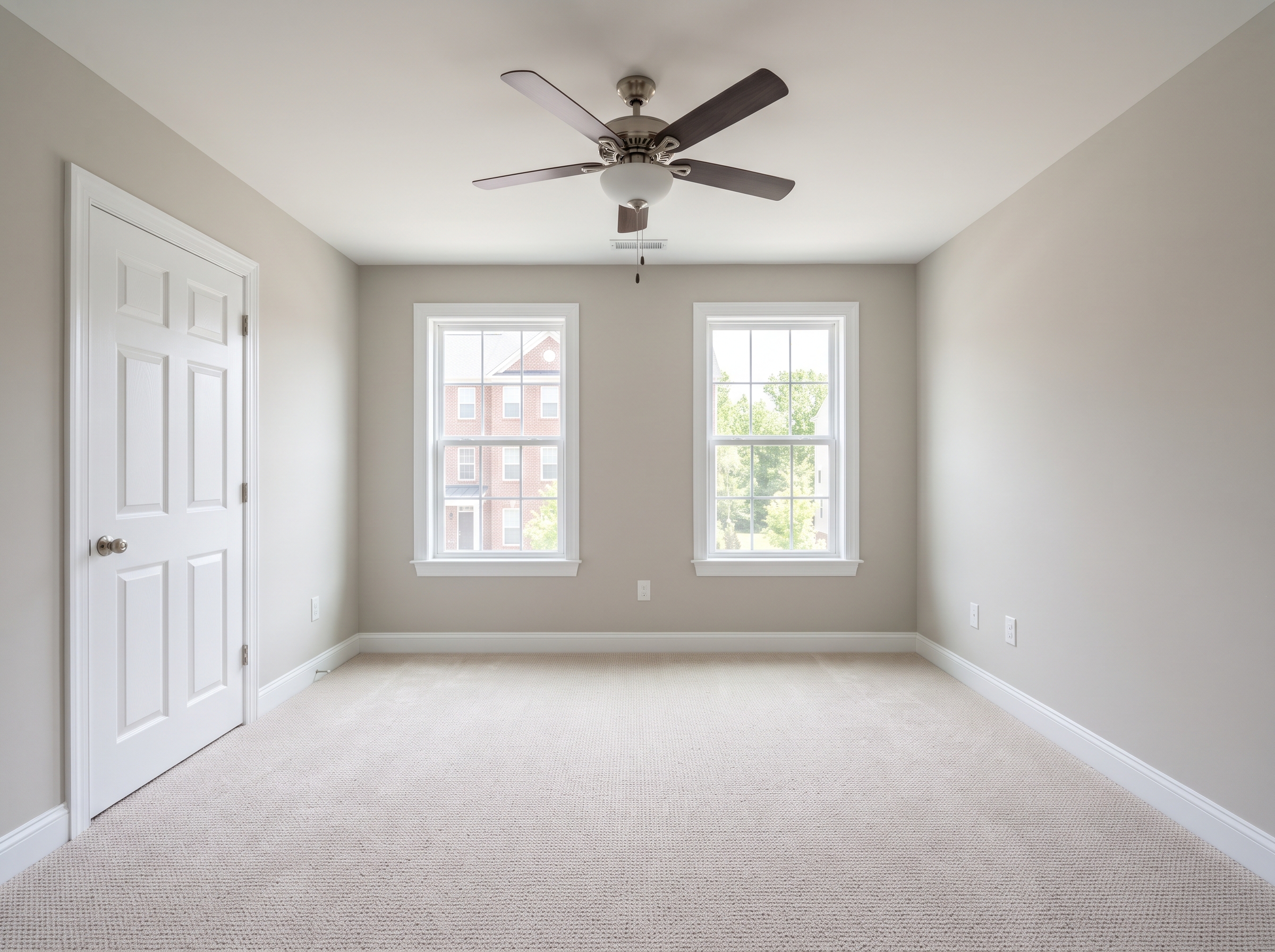
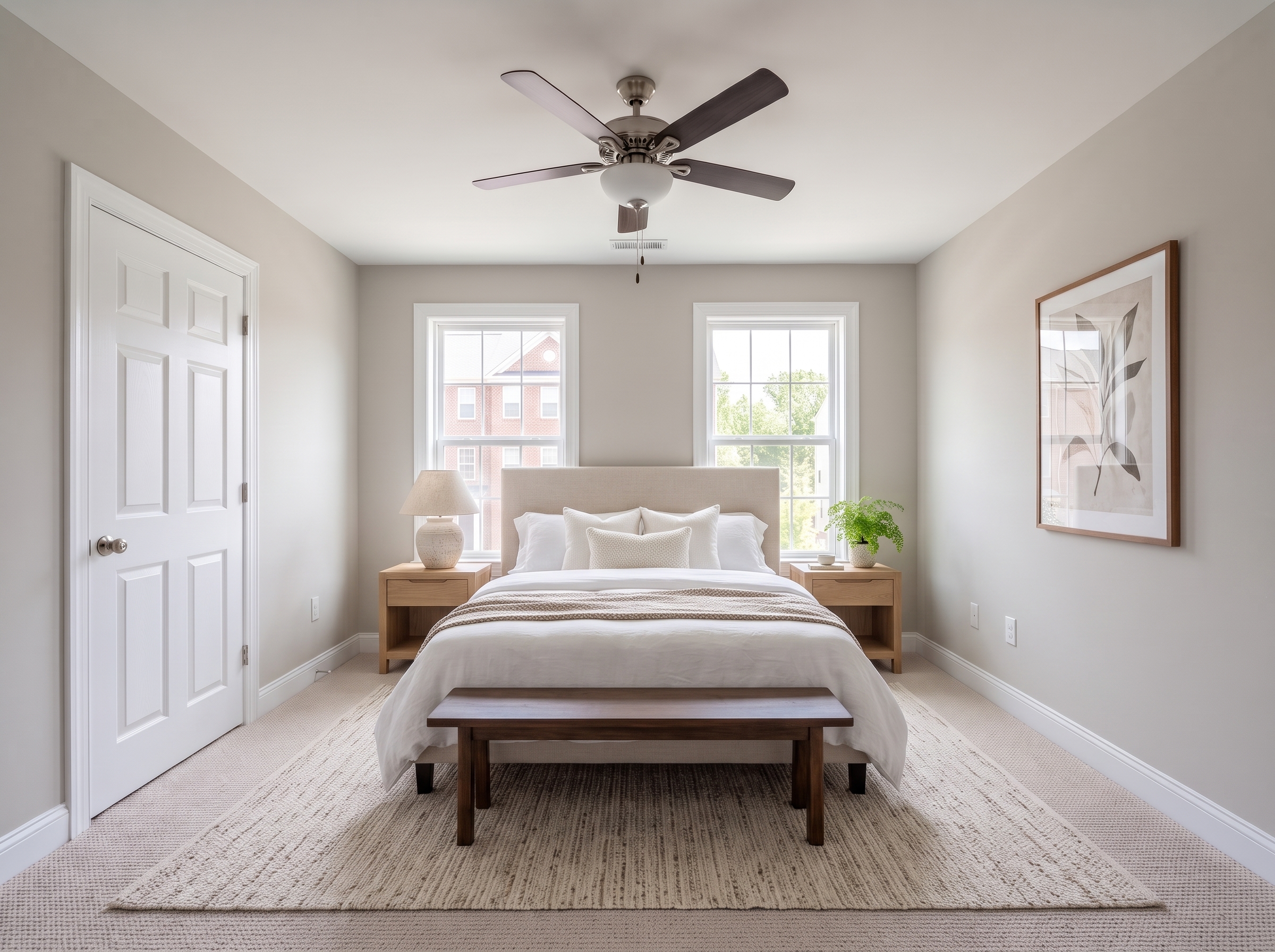
Virtual staging vs traditional staging
Both do the same job, helping buyers imagine living in the home. In NAR's 2025 survey, 83 percent of buyers' agents said staging made it easier for a buyer to visualize the property as a future home. They differ in where that help reaches the buyer:
| Virtual staging | Traditional staging | |
|---|---|---|
| Cost | Low, per photo | High, plus monthly rental |
| Time to list | Hours | Days to schedule and install |
| Online photos | Strong | Strong |
| In-person showings | Rooms are empty | Buyers walk through furnished rooms |
| Changing the style | Easy, per room | Hard once installed |
Agents still rate physical staging higher: 57 percent of buyers' agents called traditional staging more or much more important to their clients, compared with 18 percent for virtual staging. Virtual staging is the practical choice when a vacant home is marketed mostly online or when the budget does not cover furniture rental.
Is virtual staging worth it?
For most vacant listings, yes: it costs a small fraction of physical staging and the photos are where buyers first meet the home. It is less useful in three cases:
- Occupied, cluttered homes. Declutter or remove the furniture first; staging on top of clutter looks fake.
- Homes that rely on showings. If most buyers will tour in person, an empty room can disappoint after a furnished photo.
- Rooms with problems. Staging cannot fix damage, odd layouts or dated finishes, and hiding them would be misleading.
Start with the rooms buyers care about most. Buyers' agents in the NAR survey ranked the living room (37 percent), primary bedroom (34 percent) and kitchen (23 percent) as the most important rooms to stage, and sellers' agents most often staged the living room, primary bedroom and dining room.
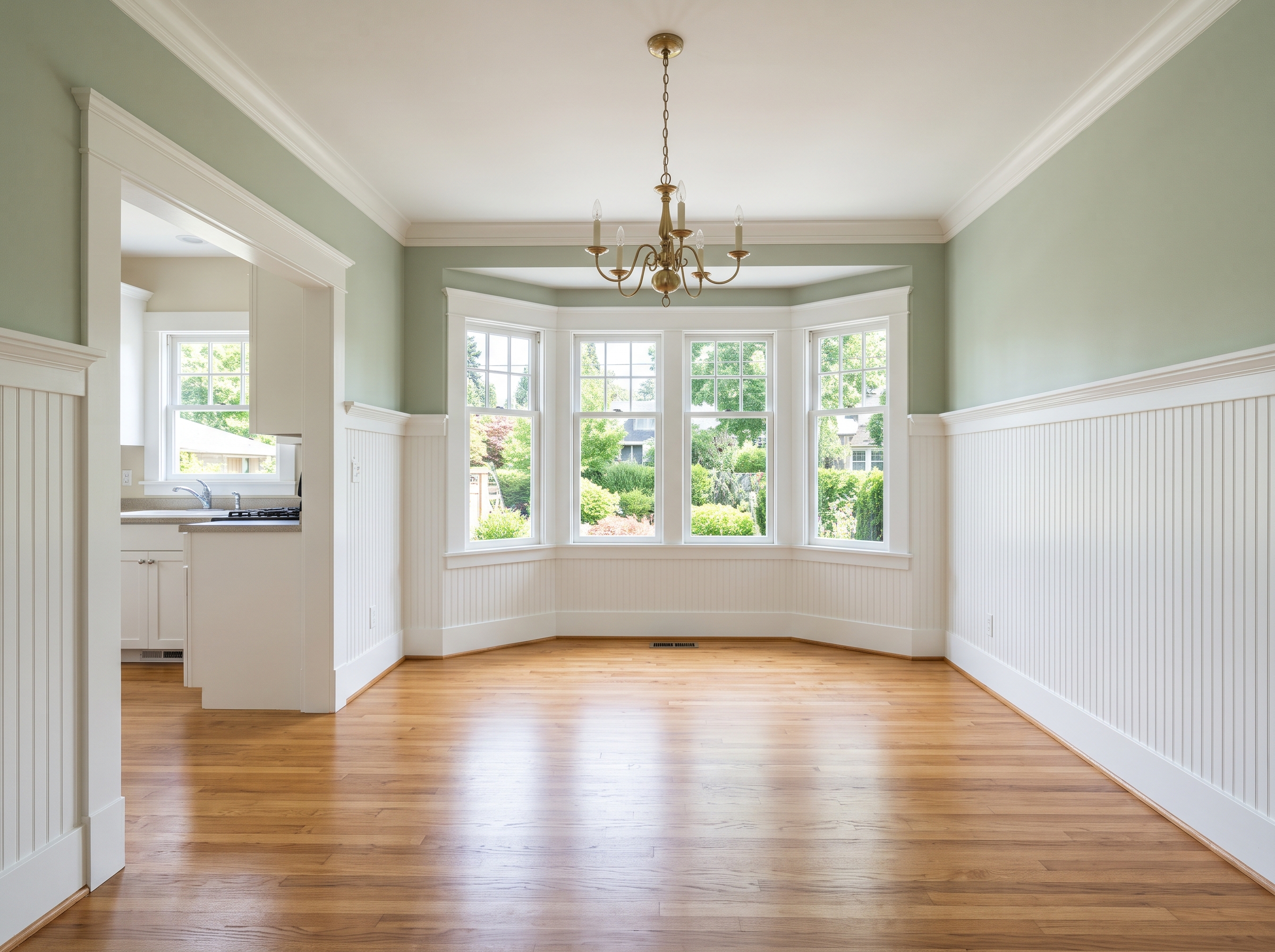
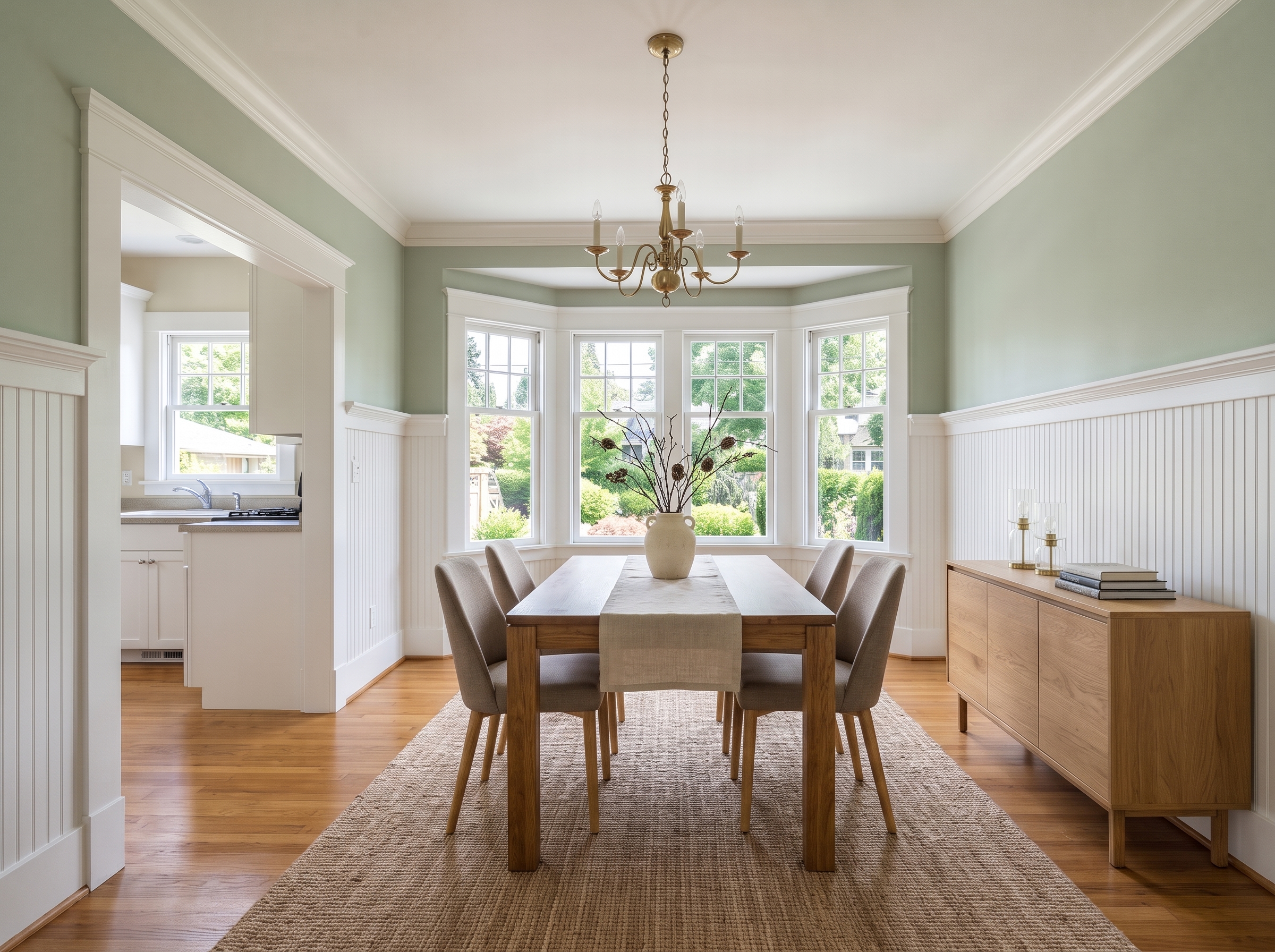
Disclosure rules for virtually staged photos
Virtual staging is legal when it does not mislead. The safe practice, and what most MLS rules ask for, comes down to four habits:
- Label every staged image, for example with “Virtually staged” on or next to the photo.
- Keep the original, unstaged photo in the listing or one click away.
- Only add movable furniture and decor. Never change walls, floors, fixtures, windows, views or defects.
- Check your local MLS and brokerage rules before publishing.
In California this is now law. Assembly Bill 723, signed in October 2025 and in effect since January 1, 2026, requires agents who use a digitally altered image in a sale listing to say that it was altered and to give a link or QR code to the original, unaltered image. Simple edits such as lighting, white balance and cropping are not covered.
Virtual staging mistakes to avoid
Most bad virtual staging fails the same way: it makes the room look like a different room. Watch for these before you publish:
- Wrong scale. A king bed in a small bedroom or a huge sectional makes the room look bigger in the photo and smaller in person.
- Blocked doors and windows. Keep walkways, doors, windows and radiators clear, the way a real furnished room would be.
- A style that does not fit. Match the furniture to the home and the likely buyer, not to the latest trend.
- Changed permanent features. New flooring, paint or a better view is no longer staging; it misrepresents the property.
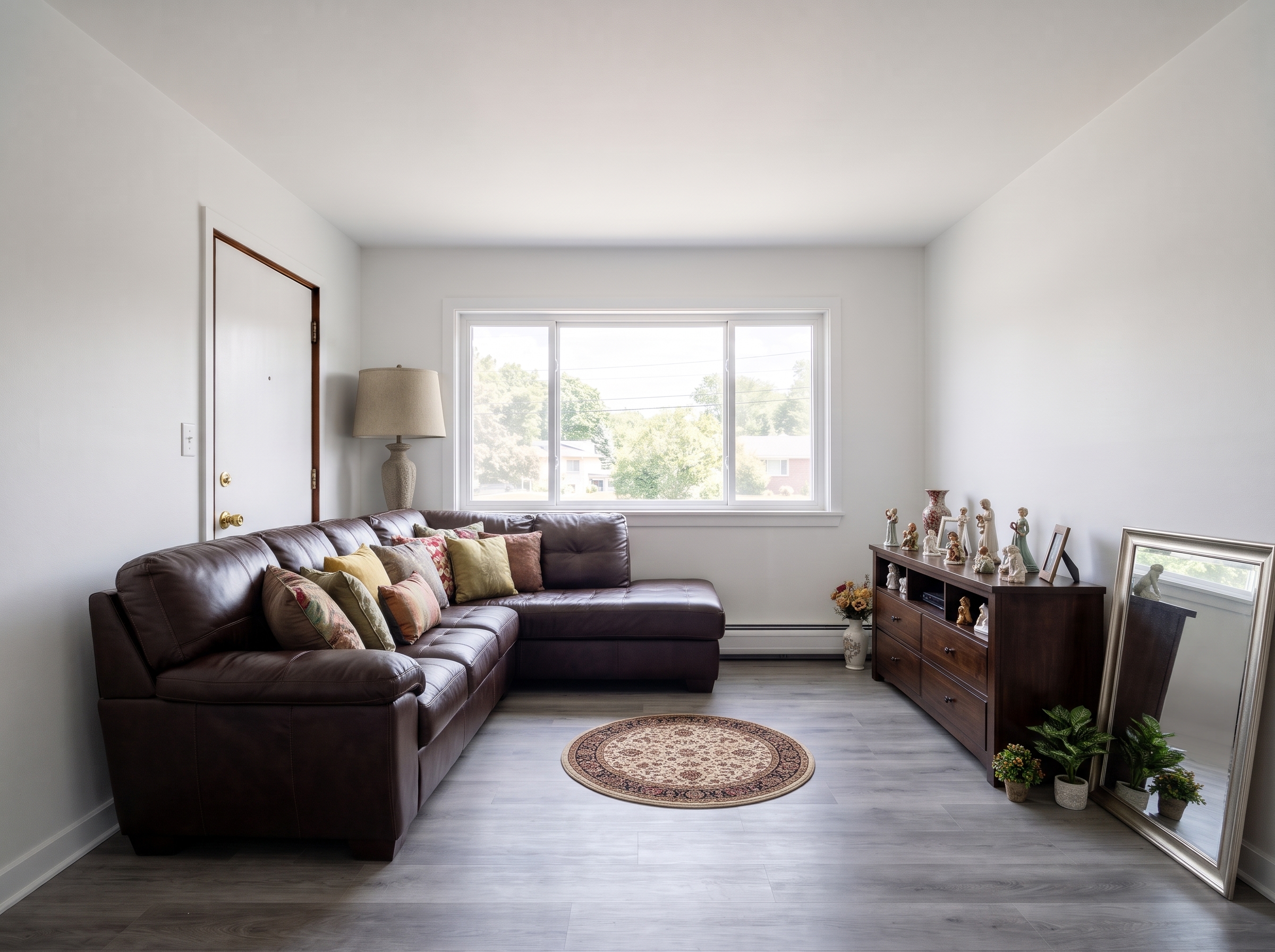
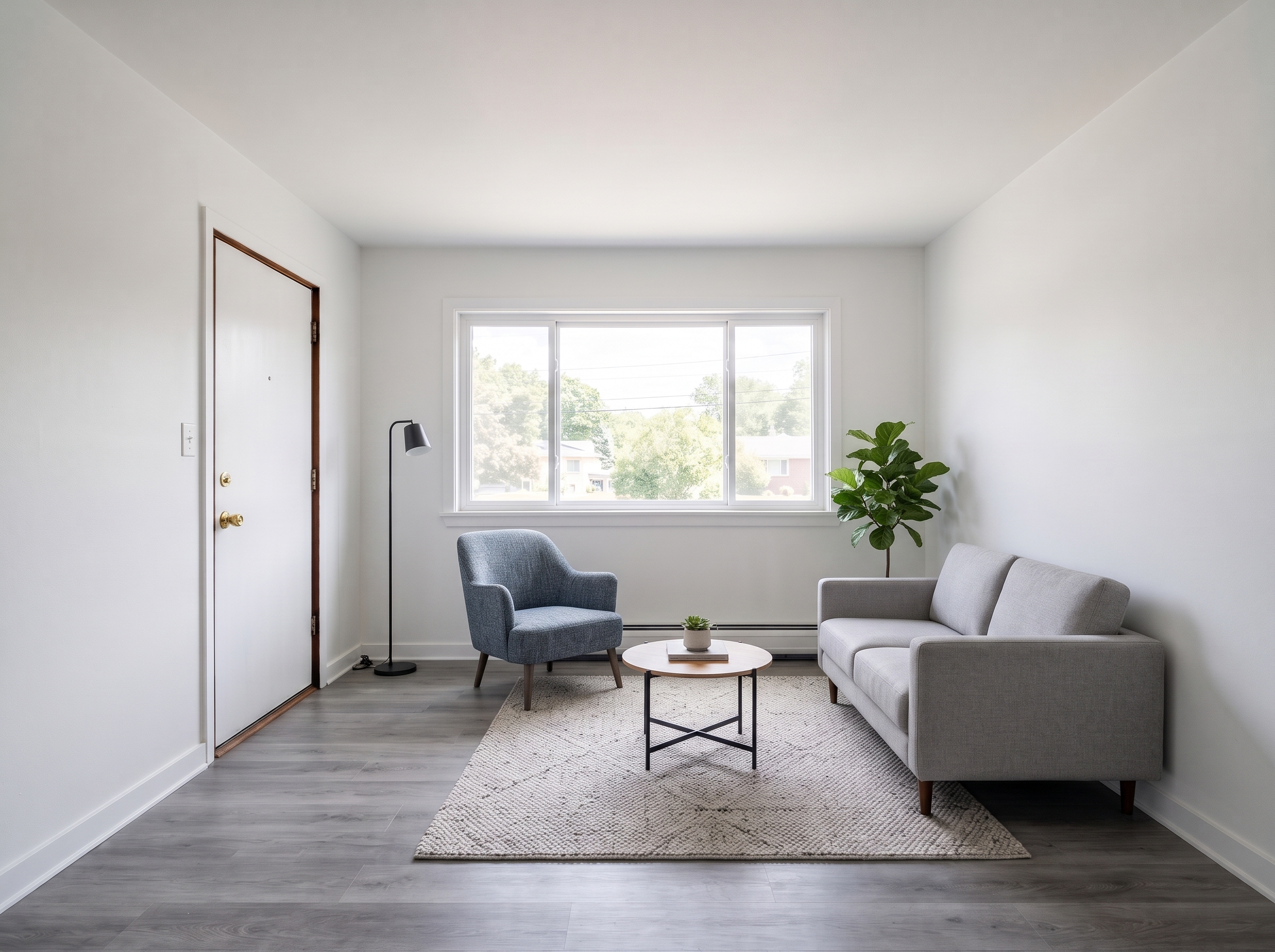
How to virtually stage a room with AI
Lovspark's AI virtual staging tool is built for empty, finished rooms. The process takes a few minutes per room:
- Shoot the empty room. Use a wide lens from chest height, keep verticals straight and turn on all lights.
- Upload the photo and a style reference. Lovspark AI chooses furniture and decor in that style and keeps the walls, floors and windows unchanged.
- Check scale and layout. Look at doors, windows and walkways, and generate again or try another style if something is off.
- Label and publish. Add a “Virtually staged” note and keep the original photo with the listing.
For a furnished or cluttered room, clear it first with AI object removal. For room-by-room ideas, see AI living room design and AI bedroom design.
Frequently asked questions
What does virtually staged mean?
A virtually staged photo shows a real room with furniture and decor added digitally. The walls, floors, windows and views are the real ones; the sofa, bed, rugs and art were placed with editing software or AI and are not in the house.
How much does virtual staging cost?
Human editing services usually charge about $20 to $40 per photo with a one to two day turnaround. AI tools cost from well under a dollar to a few dollars per image on a subscription or credit plan. Physical staging averages about $1,850 for a home, according to Angi.
Is virtual staging legal?
Yes, as long as it is not misleading. Label staged photos, keep the original photo available, and never change permanent features such as walls, floors, views or defects. California requires a disclosure and a link to the unaltered image under AB 723, in effect since January 1, 2026, and many MLSs have their own rules.
Does virtual staging help sell a house?
It helps buyers picture an empty room as a home, which is the main job of staging: 83 percent of buyers' agents in NAR's 2025 survey said staging makes that easier. It is less persuasive than a physically staged home during in-person showings, so it works best for vacant listings shown mostly online.
Can you virtually stage a furnished room?
Yes, but the existing furniture has to be removed from the photo first. Most services call this virtual decluttering or furniture removal. With AI, remove the furniture with an object removal tool, then stage the empty result.
Which rooms should you virtually stage first?
Start with the living room, primary bedroom and kitchen or dining area. Buyers' agents in NAR's 2025 survey rated the living room (37 percent), primary bedroom (34 percent) and kitchen (23 percent) as the most important rooms to stage.