By the Lovspark Product Team · Updated November 18, 2026

AI home exterior visualizer

AI Exterior Home Design

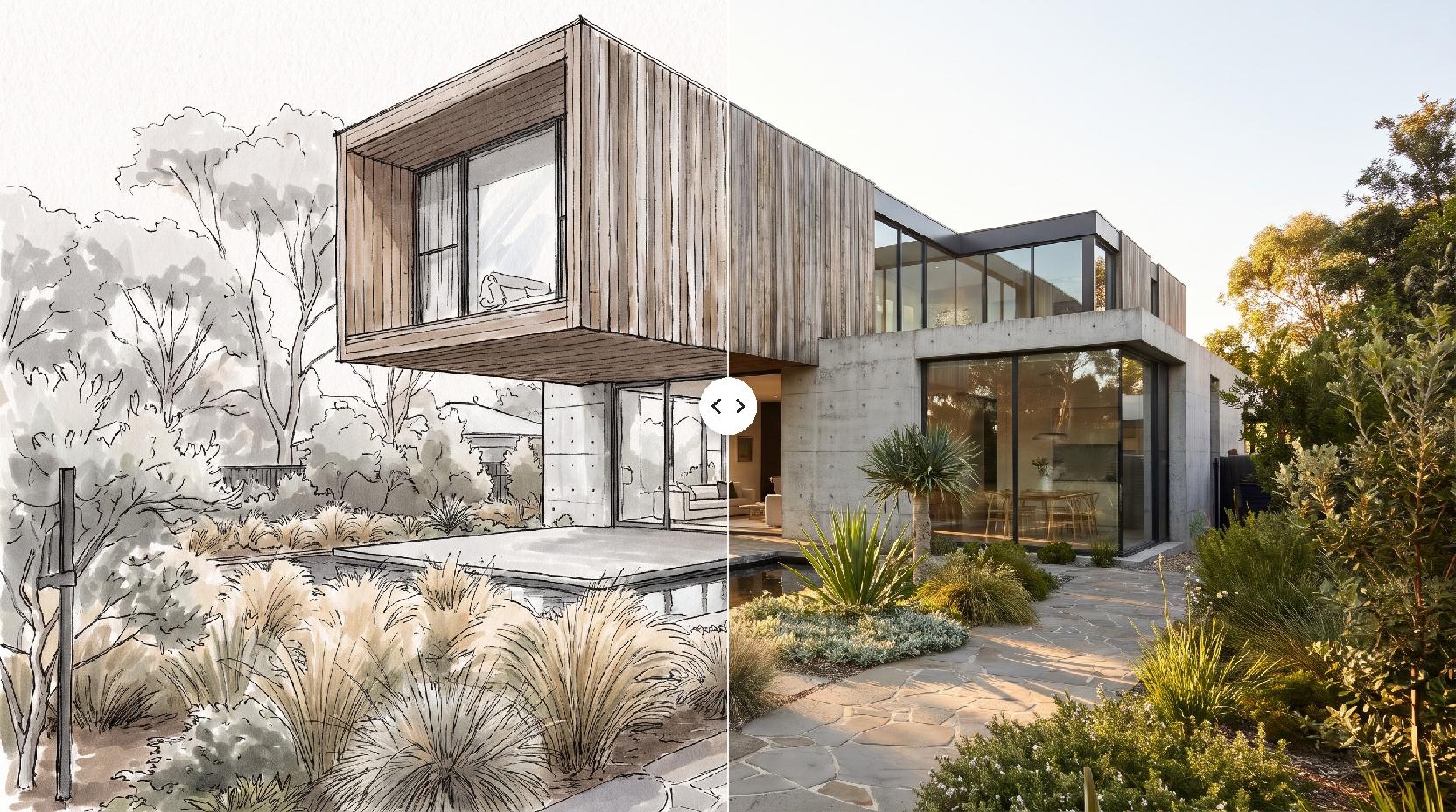
Upload a photo of your home, pick a style, and Lovspark AI shows new siding, roof, trim and landscaping on the same building in about a minute.

Take one photo of the front of your home from the street. Lovspark AI keeps the shape, roofline, windows and doors, and renders new exterior finishes in the style you choose: modern farmhouse, Craftsman, brick traditional, Mediterranean, Scandinavian or modern. Add a photo of a house you love when you want a specific look.

200 free credits every month · 30 credits per run · No install needed · Saved to your Lovspark account · Open in Lovspark

Try Lovspark AI on your house

House Photo
No image handy? Try these:
Style PhotoOptional
House Style
Image Ratio
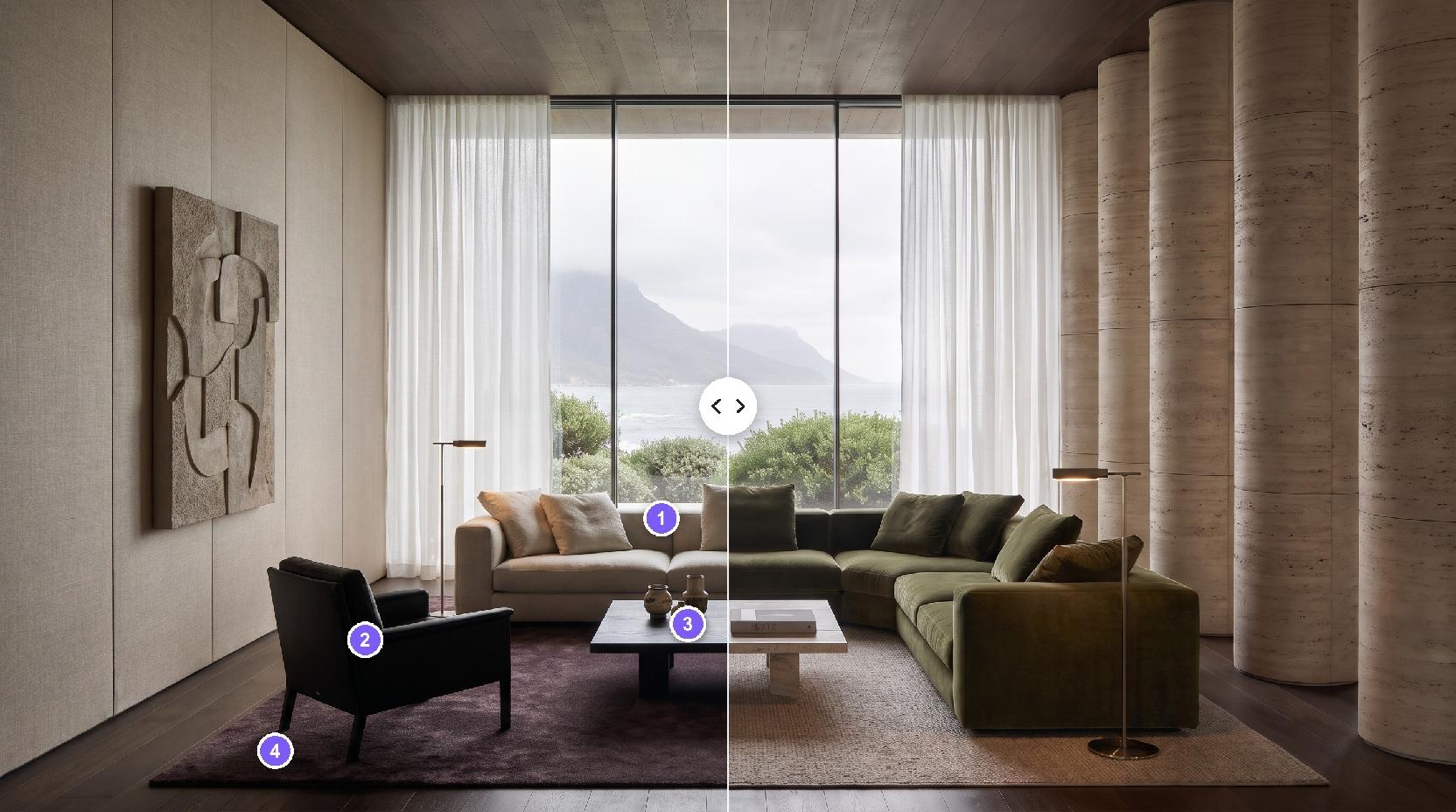
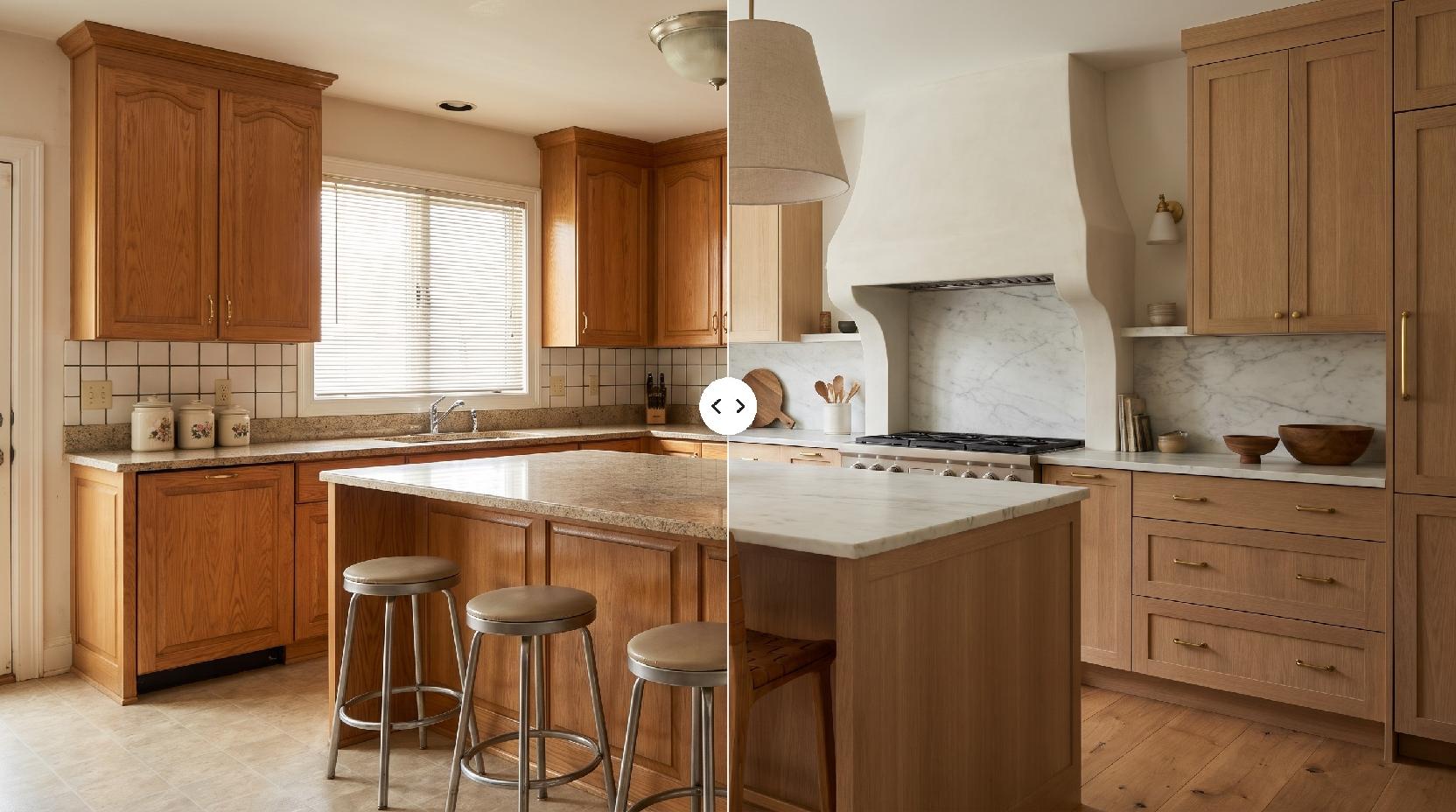
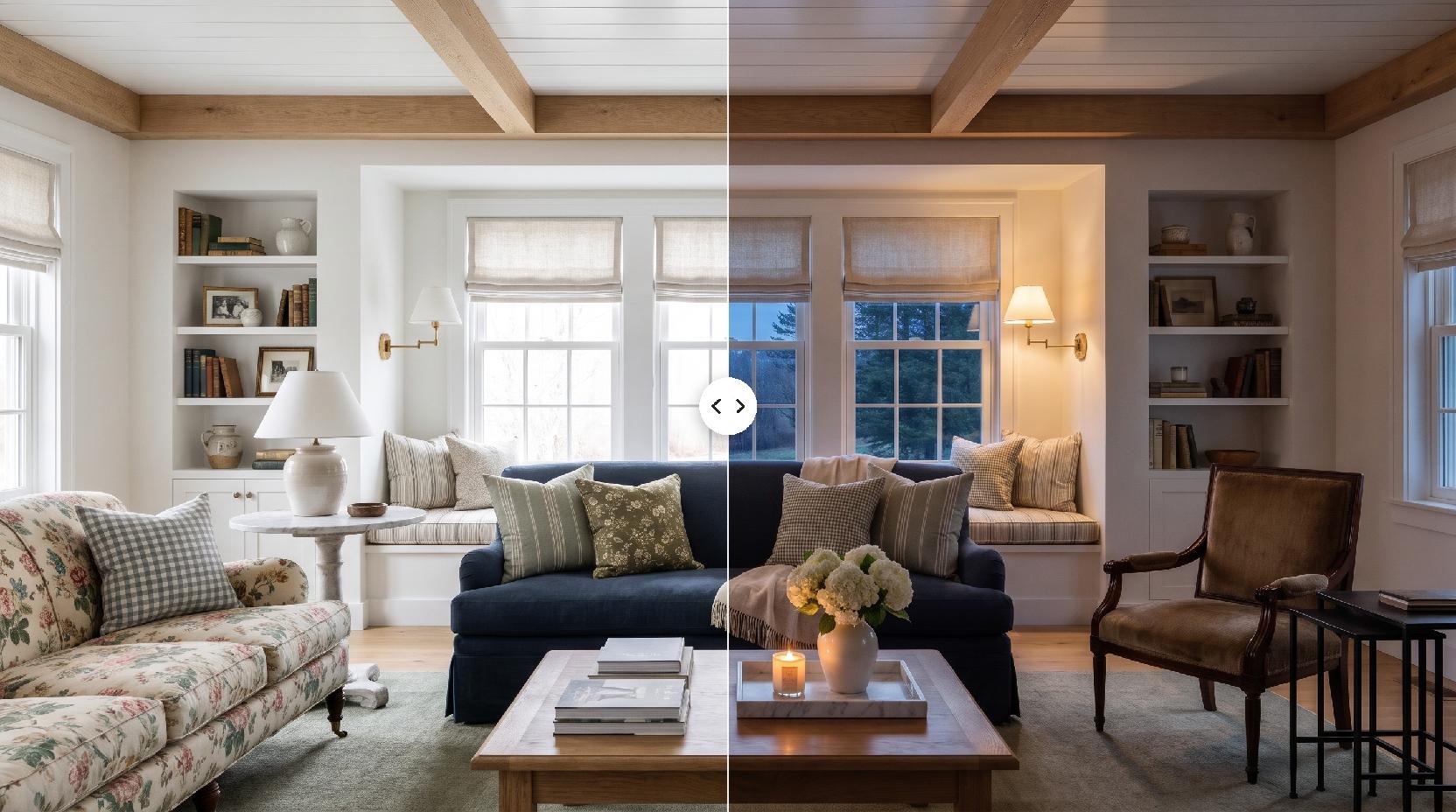
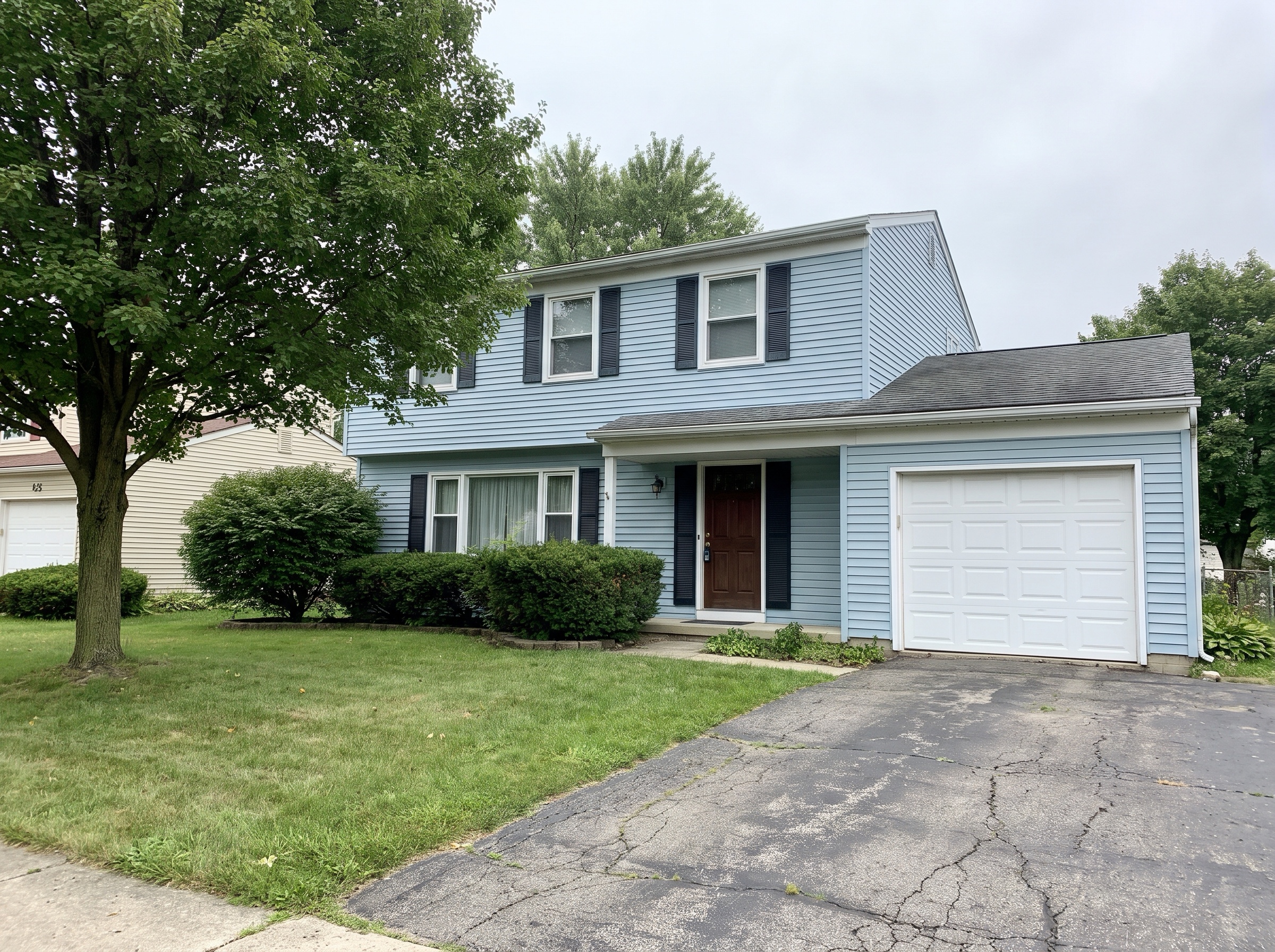
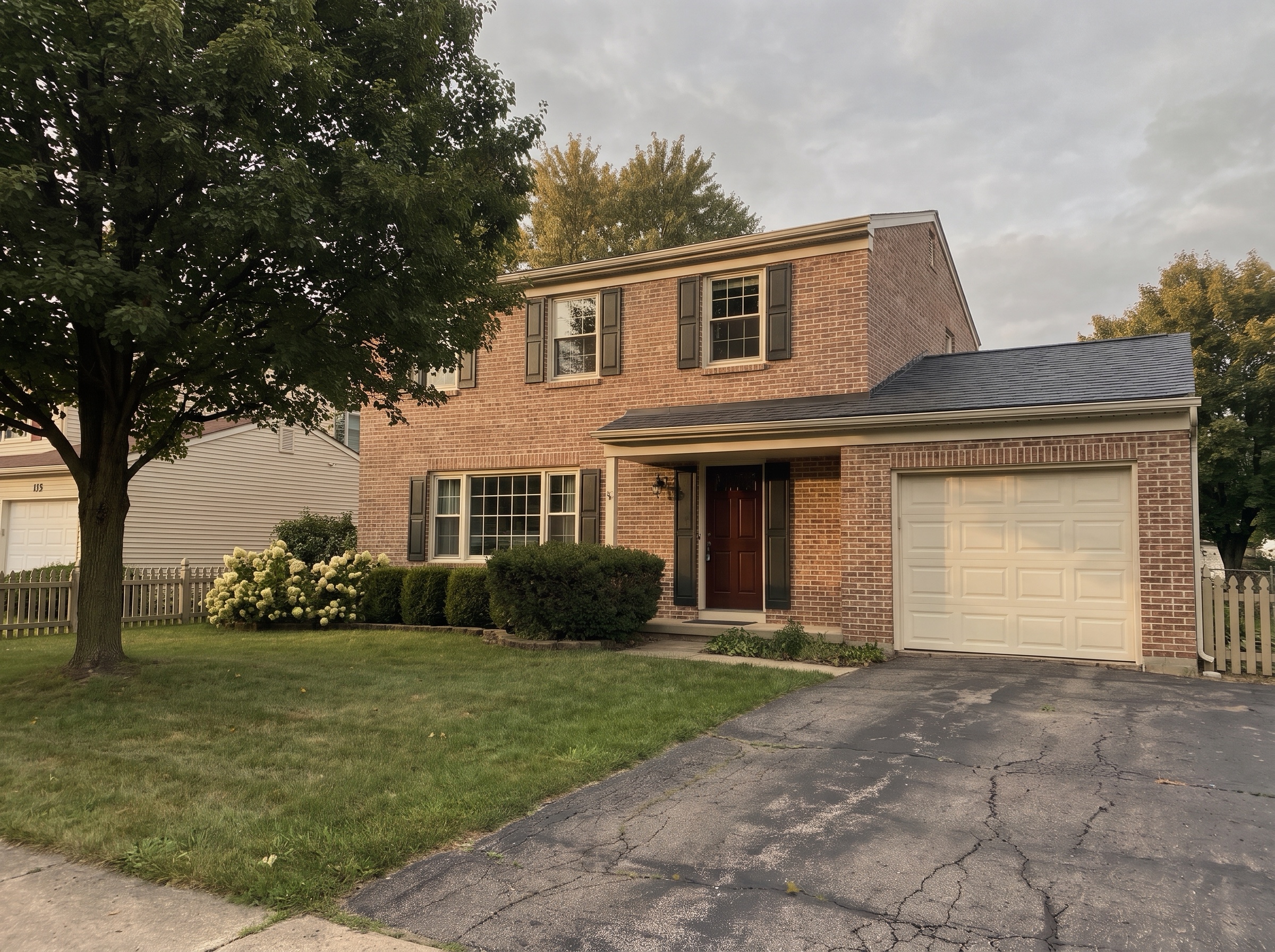
AI Exterior Home Design – original imageAI Exterior Home Design – generated result
Example result

How AI exterior home design works

  1. Photograph the front of your home

    Stand across the street and fit the whole building in the frame. A phone photo in daylight is enough; upload it as a JPG or PNG.

  2. Pick a style or add a style photo

    Choose one of the house styles, or upload a photo of a home you like. Lovspark AI takes the materials and colors from the photo, never its shape.

  3. Generate the new look

    Click Generate (30 credits per run). Lovspark AI keeps the building, camera and street, and changes siding, roof, trim, doors, lights and planting.

  4. Compare a few looks

    Run the same photo through Lovspark AI in another style and put the results side by side before you talk to a contractor or choose paint.

Eight houses, before and after AI

Drag the line to compare · click to enlarge

1990s tract home to modern farmhouse

Beige vinyl becomes warm white board and batten with a graphite metal roof and an oak garage door; every window stays where it was.

Brick and blue siding to warm modern

A two-tone 1980s front becomes greige plaster with a smoked oak volume and windows that glow at dusk.

1960s ranch to warm modern

Faded brick and green siding give way to plaster and dark oak, and the open carport stays open.

Split level to Craftsman

Dark T1-11 siding becomes olive lap siding over a fieldstone base, with the garage, trees and stone path kept.

Cape Cod to brick traditional

Gray asbestos shingles turn into soft red brick with cream trim and a painted picket fence where the chain link stood.

1970s stucco to Mediterranean

Cracked tan stucco becomes limewash plaster under terracotta tiles, with olive trees and lavender in the gravel.

Postwar bungalow to Scandinavian

Gray vinyl is replaced by silver-oiled vertical timber and black windows, framed by meadow grass and a birch.

Foursquare refresh, same style

Keep Design repaints the peeling clapboard, repairs the porch and adds a slate roof without changing the character.

What Lovspark AI keeps and changes

Compared onFacade concept from a designerLovspark AI exterior home design
InputSite visit, measurements and photosOne photo from the street
TurnaroundDays to weeksAbout a minute per style
OptionsOne or two concepts per roundAs many styles as you want to try
Best forConstruction drawings and final decisionsChoosing a direction before you hire

Who uses Lovspark for exterior design

How to get a good AI exterior design

How to photograph your home, how to pick between styles and Keep Design, what AI can and cannot tell you, and which tool to use for paint-only or new-build projects.

  1. Take a photo that works
  2. Pick a style, or keep yours
  3. What AI exterior design does not do
  4. Only changing the paint or siding?
  5. Planning a new build?
  6. Check before you share

Take a photo that works

Lovspark AI only knows what it can see, so a clear, straight photo gives the most faithful result.

  • Stand across the street, square to the front or at a slight angle.
  • Fit the whole building in the frame, with a little roof and sky above it.
  • Shoot in daylight; overcast is fine, harsh noon shadows are not.
  • Move cars and bins out of the driveway if you can.
  • Use the full-resolution photo, at least 1600 px wide.

Pick a style, or keep yours

A style preset changes materials and details to match that style. Keep Design refreshes paint, roof and trim while keeping the character it already has, which suits older homes you love.

  • Ranch and split-level homes take modern and Craftsman well.
  • Two-story tract homes work with modern farmhouse and brick traditional.
  • Stucco homes suit Mediterranean and warm modern.
  • Upload a style photo when none of the presets is quite right.

What AI exterior design does not do

Lovspark AI shows how a finish could look, not whether it fits your budget, climate, HOA rules or local code. It does not measure walls, price materials or check structure. Use the images to choose a direction, then confirm colors with real samples and the work with your contractor.

Only changing the paint or siding?

If you want to keep everything and change one surface, such as the siding color or the front door, use Targeted Material Swap: mark the area and upload the material or color you want.

Planning a new build?

For a home that is not built yet, start from a white model, a sketch or a construction photo with 3D House Rendering. It uses the same styles on a design instead of an existing home.

Check before you share

Compare each result with your photo: Lovspark AI can simplify small details such as gutters, vents or step counts. If you use an image in a listing, label it as a virtual renovation and show the real photo next to it.
FAQ

AI Exterior Home Design FAQ

01/What is AI exterior home design?

AI exterior home design turns a photo of an existing home into a picture of the same building with new siding, roof, trim, doors, lighting and landscaping. In Lovspark you upload one photo, pick a style, and Lovspark AI renders the new exterior in about a minute.

02/Will Lovspark AI change the shape of my house?

Lovspark AI is set to keep the footprint, roofline, floors, windows, doors and garage and to change finishes and planting. Sometimes it simplifies a small detail or redraws a porch, so compare each result with your photo and run it again if something moved.

03/Which styles can I choose?

Modern farmhouse, Craftsman, brick traditional, Mediterranean, Scandinavian, modern, Indian contemporary villa, and Keep Design, which refreshes your current style. You can also upload a photo of any home as a style reference.

04/Can I just try a new paint color or siding?

Yes. For one surface, use Targeted Material Swap: mark the siding, trim or door and upload the color or material. This page is for restyling the whole facade.

05/Does a phone photo work?

Yes. A daylight phone photo of the front from across the street works well. Avoid strong backlight, heavy shadows and cars covering the garage.

06/Can I use the images in a real estate listing?

Many agents show AI images as ideas for a dated house. Label them as virtual renovations, keep the real photo in the listing, and follow your MLS rules on altered photos.

07/Can I design a house that is not built yet?

Use 3D House Rendering for that. It turns a white model, a sketch or a construction photo into a finished exterior with the same styles.

08/Is AI exterior home design free?

Yes, you can start free. Free Lovspark accounts get 200 credits every month and each design uses 30 credits, enough to try it on your own house photos. Free results carry a watermark and are for personal use; paid plans add commercial rights.

More AI design skills

Browse all skills

AI Exterior Home Design

It is hard to picture a different exterior on the home you see every day. Upload one photo, let Lovspark AI try a few styles, and walk into the contractor meeting knowing what you want.

27 AI design skills · 15 image and video models