Photographing the sample
The sample is the only source for color, pattern and texture, so give Lovspark AI a clean, straight view of it.
- Shoot straight down with even, diffuse light and no glare.
- Let the sample fill the frame, with no table edge or hand in view.
- Include enough area to show the repeat: several tiles with grout, or a full wallpaper repeat.
- A manufacturer scan or a seamless texture works well.
Choosing a style reference
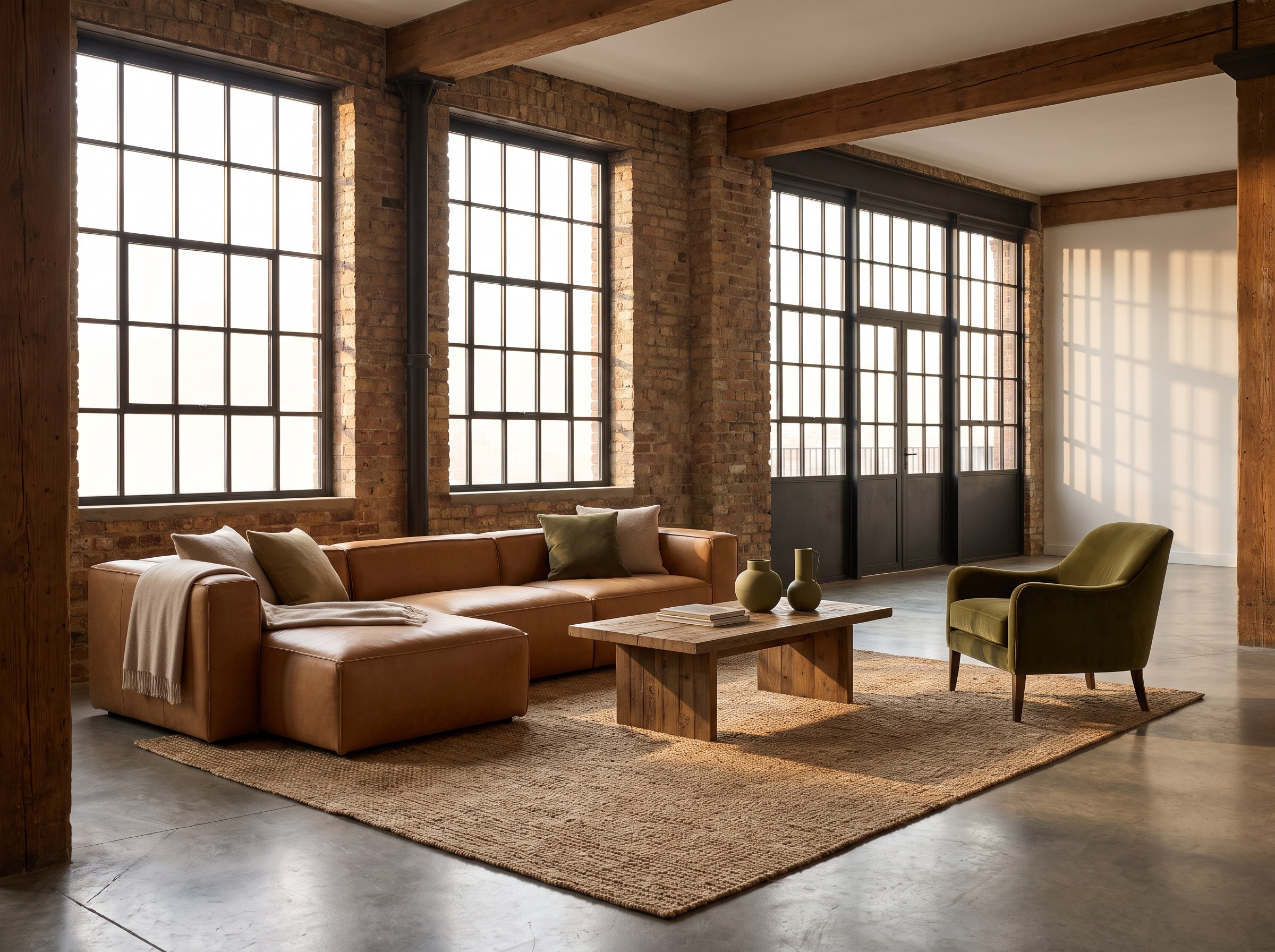
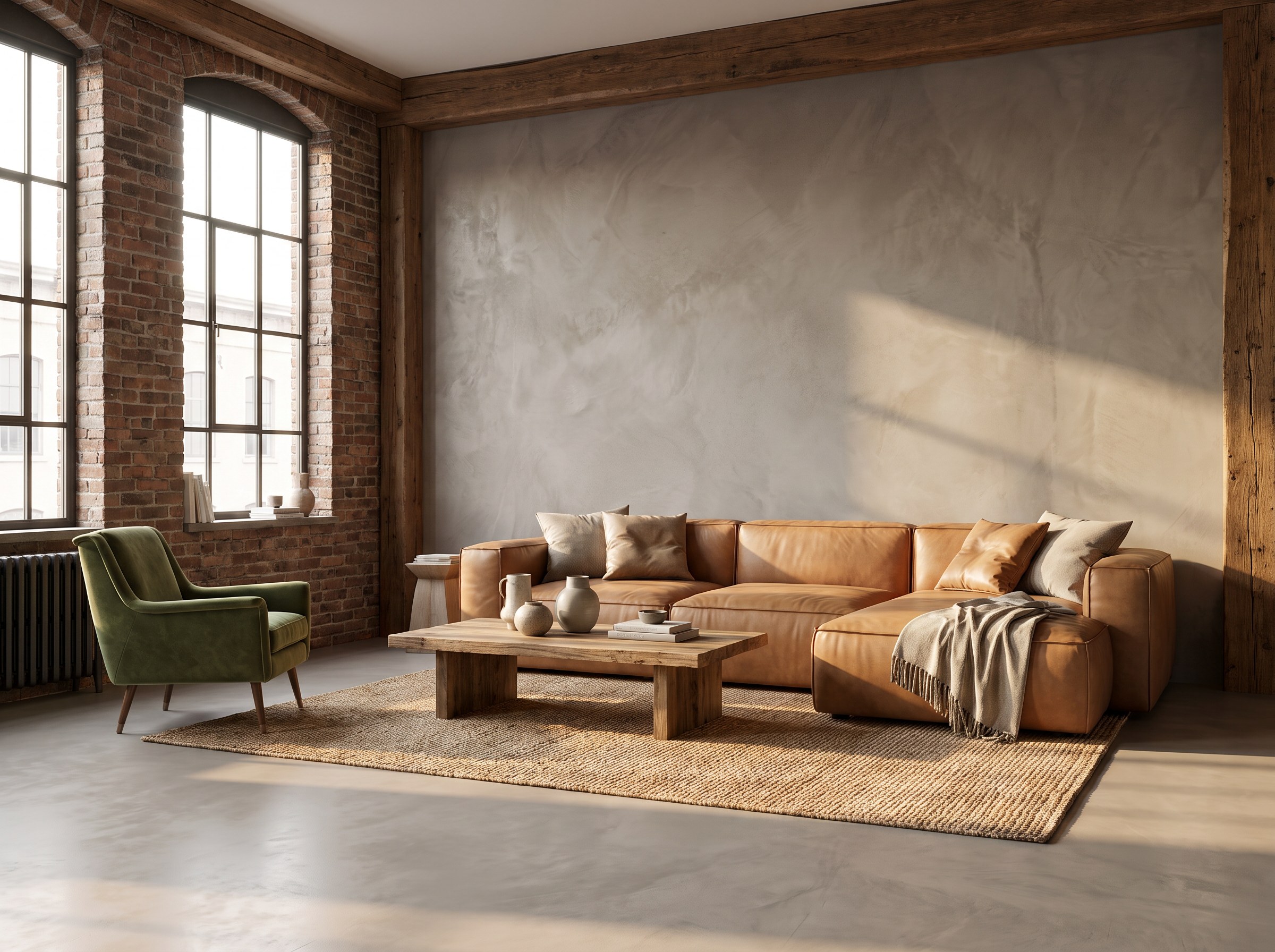
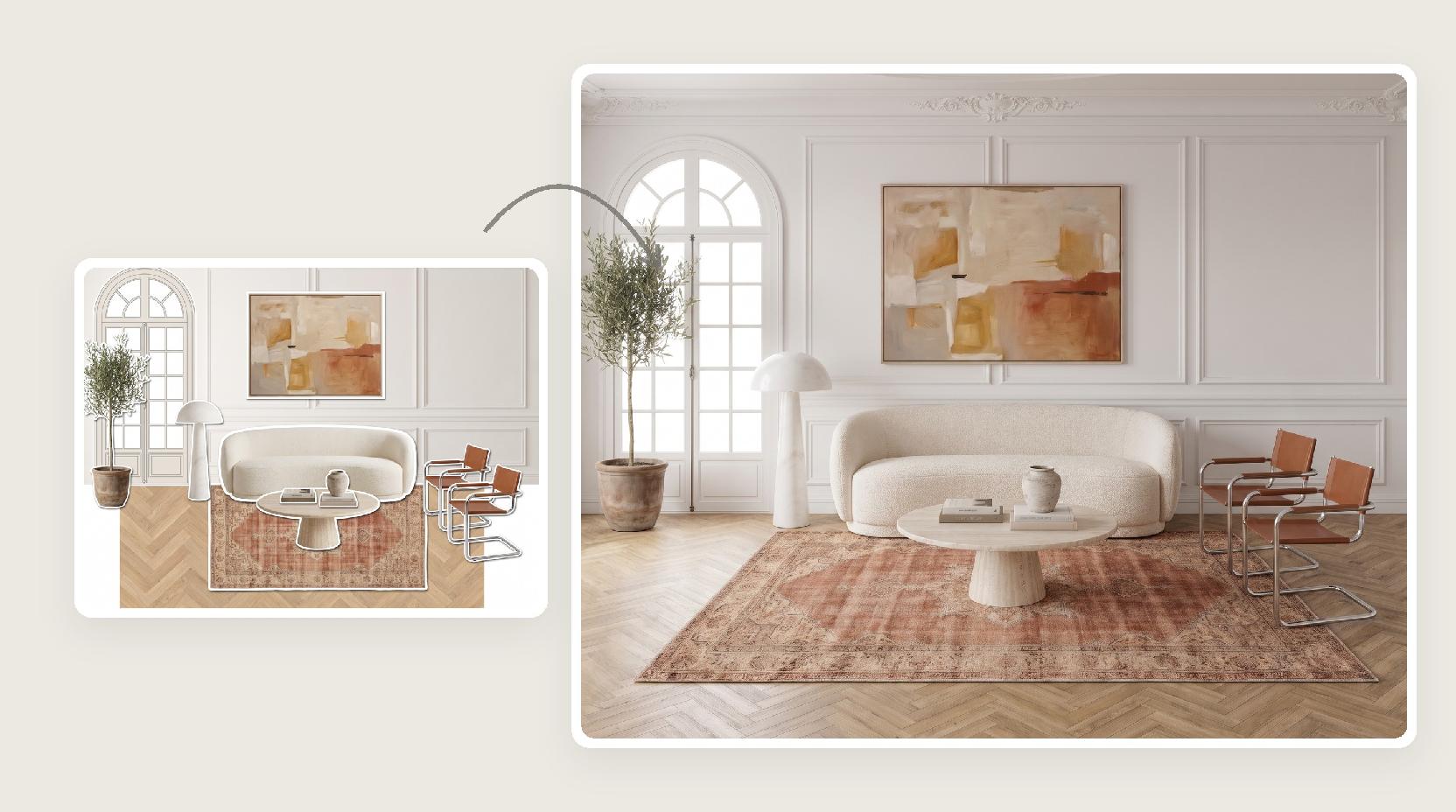
The reference decides the room type, furniture, palette and light. Lovspark AI creates a new room in that style rather than copying the photo.
- Pick a room where the finish belongs: tile in a bathroom or kitchen, flooring in a living room or bedroom.
- A reference with a clear floor or a plain feature wall gives the finish room to show.
- Warm side light brings out texture; flat light shows color more evenly.
- Use images you have the rights to.
Flooring, tile and wallpaper
The same workflow covers most surface types. A few habits help each one read correctly.
- Flooring: show at least two full planks in the sample so the AI picks up board width and seams.
- Tile: include grout lines; the AI copies their color and width.
- Wallpaper: upload the full pattern repeat so the motif keeps its scale on the wall.
- Stone and plaster: a larger area shows veining and cloudiness more faithfully.
Checking scale
Lovspark AI sizes the finish against the room, so compare the result with what you know about the real product.
- Count tiles or planks across a wall or doorway.
- Check that pattern repeats are not stretched or shrunk.
- Look at corners and edges where the finish turns.
What to review before you share
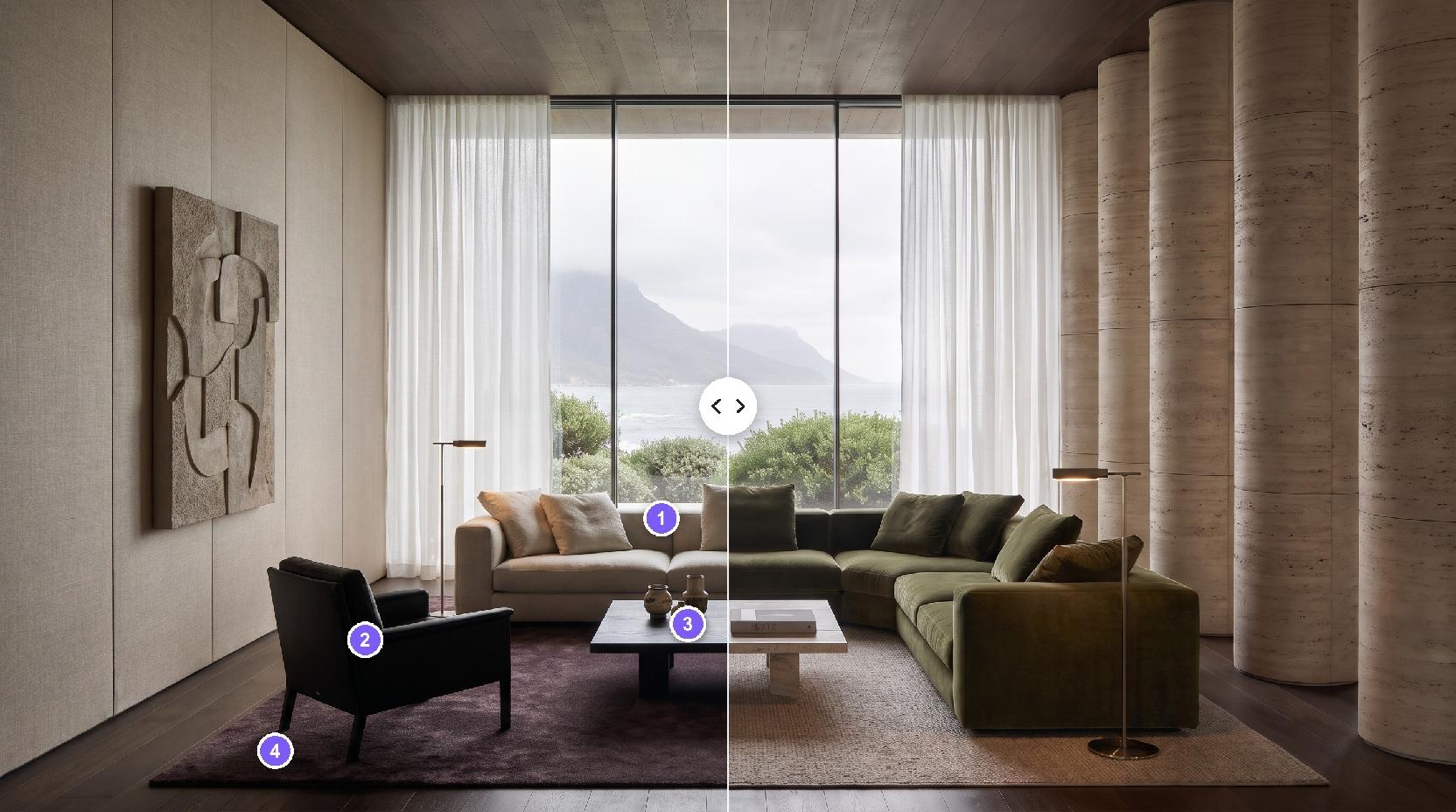
AI images are a visualization, not a specification. Compare every scene with the physical sample.
- Color under the new light
- Pattern direction and repeat
- Grout and seam width
- Gloss or matte finish
- Where the finish starts and stops