Choosing the product photo
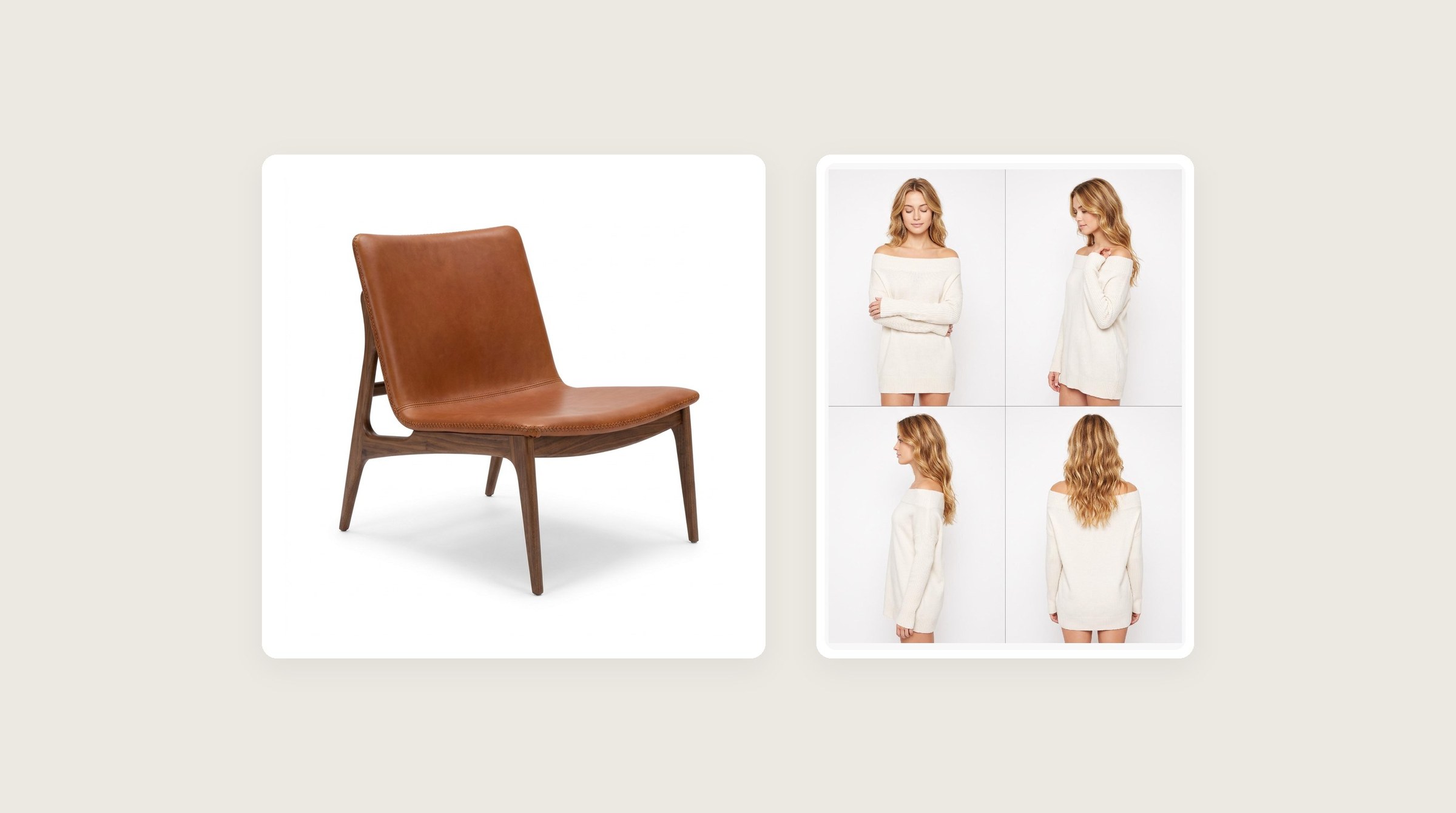
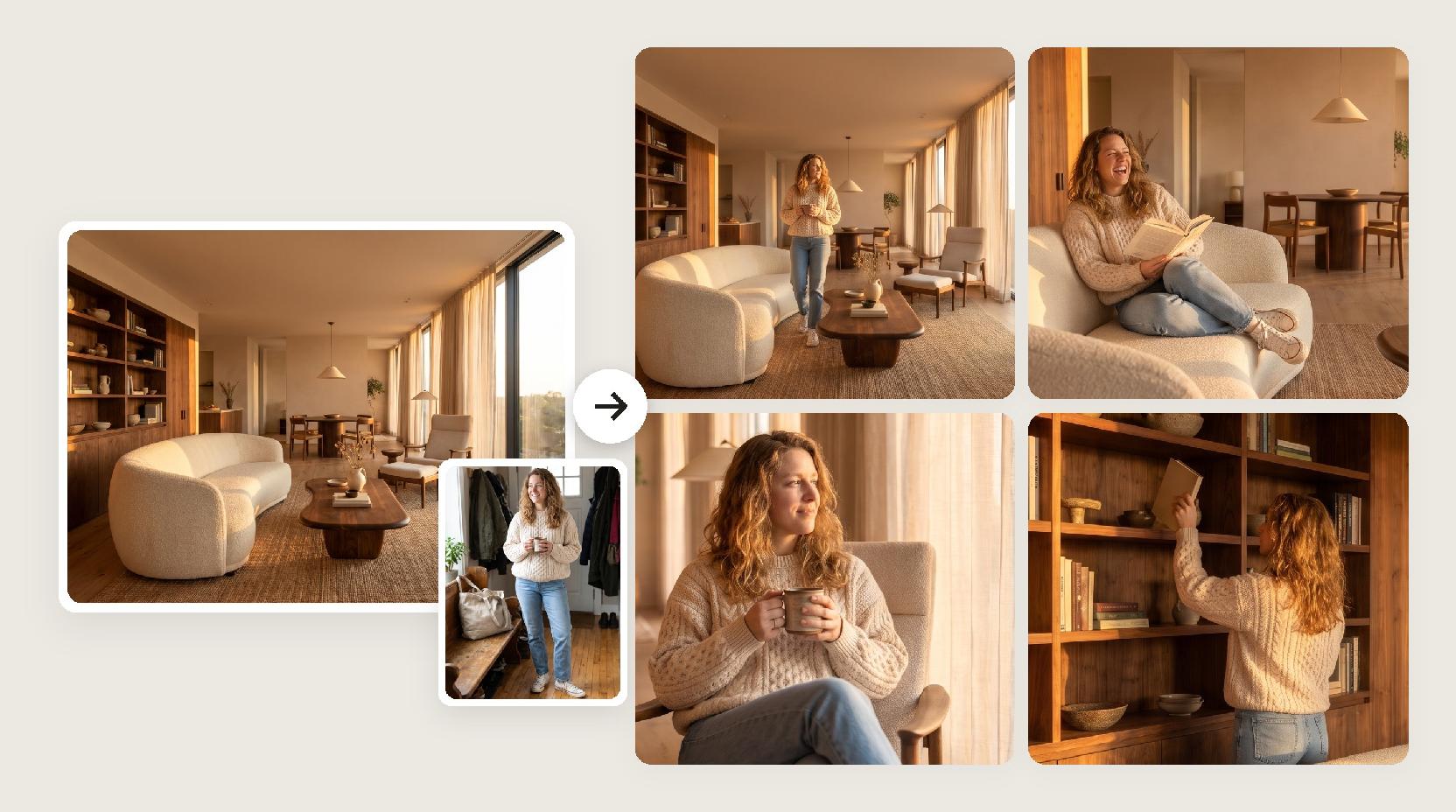
The photo is the only source for your piece, so give Lovspark AI a clear view of it.
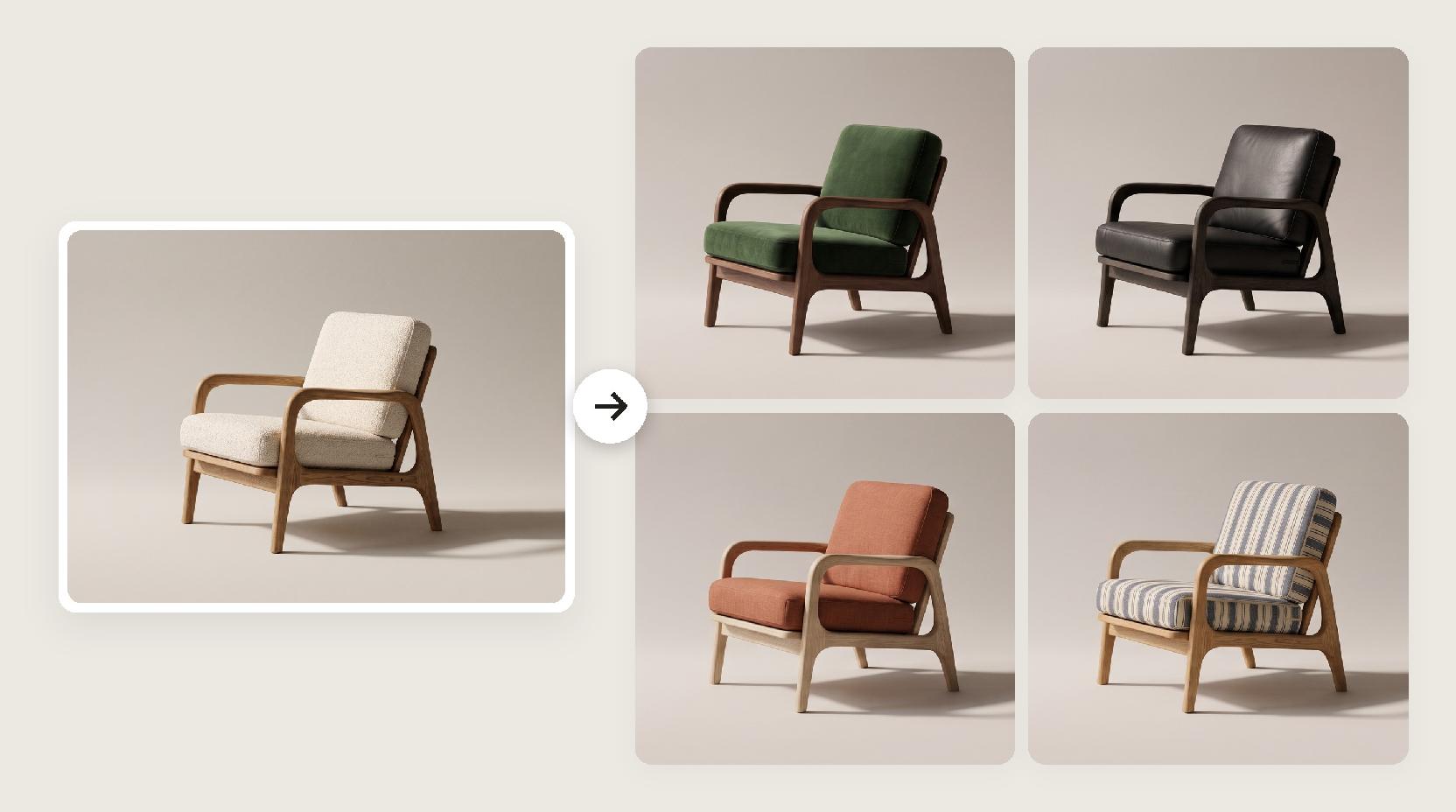
- A cutout on white, a render or a clean photo all work.
- Show all of it; cropped legs or arms get guessed.
- A front or three-quarter angle suits most pieces.
- Avoid props or people already sitting on it.
Matching wardrobe to the piece
Wardrobe sets the tone of the whole grid.
- Loungewear and knits for sofas, beds and armchairs.
- Tailoring or smart casual for dining and office pieces.
- Light summer clothes for outdoor pieces.
- Avoid outfits in the same color as the piece so it stands out.
Scene style or scene reference
Both are optional and set the backdrop.
- Scene style: pick a ready-made studio look from the library, such as Frosted Blue, Iridescent Gradient, Vintage Green or Warm Sand Texture.
- Scene reference: upload your own backdrop photo; Lovspark AI uses its background, not the objects in it.
- Neither: Lovspark AI picks a clean studio backdrop.
Choosing an aspect ratio
In Lovspark, the ratio applies to the whole grid.
- 16:9 for banners and presentations.
- 4:3 for lookbooks and catalogs.
- 1:1 for social feeds.
- 3:4 and 9:16 for vertical posts and stories.
Using the grid
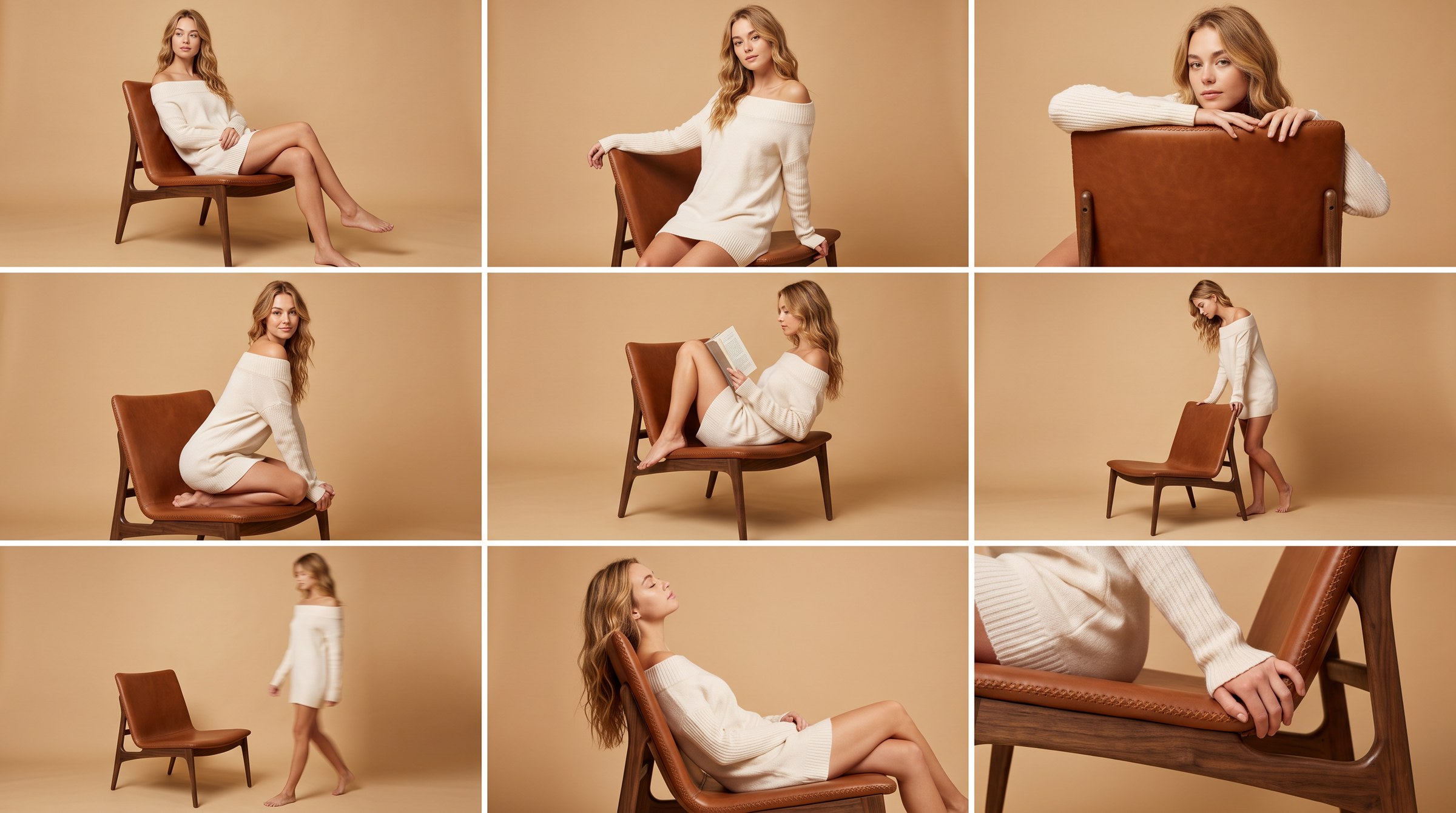
One Lovspark run returns one image with nine frames, not nine separate files.
- Use the full grid for mood boards, pitch decks and social carousels.
- Crop the frames you like for posts and listings.
- For a large single image, crop one frame and upscale it with the Lovspark image enhancer.
Checking scale and contact
Before you publish, look at how the person and the piece meet.
- Seat height against the knees and hips
- Hands and feet resting on, not sinking into, the piece
- Legs of the piece touching the floor
- Shape, color and material against your product photo
When a frame is off
Each run is independent and returns a new set of poses.
- Generate again with the same inputs.
- Try a different person or a simpler scene.
- Use a sharper product photo.
- Each Lovspark AI run uses 30 credits and returns one grid.