Pick an inspiration with a clear idea
It does not need to show a room. What matters is a strong, readable palette or pattern that Lovspark AI can translate into materials.
- Paintings and illustrations give bold palettes and motifs.
- Landscapes and travel photos give natural color gradients and textures.
- Fabrics, tiles and ceramics give patterns that become upholstery, rugs or wall tile.
- Avoid busy pictures with many unrelated colors; one clear idea reads best.
Prepare the room photo
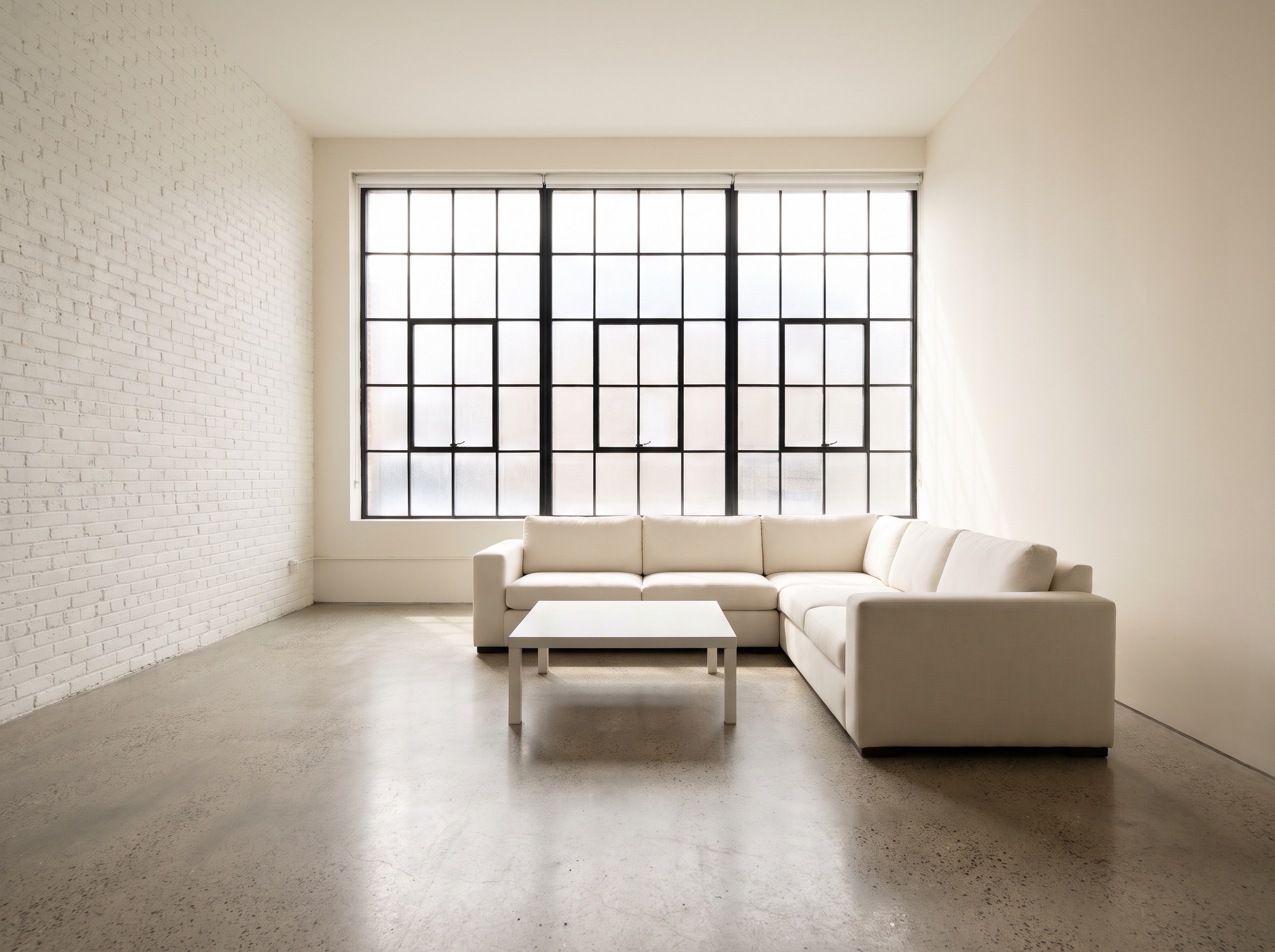
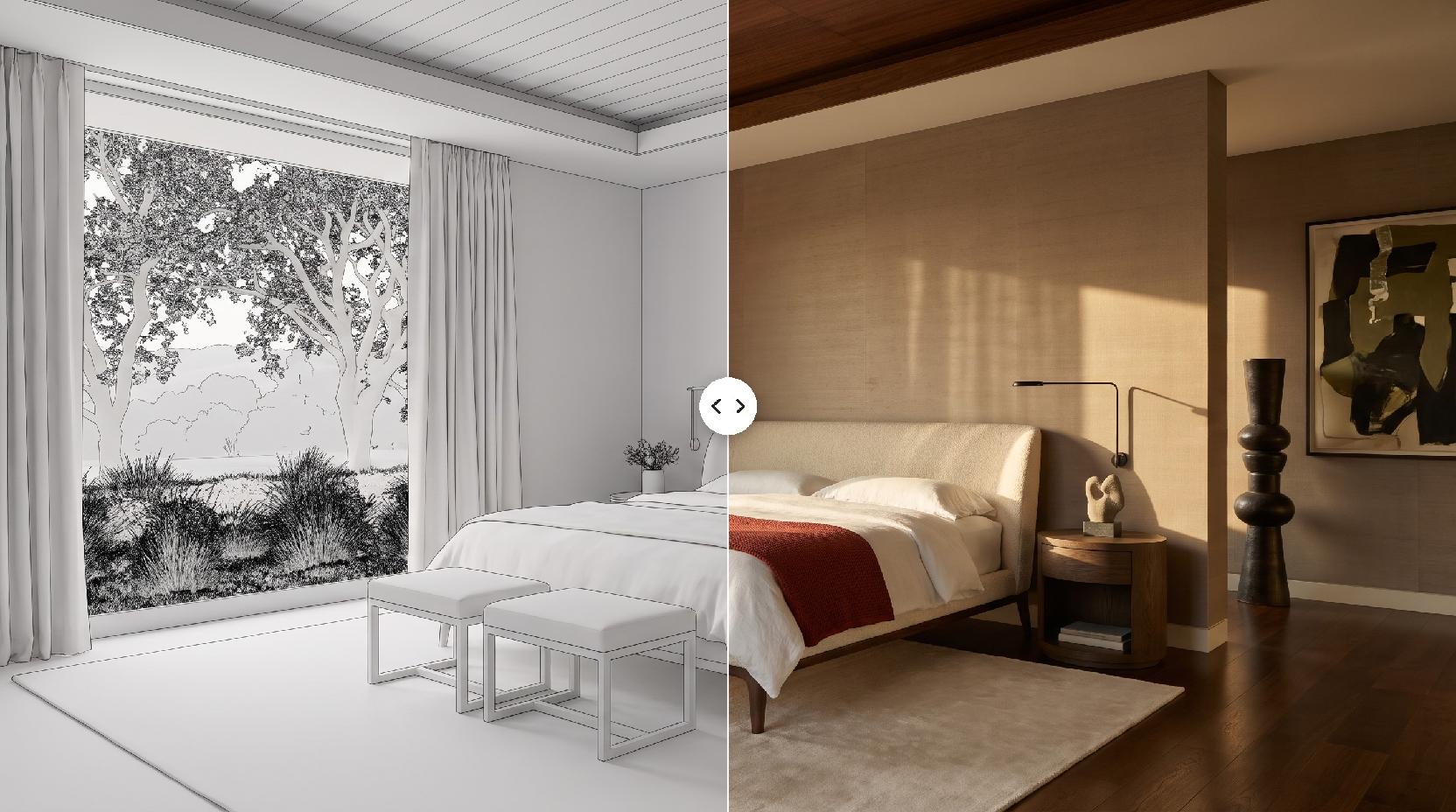
The room photo defines the layout for Lovspark AI. A plain room shows the change best, but furnished rooms work too.
- Use a level photo or render with the whole room in frame.
- Keep the furniture you want in place visible; Lovspark AI keeps its position and size.
- Neutral finishes leave more room for the inspiration to show.
- JPG or PNG at least 1600 px on the long side works best.
How Lovspark AI uses the inspiration
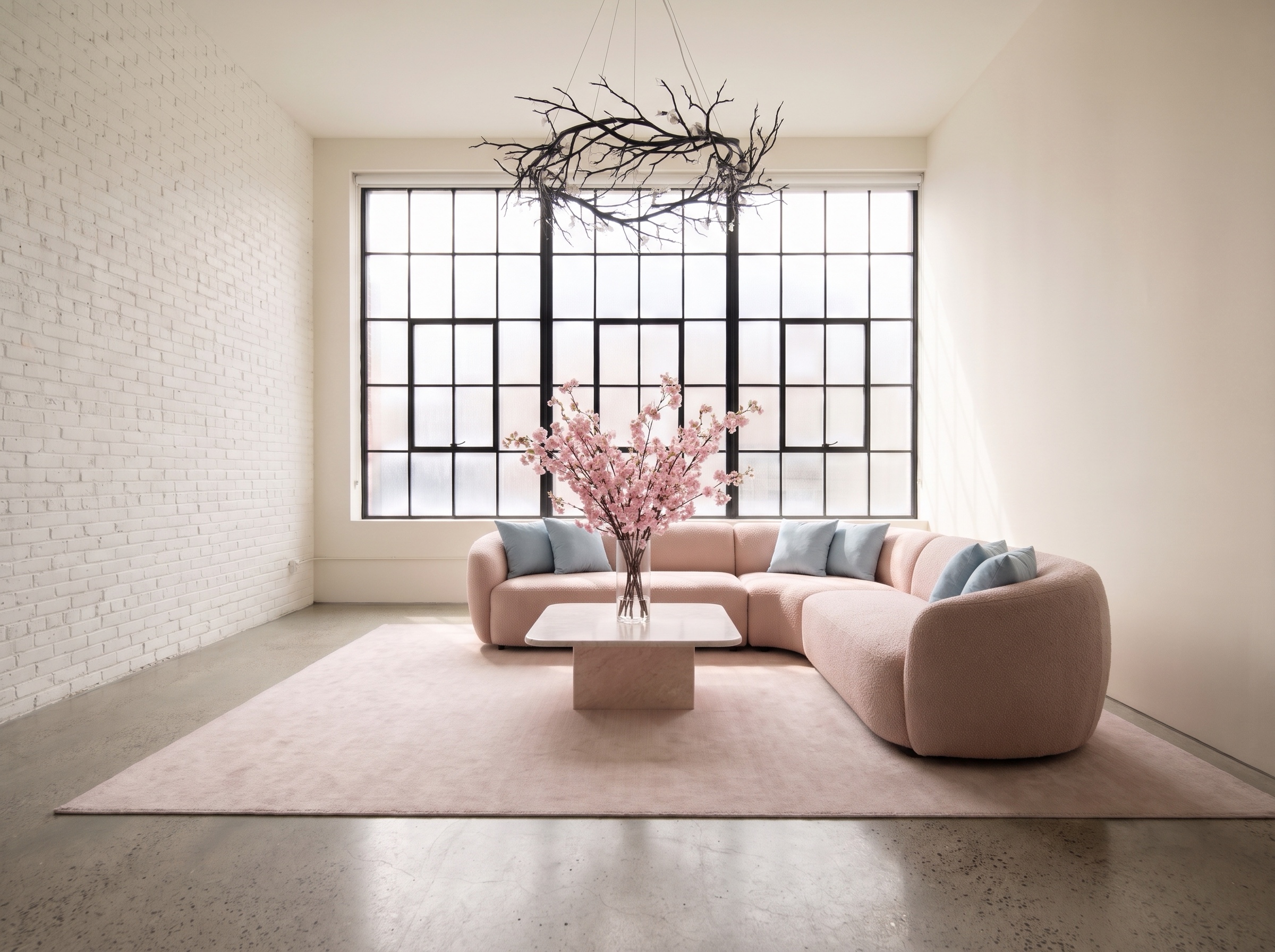
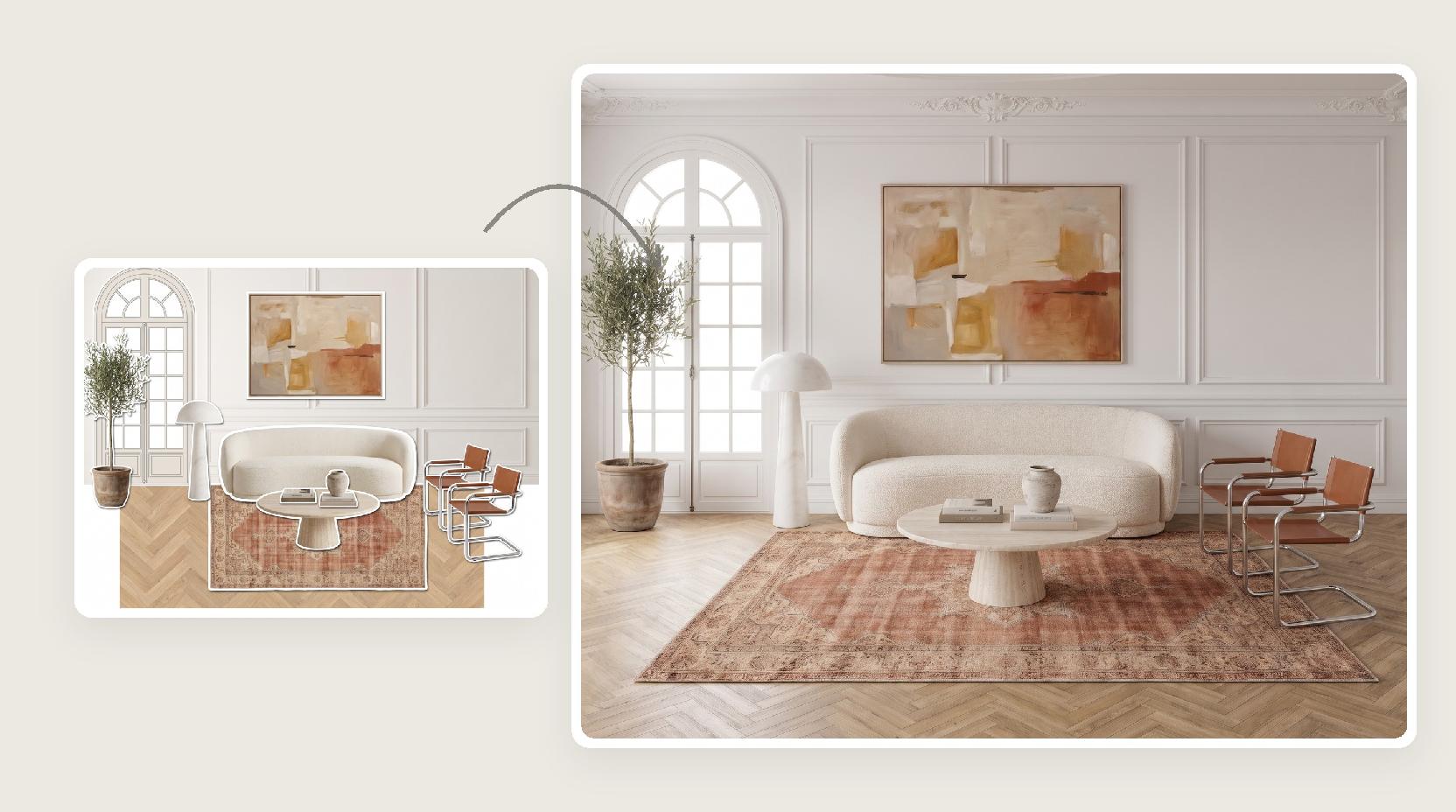
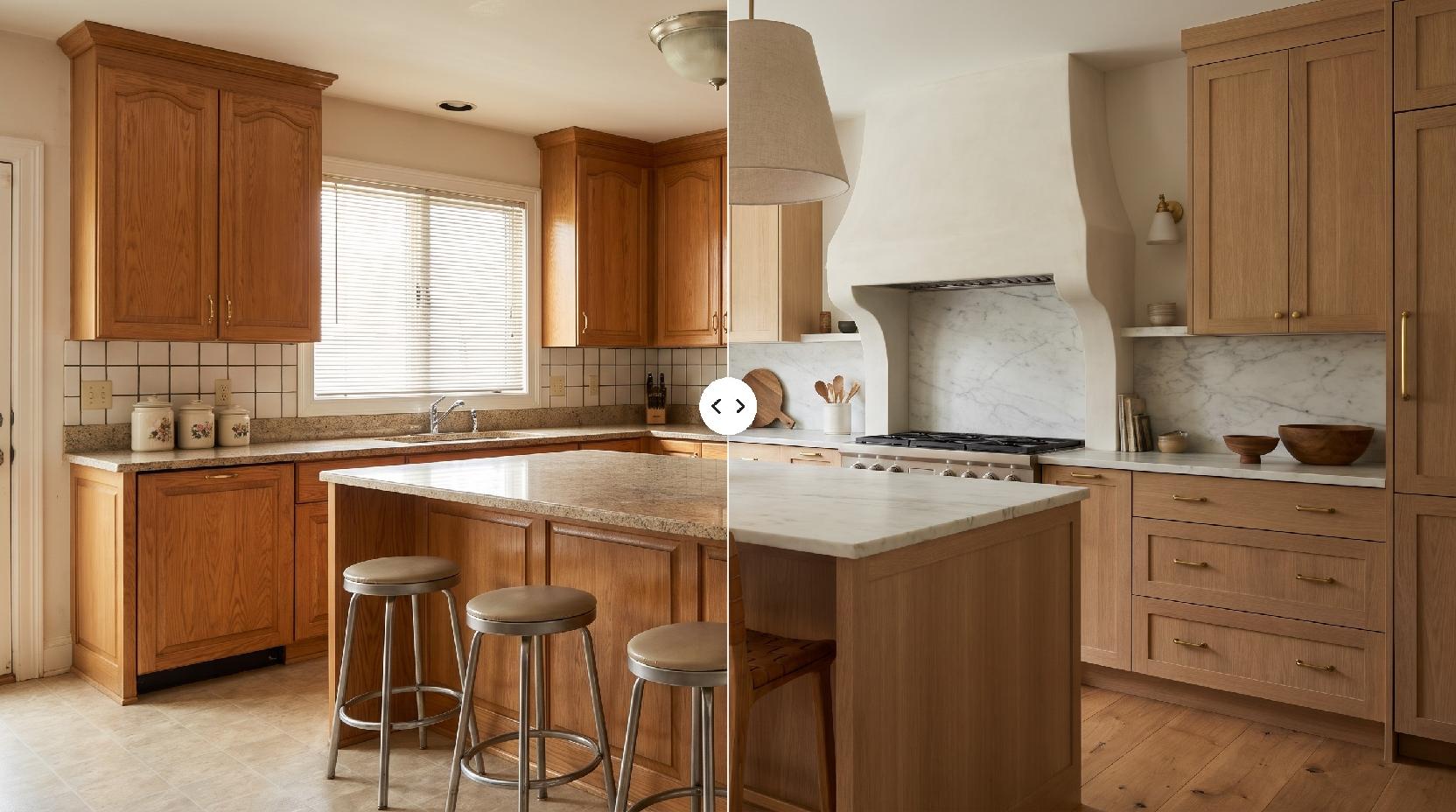
Lovspark AI combines the two images at the level of design, not pixels: it reinterprets the inspiration as finishes and objects that belong in the room.
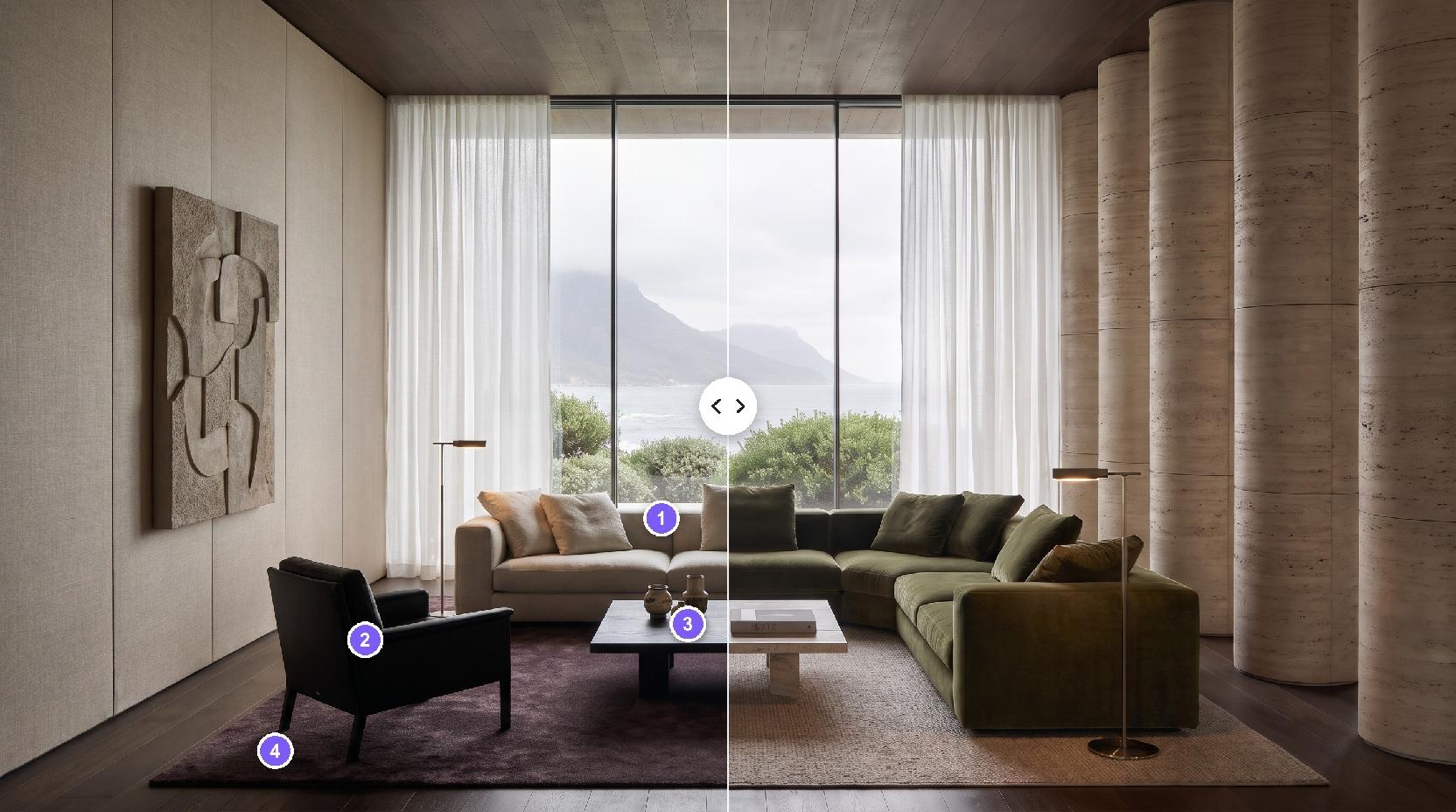
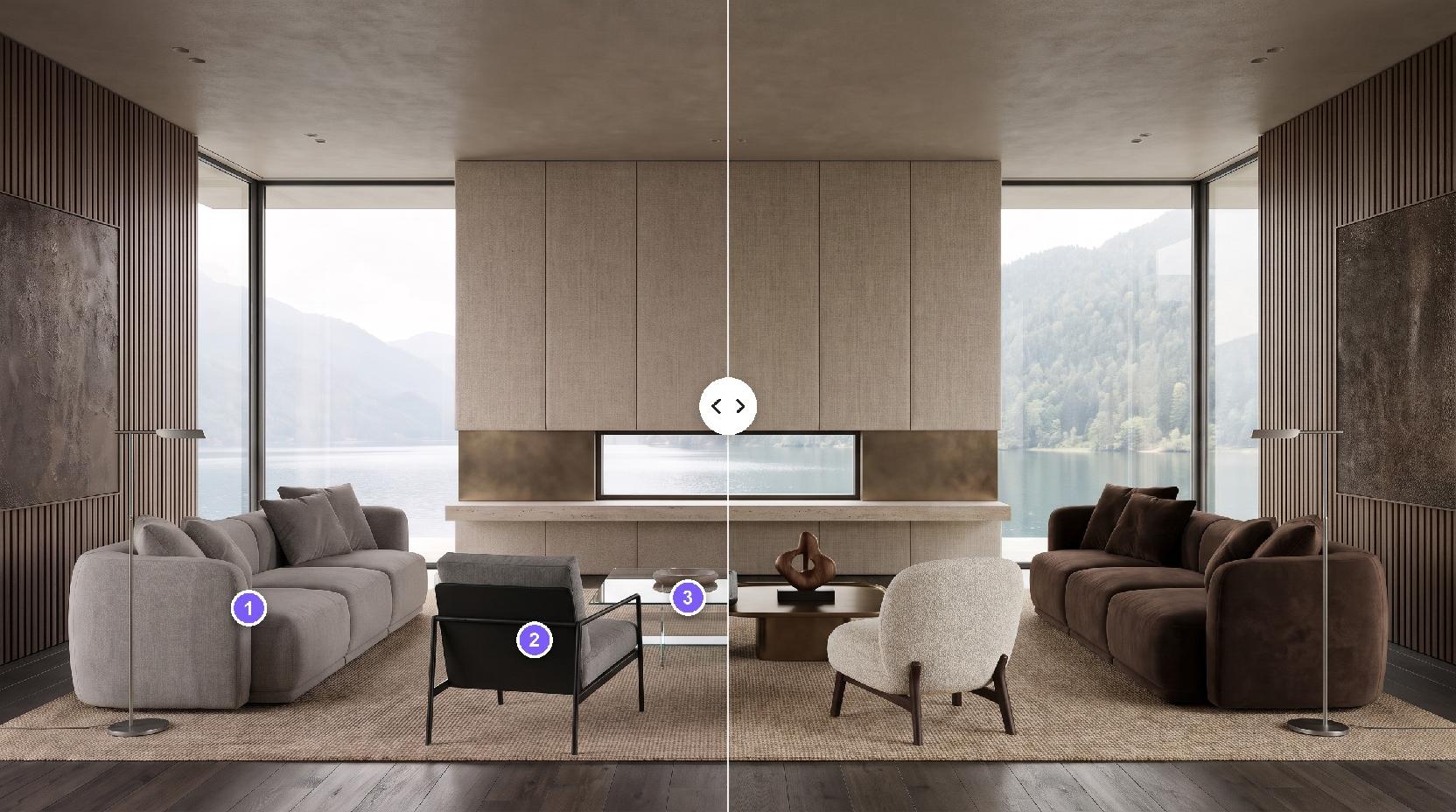
- Colors: become wall paint, upholstery, cabinetry and lighting tone.
- Patterns: become rugs, tile, wallpaper and fabric.
- Motifs: return as artwork, plants, ceramics and decor.
- Mood: sets the light, from sunny morning to warm evening.
One idea, different rooms
In Lovspark, the same inspiration lands differently depending on the room.
- Kitchens: cabinet colors, hardware, backsplash and pendant lights change most.
- Bathrooms: tile, vanity and fixtures carry the palette.
- Bedrooms and living rooms: textiles, walls, rugs and art do most of the work.
- Lobbies, cafes and shops: upholstery, feature walls and lighting create a brand mood.
Explore many directions
Because the room stays fixed, every new AI run gives a comparable option.
- Keep the same room photo and swap only the inspiration.
- Try one artwork, one nature photo and one fabric to see three very different rooms.
- Each Lovspark AI run uses 30 credits and returns one result.
From AI result to a finished concept
Use the Lovspark canvas to take the strongest result further.
- Fix one finish exactly with Targeted Material Swap.
- Place real products into the room with Furniture Placement.
- Need a building facade instead? Choose Architectural Design in the design domain.
Before you upload
A quick check gives a cleaner first result.
- Room photo first, inspiration second.
- Design domain set to Interior Design for rooms.
- One clear idea in the second picture.
- No portraits or group photos; this tool designs spaces.