By the Lovspark Product Team · Updated November 19, 2026

Bedroom makeover from your photo

AI Bedroom Design

Upload a photo of your bedroom and see a new bed, bedding, lighting, curtains and walls in your own room, styled like a furniture brand's lookbook.

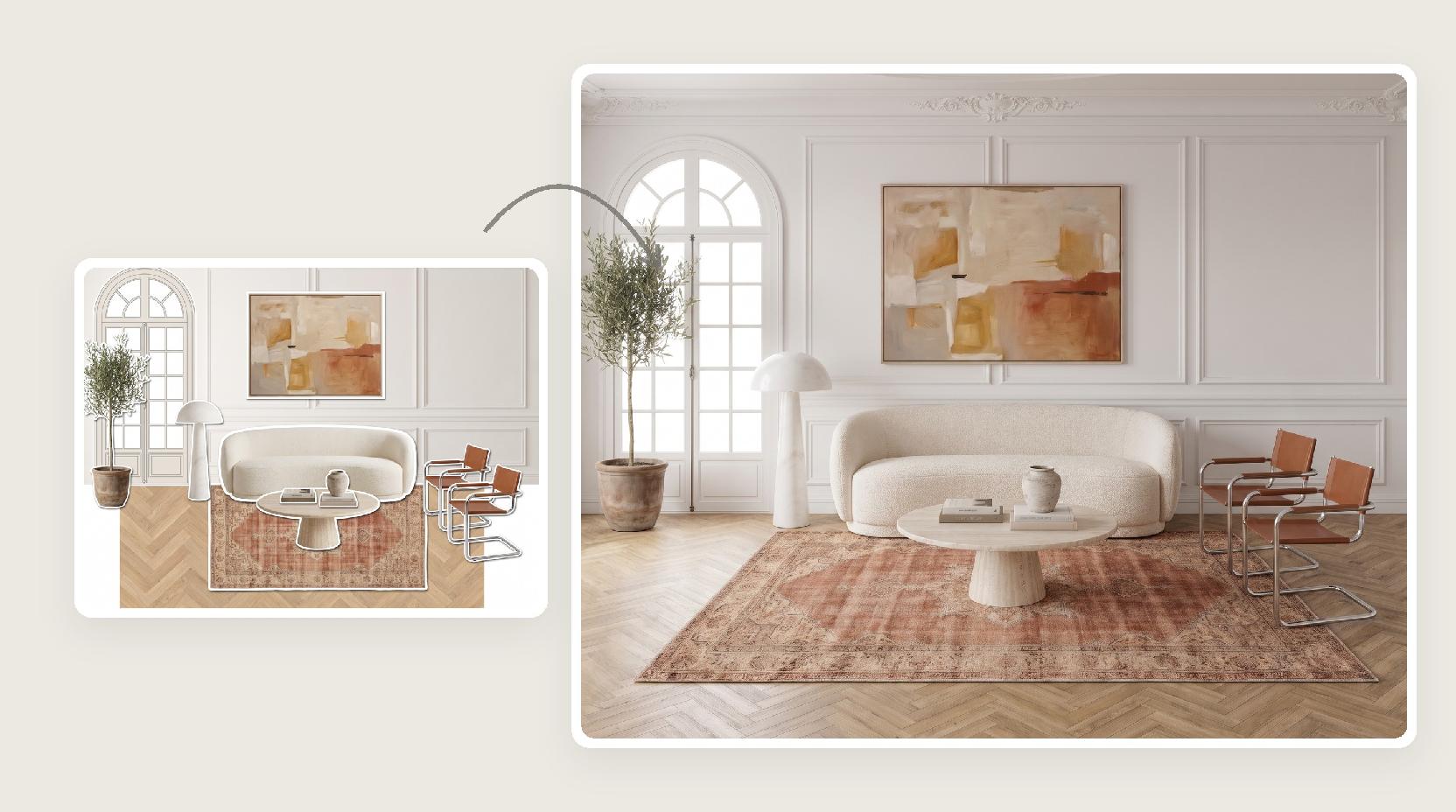
Take one photo of the room as it is today and add a style photo you love. Lovspark AI keeps the walls, windows, doors, closet and camera angle, and redesigns the bed, nightstands, lighting, curtains, rug and wall finish around them, so you can see the finished room before you order a single piece.

Try AI Bedroom Design

200 free credits every month · 30 credits per run · No install needed · Saved to your Lovspark account · Open in Lovspark

Try AI bedroom design on your own photo

Bedroom Photo
No image handy? Try these:
Style Photo
No image handy? Try these:
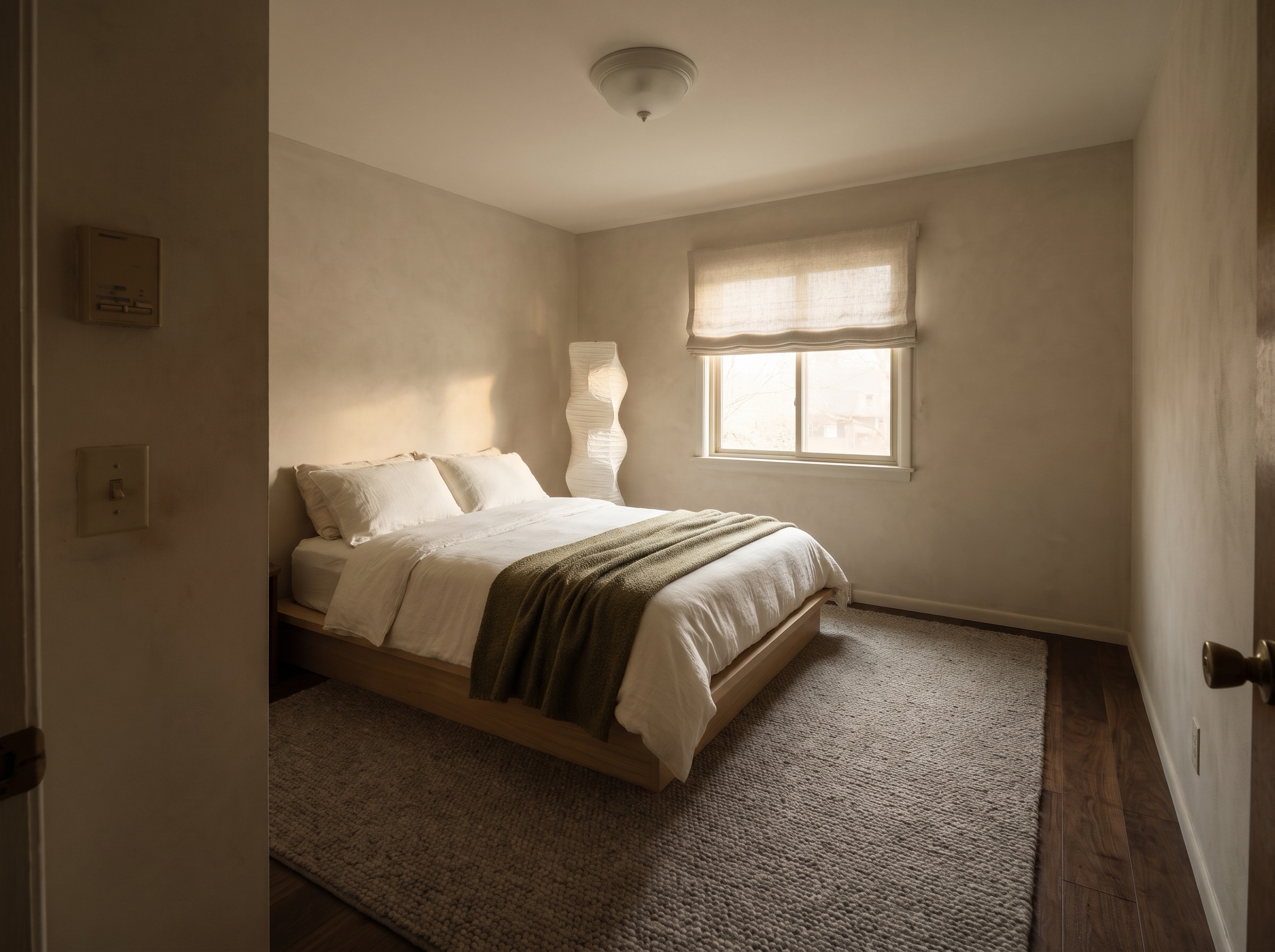
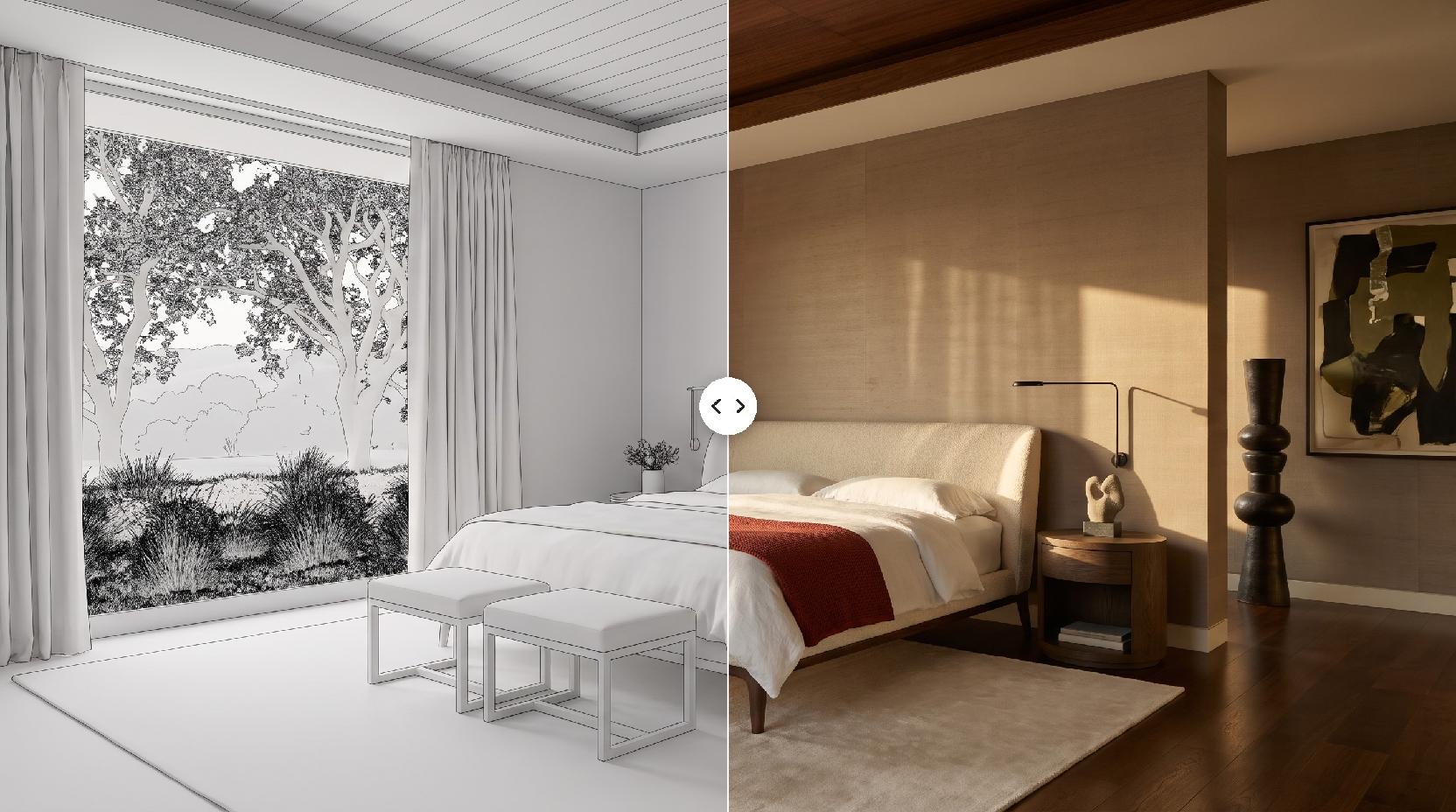
AI Bedroom Design – original imageAI Bedroom Design – generated result
Example result

How AI bedroom design works

  1. Photograph the bedroom

    Stand in a corner or the doorway and take one level photo that shows the bed wall and the window.

  2. Add a style photo

    Pick one photo of a finished bedroom you love. Lovspark AI reads the bed, fabrics, wood, colors and light from it.

  3. Generate with Lovspark AI

    Click Generate. Lovspark AI keeps the walls, window and camera angle and replaces the furniture, bedding, lighting and finishes with the new design.

  4. Try another look

    Keep the same photo and swap the style photo. Every Lovspark AI option lines up with your room, so you can compare looks side by side.

Eight AI bedroom designs, from the same rooms

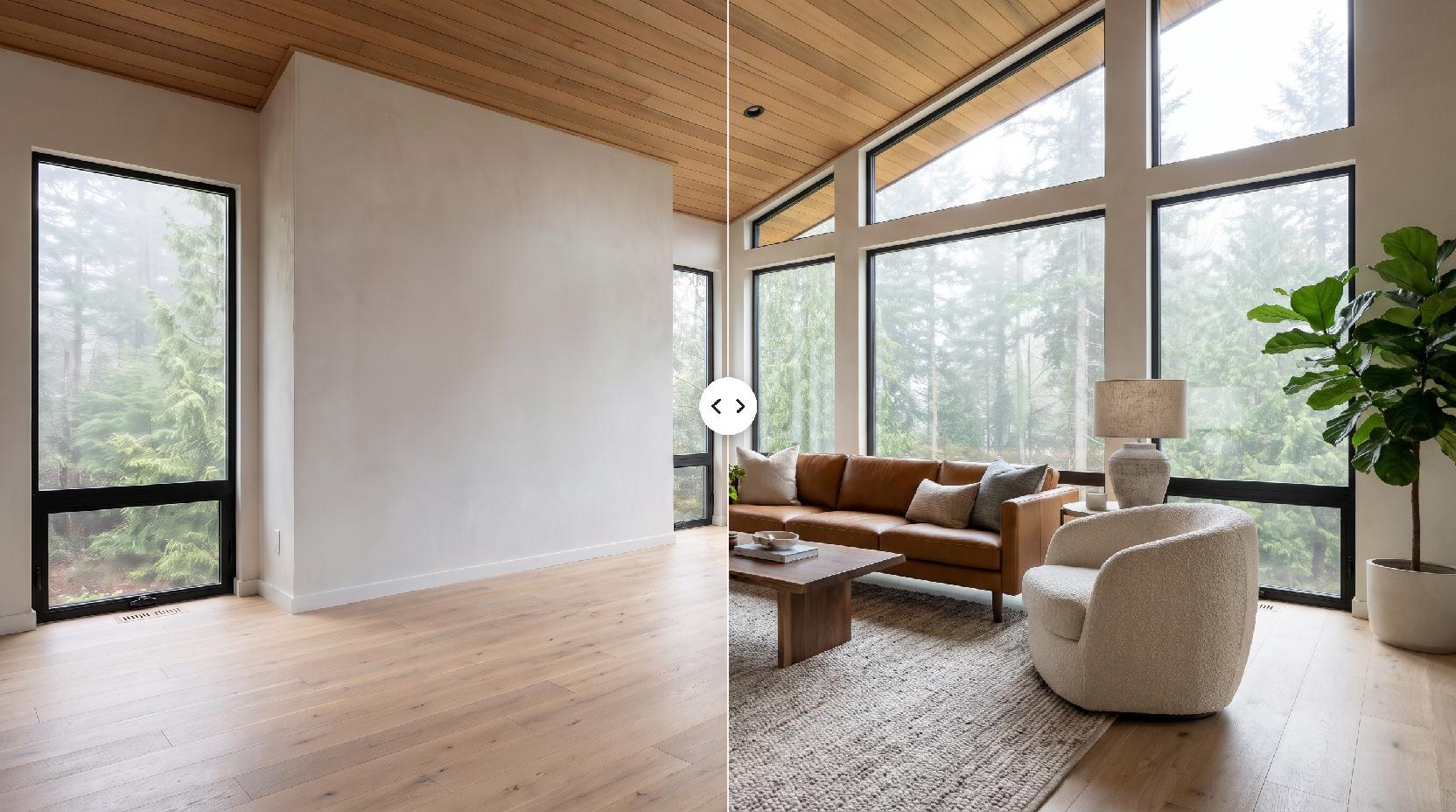
Drag the line to compare · click to enlarge

Cherry sleigh bed to Japanese wabi-sabi

Tan walls, carpet and a burgundy comforter become limewash plaster, a low oak platform bed, undyed linen and a paper lantern.

Paneled small bedroom to mid-century

Dark wood paneling and shag carpet give way to warm plaster, a walnut slatted bed, teak nightstands and a mustard throw, in the same small room.

Four-poster primary suite to quiet hotel luxury

Under the same tray ceiling, a bulky armoire and swag curtains become a wall-to-wall boucle headboard, walnut panelling and bronze sconces.

Beach rental to relaxed coastal

A white metal daybed and beige tile turn into a rattan-headboard bed, sand linen and pale oak floors, with the sliding door kept.

Navy and gray to warm Scandinavian

A plain room with a laminate desk becomes pale ash furniture, wool throws, sage linen and a small ash writing desk under the window.

Brass bed to a dark moody retreat

Off-white walls and a floral comforter give way to deep olive walls, a charcoal velvet headboard and bronze lamps glowing at dusk.

Attic bedroom to French country

The sloped ceiling and dormer window stay; popcorn ceiling and carpet become plaster, a carved oak bed and faded rose striped linen.

Kids' bunk room to a calm shared bedroom

For a child's room, the bunk bed and toy clutter become two low oak twin beds, clay pink and oat bedding and a linen canopy.

What Lovspark AI keeps from your bedroom

Compared onRoom planner appsLovspark AI bedroom design
What you start fromMeasuring the room and placing every pieceOne photo of the room and one style photo
Time to a first pictureAn evening of drawing and choosing from a catalogOne AI run
How it looksGeneric catalog furniture in a 3D modelA photoreal Lovspark AI picture of your own bedroom
Measured layout and shopping listIncludedNot included: use it to choose a look, then shop or plan the layout

Who uses AI bedroom design in Lovspark

How to design your bedroom with AI

A good bedroom is mostly a few decisions made together: the bed, the fabrics, the light and the wall color. Seeing those choices in your own room is the quickest way to know what feels restful.

  1. Can AI design my bedroom?
  2. Start with the bed wall
  3. Light it like a hotel
  4. Pick a palette and one accent
  5. Small, attic, kids' and guest rooms
  6. Take a photo Lovspark AI can read

Can AI design my bedroom?

Yes, from a photo. In Lovspark you upload a photo of your bedroom and a style photo, and Lovspark AI returns the same room with a new bed, bedding, lighting, curtains and wall finish, keeping the walls, windows and doors where they are.

It is a visualization for choosing a look, not a measured floor plan. Use it to decide on a style, then pick real pieces that fit your room.

Start with the bed wall

The bed is the largest piece and sets the mood of the room.

  • A low, wide headboard feels calm; a tall upholstered one feels like a hotel.
  • Layered linen and wool read softer than a single shiny comforter.
  • Matching nightstands are not required; a stone block and a wood stool can work as a pair.

Light it like a hotel

Bedrooms look best with several low light sources instead of one ceiling fixture.

  • Use bedside lamps or wall sconces for reading.
  • Sheer curtains soften daylight; heavier ones block it at night.
  • Warm bulbs make linen, wood and plaster look richer.

Pick a palette and one accent

Calm bedrooms usually stay within one family of colors and add a single accent.

  • Oat, taupe and cream with walnut feel warm and quiet.
  • One accent, such as terracotta, olive or mustard, is enough.
  • Dark walls like deep olive or charcoal make a small room feel enclosed and cozy.

Small, attic, kids' and guest rooms

Lovspark AI keeps the shape of each room and changes what is inside it.

  • In a small room, a low bed and a light palette keep the space open.
  • Under a sloped ceiling, place the bed where the ceiling is lowest and keep the dormer clear.
  • For a kids' room, two low beds and closed storage look calmer than a bunk bed and open bins.
  • A guest room needs a good bed, a lamp on each side and a place to put a suitcase.

Take a photo Lovspark AI can read

Lovspark AI follows what it can see. One clear photo of the whole room gives a more faithful result than a close-up.

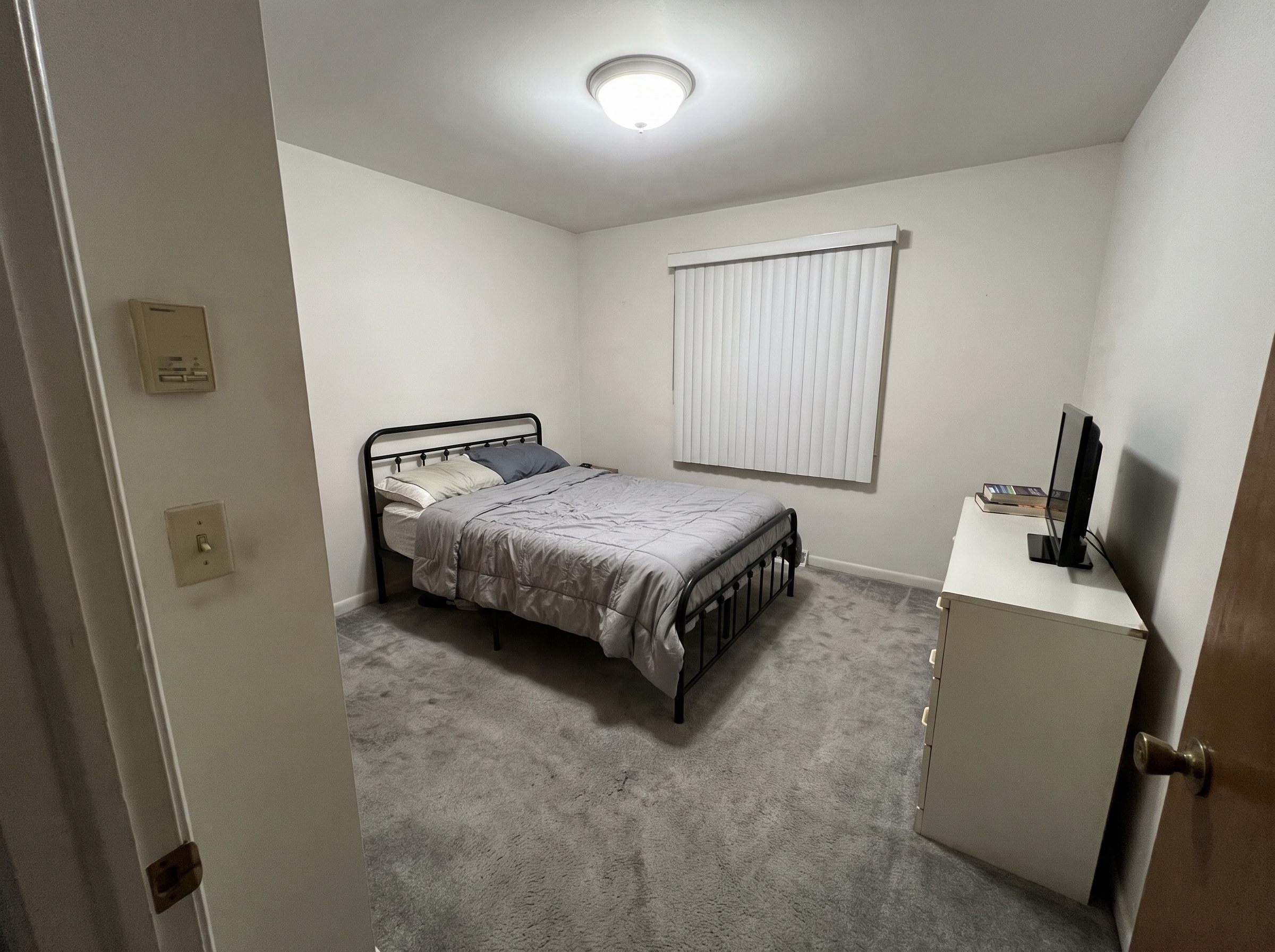
  • Shoot from a corner or the doorway at chest height, phone held level.
  • Include the bed wall and at least one window.
  • Turn on the lights and clear the floor if you can.
  • Avoid the ultra-wide lens, which bends walls and furniture.
FAQ

AI Bedroom Design FAQ

01/What is AI bedroom design?

AI bedroom design uses image AI to show your bedroom with a new bed, bedding, lighting, curtains and wall finish, starting from a photo. In Lovspark you upload a photo of the room and one style photo, and Lovspark AI redesigns the furnishings while keeping the walls, windows, doors and camera angle.

02/Can I try AI bedroom design for free?

Yes, you can start free. Free Lovspark accounts get 200 credits every month and each design uses 30 credits, enough to try it on your own bedroom photos. Free results carry a watermark and are for personal use; paid plans add commercial rights.

03/How do I design my bedroom with AI?

Take a level photo of the room, upload it to Lovspark with a photo of a bedroom you like, and click Generate. Lovspark AI returns your own bedroom redesigned in that style; swap the style photo to compare more AI bedroom designs.

04/Will Lovspark AI change my windows or room shape?

It is told to keep the walls, windows, doors, closet and camera angle and to change furniture and finishes. Small details can shift in some results, so compare with your photo before relying on it.

05/Can I see a specific bed or piece of furniture in my room?

The style photo sets the overall look. To place one exact product, such as a particular bed or lamp, use Furniture Placement in Lovspark.

06/Does it work for small, attic and kids' bedrooms?

Yes. Lovspark AI keeps small rooms, sloped ceilings and dormer windows as they are and redesigns the furnishings inside them, without making the room bigger.

07/What makes a good photo for Lovspark AI?

A bright, level photo from a corner or the doorway that shows the bed wall and a window. Avoid ultra-wide lenses and very dark photos; JPG or PNG files of at least 1600 px on the long side work best.

08/Can I use the result for a rental listing?

Use it to plan how to furnish the room. Listing sites generally expect photos to show the room as it really is, so photograph the finished room for the listing.

Guides and tips

More AI design skills

Browse all skills

AI Bedroom Design

Beds, fabrics and light are hard to judge from a showroom. Upload a photo of your bedroom to Lovspark and let Lovspark AI show the finished room before you buy.

27 AI design skills · 15 image and video models