Choosing the source photo
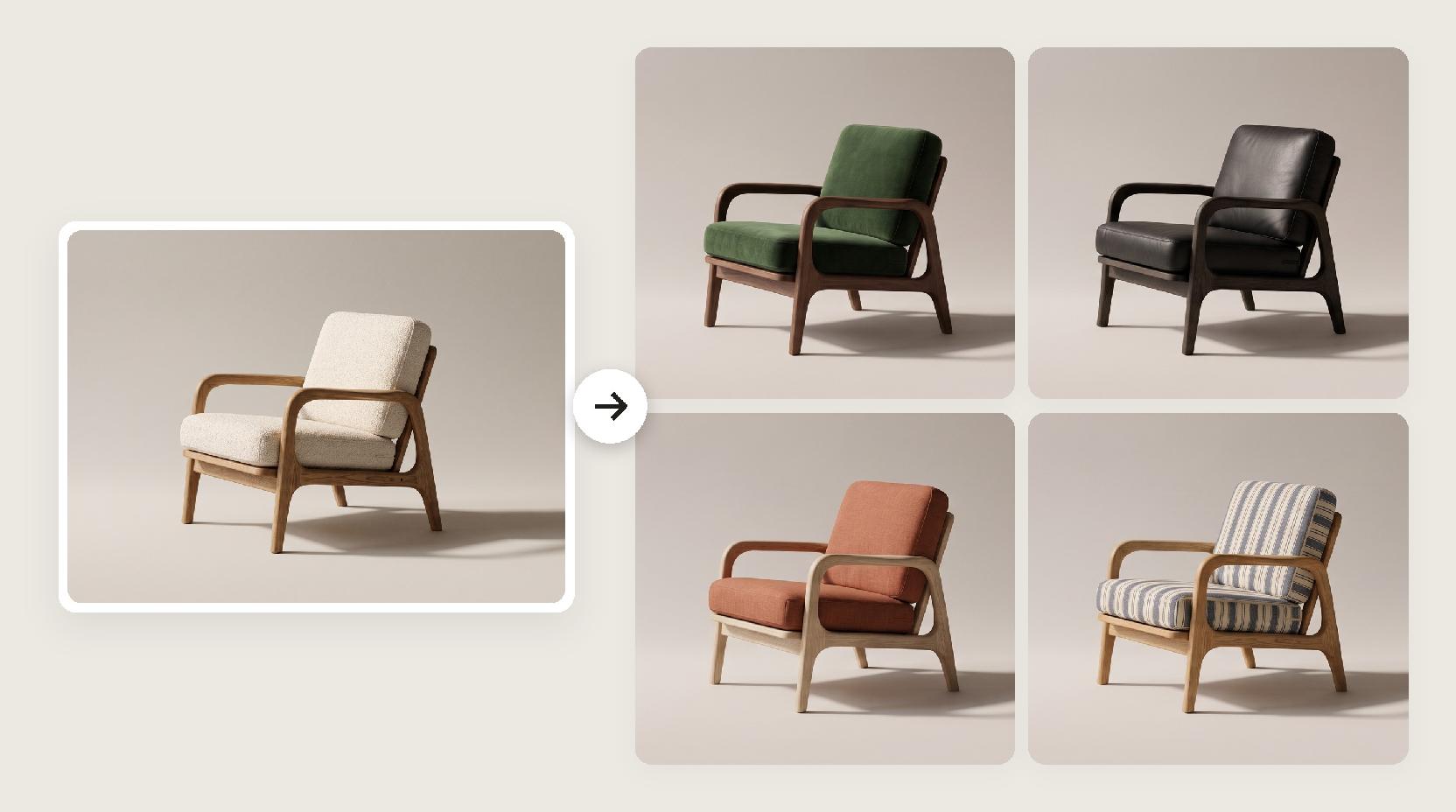
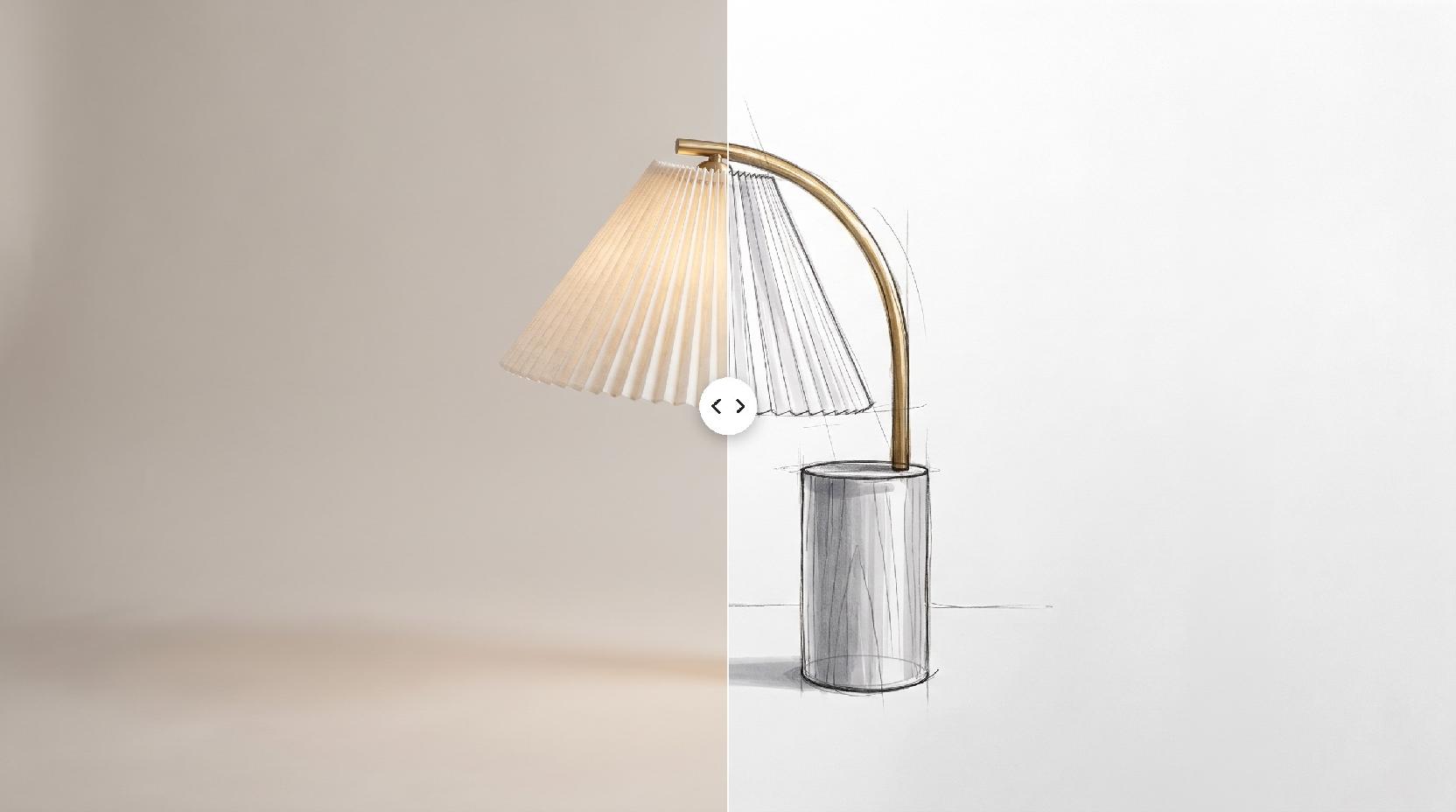
This photo is the only source of truth for your piece, so give Lovspark AI a clear view of it.
- A cutout on white, a 3D render or a real photo all work.
- Show the whole piece; cropped legs or arms get guessed.
- Avoid heavy shadows, reflections and props covering the piece.
- Use the angle you want to see in the scene; a three-quarter view suits most furniture.
Picking a style reference
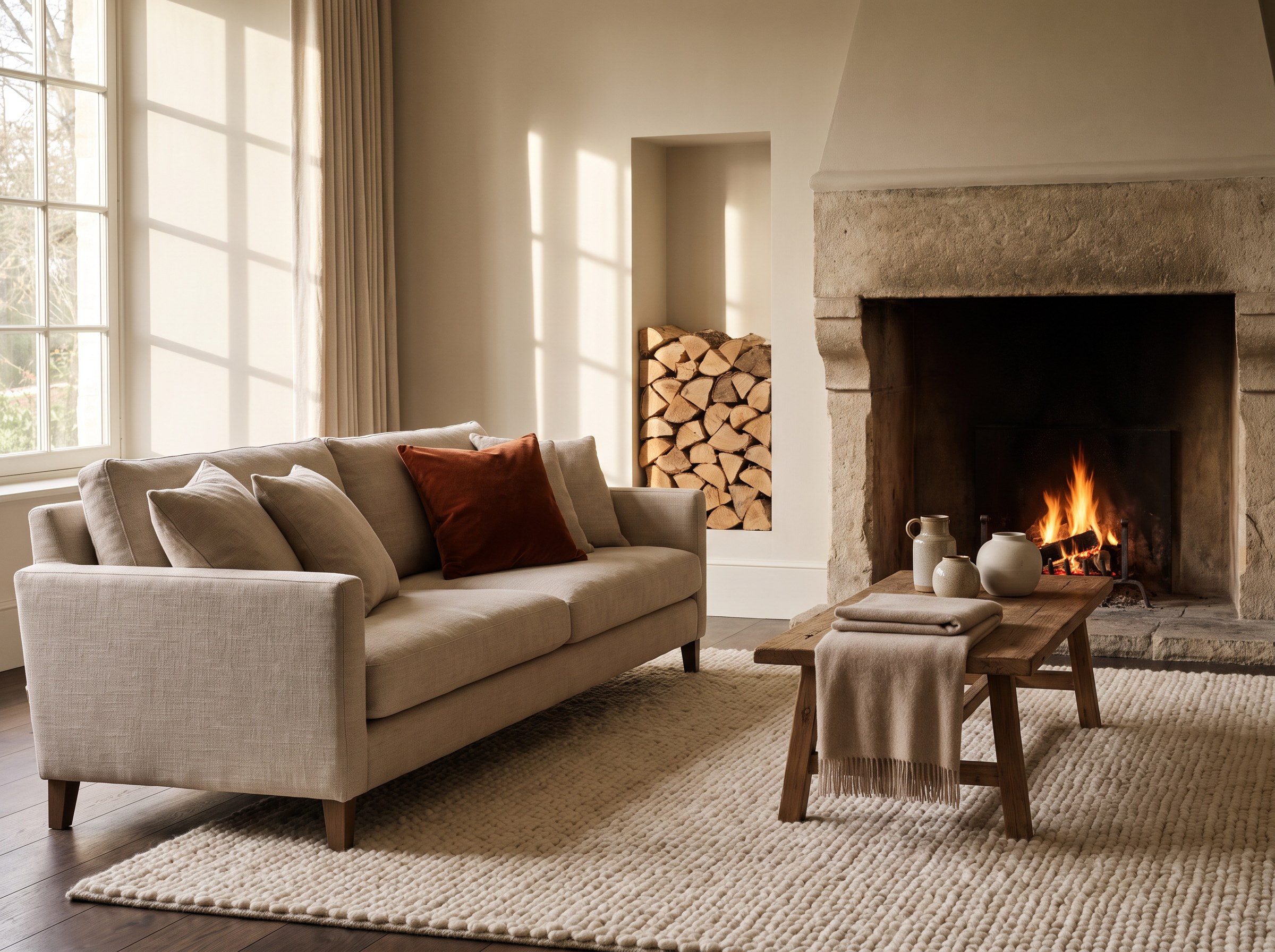
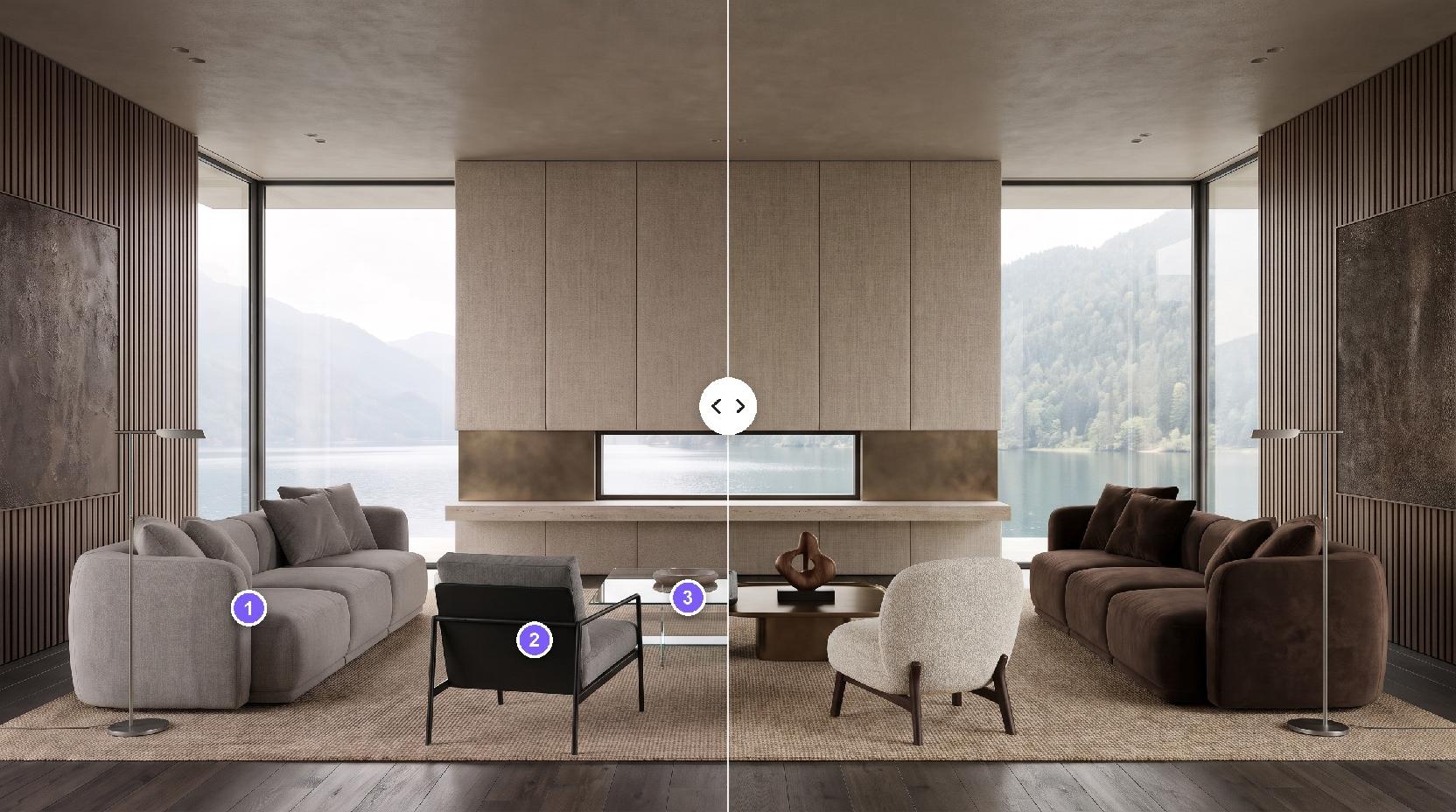
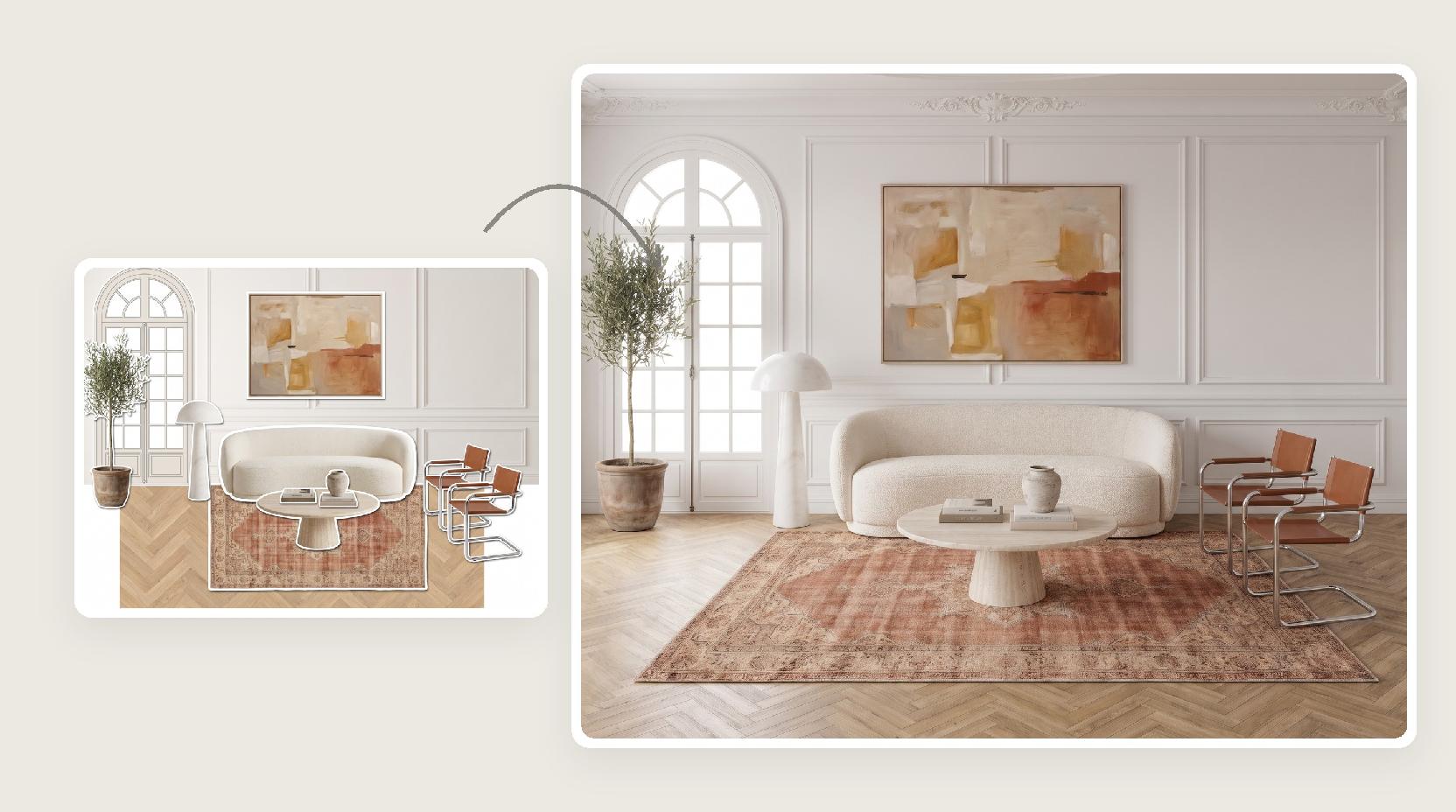
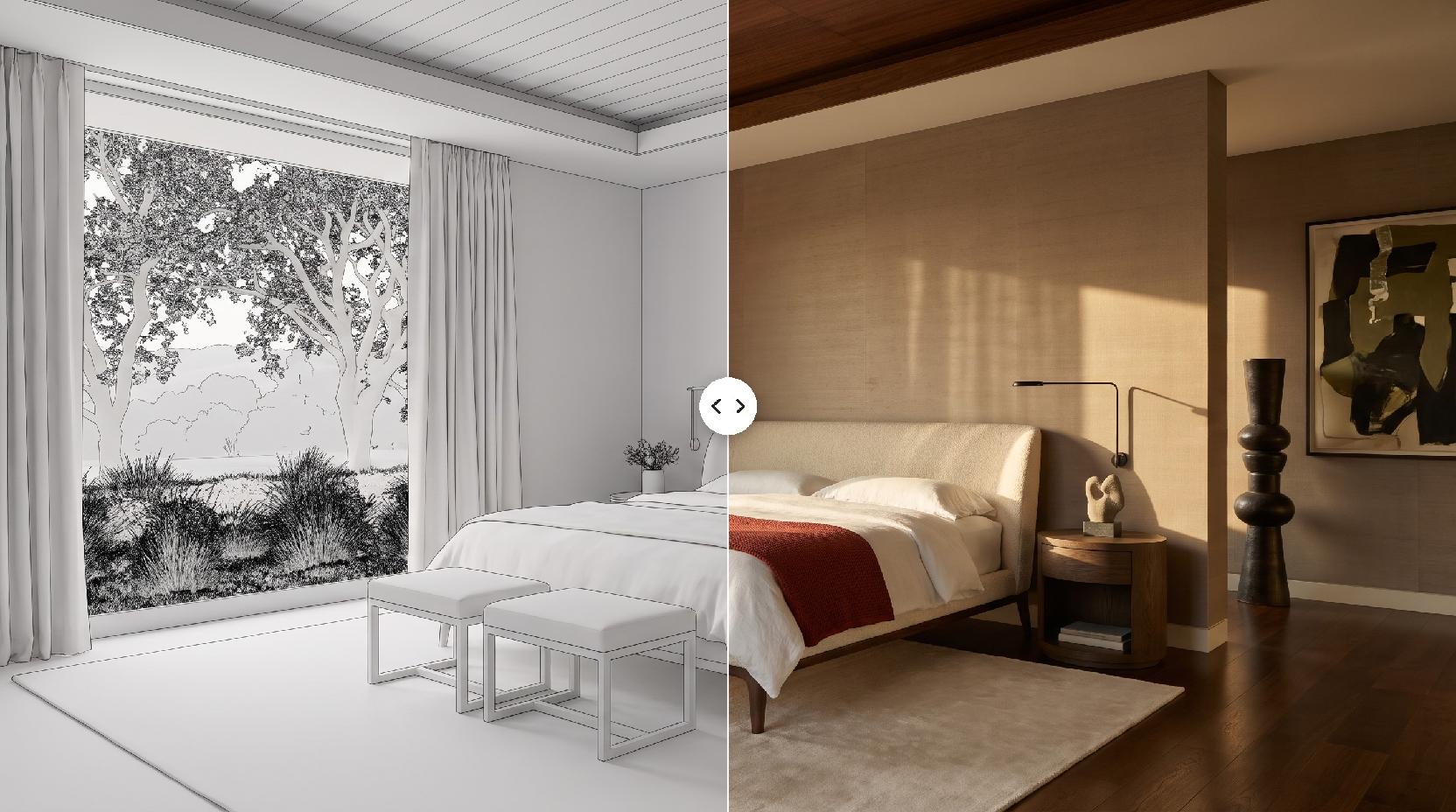
The reference decides the room. Lovspark AI follows its layout, camera angle, palette and light, and puts your piece where a similar one stands.
- Choose a room where a piece like yours belongs: a sofa in a living room, a bed in a bedroom.
- Match the camera height to your cutout for the most natural fit.
- Warm, directional light reads as editorial; flat light reads as catalog.
- Use images you have the rights to, such as your own shoots or licensed photos.
Choosing an aspect ratio
Pick the ratio for where the image will be used. Lovspark AI offers 21:9, 16:9, 3:2, 4:3, 1:1, 3:4, 2:3, 9:16, 4:5 and 5:4.
- 4:5 and 1:1: product pages, marketplace listings and social feeds.
- 4:3 and 3:2: catalogs, lookbooks and blog headers.
- 16:9 and 21:9: website banners and hero images.
- 9:16: stories and vertical ads.
Glass, metal and fabric
Some materials need a closer look in every AI result.
- Glass and mirrors pick up reflections from the new room.
- Polished metal can shift slightly in tone with the scene light.
- Fine patterns and stitching are easier to keep when the source photo is sharp.
- Very thin parts, such as wire frames, read best on a plain background.
Scale and perspective
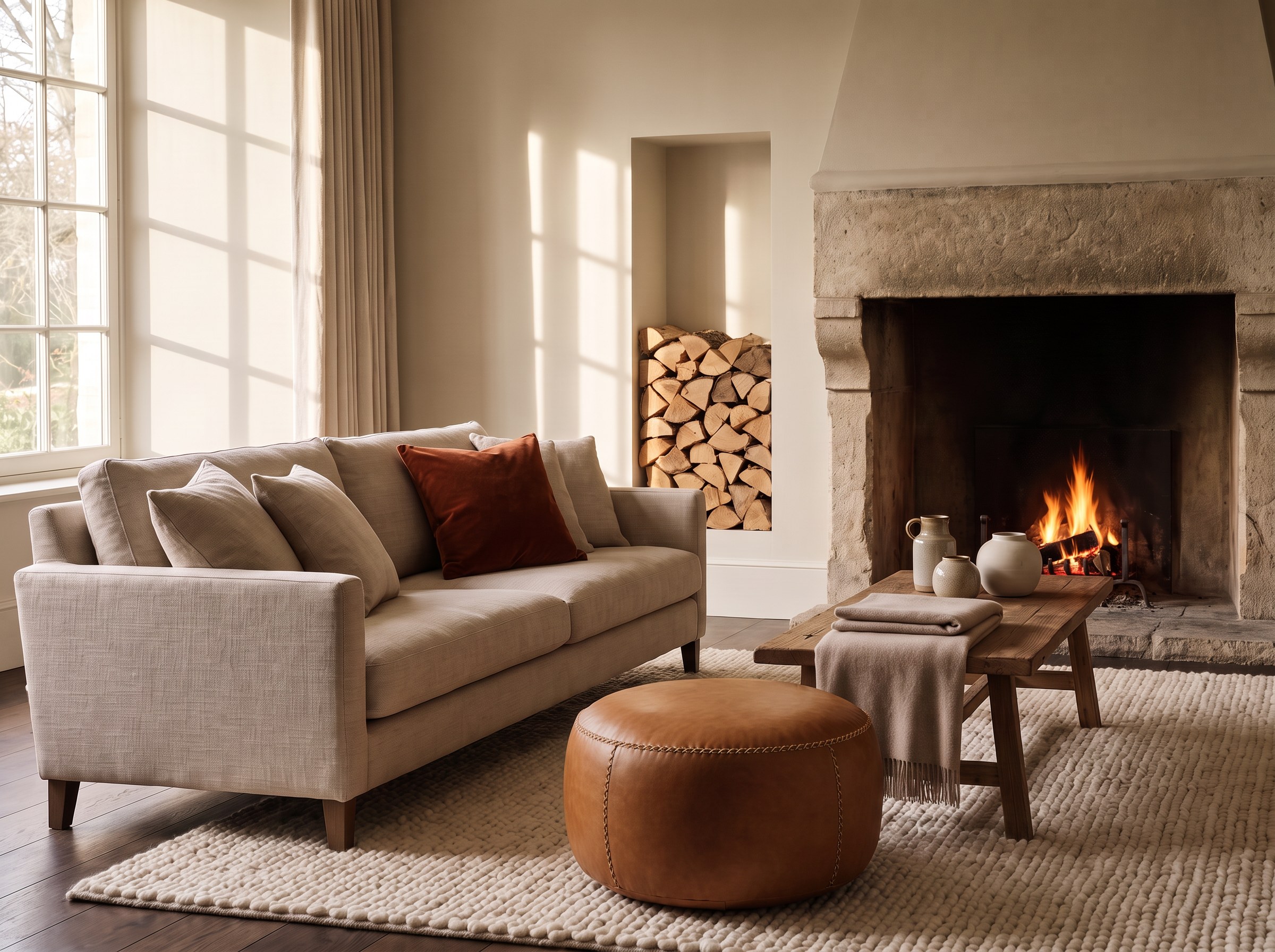
Lovspark AI sizes your piece against the room in the reference, so a sensible pairing gives a believable scale.
- Pair large pieces with rooms that have space around them.
- Small decor works best on a console, shelf or table in the reference.
- Check that legs meet the floor and shadows fall the same way as the light.
Reviewing each scene
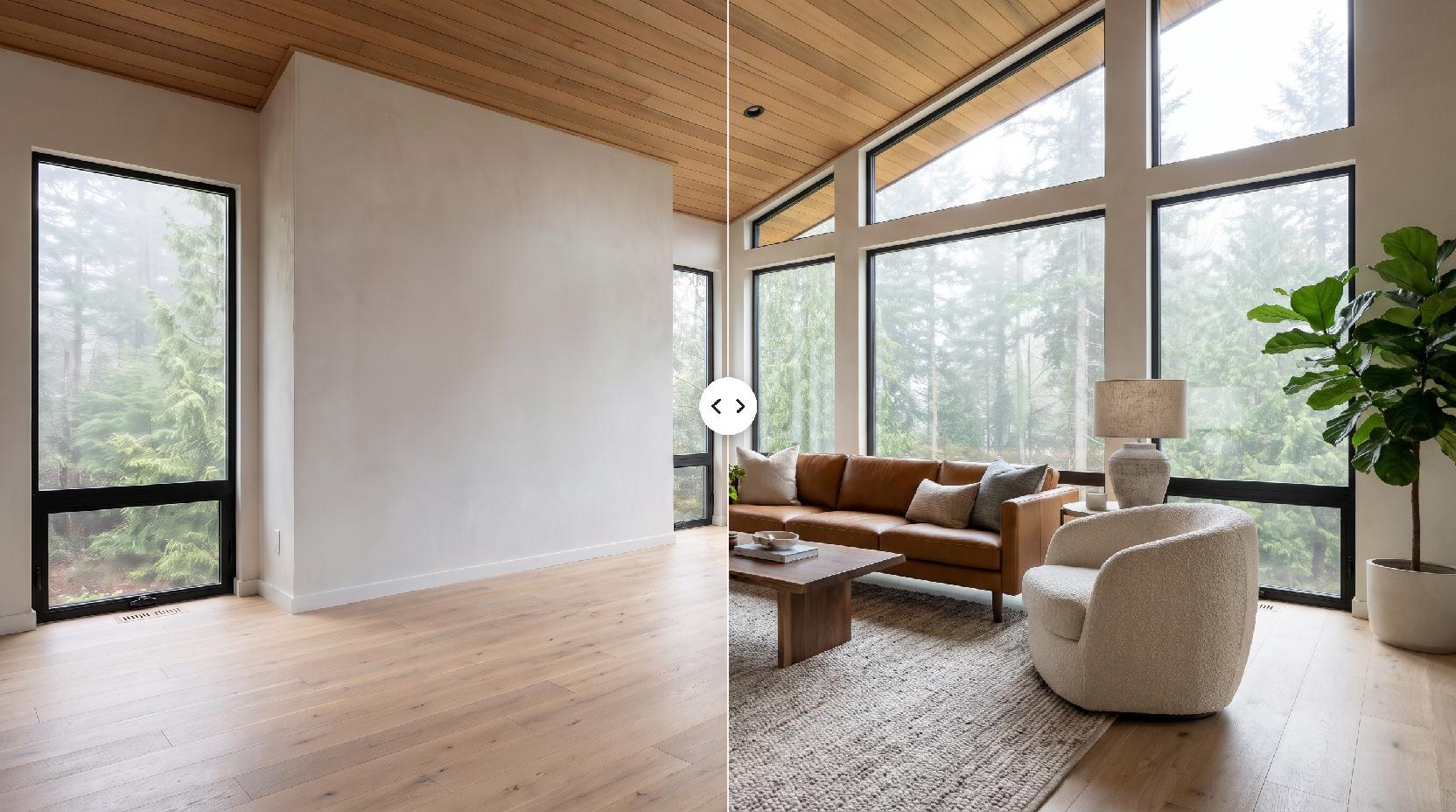
Before you publish an AI lifestyle image, compare it with the original photo.
- Outline and proportions
- Legs, feet and bases
- Hardware, seams and stitching
- Wood grain, stone veining and fabric texture
- Colors under the new light
When a result is off
Each run is independent, so a second try often fixes it.
- Generate again with the same pair of images.
- Try a reference with a clearer spot for your piece.
- Use a sharper photo or a different angle.
- Each Lovspark AI run uses 30 credits and returns one result.