SketchUp rendering: export a clean screenshot
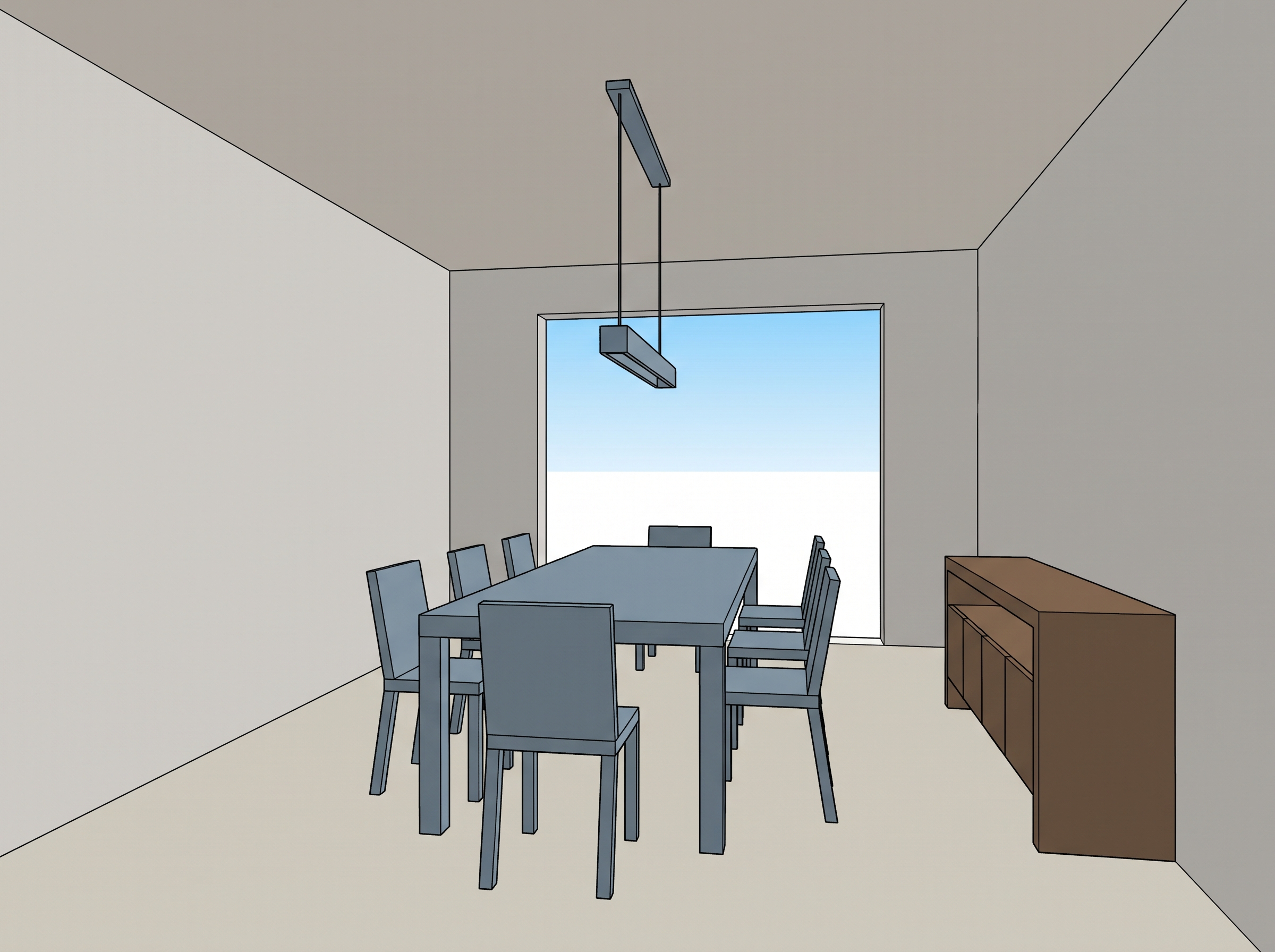
Export at standing eye height with edges, profiles and shadows turned off. For SketchUp rendering, Lovspark AI follows what it can see, so a tidy view gives a more faithful interior rendering.
- Set the camera at standing eye height and use two-point perspective so verticals stay straight.
- Hide edges, profiles, axes and shadows, and use a plain style with light materials.
- Model the main furniture and openings; small accessories can be left out.
- Export at least 1600 px wide and crop out toolbars and the SketchUp interface.
Source: SketchUp Help: Edge Styles, SketchUp Help: Importing and Exporting Image Files
Sketches, line drawings and clay renders
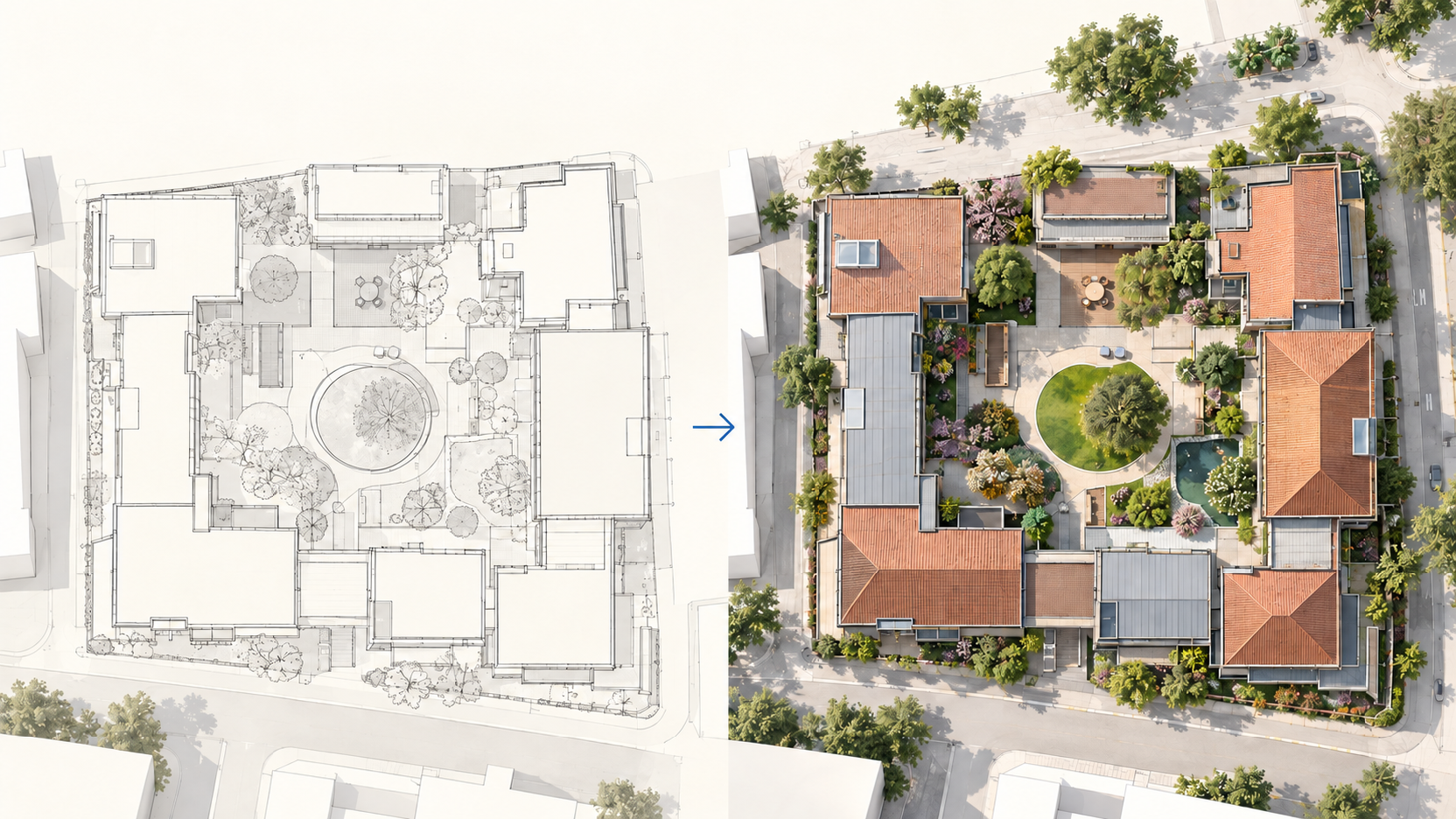
All three work when the perspective is believable and the main pieces are clearly outlined. Keep line drawings to clean black lines on white, without dimensions or notes inside the room.
A clay render (sometimes called a white model) reads best with soft ambient occlusion and no colored materials: Lovspark AI takes the forms from it, and your style photo supplies the finishes.
Choose the right style reference
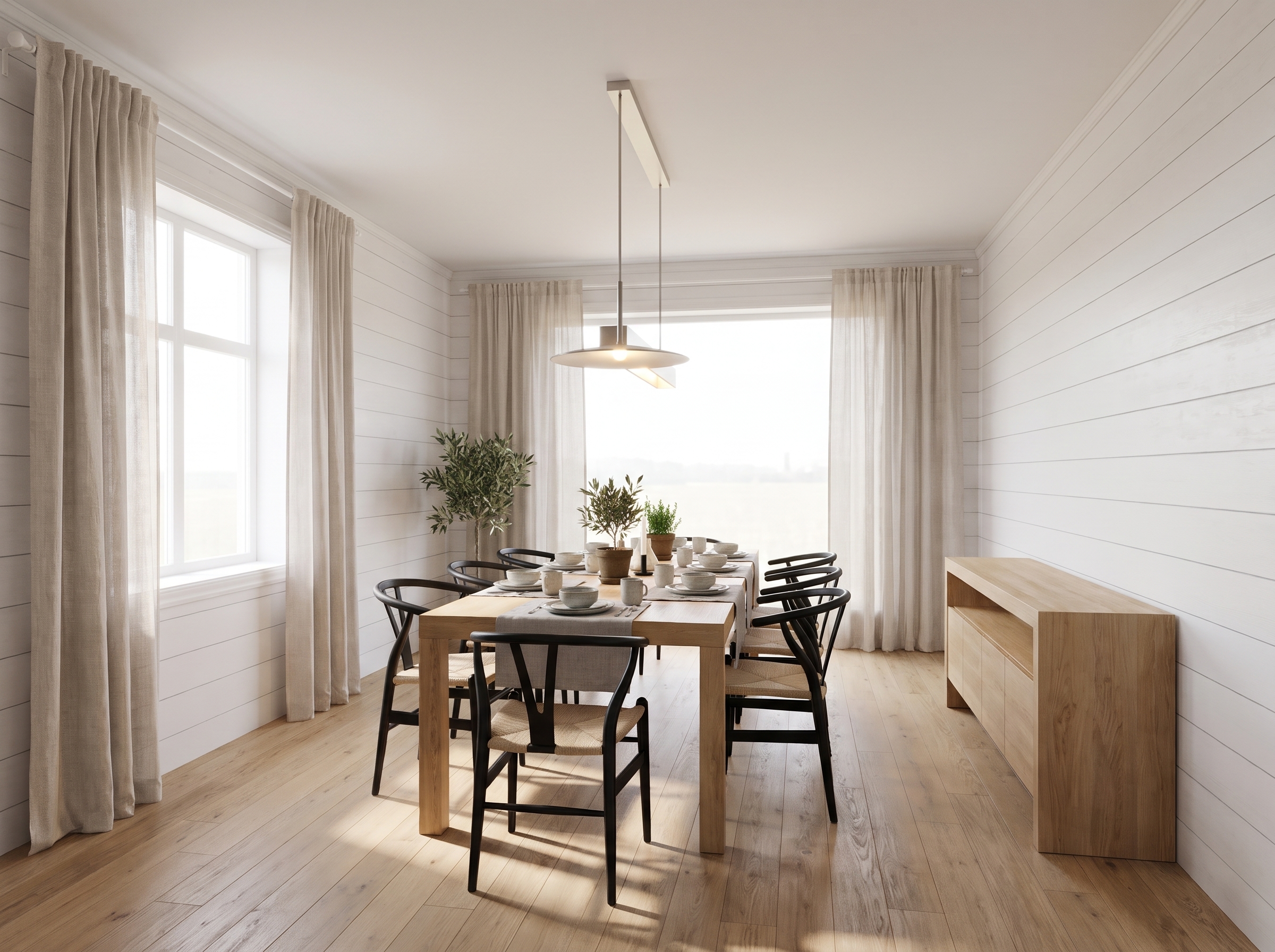
Pick one clear photo of the same room type in the look you want. It is your material and lighting brief, so it does not need the same layout.
- Same room type: a kitchen photo for a kitchen gives the most natural finishes.
- Clear materials: well-lit photos where floors, walls and fabrics are easy to see.
- One style: avoid collages or mixed references; use one photo per run.
- Matching light: pick a daytime photo for a daylight render and an evening photo for warm lamp light.
Common mistakes
Most weak renders come from the inputs, not the AI. Check these five things before you run it again.
- A low-resolution or blurry screenshot, so edges and openings are hard to read.
- Dimension lines, labels or annotations left in the drawing.
- A wide-angle view with strong distortion that bends walls.
- A reference with a very different room type or a busy collage of styles.
- Expecting exact products: treat the render as a design direction and check key pieces.
AI interior rendering or a render engine?
Use AI interior rendering to decide the direction and a render engine to finish it. AI rendering answers one question fast: how will this space look with these finishes? It suits concept stages, client conversations and comparing material schemes from a simple model.
A render engine such as V-Ray or Enscape is still the right tool when you need precise materials, measured lighting, animations or construction-grade accuracy. Many teams use both: AI renders to agree the direction, then full 3D interior rendering once the choices are fixed.
Source: Chaos V-Ray, Chaos Enscape
Before you upload
Check both images for these four things; a minute here saves a wasted run.
- Upload JPG or PNG files, or paste them straight from your clipboard.
- Put your model view in the first box and the style photo in the second.
- Keep both images roughly the same orientation, both landscape or both portrait.
- Crop away borders, title blocks and logos from both images.