What AI rendering does well outdoors
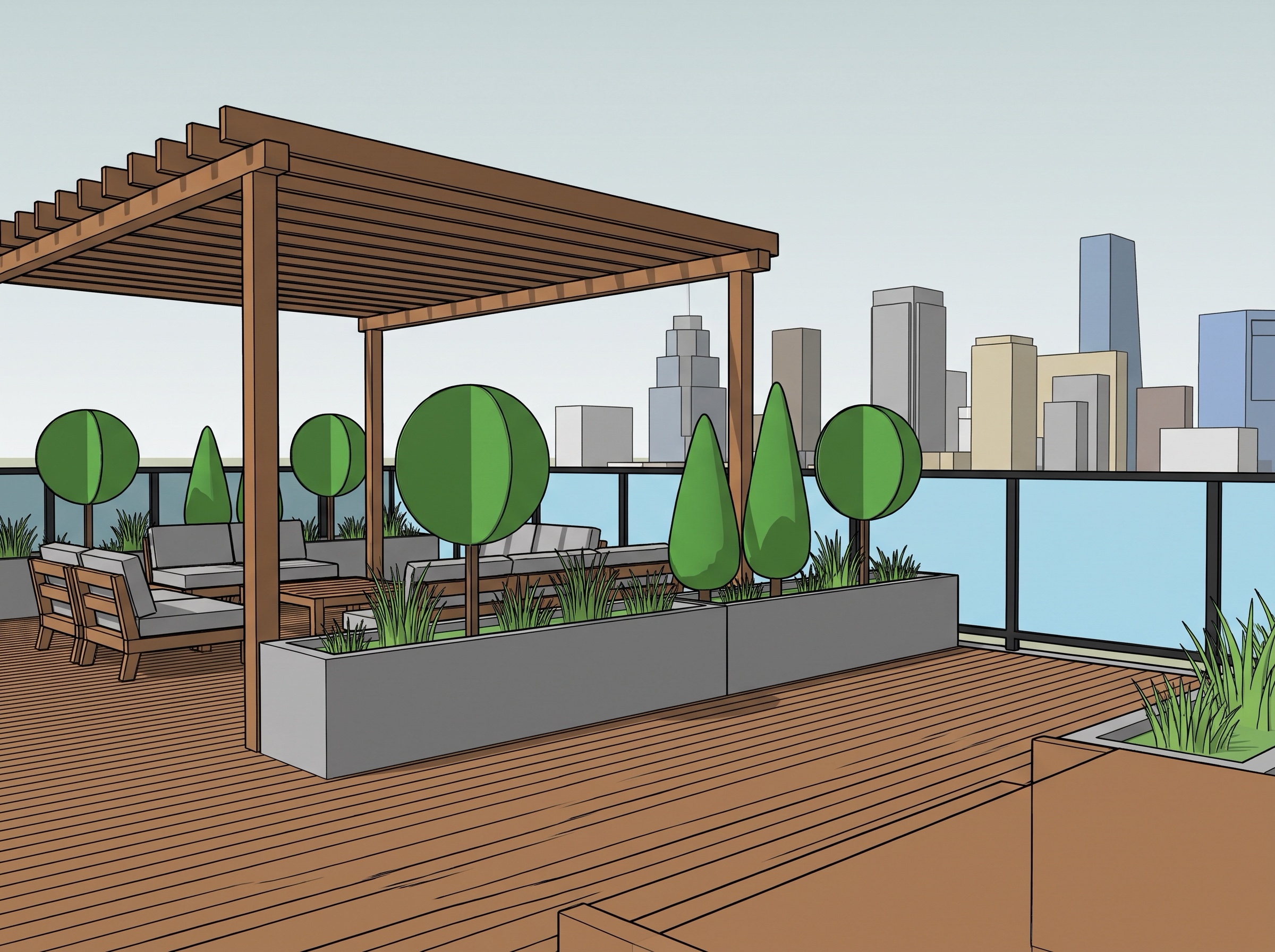
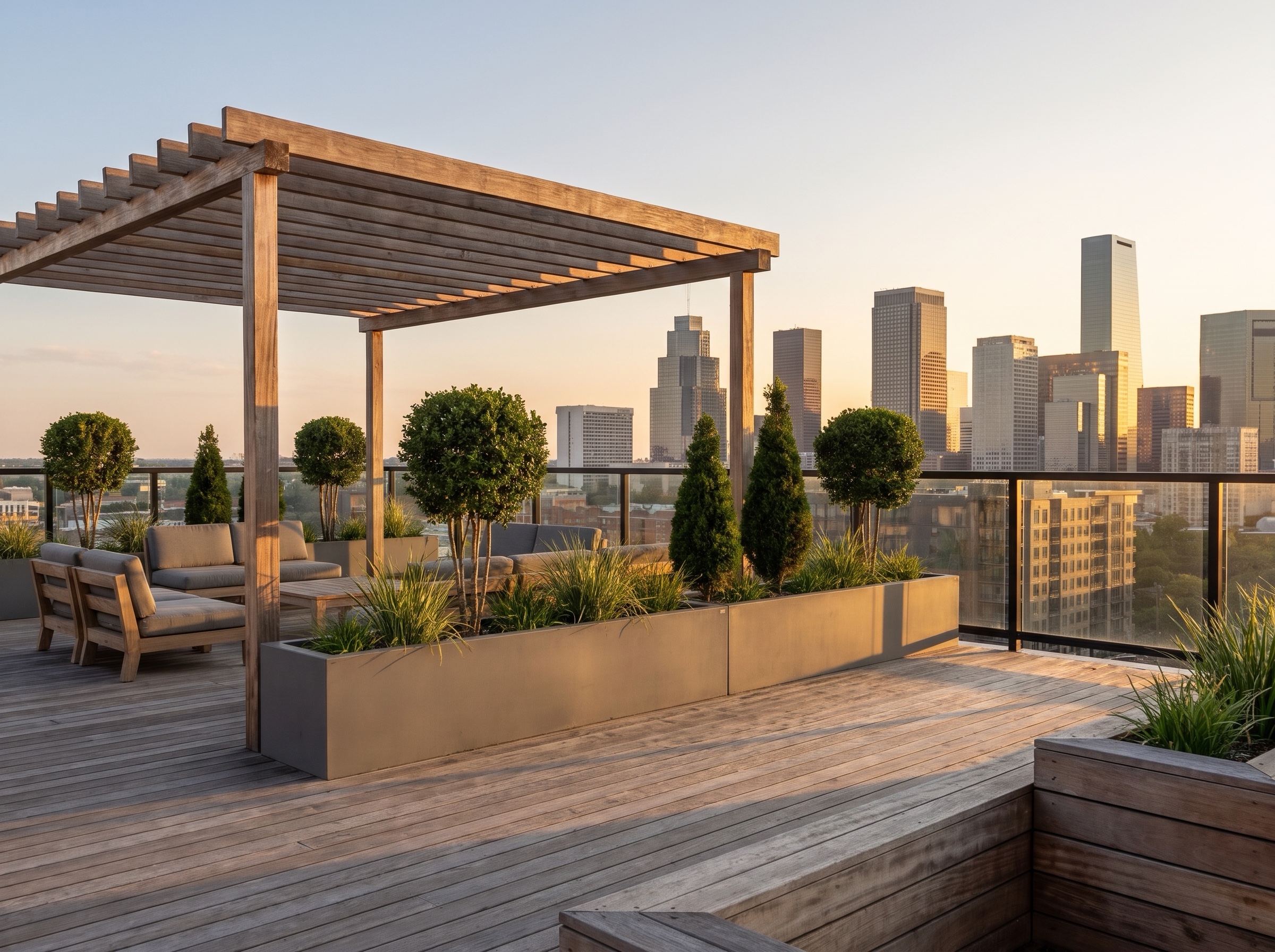
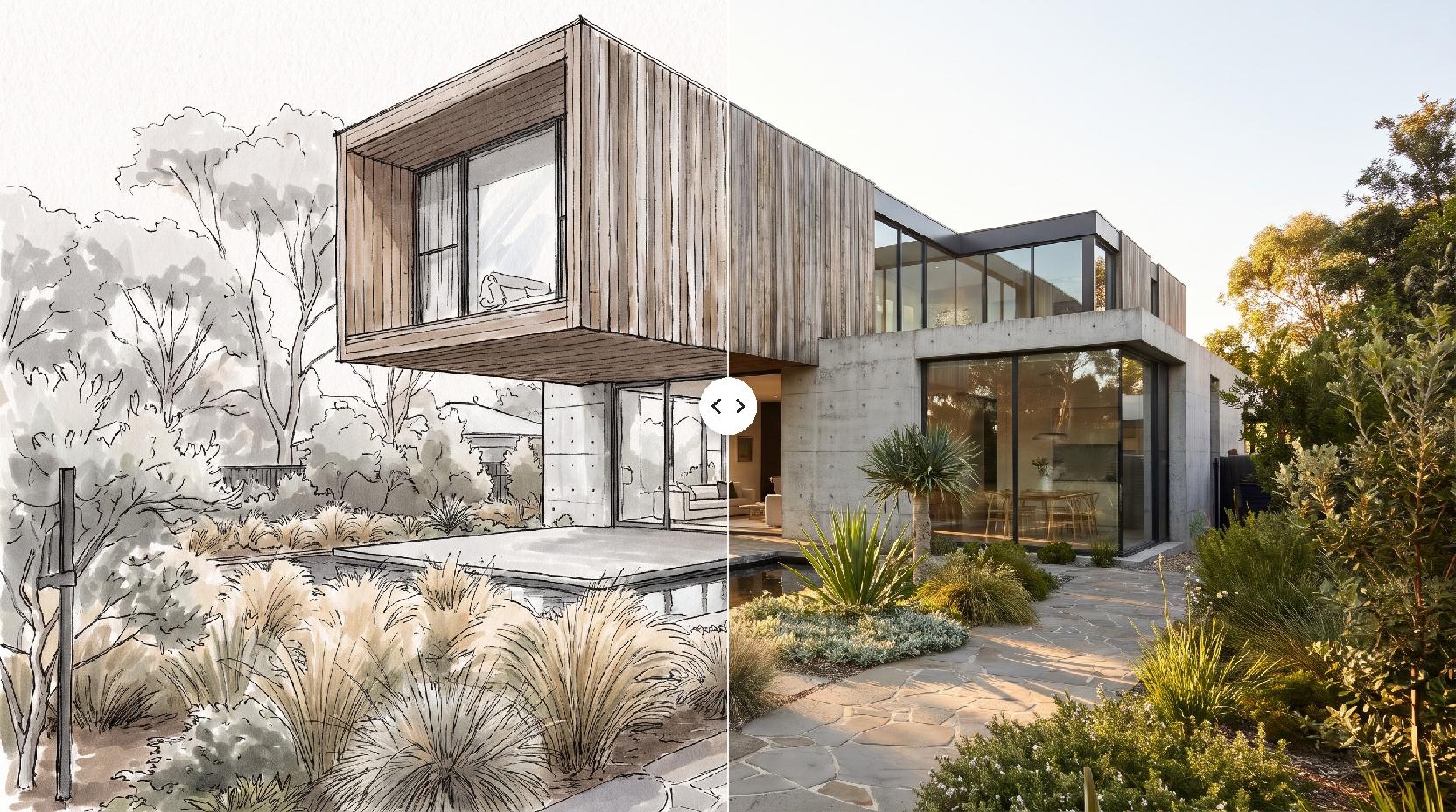
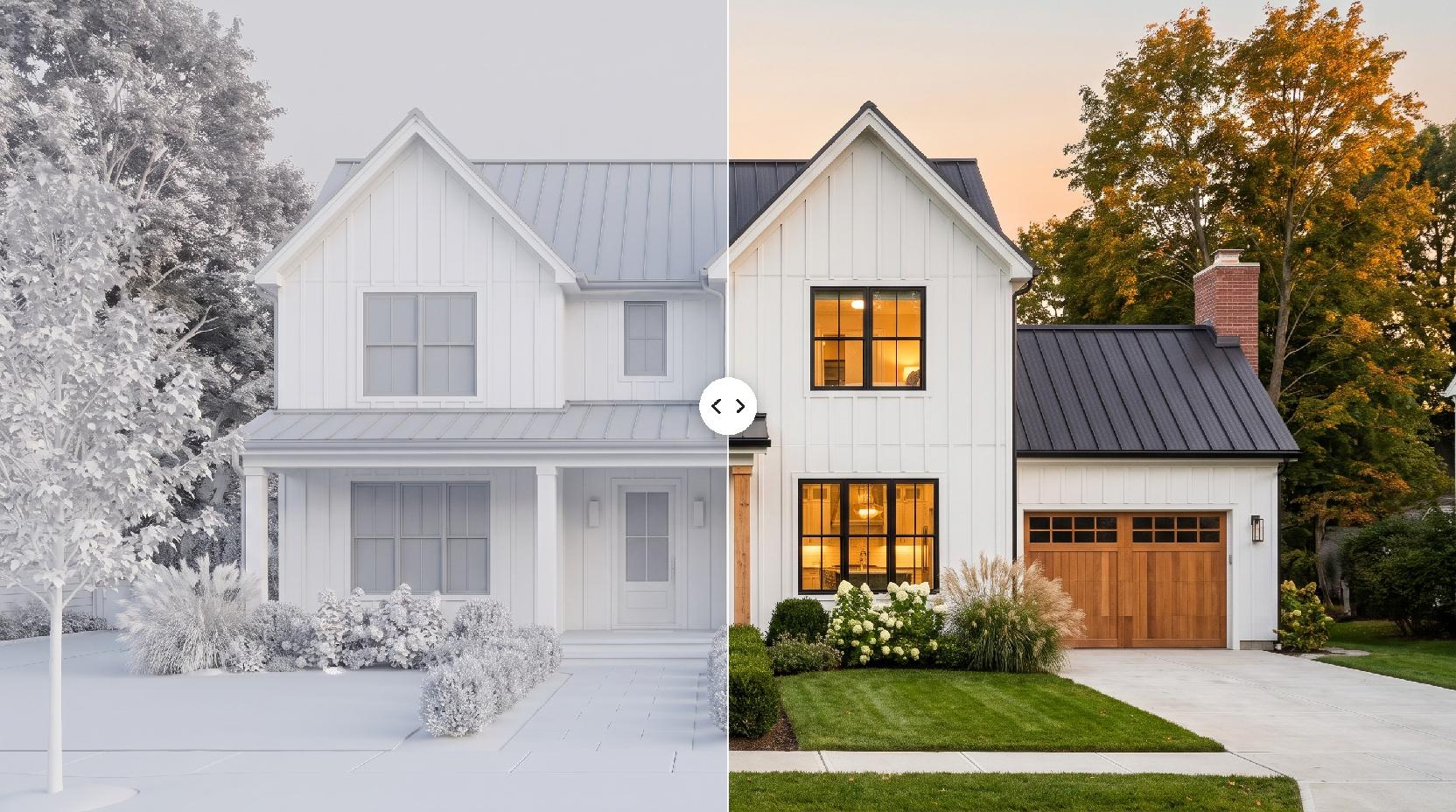
AI is strongest early in a project, when the layout is still moving and you need several believable views quickly.
- Concept views of parks, plazas, gardens and streetscapes from a working model.
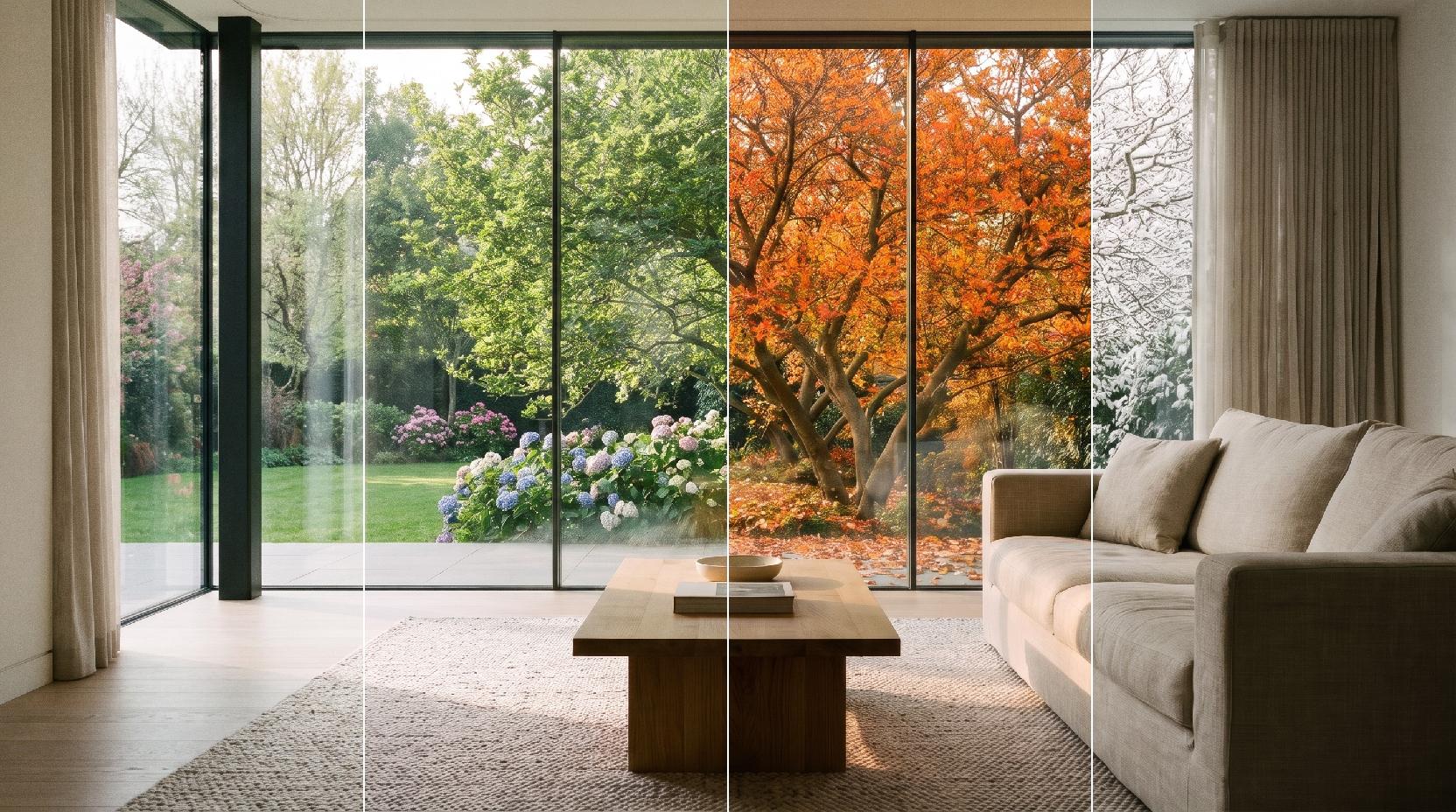
- Comparing planting moods, paving and seasons on the same view.
- Client and community presentations before a full rendering budget is spent.
- Studio boards and portfolio images.
What it does not do
Lovspark AI paints plants that look right, not a planting plan. It does not check species against your climate, size trees to maturity, or calculate grading and drainage. Keep your plans and schedules as the source of truth.
Prepare a view that renders well
The AI follows what it can see, so a clear, readable view gives the most faithful result.
- Use eye-level views; people judge outdoor space from where they would stand.
- Give lawn, water, paving and timber clearly different colors, even flat ones.
- Model trees as simple components where they will stand; the AI turns them into real trees.
- Turn on shadows and hide edges if the lines are dense.
- Export at least 1600 px wide as JPG or PNG.
Steer the planting with a photo
Without a reference, Lovspark AI chooses plausible plants for the scene. With one, it follows your palette.
- Use a close photo of the planting itself: a border, a meadow or a group of trees.
- Pick a photo from the same climate as the site, so palms do not appear in a northern park.
- Try two or three planting photos on the same view to compare moods.
Perspective view or site plan?
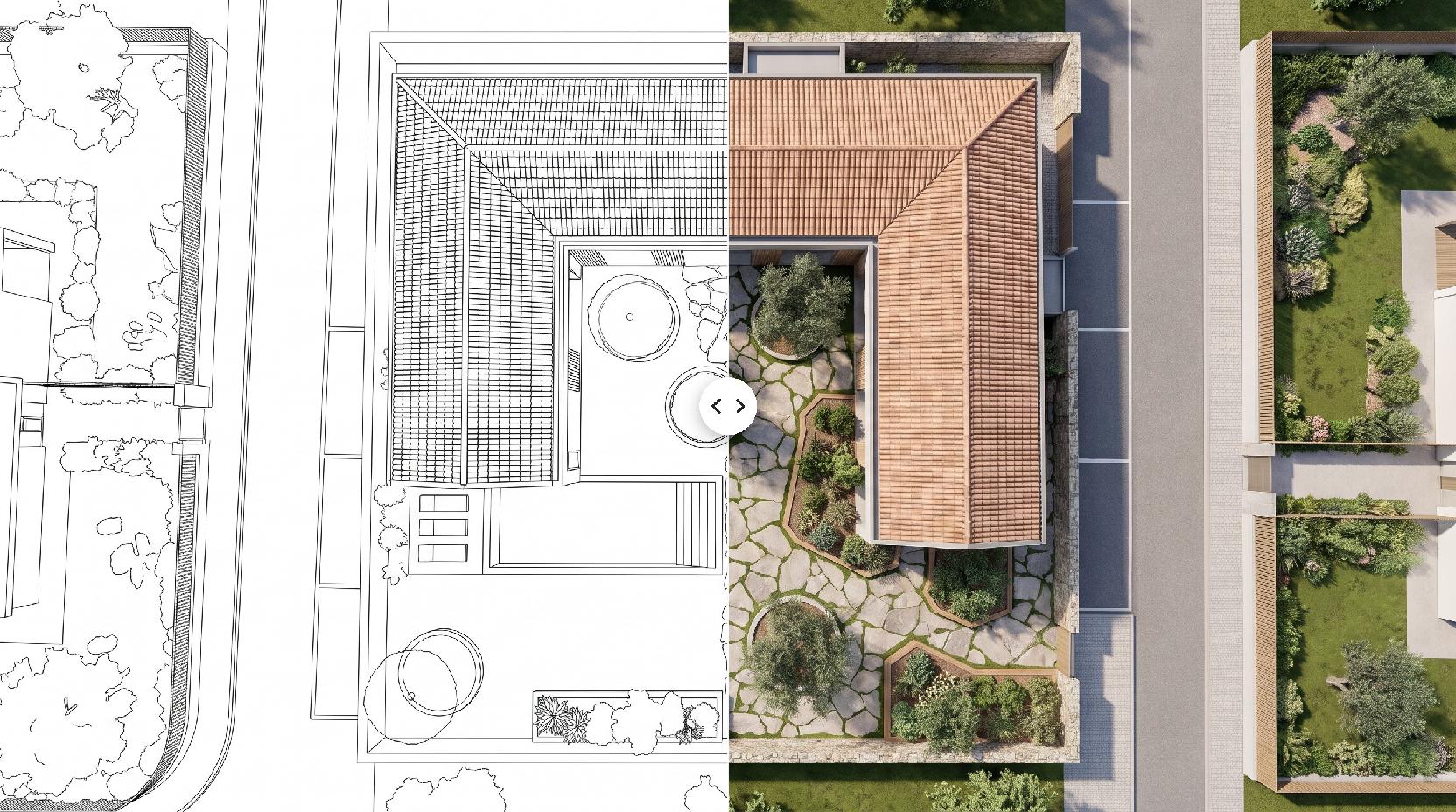
This page makes eye-level and aerial perspective views. For a top-down color plan with tree canopies, water and shadows from a CAD site plan, use Plan Render. Many boards use both: one plan and two or three perspectives.
Check before you share
Label AI images as concept visuals, compare each one with your plans, and correct any element the AI softened or guessed, such as step counts, railings or edge details.