 Hover for Original
Suburban Home
Winter to Summer
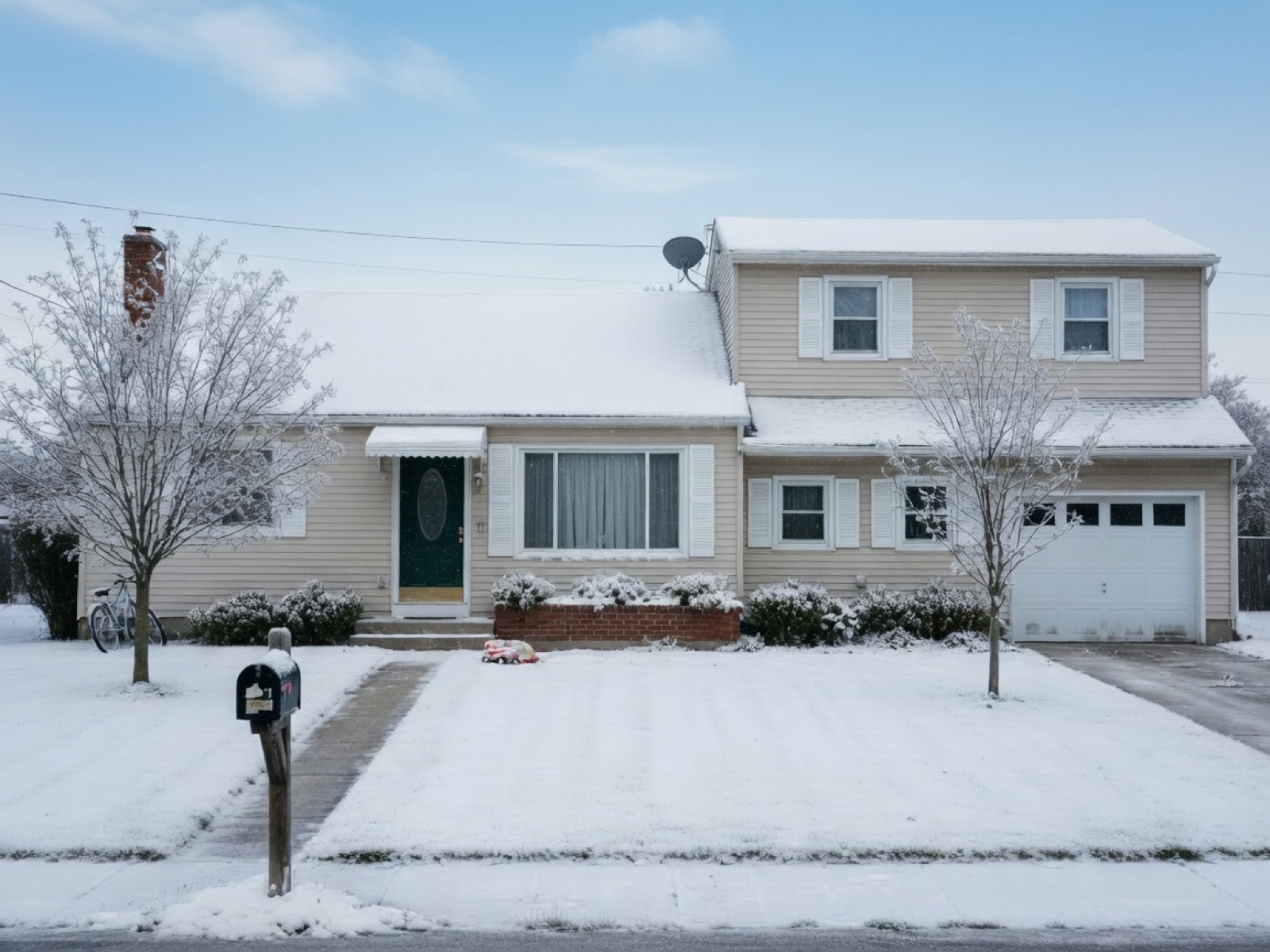
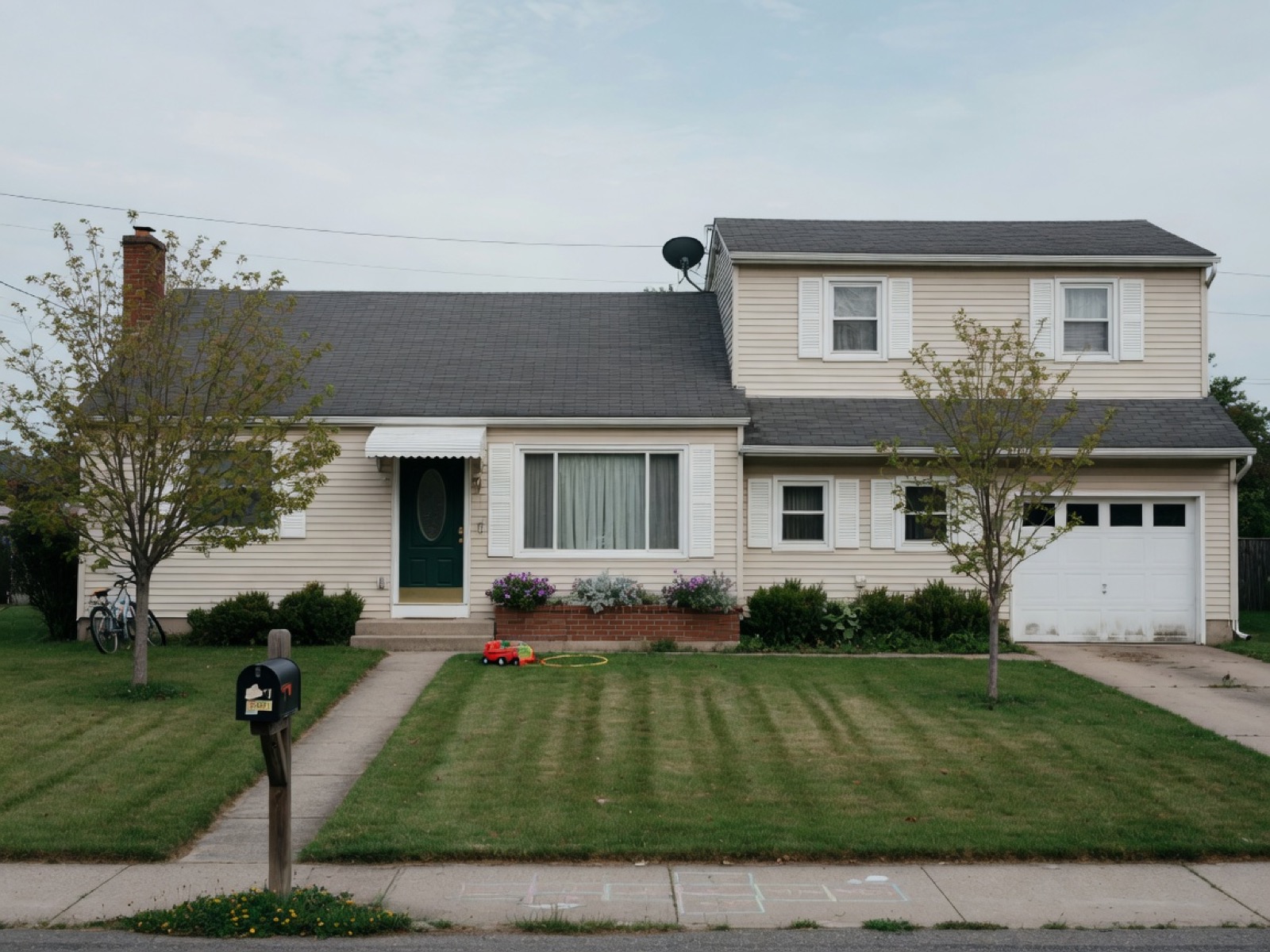
Snow melts into a green lawn, bare branches leaf out — building and camera angle unchanged.

Seasonal design AI
Upload a property exterior. Lovspark’s AI changes the season in the photo — remove snow for green lawn, leaf out bare branches, or add snow for a winter listing look — while the building stays fixed, so one shoot works year-round.
Free to start · No install · Browser-based
Season Examples
Each card shows the reset result by default — hover to reveal the original season. Lovspark keeps the building and camera angle intact while swapping snow, foliage, lawn, and light.
Hover for Original
Snow melts into a green lawn, bare branches leaf out — building and camera angle unchanged.
 Hover for Original
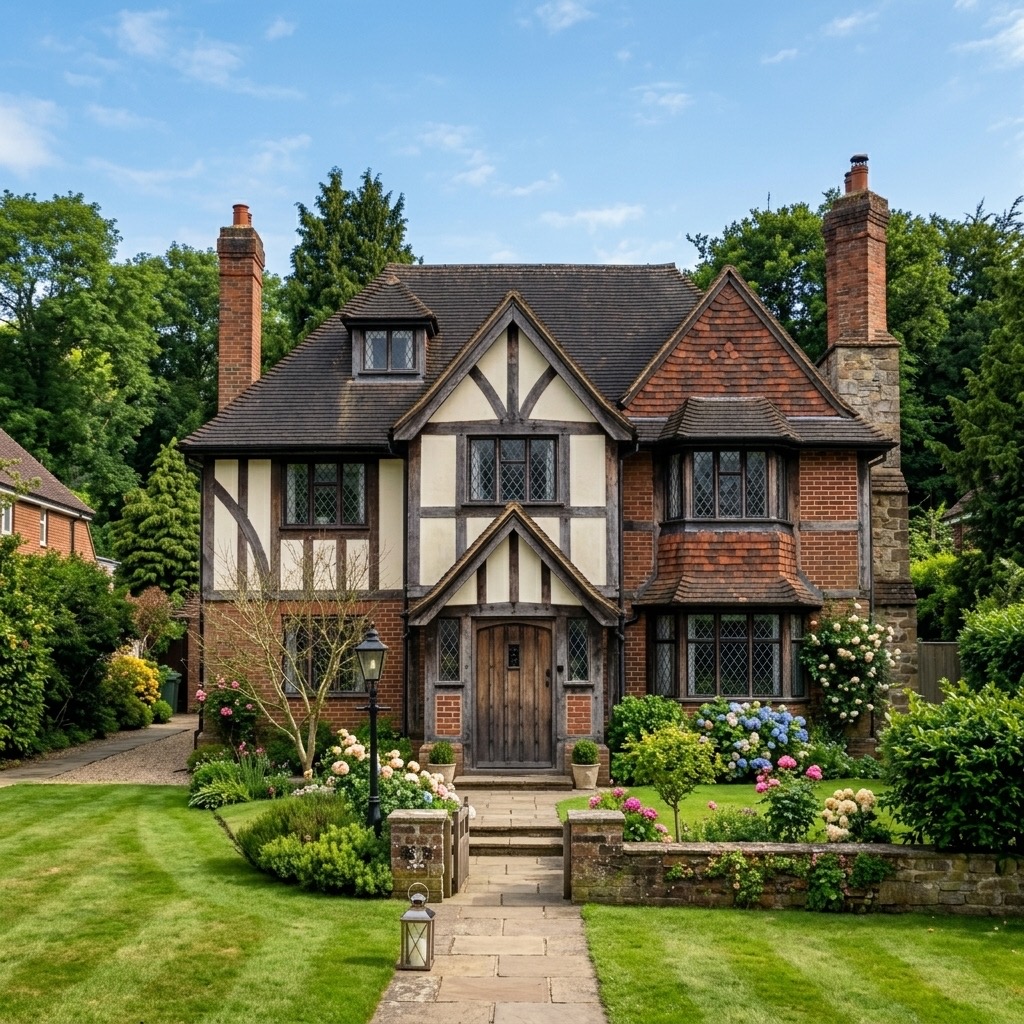
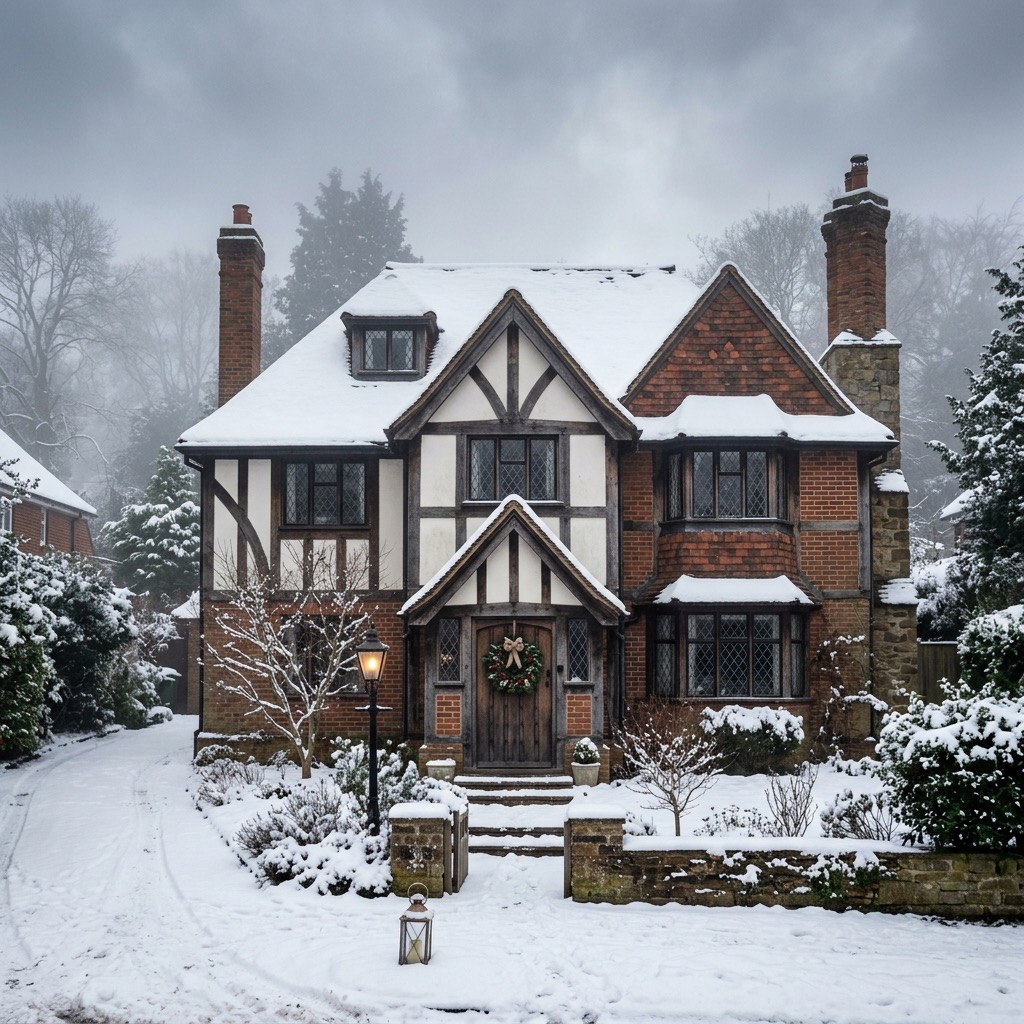
Winter dormancy swapped for lush planters and green lawn — same façade, new season.
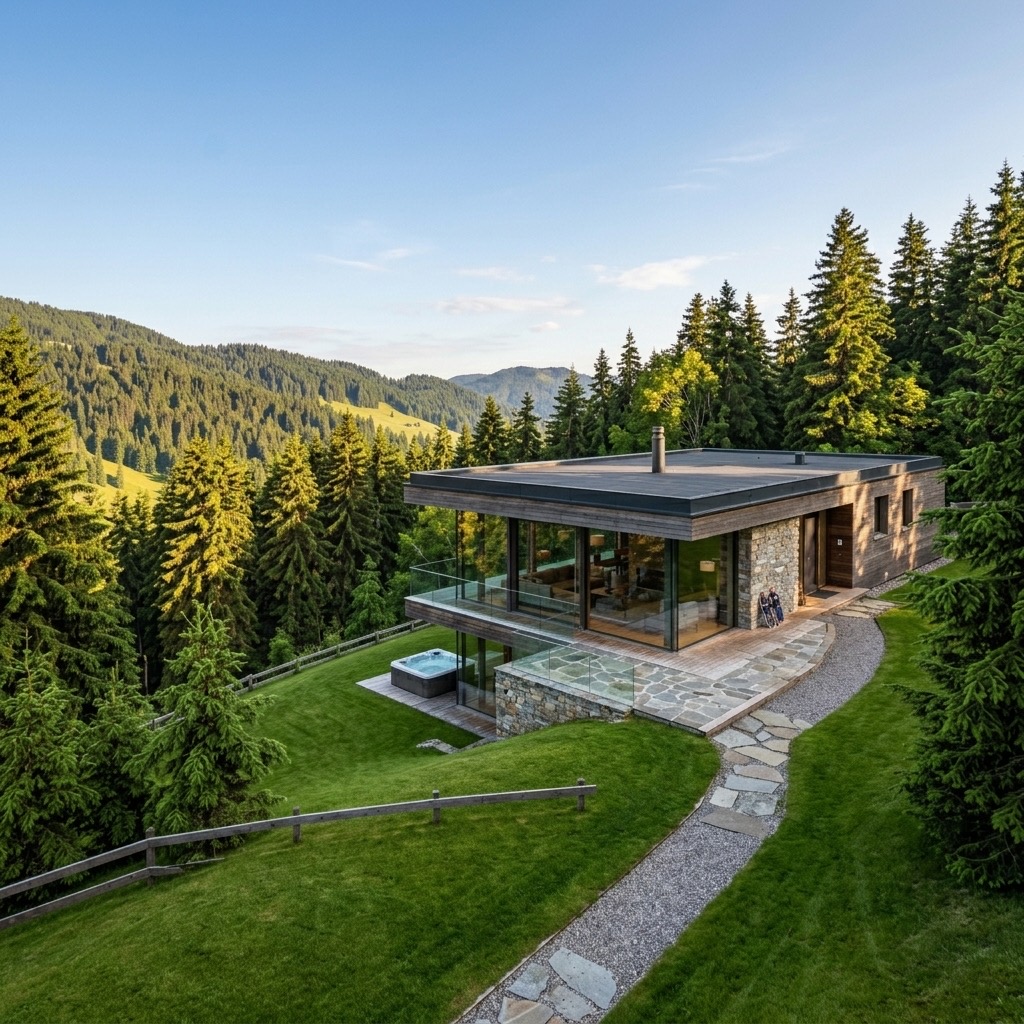
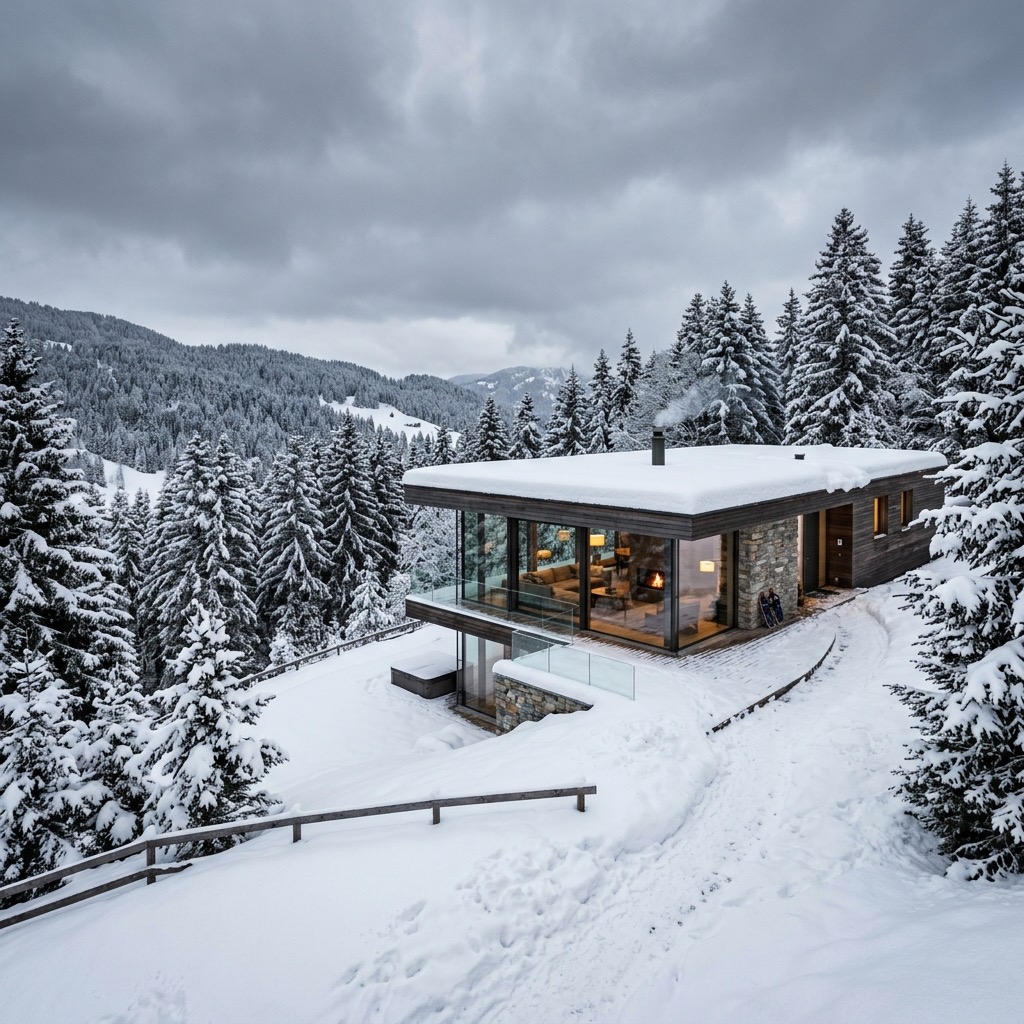 Hover for Original
Bare trees and gray ground cover replaced with full canopy and warm summer light.
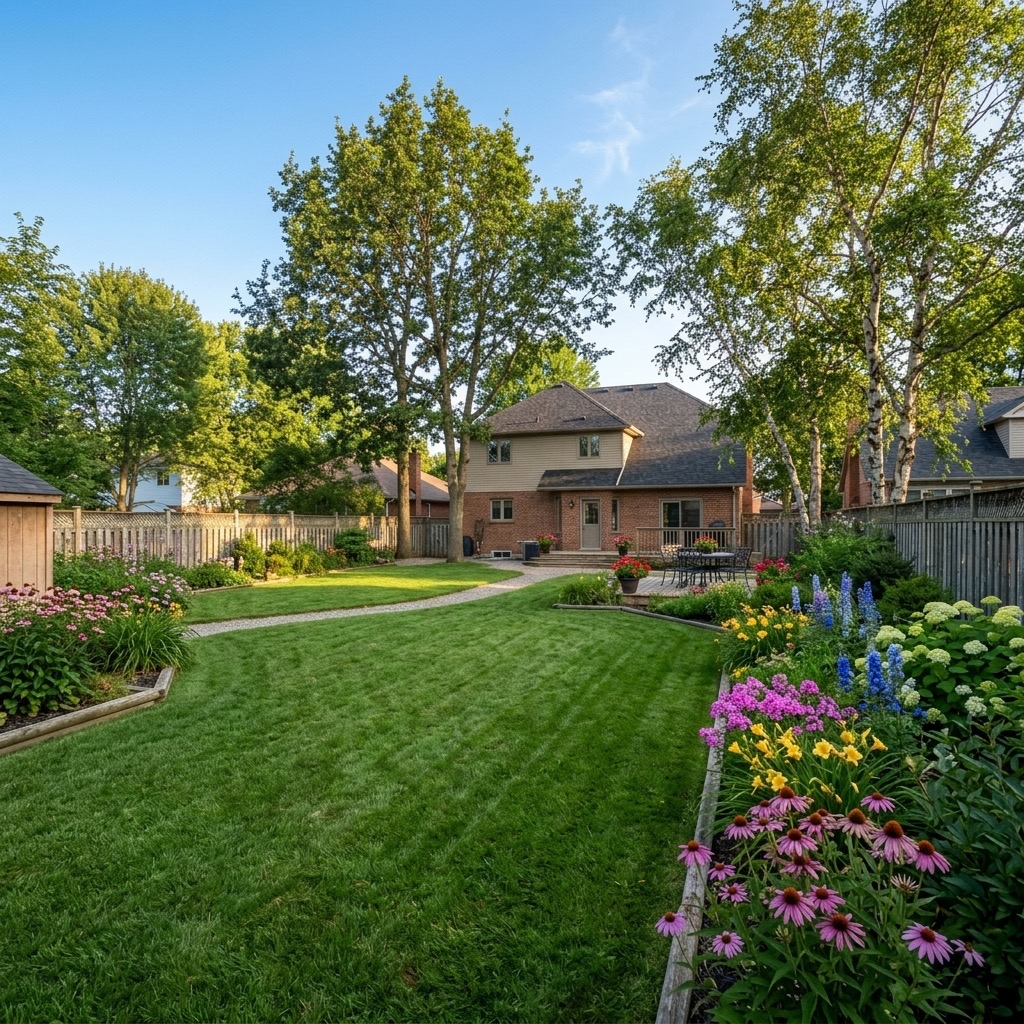
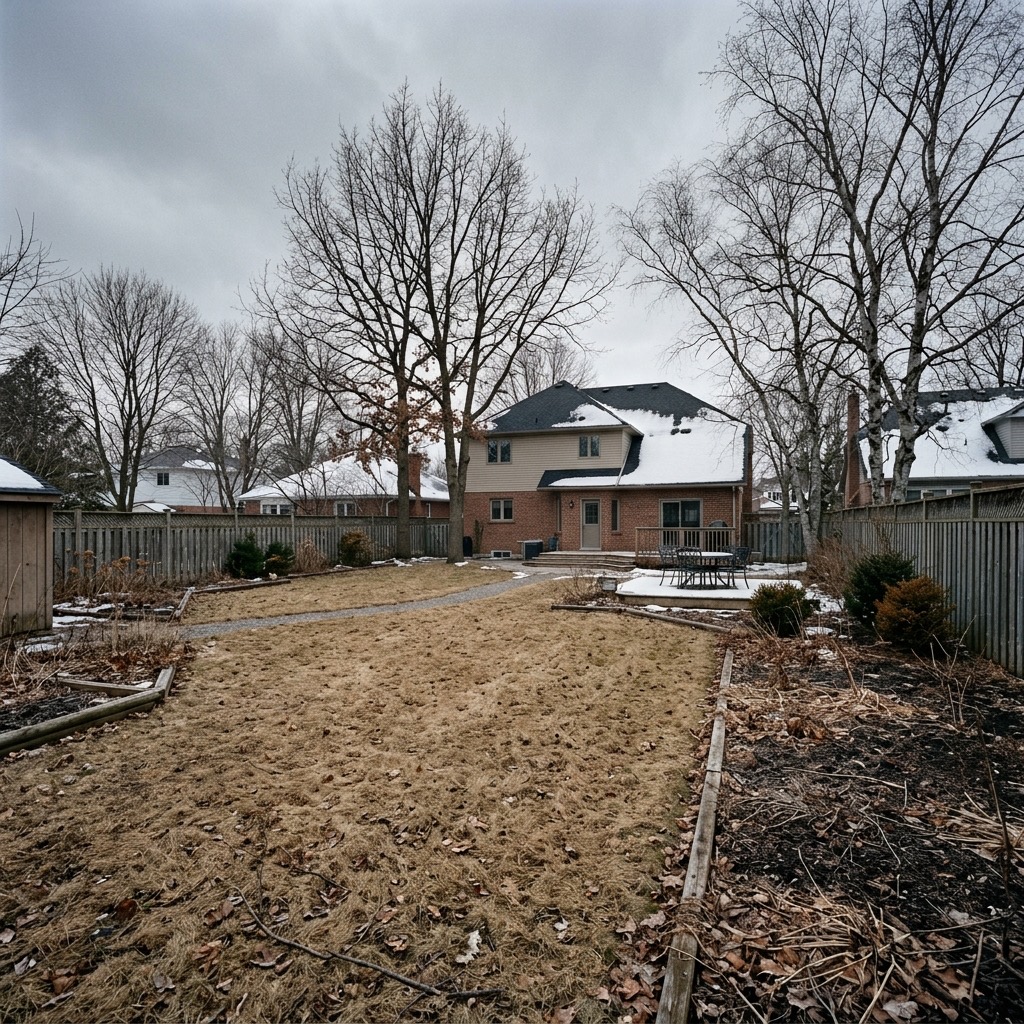 Hover for Original
Snow-covered yard and dormant trees converted to green turf and leafy canopy.
Hover for Original
Works both ways — add snow cover and bare branches when you need a winter listing look.
Hover for Original
Polished exposure and believable seasonal mood — ready for MLS and client presentations.
Process
Upload, generate, export — under a minute. No complex training required.
Drag in listing photos or client snapshots. Lovspark accepts JPG, PNG, and WebP at high resolution — wide-angle and phone images supported.
Lovspark reads the building, trees, lawn, and sky, then swaps snow cover, foliage, and ground cover for the target season — all relit with that season’s sun angle and color temperature.
Download the seasonal render or continue on the Lovspark canvas — refine foliage, compare summer vs winter, or share with clients instantly.
Technical Guide
Lovspark segments foliage, ground cover, and sky separately, relights for the target season, and matches atmosphere — photoreal seasonal mood, not a filter overlay.
Lovspark identifies trees, lawn, planters, snow cover, and sky — isolating each from the building and hardscape so the season swap lands on the right surfaces.
Winter light gets cool, low-angle shadows; summer gets warm, high sun. Lovspark relights the scene so foliage, lawn, and building facades read as photographed in that season.
Sky tone, haze, and ground reflections shift with the season — bare branches vs full canopy, snow glare vs green turf absorption all stay physically consistent.
Before and after always come from one upload. Lovspark swaps only the season on top of the same scene — never a mismatched composite.
Audience
Professionals who need the same property to look current in any season without a reshoot.
Flip a winter shoot to summer so listings stay current without waiting for snow to melt. One photo base, year-round curb appeal.
Show seasonal curb appeal before landscaping matures. Present summer green or winter snow from the same construction photo.
Preview how planting reads in peak season from an off-season site photo. Sell the finished landscape before install.
See your home in summer green or winter snow before you list. Compare seasonal curb appeal from one exterior photo.
FAQ
Lovspark works with MLS listing photos, client snapshots, and phone exteriors — then hands off to Day to Dusk, Festive Flip, or Landscaping on the same canvas.
Related Tools
Upload a property photo and see a new season in seconds. No credit card required.
Start Seasonal Reset →