Living Room
Fine Texture Recovery
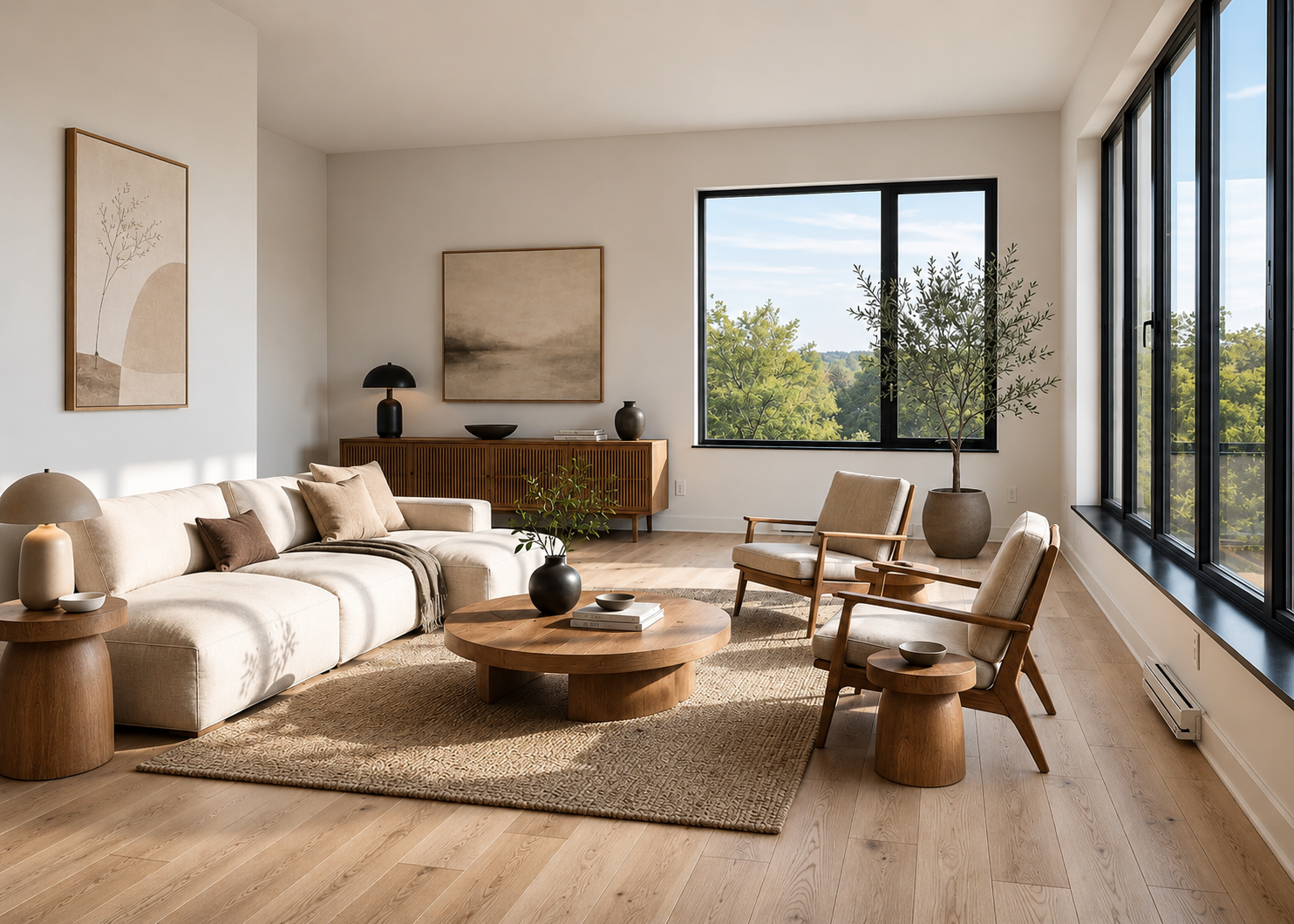
Sofa weave, wood grain, and cushion detail rebuilt at 4K from a soft low-res frame.
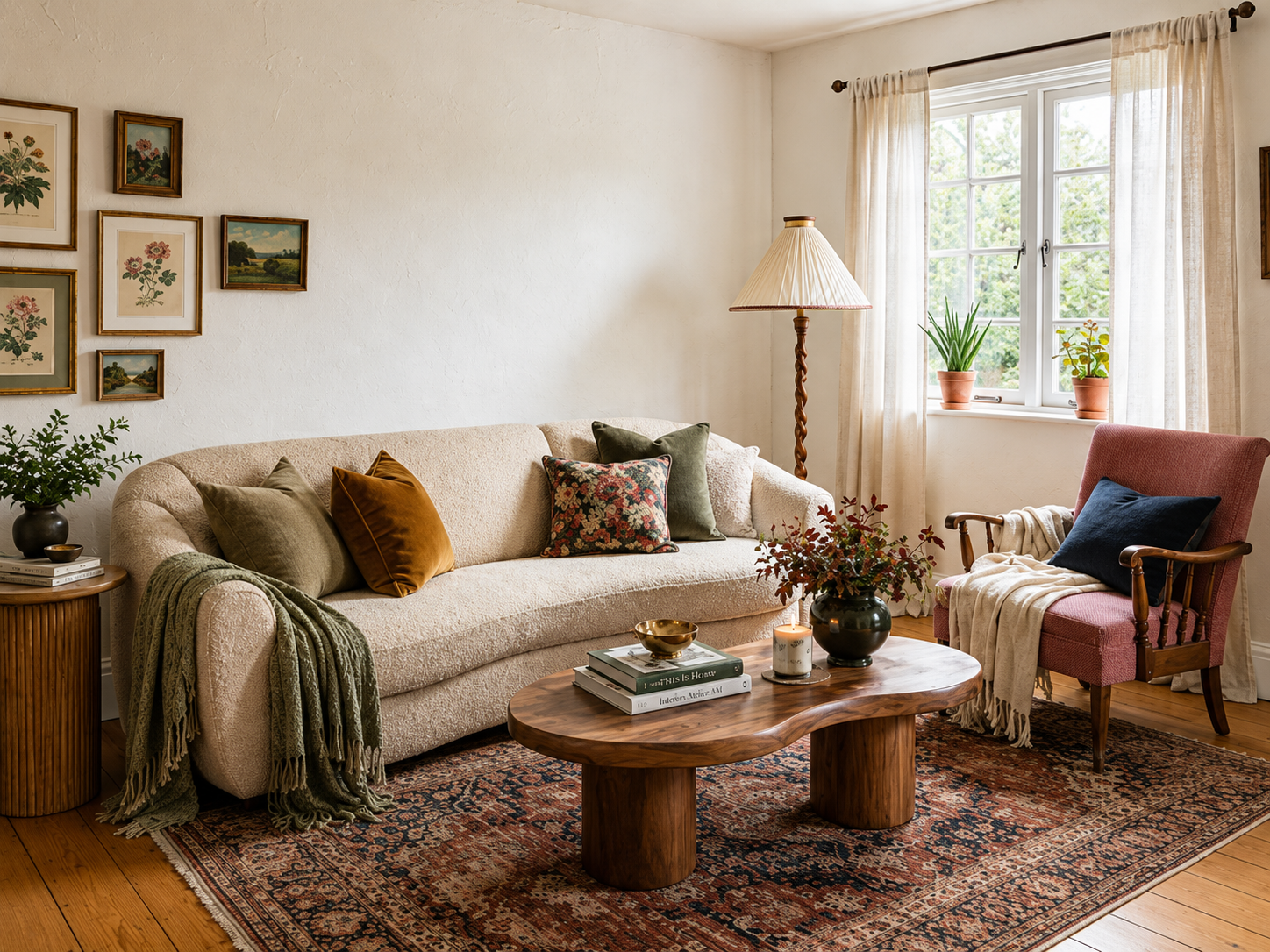

Image upscale AI
Upload a low-resolution photo and Lovspark’s AI upscales it to HD or 4K — the same image with real texture, sharp edges, and no soft blur, ready for print and MLS in under a minute.
Free to start · No install · Browser-based
Before & After
Pick a scene from the tabs or sidebar, then drag the slider to compare low-res and crisp 4K.
Sofa weave, wood grain, and cushion detail rebuilt at 4K from a soft low-res frame.
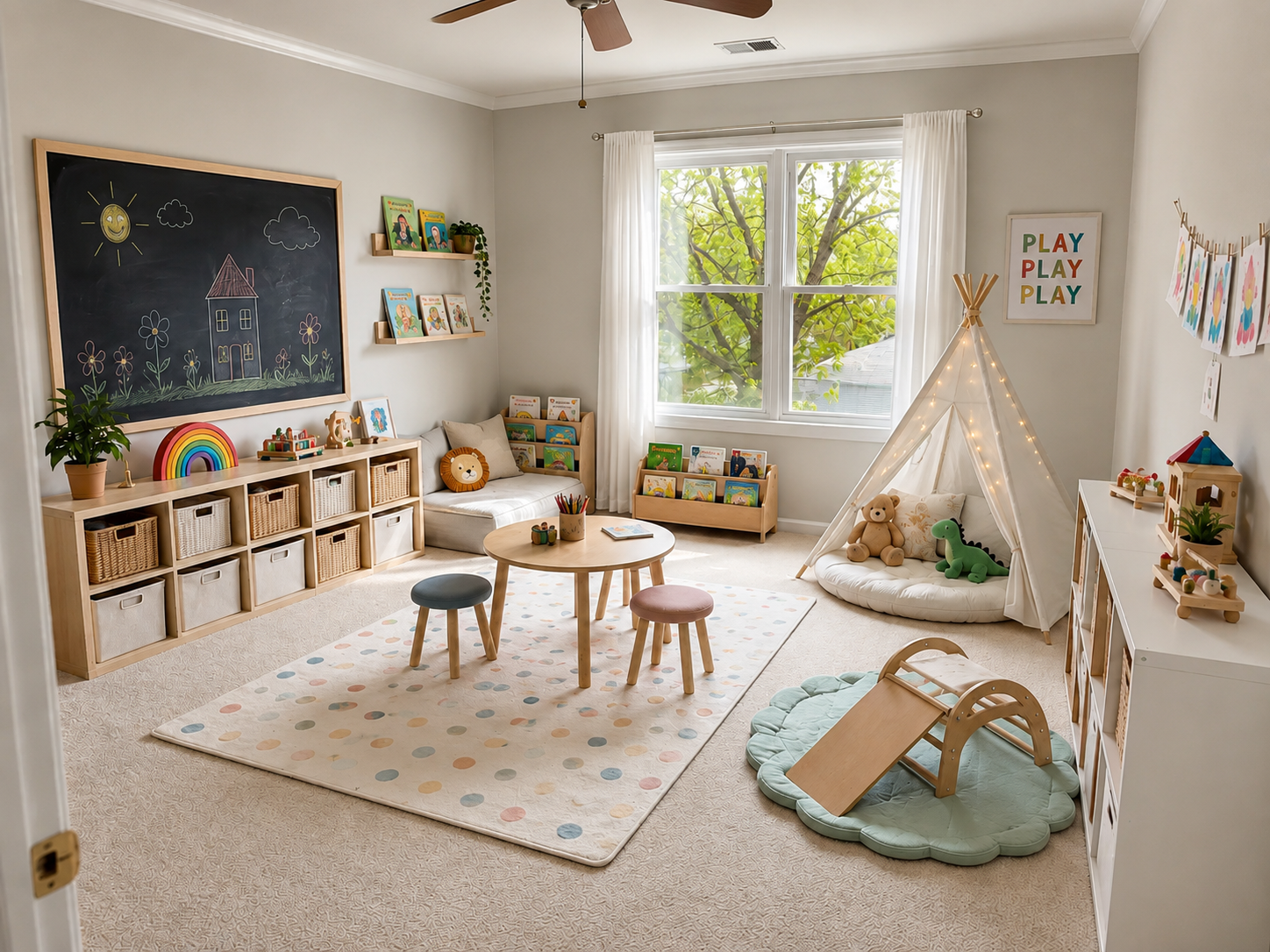
Book spines, toy textures, and teepee fabric rebuilt at 4K from a soft low-res frame.
Window frames, floorboards, and furniture lines restored from a compressed interior shot.
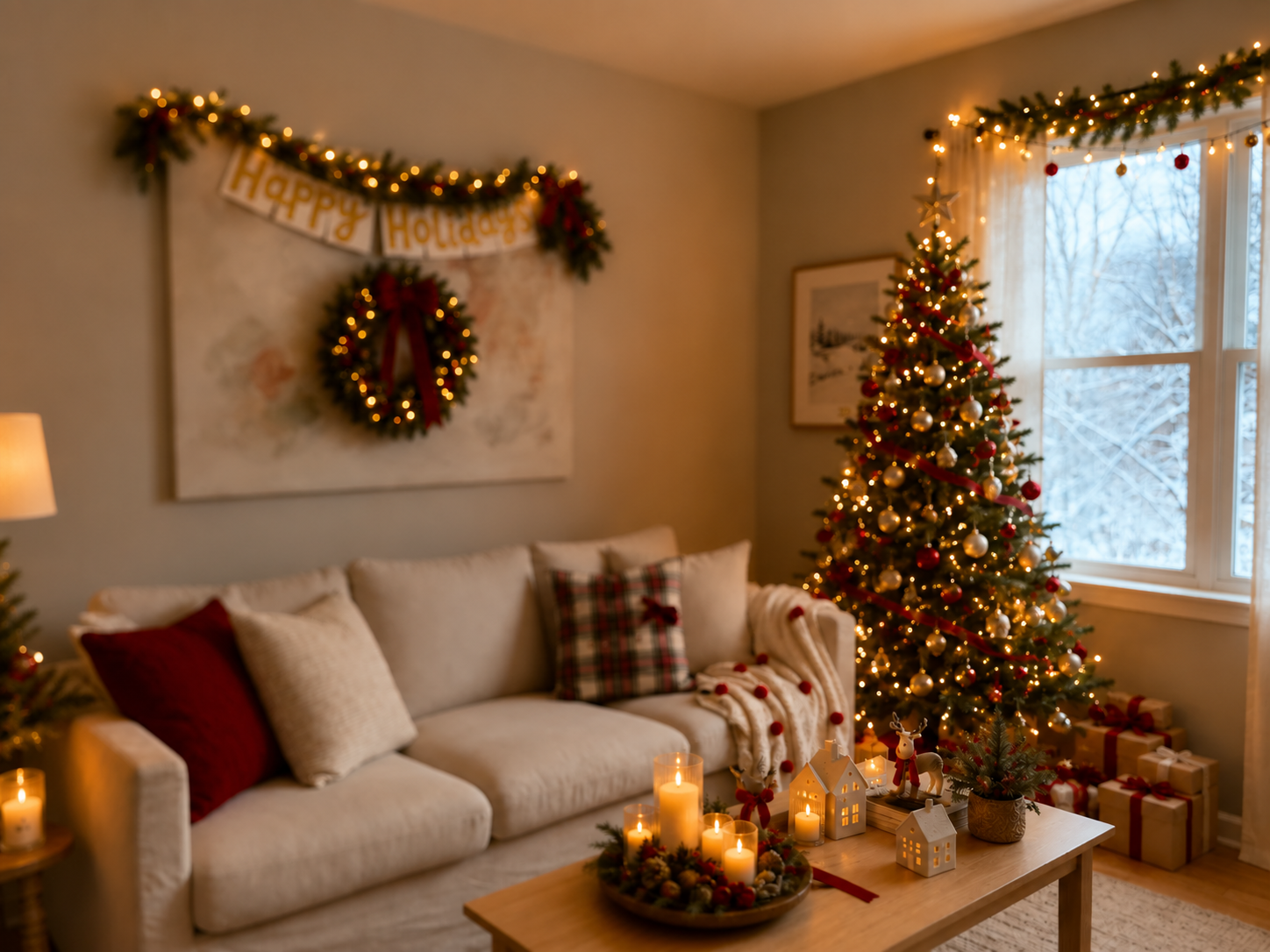
Fairy-light points, wreath texture, and knit fabric kept clean — no halos, no smear.

Basket weave, rug fibers, and wood grain recovered with natural texture — no plastic smoothness.
Clean 4K export with controlled artifacts — ready for MLS, brochures, and large-format print.
Process
Upload, upscale, export — under a minute. No manual resampling required.
Drag and drop any supported photo. Lovspark accepts JPG, PNG, and WebP — phone snaps, old MLS files, and web-compressed listing images.
Lovspark reconstructs fine texture, edges, and fabric weave the original lost to low resolution — so the upscaled result keeps real detail instead of the soft, painted look of a simple resample.
Download the 4K result or keep refining on the Lovspark canvas — enhance exposure, straighten, or stage on the same high-res base.
Technical Guide
Lovspark reconstructs material detail, sharpens edges, and controls noise before export — one high-resolution photo from a single upload, not a soft resample.
Lovspark does not just resample pixels — it recognizes fabric weave, wood grain, and stone, then synthesizes the fine detail low resolution blurred away. The upscaled image keeps real structure instead of a soft, painted look.
Lovspark detects edges — cabinet lines, window frames, tile joints — and redraws them crisp at the target resolution. Straight lines stay clean without the jagged or haloed look of a naive upscale.
JPEG compression blocks and sensor noise are cleaned up before the upscale, so the final 4K output does not magnify old artifacts. The result reads as a genuinely high-resolution shot.
Before and after always come from one upload. Lovspark raises resolution only — composition, furniture, and lighting stay in place.
Audience
Professionals who need print-ready or MLS-grade resolution from a single low-res or compressed photo.
Turn web-compressed photos into MLS-ready 4K — sharper listings without a reshoot.
Upscale low-res source images for brochures, signage, and large-format print.
Get presentation-quality images from phone snaps — crisp enough for client boards.
Repurpose old shoots at modern resolutions — one archive photo, new campaign quality.
FAQ
Lovspark upscales listing and interior photos to 4K — then hands off to Image Enhancement, Image Straightening, Object Removal, or Virtual Staging on the same canvas.
Related Tools
Upload a photo and see results in seconds. No credit card required.
Start Image Upscale →