'%20d='M8%2020h176v152H8z'%20fill='%23eee'/%3e%3cpath%20clip-path='url(%23b)'%20d='M116%2036H76c-4.42%200-8%203.58-8%208s3.58%208%208%208h40c4.42%200%208-3.58%208-8s-3.58-8-8-8z'%20fill='%23fff'/%3e%3cg%20clip-path='url(%23b)'%3e%3cdefs%3e%3ccircle%20cx='96'%20cy='160'%20id='c'%20r='76'/%3e%3c/defs%3e%3cclipPath%20id='d'%3e%3cuse%20overflow='visible'%20xlink:href='%23c'/%3e%3c/clipPath%3e%3cpath%20clip-path='url(%23d)'%20d='M32.07%2084v93.27h34.01L96%20125.45h76V84zm0%200v93.27h34.01L96%20125.45h76V84z'%20fill='%23DB4437'/%3e%3cpath%20clip-path='url(%23d)'%20d='M20%20236h72.34l33.58-33.58v-25.14l-59.84-.01L20%2098.24zm0%200h72.34l33.58-33.58v-25.14l-59.84-.01L20%2098.24z'%20fill='%230F9D58'/%3e%3cpath%20clip-path='url(%23d)'%20d='M96%20125.45l29.92%2051.82L92.35%20236H172V125.45zm0%200l29.92%2051.82L92.35%20236H172V125.45z'%20fill='%23FFCD40'/%3e%3cg%20clip-path='url(%23d)'%3e%3ccircle%20cx='96'%20cy='160'%20fill='%23F1F1F1'%20r='34.55'/%3e%3ccircle%20cx='96'%20cy='160'%20fill='%234285F4'%20r='27.64'/%3e%3c/g%3e%3c/g%3e%3cpath%20clip-path='url(%23b)'%20d='M8%2020h176v76H8z'%20fill='%23212121'%20fill-opacity='.05'/%3e%3cpath%20d='M8%2095h176v1H8z'%20fill='%23212121'%20fill-opacity='.02'/%3e%3cpath%20d='M8%2096h176v1H8z'%20fill='%23fff'%20fill-opacity='.05'/%3e%3cpath%20d='M116%2052H76c-4.25%200-7.72-3.32-7.97-7.5-.02.17-.03.33-.03.5%200%204.42%203.58%208%208%208h40c4.42%200%208-3.58%208-8%200-.17-.01-.33-.03-.5-.25%204.18-3.72%207.5-7.97%207.5zM8%2020v1h176v-1H8z'%20fill='%23212121'%20fill-opacity='.02'/%3e%3cpath%20d='M76%2036h40c4.25%200%207.72%203.32%207.97%207.5.01-.17.03-.33.03-.5%200-4.42-3.58-8-8-8H76c-4.42%200-8%203.58-8%208%200%20.17.01.33.03.5.25-4.18%203.72-7.5%207.97-7.5zm96%20135H20c-6.6%200-12-5.4-12-12v1c0%206.6%205.4%2012%2012%2012h152c6.6%200%2012-5.4%2012-12v-1c0%206.6-5.4%2012-12%2012z'%20fill='%23231F20'%20fill-opacity='.1'/%3e%3cradialGradient%20cx='7.502'%20cy='19.344'%20gradientUnits='userSpaceOnUse'%20id='e'%20r='227.596'%3e%3cstop%20offset='0'%20stop-color='%23fff'%20stop-opacity='.1'/%3e%3cstop%20offset='1'%20stop-color='%23fff'%20stop-opacity='0'/%3e%3c/radialGradient%3e%3cpath%20d='M8%2020v140c0%206.6%205.4%2012%2012%2012h152c6.6%200%2012-5.4%2012-12V20H8zm108%2032H76c-4.42%200-8-3.58-8-8s3.58-8%208-8h40c4.42%200%208%203.58%208%208s-3.58%208-8%208z'%20fill='url(%23e)'/%3e%3c/svg%3e)


Save any image or product from any page, instantly
Pull structured product info — name, brand, price, SKU, color, material, dimensions, images — from any shopping page, straight into your Lovspark library.
Chrome recommended for daily use · Edge uses the Chromium package · Firefox for compatibility · Safari ships as a Web Extension source package · Version


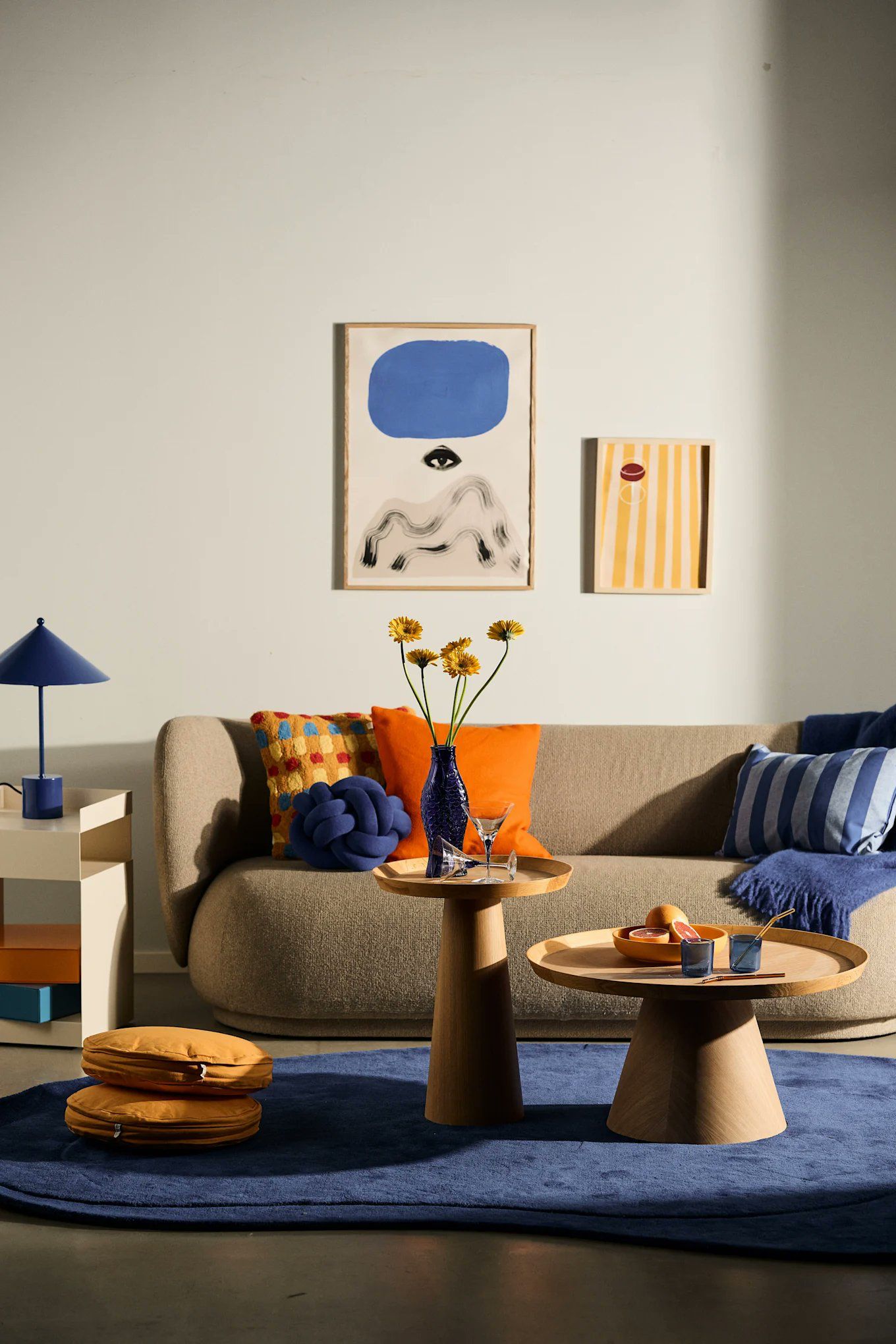

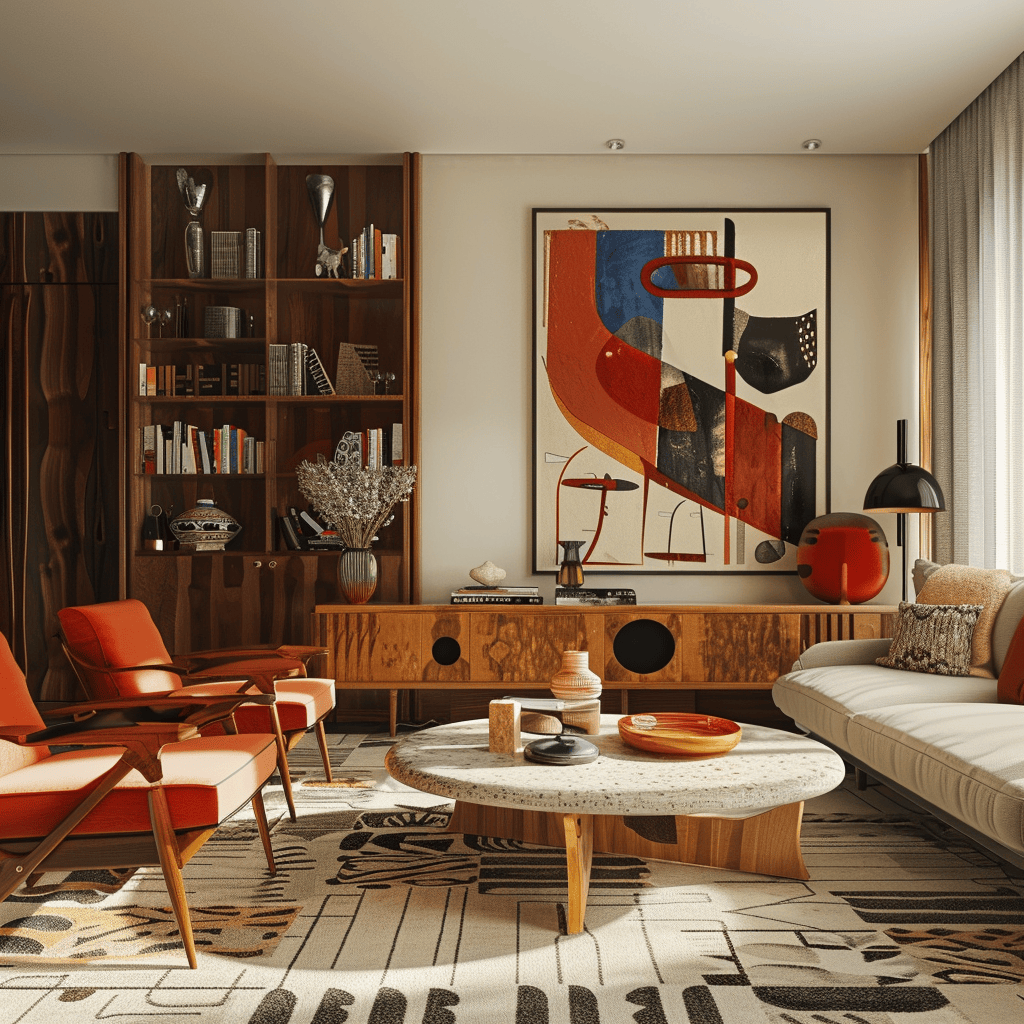
Drop here to save to library
Release to save
Saved to /
Product mode
Pull product details straight from the page
Product mode reads the current page HTML and sends it to our backend for parsing. Review and edit the name, description, brand, SKU, price, dimensions, color, finish, and material right in the side panel, then save.
Full product capture preview
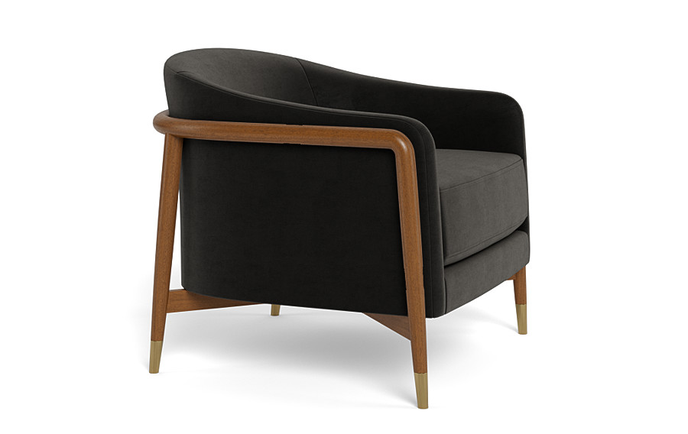
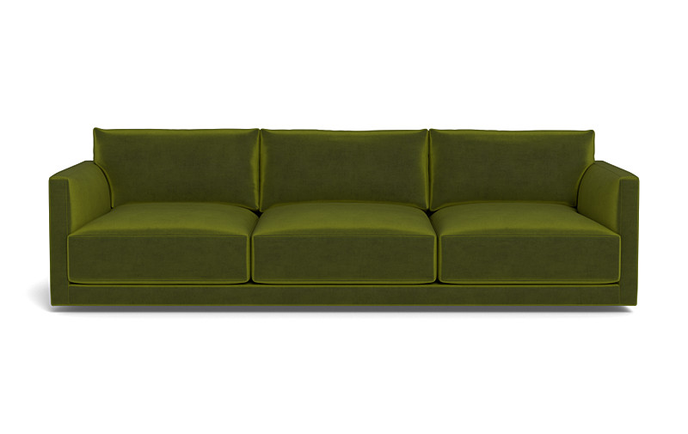
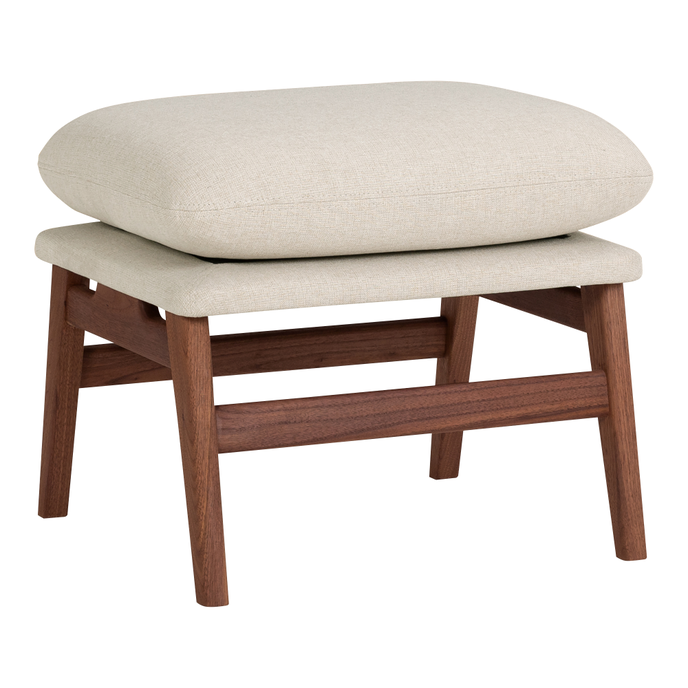
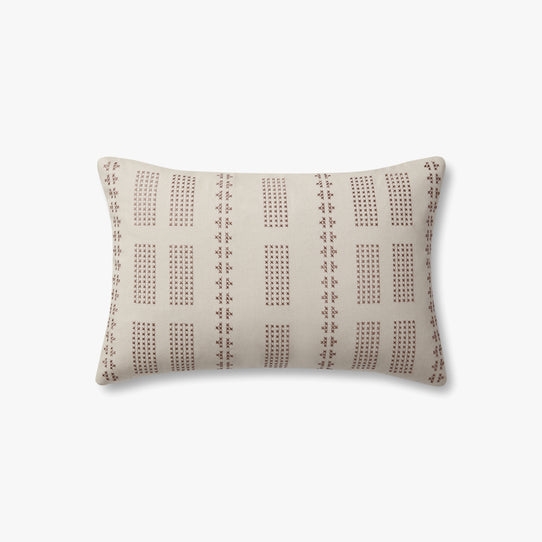
Capture via right-click
Image mode
Scan page images and pick what to keep
Image mode scans the current page for photos and filters out icons, logos, SVGs, and tiny thumbnails. Reload anytime, pick up to 10 images, or hit “Find more images” to scroll the page and keep collecting.
Full image scan preview
Global settings
Only the options this extension actually exposes
Settings cover language, the image hover button style and position, the drag-to-collect toggle, the floating box position, and signing out.
Global settings panel
Free to download
Works with all major browsers — designed to be used with Lovspark.