The short answer
Rendair is an AI workspace for architects and designers. It starts at $19 a month for 500 credits, includes extra seats on its Pro and Studio Pro plans, adds no watermark on any plan, and can turn an image or plan into a 3D model you export as GLB.
Lovspark starts at a similar $19.99 a month, with 2,000 credits on its first paid plan. Its free plan refills with 200 credits every month, and it is built around interior work: furniture placement with real products, virtual staging, material swaps and FF&E schedules, plus a desktop app.
| Lovspark | Rendair | |
|---|---|---|
| Paid plans | Creator $19.99 (2,000 credits), Pro $44.99 (5,000), Max $99.99 (12,000) per month | Starter $19 (500 credits, 1 seat), Pro $49 (1,500, 2 seats), Studio Pro $199 (7,500, 5 seats) per month |
| Free plan | 200 credits every month, watermarked, personal use | 20 credits at sign-up, 3 projects, 1 board |
| Text-to-image | Uses credits like other generations | Does not use credits on any plan |
| Extra credits | Packs from $6.99 for 500 credits; they never expire | Unused credits roll over |
| AI models | 10 image and 5 video models, including Nano Banana Pro, GPT Image 2.5 and Seedream 5.5 | Named third-party models including GPT Image 2.5, Nano Banana 2.1 and Flux 2 Pro, plus its own |
| Interior tools | Virtual staging, furniture placement with real products, material swaps, FF&E schedules | Material swaps, sketch and chat edits, time of day and weather |
| 3D and video | 5 video models; 3D room layouts in the editor | 5 or 10 second image-to-video; image or plan to 3D, exported as GLB |
| Watermark | Free plan only | None on any plan |
| Apps | Web, plus macOS and Windows apps | Web, also usable on tablets and phones in the browser |
| Training on your work | Private library and canvas content is not used to train Lovspark's own foundation models without separate consent | Images and prompts are not used to train its own models; free-plan work may be shown publicly |
Prices are as shown in US dollars on each pricing page on November 24, 2026, before tax and without time-limited promotions. A credit buys a different amount of work in each tool, so compare renders, not credit counts.
When Rendair is the better choice
- You want exports without a watermark from day one, or lots of text-to-image concepts that don't use credits.
- Two to five people share one account and you want seats included in the plan.
- You need a 3D model of an image or plan to bring into other software.
When Lovspark is the better choice
- You stage and furnish interiors with real products: AI furniture placement, virtual staging and FF&E schedules for the client.
- You want a free plan you can keep using, with 200 credits every month.
- You want video and image models in one place. See each model and its credit cost on the AI models page.
- You prefer a desktop app, or want LovSpark Agent to handle research, client decks and project admin.
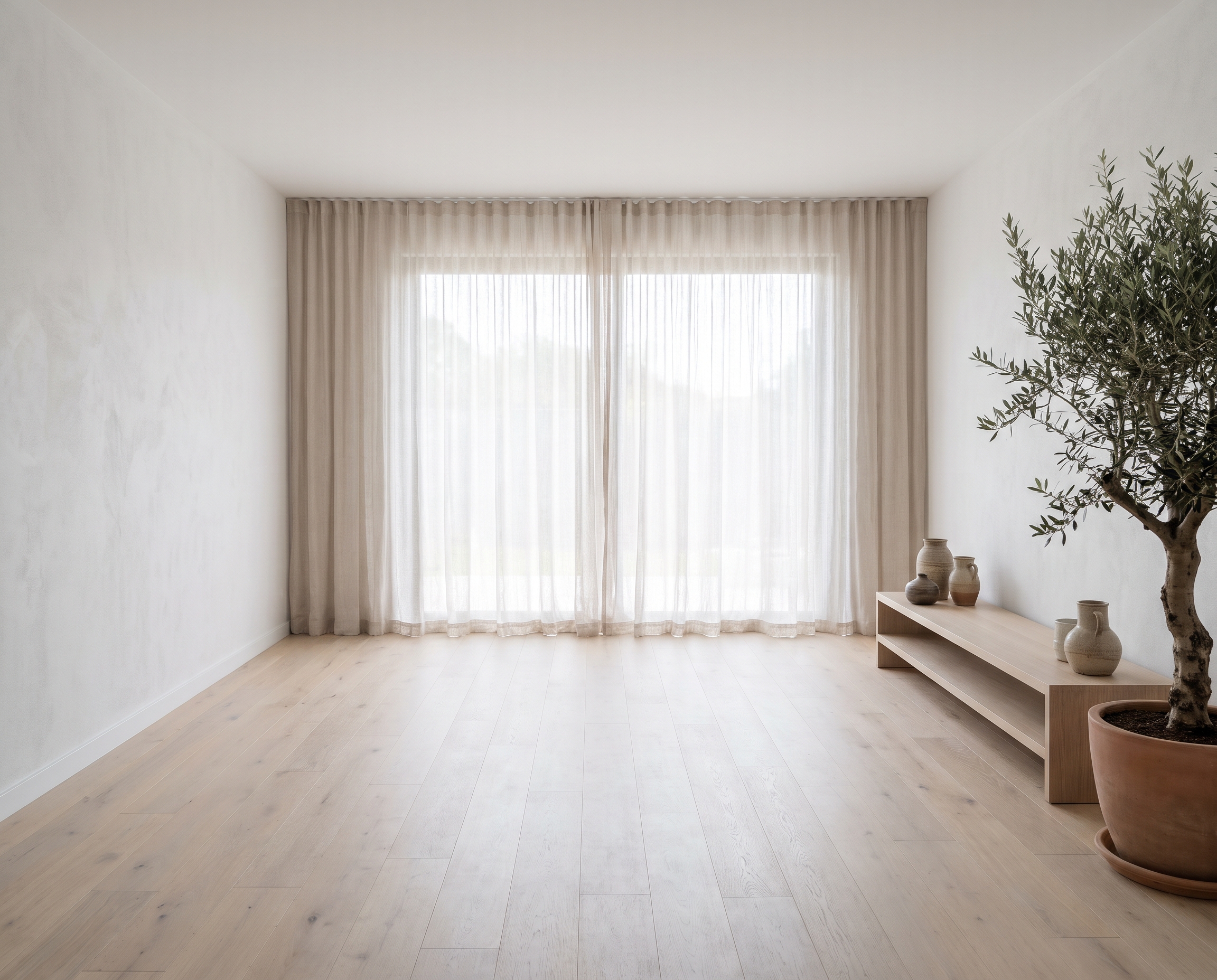
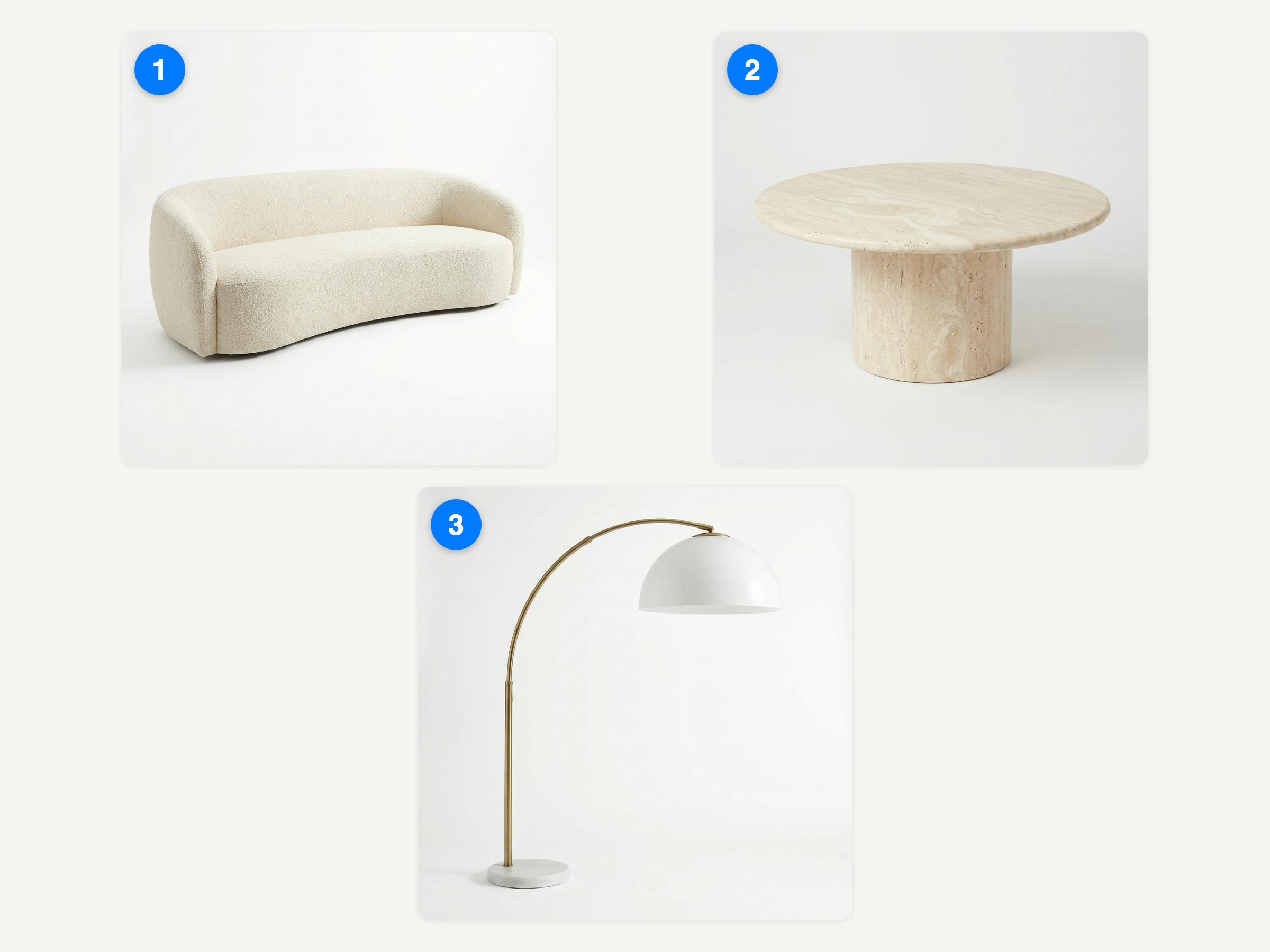
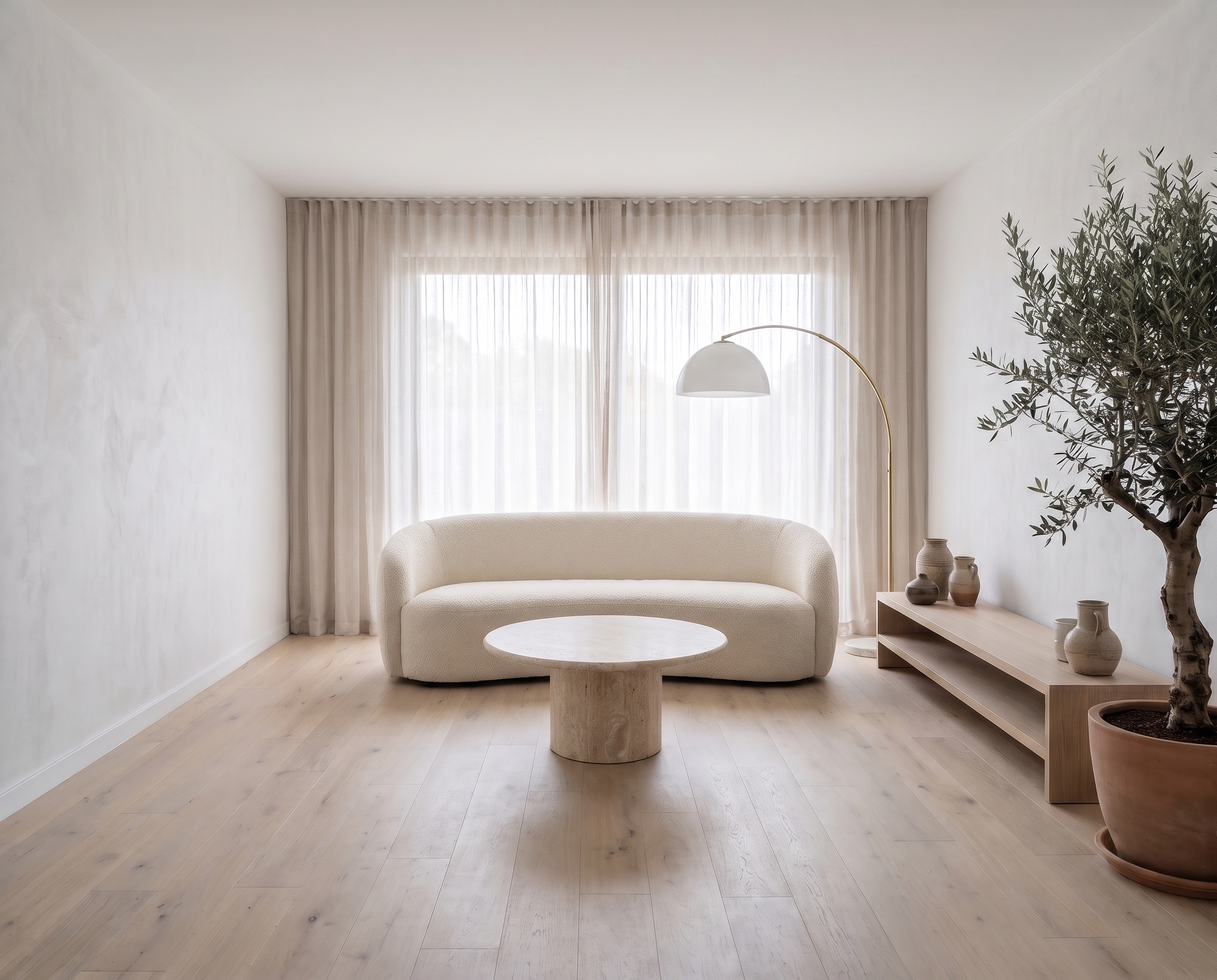
Real products placed into an empty room with AI furniture placement. The room, light and camera stay the same.
Try it on one of your own rooms
Upload a room photo and the products you want in it. The free plan includes 200 credits every month.
Place furniture with AIMoving a project from Rendair to Lovspark
- Download the source images and finished renders you want to keep from your Rendair projects.
- Upload sketches and model views to interior rendering or architectural rendering, and finished renders to the canvas for edits.
- Keep reference images and product photos in your library so every project can reuse them.
Frequently asked questions
What is the best Rendair alternative?
For interior designers who place real products, stage rooms and hand clients FF&E schedules, Lovspark is a strong Rendair alternative, with a free plan that refills every month. If you need seats included in the plan, no watermark at all or image-to-3D export, Rendair may still suit you better.
Is Lovspark cheaper than Rendair?
Entry prices are close: $19.99 a month for Lovspark Creator and $19 for Rendair Starter. A credit buys a different amount of work in each tool, and Rendair doesn't charge credits for text-to-image, so the cheaper one depends on what you generate most.
Does Lovspark add a watermark?
Only on the free plan, which is for personal use. Exports from paid plans have no watermark. See pricing for details.
Can I use my own furniture products in Lovspark?
Yes. Upload product photos, or save them from the web with the browser extension, then place them into a room photo with AI furniture placement.
Does Lovspark train AI models on my images?
Lovspark's privacy policy says it does not use your private library or private canvas content to train its own foundation models without separate consent. Prompts and reference images are sent to the model providers that generate the result, such as OpenAI and Google.