ByteDance's newest AI image model, now on Lovspark — more realistic AI renders and stable editing across 100 rounds.
Scroll to learn more
Examples
Image model
Seedream 5.5 is the AI image model ByteDance Seed released in November 2026. In the Lovspark AI image generator it renders photoreal interiors, exteriors and product shots, edits the same image round after round without touching what you did not ask to change, outputs furniture and decor as transparent PNGs, and sets dense small text cleanly on presentation boards and catalog pages.
Four upgrades that matter for AI design work, each shown with real output we generated on Lovspark for this page.
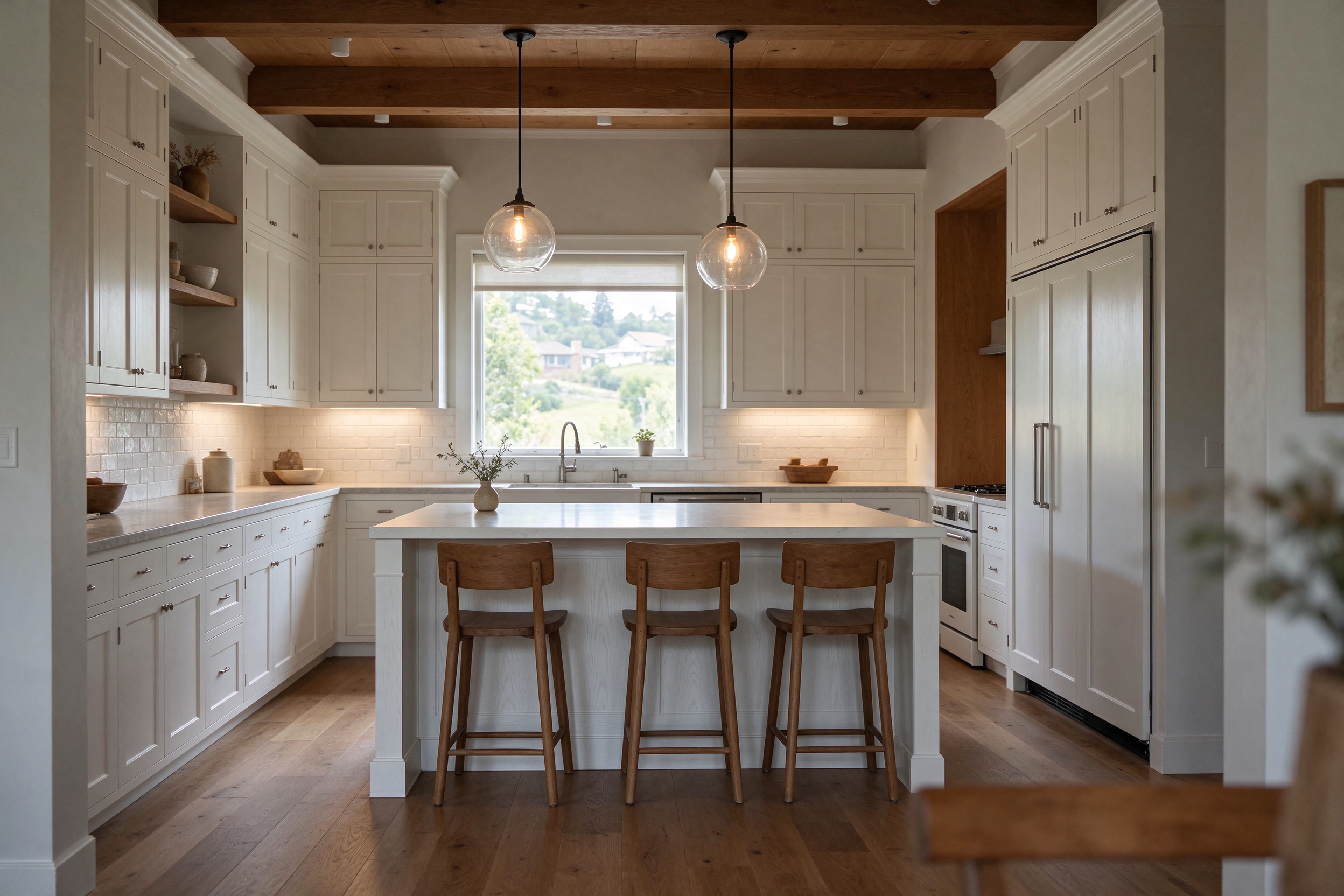
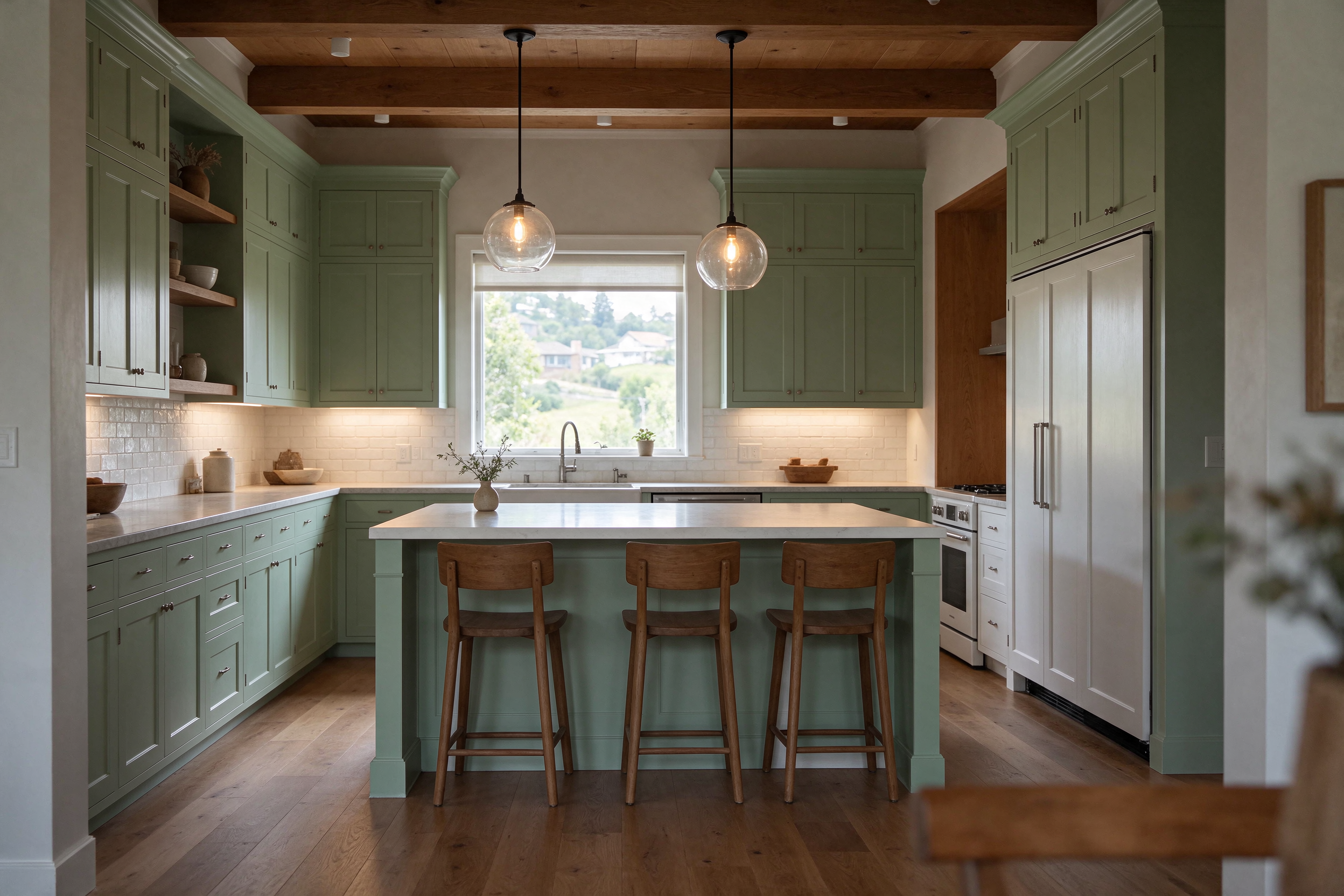
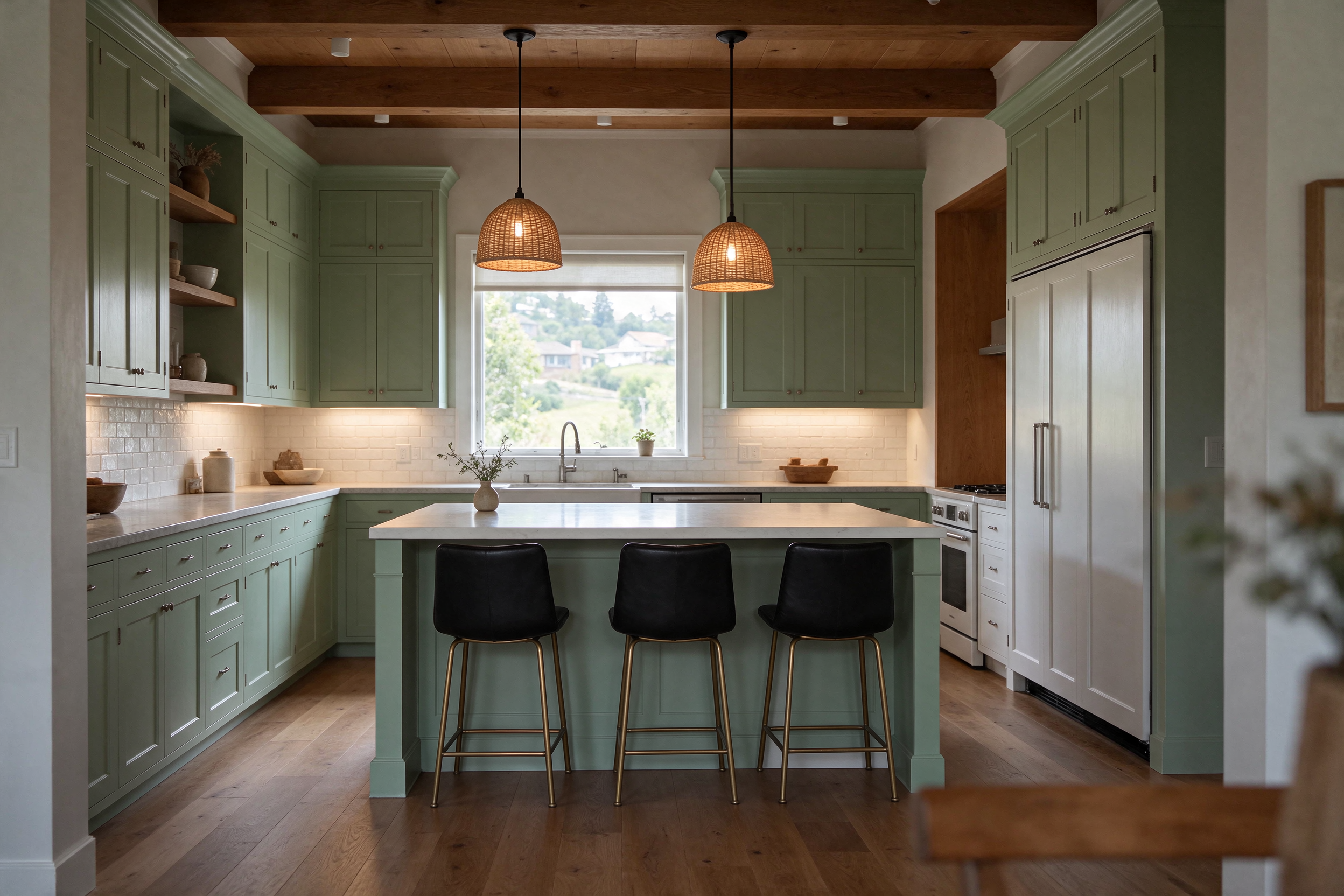
Edit the same room up to 100 times
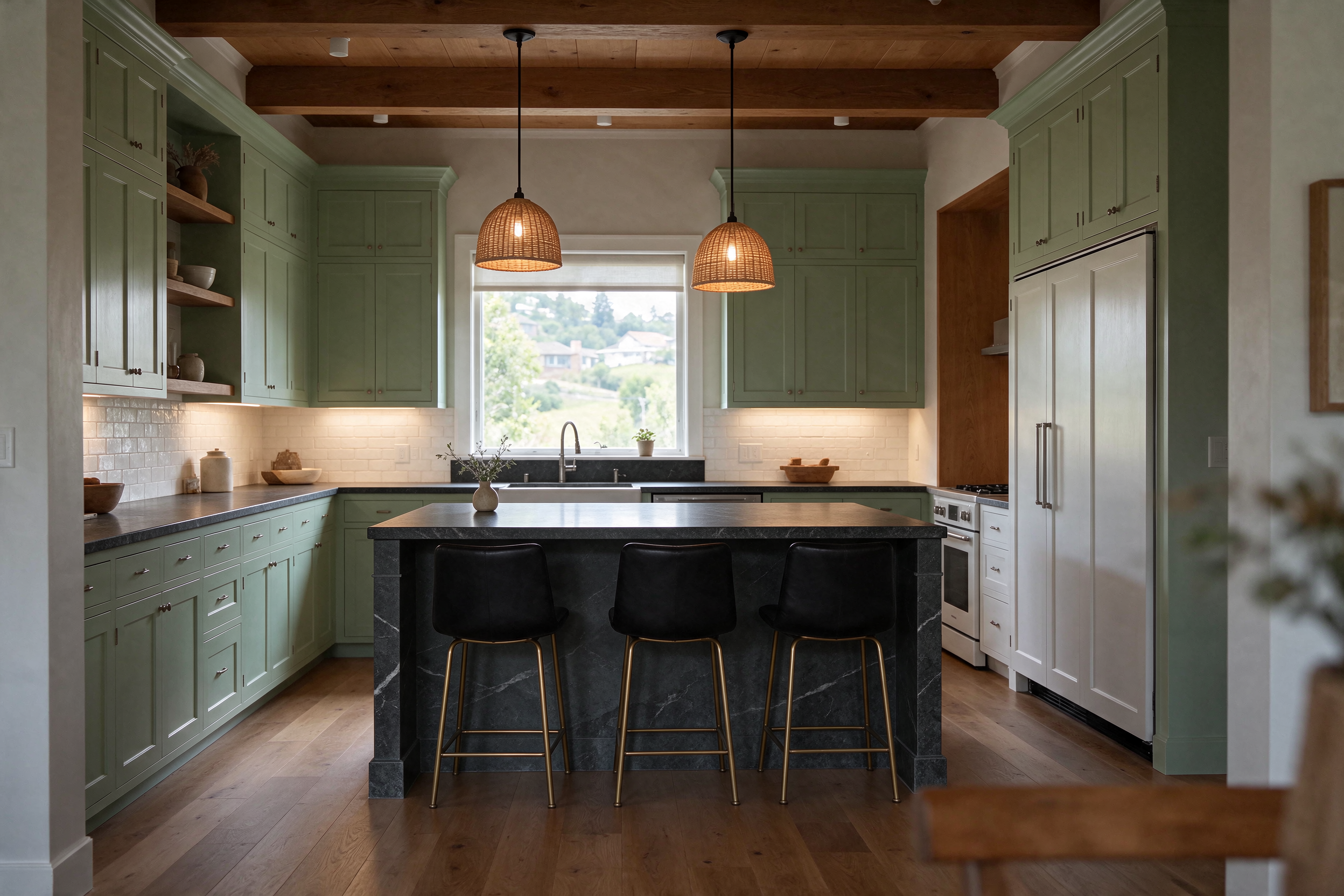
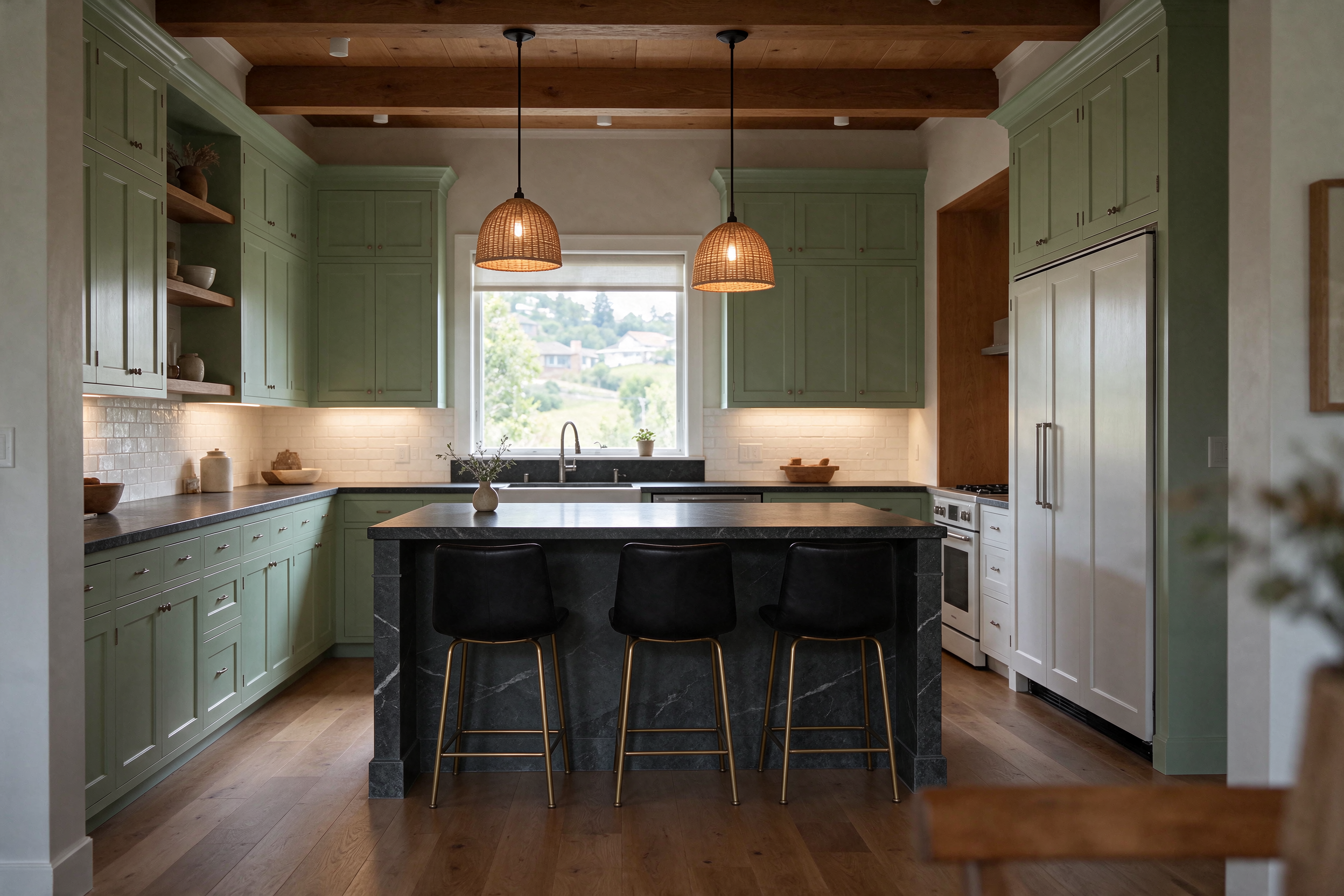
Most AI image editors drift a little with every pass. Here you change cabinet color, then lighting and stools, then countertops — one round at a time — and ByteDance says unedited regions stay unchanged down to the pixel, with no color shift and much less detail loss, so the third edit on Lovspark still looks like the room you started with.
The model outputs native RGBA images with a real alpha channel. Generate a lounge chair, a floor lamp or a potted tree with AI and place it on a mood board, a product page or the Lovspark canvas — no background removal and no edge cleanup.
Walnut lounge chairBrass arc floor lampPotted olive tree
Small text that stays readable
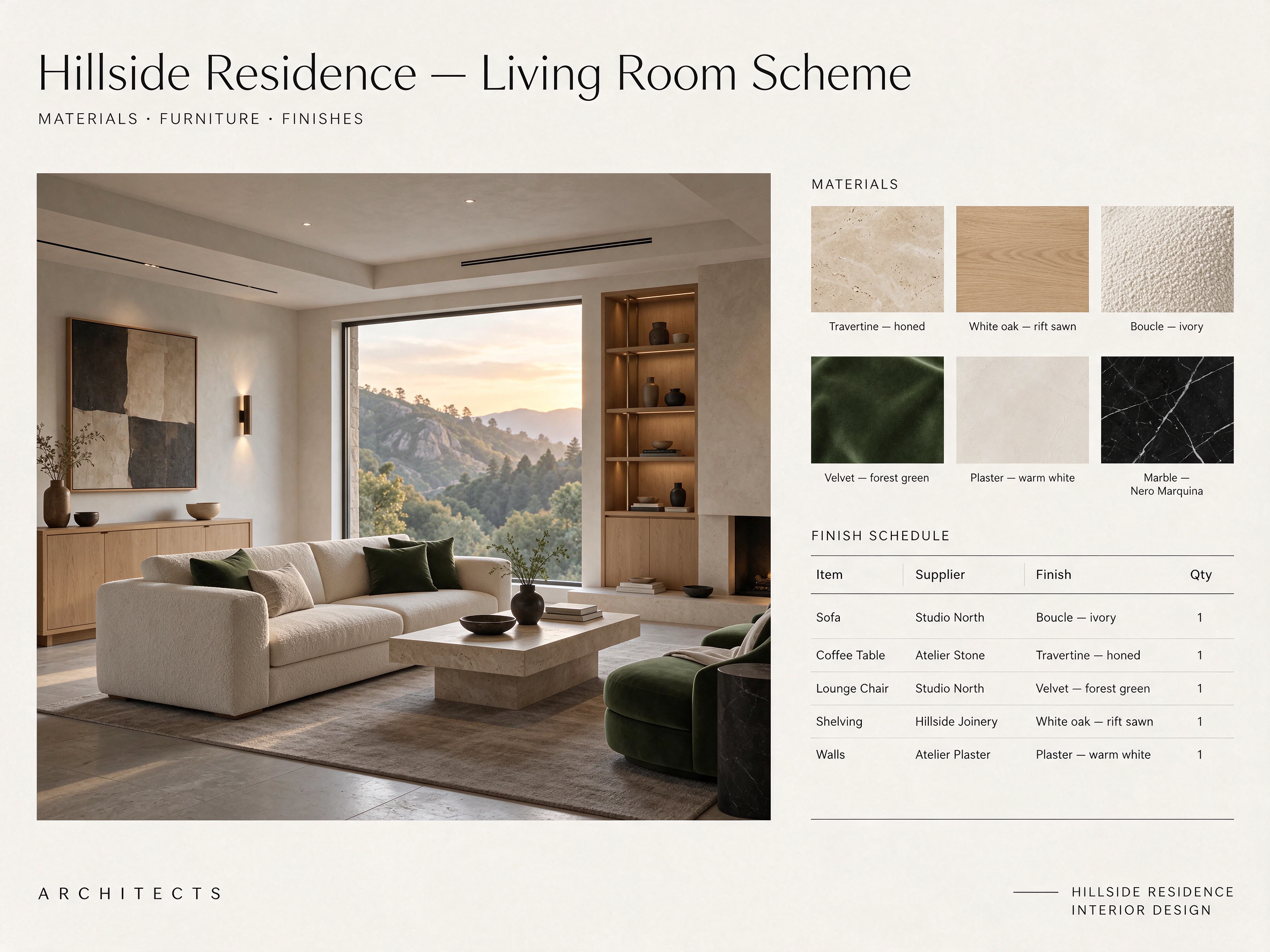
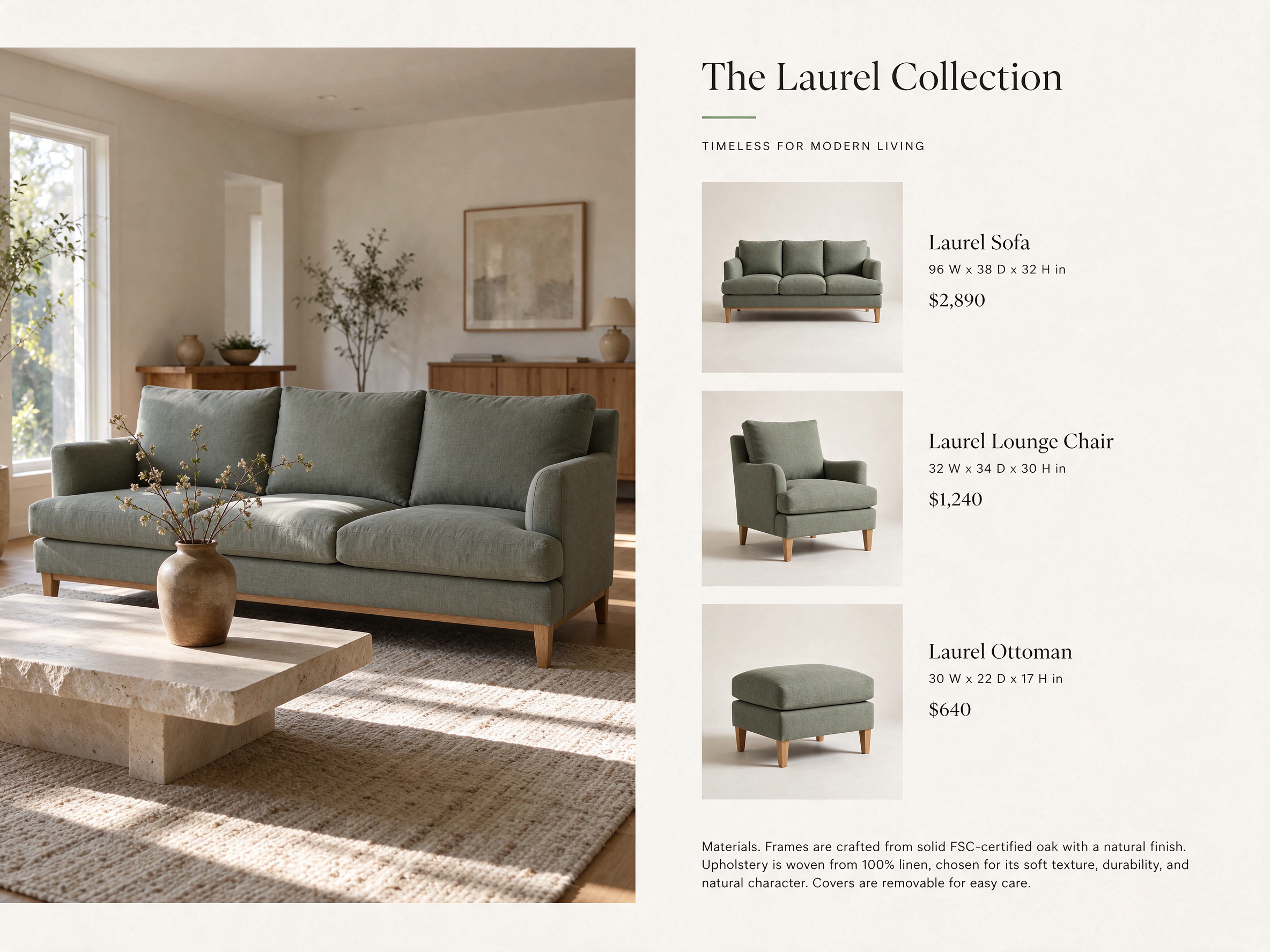
Material labels, finish schedules, dimensions and prices come out clean, so one AI render can double as a client board or a catalog page. In ByteDance's own tests on Chinese and English text, including dense small type, 0.4% of images had severe text errors and 1.7% had minor ones.
Material board and finish scheduleCatalog page with prices
AI renders with light and materials that read as real
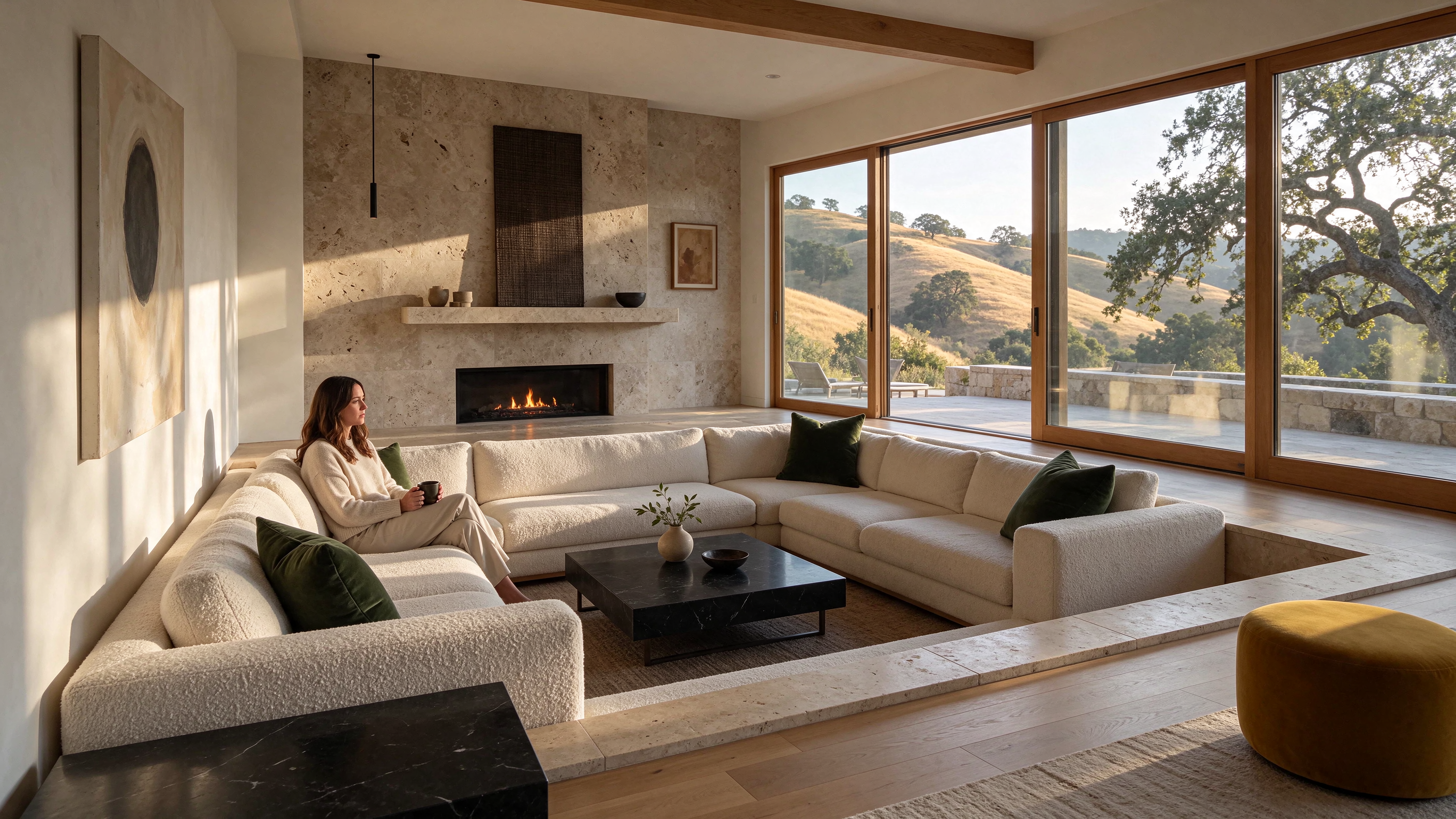
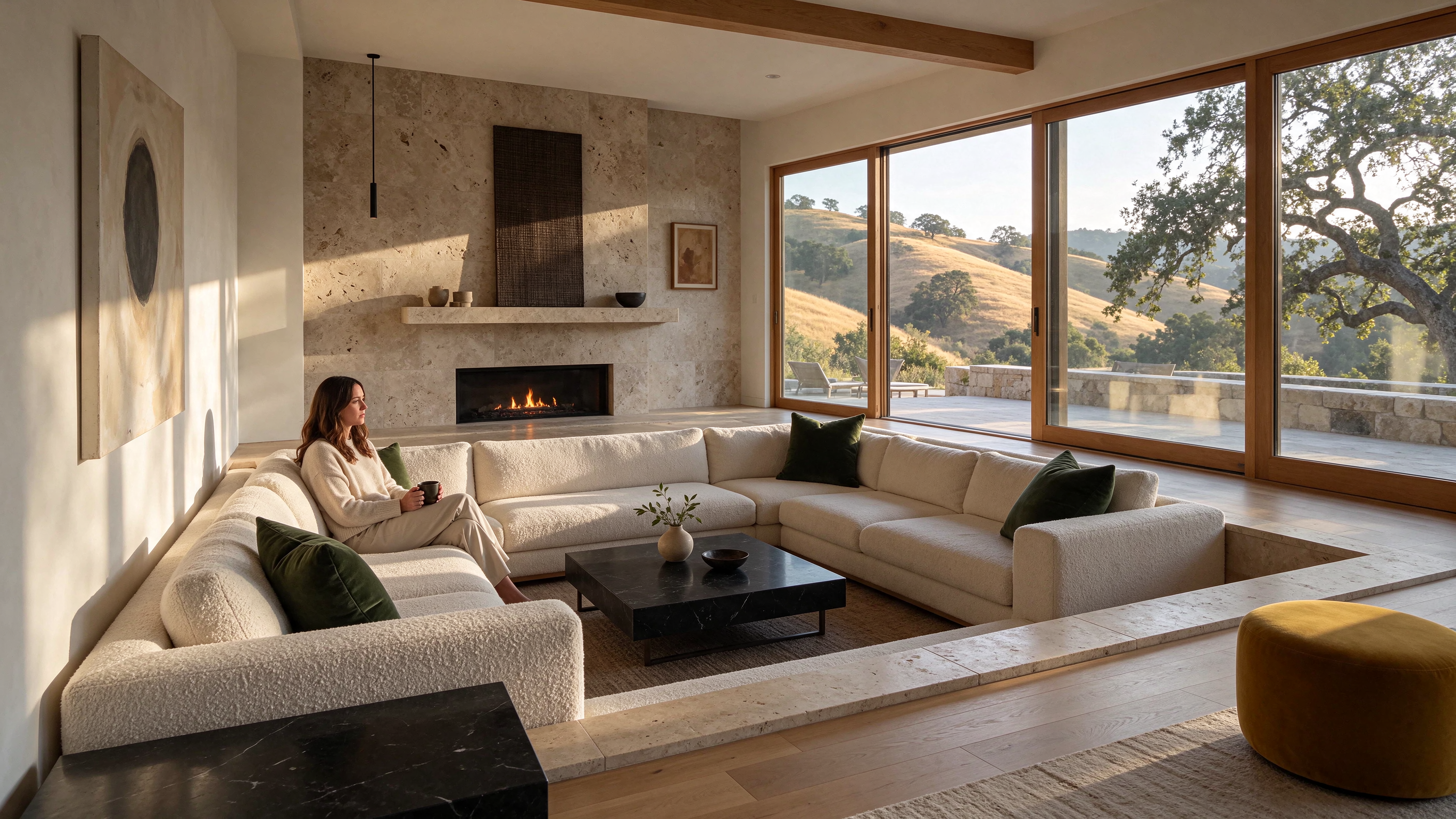
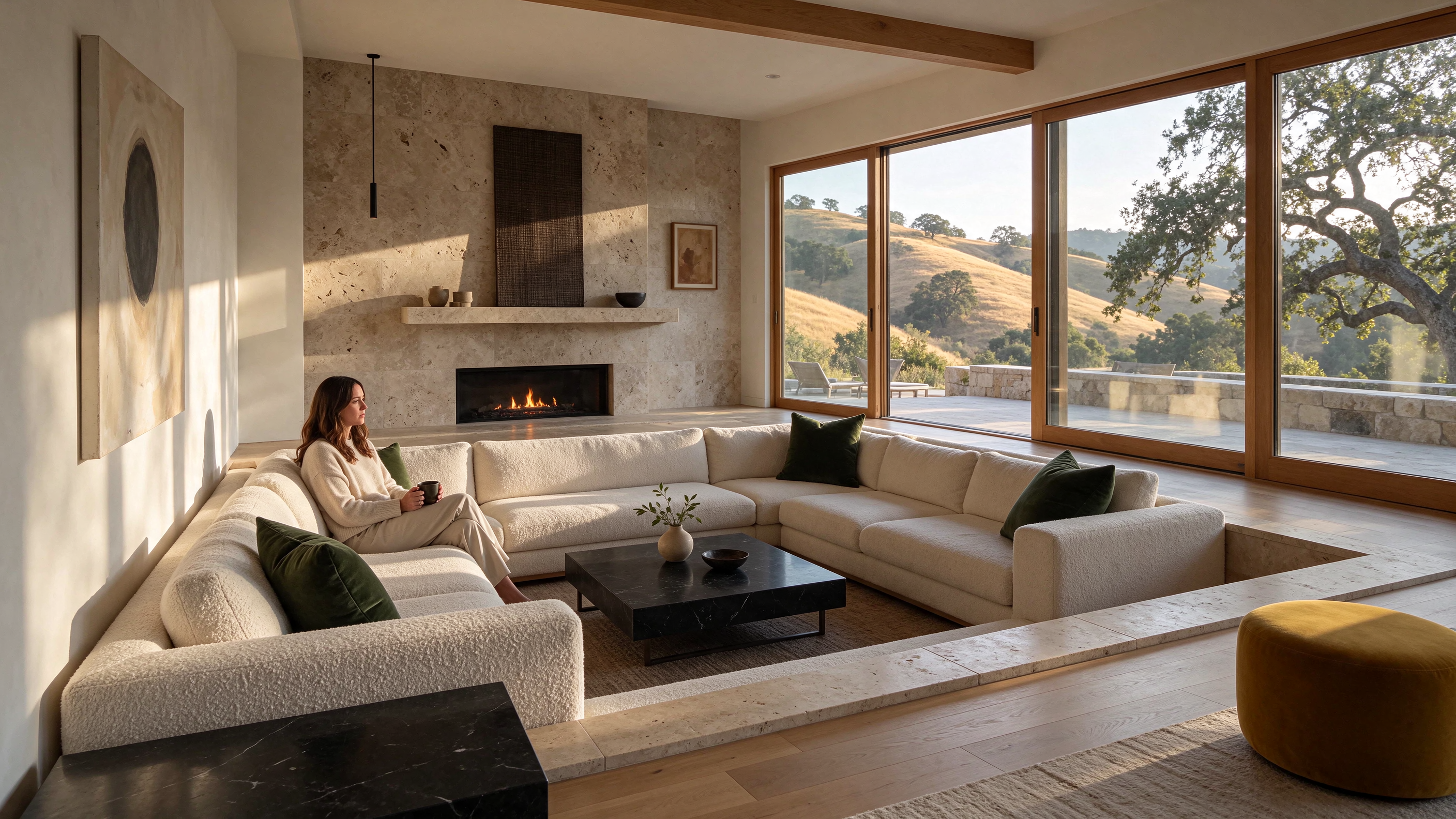
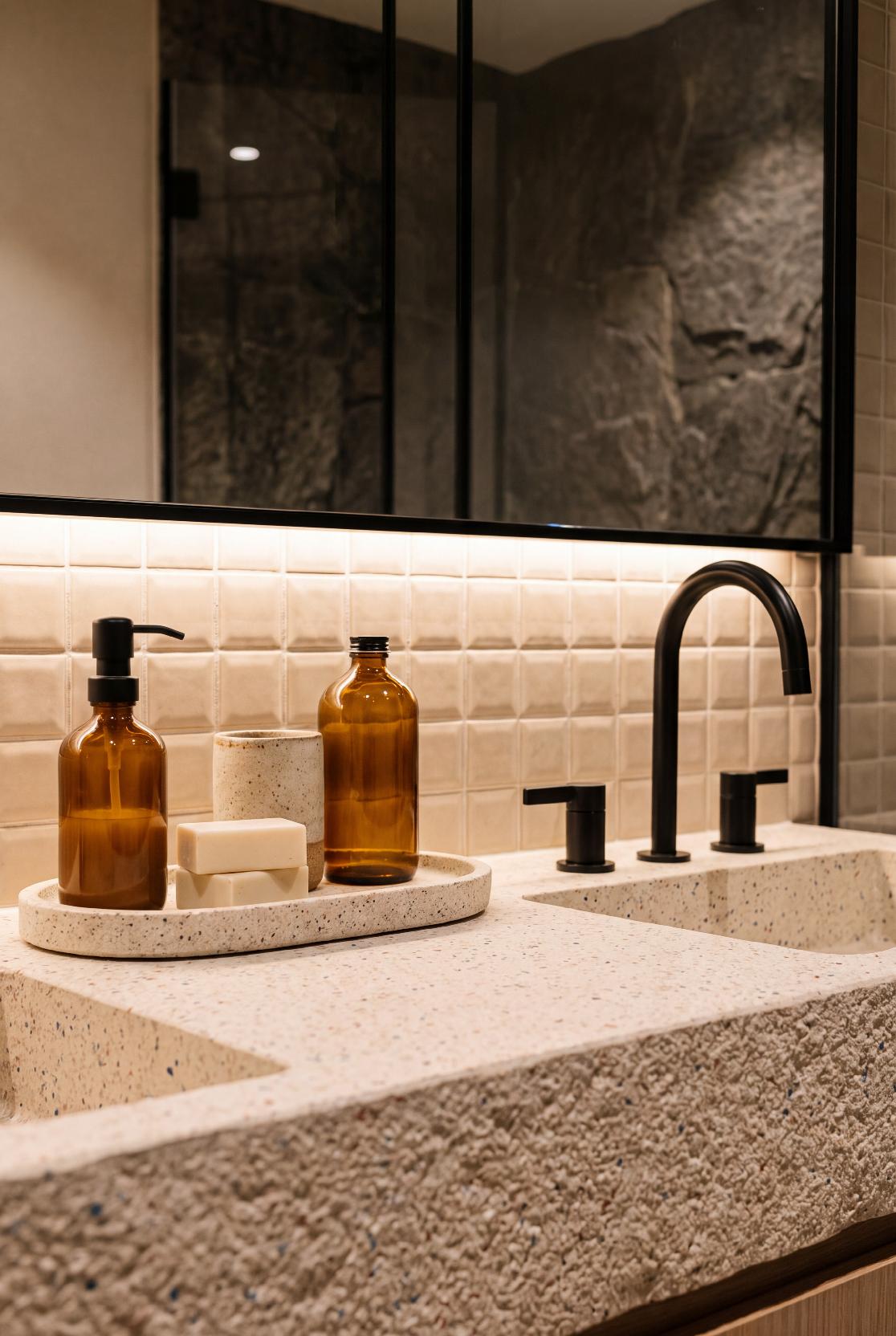
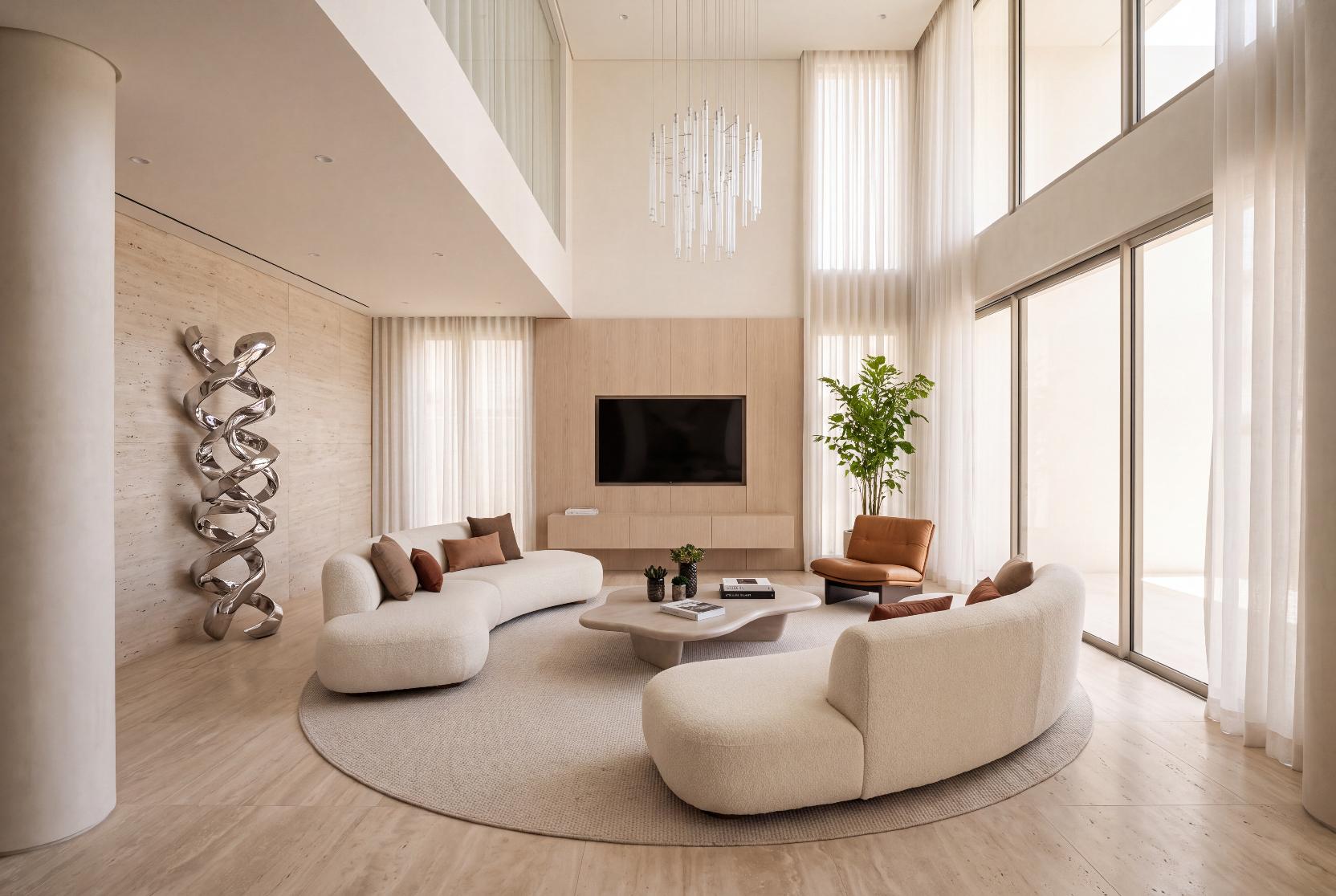
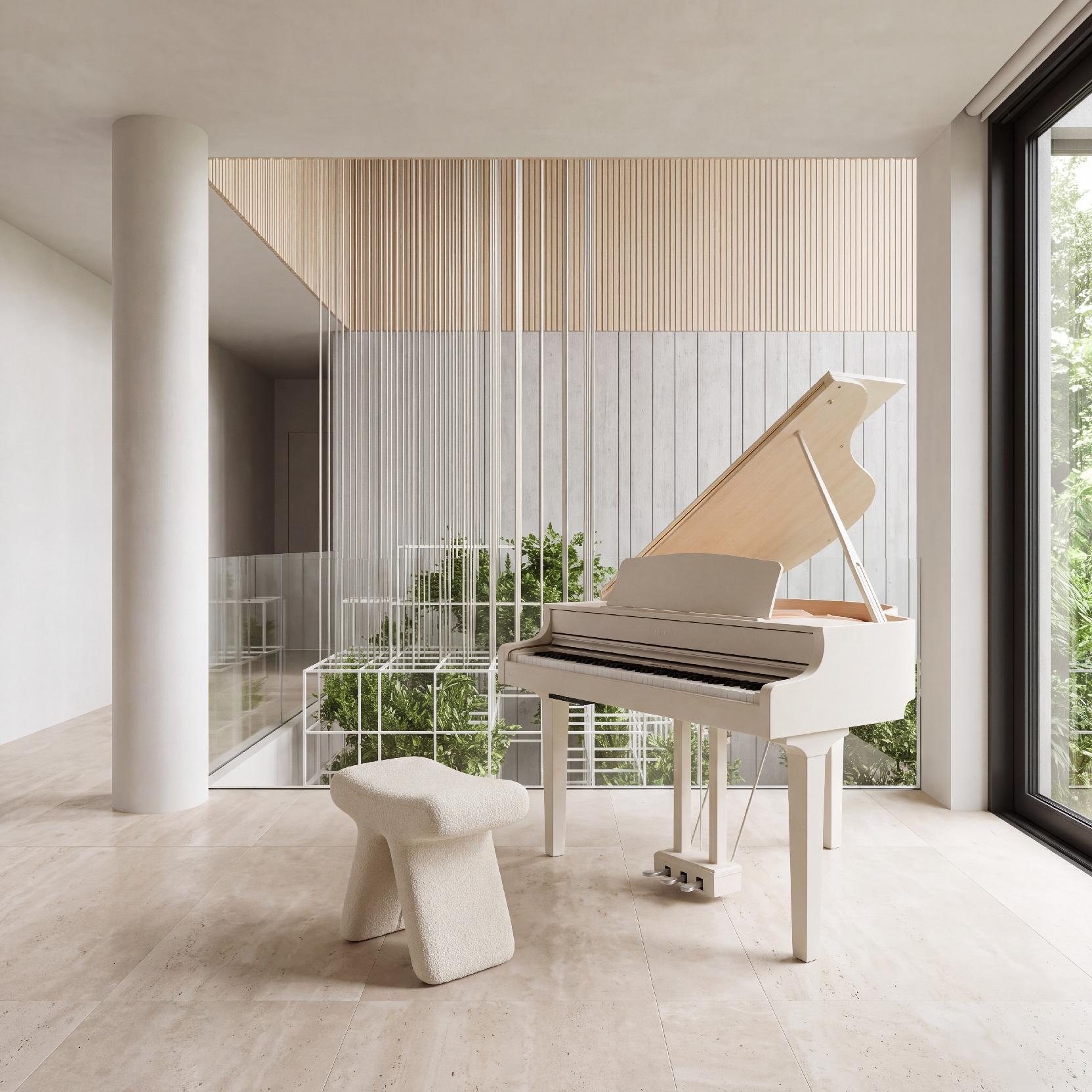
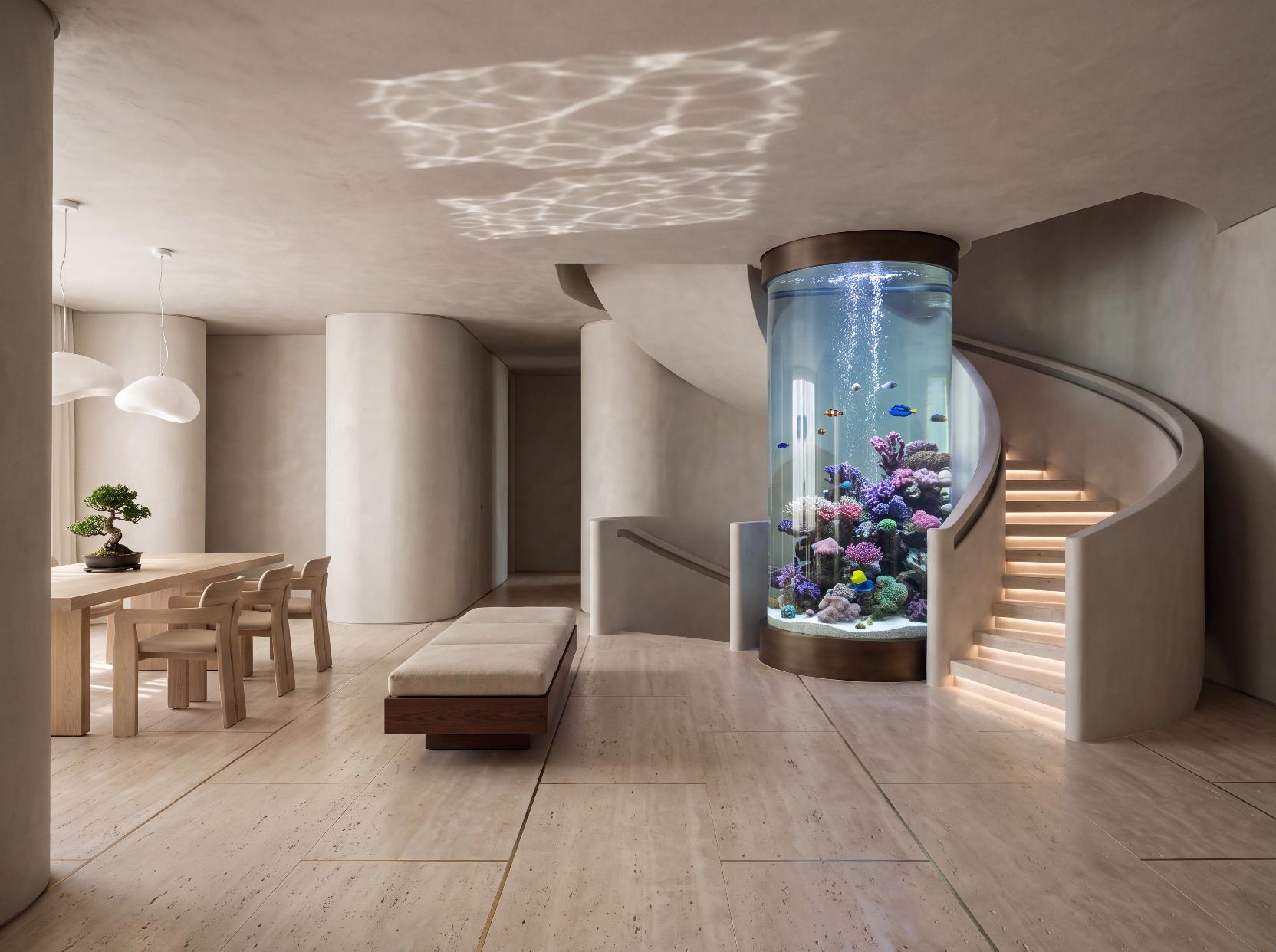
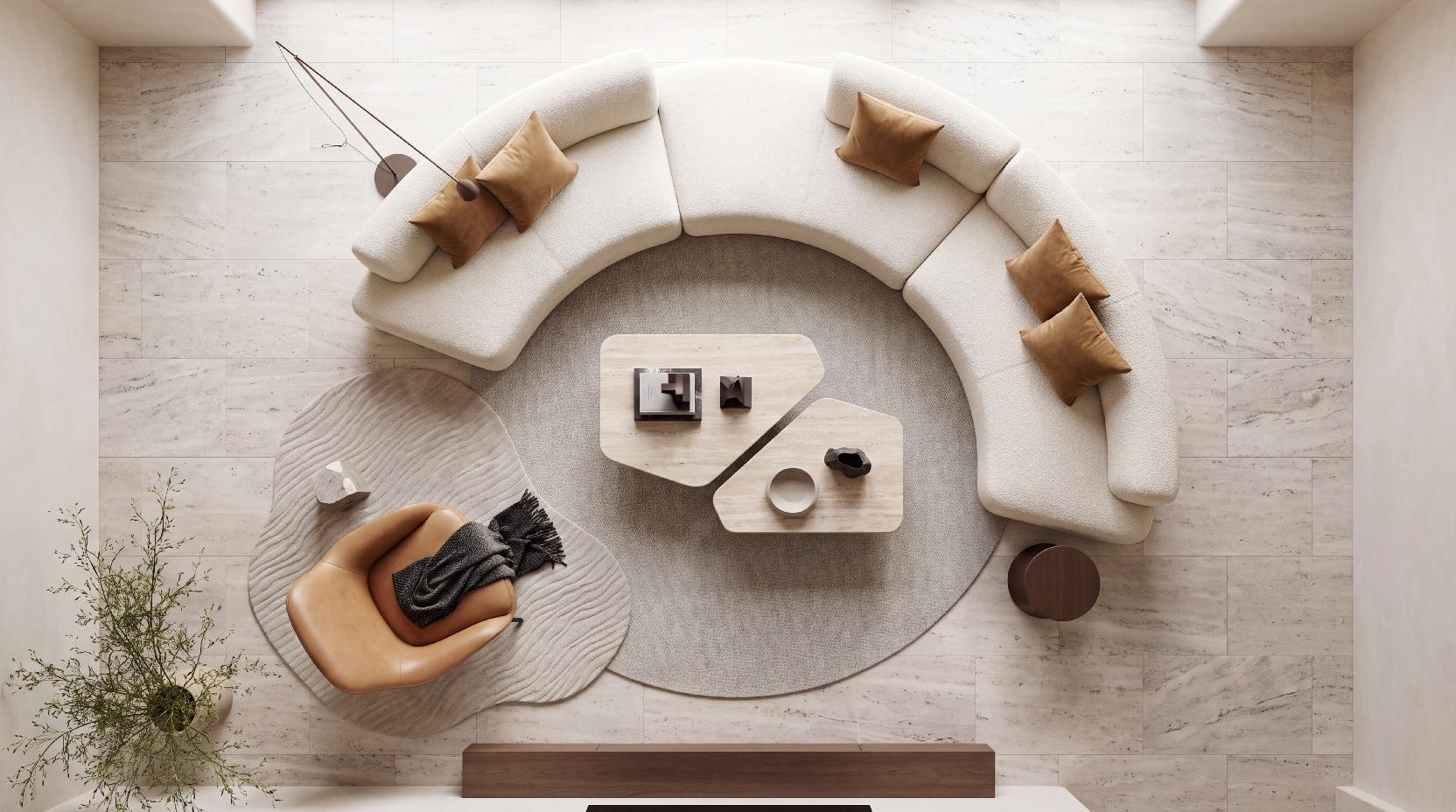
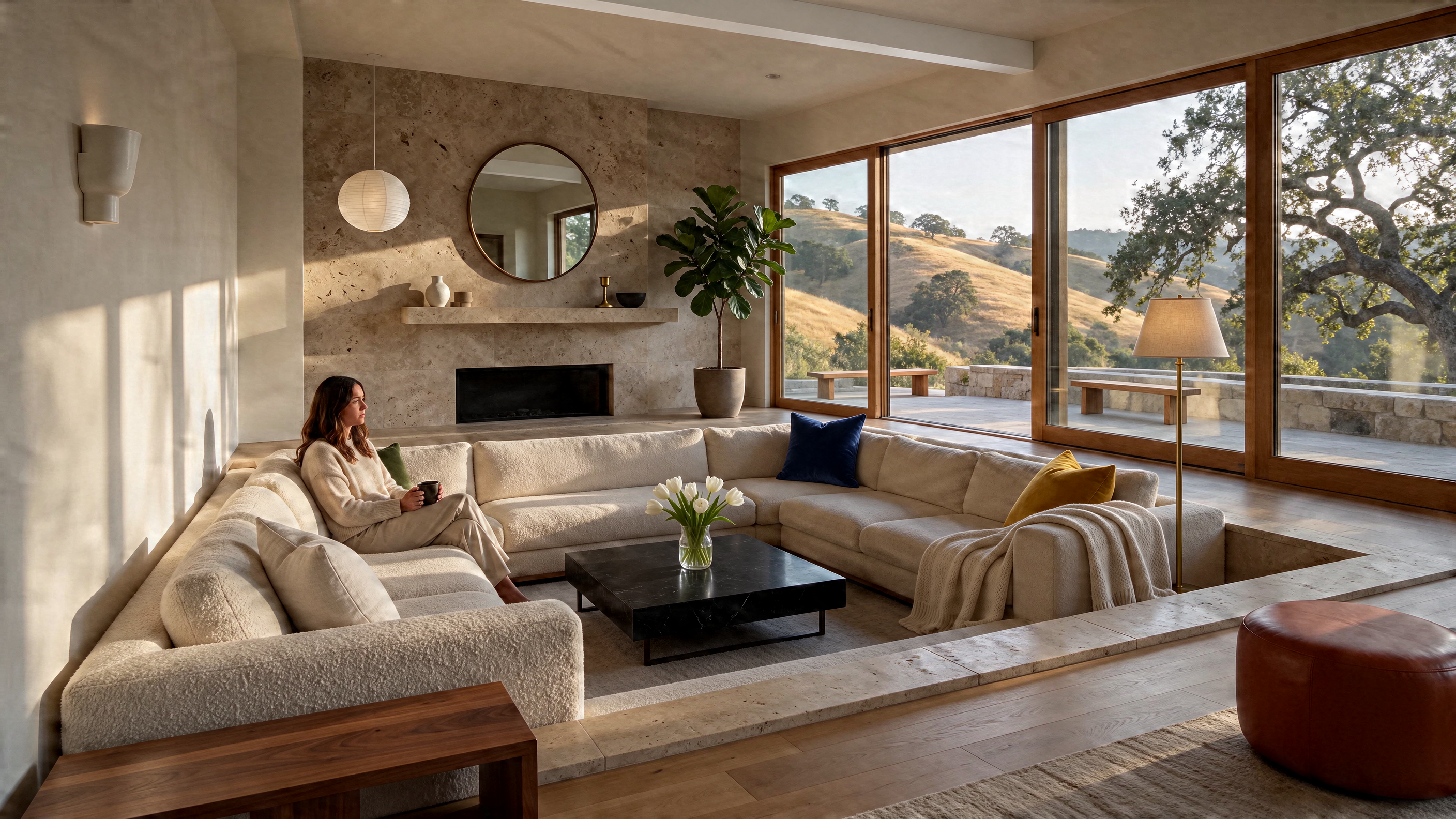
Stone, timber, linen and skin render more naturally, with less of the plastic gloss, blown highlights and blotchy textures older AI image models produce. Compared with Seedream 5.0 Pro, ByteDance reports better quality and usability in every scenario it tested.
California hillside living roomHill Country home at dusk
Figures quoted above come from ByteDance Seed's official announcement (November 9, 2026). Read the announcement
What it is good for
Where it gets used inside Lovspark — every one of these is an AI workflow you can open and run.
How to generate AI images with Seedream 5.5 on Lovspark
From first prompt to production-ready image in four steps.
Seedream 5.5Step 1
Open the image generator
Pick Seedream 5.5 from the model selector. Credits and expected run time are shown before you commit.
+Step 2
Add your references
Attach up to 10 reference images to lock the subject, the product or the style — instead of describing it all in words.
Editorial product photograph, dramatic side light, hyperreal detailStep 3
Write the prompt
Describe subject, composition, lighting and mood. The model reads long prompts, so detail pays off on Lovspark.
Step 4
Refine and keep the best
Compare the variants, then upscale or edit the one you keep — or send it straight into the next node on the canvas.
Specifications
Resolution1K · 2K
Aspect ratios1:1 4:3 3:4 16:9 9:16 3:2 2:3 21:9
Reference imagesup to 10
Model keydoubao-seedream-5-5-261028
Frequently asked questions
What is Seedream 5.5?
Seedream 5.5 is an AI image generation and editing model from ByteDance Seed, released on November 9, 2026. It focuses on photoreal output, stable multi-round editing, native transparent (RGBA) images and accurate small text. On Lovspark it is available in the AI image generator and on the node canvas.
How do I use Seedream 5.5 on Lovspark?
Type a prompt in the bar at the top of this page, pick the aspect ratio and resolution, and attach reference images if you have them. Press Generate, sign in to Lovspark if asked, and the AI image generator runs Seedream 5.5 with your settings. To keep editing, send the result back in with a short instruction such as “change only the countertops”.
What's new compared with Seedream 5.0 Pro?
Four things: stable editing across up to 100 rounds with unedited areas preserved, native RGBA transparency, cleaner small and multilingual text, and more natural light and materials. In ByteDance's evaluations it beat Seedream 5.0 Pro on quality and usability in all six scenarios tested, with usability more than doubling for film and TV and for office work. Both models stay available side by side on Lovspark.
Can it make images with a transparent background?
Yes. Ask for an isolated object on a transparent background and the model returns a PNG with a real alpha channel, ready to drop into a layout, a mood board or the Lovspark canvas without an extra AI background remover.
Is it good for AI interior design and architecture?
It suits both. The living room, kitchen, material board and Hill Country exterior on this page were all generated with it on Lovspark. Its edit stability is especially useful for testing finishes in one room, and its text accuracy helps when an AI render has to carry labels or a schedule.
Is there a Seedream 5.5 Pro?
Not yet. ByteDance says a Pro version will follow but has not given a date. When it ships, Lovspark will add it next to the other AI image models.
How much does Seedream 5.5 cost per run?
Pricing is credit-based and shown on the node before you generate.
What resolutions and aspect ratios does it support?
1K and 2K, in 8 aspect ratios: 1:1, 4:3, 3:4, 16:9, 9:16, 3:2, 2:3, 21:9.
Can I use reference images?
Yes — up to 10 per run. Style, subject and composition can each come from a different reference instead of being described in words.
Ready to try Seedream 5.5?
Open it on the canvas alongside every other model — switching costs nothing.
Same canvas, same workflow — switch without rebuilding anything.
GPT2.5 Image
New
Bring your spatial vision into focus with higher image quality and precise editing. Explore materials, lighting, and furnishings through text prompts and reference images, while better preserving the original composition and surrounding details during local edits. From initial concepts to refined design presentations, replace furniture, adjust finishes, and explore different atmospheres—helping designers compare options, refine details, and communicate a cohesive vision.
GPT-2 Image (Note: actual model is GPT-Image-2, released by OpenAI in April 2026): First image generation model with "thinking" capability. Achieves ~99% text rendering accuracy (up from 90-95%), supports up to 4096×4096 resolution, generates up to 8 consistent images per request. Features Thinking mode with integrated reasoning and web search.
Nano Banana Pro is Google's Gemini 3 Pro Image model, released in November 2025. In the Lovspark AI image generator it turns clay models and site plans into photoreal renders, fits out a bare space from a style reference, and lays out boards and plans with legible text, at up to 4K.
Seedream 5.0 Pro is ByteDance’s latest AI creation powerhouse—it doesn’t just generate pretty pictures, it actually understands design. It turns raw data and messy text into polished infographics, lets you edit anything with a simple click or lasso (just like Photoshop), and delivers lighting and skin textures so real they’ll make you do a double take. It handles over a dozen languages natively, from English to Arabic, with flawless rendering. No more blind-box generation—this new model is now live on our system, ready to surprise you.