 Hover for Inputs
Warm Minimal
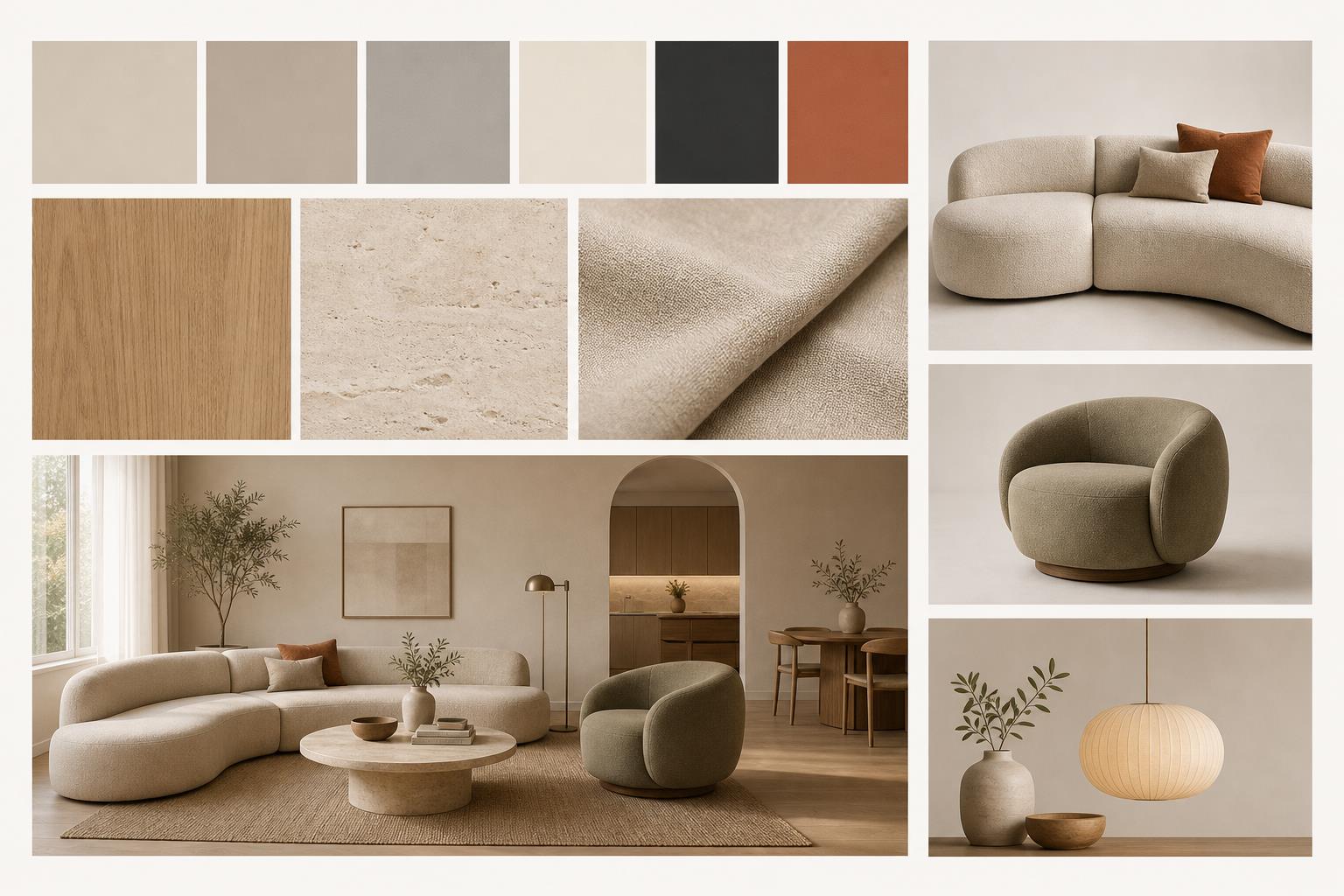
Warm Minimalist Board
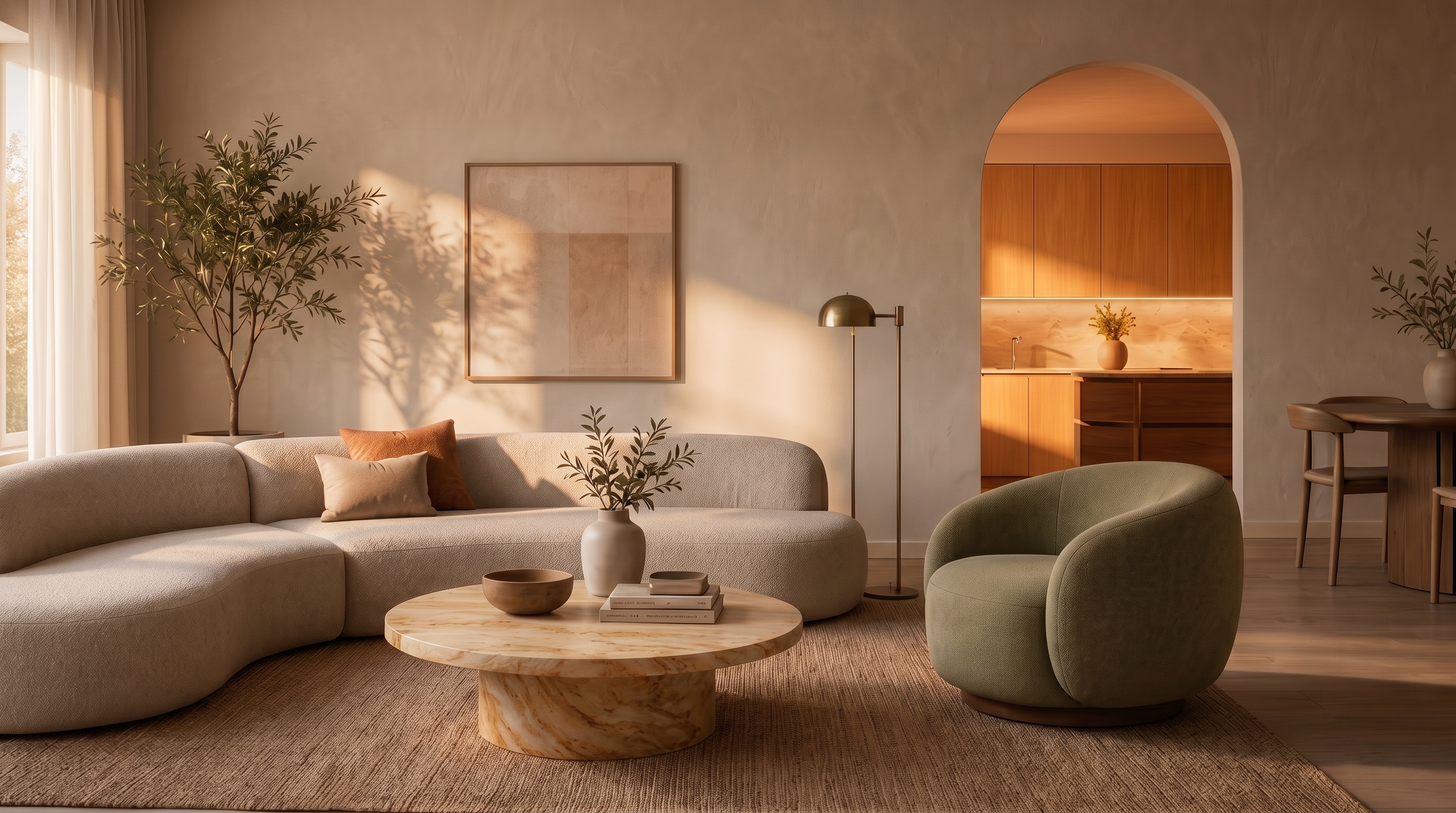
Scattered room photo and swatches → curated palette, oak and linen materials, curved sofa, space preview.

Interior design AI
Build a mood board for interior design from a photo or a few words. Lovspark pulls color palettes, materials, furniture, and a space preview into one styled board in seconds — a free moodboard creator, no design skills needed.
Free to start · No install · Browser-based
Board Examples
Each card shows the finished mood board by default — hover to reveal the scattered inputs. Lovspark assembles palette, materials, furniture, and a space preview into one coherent direction.
Hover for Inputs
Scattered room photo and swatches → curated palette, oak and linen materials, curved sofa, space preview.
 Hover for Inputs
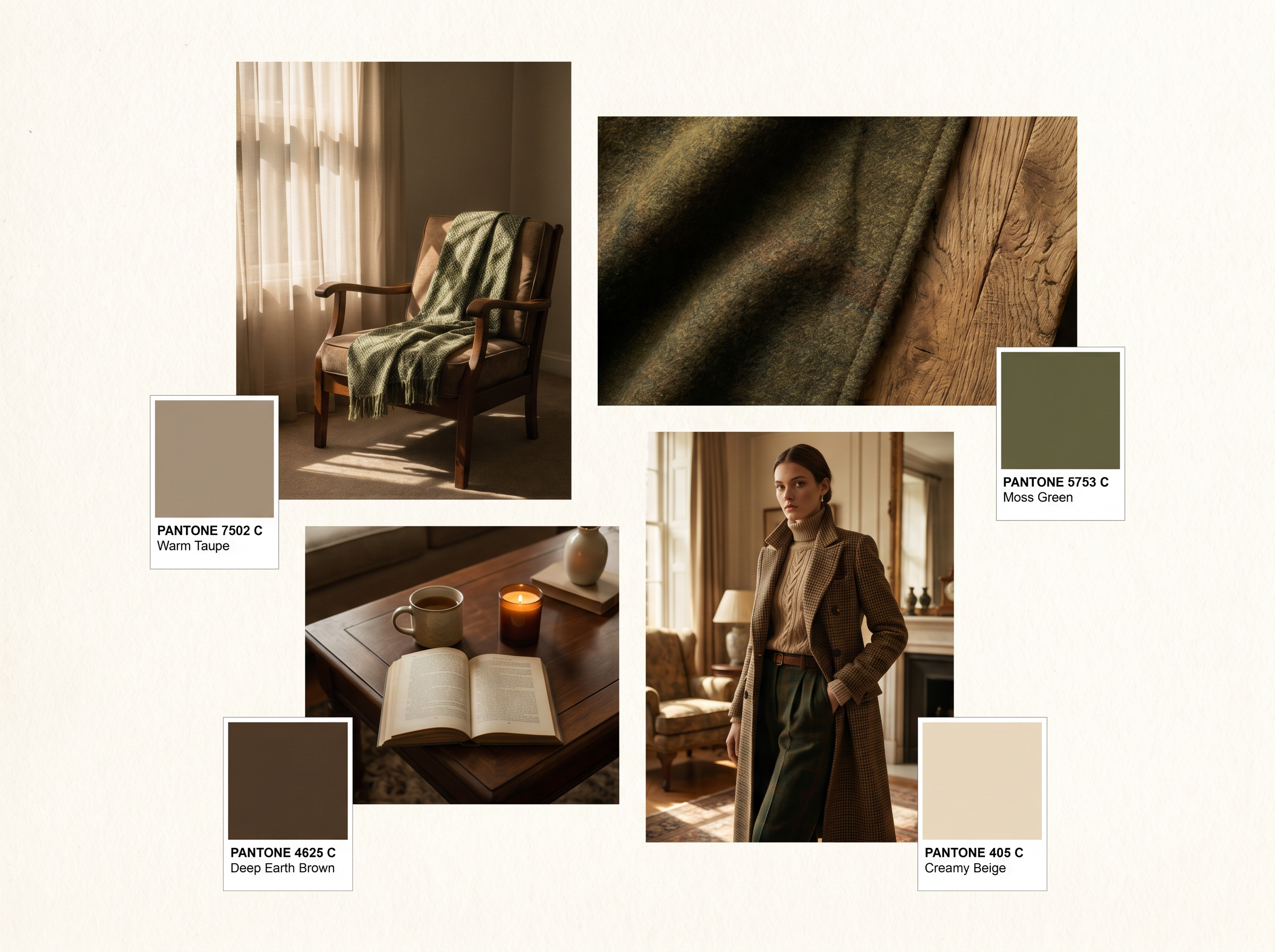
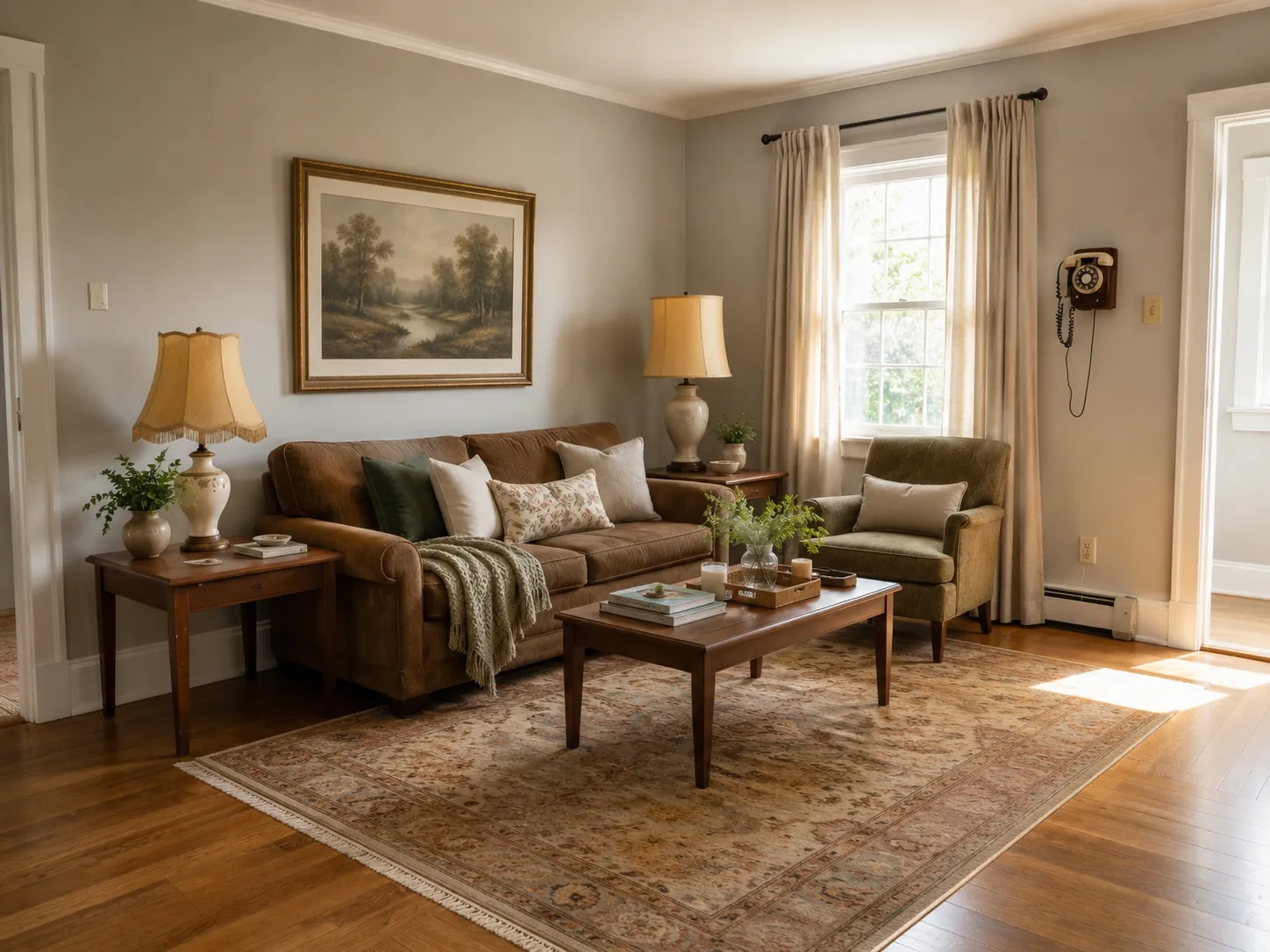
Fabric and vintage references → earthy palette, moss green and warm taupe, cozy reading corner, moody preview.
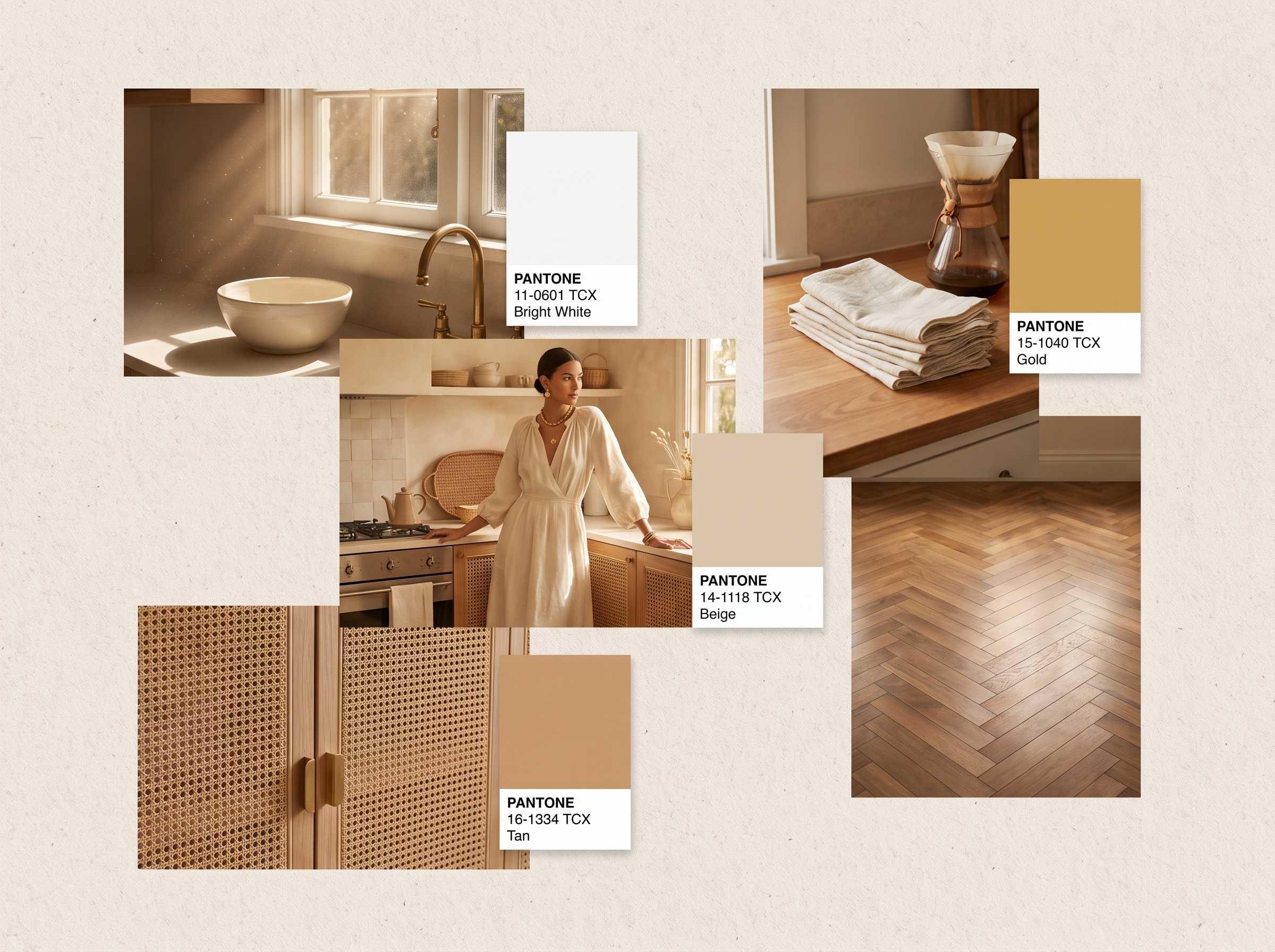
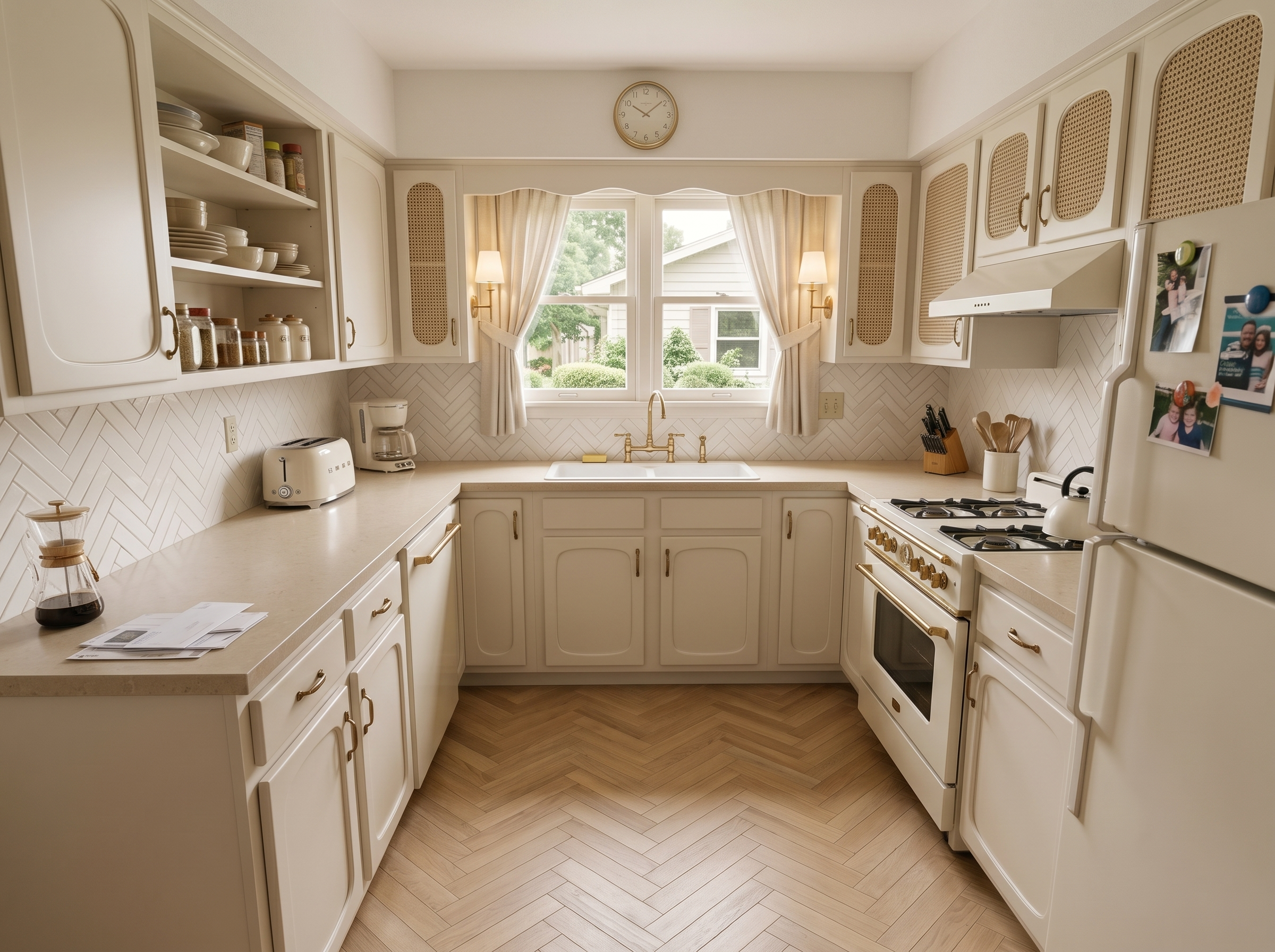 Hover for Inputs
Kitchen and bath references → bright white, gold and tan palette, rattan and herringbone textures, calm preview.
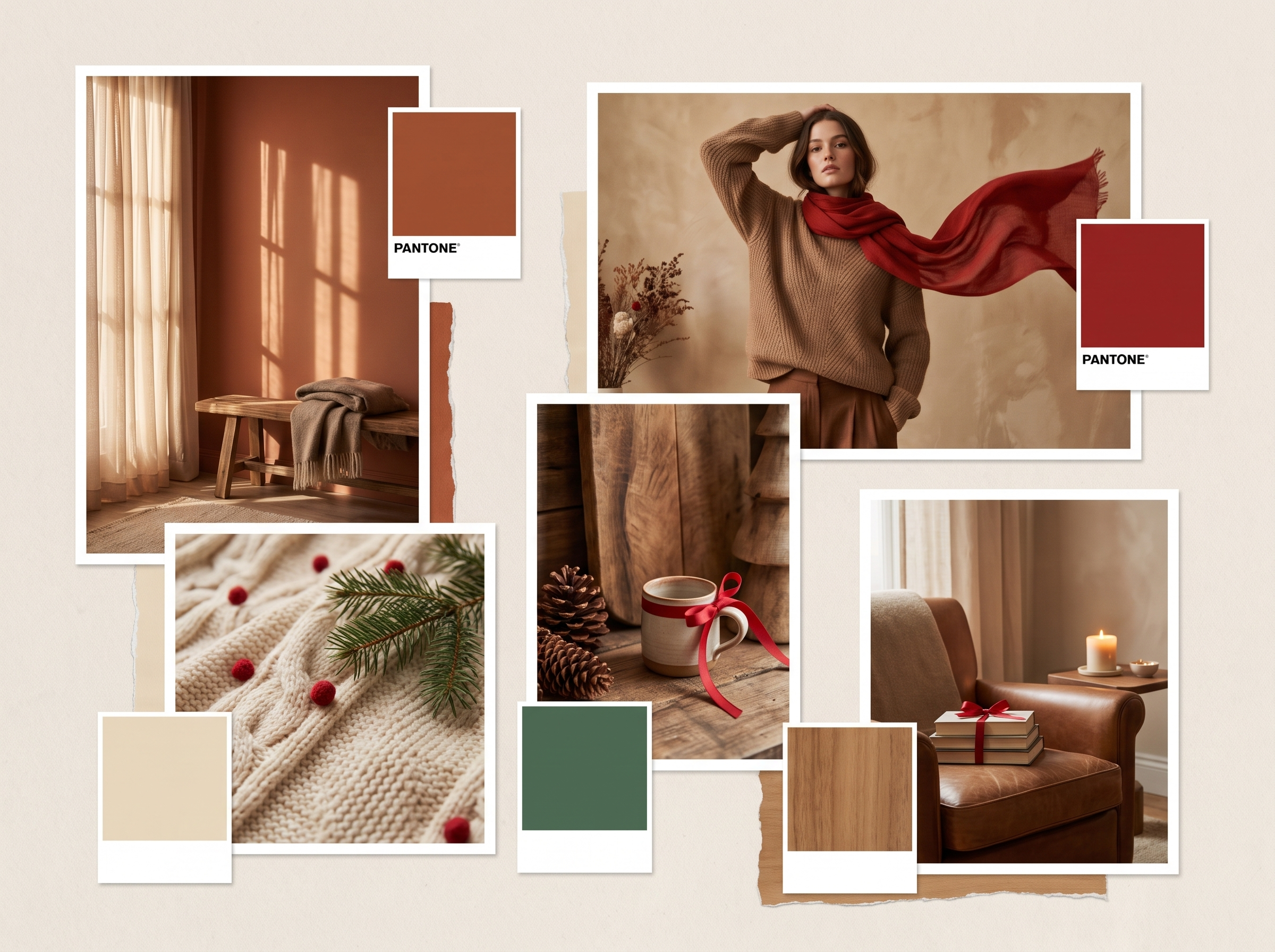
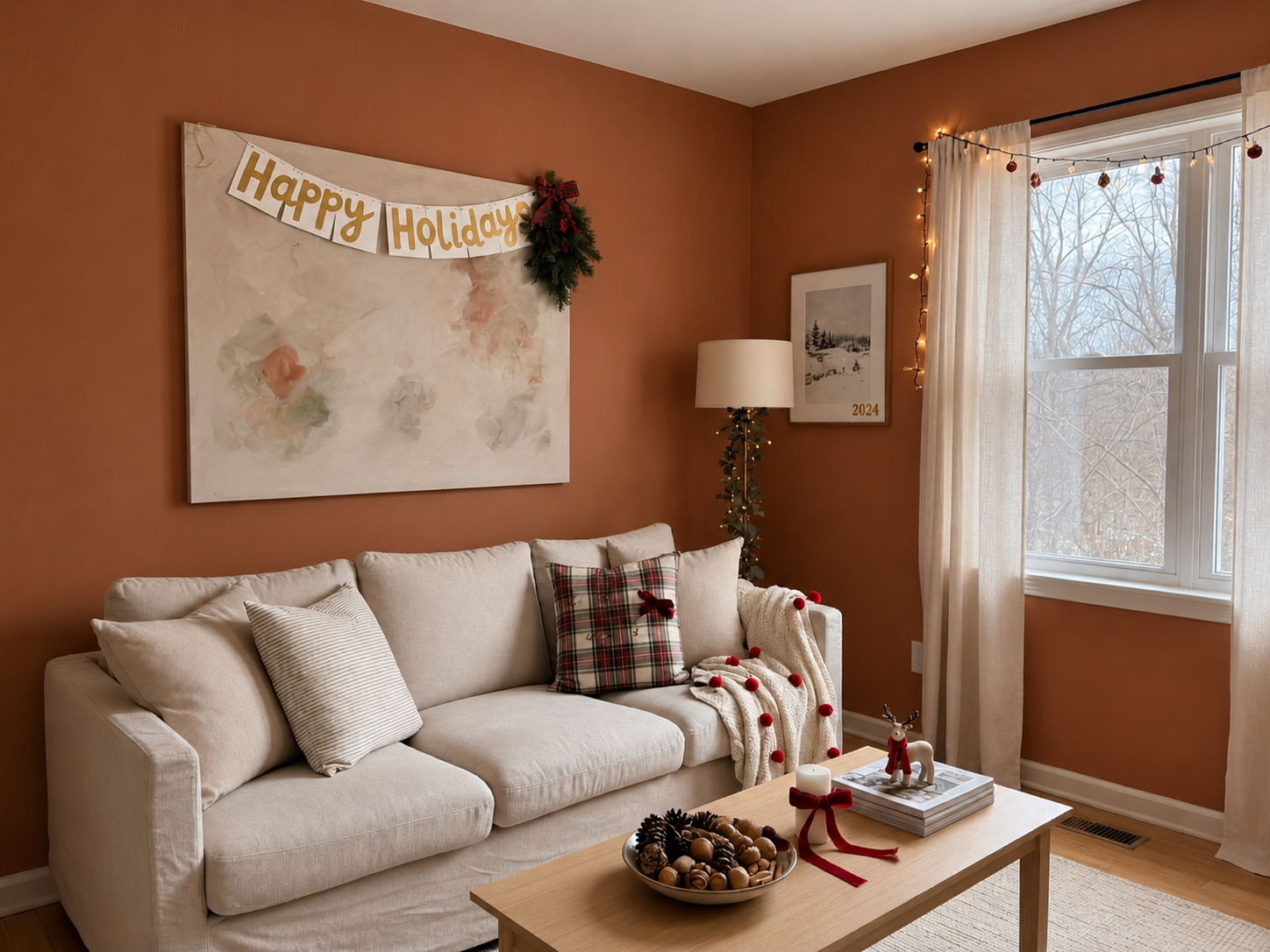 Hover for Inputs
Mixed inspiration images → bold palette, patterned textiles, eclectic furniture mix, vibrant preview.
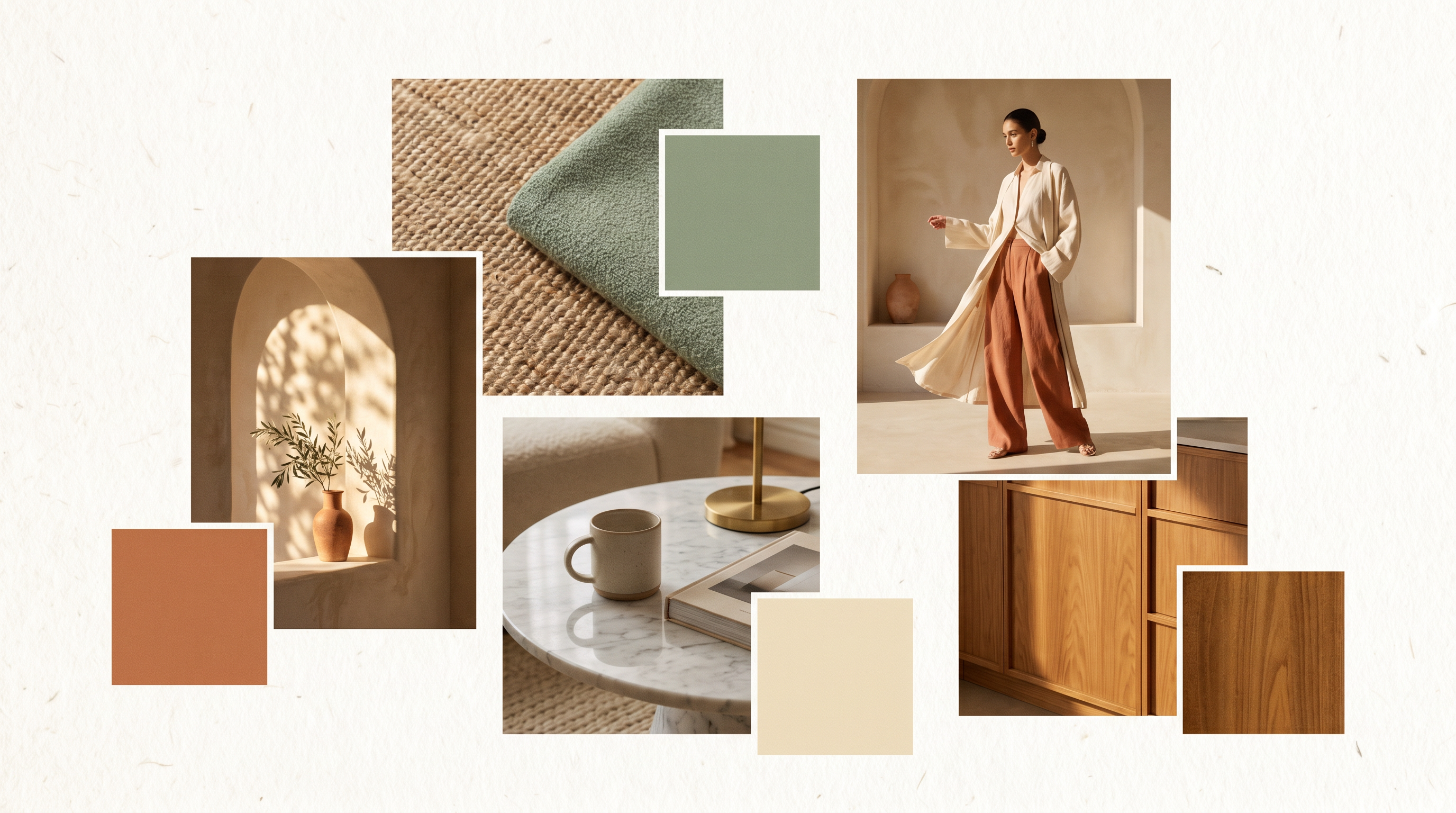
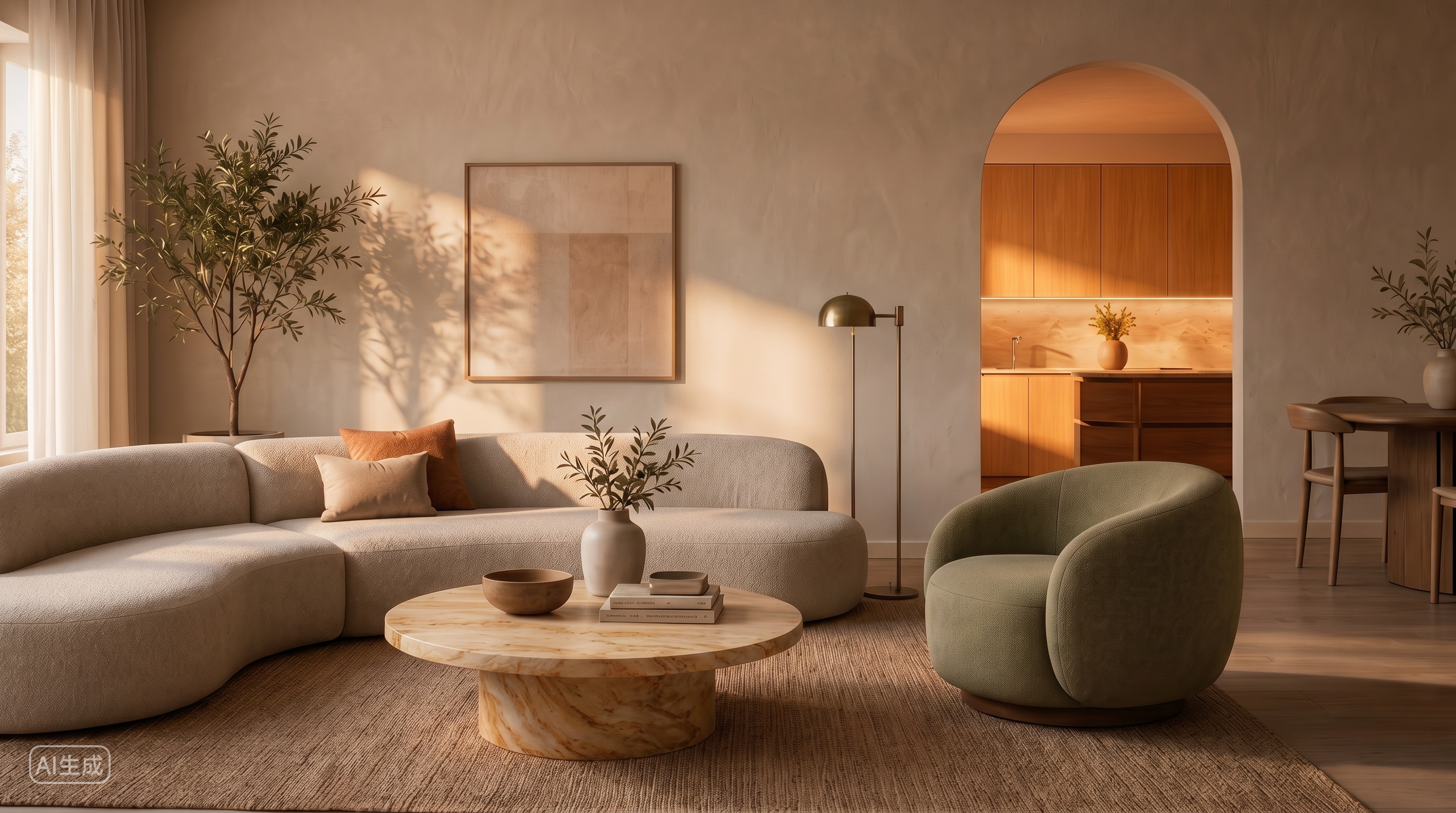 Hover for Inputs
Arch and material references → terracotta and sage palette, oak and marble textures, soft modern preview.
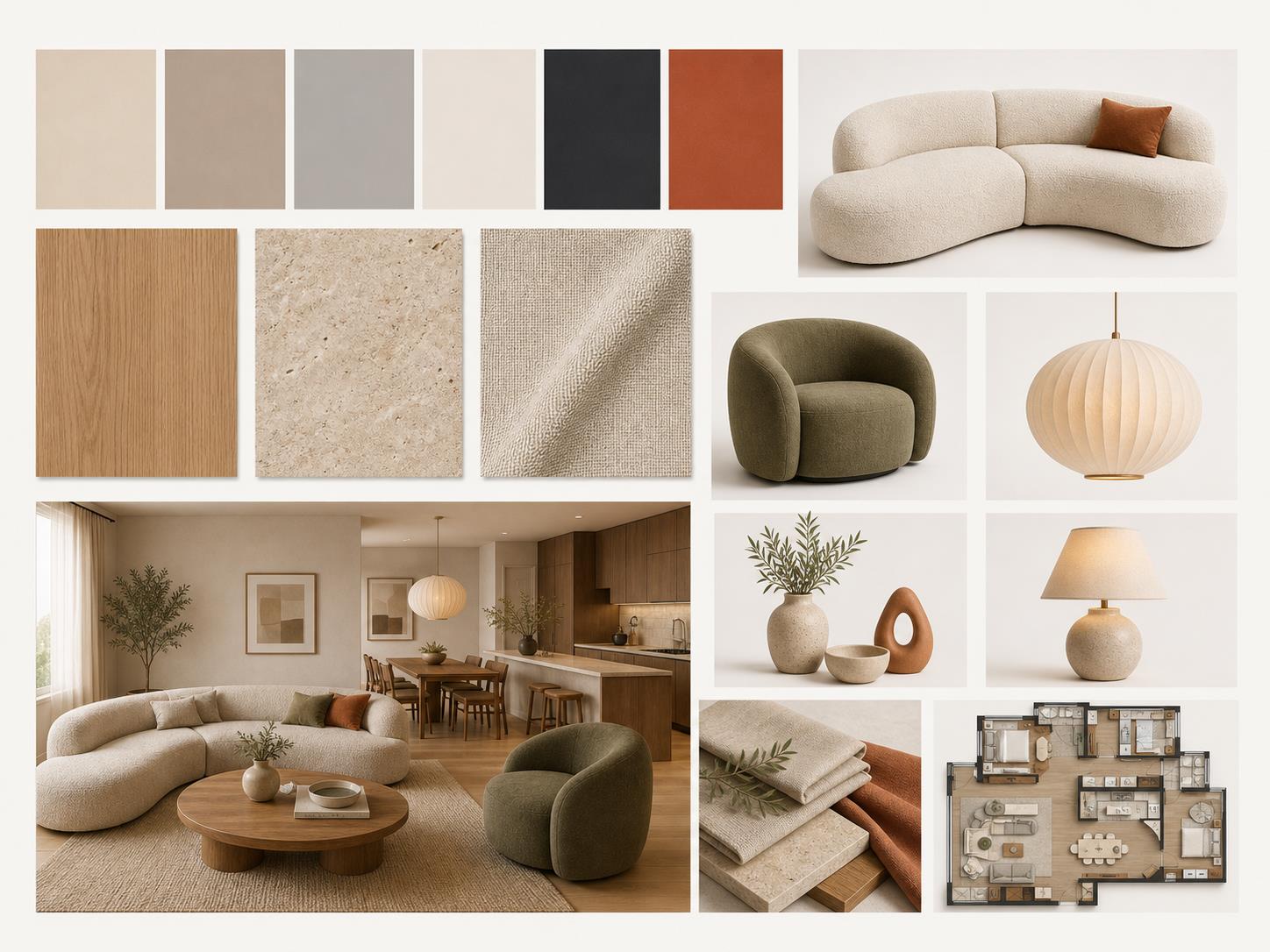 Hover for Inputs
Polished layout and believable references — ready for client proposals and design pitches.
Process
Upload or describe, generate, export — under a minute. No complex training required.
Drop in a room photo, a fabric swatch, or just type a few words — "warm minimalist loft" or "Japandi bedroom." Lovspark accepts JPG, PNG, WebP, plus free-text style prompts.
Lovspark reads your inputs and assembles a complete mood board — a curated color palette, matching materials and textures, real furniture references, lighting, and a preview of the styled space.
Download the board as an image, or refine the direction on the Lovspark canvas — try another style, refine the board, or share with clients instantly.
Technical Guide
Lovspark extracts palette and style from your inputs, matches materials and furniture to it, and renders a space preview — one coherent direction, not a random collage.
Lovspark analyzes any photo, swatch, or text prompt to pull out the dominant palette, material tones, and style cues — a defensible direction, not a random sample.
Once the palette is set, Lovspark matches real materials, textures, and furniture references that fit — woods, stones, fabrics, and lighting that belong together.
Lovspark renders a preview of the styled space applying the board — palette, materials, and furniture seen in a real room, not just as swatches.
Every tile on the board pulls toward one consistent mood. Lovspark assembles inputs into one coherent design direction — never a mismatched collage.
Audience
Professionals who need design direction boards from a photo, swatch, or style prompt before detailing a space.
Align on a style before detailing — show clients a complete direction from one photo or prompt.
Pitch design directions faster to clients — a full board in seconds, not hours of collage work.
Set a visual tone for spaces and campaigns — palette, materials, and references in one export.
See a style direction before you spend — preview palettes, furniture, and mood from one upload.
FAQ
Lovspark works with room photos, fabric swatches, and style prompts — then hands off to Virtual Staging, Interior Renovation, or Restyle Surfaces on the same canvas.
Related Tools
Add a photo or describe a style — see a finished board in seconds. No credit card required.
Start AI Mood Board →