 Hover for Original
Living Room
Sofa Swap
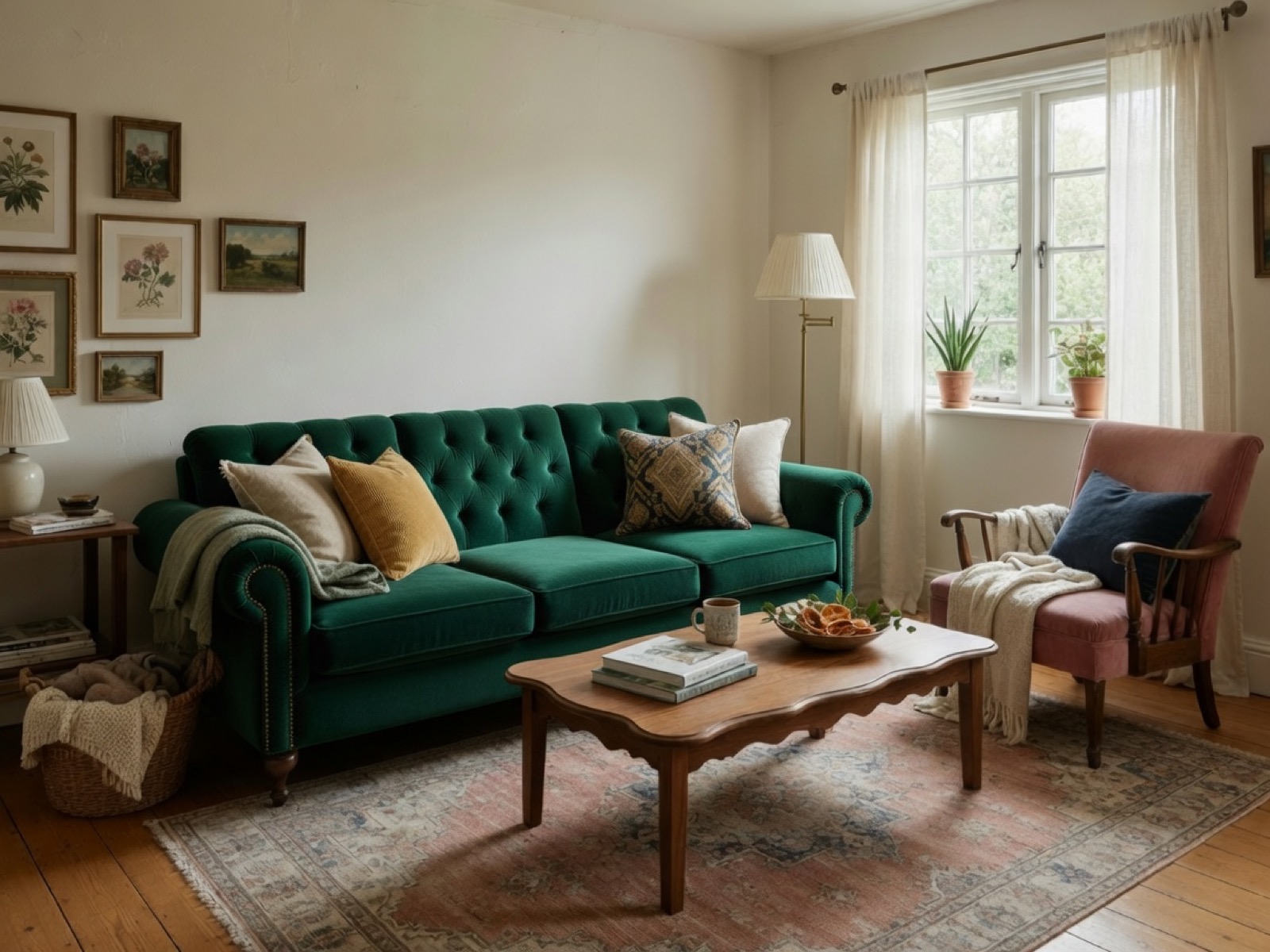
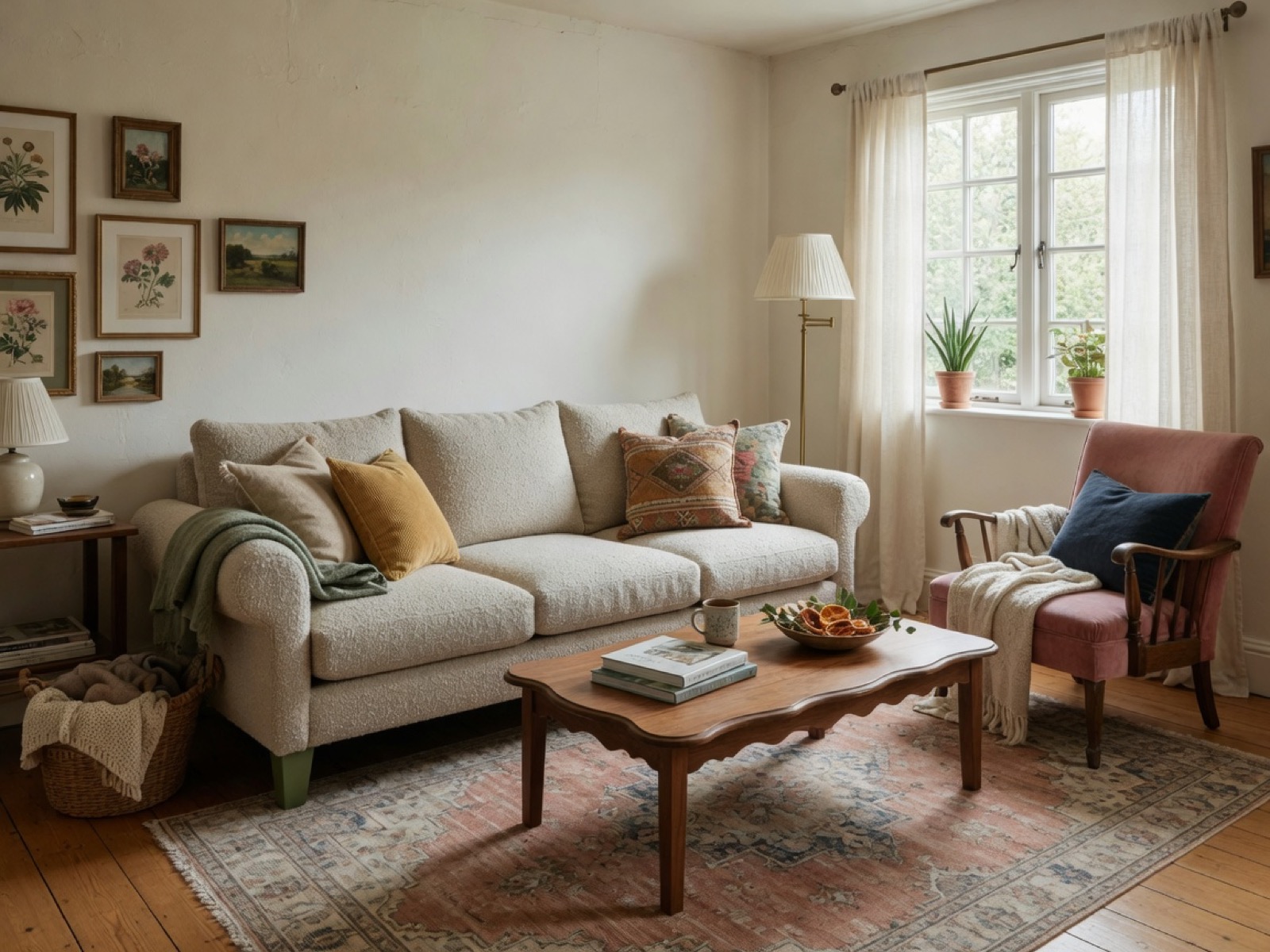
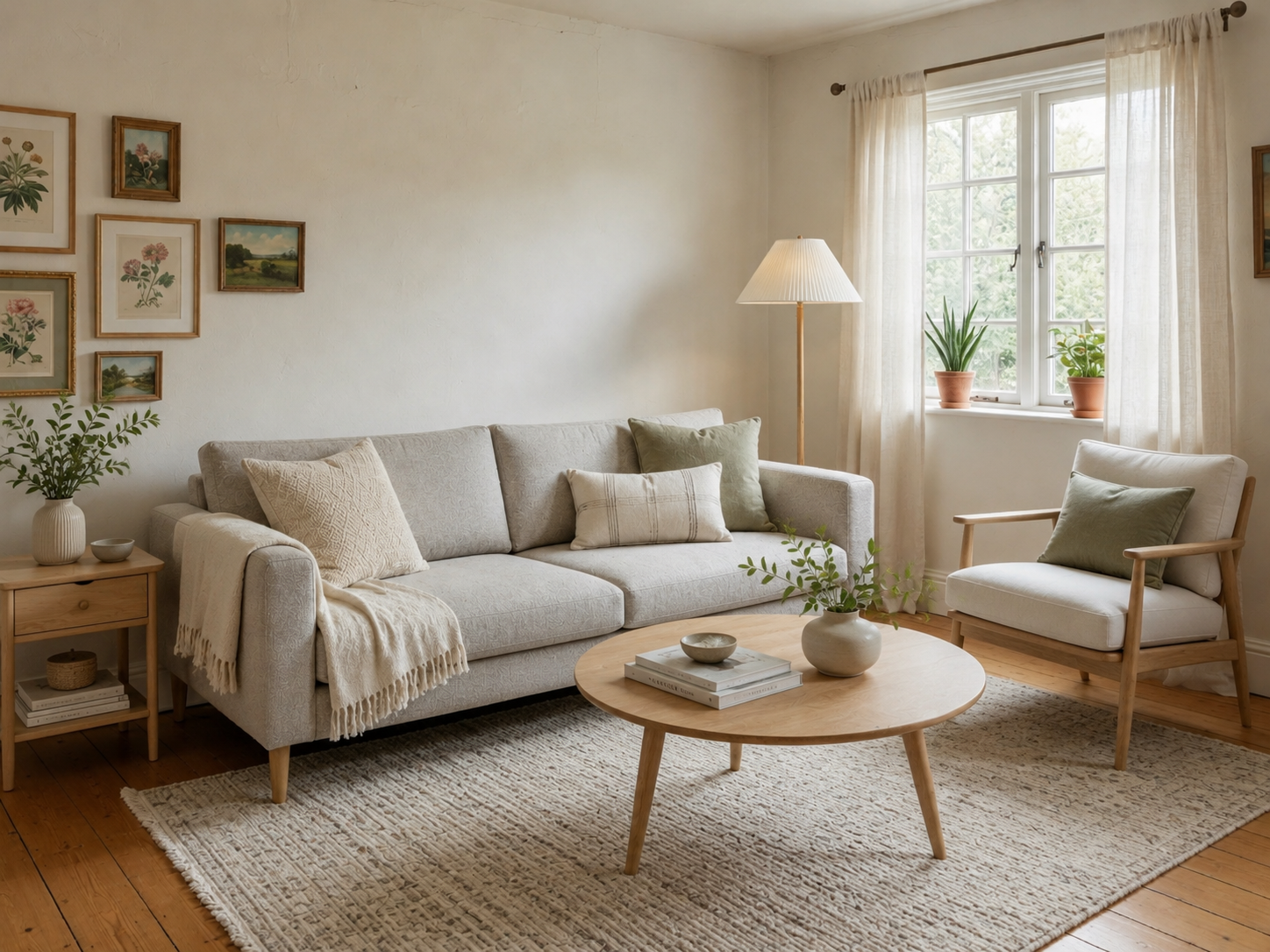
The sectional is replaced in place — walls, rug, and every other piece unchanged.

Furniture swap AI
Upload a furnished room, select the piece to replace, and Lovspark’s AI swaps in a new one — the sofa, chair, or lamp changes while the walls, floor, and every other piece stay exactly where they were.
Free to start · No install · Browser-based
Swap Examples
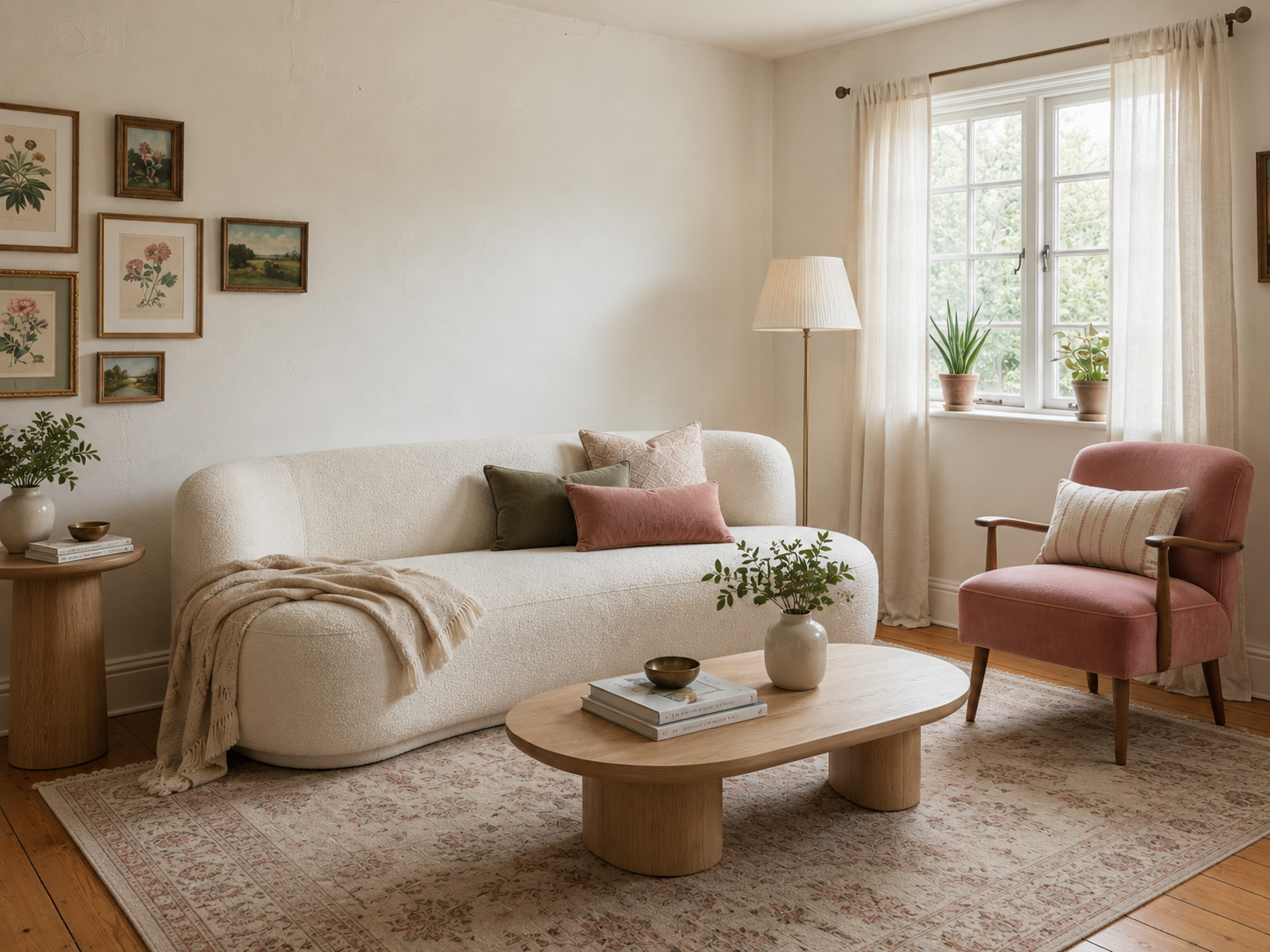
Each card shows the swapped result by default — hover to reveal the original piece. Lovspark keeps walls, floors, and every other object intact while replacing only what you select.
Hover for Original
The sectional is replaced in place — walls, rug, and every other piece unchanged.
 Hover for Original
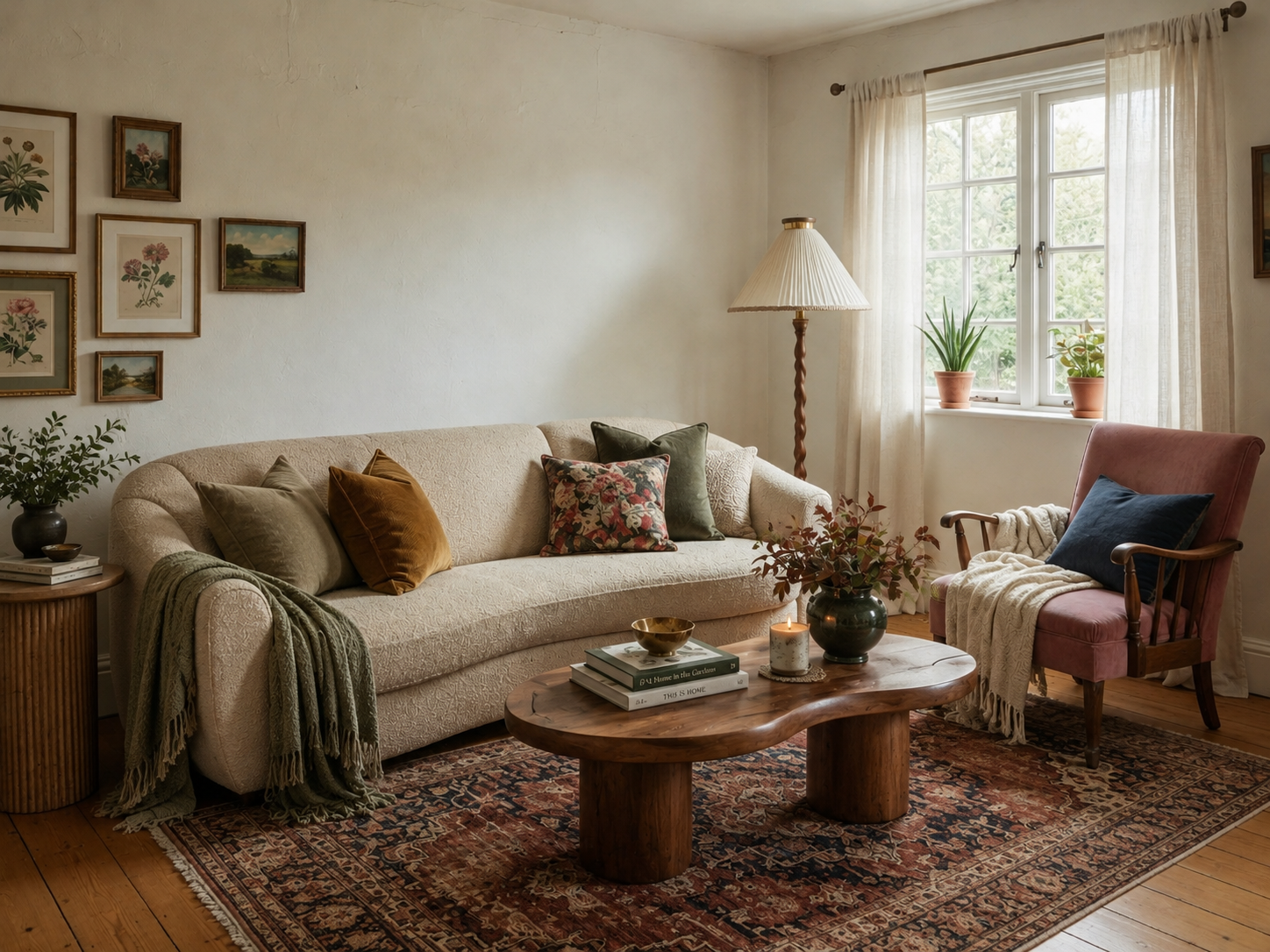
A new silhouette and fabric land in the same spot with matched contact shadows.
 Hover for Original
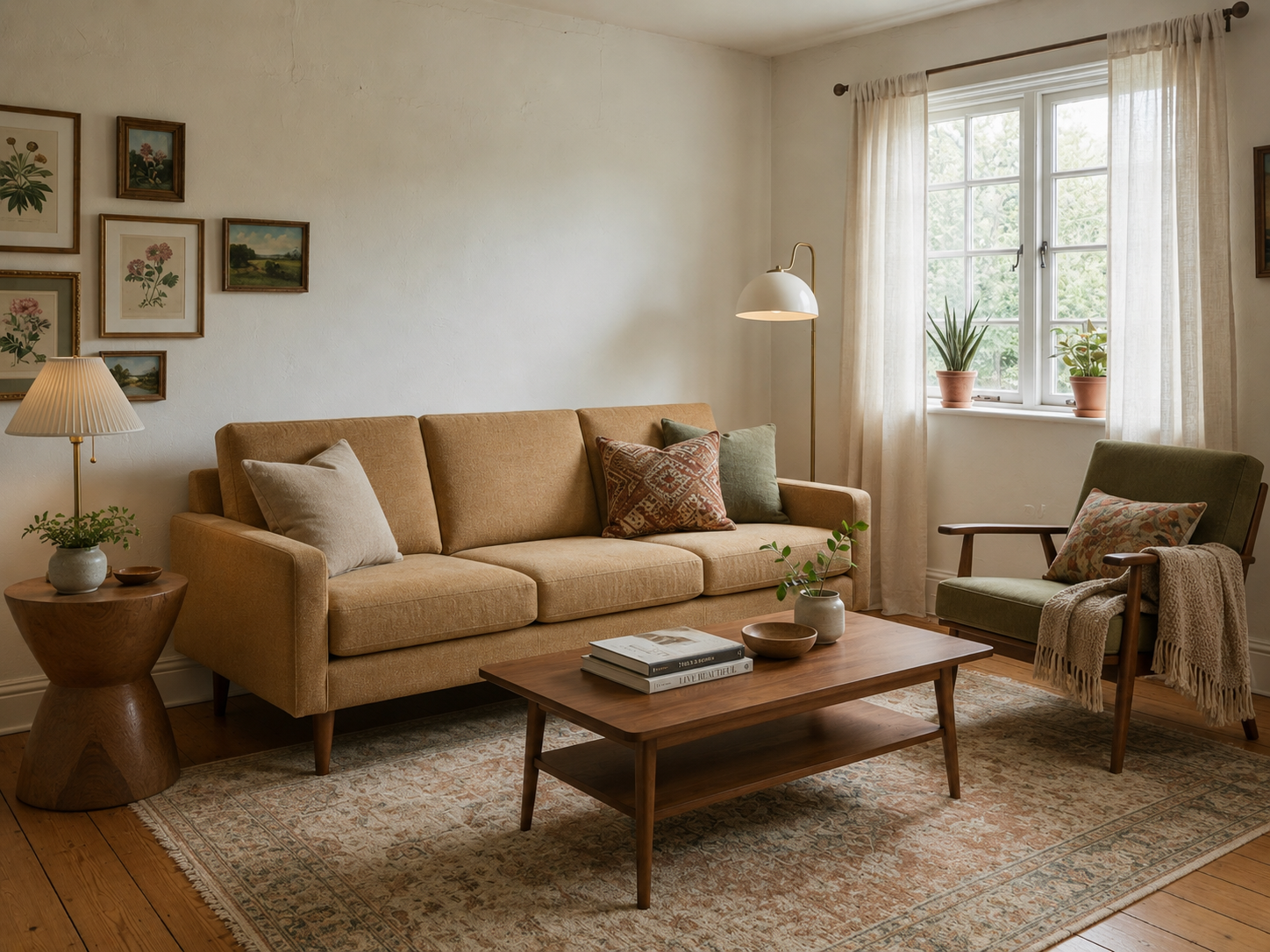
Swap a single chair without moving the sofa, tables, or decor around it.
 Hover for Original
Replace the table centerpiece while the seating and layout stay fixed.
 Hover for Original
Swap a floor lamp or side table accent — only the selected object changes.
Hover for Original
Polished exposure and seamless swap — ready for client reviews and product presentations.
Process
Upload, generate, export — under a minute. No complex training required.
Drag in furnished-room photos or client snapshots. Lovspark accepts JPG, PNG, and WebP at high resolution — wide-angle and phone images supported.
Lovspark masks the piece you select, inpaints the floor and wall behind it, then composites the replacement with matching scale, shadows, and perspective — so the new piece sits in the same spot the old one did.
Download the swapped render or continue on the Lovspark canvas — refine, add decor, or share with clients instantly.
Technical Guide
Lovspark masks only the selected object, inpaints the background, and composites the replacement with matched scale and shadows — photoreal, not a collage.
Lovspark detects and masks only the single piece you select — sofa, chair, table, or lamp — so the swap stays confined to that object while walls and every other item remain untouched.
Once the old piece is lifted, Lovspark reconstructs the floor and wall behind it — baseboards, shadows, and texture continuity — so the replacement sits in a clean, believable background.
The new piece is composited at the correct scale and camera angle, with contact shadows and reflections matched to the room’s real lighting — one item genuinely swapped, not a collage.
Before and after always come from one upload. Lovspark swaps only the selected piece on top of the same scene — never a mismatched composite.
Audience
Professionals who swap pieces in furnished rooms without reshoots or 3D modeling.
Test sofa or chair options before sourcing. Show clients how a replacement reads in the same room.
Show your product swapped into a real room photo — correct scale and shadows for catalog and e-commerce visuals.
Swap dated pieces without a reshoot. Refresh listing photos when inventory or style changes.
Preview a replacement before you buy. See how a new sofa or chair fits your actual room.
FAQ
Lovspark works with furnished room photos, client snapshots, and exports from design tools — then hands off to Add Furniture or Virtual Staging on the same canvas.
Related Tools
Upload a furnished room photo and see a piece swapped in seconds. No credit card required.
Start Swap Furniture & Objects →