 Hover for Original
Living Room
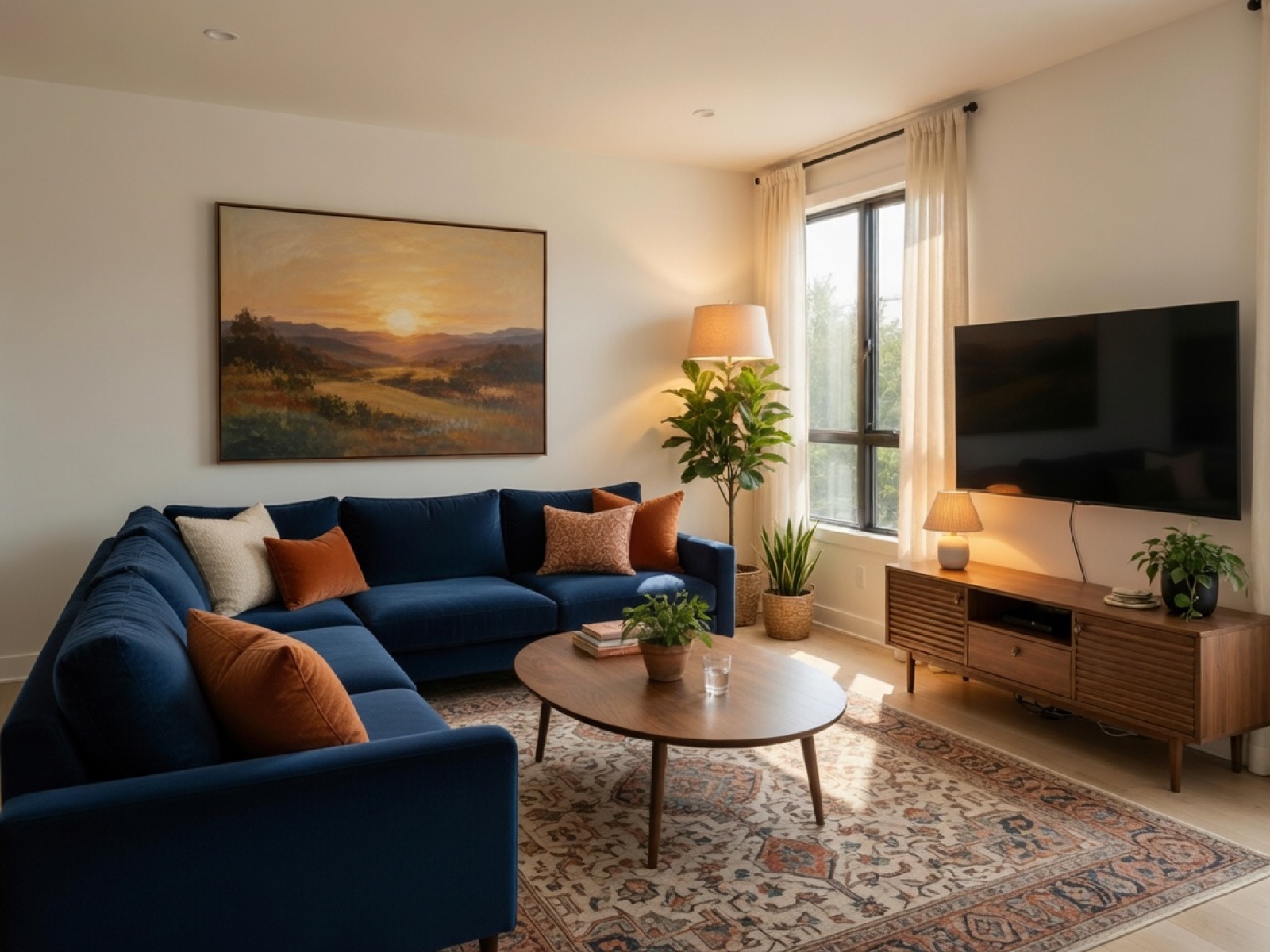
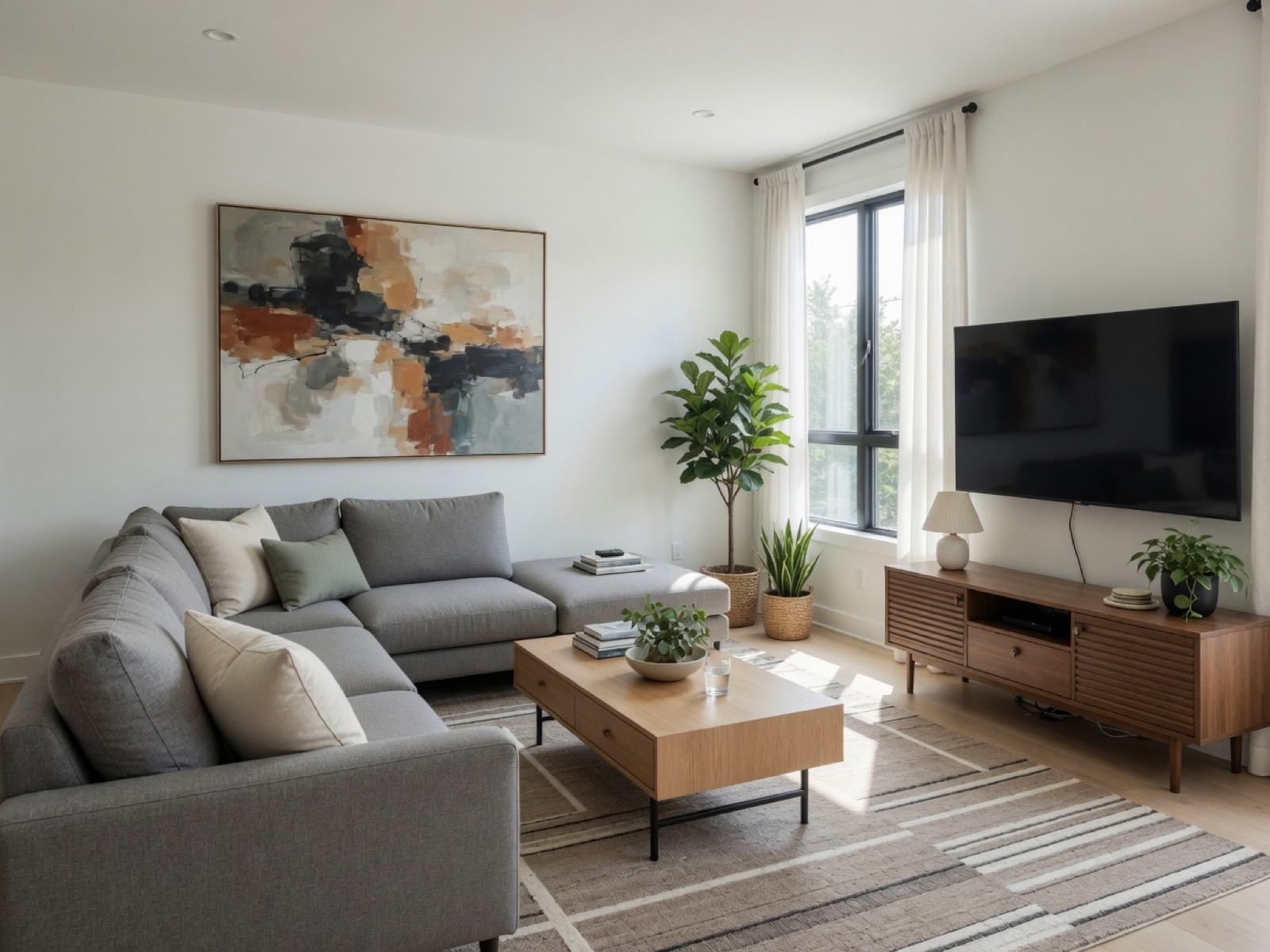
Contemporary Living Refresh
Sofas, rugs, and decor restyled — walls, windows, and camera angle unchanged.

Interior design AI
Upload a furnished room photo. Lovspark’s AI restyles furniture, colors, textiles, and decor — walls, windows, and layout stay intact.
Free to start · No install · Browser-based
Style Directions
Each card shows the restyled result by default — hover to reveal the original furnished room. Lovspark keeps walls, windows, and layout intact while rebuilding furniture and decor.
Hover for Original
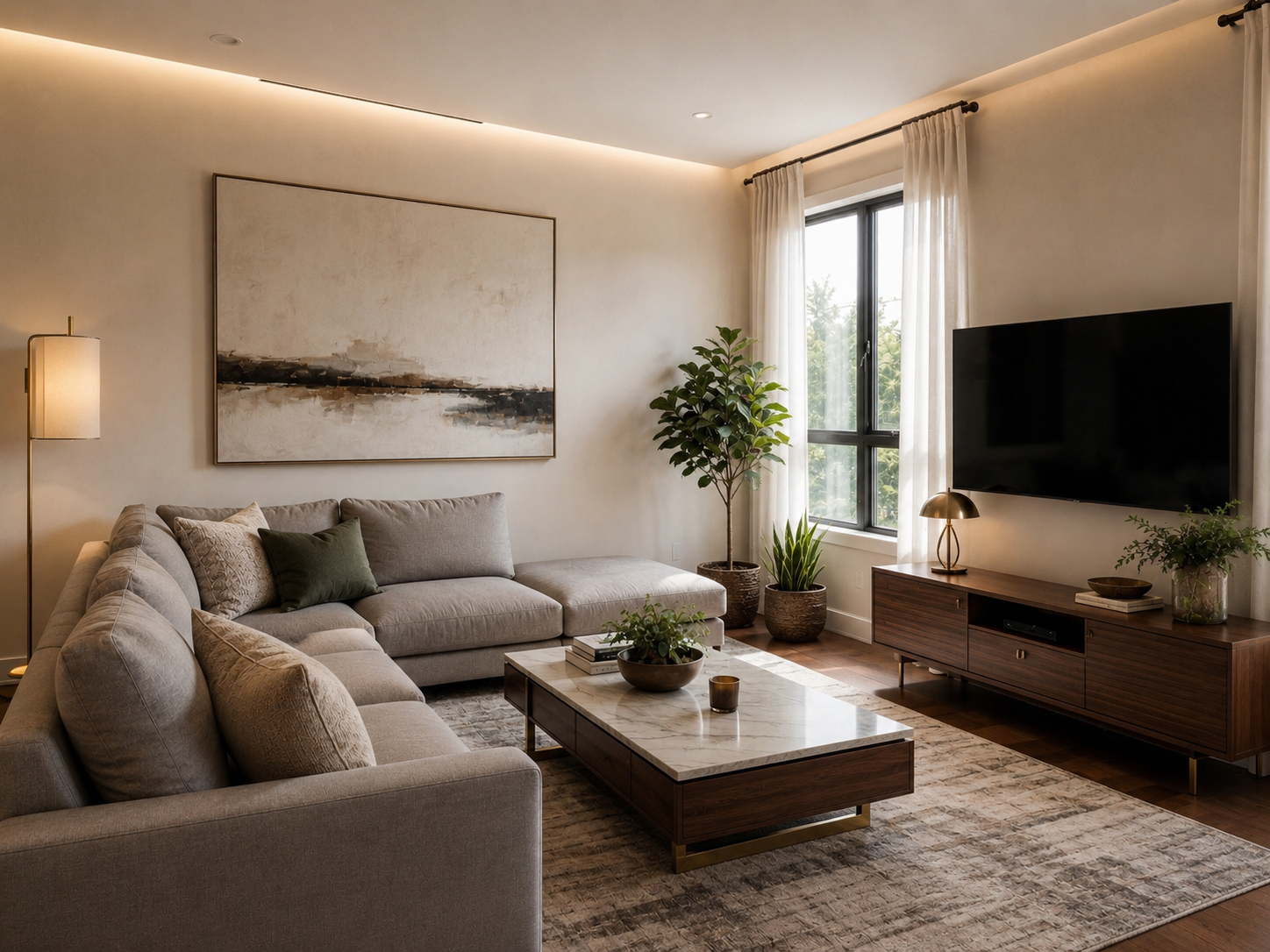
Sofas, rugs, and decor restyled — walls, windows, and camera angle unchanged.
 Hover for Original
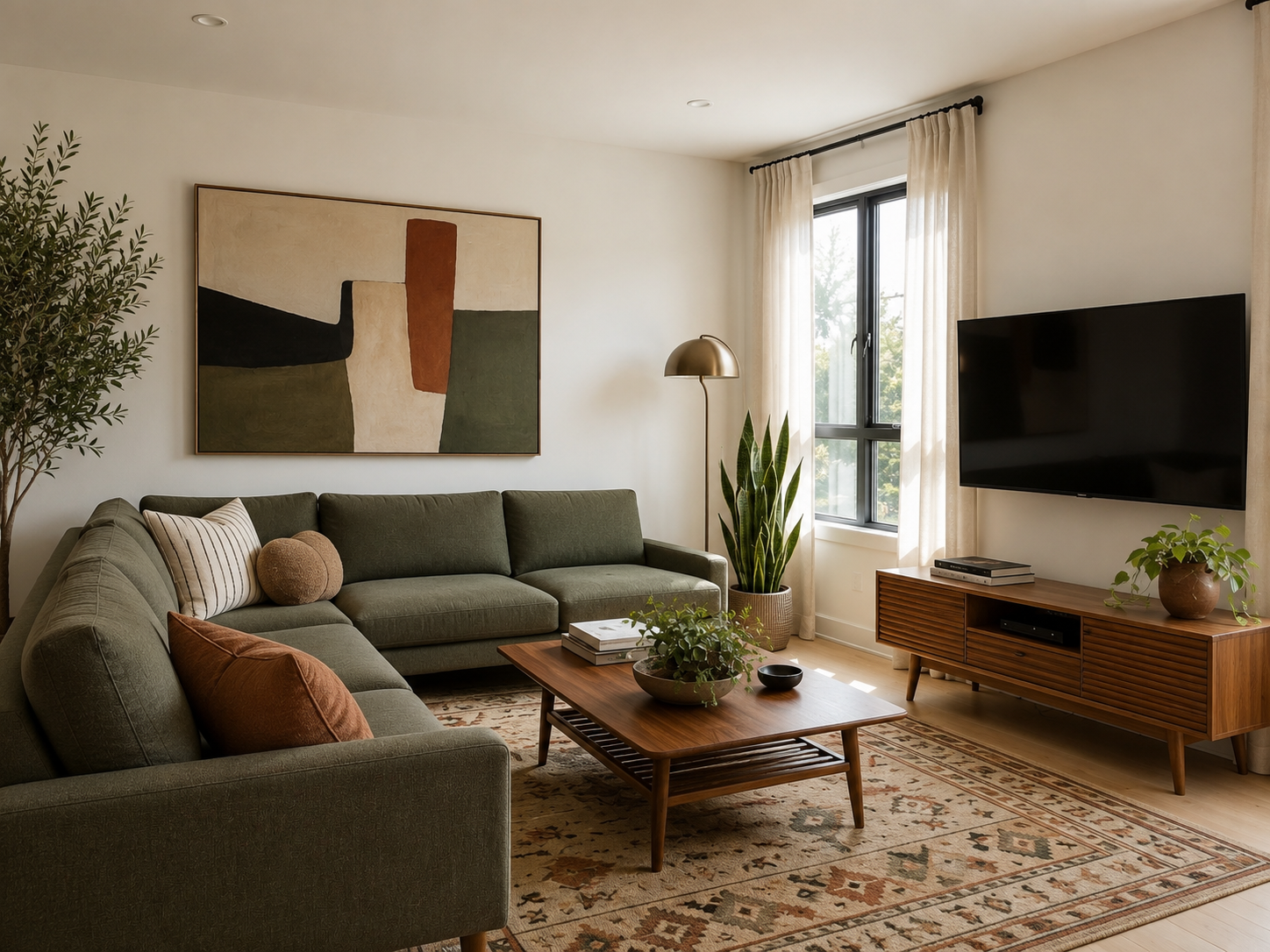
Sculptural seating and a high-contrast palette layered onto the same room geometry.
 Hover for Original
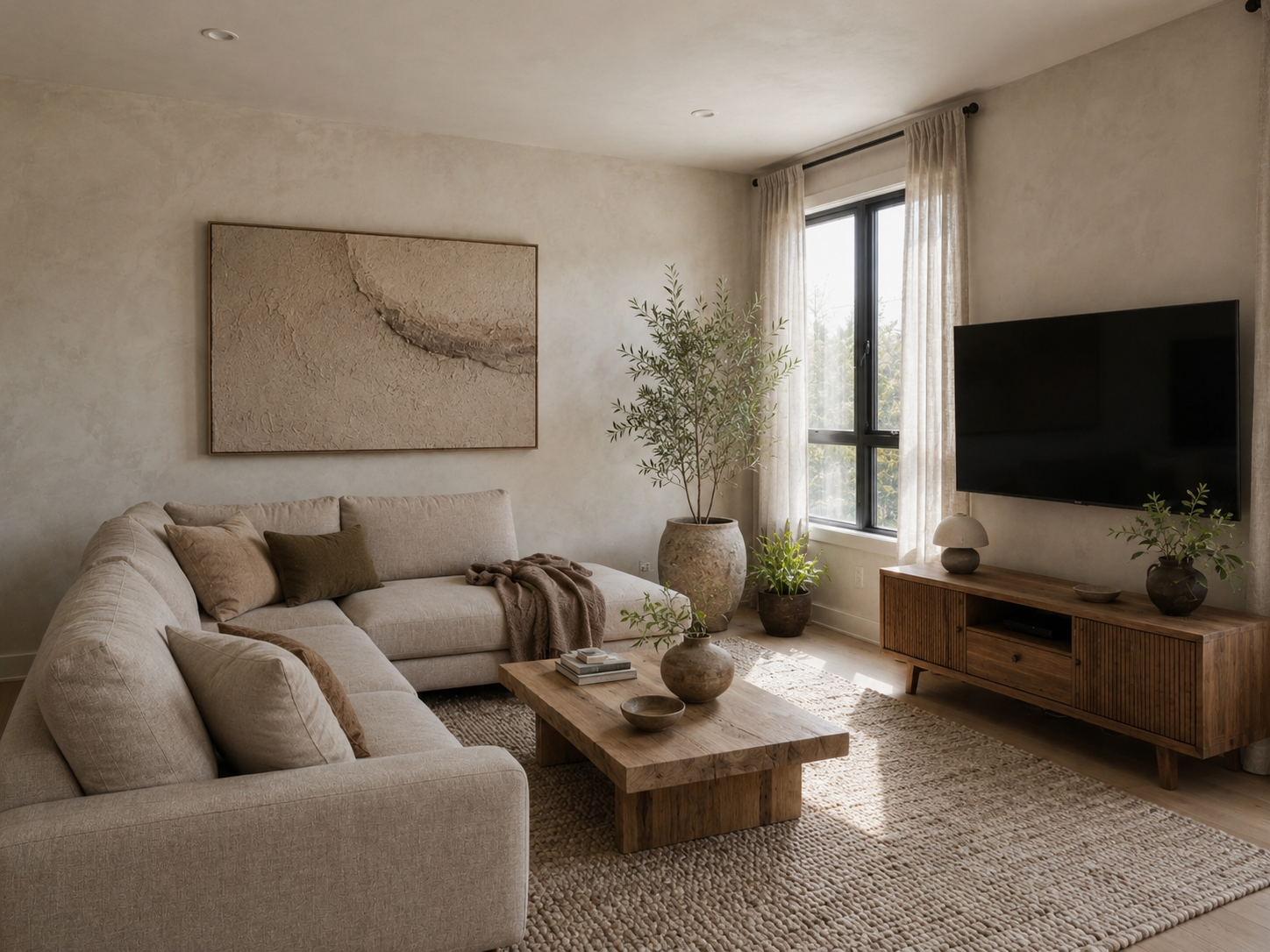
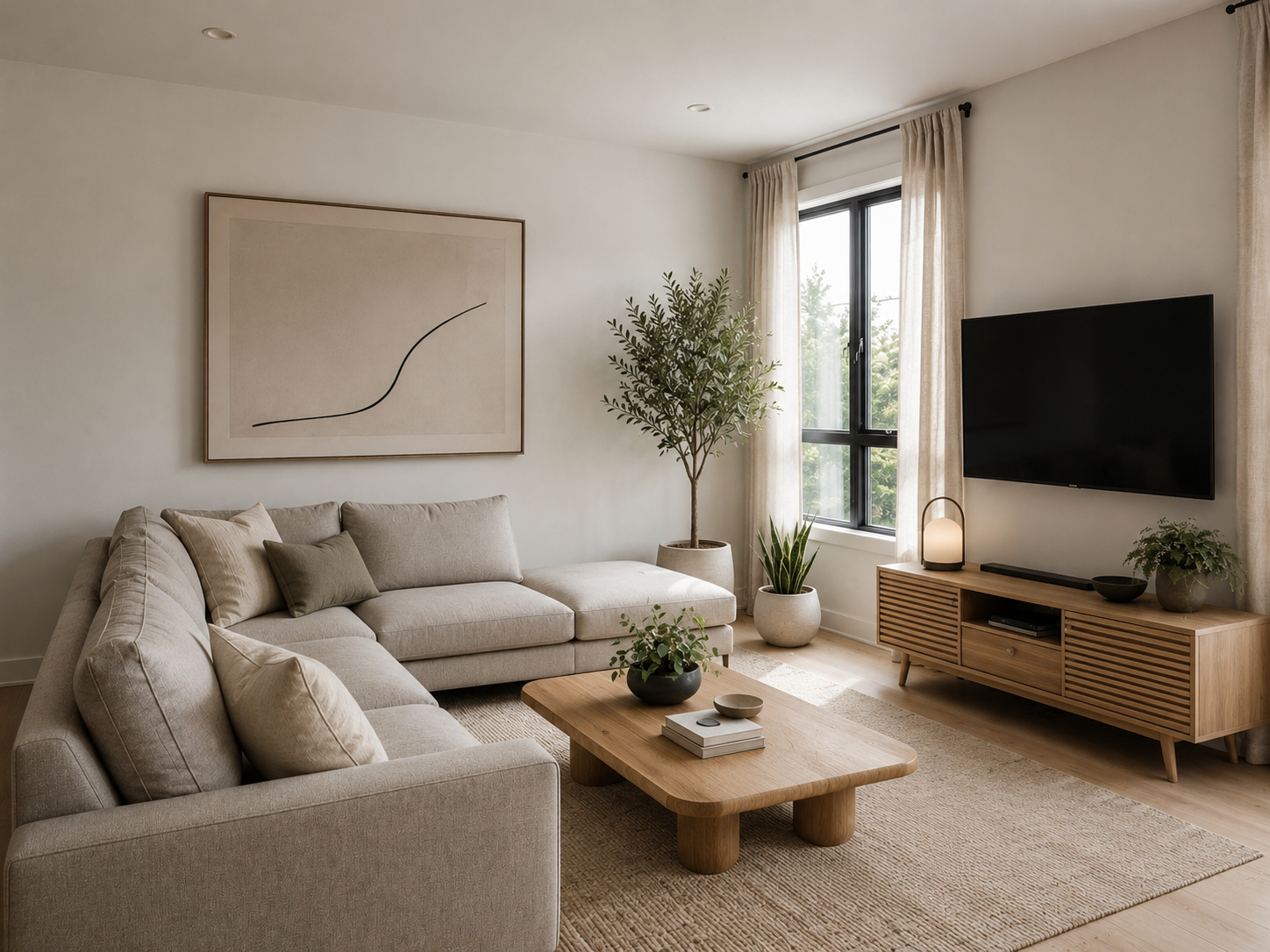
Neutral woods, soft textiles, and muted accents — a calmer direction from one upload.
 Hover for Original
Light linens, airy blues, and relaxed decor without changing the room footprint.
 Hover for Original
Low silhouettes, natural textures, and quiet tones applied across the same scene.
Hover for Original
Polished exposure and cohesive styling — ready for client reviews and presentations.
Process
Upload, generate, export — under a minute. No complex training required.
Drag in furnished room photos or client snapshots. Lovspark accepts JPG, PNG, and WebP at high resolution — wide-angle and phone images supported.
Lovspark reads existing furniture, walls, and windows, then rebuilds seating style, color palette, textiles, and decor on the original geometry.
Download the restyled render or continue on the Lovspark canvas — refine, relight, or share with clients instantly.
Technical Guide
Lovspark locks walls and layout, then rebuilds furniture, textiles, and decor into a coherent new design direction — photoreal, not a patch job.
Lovspark reads walls, windows, and footprint from your furnished-room photo and locks them in place. Only furniture, textiles, and decor are rebuilt — architecture stays dimension-accurate.
Silhouettes, fabrics, color palettes, and decor are restyled together so the redesign reads as one coherent look — not a set of disconnected swaps.
Restyled pieces inherit the original photo’s lighting and camera angle, with matched contact shadows and reflections so the room reads as genuinely redesigned.
Before and after always come from one upload. Lovspark transforms styling on top of the same scene — never a mismatched composite.
Audience
Professionals who need to pitch a new style direction without clearing or restaging the room.
Pitch a new style direction in minutes. Show clients multiple palettes and furniture moods from one furnished photo.
Refresh a dated listing look without buying new furniture or scheduling a physical restage.
Restyle units between seasonal refreshes and test new decor directions before buying inventory.
See a new look before you redecorate. Compare style directions from the room you already live in.
FAQ
Lovspark works with listing photos, client snapshots, and exports from design tools — then hands off to Virtual Staging or Swap Furniture on the same canvas.
Related Tools
Upload a furnished room and see a new design direction in seconds. No credit card required.
Start Redesign Furnished Rooms →