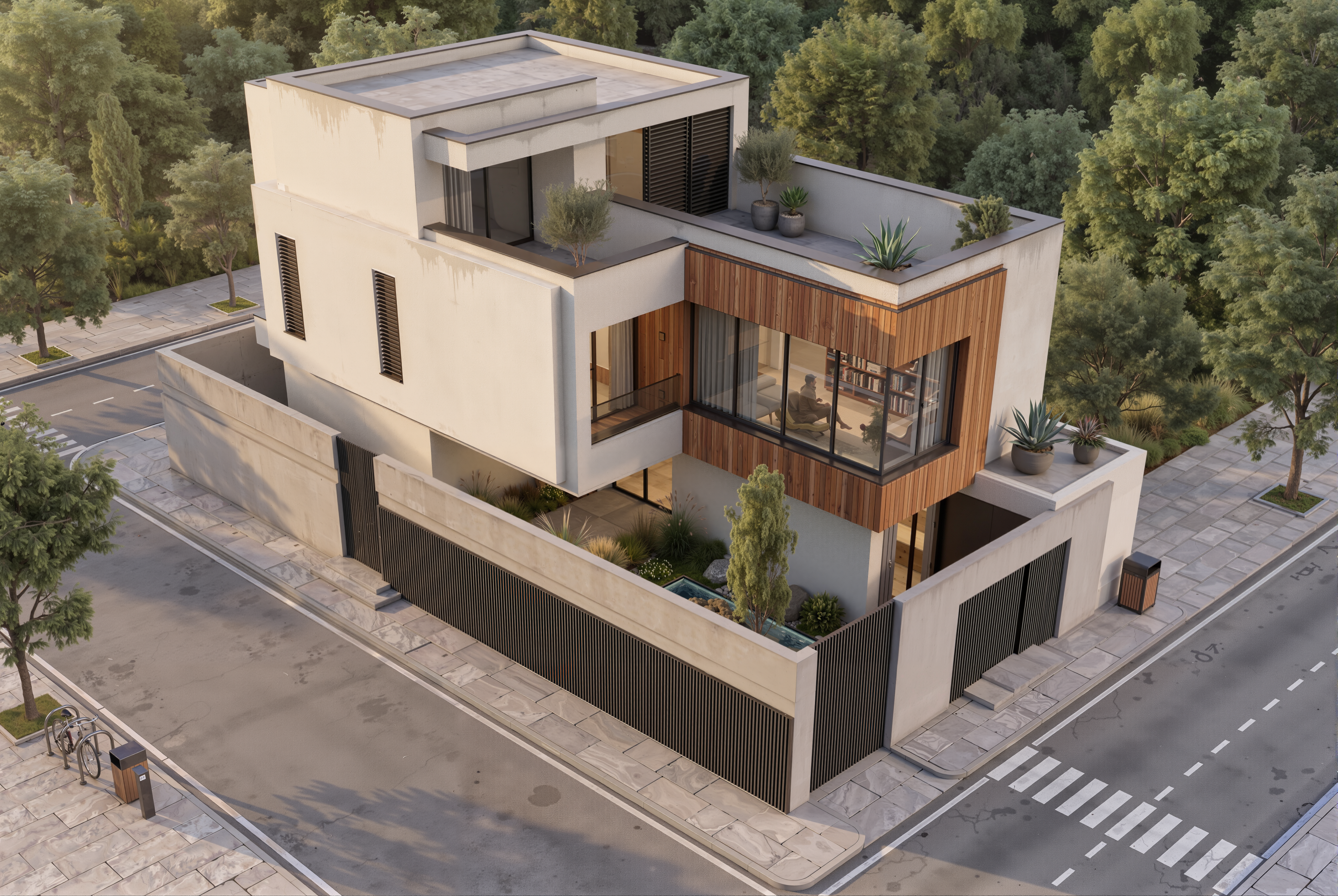
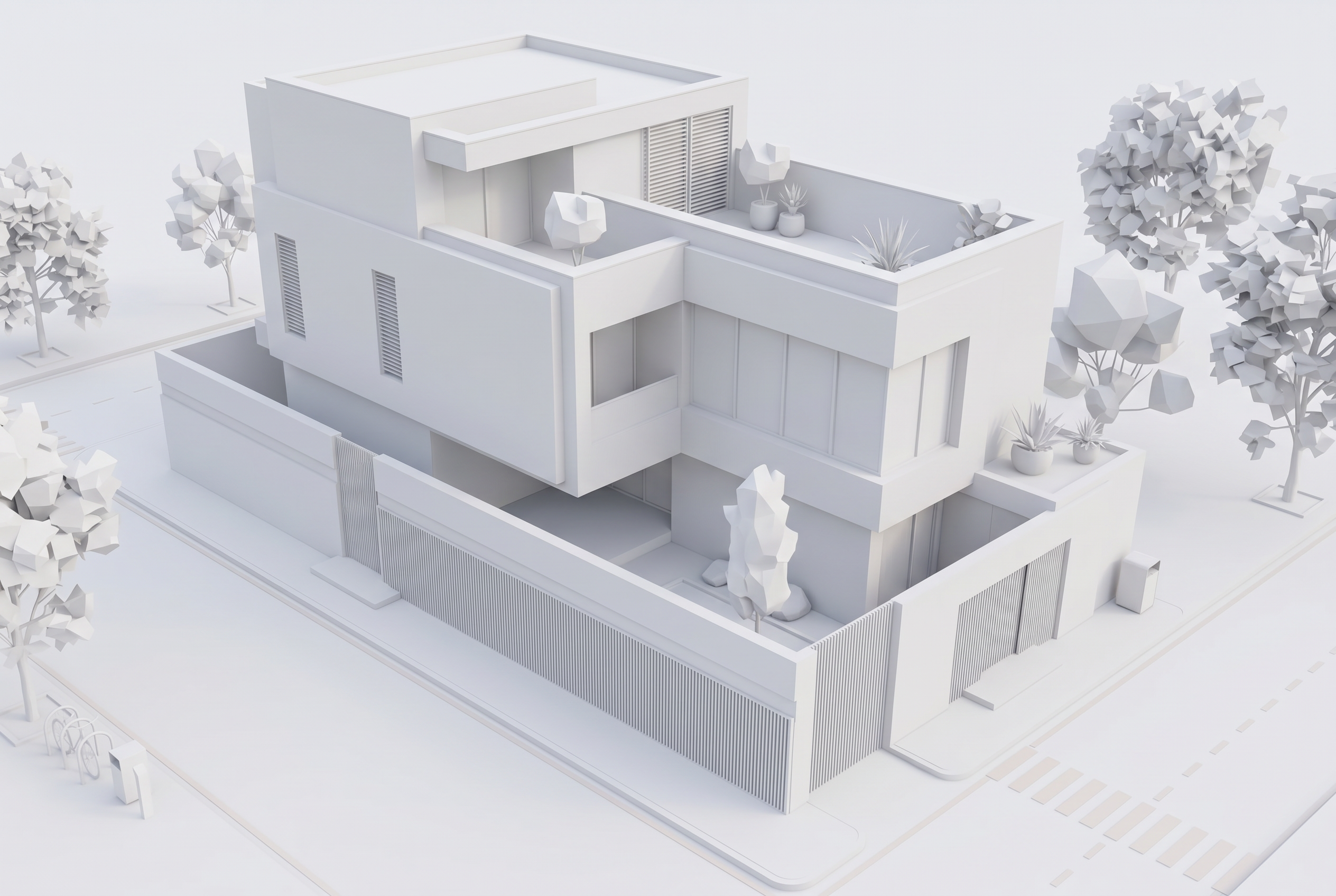
 Hover for Original
Full Render
Modern Facade
Brick, stucco, and glazing on the same massing — roof lines and openings unchanged.

Exterior AI
Upload a sketch, SketchUp export, or white model. Lovspark’s AI produces a photoreal 3D house render — real facade materials, glazing, landscaping, and light — while building massing and openings stay fixed, so you preview the result before construction.
Free to start · No install · Browser-based
Exterior Examples
Each card shows the render result by default — hover to reveal the white model. Lovspark keeps massing, roof lines, and openings intact while adding materials, glazing, and entourage.
Hover for Original
Brick, stucco, and glazing on the same massing — roof lines and openings unchanged.
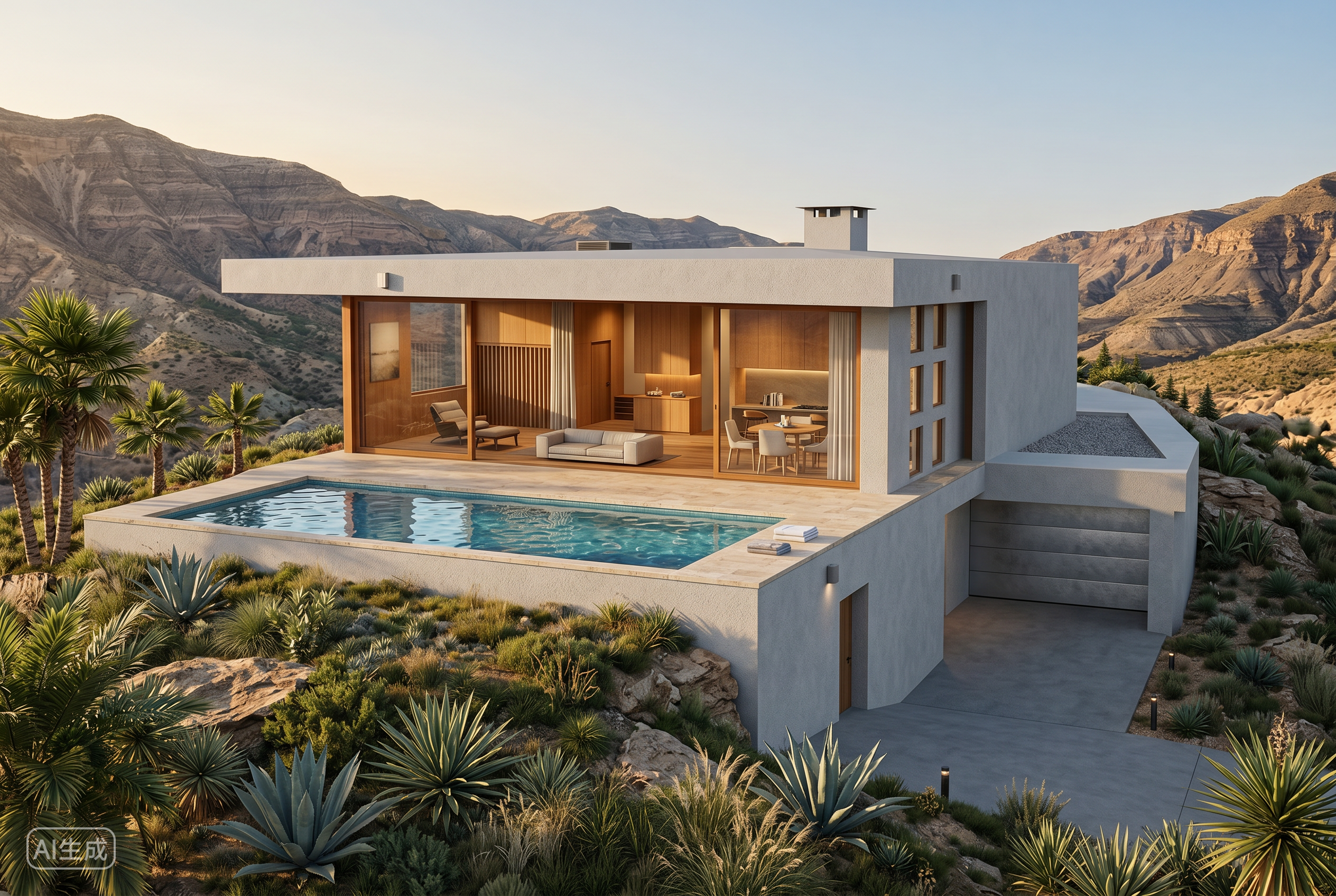 Hover for Original
White model to brick-and-shutter colonial — same footprint, classic facade materials.
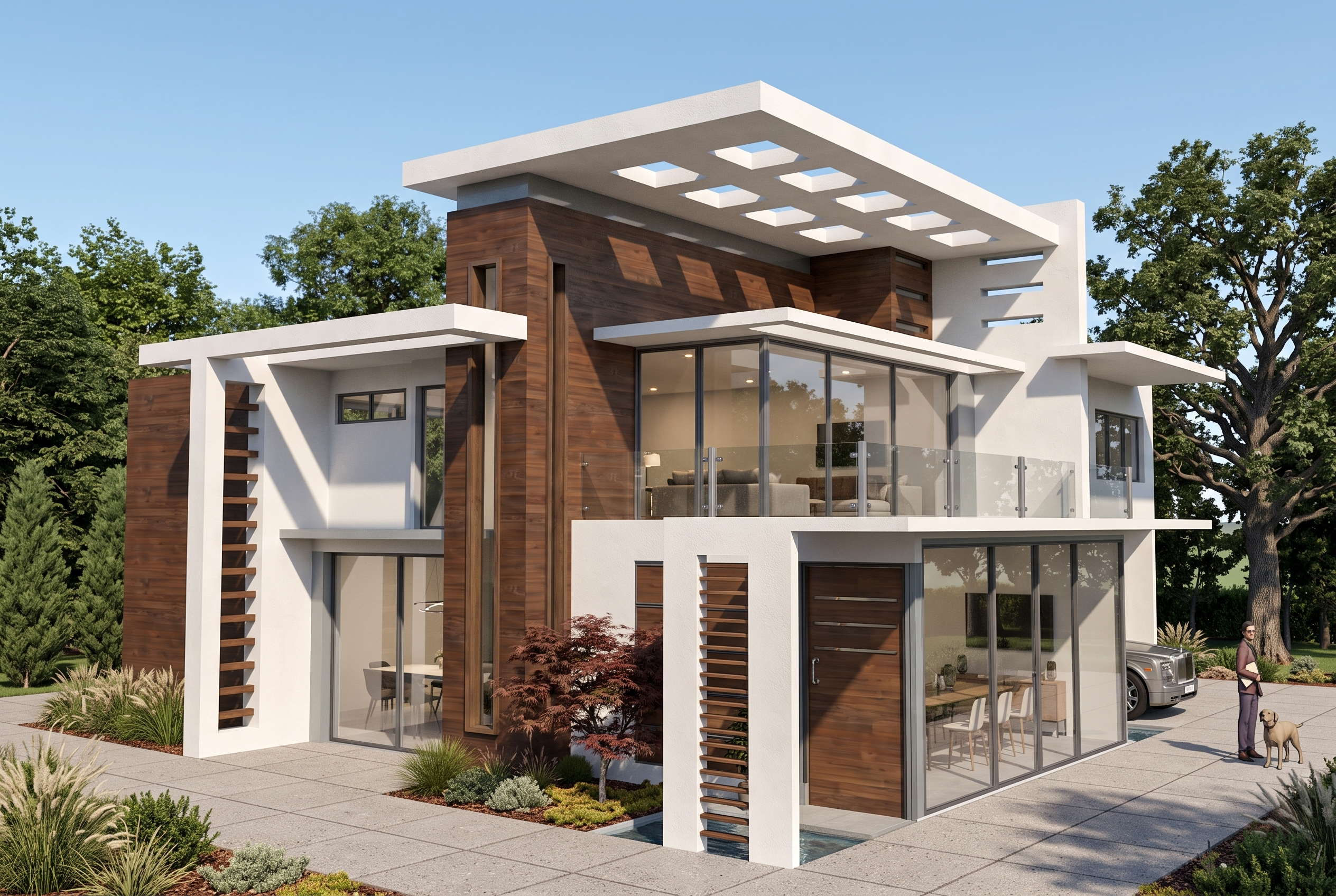 Hover for Original
Narrow lot, vertical massing — materials and windows updated, structure unchanged.
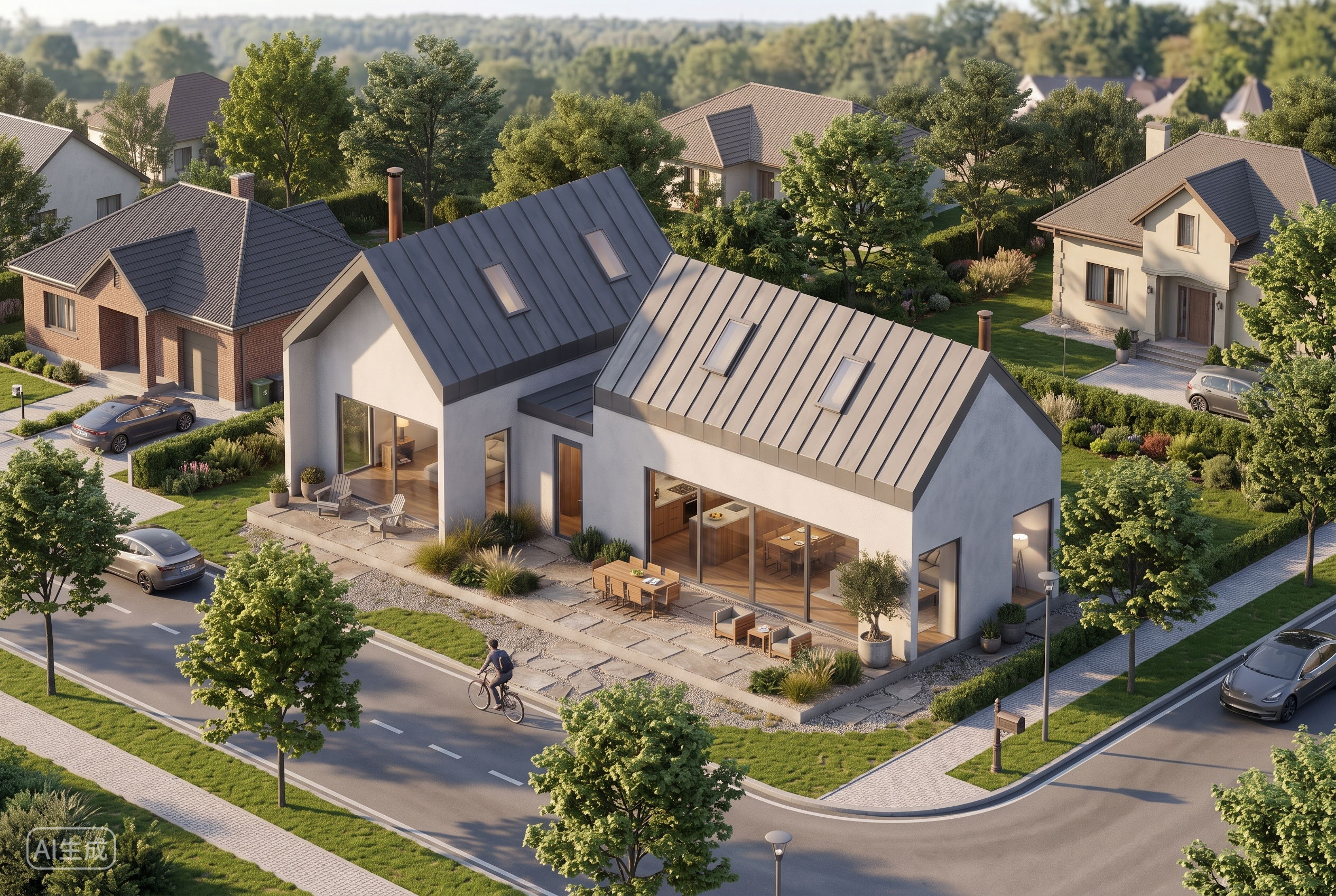 Hover for Original
Flat roof, glass, and stone — same building shell, contemporary curb appeal.
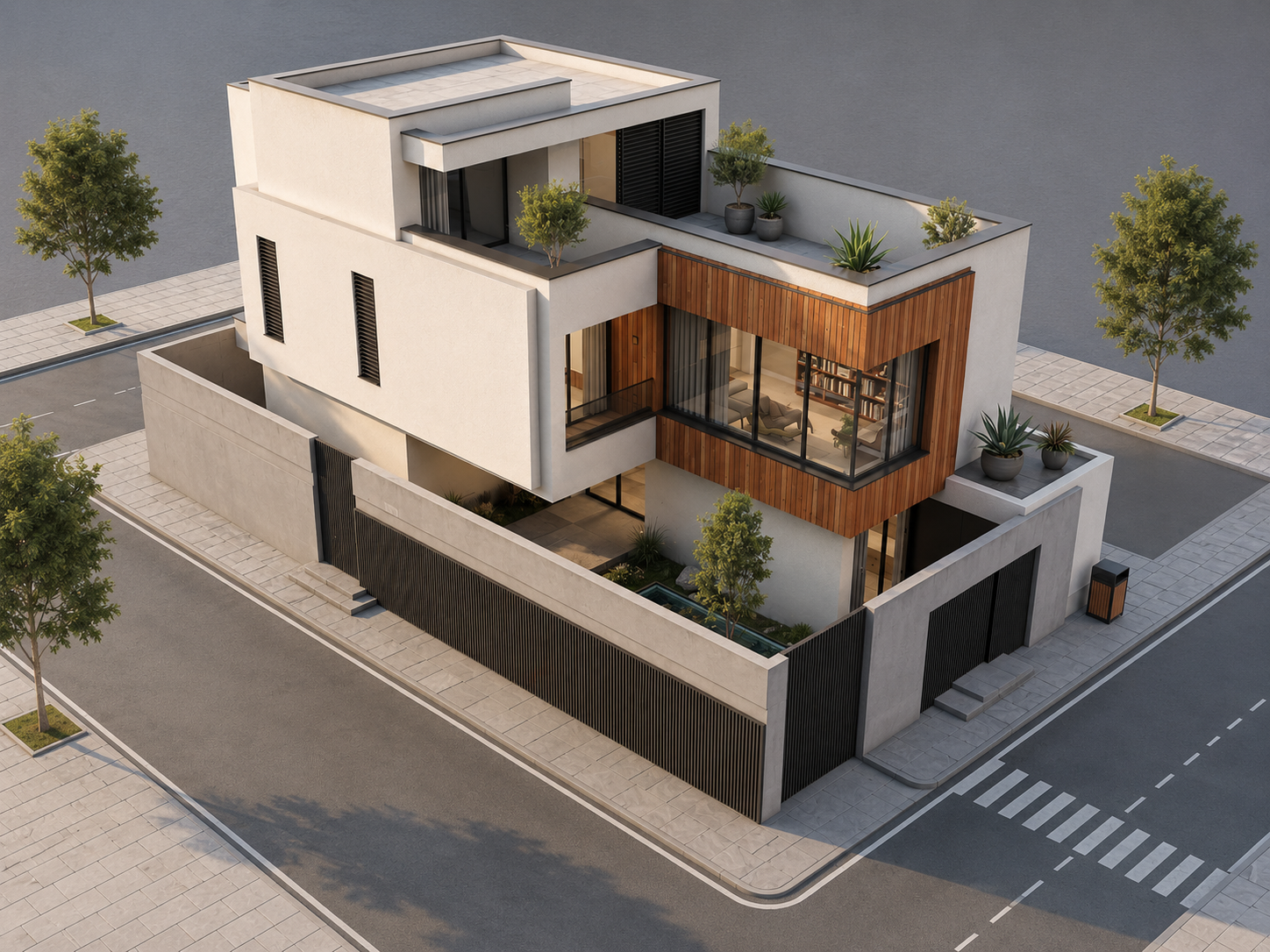 Hover for Original
Board-and-batten, metal roof, and porch details — massing locked, style refreshed.
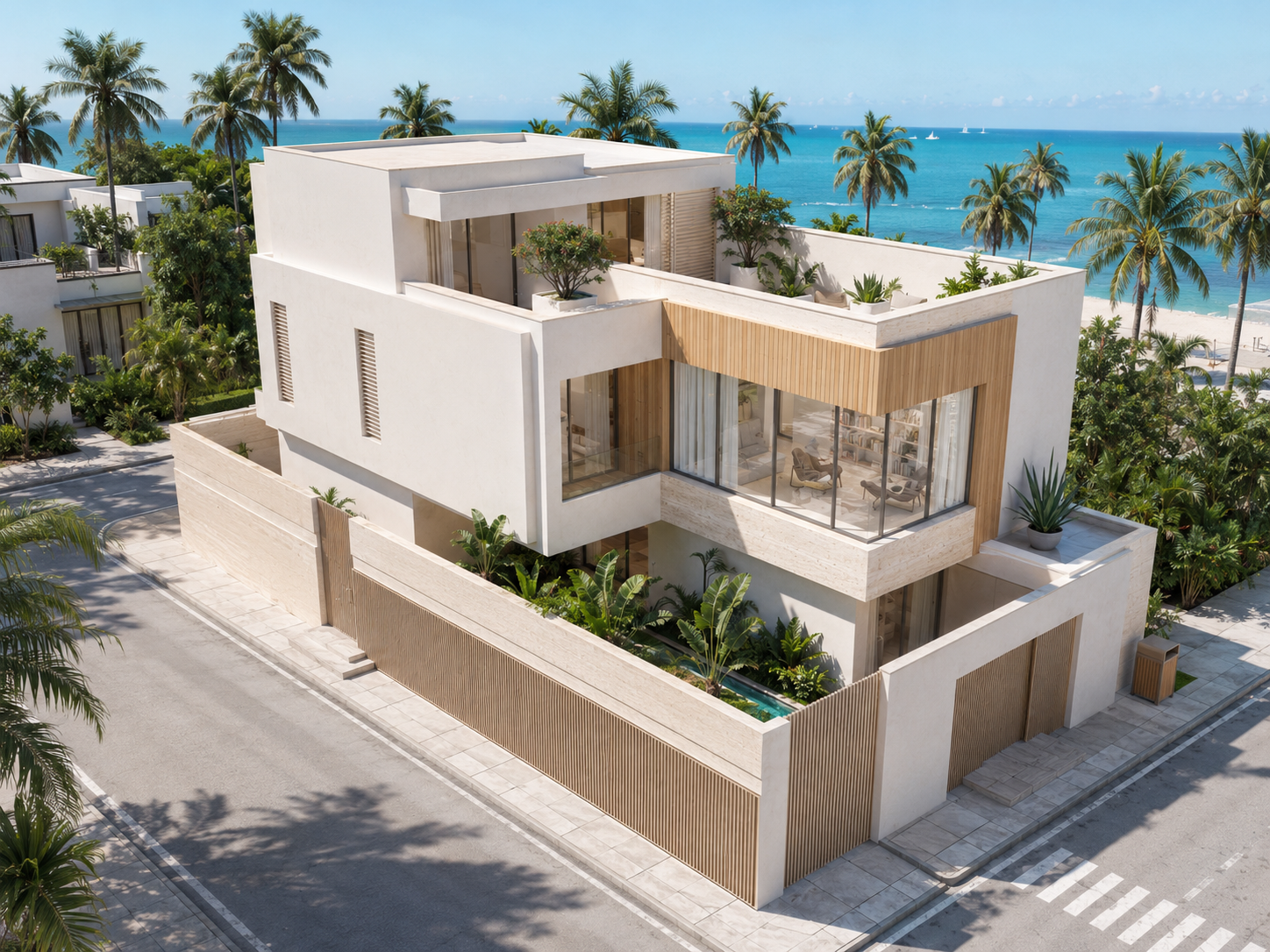 Hover for Original
Polished exposure and believable materials — ready for planning submissions and client presentations.
Process
Upload, generate, export — under a minute. No complex training required.
Drag in SketchUp exports, white-model screenshots, or hand-sketch scans. Lovspark accepts JPG, PNG, and WebP at high resolution.
Lovspark reads massing, roof lines, and openings from your input, then applies real materials and entourage while holding the building geometry fixed — photoreal facade with correct contact shadows.
Download the render or continue on the Lovspark canvas — refine materials, compare style packages, or share with clients instantly.
Technical Guide
Lovspark locks building massing, applies physically-accurate materials and shadows, and adds entourage to scale — photoreal exterior render, not a flat collage.
Lovspark reads massing, roof lines, and openings from your white model or sketch and keeps them fixed — no warped walls, no invented volumes, so what you model is what you get.
Swap stucco, brick, wood, concrete, and glass in the preview — Lovspark applies accurate reflections and contact shadows under the scene’s actual lighting.
Lovspark estimates sun angle and sky condition, then projects contact shadows, ambient occlusion, and ground reflections — the render reads as a photographed building, not a texture paste.
Before and after always come from one upload. Lovspark renders only the materials and light on top of the same massing — never a mismatched composite.
Audience
Professionals who need photoreal exterior renders from a white model or sketch before construction or client sign-off.
Visualize facade options and material palettes from a white model — before clients commit to construction documents.
Turn white-model screenshots into client-ready renders in seconds — skip hours of manual material setup.
Market off-plan projects with photoreal exterior renders — show buyers the finished building before ground breaks.
Pitch exterior concepts alongside interior boards — one tool for the full design story.
FAQ
Lovspark works with SketchUp exports, white models, and hand sketches — then hands off to Landscaping, Day to Dusk, or Sky Replacement on the same canvas.
Related Tools
Upload a white model or sketch and see a photoreal render in seconds. No credit card required.
Start 3D House Rendering →