 Hover for Original
Full Remodel
Tile & Vanity Refresh
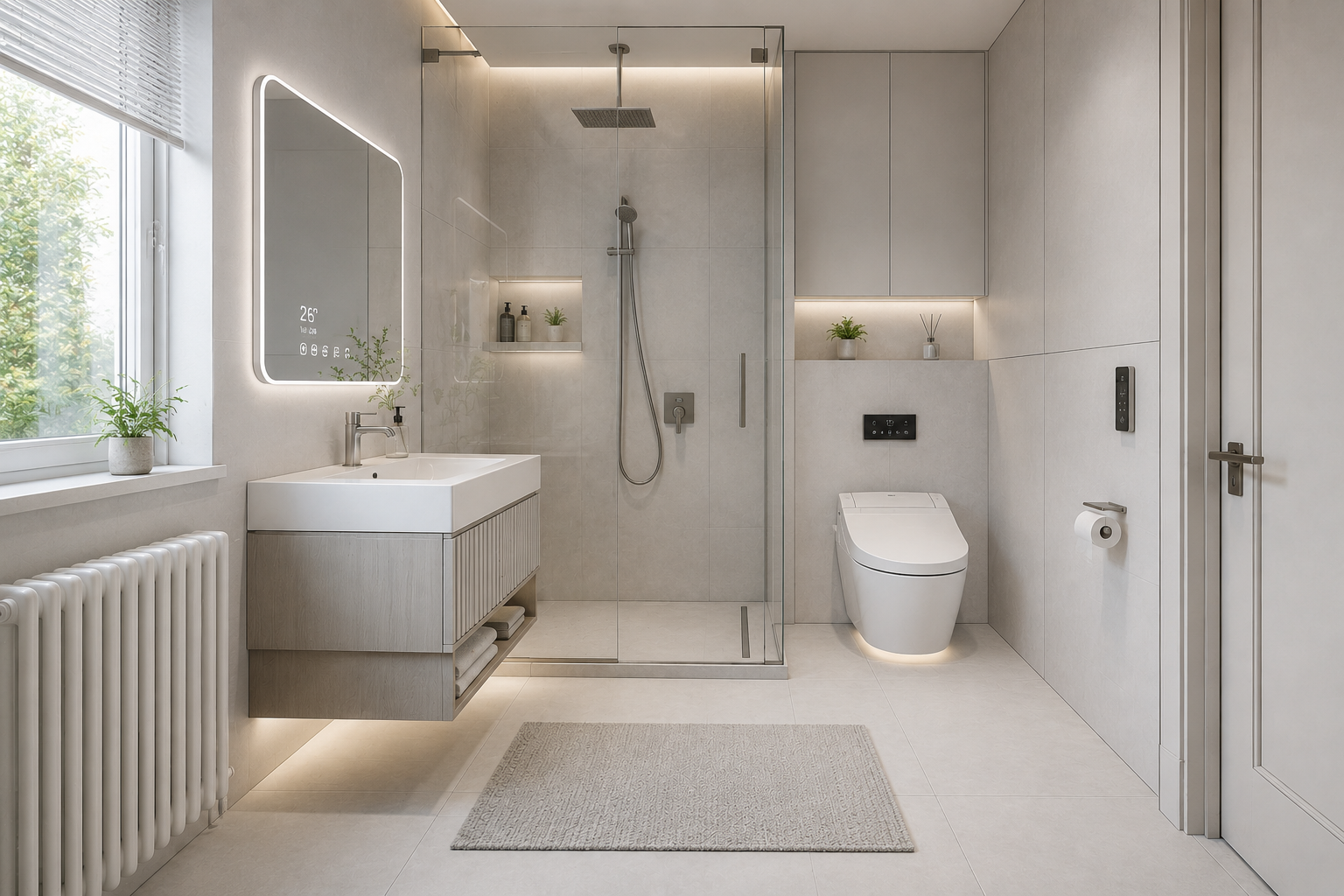
New wall tile, floor tile, and vanity — walls, windows, and footprint unchanged.

Bathroom AI
Upload a bathroom photo. Lovspark’s AI visualizes a remodel — new tile, vanities, shower, and fixtures — while walls, windows, and room geometry stay in place, so you preview the result before demolition.
Free to start · No install · Browser-based
Bathroom Examples
Each card shows the remodel result by default — hover to reveal the existing bathroom. Lovspark keeps walls, windows, and footprint intact while swapping tile, vanities, and fixtures.
Hover for Original
New wall tile, floor tile, and vanity — walls, windows, and footprint unchanged.
 Hover for Original
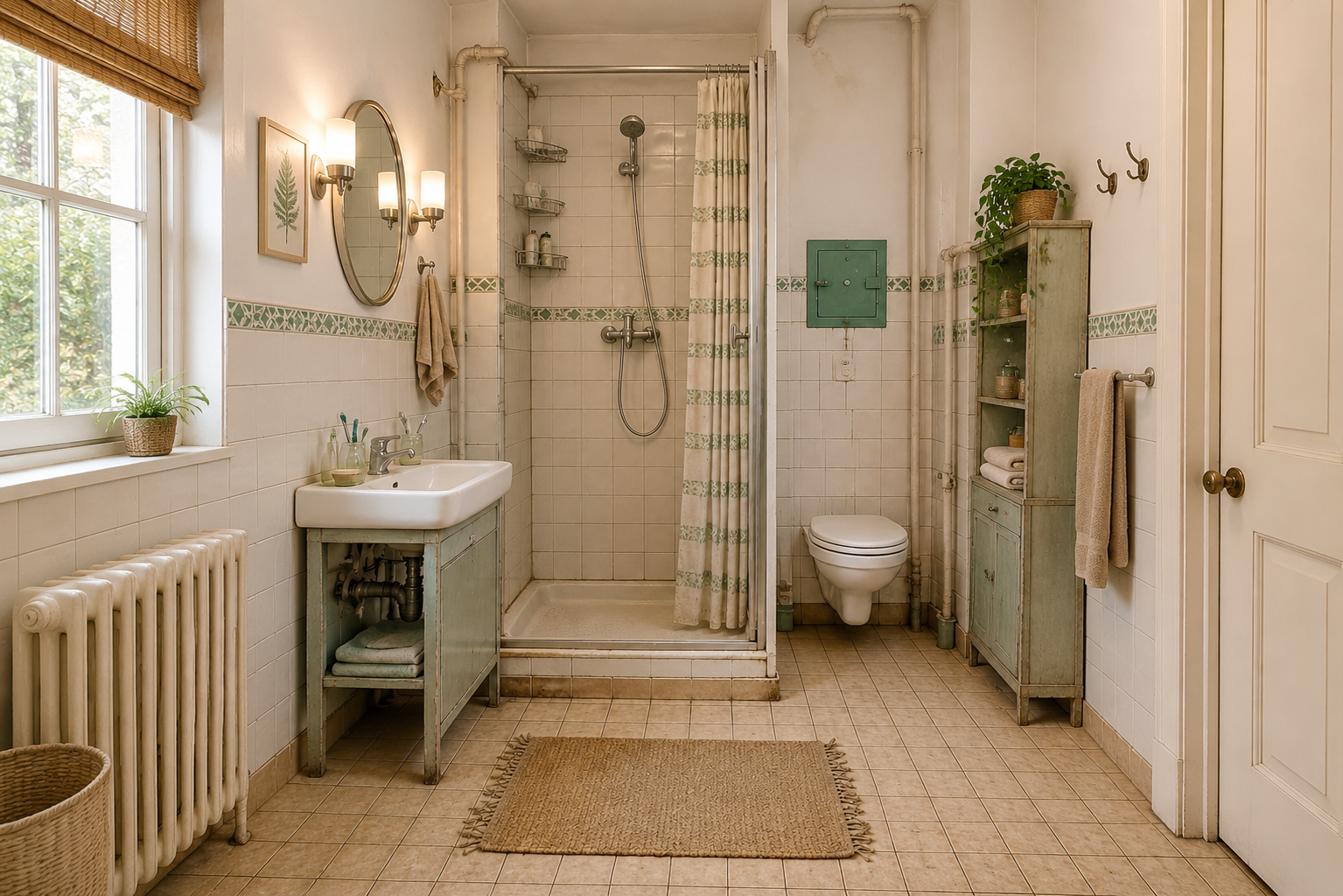
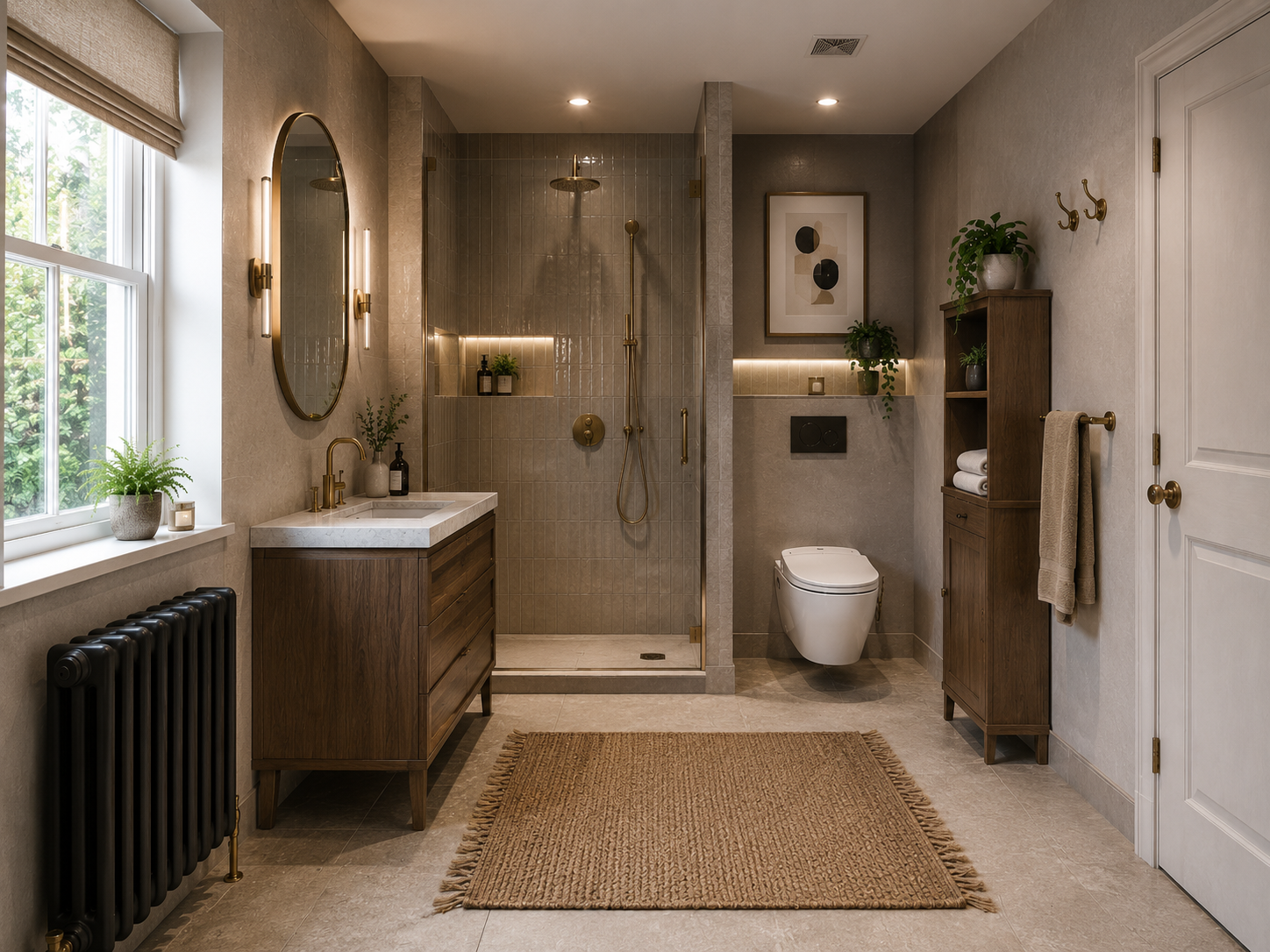
Dated mosaic to large-format tile — same layout, new surfaces and grout lines.
 Hover for Original
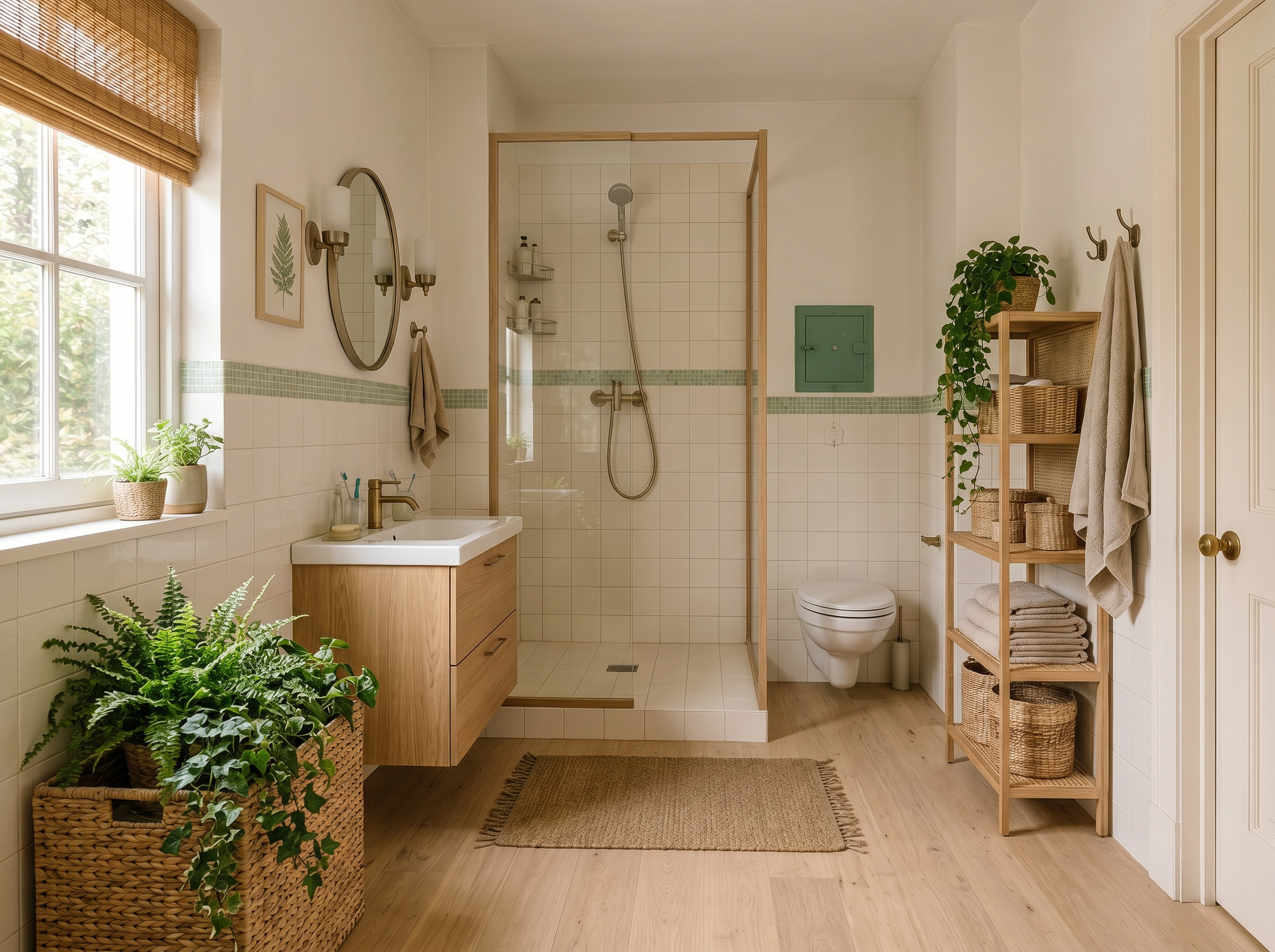
Pedestal to floating vanity, new faucet and mirror — plumbing footprint stays fixed.
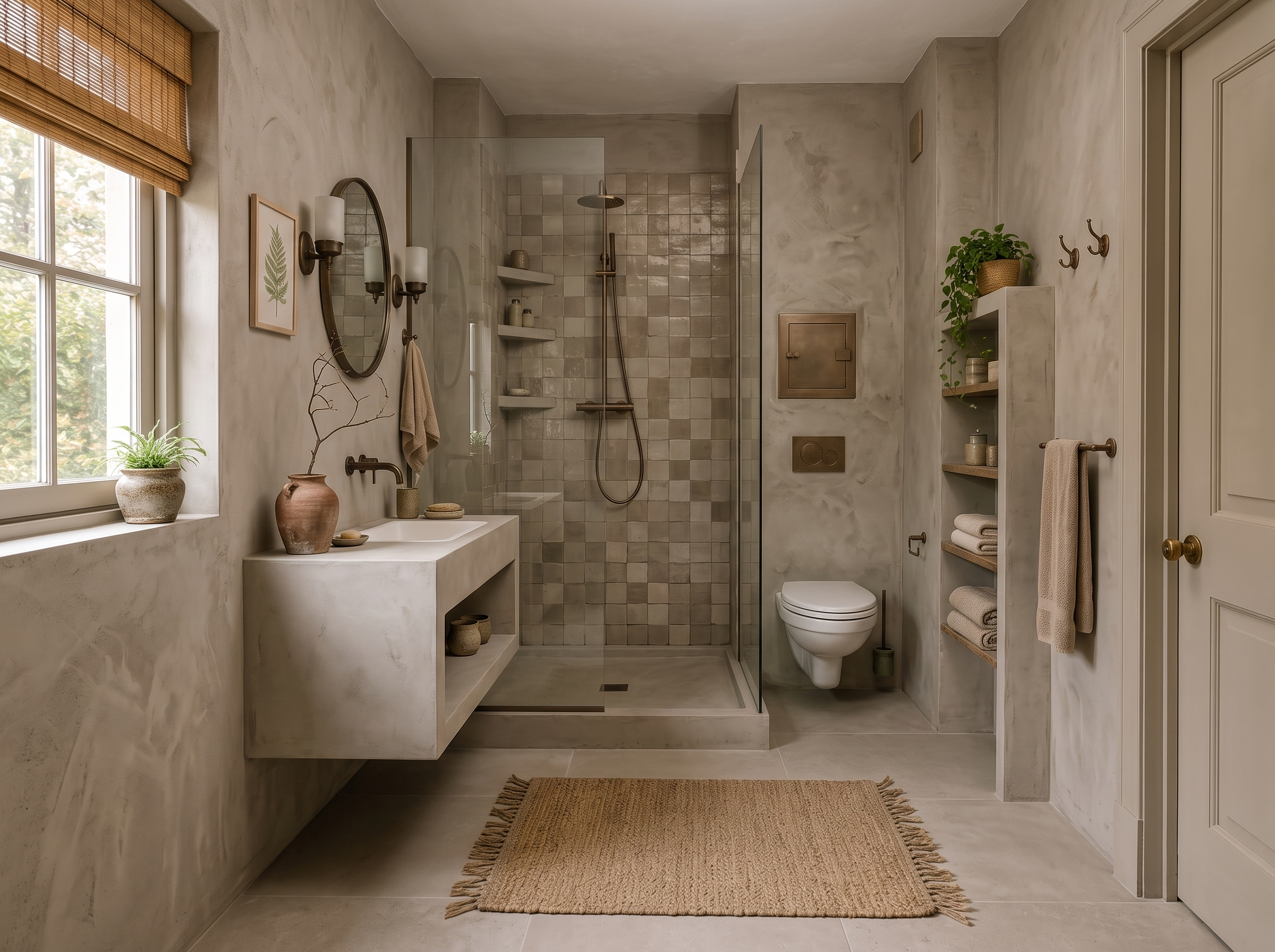 Hover for Original
Neutral tile, warm wood vanity, and soft lighting — same room shell, elevated feel.
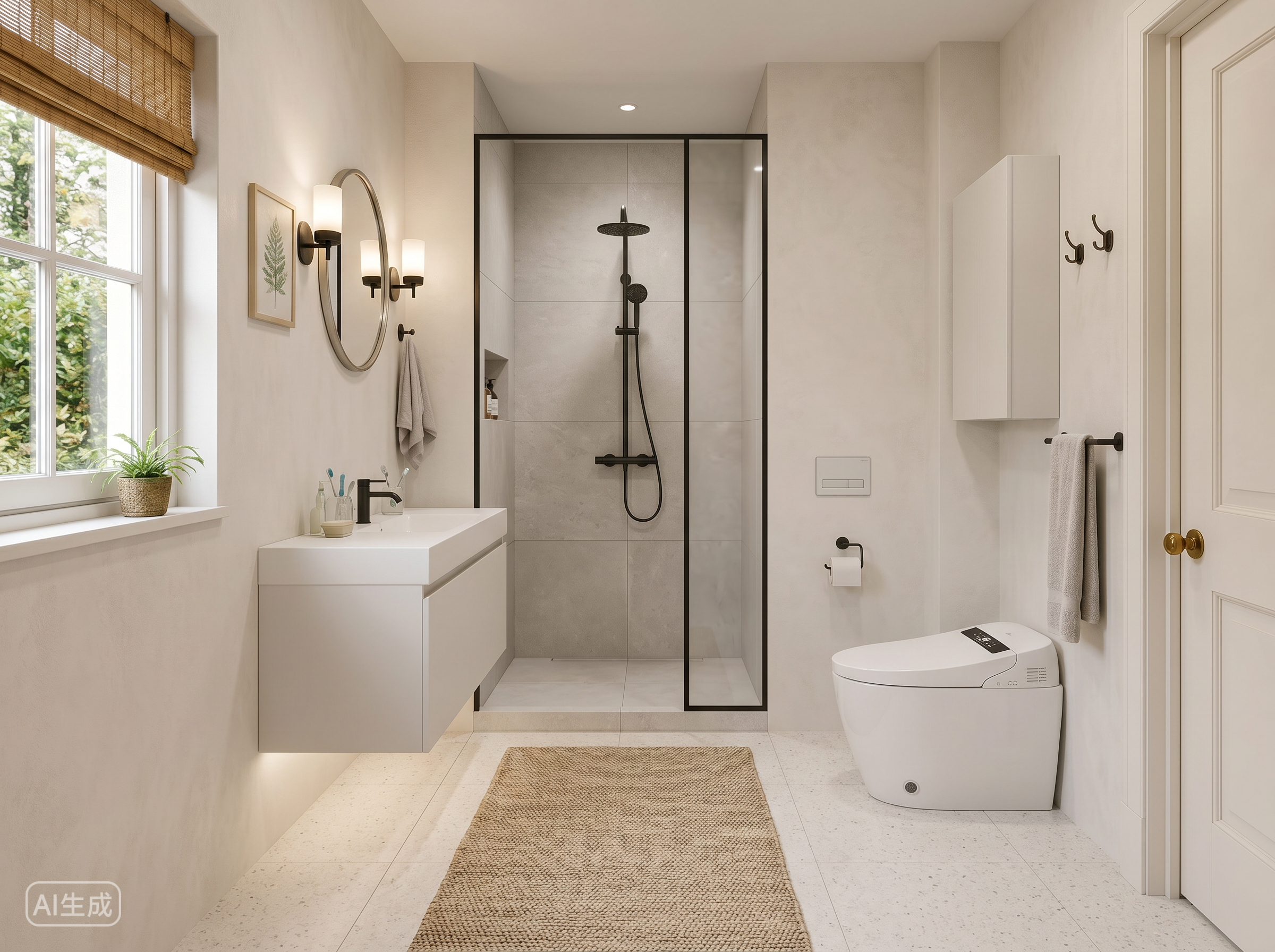 Hover for Original
Yellowed tub and dated surround swapped for walk-in tile and glass — enclosure size unchanged.
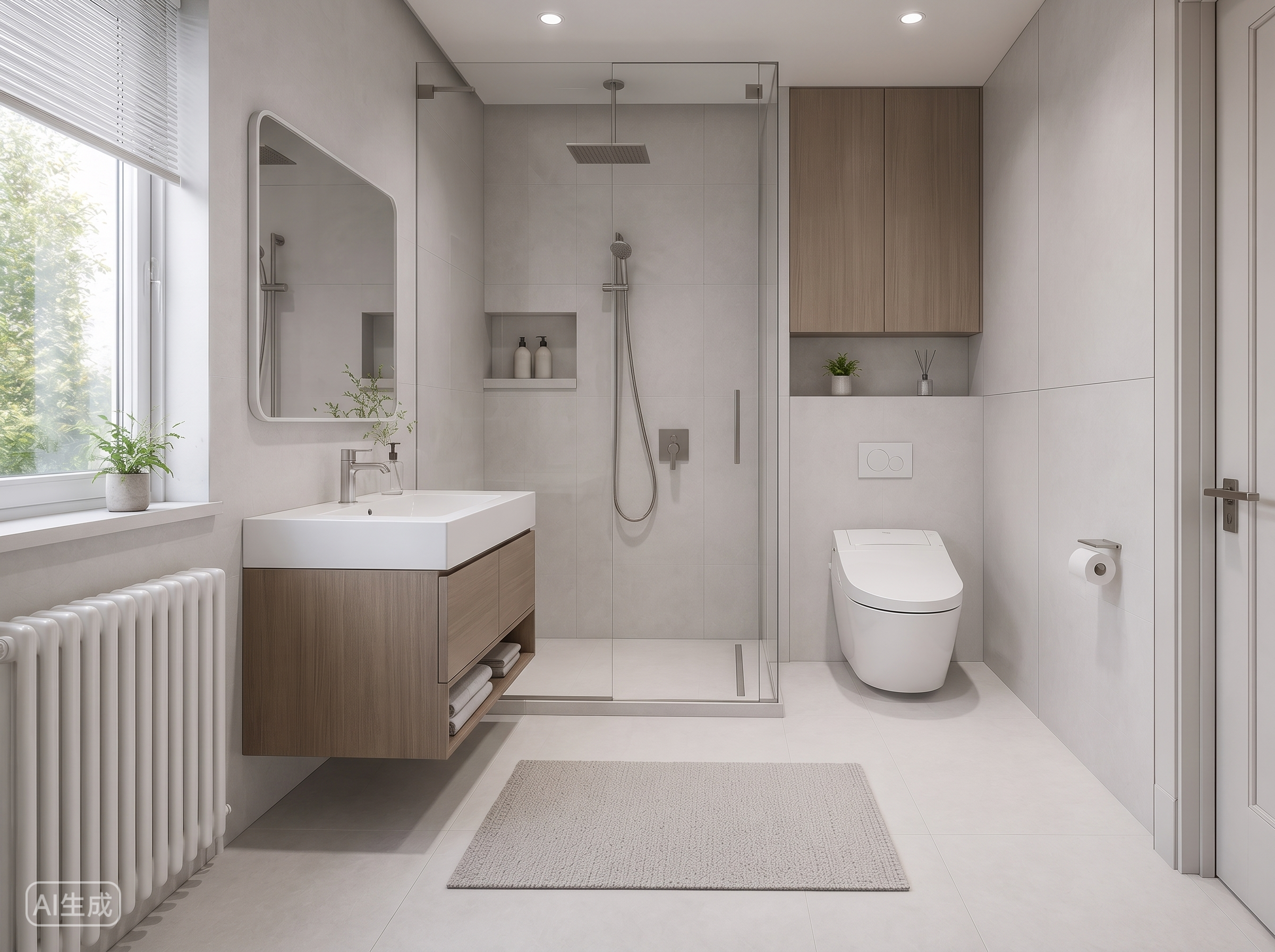 Hover for Original
Polished exposure and believable materials — ready for contractor bids and client presentations.
Process
Upload, generate, export — under a minute. No complex training required.
Drag in existing-bathroom photos or client snapshots. Lovspark accepts JPG, PNG, and WebP at high resolution — wide-angle and phone images supported.
Lovspark reads the tile, vanity, and layout from your photo, then renders new materials and fixtures while holding the room shell fixed — photoreal finishes with correct contact shadows.
Download the remodel render or continue on the Lovspark canvas — refine tile, compare finish packages, or share with clients instantly.
Technical Guide
Lovspark locks room geometry, swaps materials with physically-accurate reflections, and places fixtures to scale — photoreal remodel preview, not a flat collage.
Lovspark reads walls, openings, and proportions from your existing photo and keeps them fixed — no warped walls, no invented space, so what you see is what you would build.
Swap wall tile, floor tile, paint, and countertops in the preview — Lovspark applies accurate reflections and contact shadows under the bathroom’s actual lighting.
Drop in new vanities, mirrors, lighting, and fittings, or shift the layout within the existing footprint — the remodeled bathroom reads as a designed space, not a collage.
Before and after always come from one upload. Lovspark visualizes only the remodel on top of the same scene — never a mismatched composite.
Audience
Professionals who need bathroom remodel previews from a single photo before demolition or client sign-off.
Show clients bathroom remodel options — new tile, vanities, and layout — before they commit to demolition.
Visualize remodel bids from client bathroom photos — show what the finished job looks like before quoting.
Preview new tile and vanities in your actual bathroom before you hire a contractor or pick materials.
Show post-renovation potential in listings — visualize an updated bathroom without staging or construction.
FAQ
Lovspark works with existing-bathroom photos, client snapshots, and phone shots — then hands off to Restyle Surfaces, Repaint Wall, or Interior Renovation on the same canvas.
Related Tools
Upload a bathroom photo and see a remodel preview in seconds. No credit card required.
Start AI Bathroom Design →