 Hover for Original
Living Room
Wall & Floor Refresh
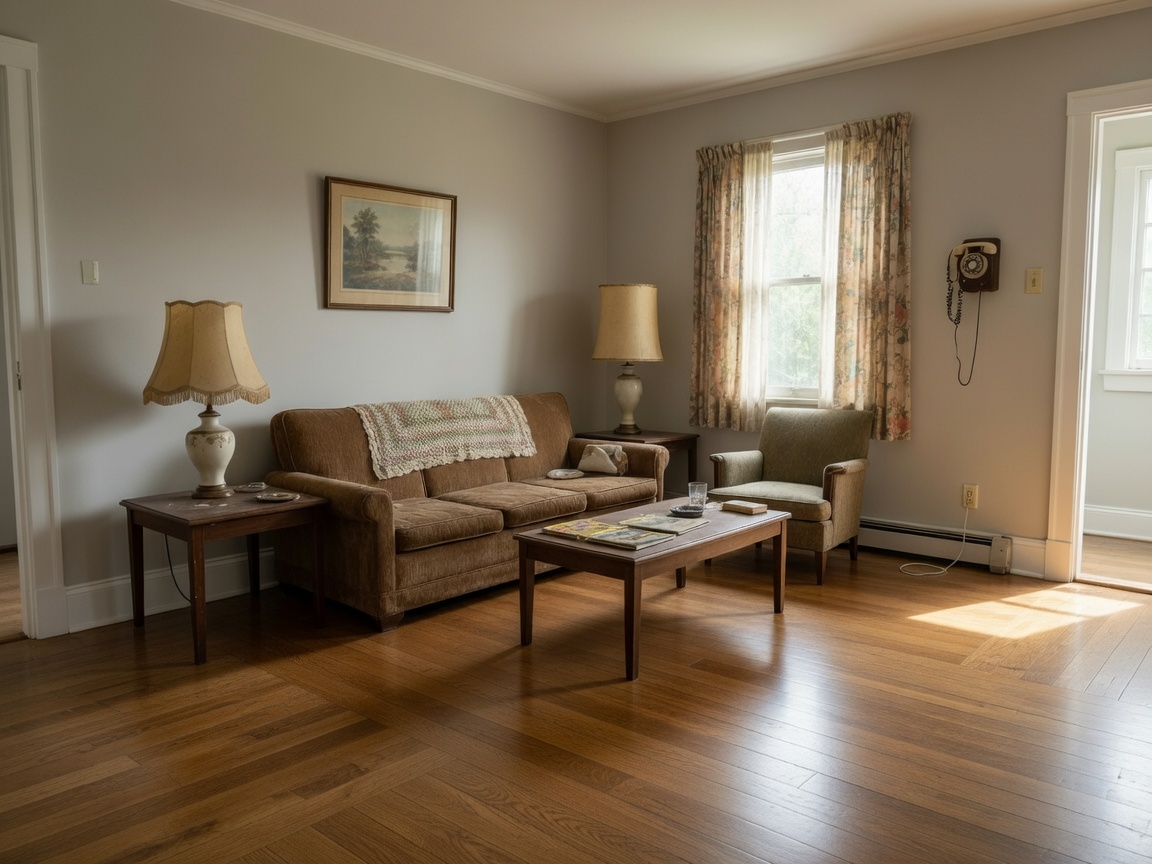
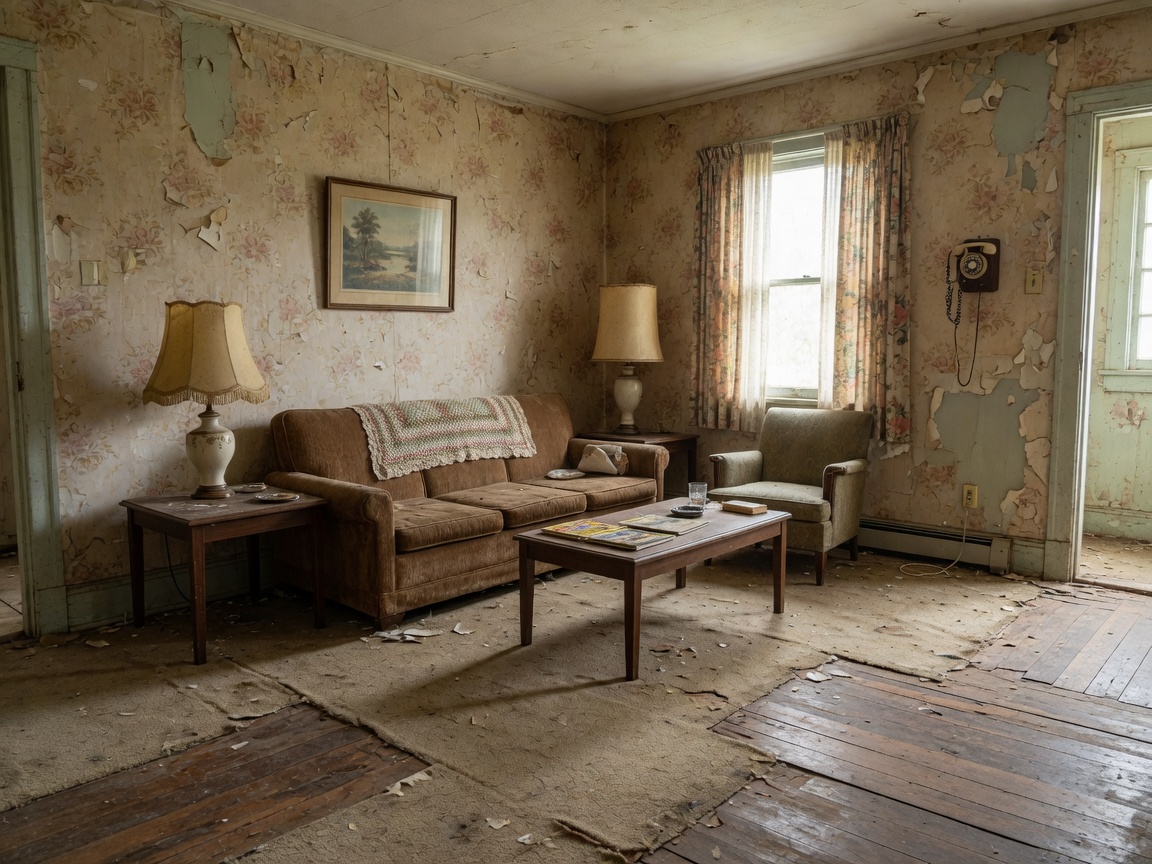
Peeling wallpaper and worn floors replaced — sofa, layout, and camera angle unchanged.

Materials & finishes AI
Upload a room photo. Lovspark’s AI swaps wall paint, flooring, tile, and countertops for new materials — furniture and layout stay in place, so you preview a full material change without demolition.
Free to start · No install · Browser-based
Surface Examples
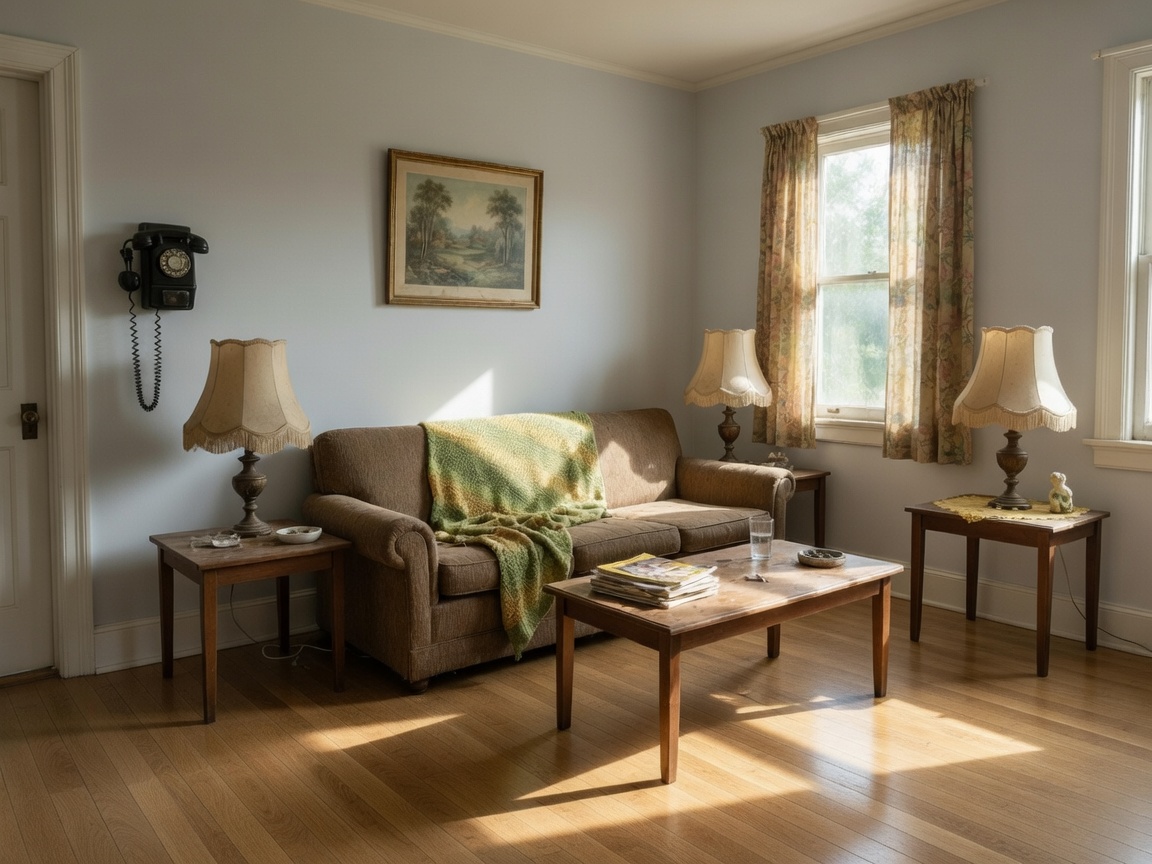
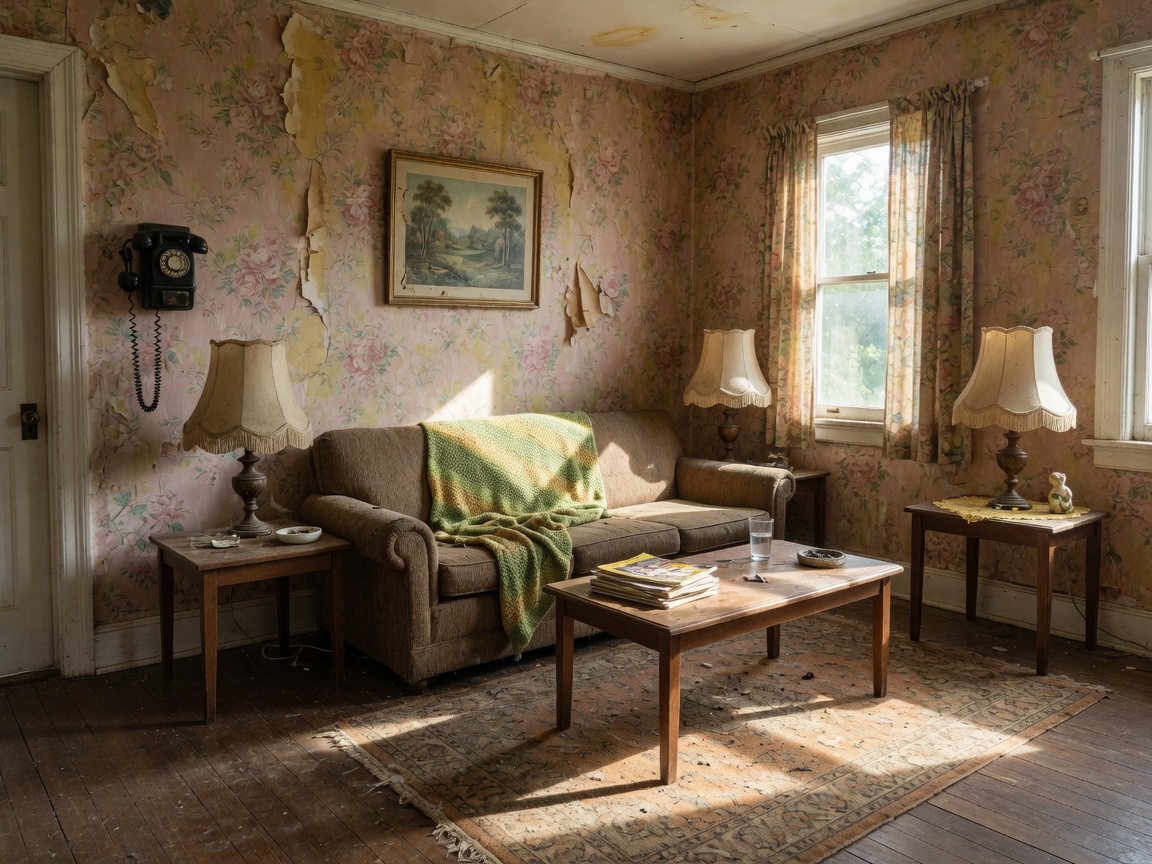
Each card shows the restyled result by default — hover to reveal the original finishes. Lovspark keeps furniture and layout intact while swapping walls, floors, tile, and counters.
Hover for Original
Peeling wallpaper and worn floors replaced — sofa, layout, and camera angle unchanged.
 Hover for Original
Floral wallpaper and dark floors updated to light gray walls and warm oak — same furniture in place.
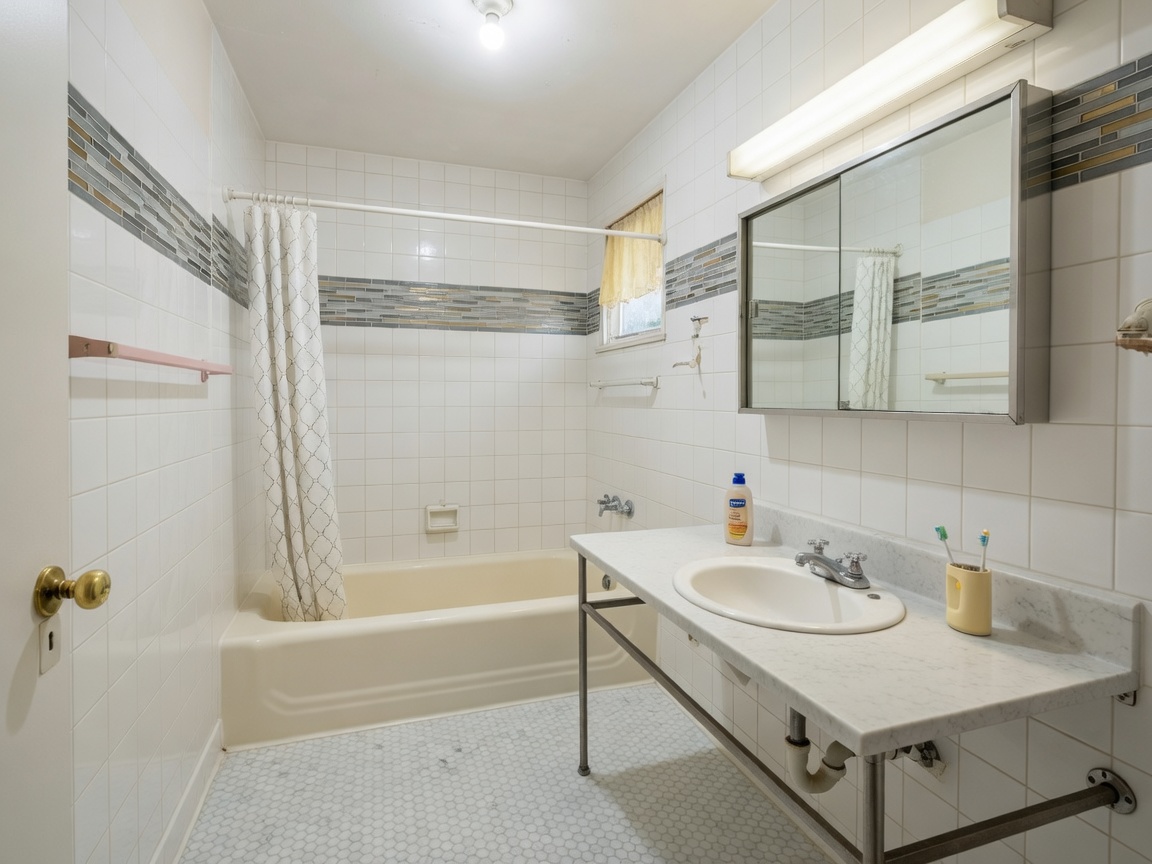
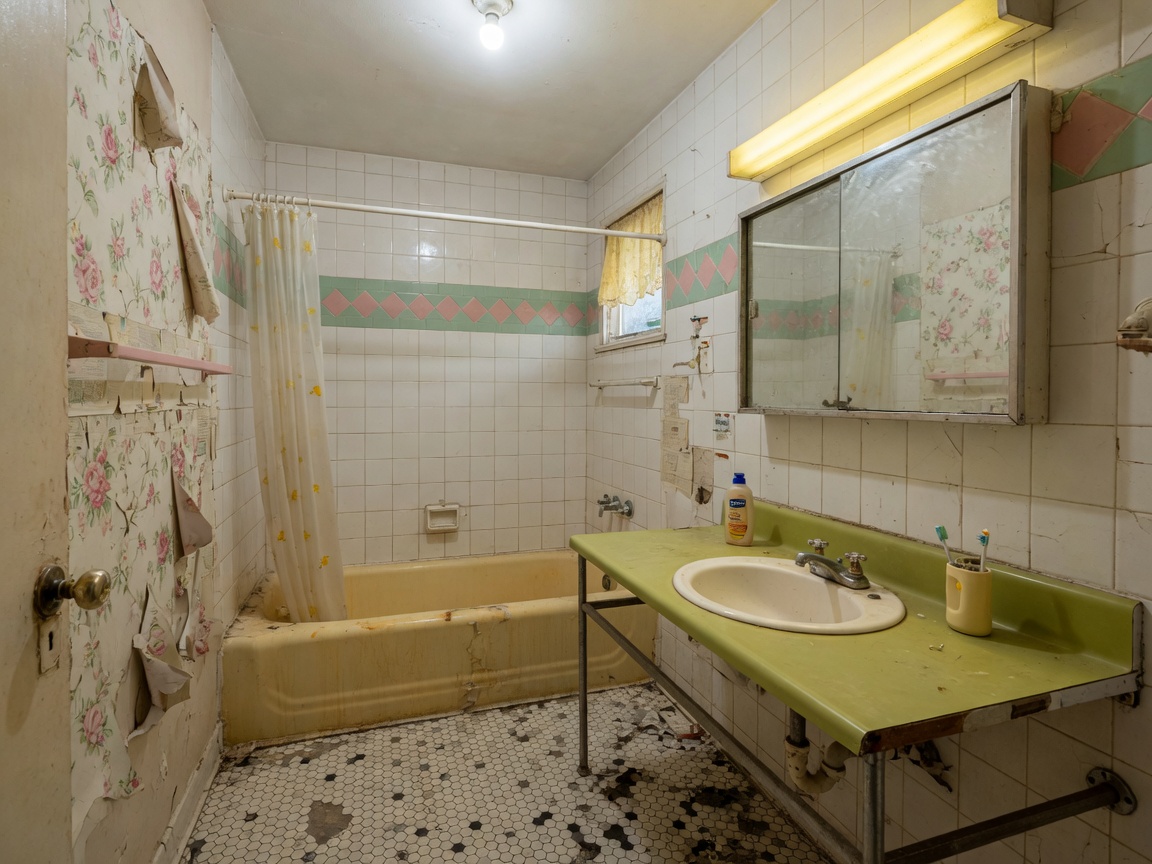 Hover for Original
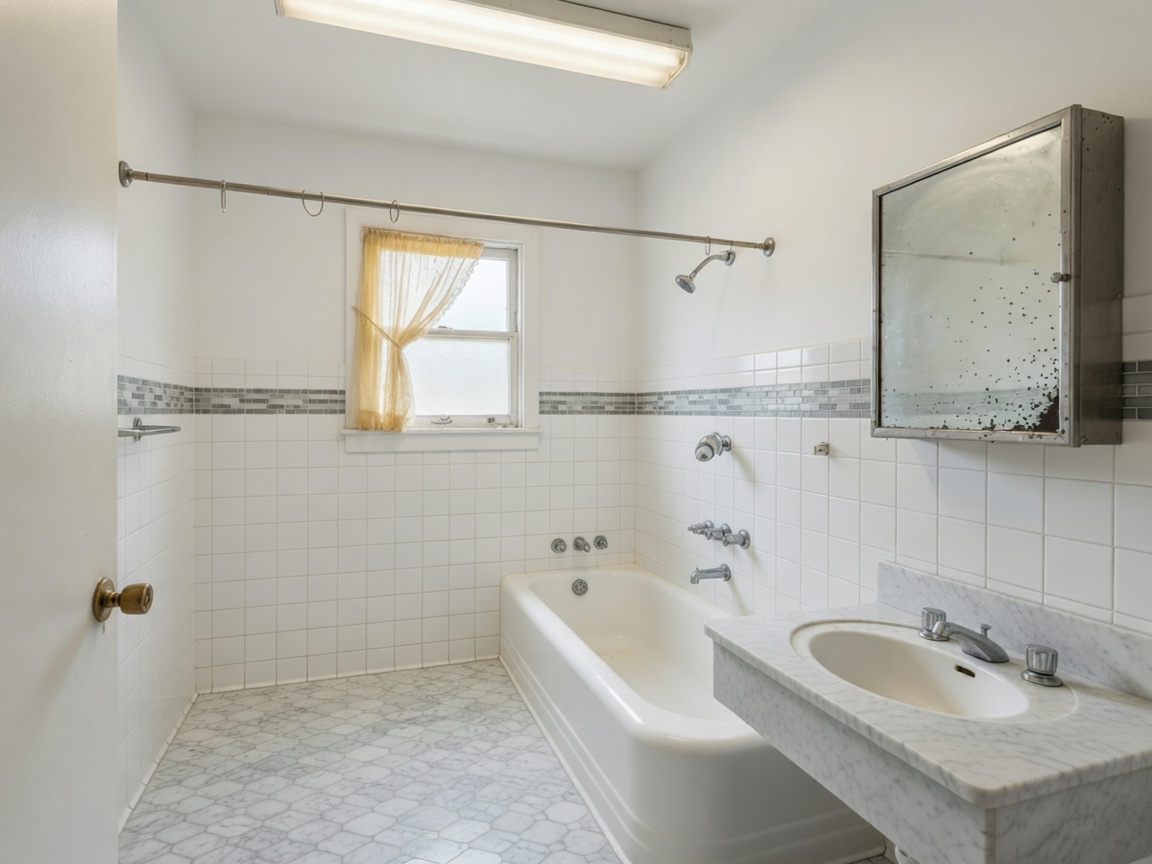
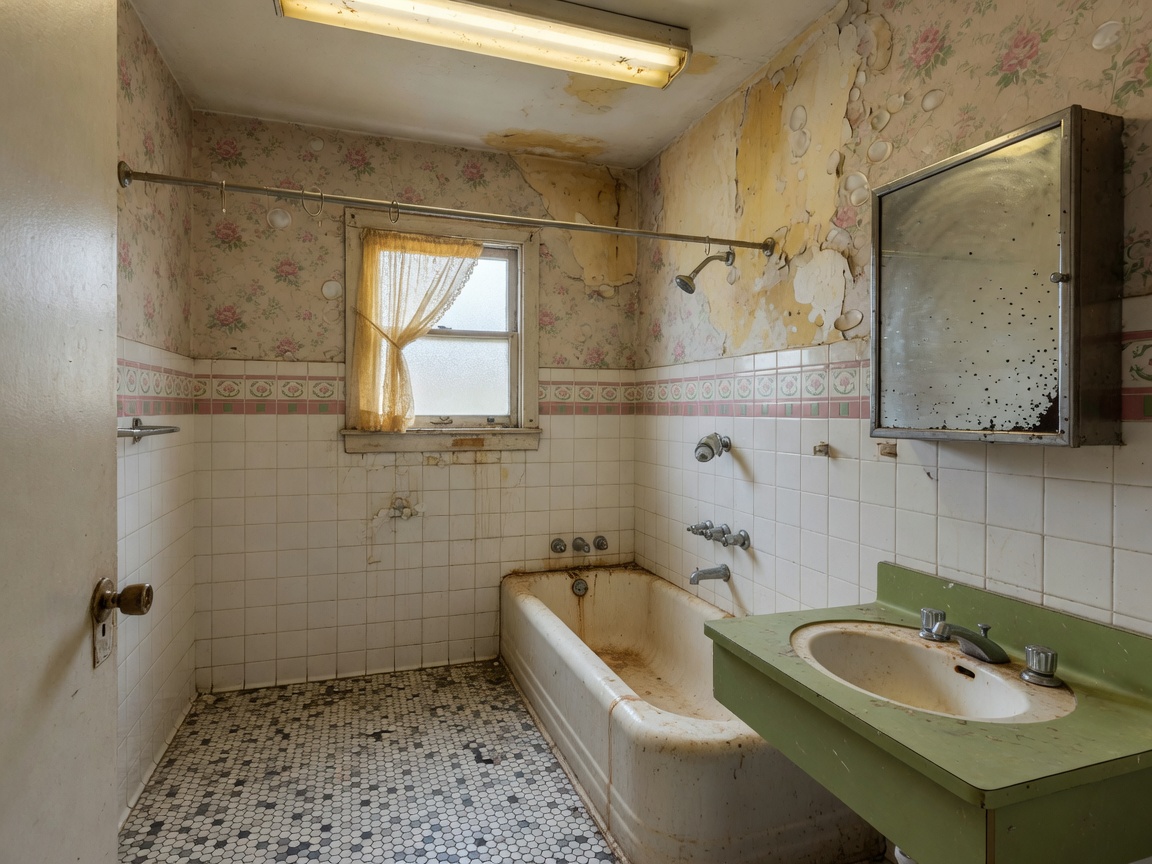
Mosaic tiles and yellowed tub swapped for marble-look tile and a clean white finish.
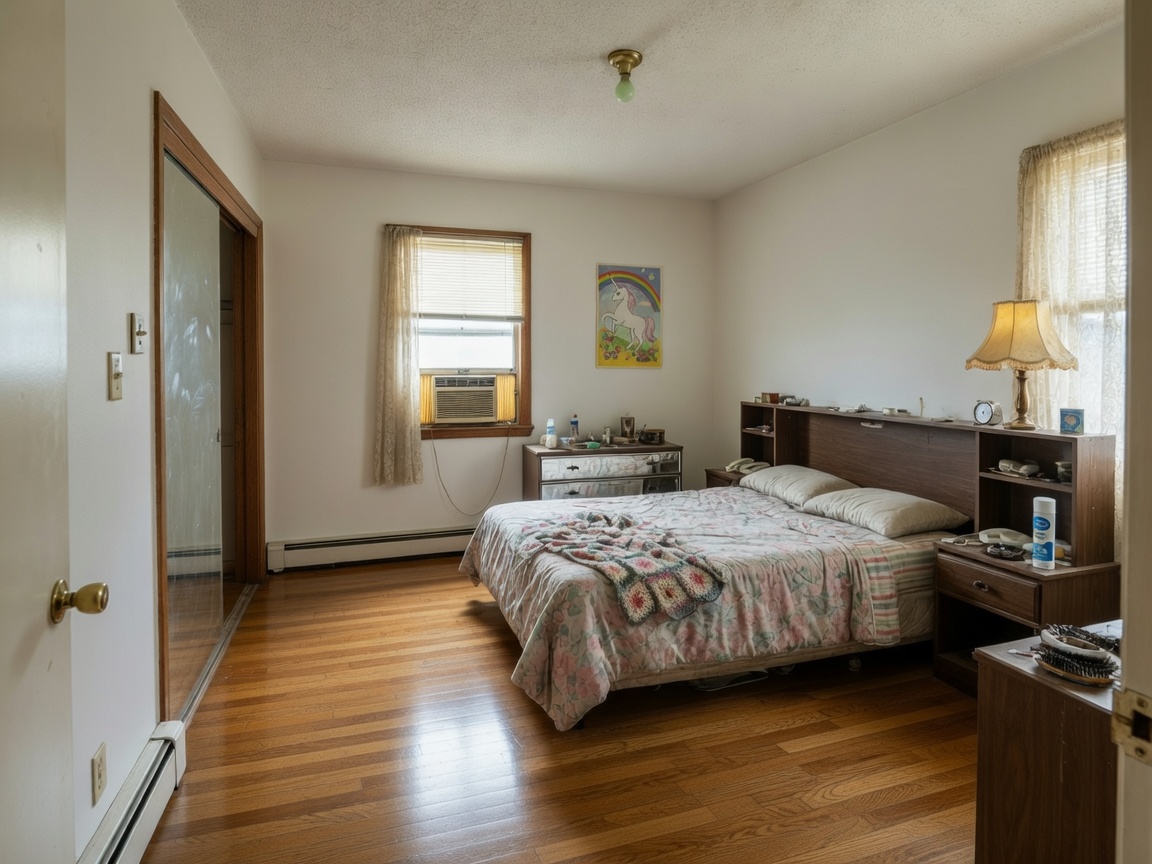
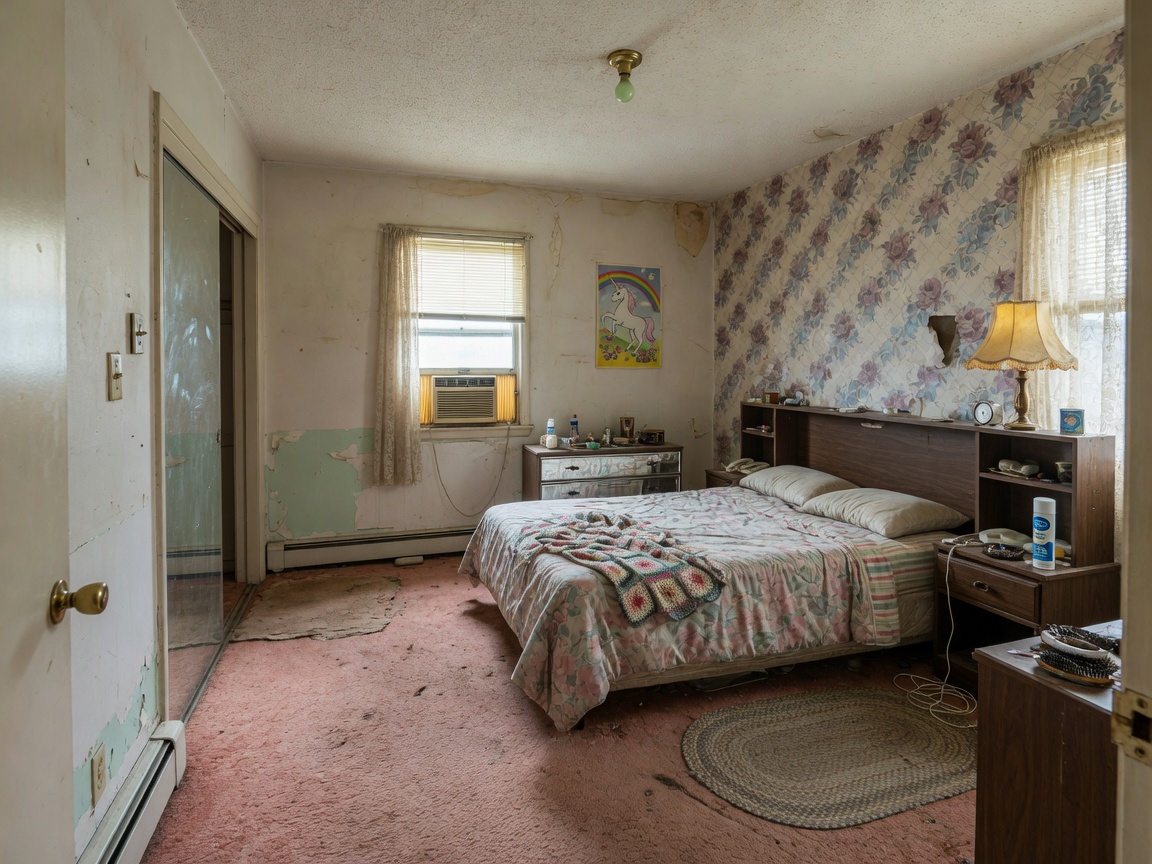 Hover for Original
Stained walls and worn carpet replaced with warm taupe paint and light oak flooring.
 Hover for Original
Vanity countertop and backsplash updated — fixtures and layout stay fixed.
Hover for Original
Polished exposure and believable materials — ready for client finish packages and listings.
Process
Upload, generate, export — under a minute. No complex training required.
Drag in listing photos or client snapshots. Lovspark accepts JPG, PNG, and WebP at high resolution — wide-angle and phone images supported.
Lovspark masks each surface separately — walls, floor, countertop, backsplash — and applies the new material with correct reflections, seams, and tile repeat, all lit by the original room light.
Download the restyled render or continue on the Lovspark canvas — refine materials, compare finish packages, or share with clients instantly.
Technical Guide
Lovspark segments each surface plane, renders new materials with correct scale and repeat, and matches room lighting — photoreal finishes, not a texture paste.
Lovspark identifies each surface plane — floors, countertops, backsplashes, accent walls — and isolates it from cabinets, furniture, and fixtures so each can be restyled independently.
Choose oak, marble, concrete, tile, or terrazzo and Lovspark renders the material with correct scale, repeat pattern, and edge treatment — reflections follow the surface so it reads as installed.
The restyled surface inherits the original photo’s light direction and camera angle — glossy counters reflect the real window and matte floors absorb light correctly.
Before and after always come from one upload. Lovspark swaps only the surfaces on top of the same scene — never a mismatched composite.
Audience
Professionals who test finish packages on real room photos before specifying materials.
Test material options before specifying finishes. Show clients flooring, tile, and countertop packages in their actual room.
Show your product on the client’s real floor or countertop — correct scale, gloss, and tile repeat for sales visuals.
Refresh dated surfaces without demolition. Present move-in-ready finishes from one listing photo.
Preview a new countertop or floor before you commit. See how marble, oak, or tile reads in your actual room.
FAQ
Lovspark works with listing photos, client snapshots, and supplier swatches — then hands off to Repaint Wall or Interior Renovation on the same canvas.
Related Tools
Upload a room photo and see new surfaces applied in seconds. No credit card required.
Start Restyle Surfaces →