 Living Room
Hover to Clear
Living Room
Hover to Clear
Open Living Space
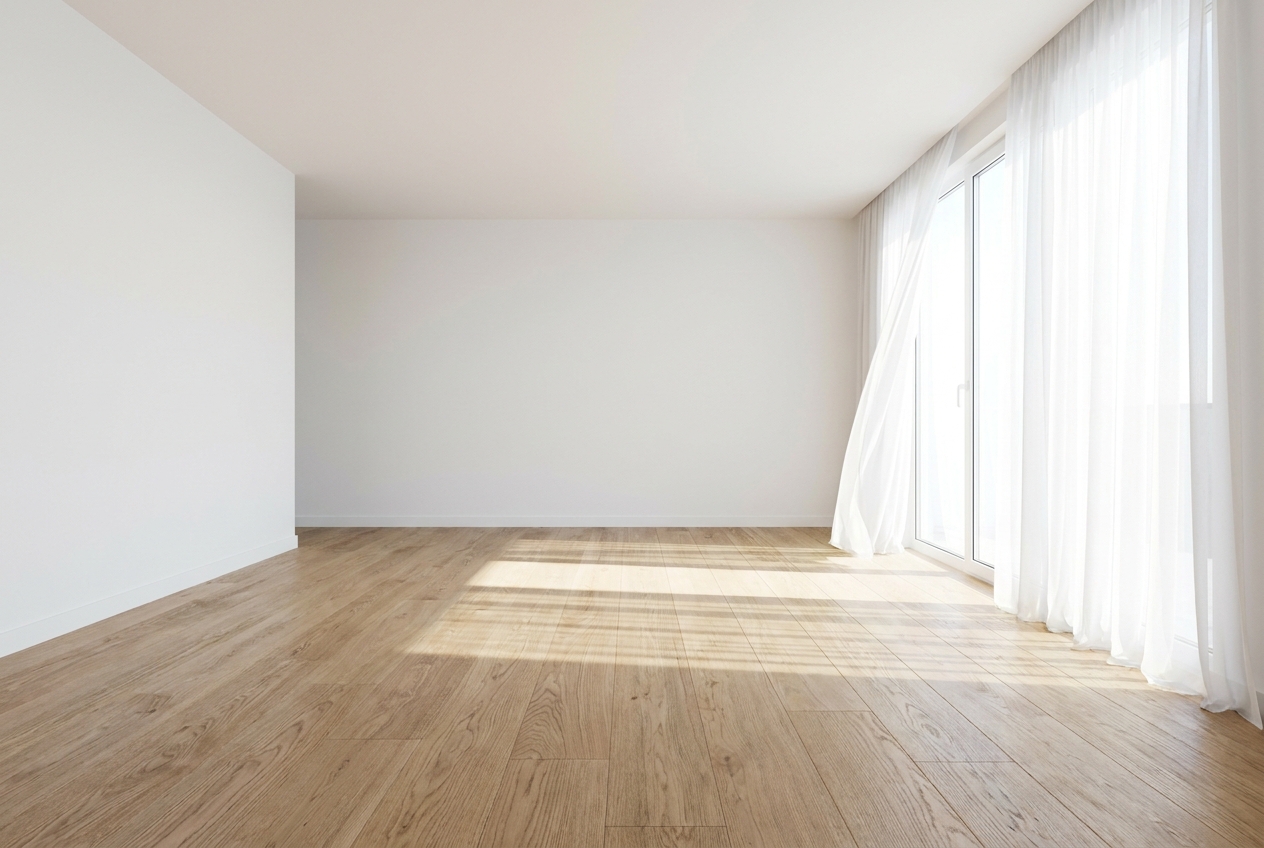
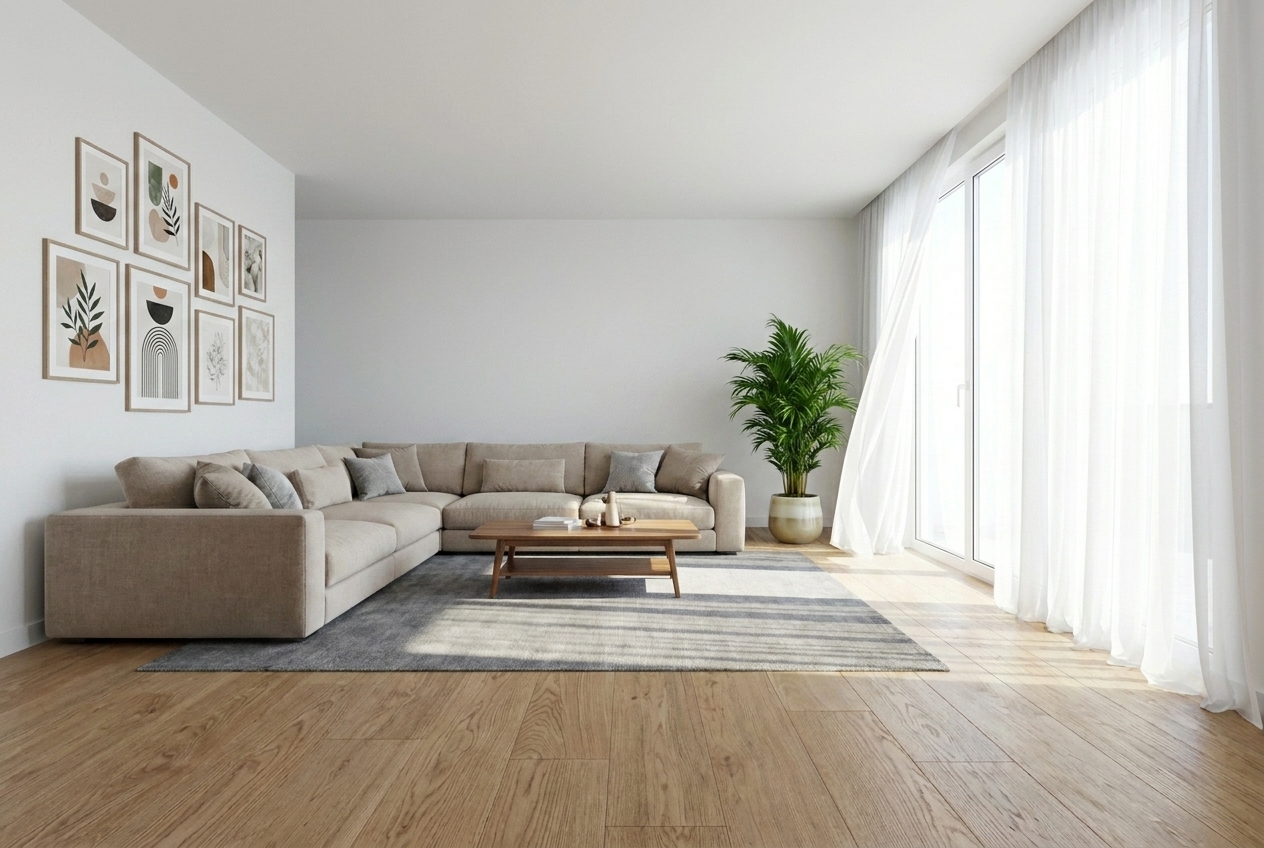
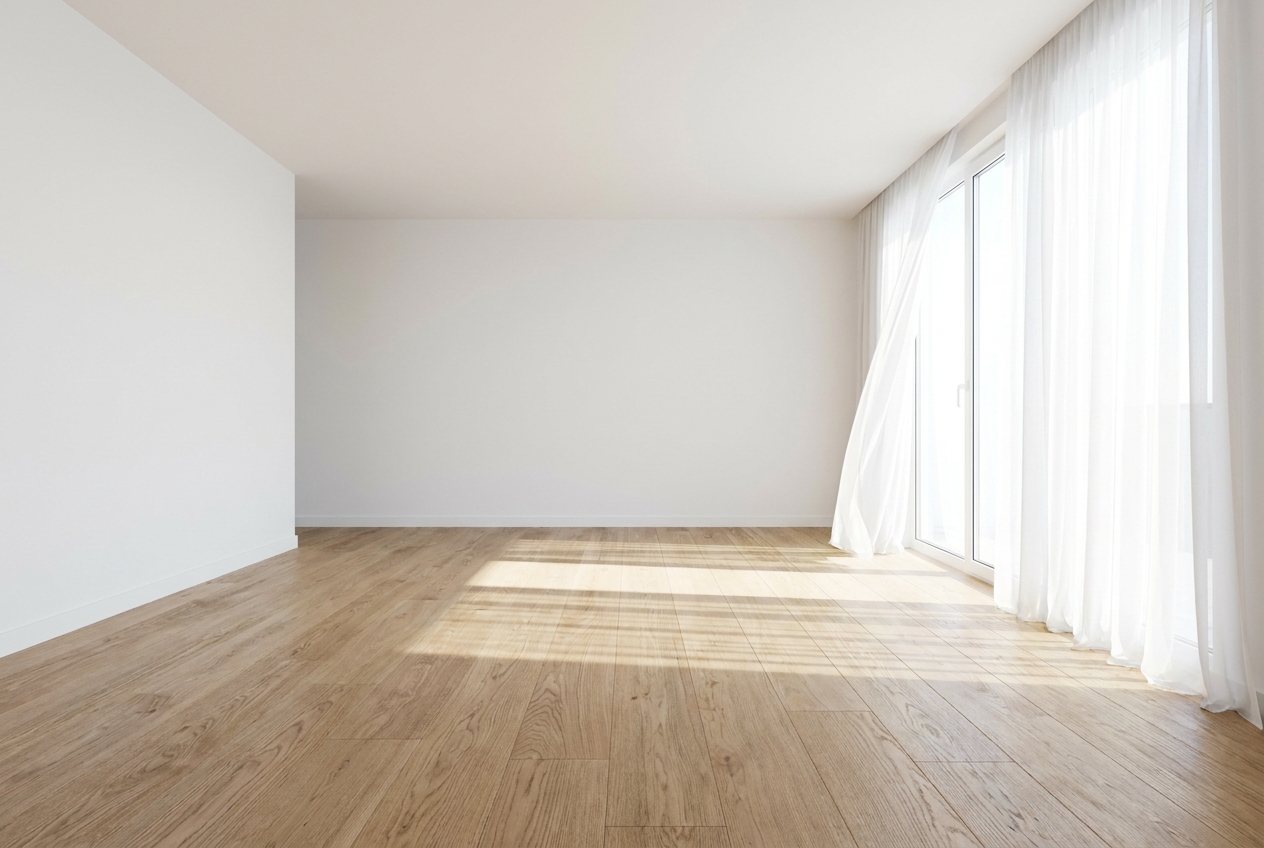
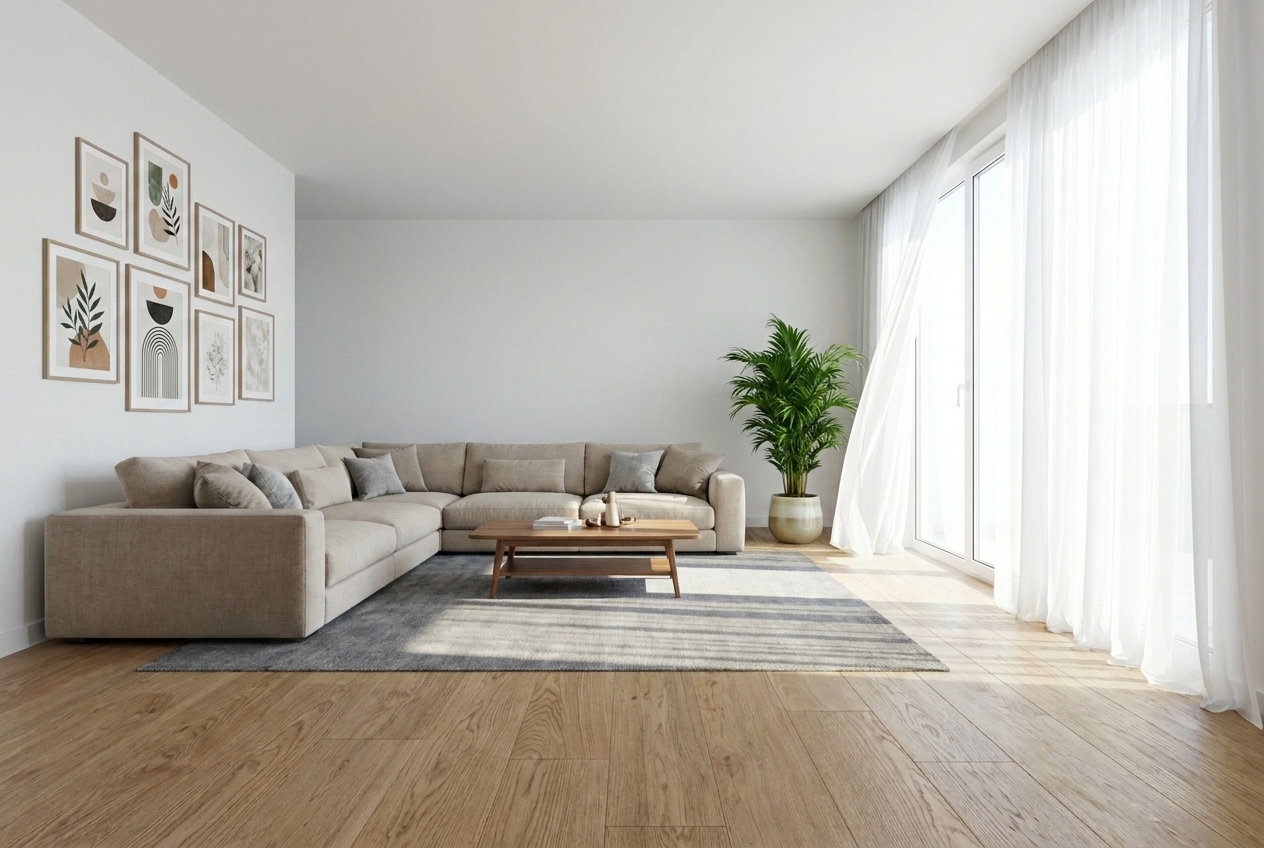
Sofas, rugs, and decor removed — floor and walls rebuilt seamlessly.

Interior design AI
Upload any furnished room photo. Lovspark’s AI removes furniture, decor, and clutter — leaving a photorealistic empty shell you can stage from scratch.
Free to start · No install · Browser-based
Room Typologies
Hover over any card below to see the furnished-to-empty transformation. Lovspark preserves walls, floors, and windows while removing movable furniture.
Living Room
Hover to Clear
Sofas, rugs, and decor removed — floor and walls rebuilt seamlessly.
 Bedroom
Hover to Clear
Bedroom
Hover to Clear
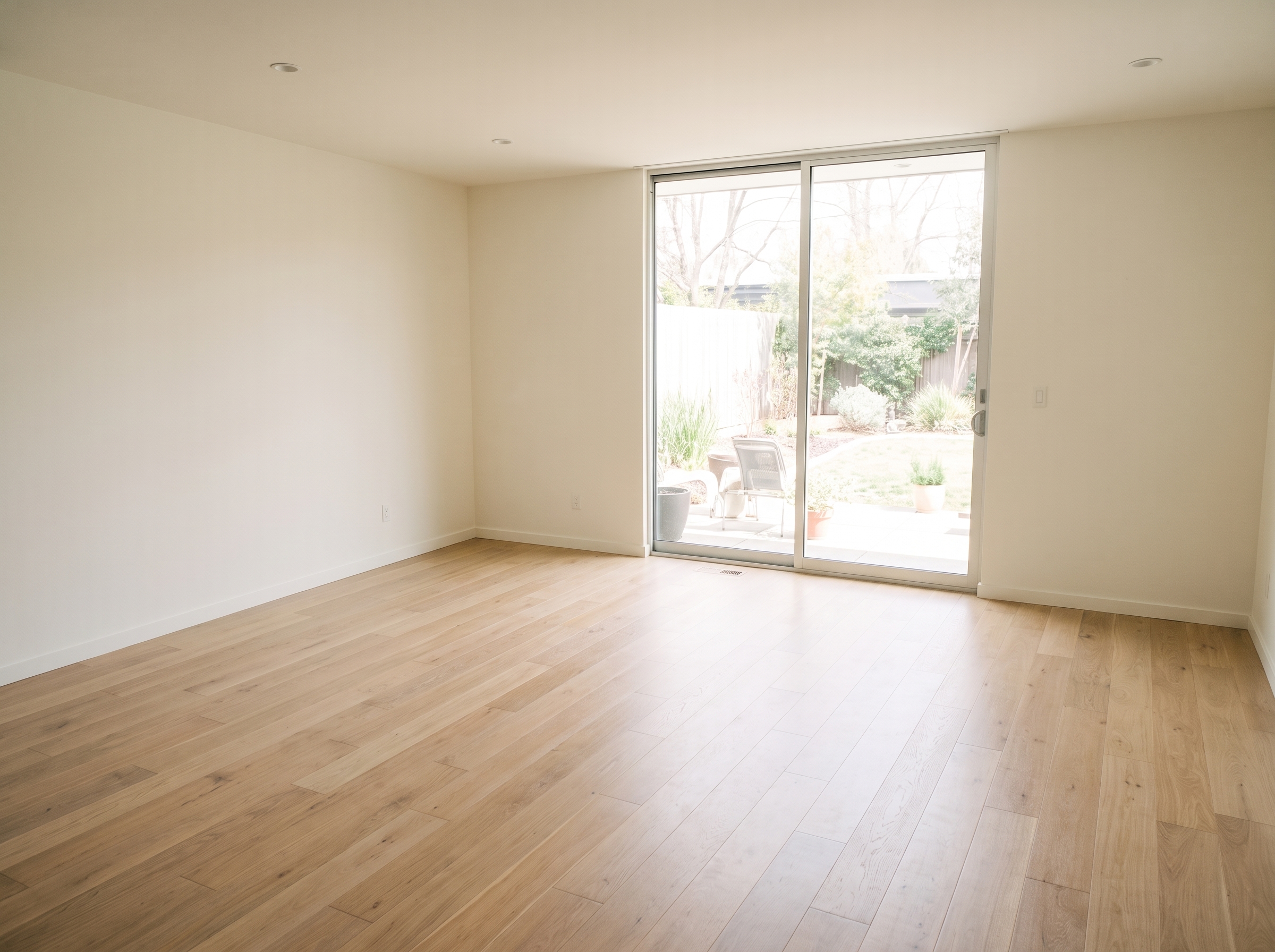
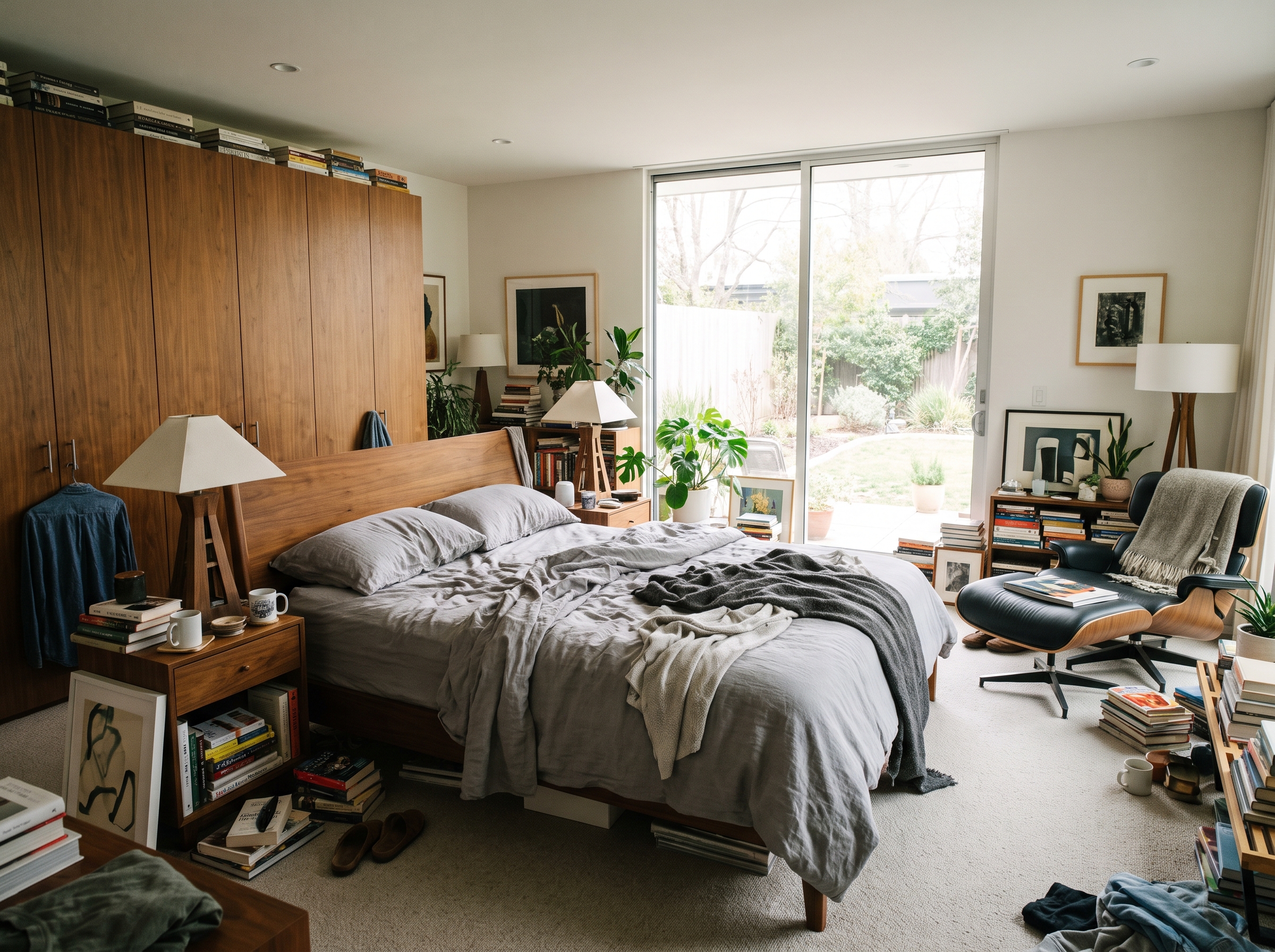
Bed, nightstands, and personal items cleared while keeping window views intact.
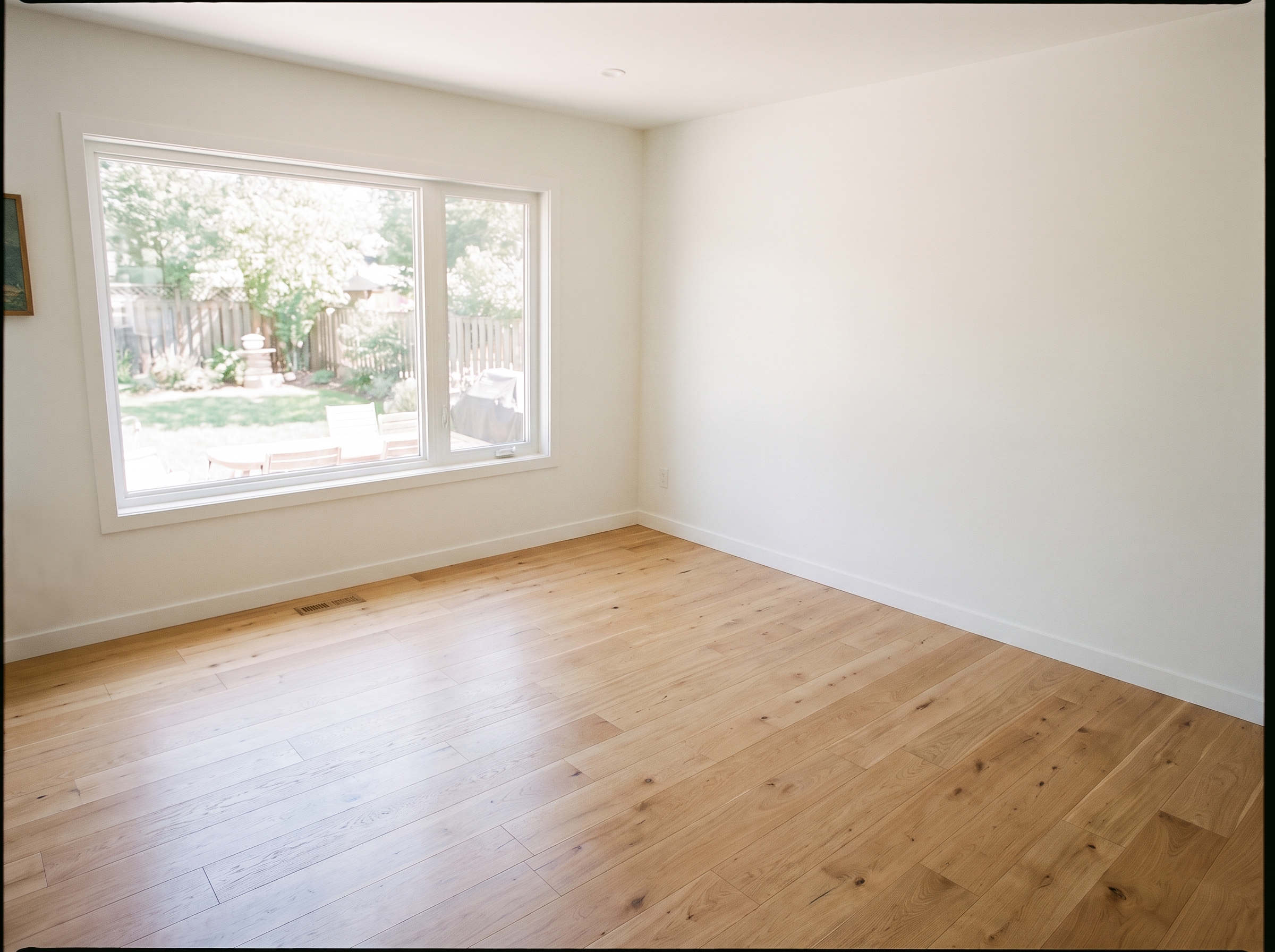
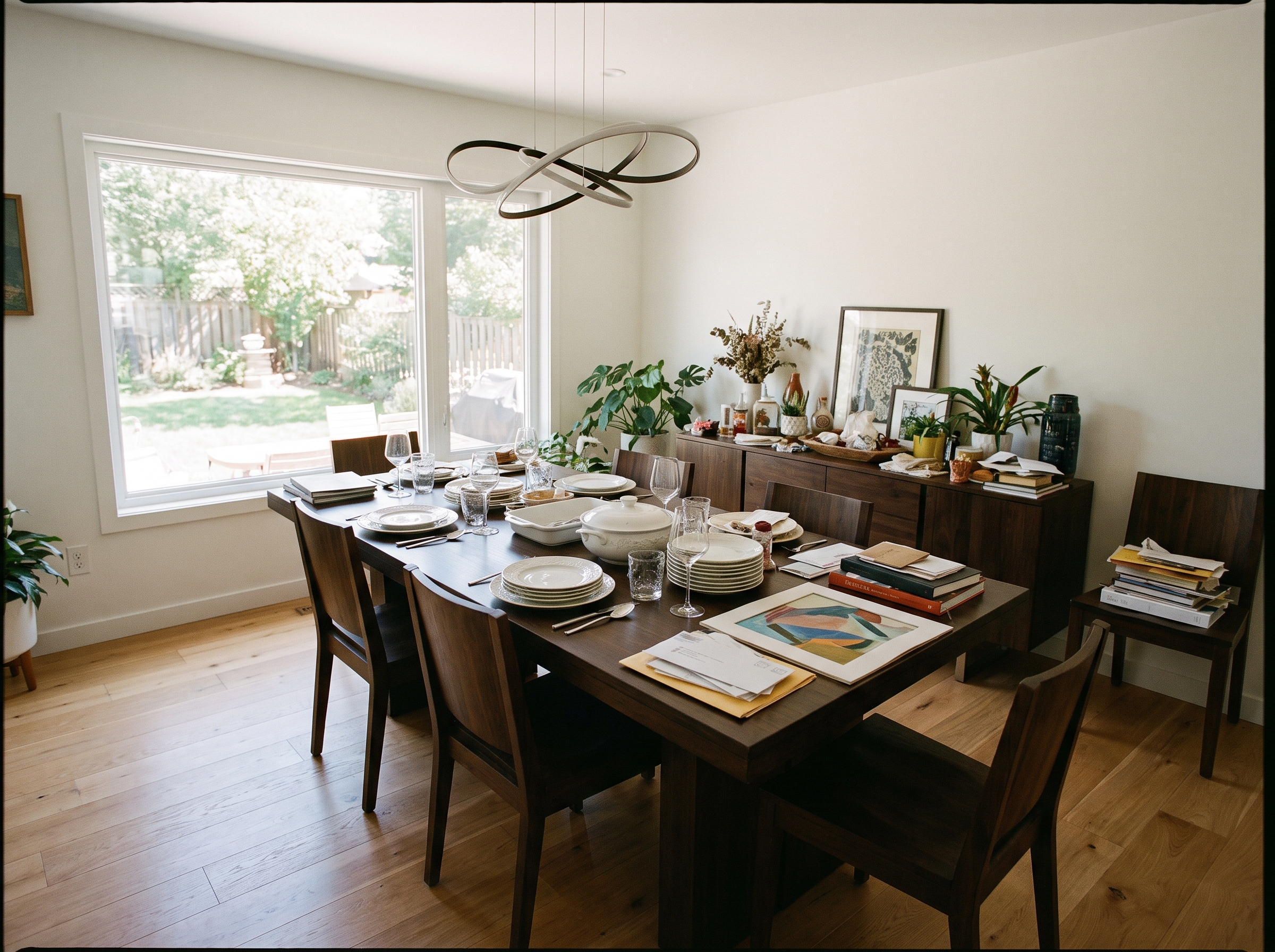 Dining Room
Hover to Clear
Dining Room
Hover to Clear
Table, chairs, and pendant lighting removed with flooring restored behind.
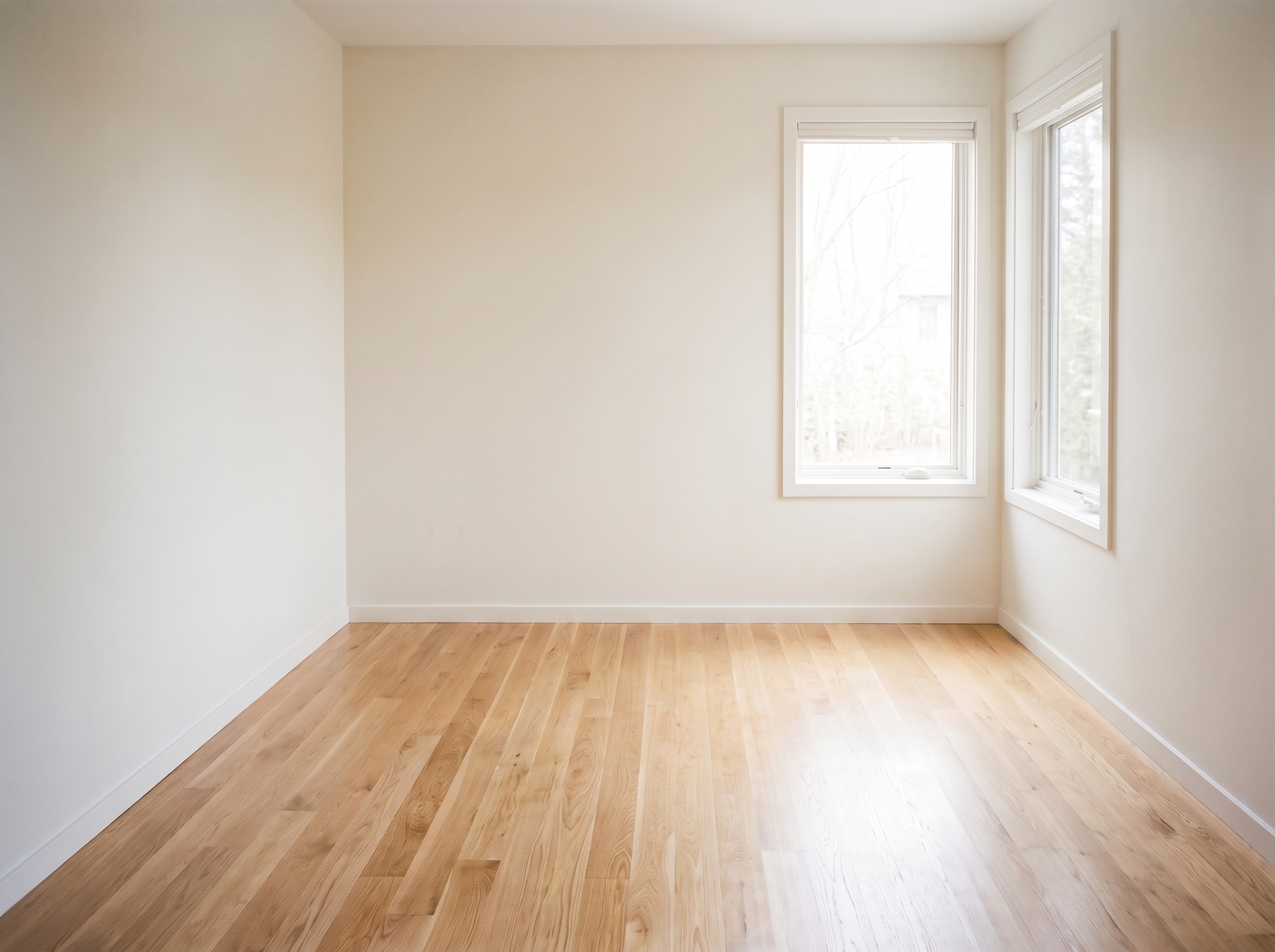
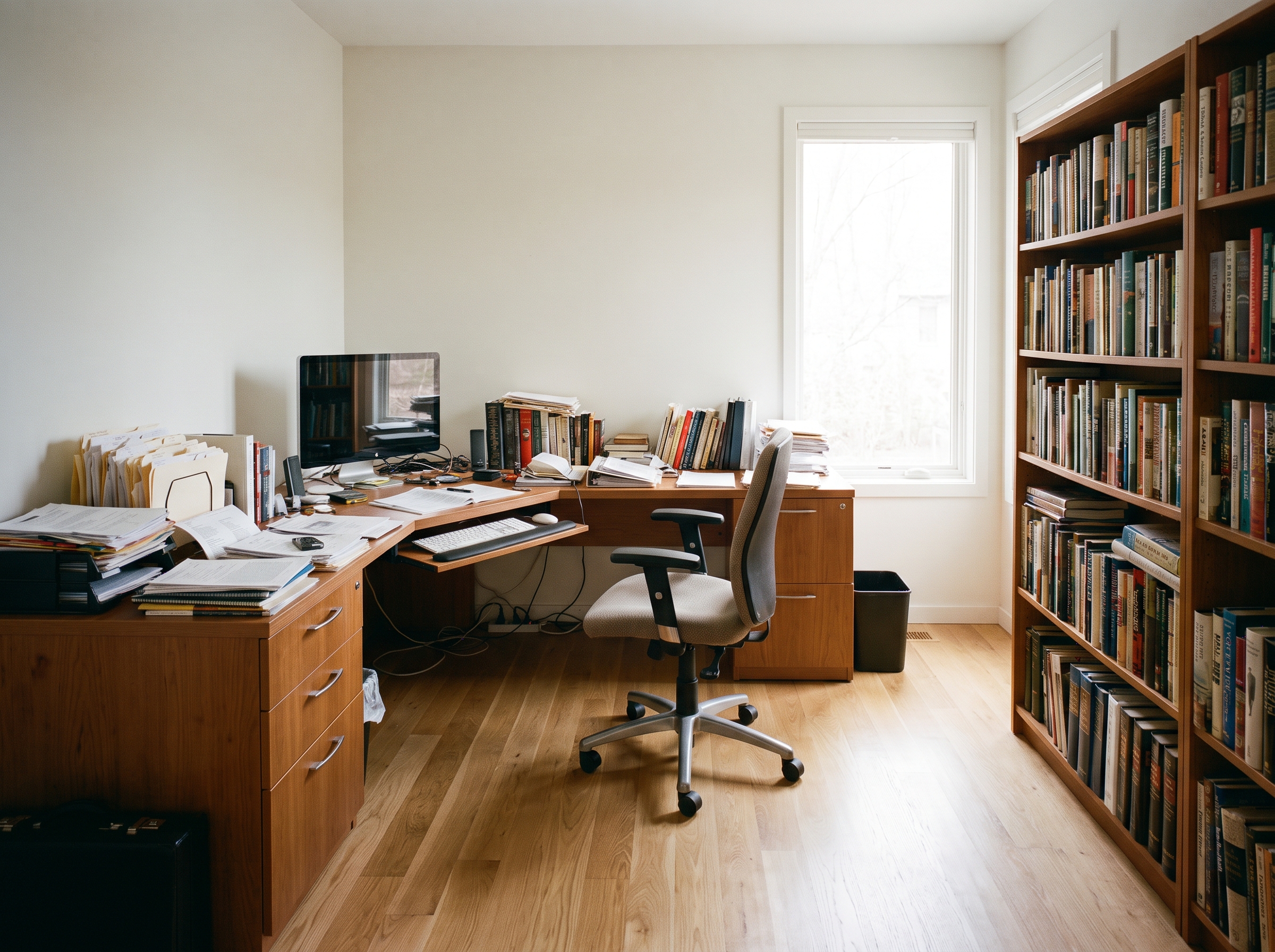 Home Office
Hover to Clear
Home Office
Hover to Clear
Desk, chair, and shelving cleared — ready for a fresh staging concept.
 Listing Prep
Hover to Clear
Listing Prep
Hover to Clear
Remove clutter and personal items from occupied photos before going live on MLS.
 Staging Pipeline
Hover to Clear
Staging Pipeline
Hover to Clear
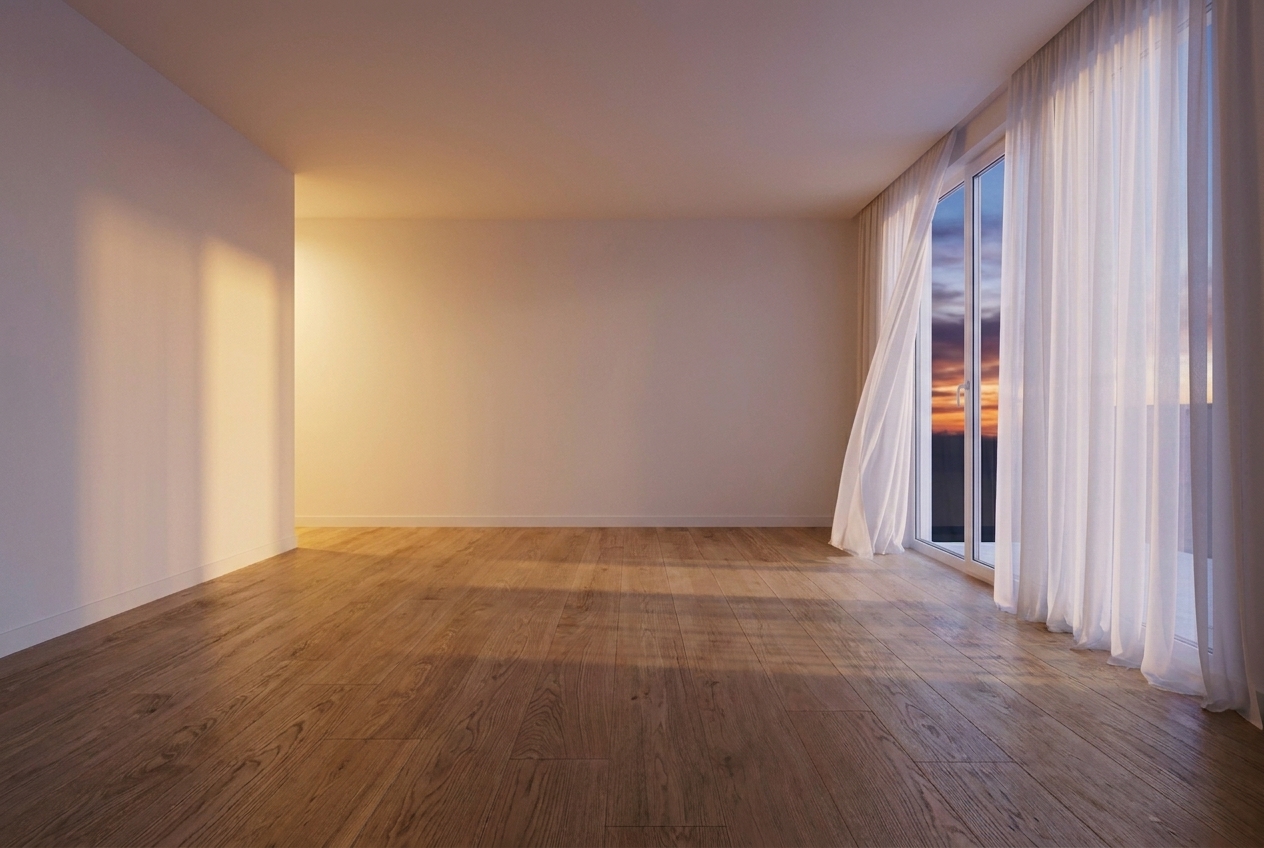
Empty the room first, then run Virtual Staging on a clean canvas — one workflow.
Process
Upload, generate, export — under a minute. No complex training required.
Drag and drop any supported photo. Lovspark accepts JPG, PNG, and WebP at high resolution — listing shots, client snapshots, or phone photos.
Lovspark detects movable furniture, decor, and clutter, then removes them and rebuilds the floor, walls, and windows behind — keeping geometry, lighting, and perspective intact.
Download the empty shell or continue on the Lovspark canvas — run Virtual Staging, relight, or share with clients instantly.
Technical Guide
Empty Your Space pairs object detection with background inpainting so the cleared room reads as truly empty — not a patched photo.
Lovspark detects, segments, and masks movable furniture, decor, and clutter at pixel level — separating foreground objects from walls and floors so nothing leaves a ghost outline.
Once objects are removed, the AI synthesizes flooring, baseboards, and walls behind them. Wood grains, carpet textures, and plaster finishes rebuild as if the furniture was never there.
The restoration engine keeps exact room dimensions, lens perspective, and window light. Inpainted areas blend with original ambient shadows for listing-ready photorealistic empty shells.
Walls, floor materials, window views, moldings, and ceiling heights remain unmodified. Lovspark only removes movable items — buyers see the authentic geometry of the room.
Audience
Professionals who need to declutter listing photos or prepare empty shells for virtual staging — without reshooting.
Declutter and depersonalize occupied listings before going live. Personal items and bulky furniture come out in seconds — no reshoot required.
Clear furnished rooms first, then run Virtual Staging on the empty shell. One workflow from cluttered photo to staged listing.
Remove clutter and personal items from shoots without scheduling a return visit. Deliver clean empty-room assets on the same day.
Show clients the empty shell before proposing layouts. Strip existing furniture to present a neutral canvas for renovation concepts.
FAQ
Empty Your Space works with listing photos from DSLR cameras, phone shots, or exports from design tools — then hands off to Virtual Staging on the same canvas.
Related Tools
Upload a photo and see results in seconds. Try Lovspark free — no credit card required.
Start Empty Your Space →