 Hover for Original
Living Room
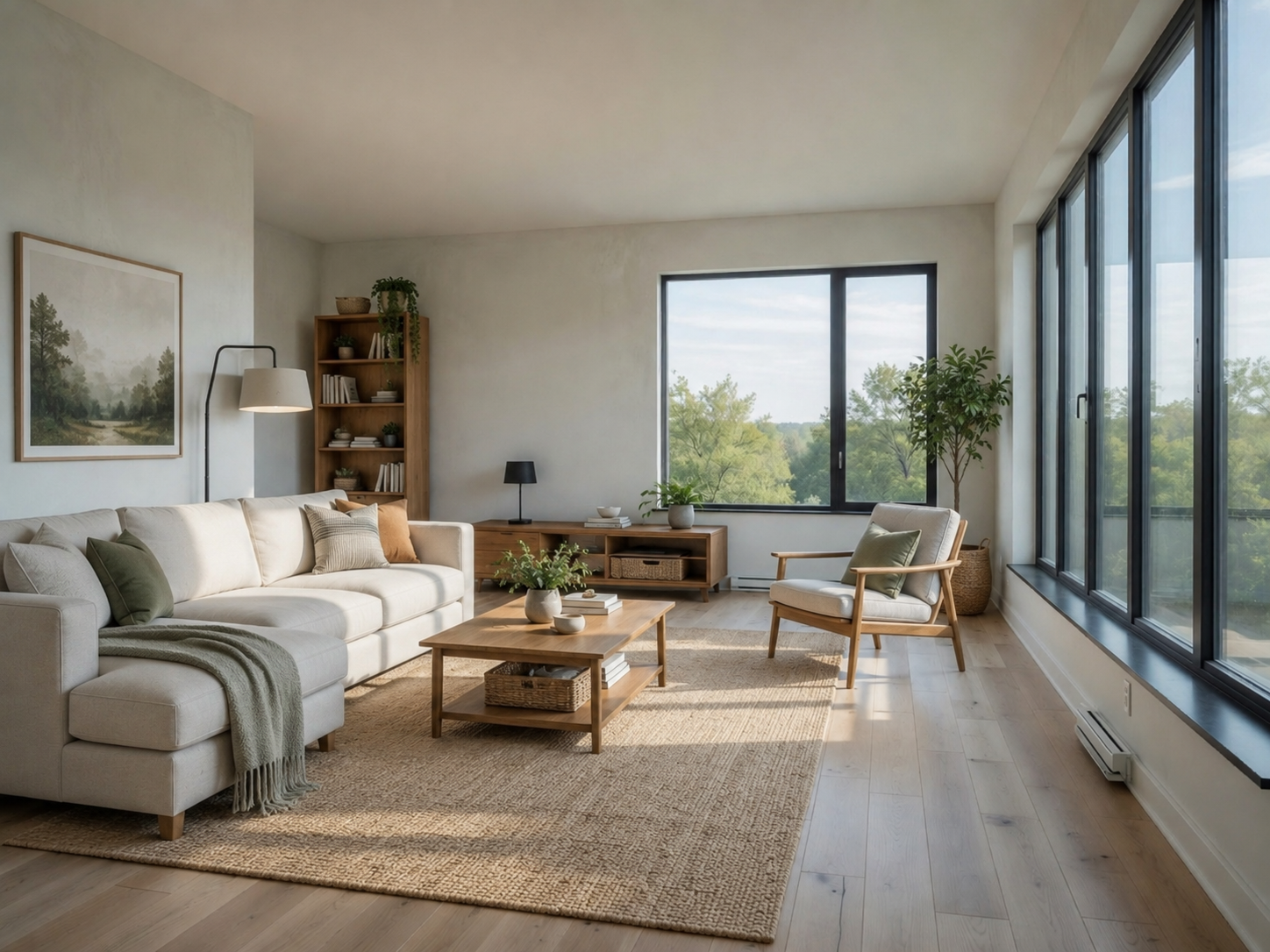
Full Living Room Set
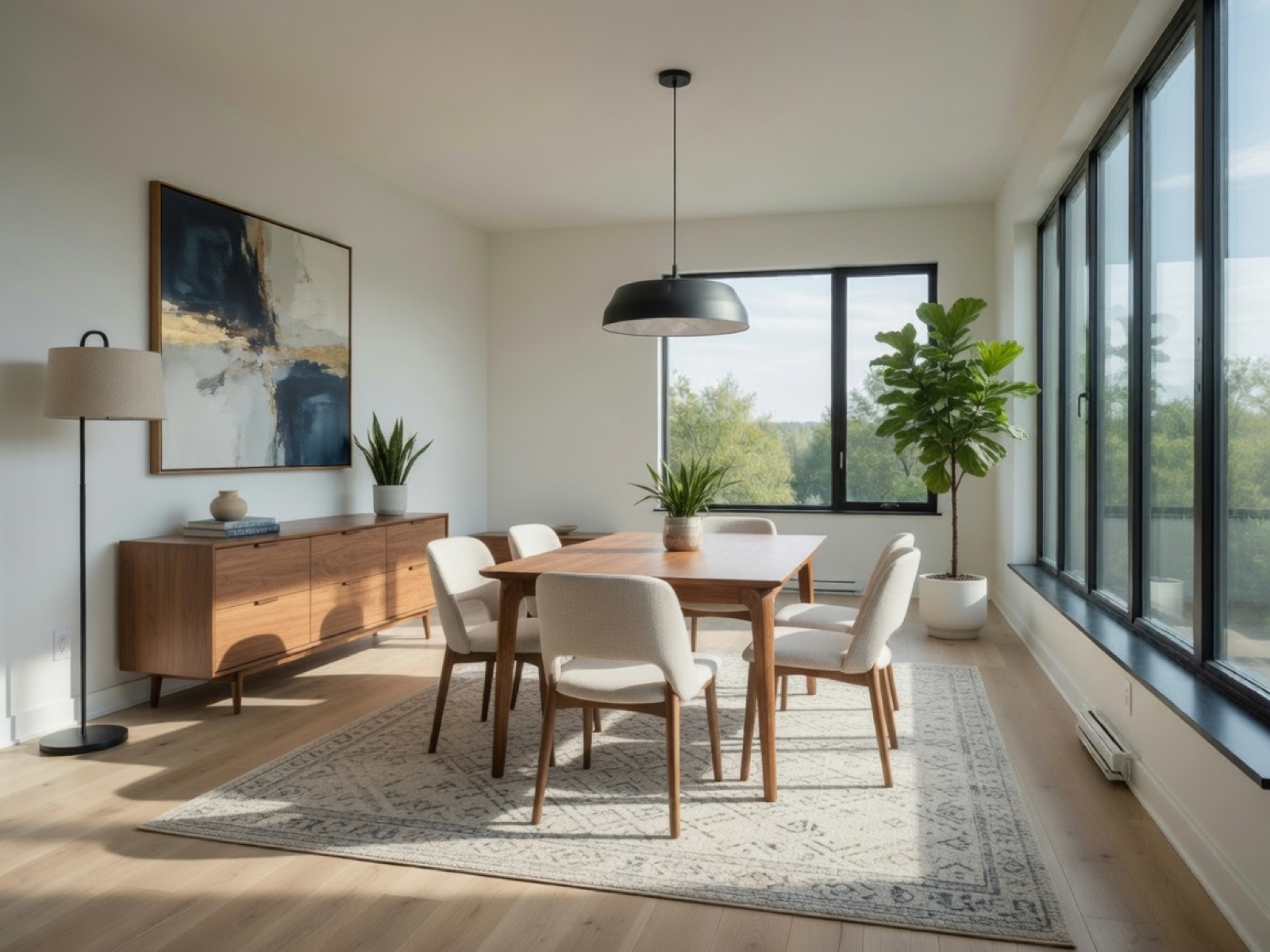
Sofa, coffee table, rug, and decor added — walls, windows, and camera angle unchanged.

Furniture placement AI
Upload a room photo. Lovspark’s AI adds furniture and objects — sofas, chairs, tables, lamps, plants — with the right scale, shadows, and perspective.
Free to start · No install · Browser-based
Placement Examples
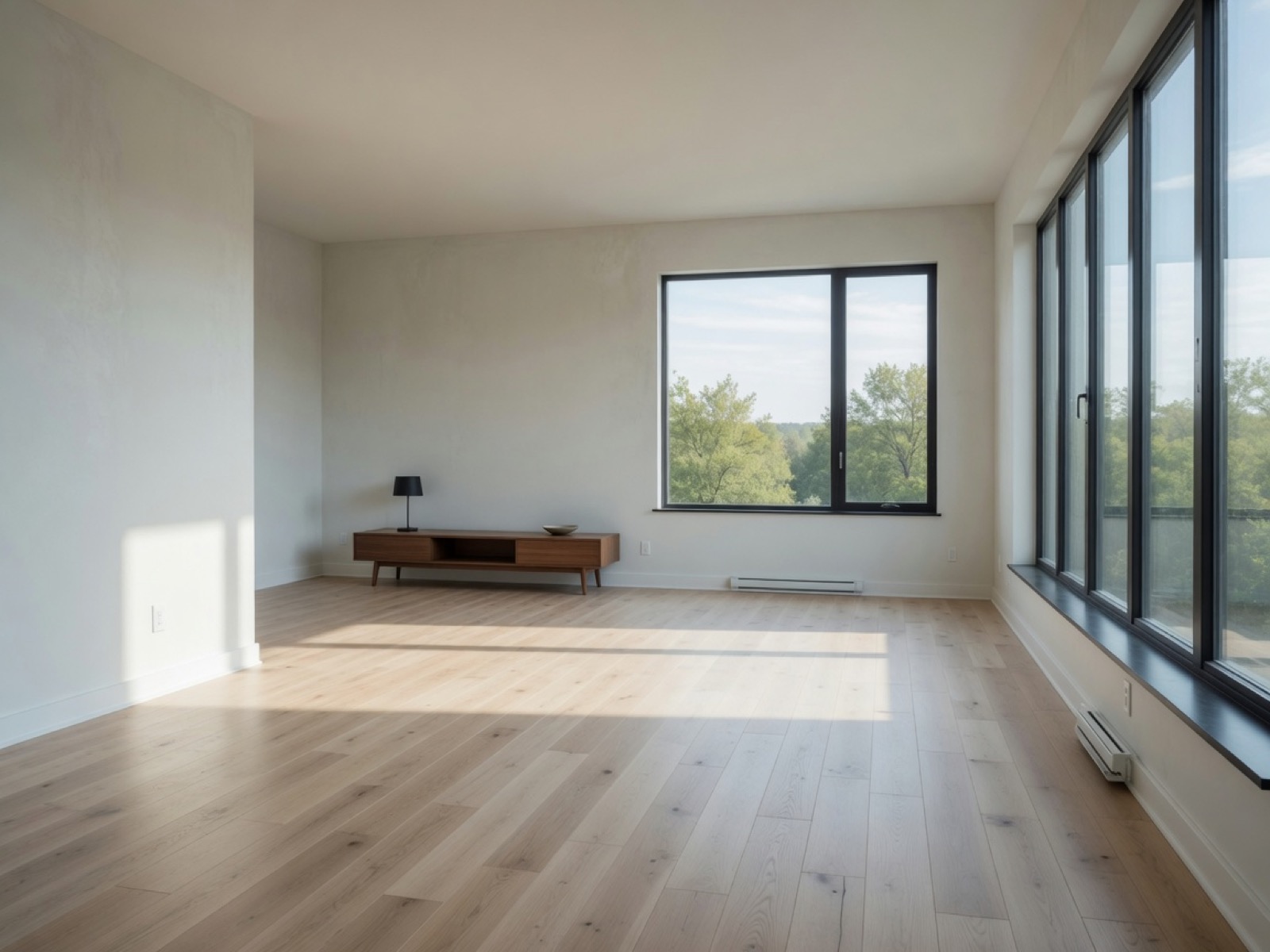
Each card shows the furnished result by default — hover to reveal the original sparse room. Lovspark keeps walls, floors, and windows intact while placing new pieces.
Hover for Original
Sofa, coffee table, rug, and decor added — walls, windows, and camera angle unchanged.
 Hover for Original
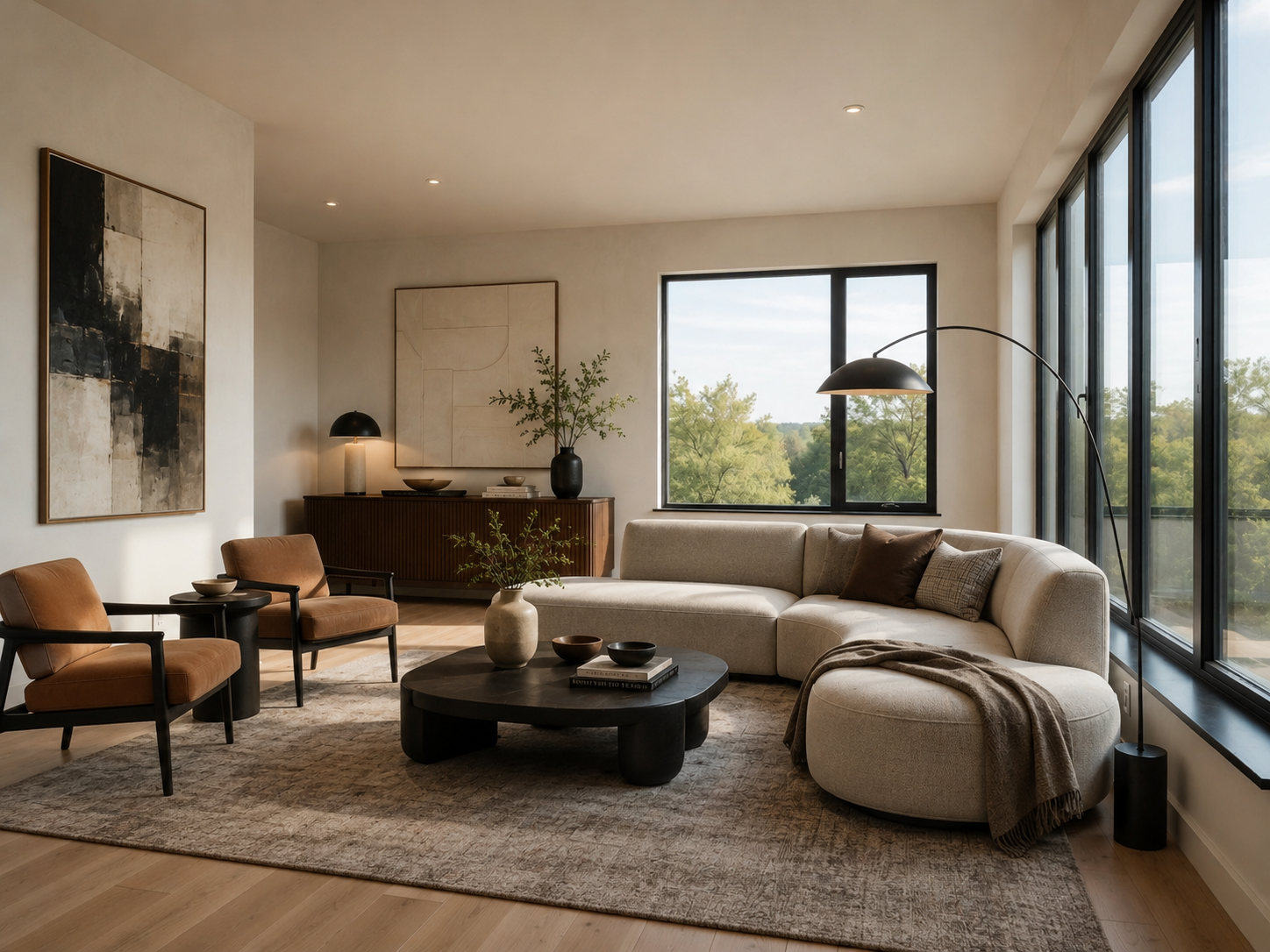
A sectional and rug land on the floor with matched contact shadows and perspective.
 Hover for Original
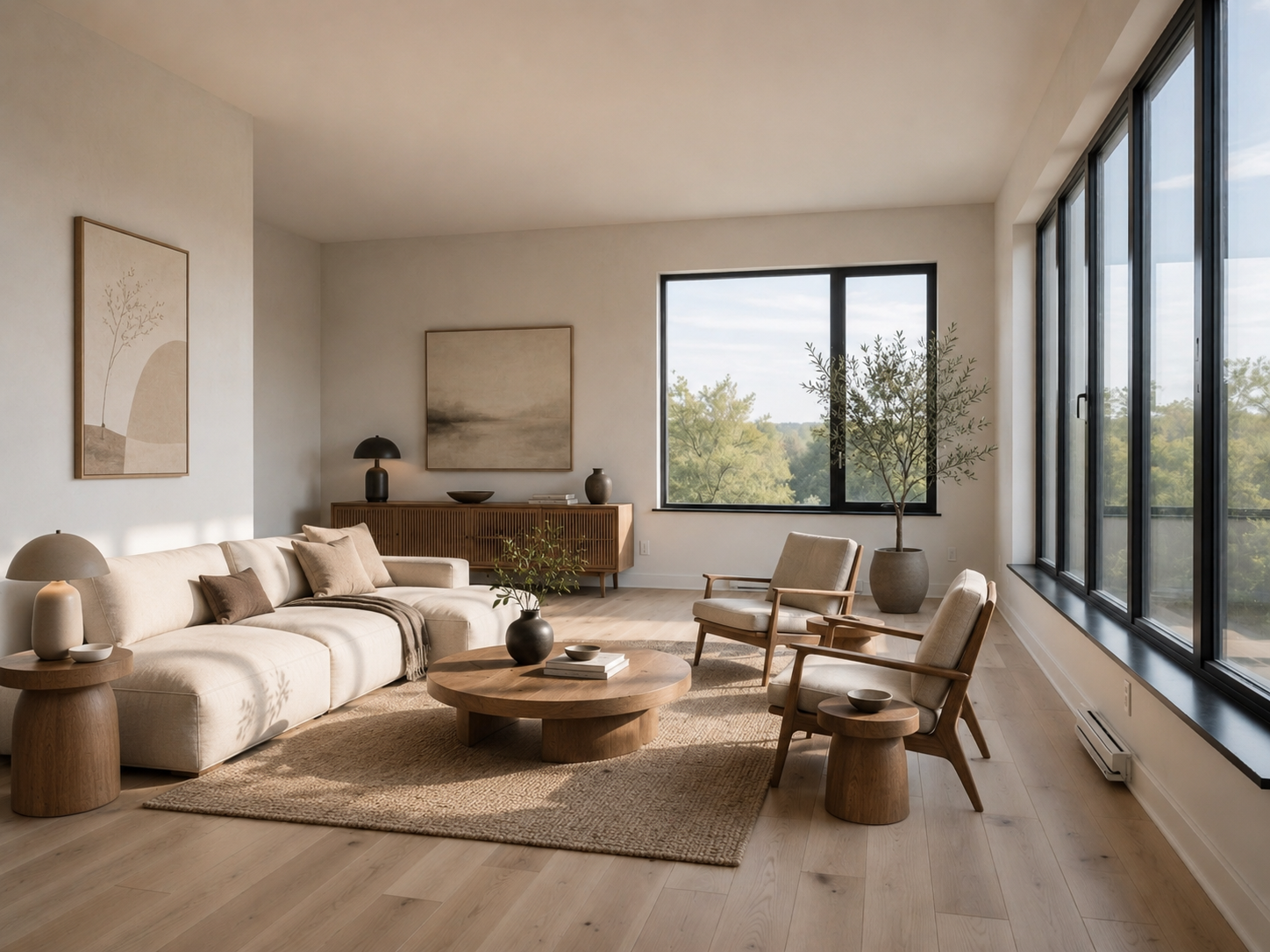
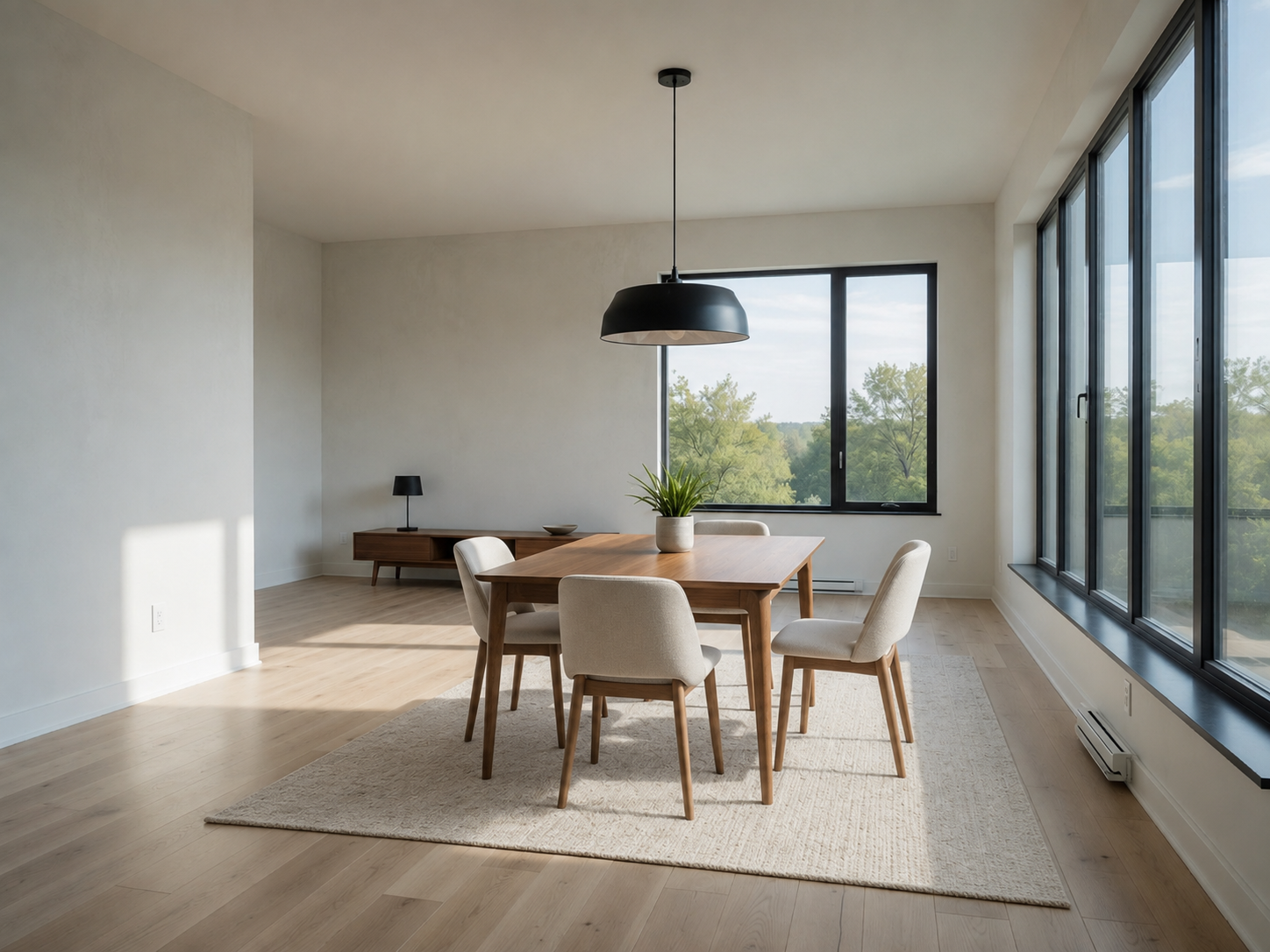
Table and chairs scaled to the room footprint — centered to the existing light and layout.
 Hover for Original
Work desk, chair, and shelving placed along the wall — architecture stays fixed.
 Hover for Original
Floor lamps, plants, and accessories fill the scene without changing walls or flooring.
Hover for Original
Polished exposure and cohesive styling — ready for listings, proposals, and client presentations.
Process
Upload, generate, export — under a minute. No complex training required.
Drag in listing photos or client snapshots. Lovspark accepts JPG, PNG, and WebP at high resolution — wide-angle and phone images supported.
Lovspark reads depth, floor plane, and daylight, then places each piece with matching scale, contact shadows, and perspective — on the original geometry.
Download the furnished render or continue on the Lovspark canvas — refine, swap pieces, or share with clients instantly.
Technical Guide
Lovspark locks walls and footprint, then drops in new furniture with depth-aware scale and matched shadows — photoreal, not a collage.
Lovspark estimates room depth and camera angle from your photo, then scales every sofa, chair, and table to the real footprint so pieces sit on the floor, not floating above it.
Each added object inherits the room’s natural light direction with physically matched contact shadows and reflections on floors and walls.
Place individual pieces or full room sets — sofas, tables, lamps, plants, and rugs composed together so the furnished room reads as professionally styled.
Before and after always come from one upload. Lovspark inserts objects on top of the same scene — never a mismatched composite.
Audience
Professionals who need to place furniture in real room photos without 3D modeling or physical staging.
Fill an empty or sparse room with concept furniture. Show clients how a layout reads before ordering pieces.
Show your products placed in a real room photo — correct scale and shadows for catalog and e-commerce visuals.
Stage vacant listings without hauling physical furniture. Present move-in-ready rooms from one upload.
Try adding a sofa, table, or lamp before you buy. See how a piece fits your actual room.
FAQ
Lovspark works with listing photos, client snapshots, and exports from design tools — then hands off to Swap Furniture or Virtual Staging on the same canvas.
Related Tools
Upload a room photo and see furniture placed in seconds. No credit card required.
Start Add Furniture & Objects →