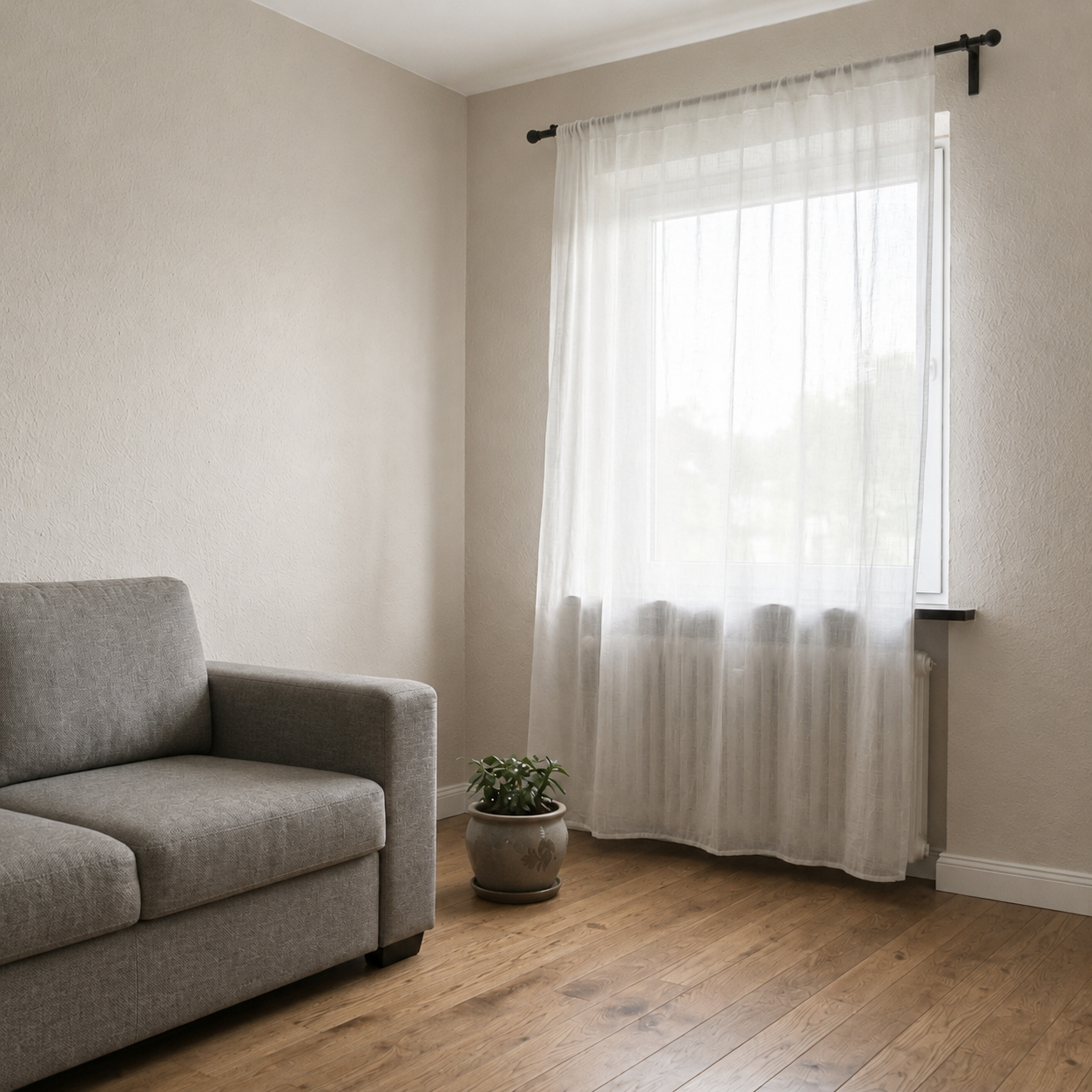
Image enhancement AI

Image Enhancement

Upload a dull or underexposed photo. AI fixes exposure, color, and sharpness — same image, professionally polished.

<30sAverage processing
4KOutput resolution
100%Structure preserved
Before & After

Drag to see the transformation

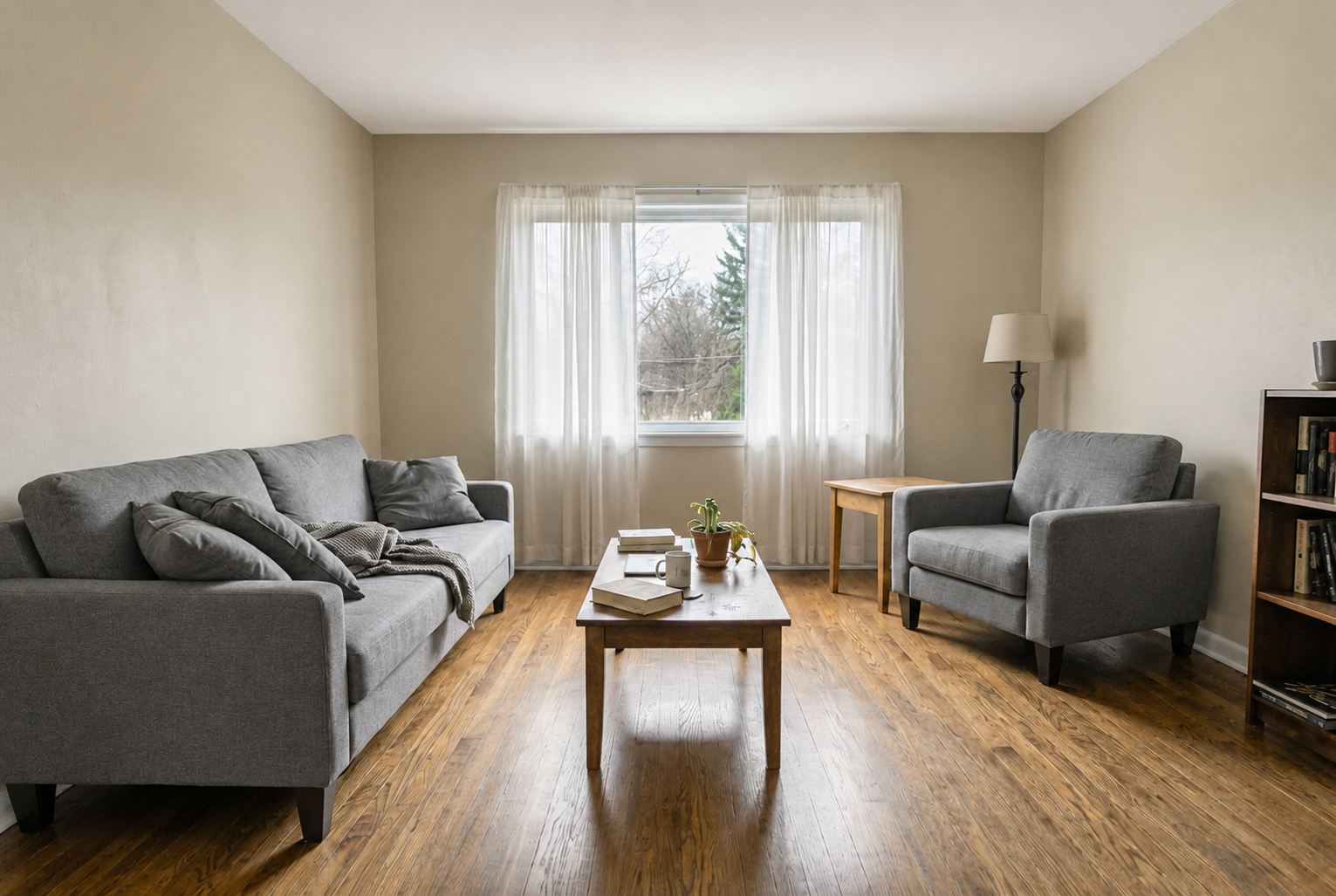
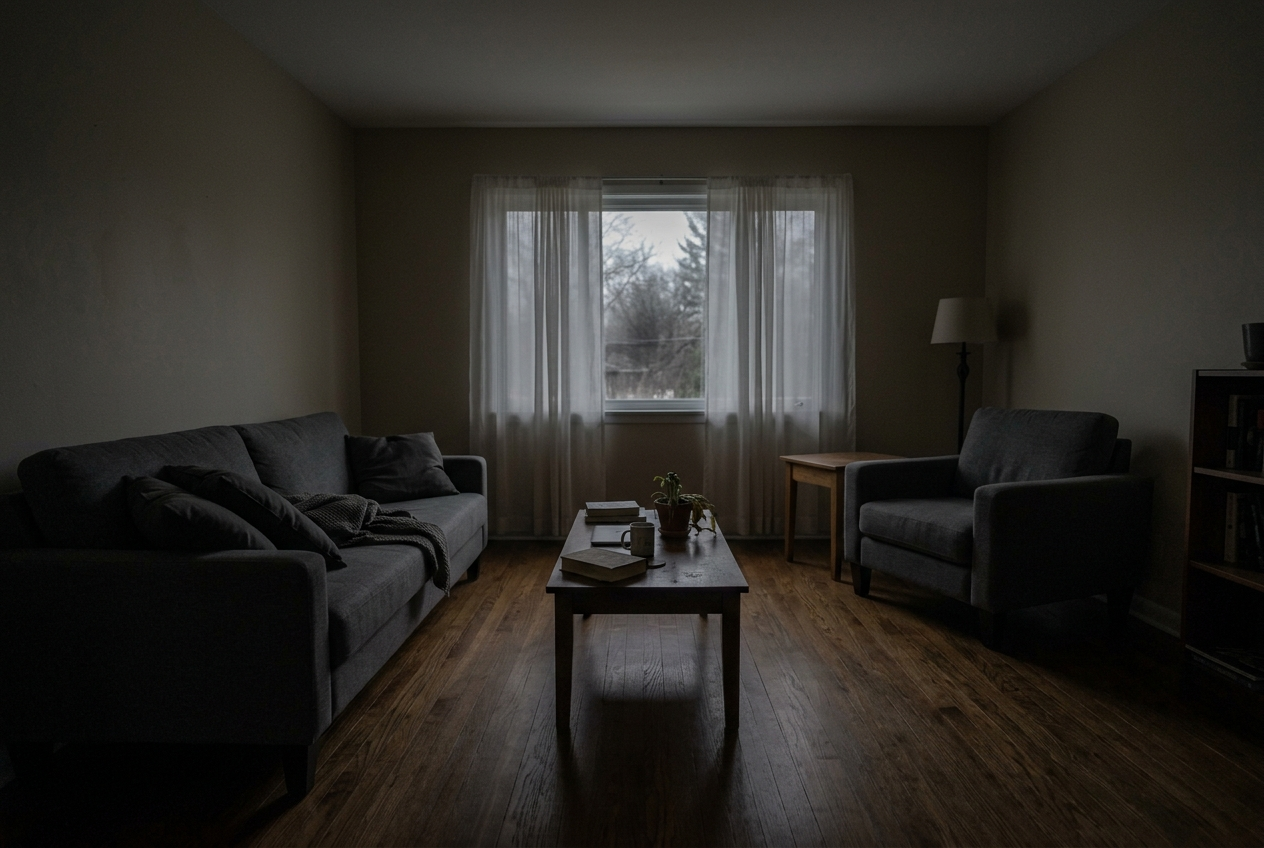
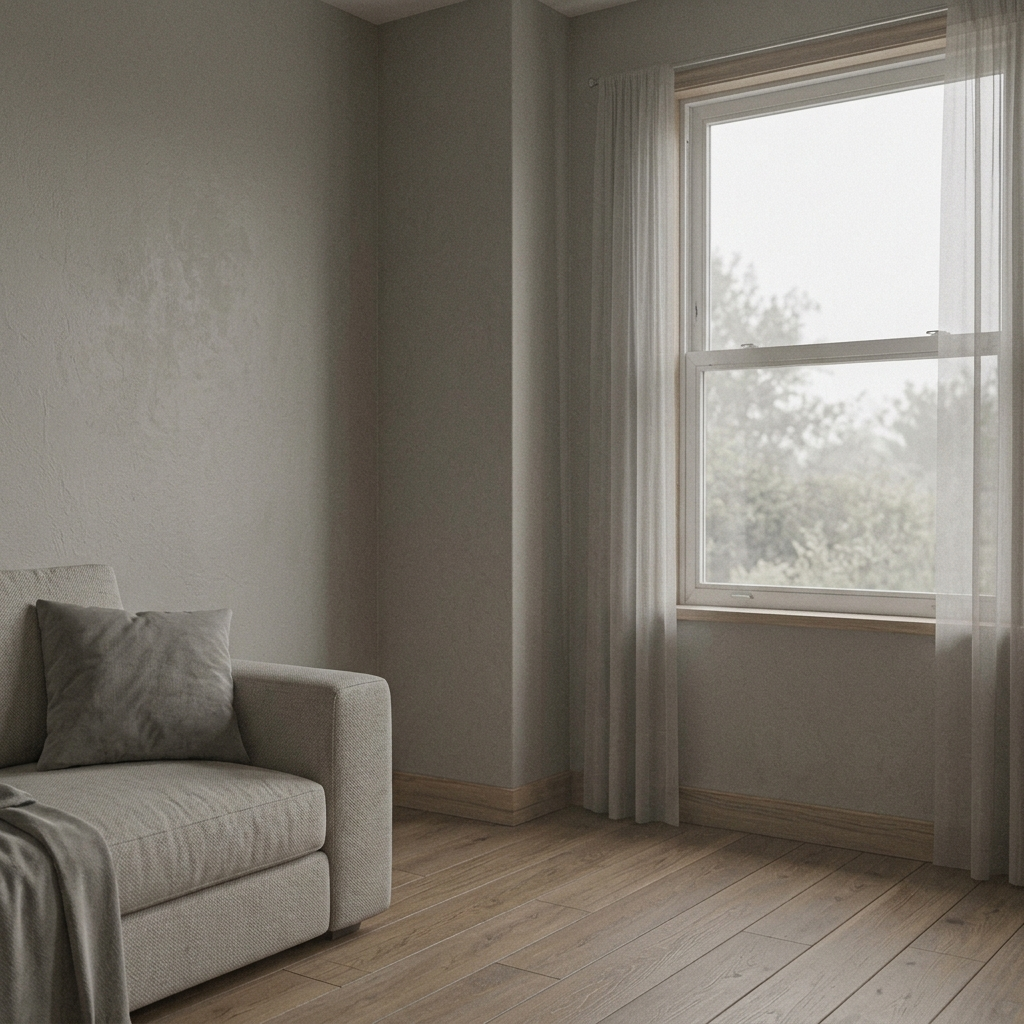
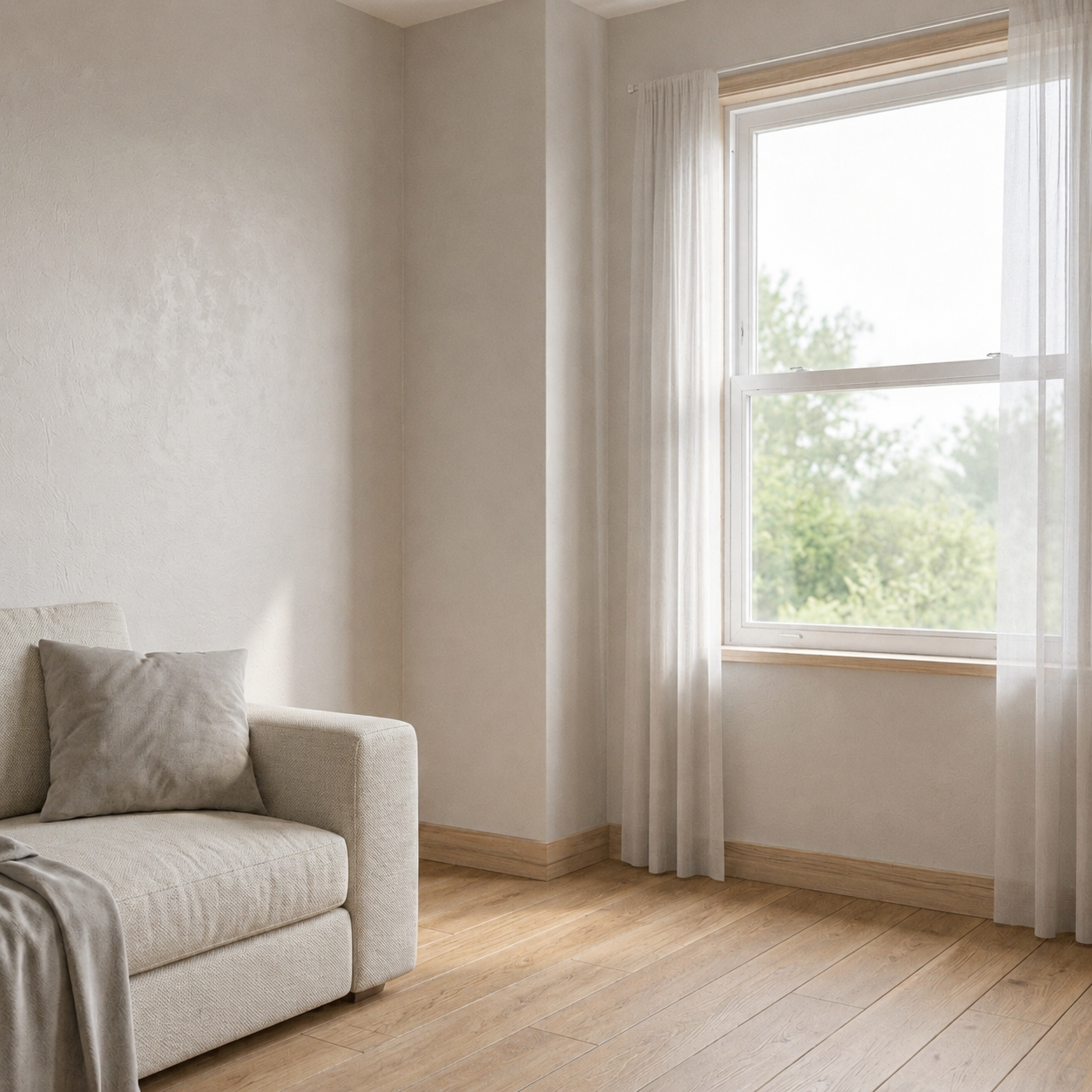
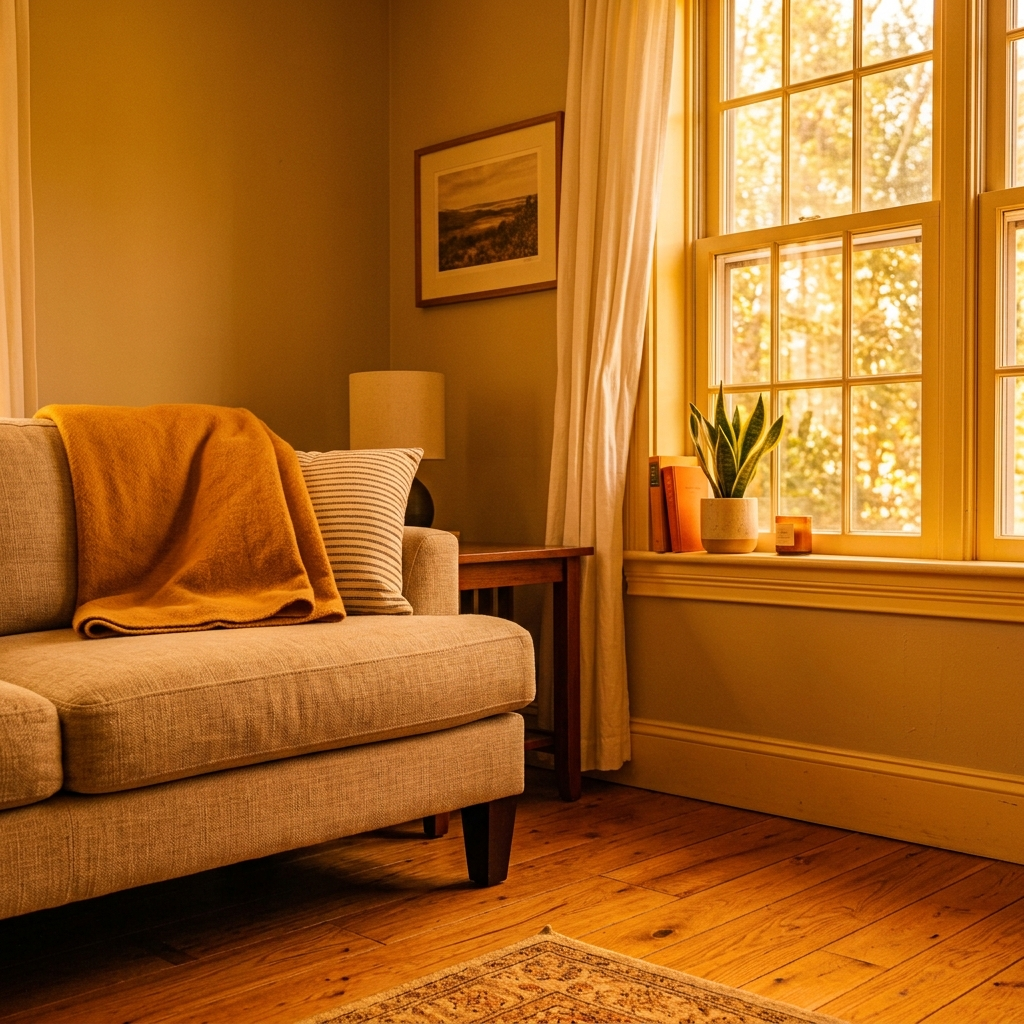
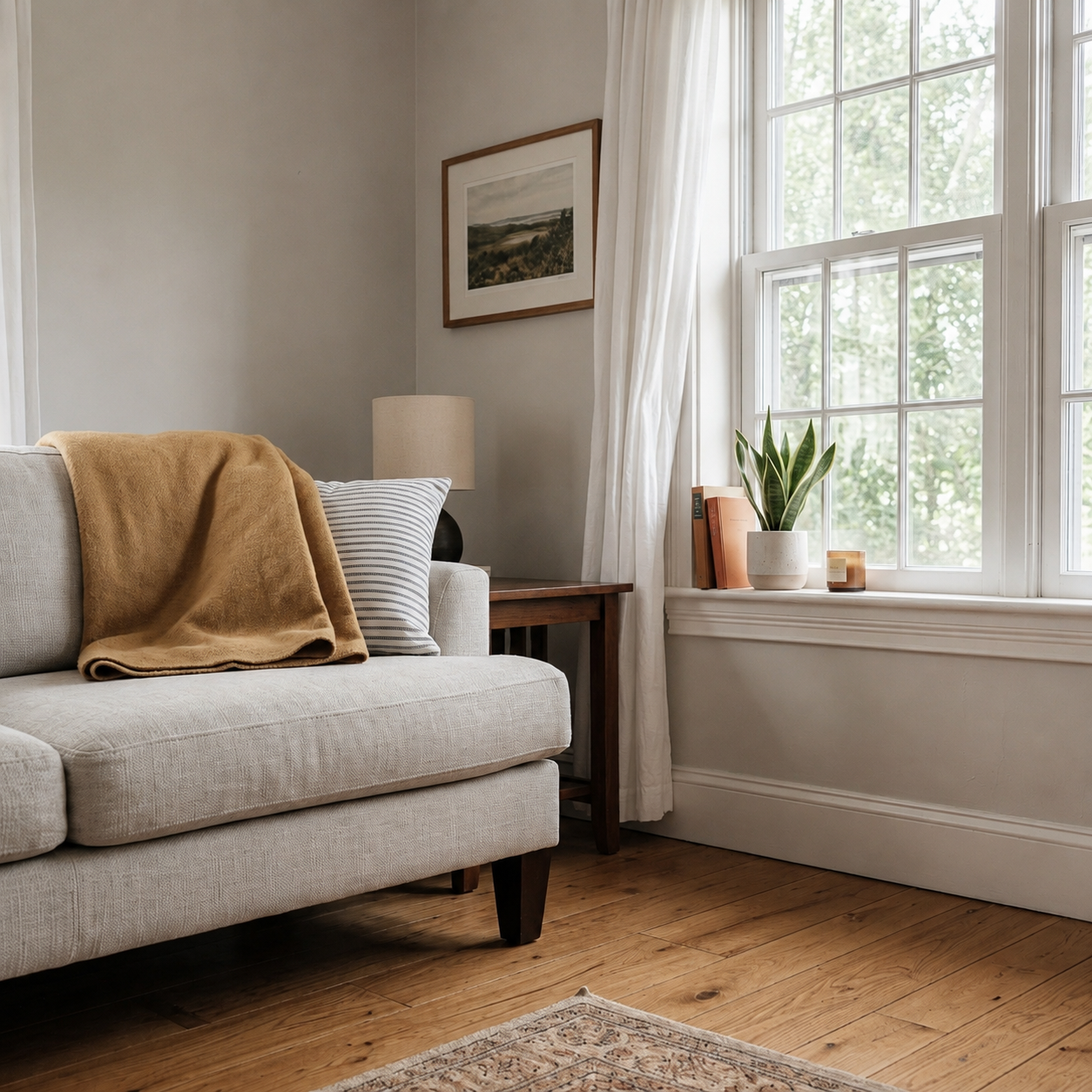
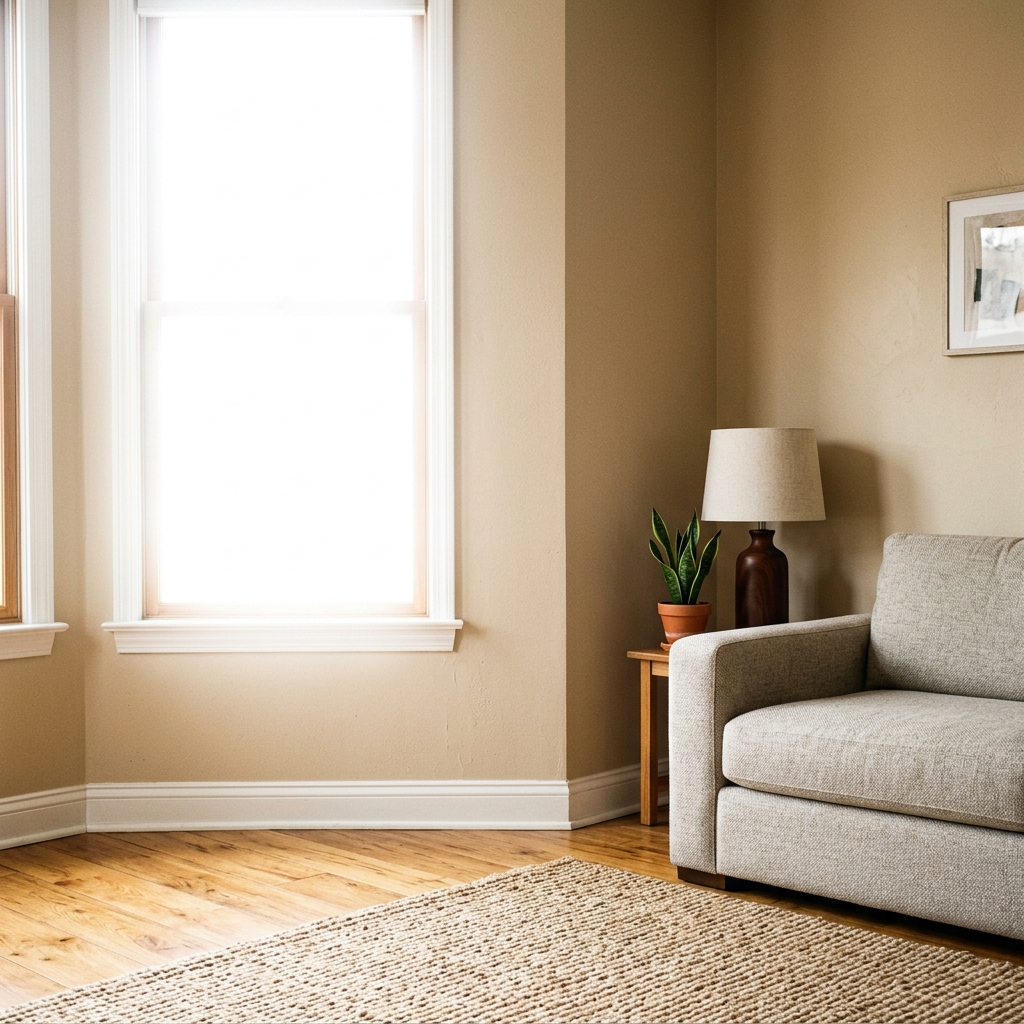
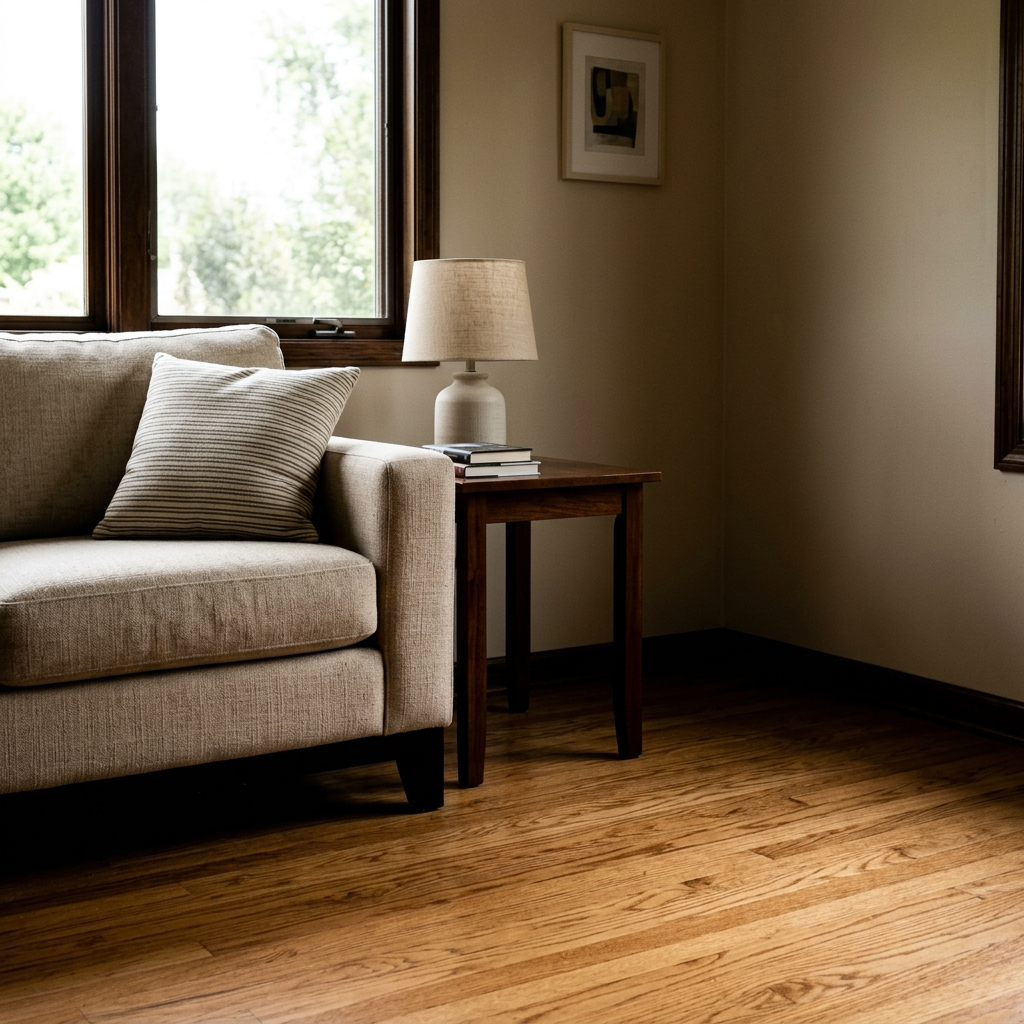
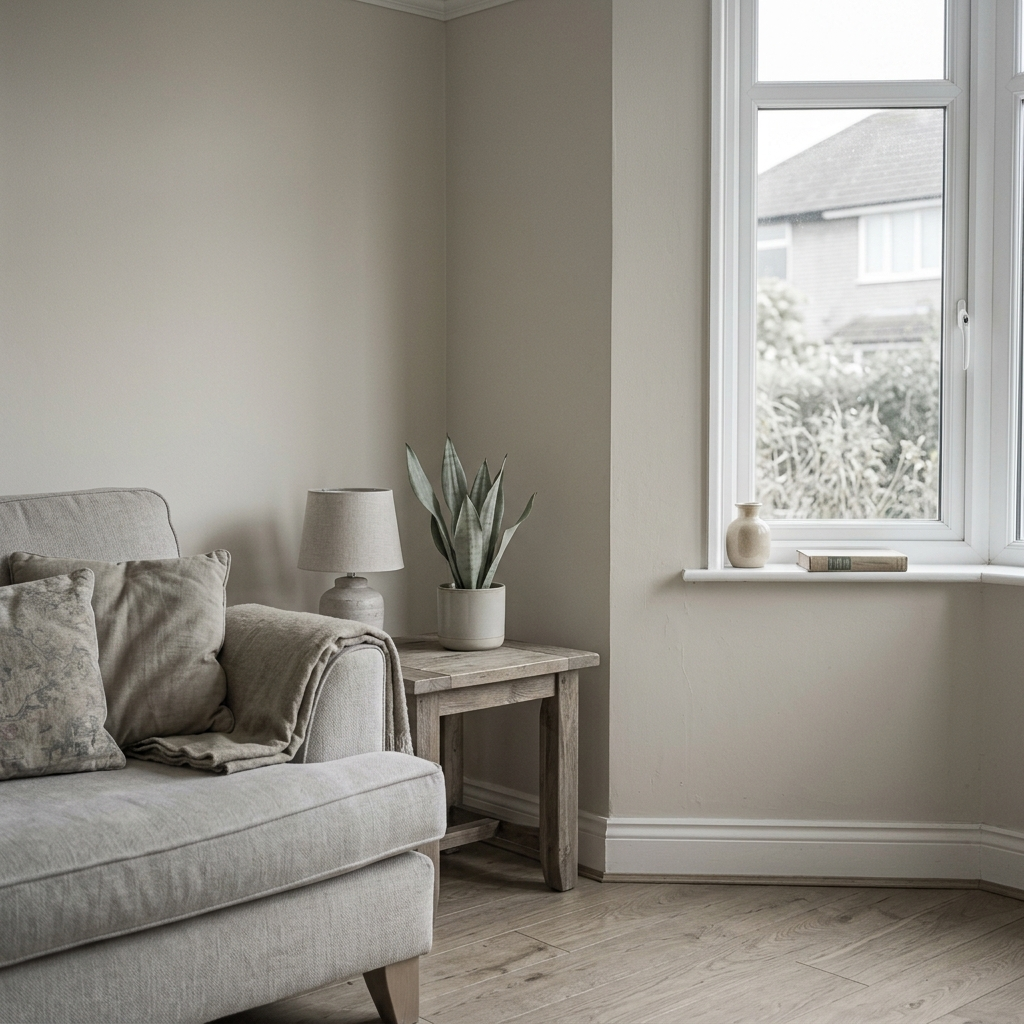
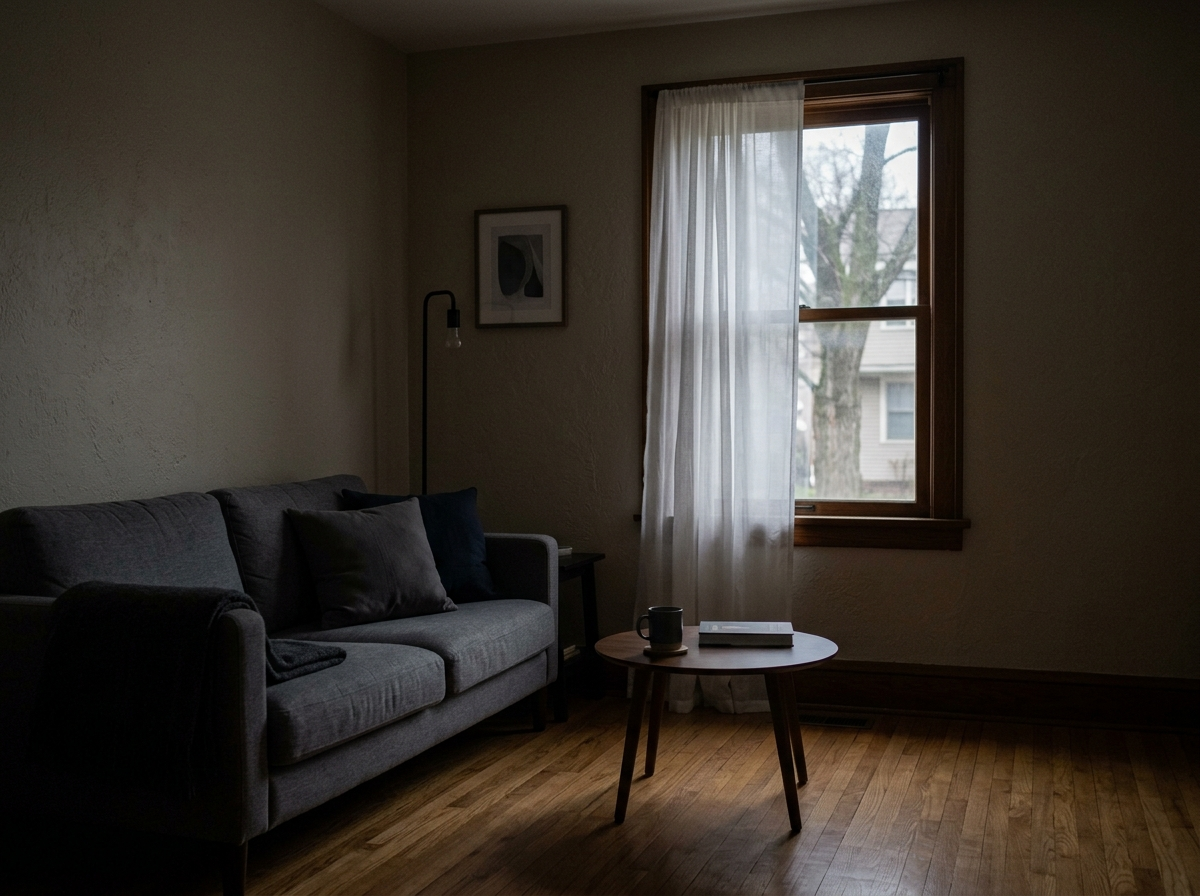
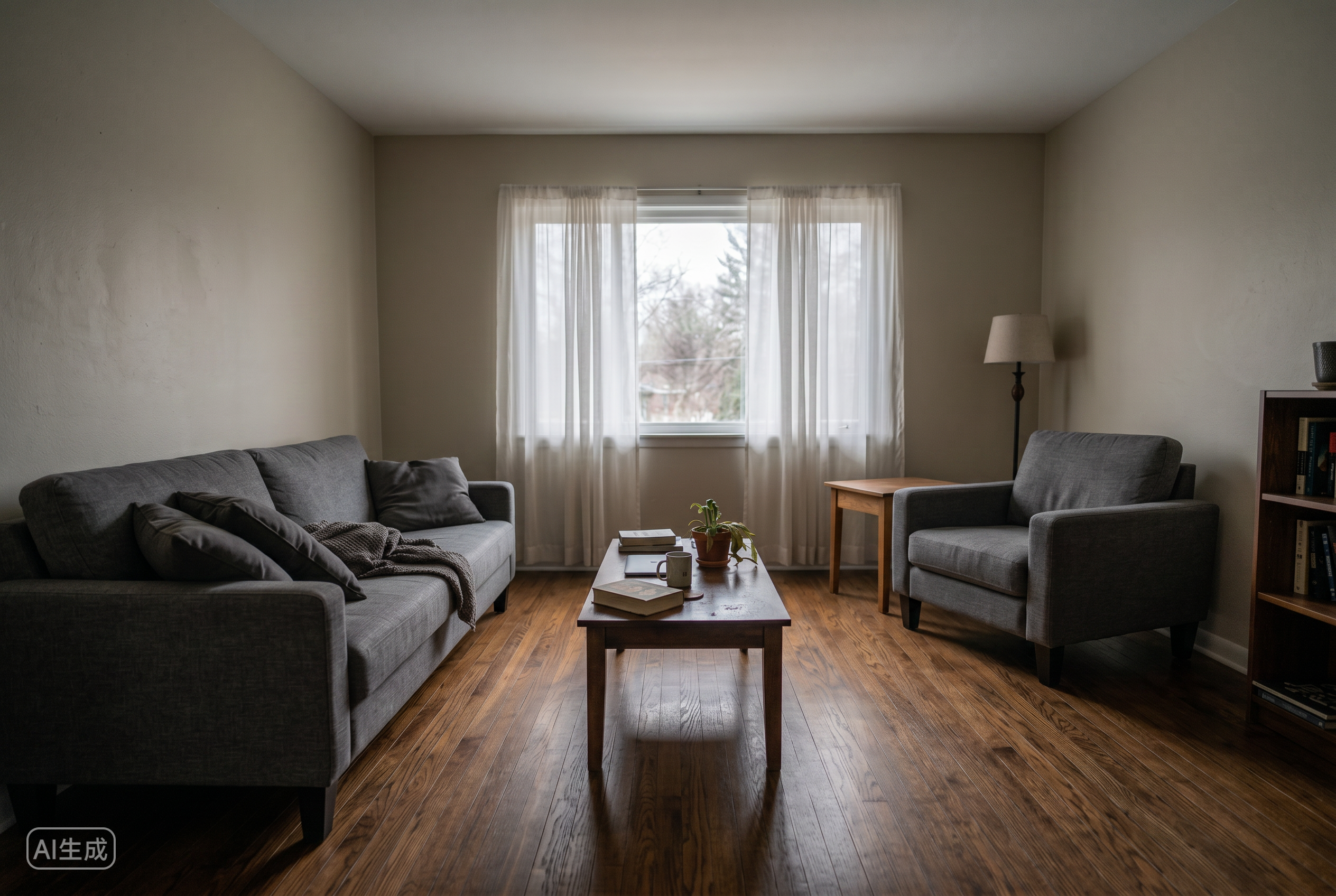
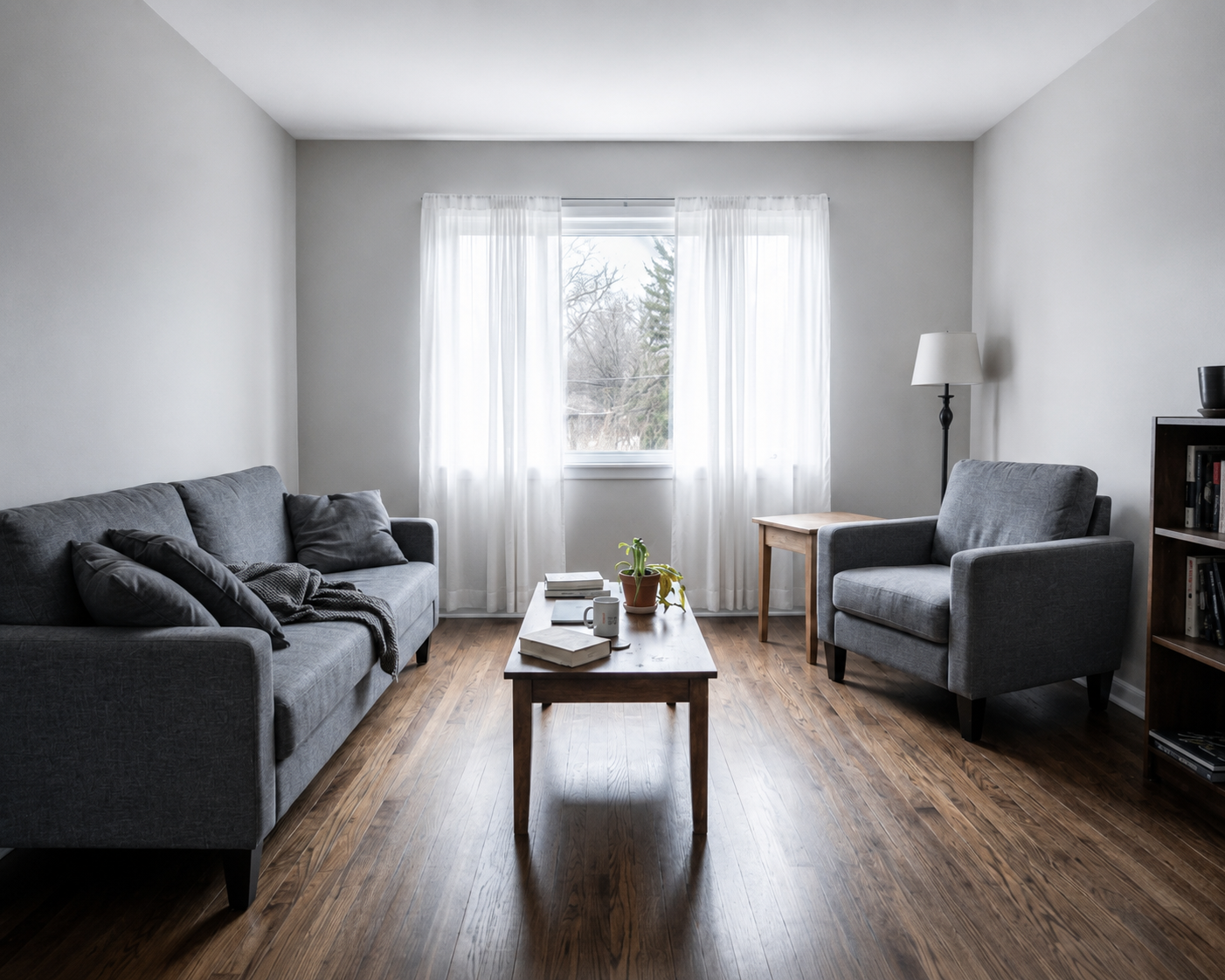
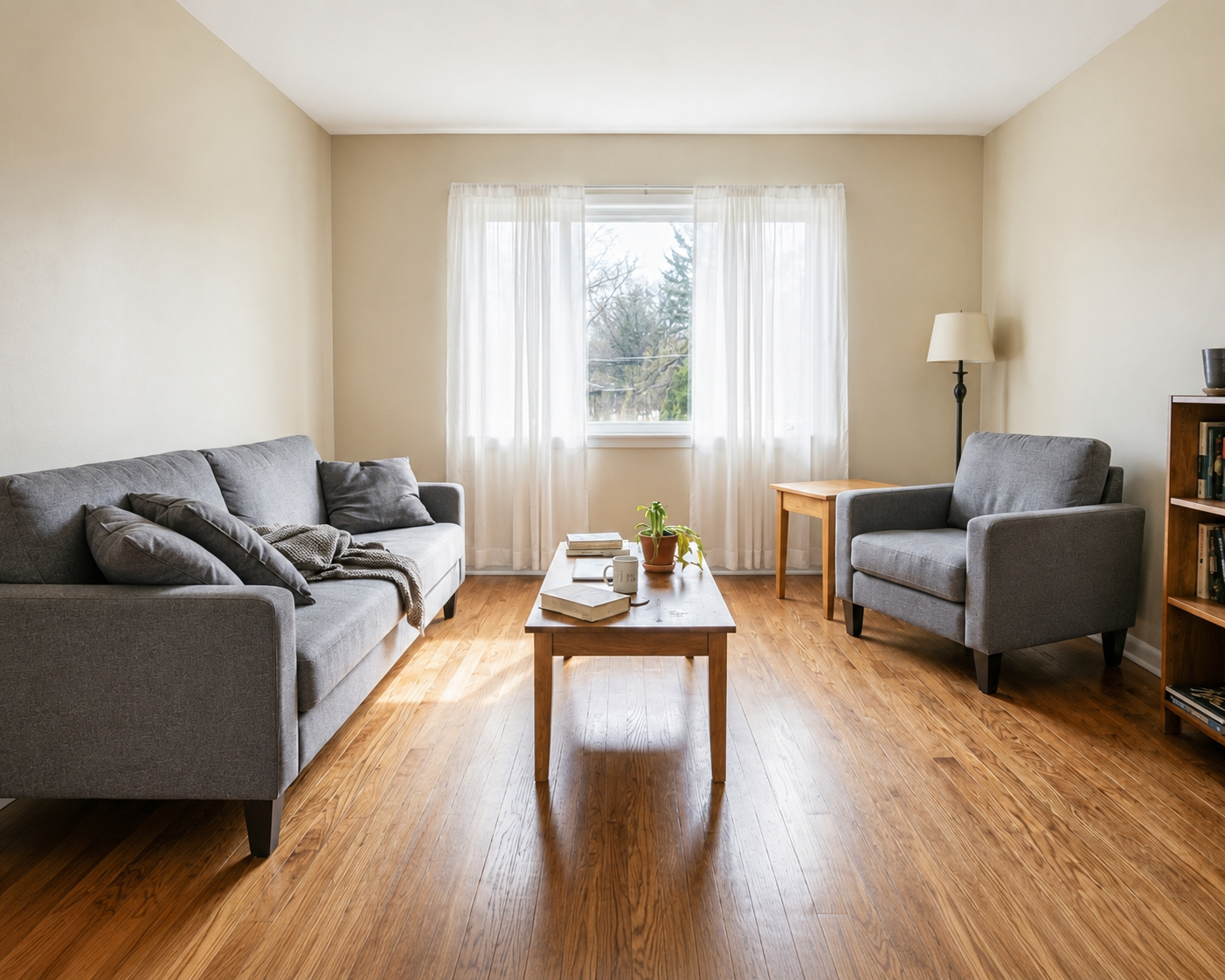
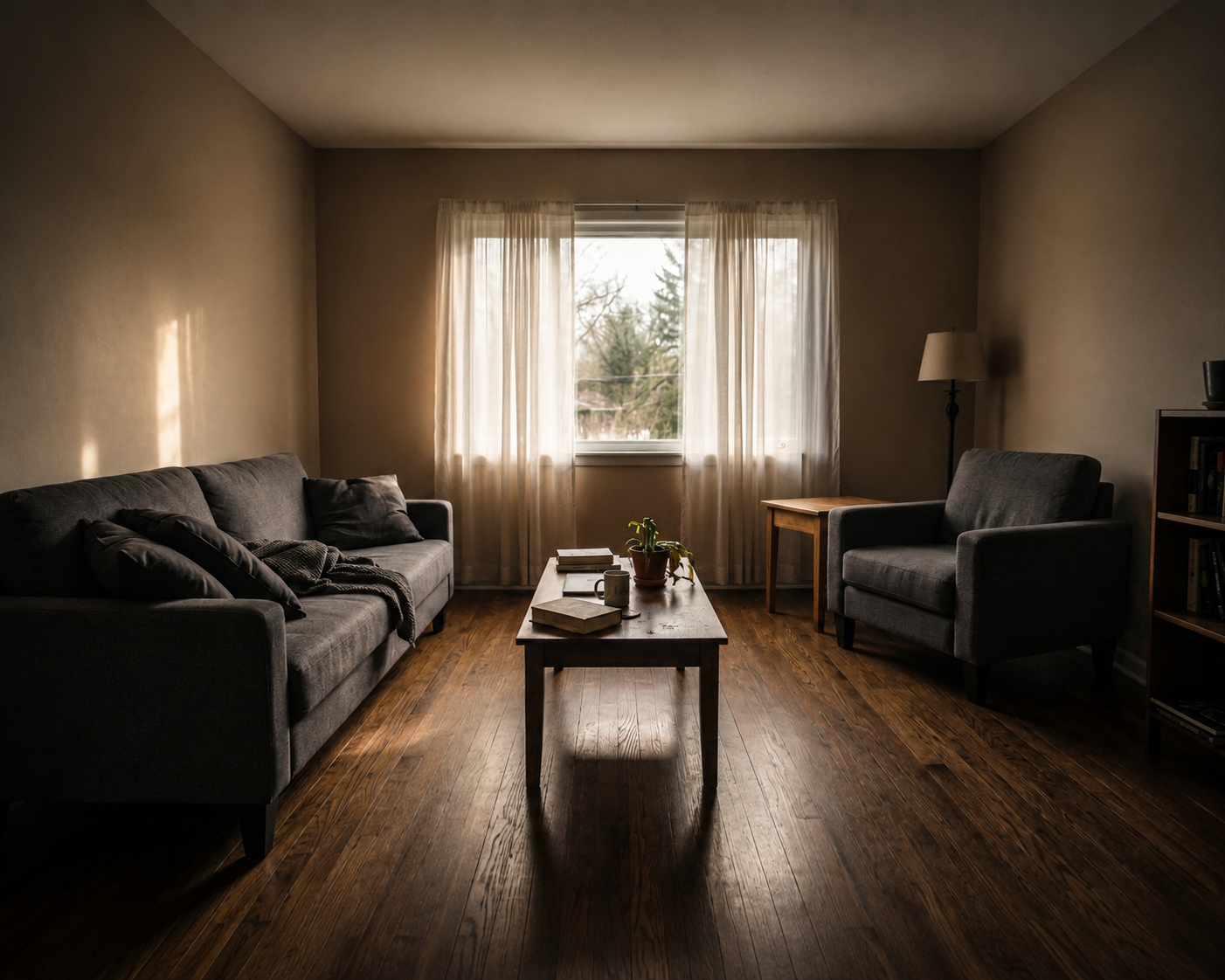
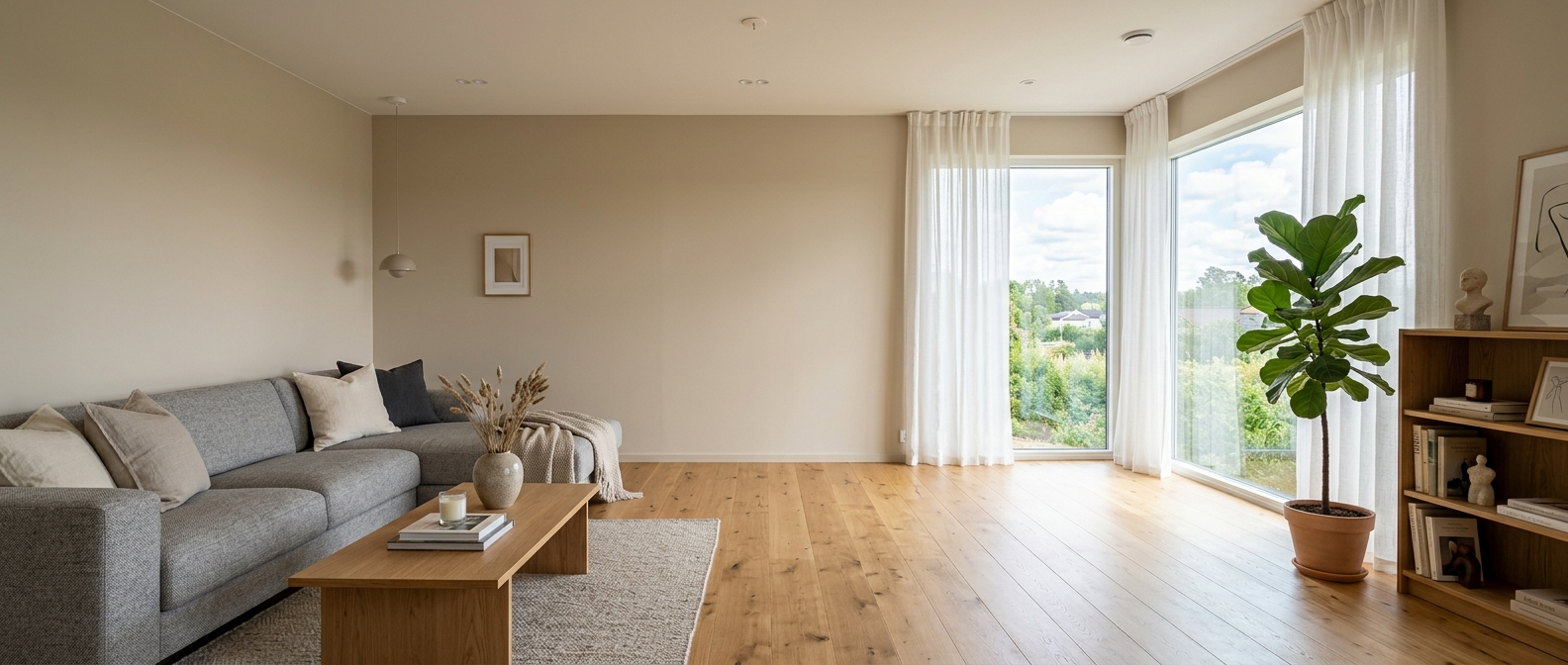
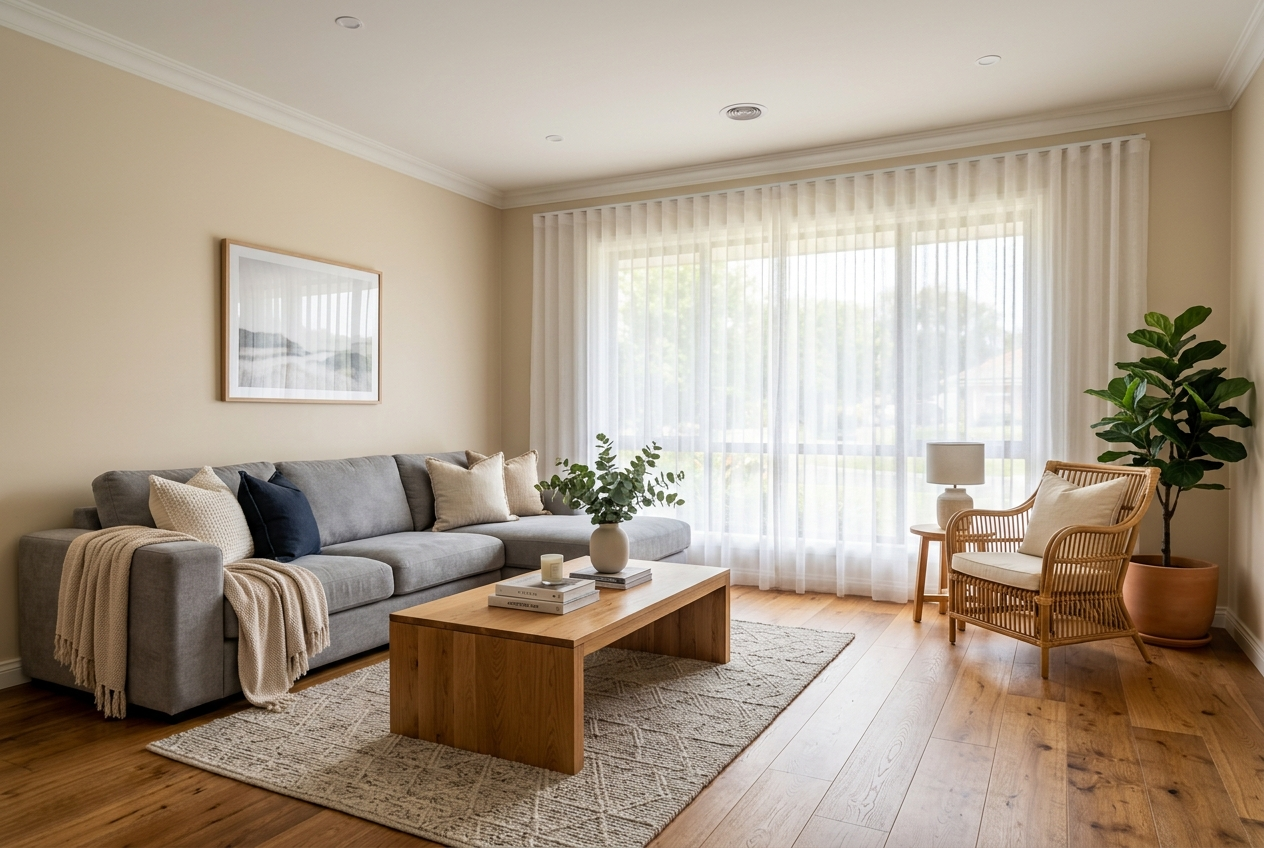
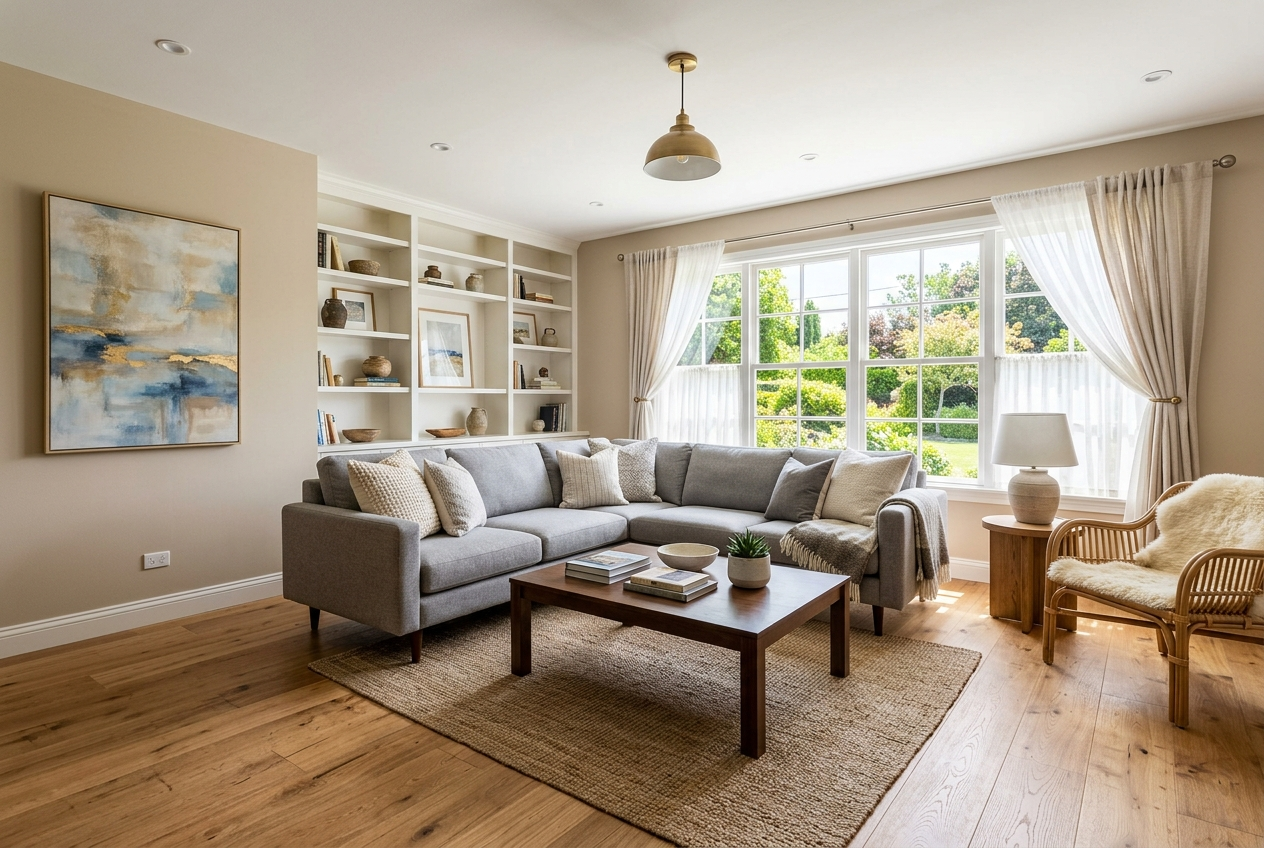
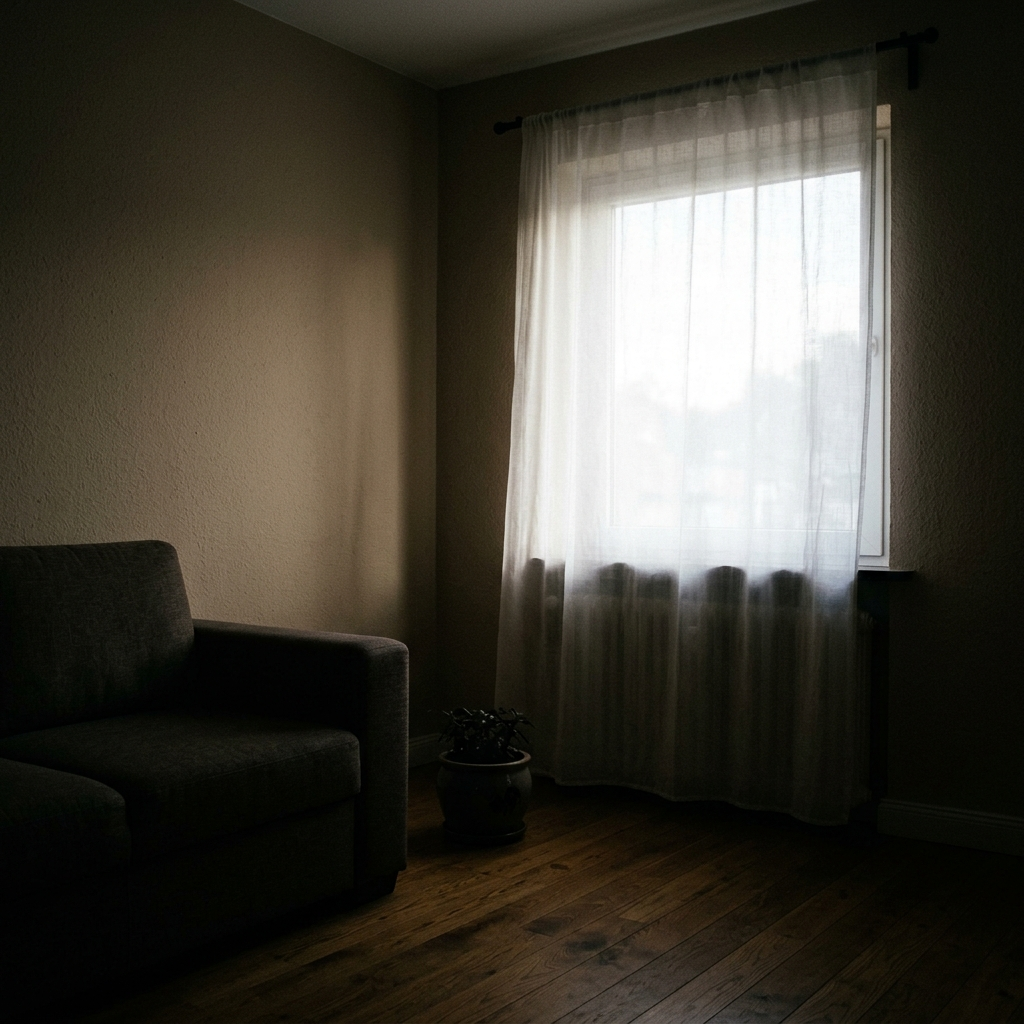
Same photo — underexposed left, polished right.

Image Enhancement — after
Image Enhancement — before
Original Enhanced
Image Enhancement — before Image Enhancement — after
Compare Before → After

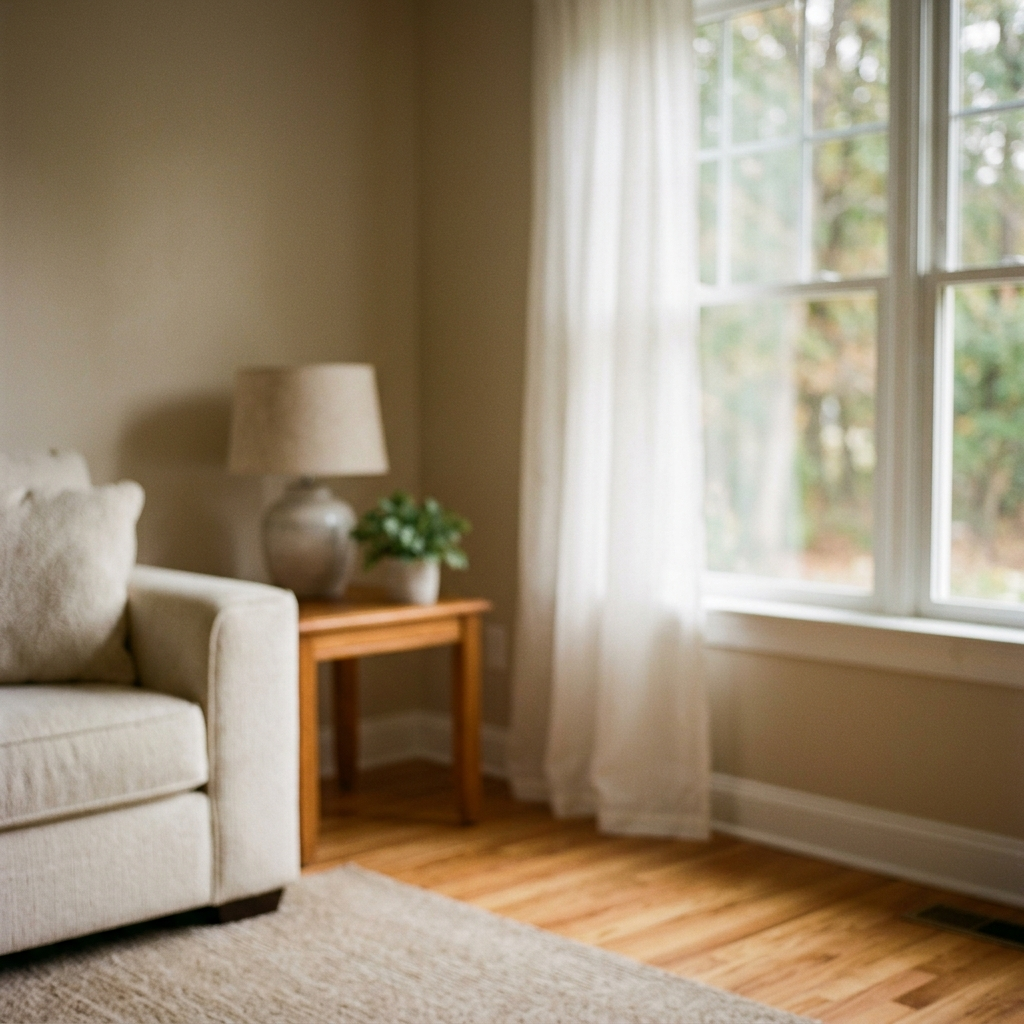
Image Enhancement — before Image Enhancement — after
Compare Before → After
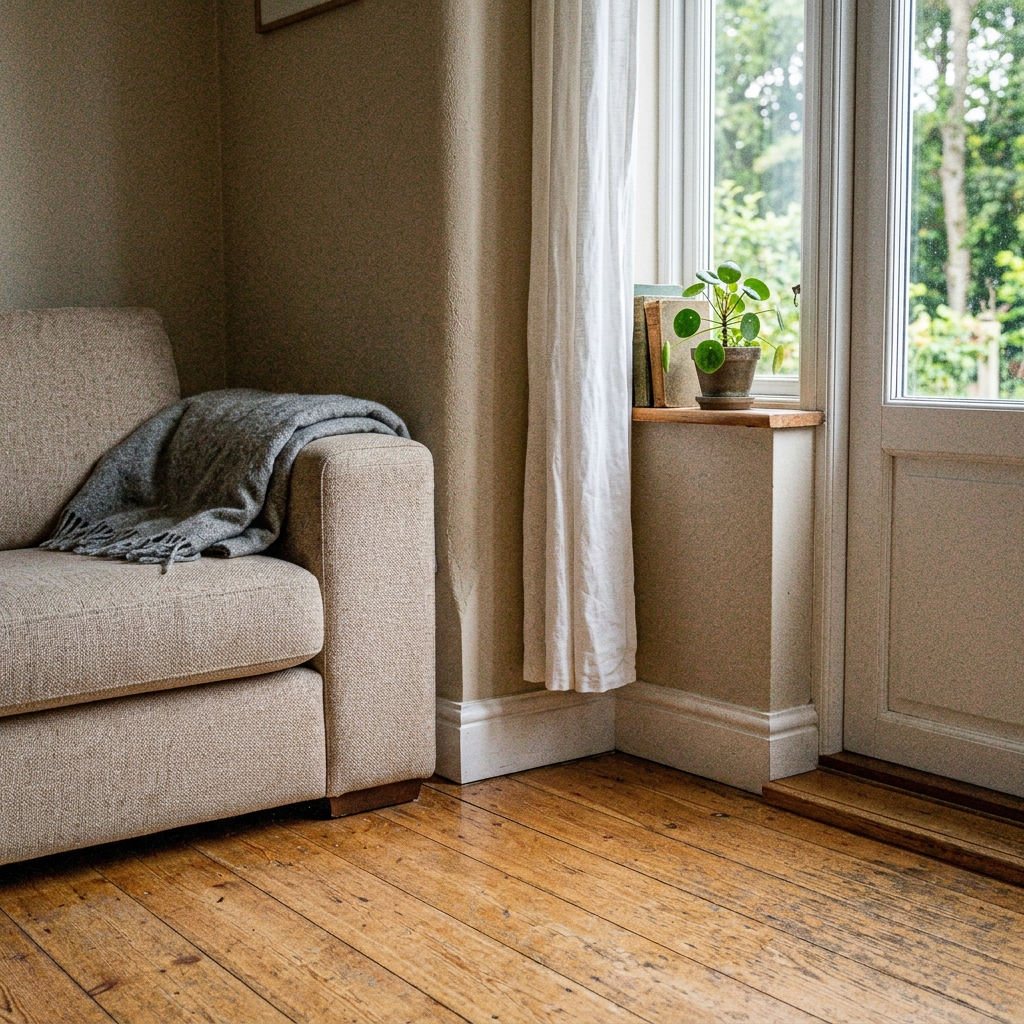
Image Enhancement — before Image Enhancement — after
Compare Before → After
Enhancement

What gets corrected

Exposure, color, noise, and sharpness — composition unchanged.

Image Enhancement — before Exposure
Image Enhancement — before White balance
Image Enhancement — before Contrast
Image Enhancement — before Sharpness
Image Enhancement — before Noise
Image Enhancement — before Highlights
Image Enhancement — before Shadows
Image Enhancement — before Saturation
3 easy steps

From dull photo to polished image

Upload, generate, export — under a minute.

01

Upload your photo

Drag and drop any supported photo. Lovspark accepts JPG, PNG, and WebP at high resolution.

  • Listing photos and client snapshots
  • Wide-angle and phone images supported
  • Batch upload multiple images
lovspark.ai/app — Image Enhancement
Image Enhancement — before
02

AI enhances the image

Upload a dull or underexposed photo. AI fixes exposure, color, and sharpness — same image, professionally polished.

  • Preserves scene geometry
  • Matches lighting and perspective
  • Photoreal output
lovspark.ai/app — Image Enhancement
Image Enhancement — before
Enhancing…
72%
03

Export or continue editing

Download the result or keep refining on the Lovspark canvas.

  • Export PNG / JPG up to 4K
  • Continue on the same canvas
  • Share with clients instantly
lovspark.ai/app — Image Enhancement
Image Enhancement — after
↓ Download PNG → Keep editing ✦ Export
Full workflow

Photo → Transform → Export

One photo, one consistent result.

Image Enhancement — before
① Upload Input
Image Enhancement — after
② Image Enhancement AI transform
Image Enhancement — after
③ Refine Adjust
Image Enhancement — after
④ Export Done
Why Lovspark

Built for Image Enhancement

Professional results from a single photo.
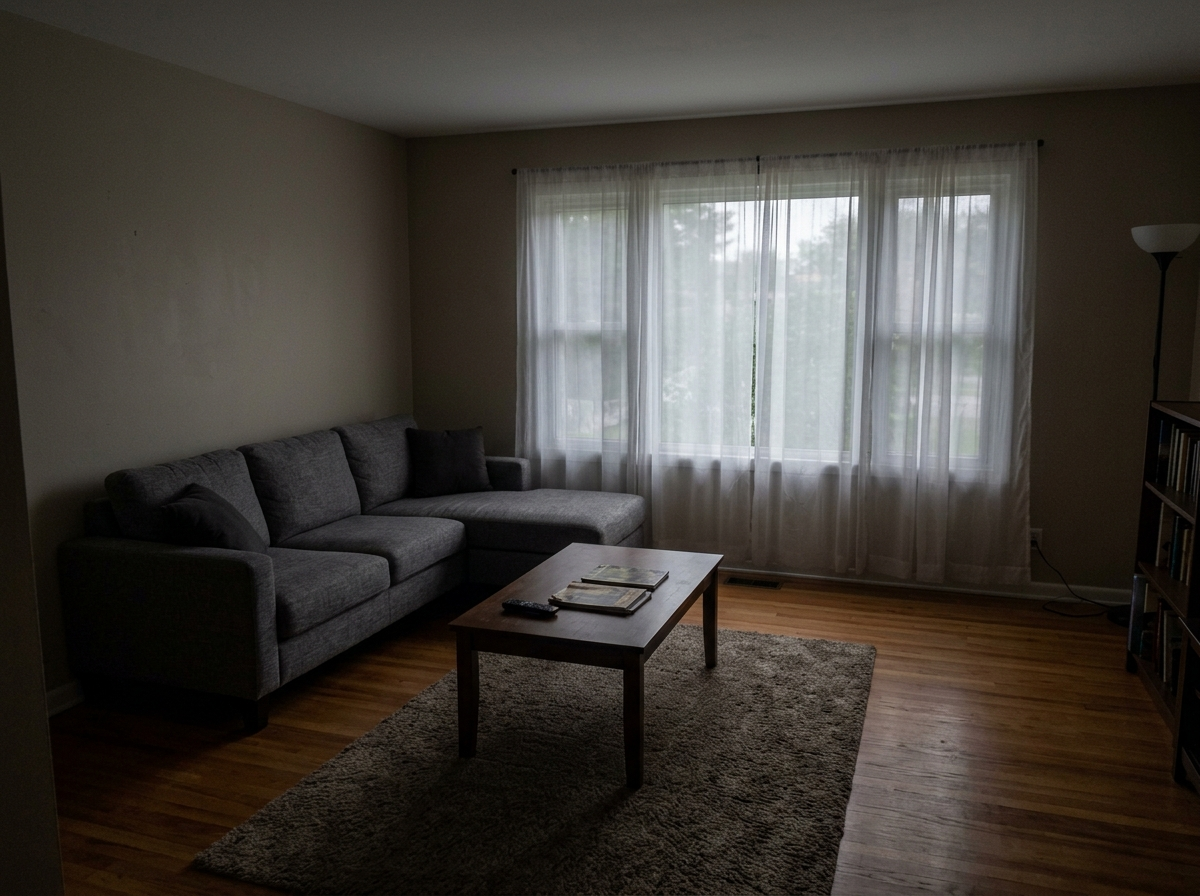
Image Enhancement — before

Same photo base

Before and after always from one upload.

Image Enhancement — after

Seconds not hours

Complete in under 30 seconds.

Image Enhancement — after

Client-ready

Export for listings and presentations.

Use cases

Who uses Image Enhancement?

Professionals who need Image Enhancement in their workflow.

Image Enhancement — before
Interior designers Faster client presentations.
Image Enhancement — after
Real estate agents Better listing photos.
Image Enhancement — before
Staging teams Scale output without reshoots.
Image Enhancement — after
Developers Visualize options before build.
Gallery

Same scene, transformed

Every example uses one original photo.
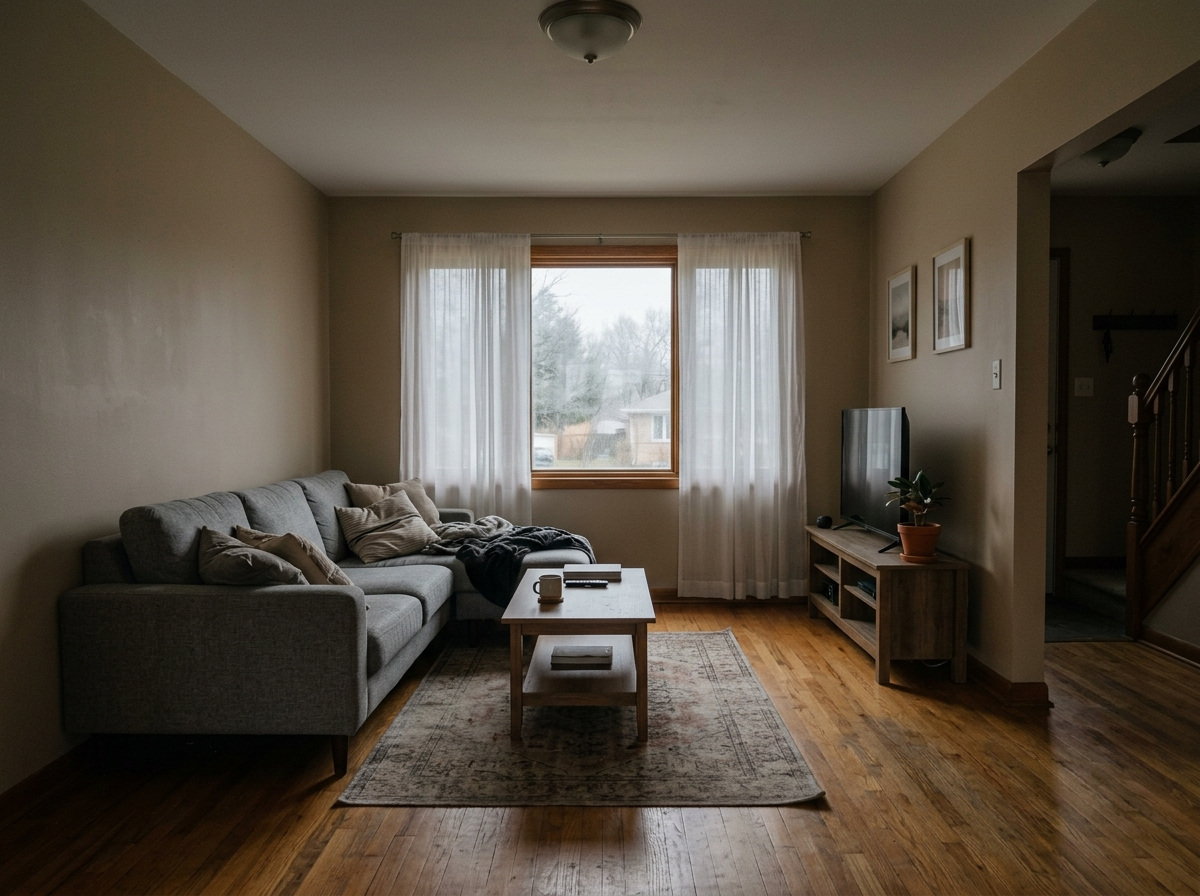
Technical Guide

Core Capabilities & Technical Guide

Learn how Lovspark's advanced AI engine ensures physical accuracy and background restoration.

Object Detection & Semantic Masking

Lovspark's deep learning models automatically detect, segment, and mask movable furniture, decor, and clutter. The engine separates foreground objects from structural walls and floors with pixel-level precision, preventing ghosting artifacts.

Background Inpainting & Texture Synthesis

Once objects are removed, the AI intelligently synthesizes the covered flooring, baseboards, and walls. By analyzing surrounding patterns, it reconstructs consistent wood grains, carpet textures, and plaster finishes as if the furniture was never there.

Perspective & Ambient Light Preservation

Our restoration engine maintains the exact room dimensions, camera lens perspective, and natural window lighting. The inpainted floor and wall areas realistically blend with original ambient shadows, delivering listing-ready, photorealistic empty shells.

Frequently asked questions

Upload a dull or underexposed photo. AI fixes exposure, color, and sharpness — same image, professionally polished.
Yes. One upload — AI transforms the same scene.
JPG, PNG, and WebP at high resolution.
Yes. Upload and process multiple images.
Yes for professional marketing and design.

Ready to try Image Enhancement?

Upload a photo and see results in seconds. No credit card required.

Start Image Enhancement →