 Hover for Original
Sofa
Upholstery Refresh
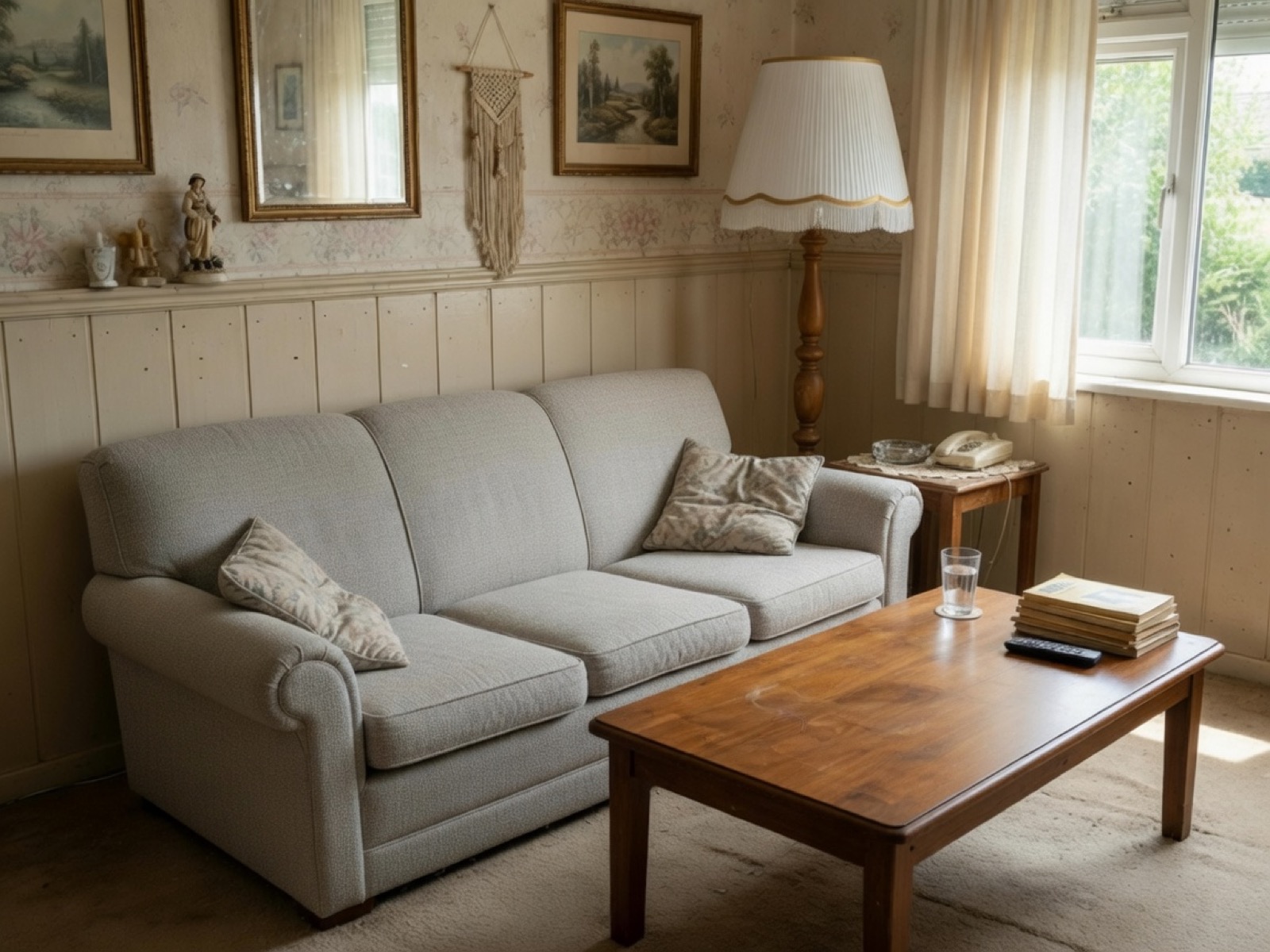
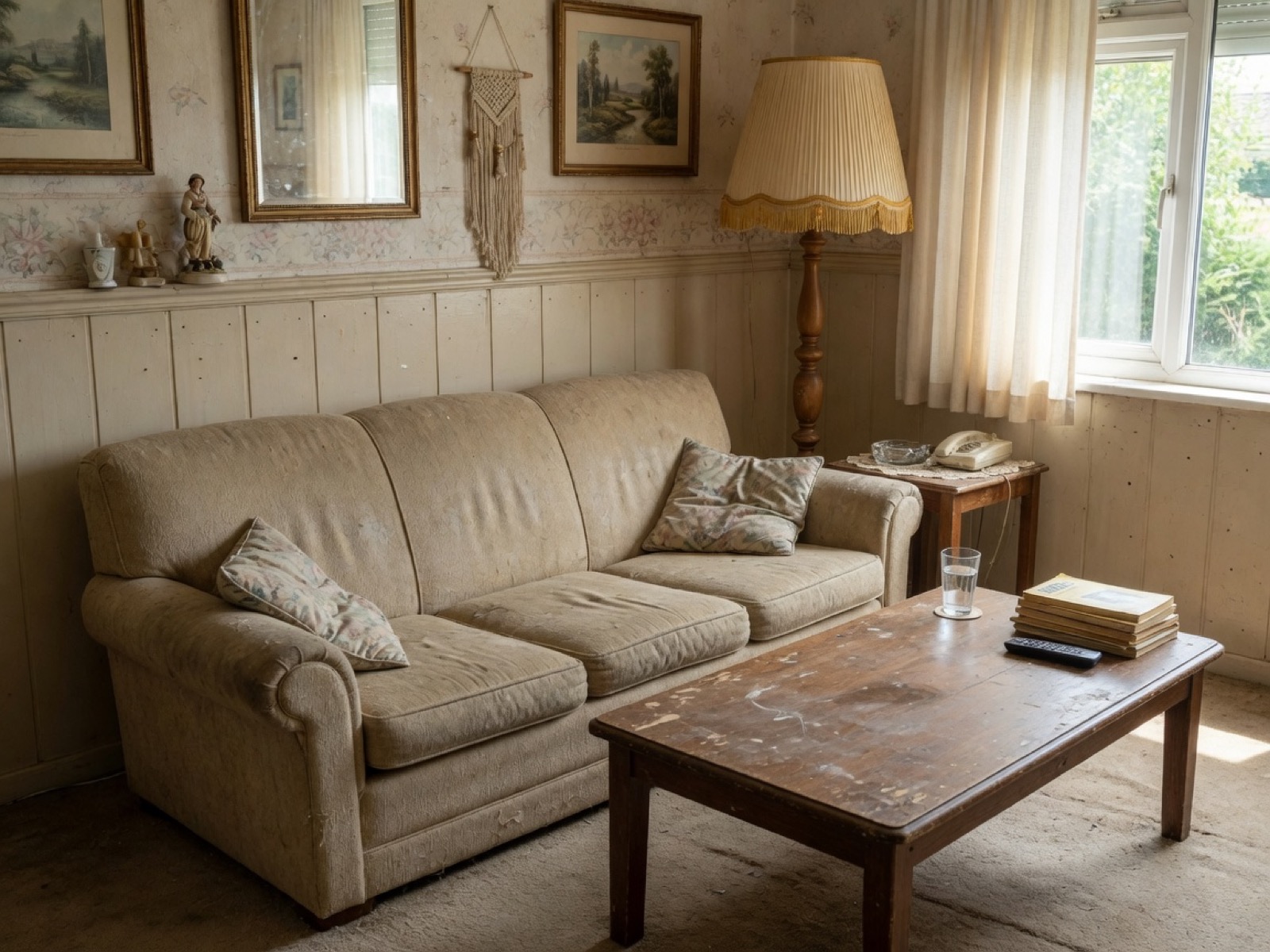
Worn fabric replaced with new upholstery — same silhouette, tufting, and room untouched.

Furniture facelift AI
Upload a photo of your furniture. Lovspark’s AI refreshes upholstery, refinishes wood, and updates colors on the same piece — same shape and room, new fabric or finish in seconds.
Free to start · No install · Browser-based
Facelift Examples
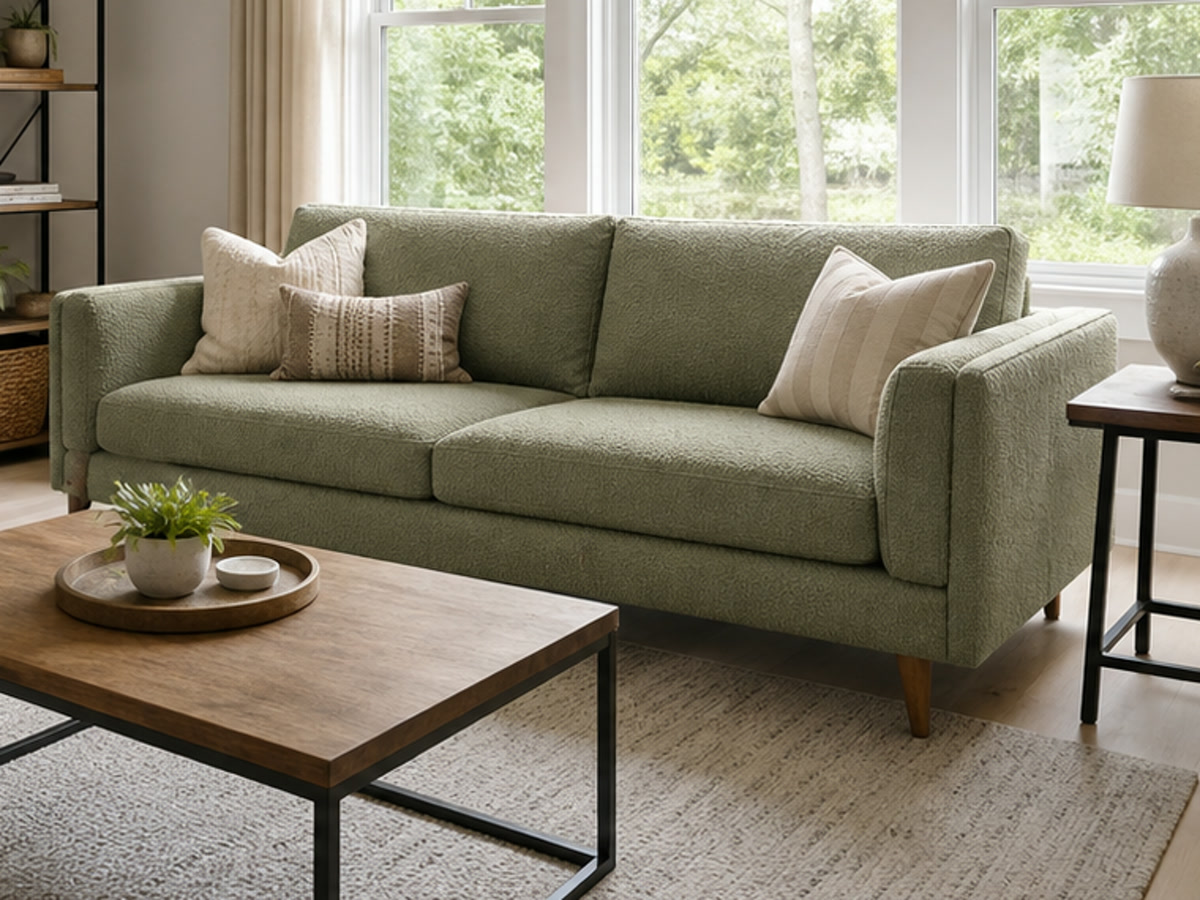
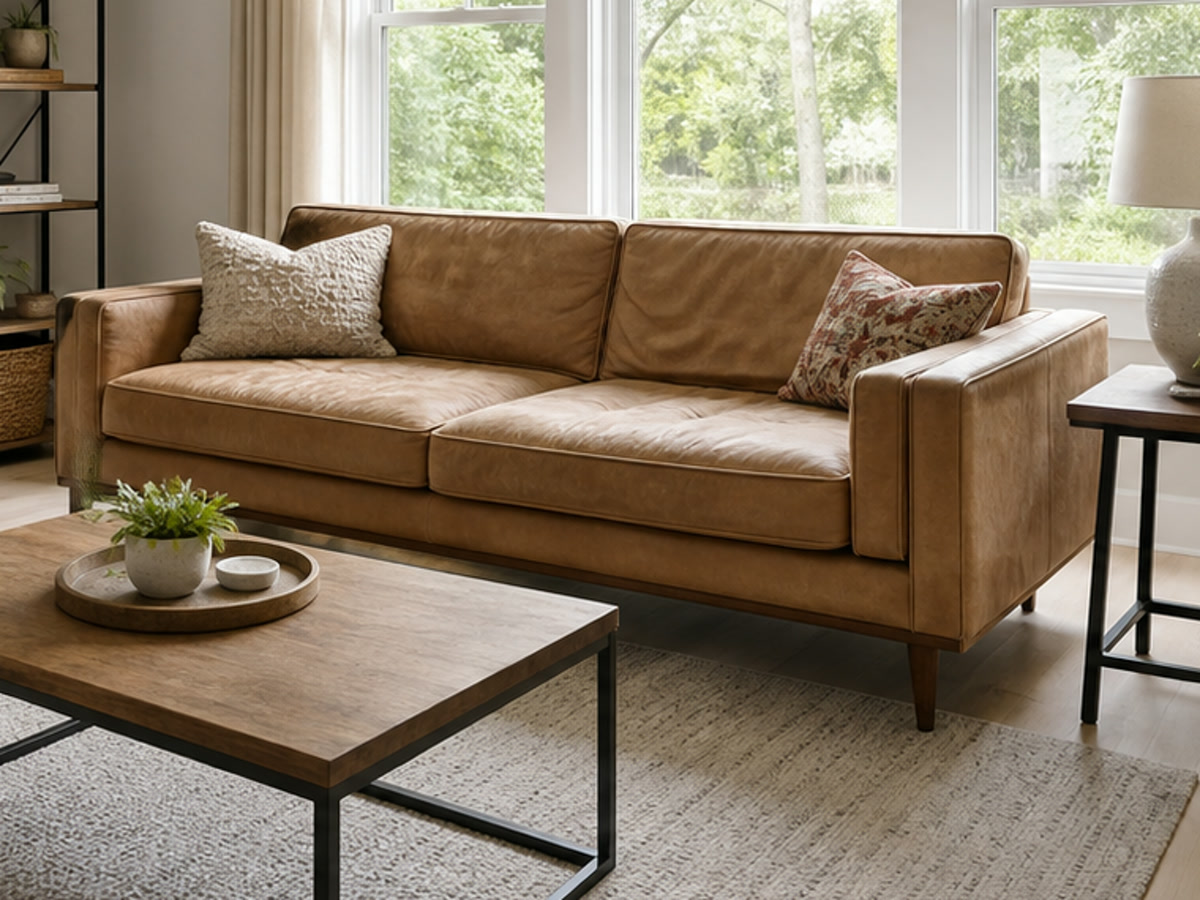
Each card shows the refreshed result by default — hover to reveal the worn original. Lovspark keeps the furniture shape and room intact while updating only surface materials and colors.
Hover for Original
Worn fabric replaced with new upholstery — same silhouette, tufting, and room untouched.
 Hover for Original
New fabric and cushion tones land on the same sectional with matched shadows.
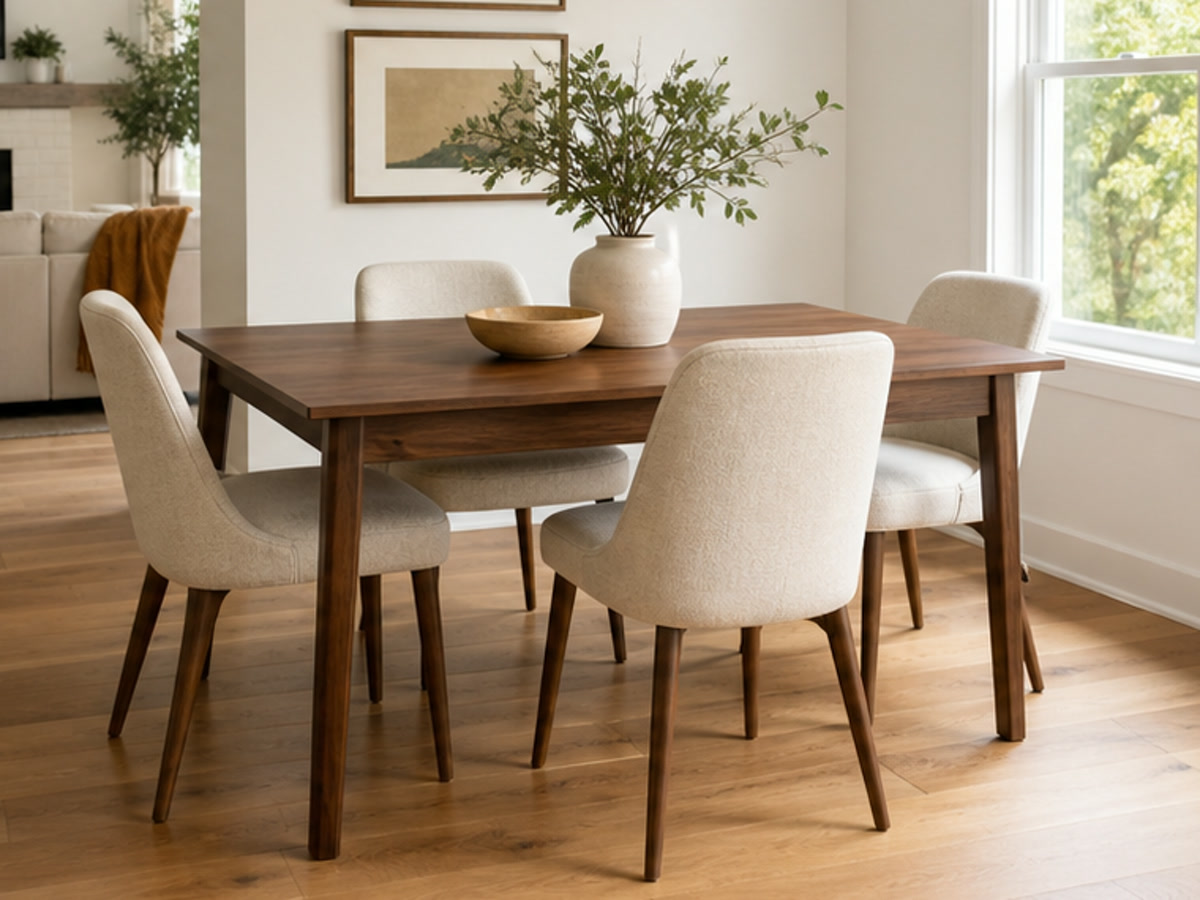
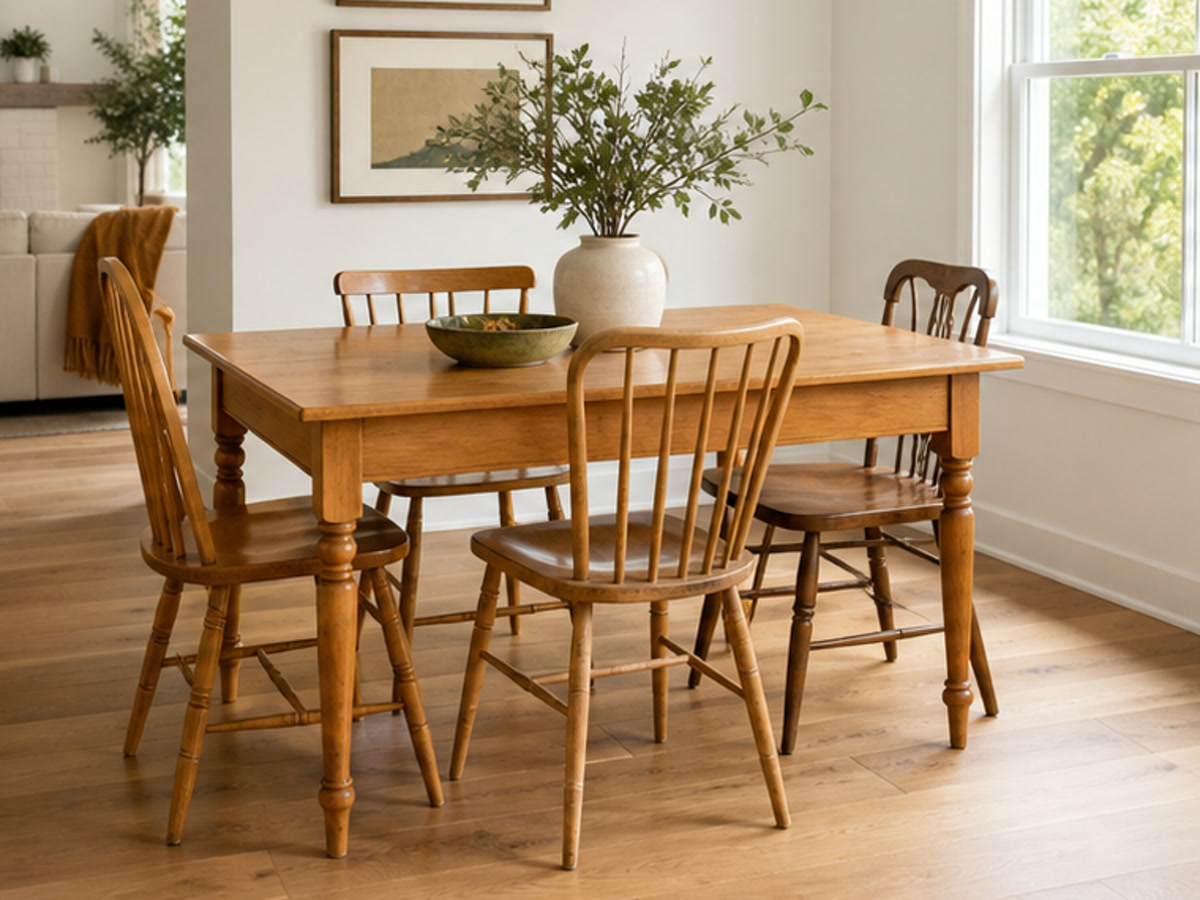 Hover for Original
Chair seats and backs refreshed in place — table and layout stay fixed.
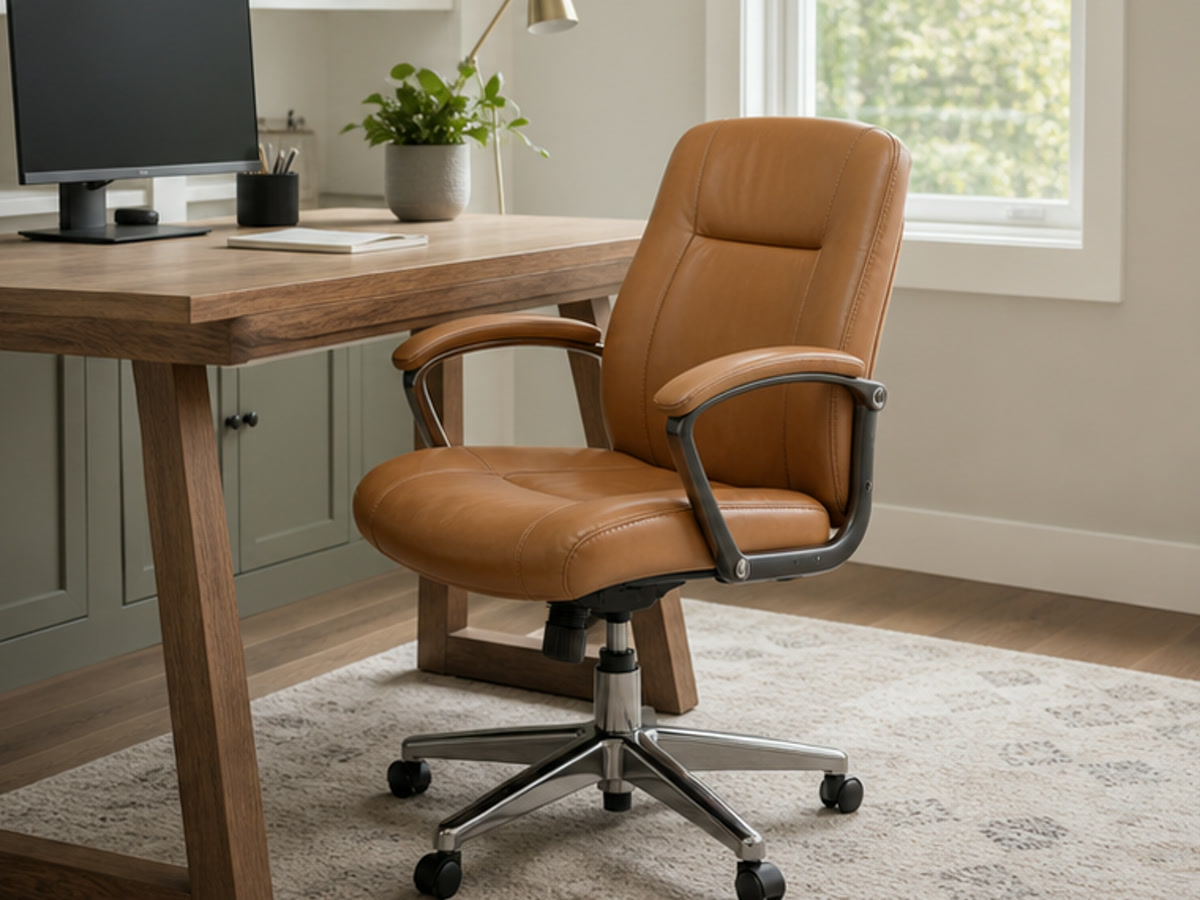
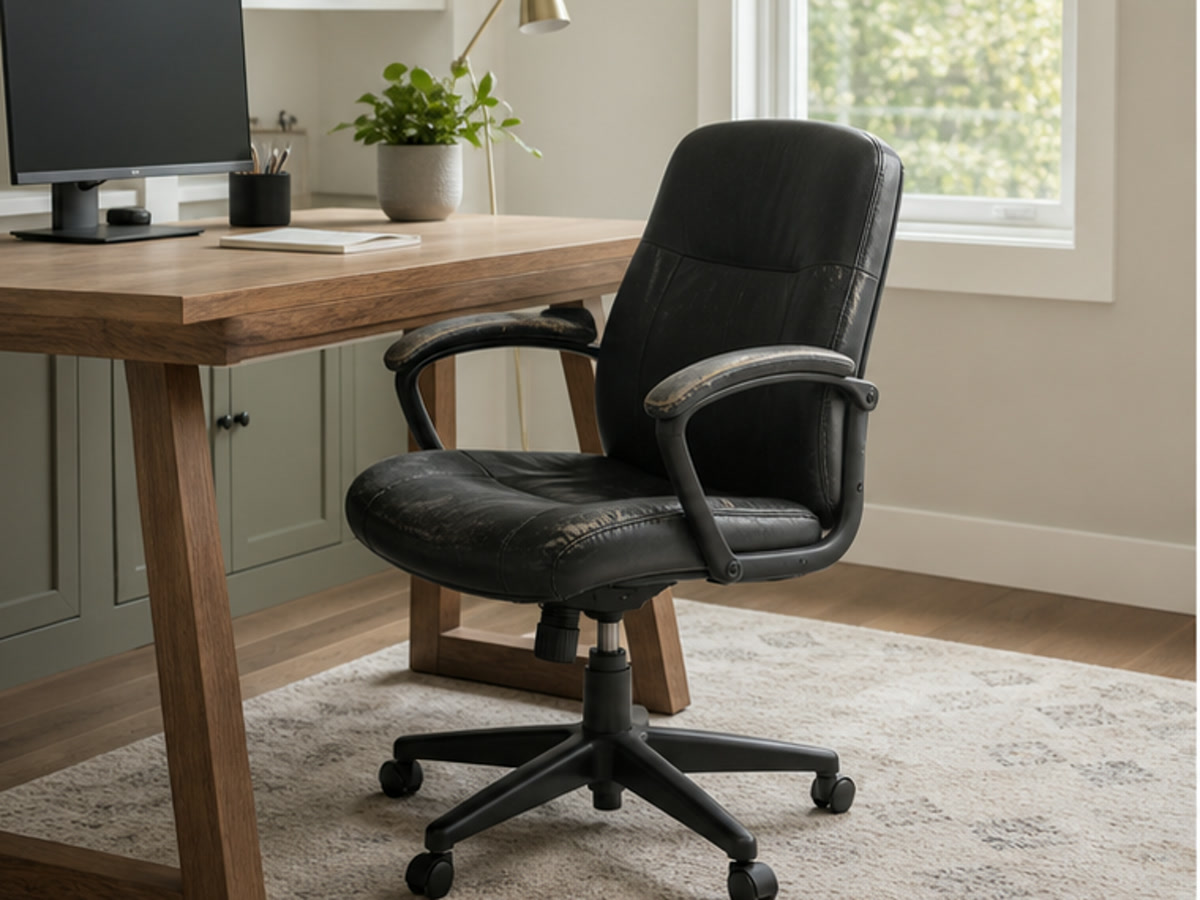 Hover for Original
Scuffed upholstery updated to a clean finish without changing the chair frame.
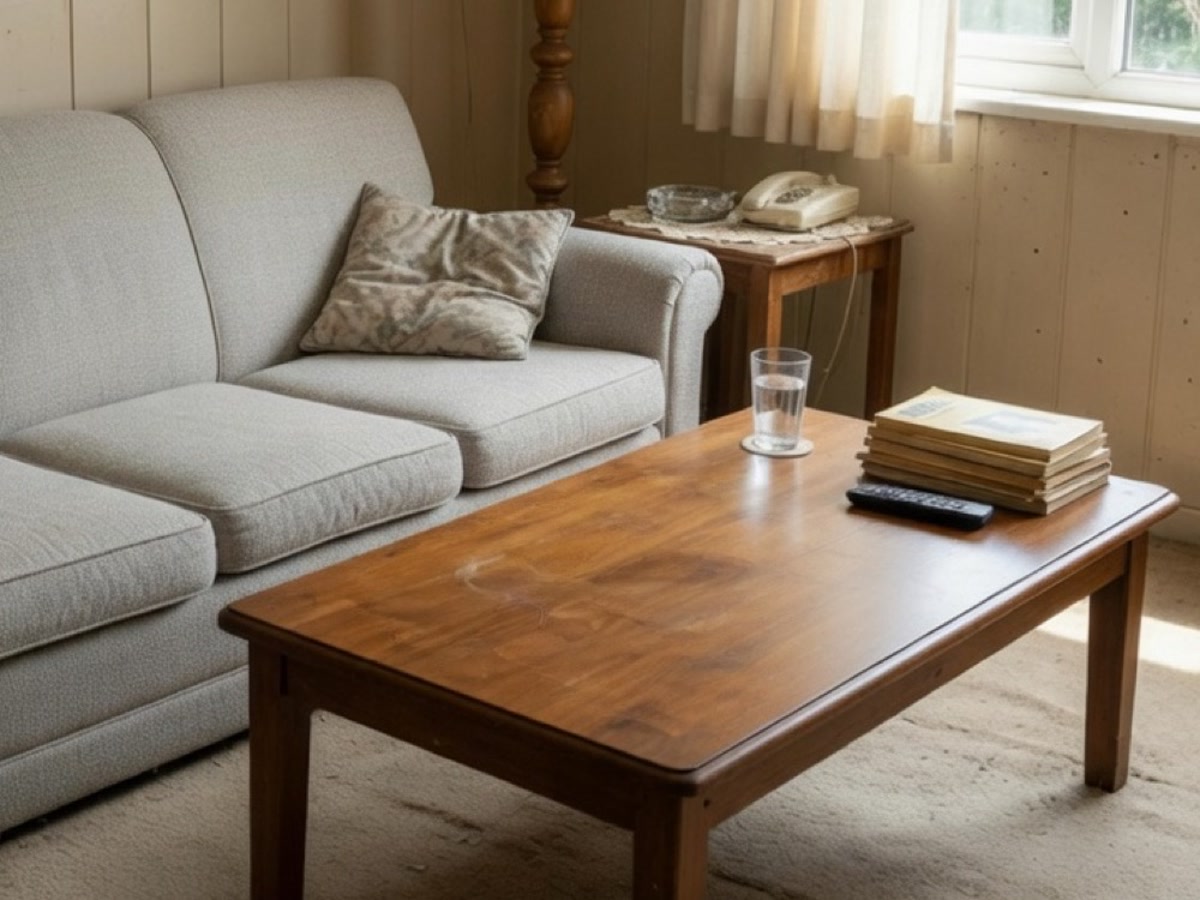
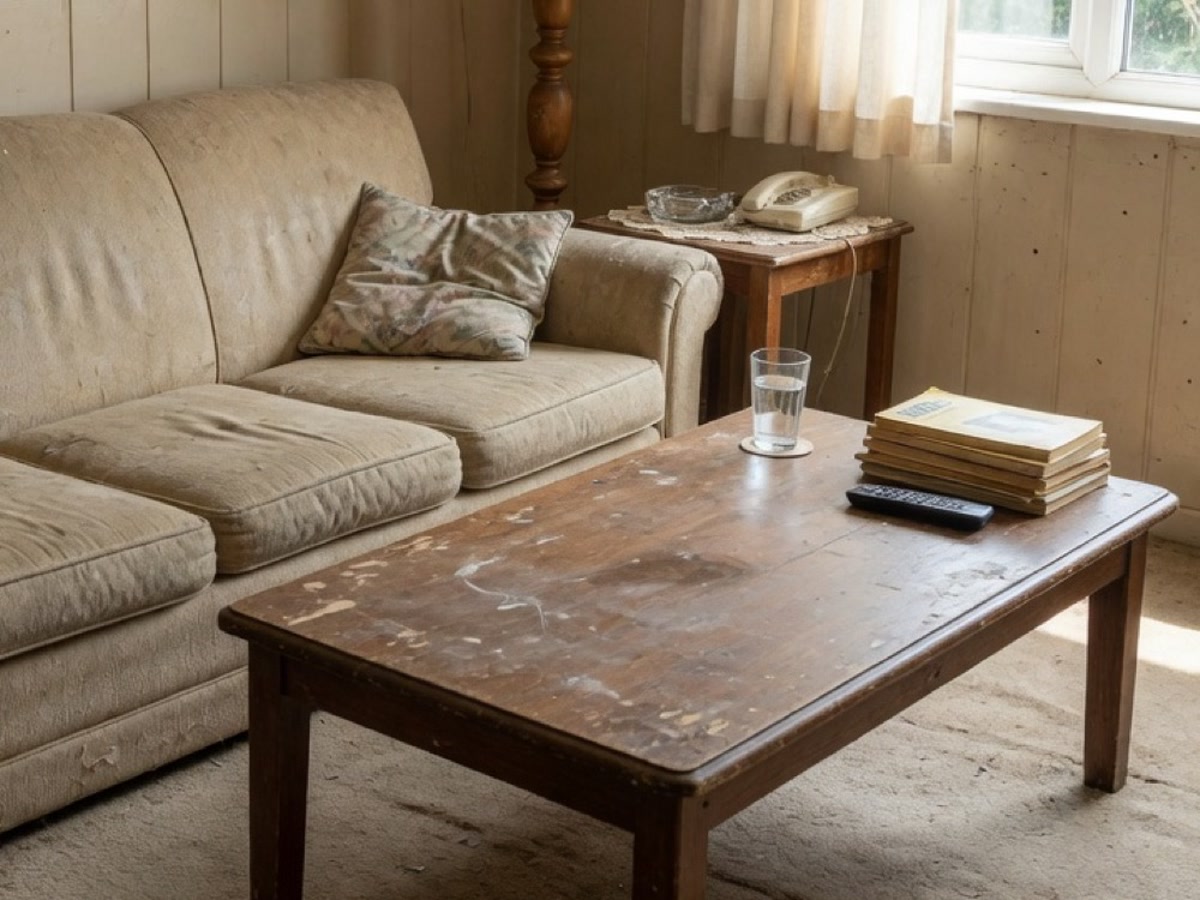 Hover for Original
Table top and legs refinished in a new wood tone — same shape, new surface.
Hover for Original
Polished exposure and believable materials — ready for client reviews and workshop bids.
Process
Upload, generate, export — under a minute. No complex training required.
Drag in photos of your sofa, chairs, or tables. Lovspark accepts JPG, PNG, and WebP at high resolution — well-lit room and product shots supported.
Lovspark detects each piece, then updates upholstery, wood finish, or color in place — rendering realistic fabric weave and grain with matched lighting, shadows, and perspective on the original shape.
Download the refreshed render or continue on the Lovspark canvas — refine fabrics, compare options, or share with clients instantly.
Technical Guide
Lovspark masks each furniture piece, renders new materials on the same silhouette, and matches room lighting — photoreal upholstery and wood, not a collage.
Lovspark detects each sofa, chair, table, and cabinet in the photo and masks it precisely — the facelift applies only to that piece while walls, floors, and decor stay untouched.
Swap upholstery for linen, velvet, leather, or boucle, or refinish wood in oak, walnut, or painted tones — with believable weave, grain, highlights, and contact shadows under the room’s real light.
The furniture keeps its original silhouette, tufting, and proportions — Lovspark only changes surface materials and colors, so you preview your actual piece reupholstered, not a replacement model.
Before and after always come from one upload. Lovspark refreshes surfaces on the same piece in the same scene — never a mismatched composite.
Audience
Professionals who refresh existing furniture for clients, listings, and product visuals.
Preview reupholstery before the workshop does it. Show clients fabric and finish options on their actual piece.
Show refinish and upholstery options before sanding or ordering fabric — close sales with a photoreal preview.
Visualize a restored look to close the sale. Show buyers how worn pieces read after upholstery or refinish.
See your sofa reupholstered before you spend. Preview fabrics and wood tones on furniture you already own.
FAQ
Lovspark works with client room photos, product shots, and workshop references — then hands off to Swap Furniture or Redesign Rooms on the same canvas.
Related Tools
Upload a furniture photo and see upholstery or finish refreshed in seconds. No credit card required.
Start Furniture Facelift →