 Hover for Tilted
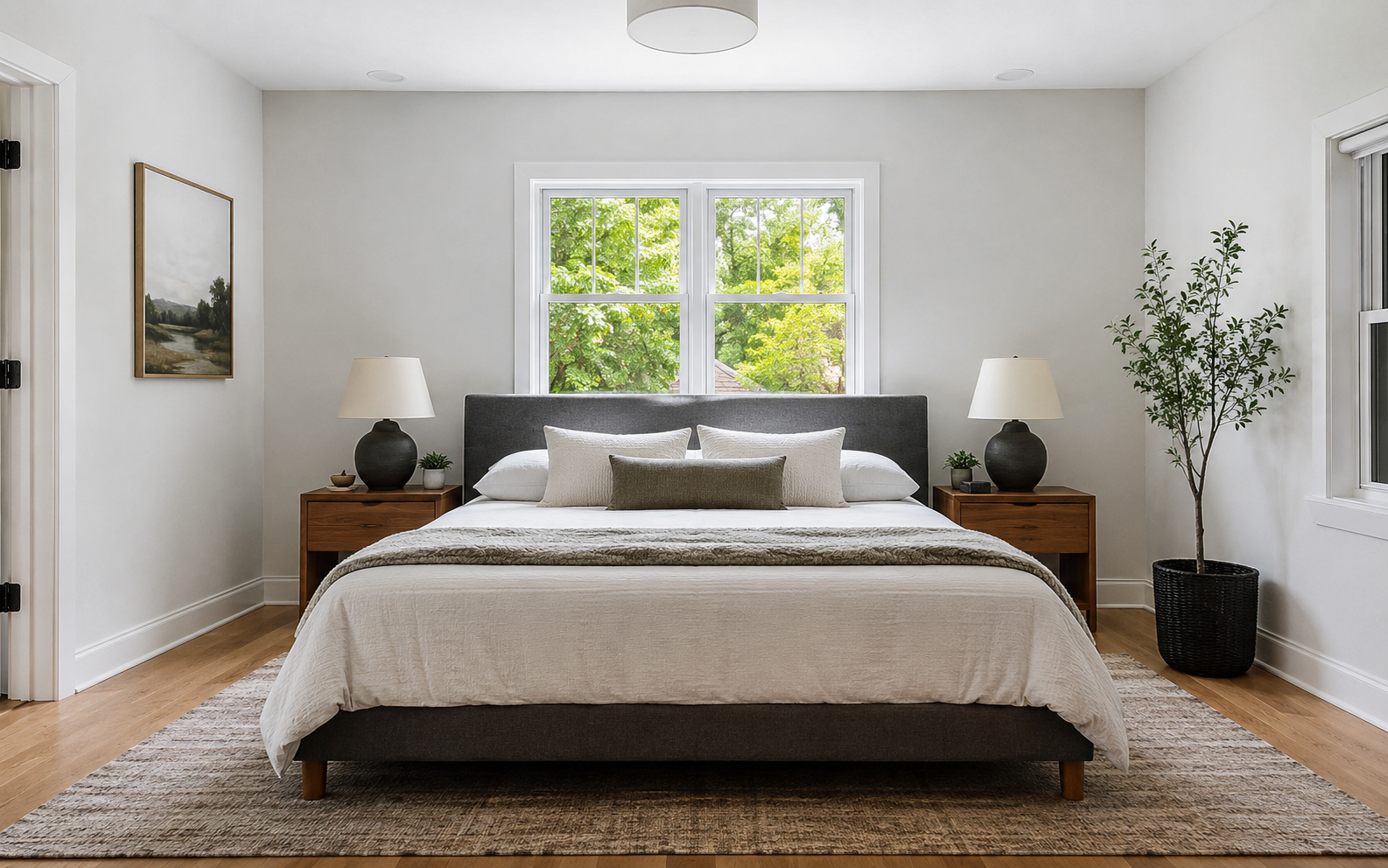
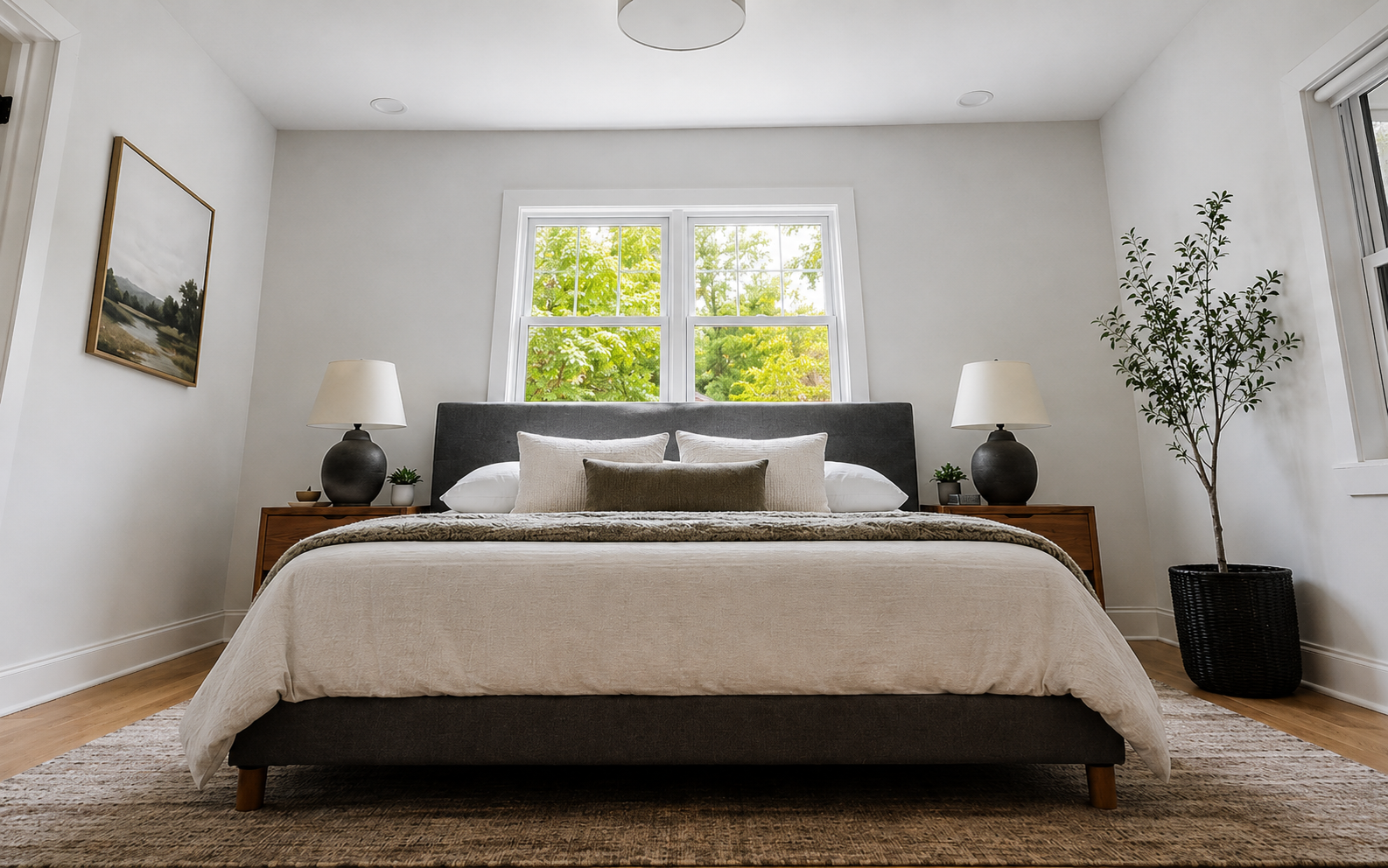
Living Room
Horizon Tilt Fix
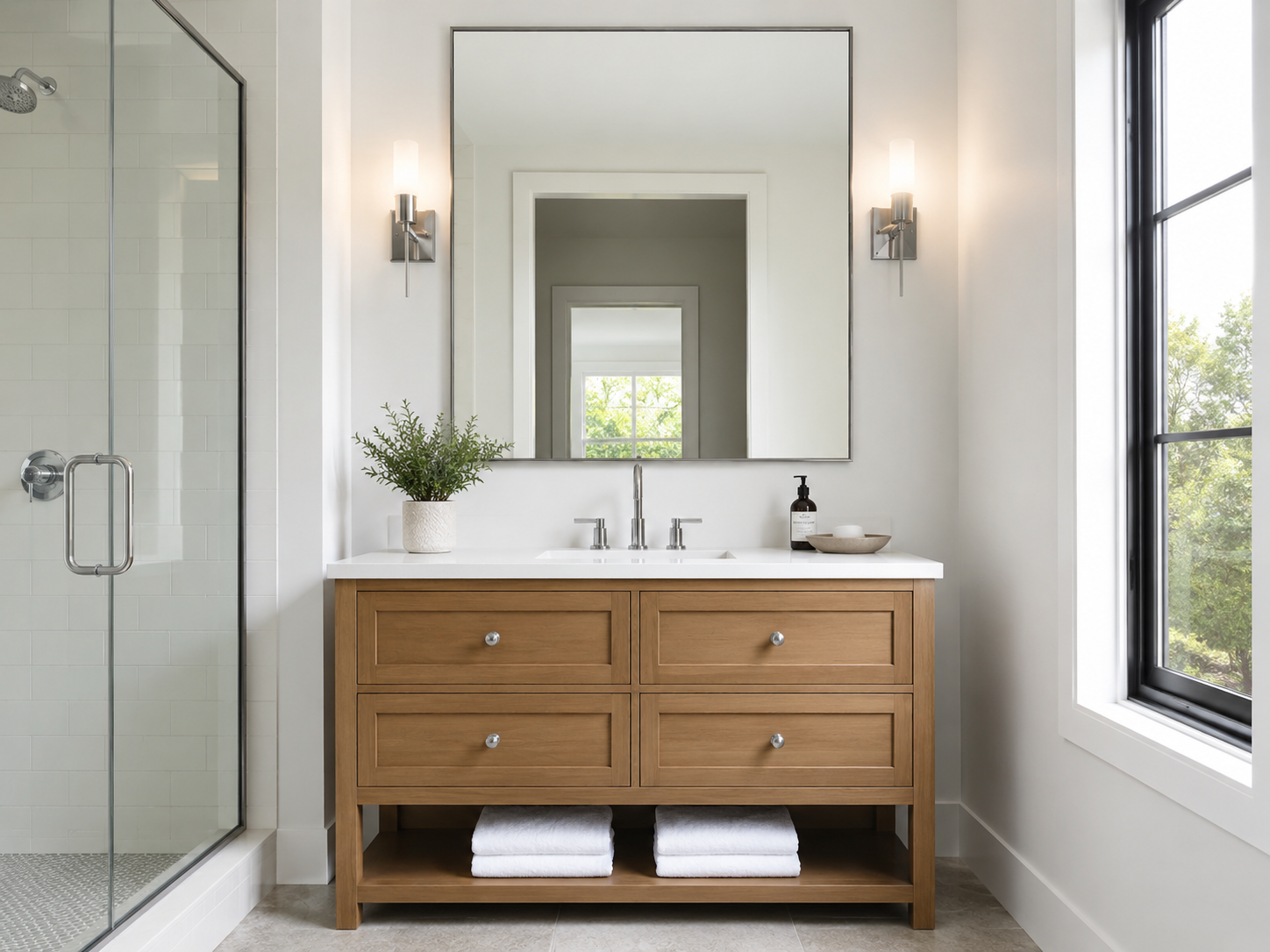
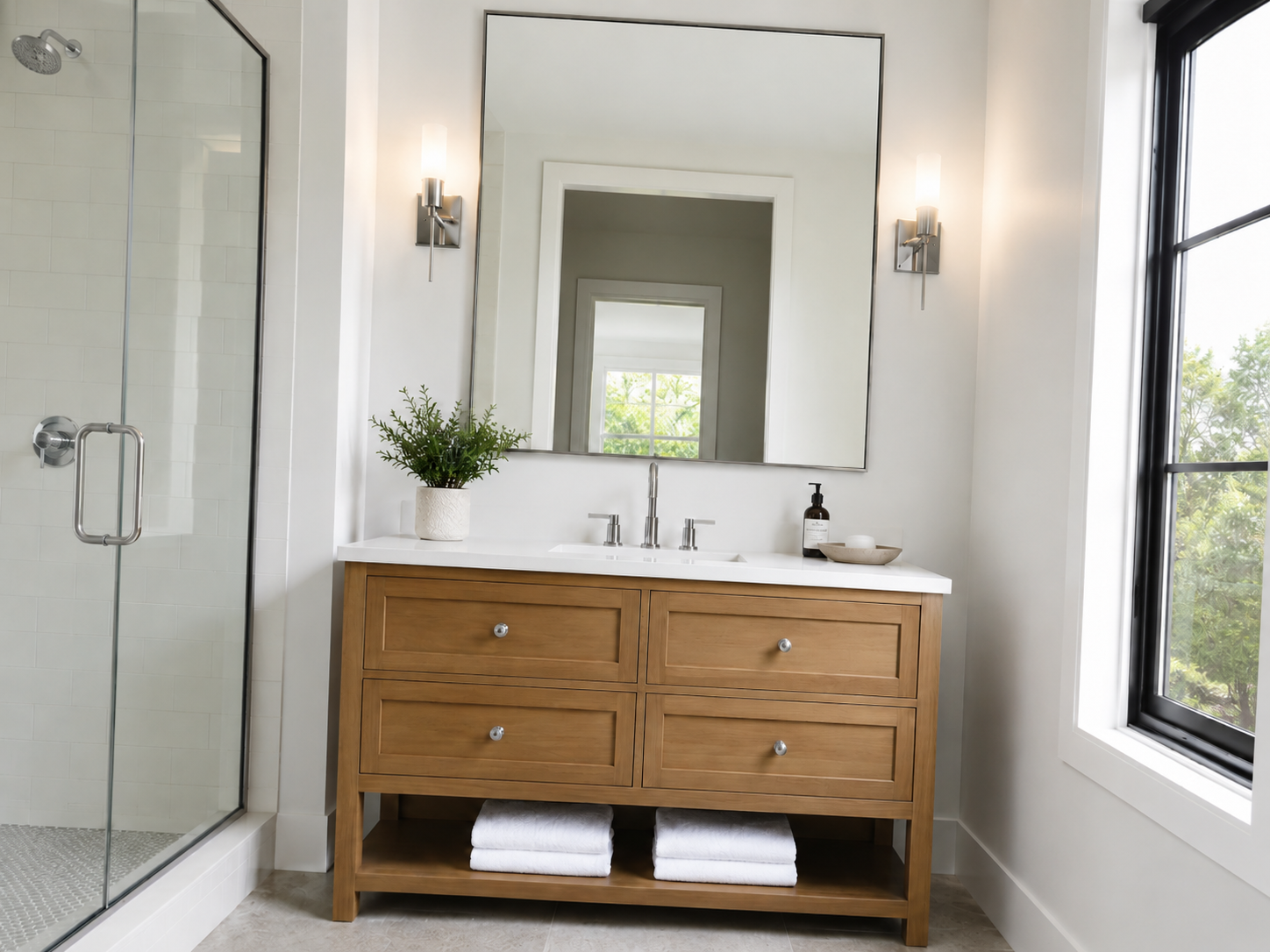
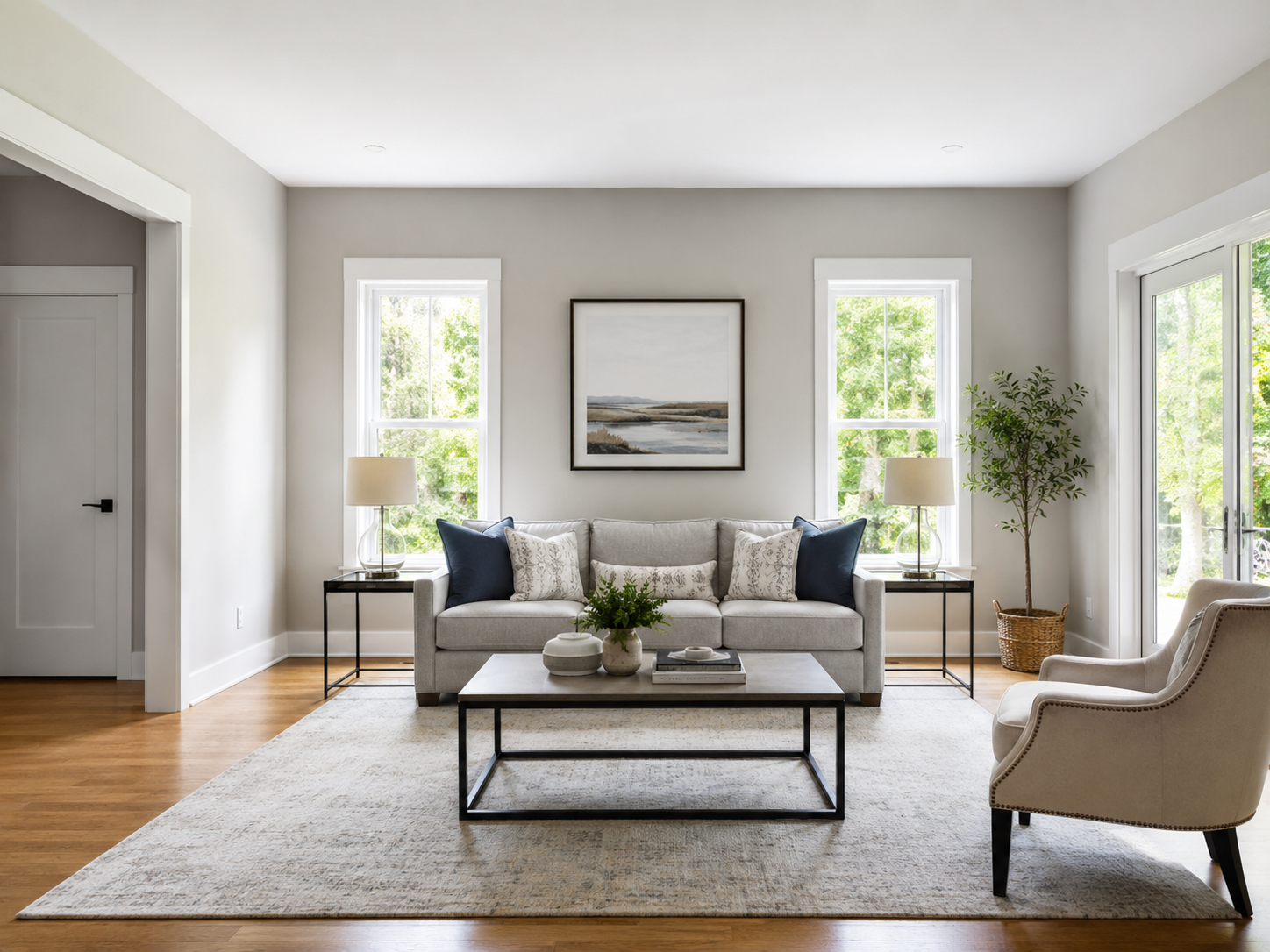
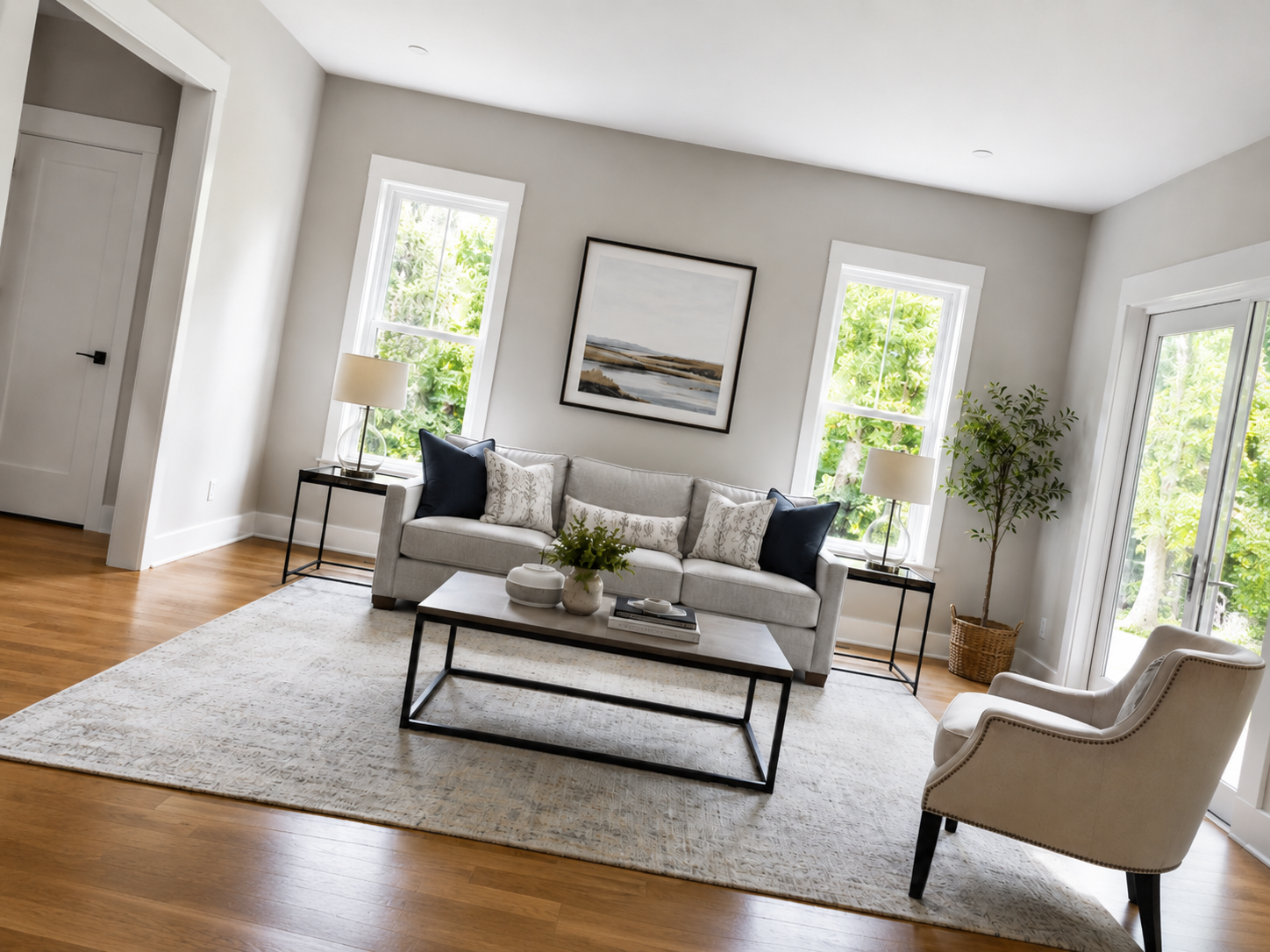
Slanted horizon and leaning walls → level floor line, plumb verticals, same sofa and lighting.

Image straightening AI
Upload a tilted photo and Lovspark’s AI corrects the horizon and verticals — converging walls stand up straight, the scene content stays the same, professionally aligned in under a minute.
Free to start · No install · Browser-based
Before & After
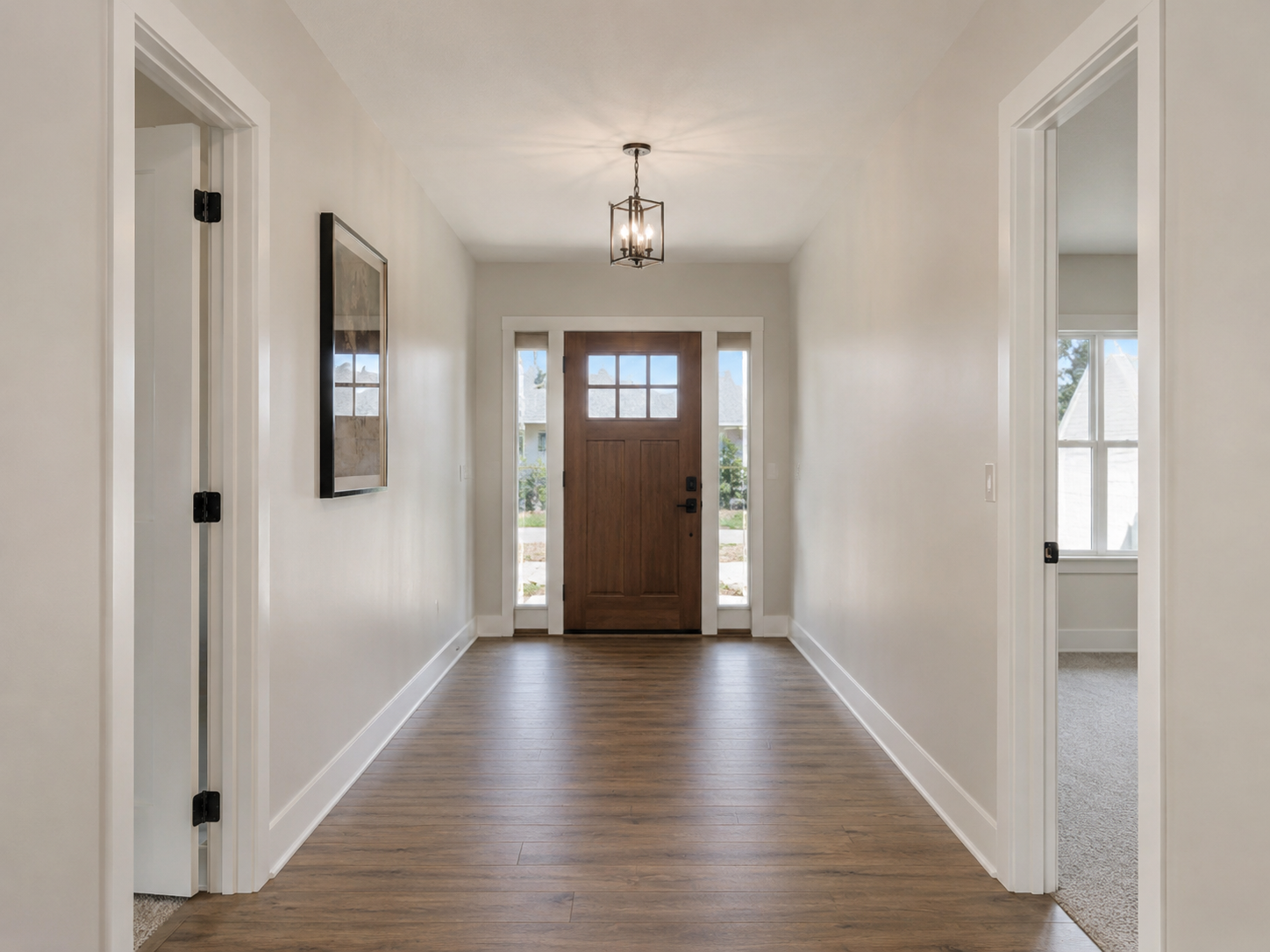
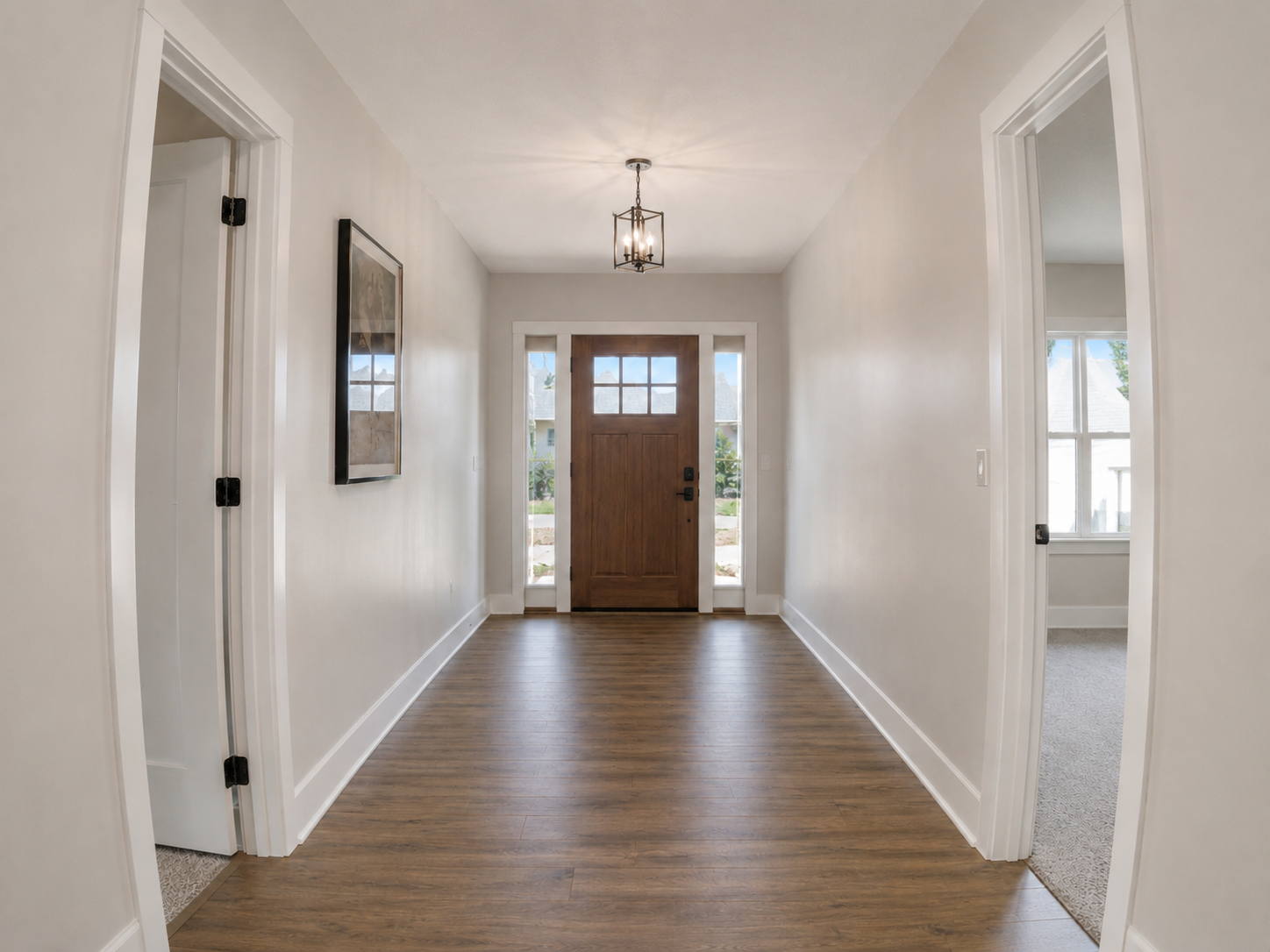
Each card shows the straightened result by default — hover to reveal the original tilt. Lovspark keeps furniture, lighting, and scene content intact while fixing perspective.
Hover for Tilted
Slanted horizon and leaning walls → level floor line, plumb verticals, same sofa and lighting.
 Hover for Tilted
Low-angle cabinets converging inward → straight island, parallel cabinet lines, natural daylight preserved.
 Hover for Tilted
Camera roll making the room feel off-kilter → level mirror, straight tile lines, balanced composition.
 Hover for Tilted
Converging side walls from a wide shot → parallel walls, rectangular window, professional listing look.
Hover for Tilted
Barrel distortion bending cabinet edges → straight lines at the frame edge, believable room geometry.
Hover for Tilted
Clean alignment and smart crop — ready for MLS, brochures, and client presentations.
Process
Upload, straighten, export — under a minute. No manual Photoshop required.
Drag and drop any supported photo. Lovspark accepts JPG, PNG, and WebP at high resolution — listing photos, wide-angle shots, and phone images.
Lovspark detects the horizon line and the vanishing points of walls and door frames, then applies the right keystone and rotation correction — verticals stand plumb and horizons level without stretching the content.
Download the result or keep refining on the Lovspark canvas — enhance exposure, upscale, or stage the room on the same aligned base.
Technical Guide
Lovspark detects vanishing points, applies keystone and rotation correction, then crops intelligently — one level photo from a single upload, not a stretched composite.
Lovspark finds the horizon line and the vanishing points of walls, door frames, and windows. From those reference lines it derives the correct camera roll and keystoning — driven by real room geometry, not a guess.
Lovspark applies vertical and horizontal keystone plus any rotation needed, so converging walls stand plumb and tilted horizons level out — tuned to avoid stretching faces, artwork, or furniture.
Because straightening shifts the frame, Lovspark crops intelligently to keep key content inside and fills edge gaps from surrounding texture — a level, professionally shot photo with no missing corners.
Before and after always come from one upload. Lovspark adjusts only perspective geometry — furniture, decor, and lighting stay in place.
Audience
Professionals who need level, listing-quality photos from a single tilted or wide-angle shot before publishing or editing further.
Fix wide-angle distortion in one click — every vertical plumb before you deliver the shoot.
Make listing photos look level and professional without reshooting or manual editing.
Straighten walls without distorting furniture — clean geometry clients expect.
Present clean, plumb elevations from site photos — believable lines for reviews and pitches.
FAQ
Lovspark straightens listing and interior photos first — then hands off to Image Enhancement, Image Upscale, Object Removal, or Virtual Staging on the same canvas.
Related Tools
Upload a photo and see results in seconds. No credit card required.
Start Image Straightening →