 Hover for Original
Sage Green
Sage Green Refresh
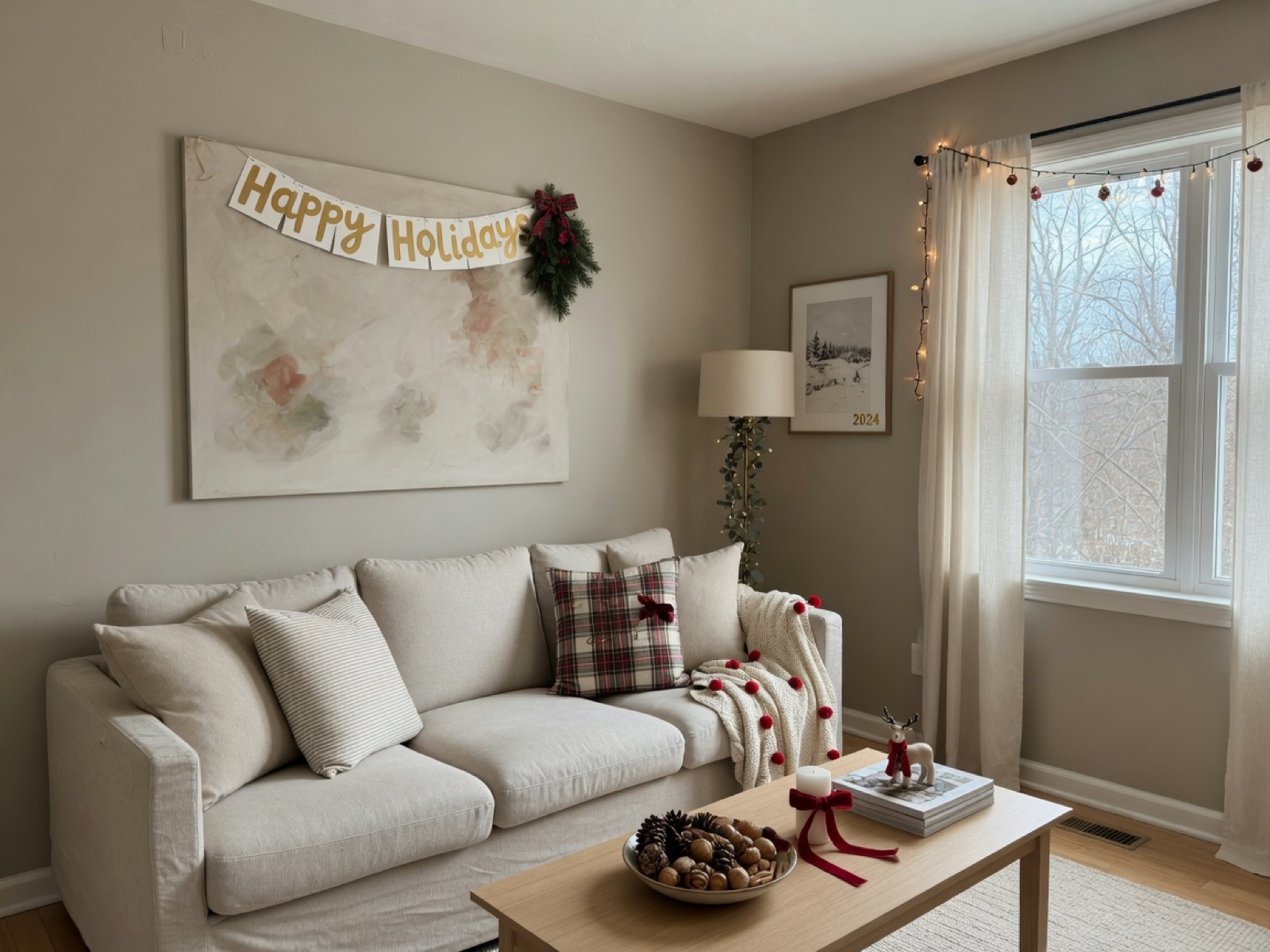
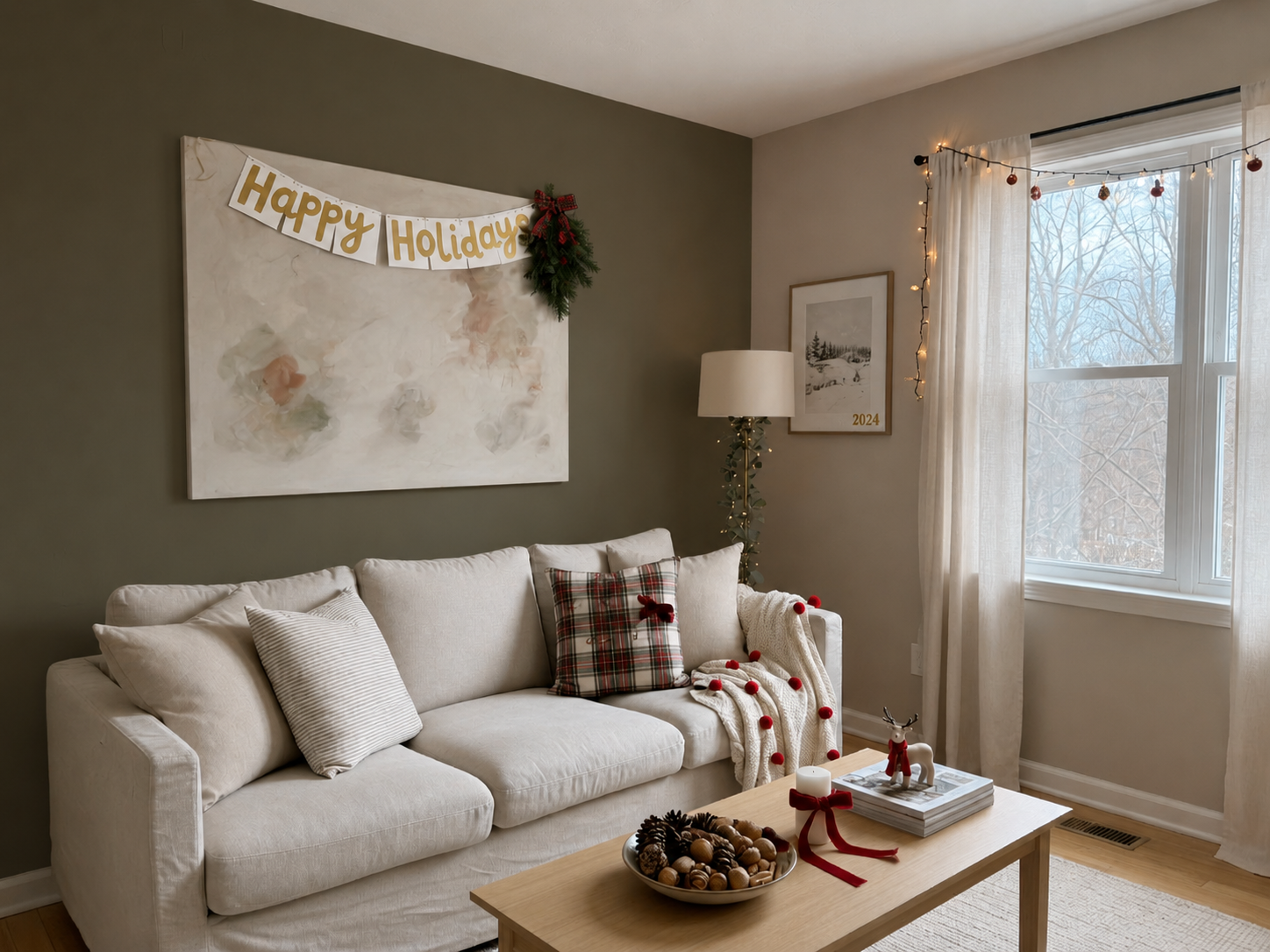
Warm beige to sage green — trim, art, and furniture untouched, shadows matched.

Renovation AI
Upload a room photo. Lovspark’s AI repaints the walls in a new color — trim, furniture, and lighting stay in place, so you preview the color change before you ever open a paint can.
Free to start · No install · Browser-based
Color Examples
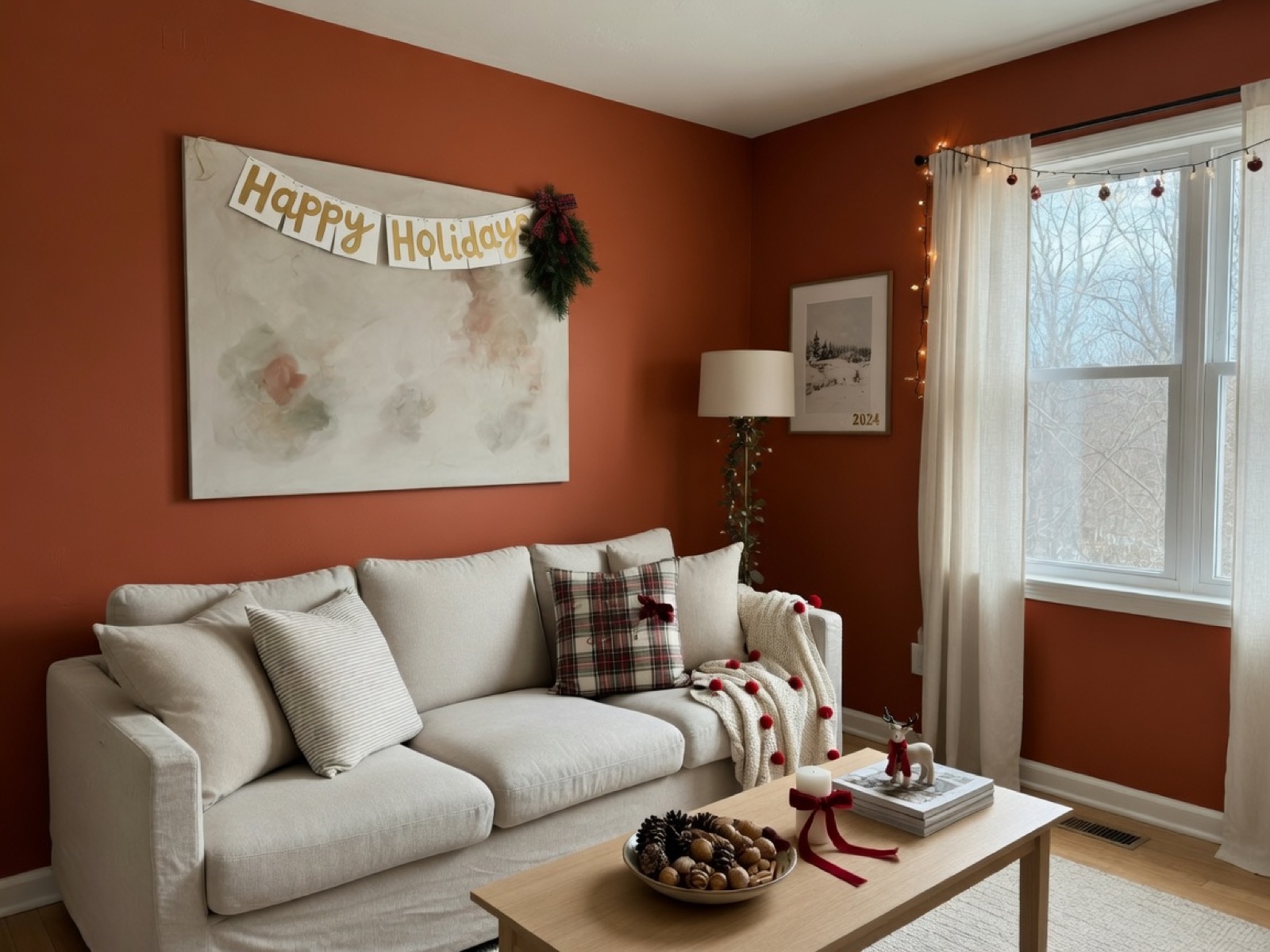
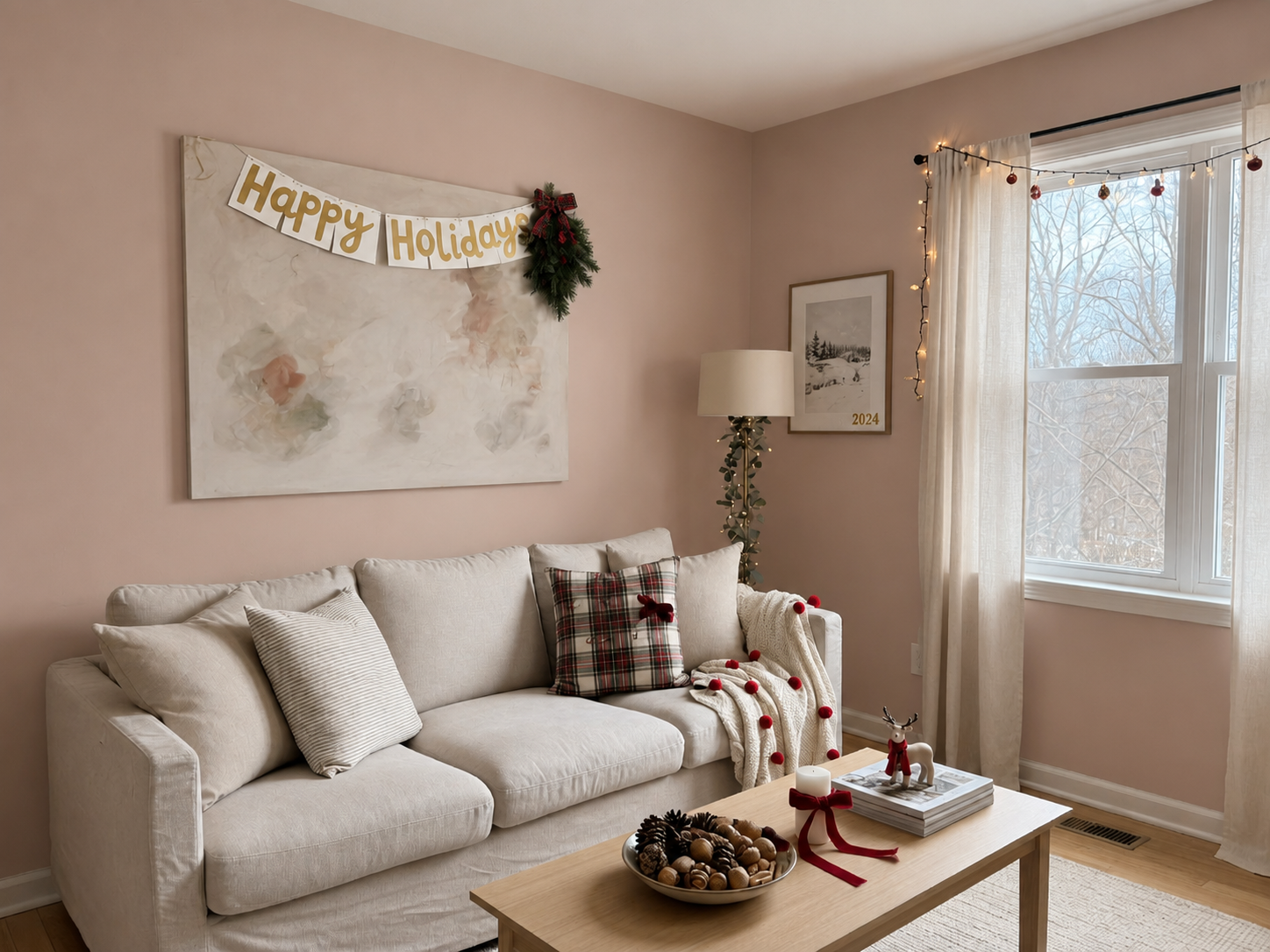
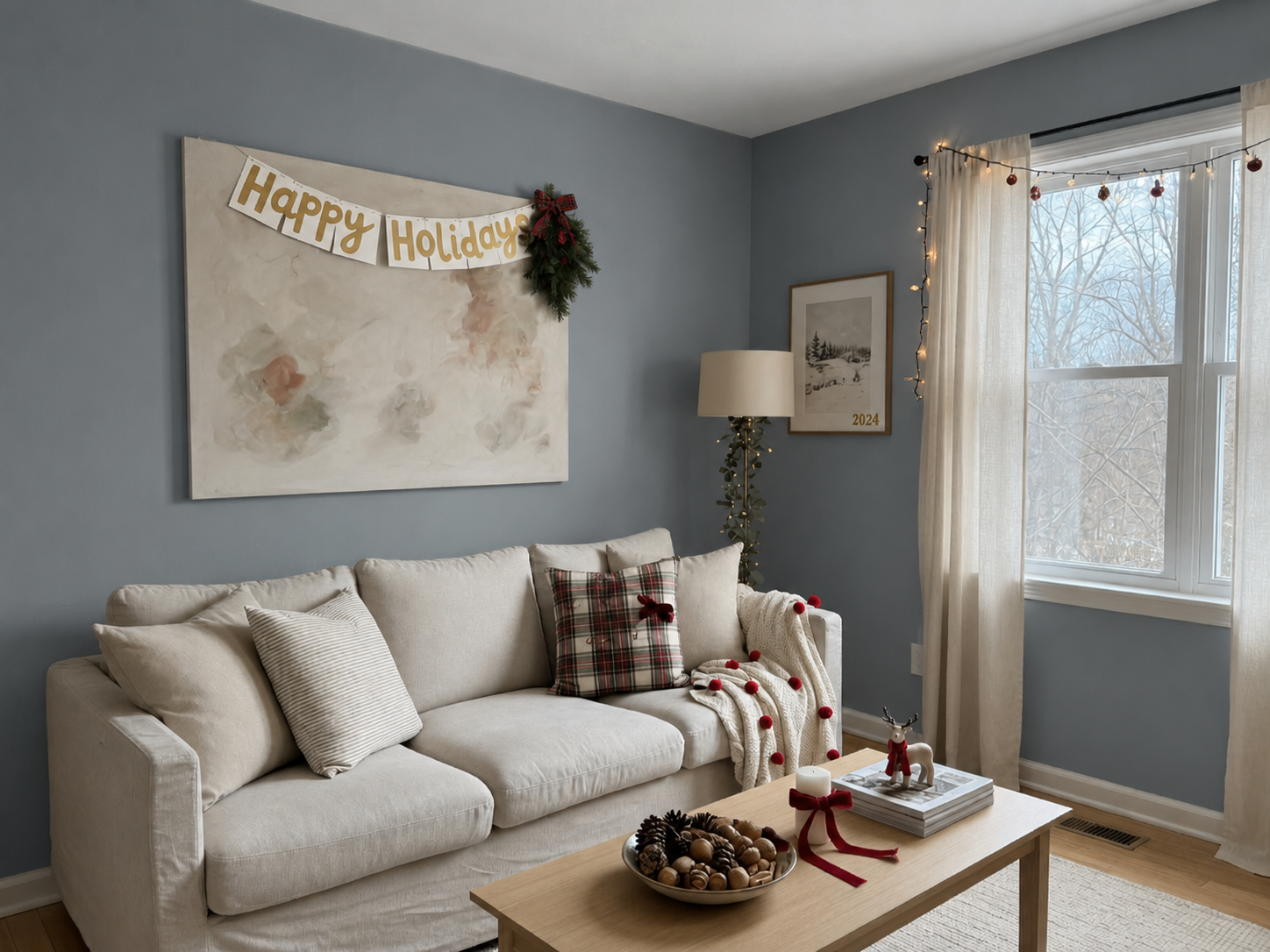
Each card shows the repainted result by default — hover to reveal the original wall color. Lovspark keeps trim, furniture, and lighting intact while changing only the walls.
Hover for Original
Warm beige to sage green — trim, art, and furniture untouched, shadows matched.
 Hover for Original
Cool gray to warm white — same room shell, brighter and more inviting.
 Hover for Original
One accent wall in deep navy — remaining walls neutral, layout unchanged.
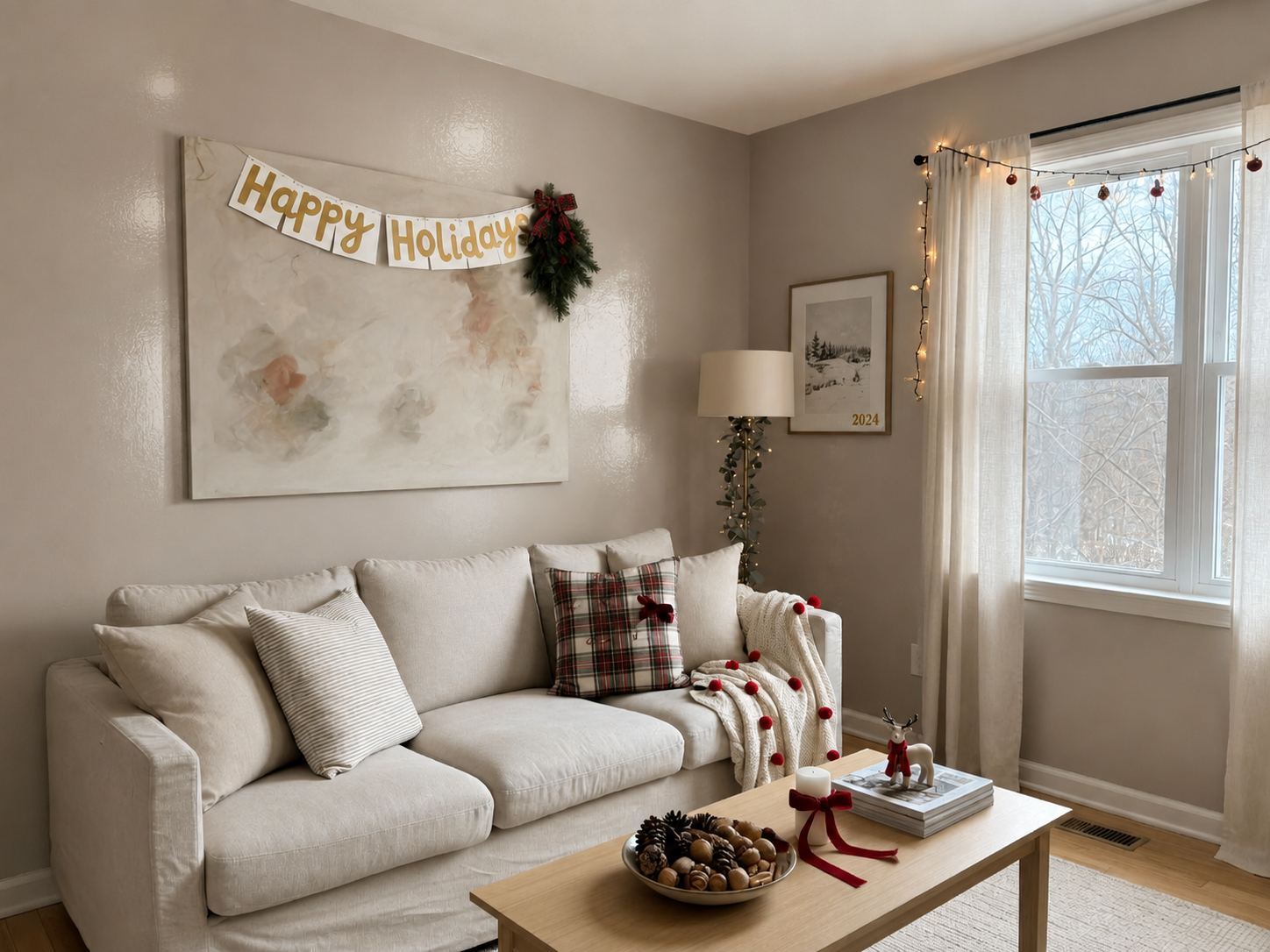
 Hover for Original
Soft gray walls with warm undertone — same furniture, calmer mood.
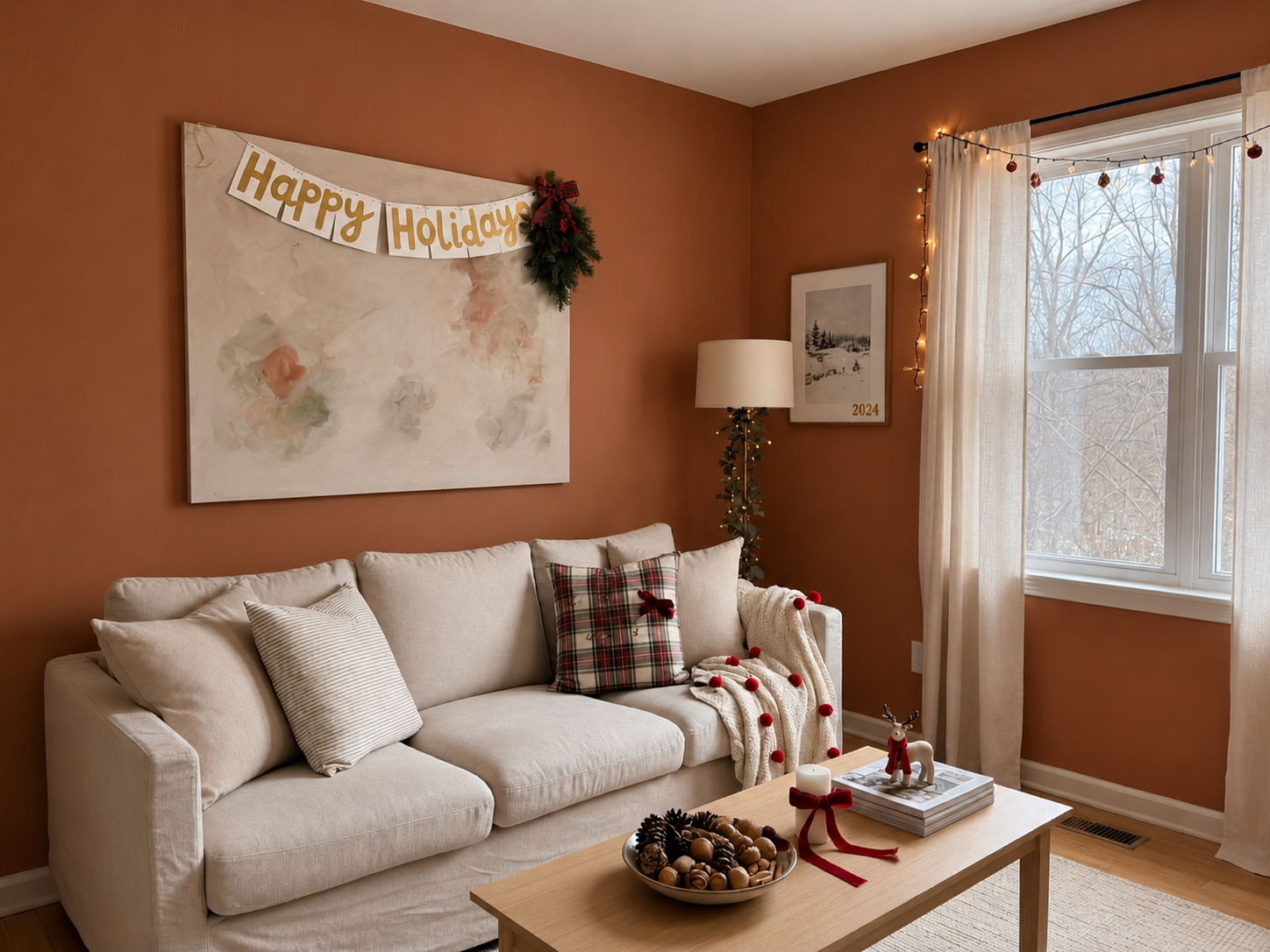
 Hover for Original
Earthy terracotta walls — trim and ceiling stay fixed, cozy atmosphere.
 Hover for Original
Polished exposure and believable paint — ready for client color sign-off and listings.
Process
Upload, generate, export — under a minute. No complex training required.
Drag in listing photos or client snapshots. Lovspark accepts JPG, PNG, and WebP at high resolution — wide-angle and phone images supported.
Lovspark masks walls separately from trim, art, and furniture, then applies the new color with original light and shadow intact — the repainted wall reads as a real surface, not a flat fill.
Download the result or continue on the Lovspark canvas — try another color, compare swatches, or share with clients instantly.
Technical Guide
Lovspark masks wall surfaces, applies color with accurate light falloff, and preserves trim and shadows — photoreal paint preview, not a flat color overlay.
Lovspark detects every wall plane — including those behind furniture or around windows — and isolates them from trim, ceilings, floors, and art. Only the wall surface receives the new color.
The new color is applied with realistic light falloff — Lovspark preserves original shadows, window glow, and ambient bounce so the painted wall reads under the room’s actual lighting.
Choose matte, eggshell, satin, or gloss and Lovspark renders the correct sheen and reflection. The previewed color stays true to the chosen swatch across different wall orientations.
Before and after always come from one upload. Lovspark changes only the wall color on top of the same scene — never a mismatched composite.
Audience
Professionals who need wall color previews from a single room photo before specifying paint or client sign-off.
Test wall colors before specifying paint — show clients three or four options from one listing photo.
Show clients the finished color before you open a can — faster approvals and fewer change orders.
Preview a new wall color in your actual room before you buy paint or hire a contractor.
Refresh dated wall color in listing photos without repainting — brighter rooms, faster sales.
FAQ
Lovspark works with listing photos, client snapshots, and phone shots — then hands off to Restyle Surfaces, Interior Renovation, or Virtual Staging on the same canvas.
Related Tools
Upload a room photo and preview a new wall color in seconds. No credit card required.
Start Repaint Wall →