Interior Design
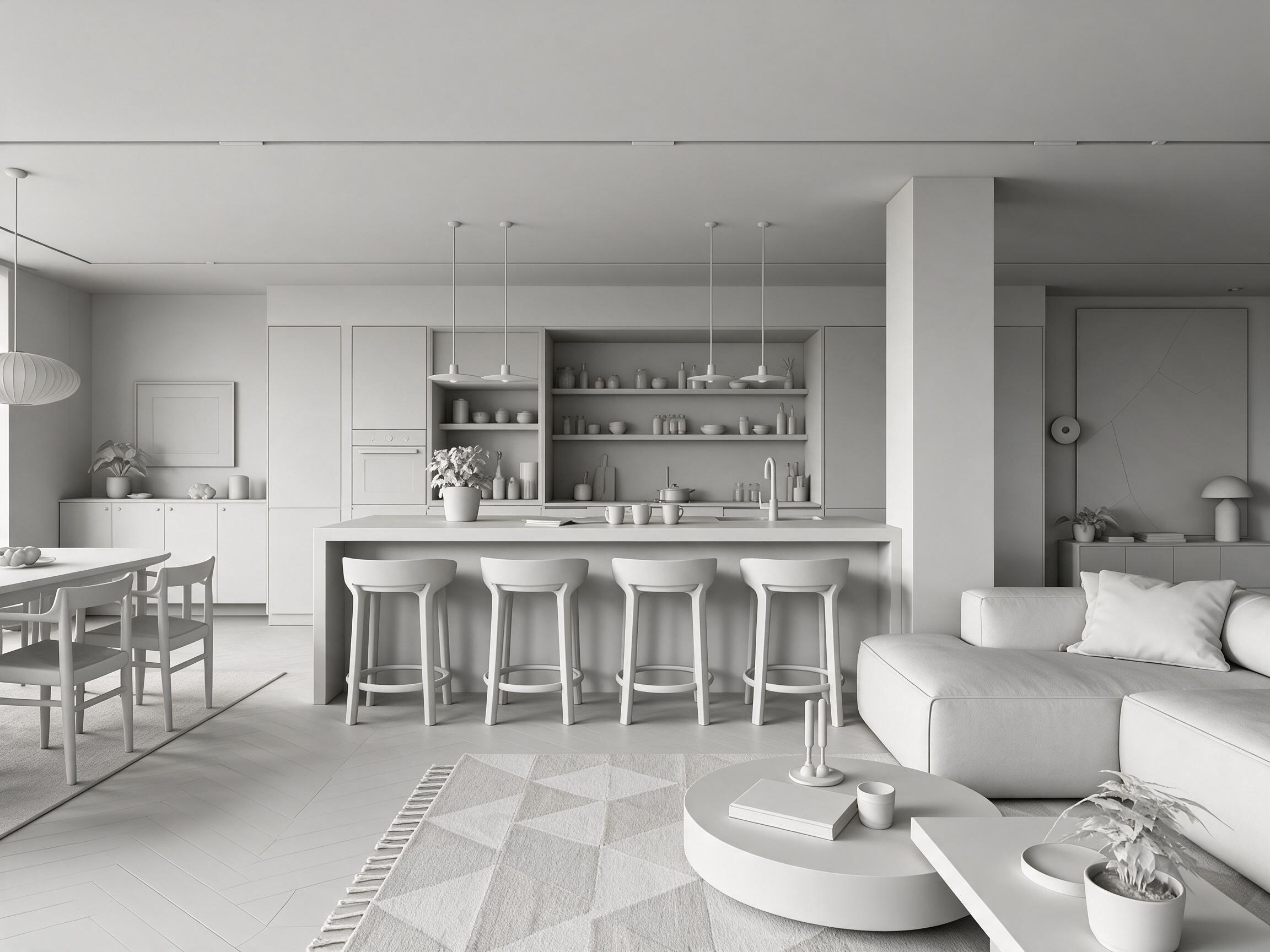
White Model Rendering
Turn white models, line art, or photos into diverse design directions with precise spatial control—explore materials and colors and visualize ideas in seconds.
One canvas for every spatial design workflow — from inspiration to a real product list, in one continuous workspace.
Pick your starting point. Every tool, every model, every format.
Sketch with nodes, or place images freely. Iterate fast. Connect comments, sticky notes, and docs — your team, creating together on one infinite canvas.
Text-to-image with reference, realtime, and brand-locked presets.
Interiors, architecture, landscape, product, floor plans — plus the retouching, upscaling and video that come after the render. Same canvas, same skills.
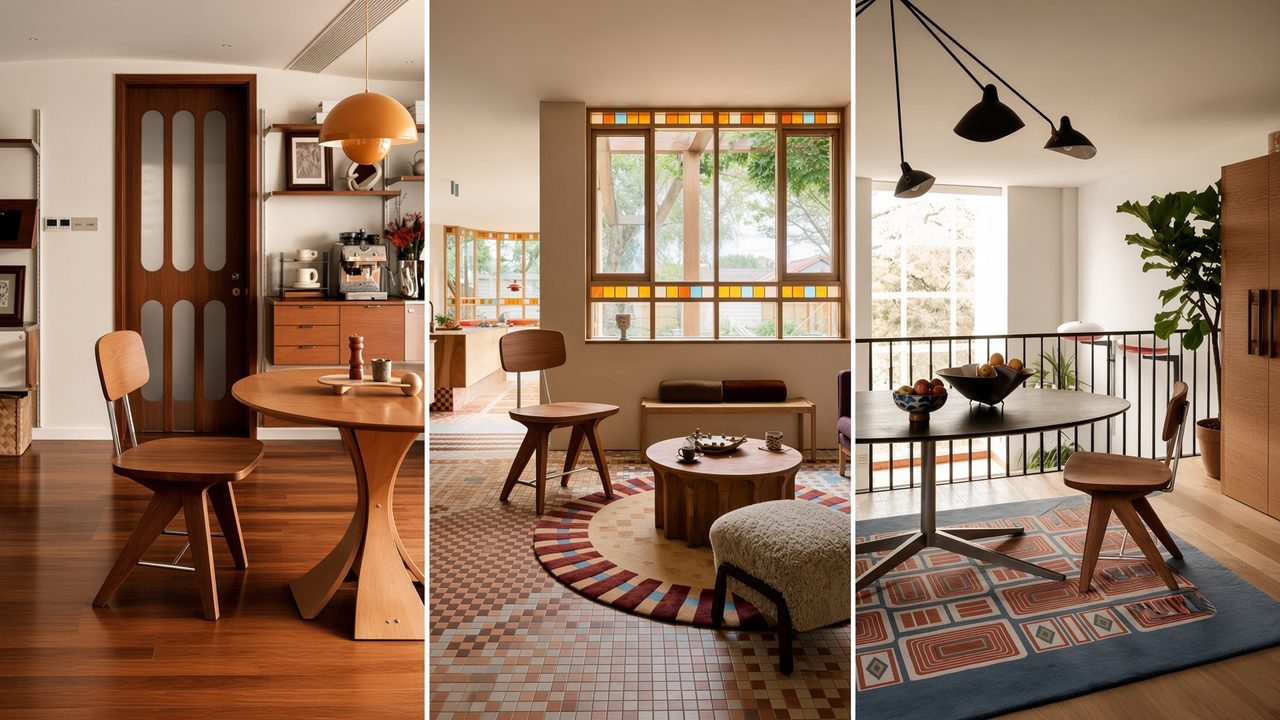
Stage an empty room, redo a furnished one, or change a single surface — the room’s structure stays put.
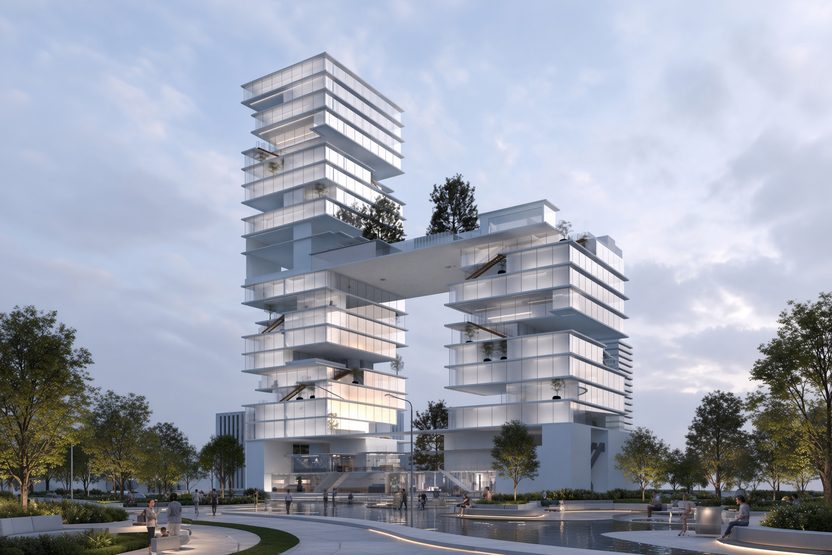
White models or photos into photoreal exteriors — swap façade materials, sky and time of day.
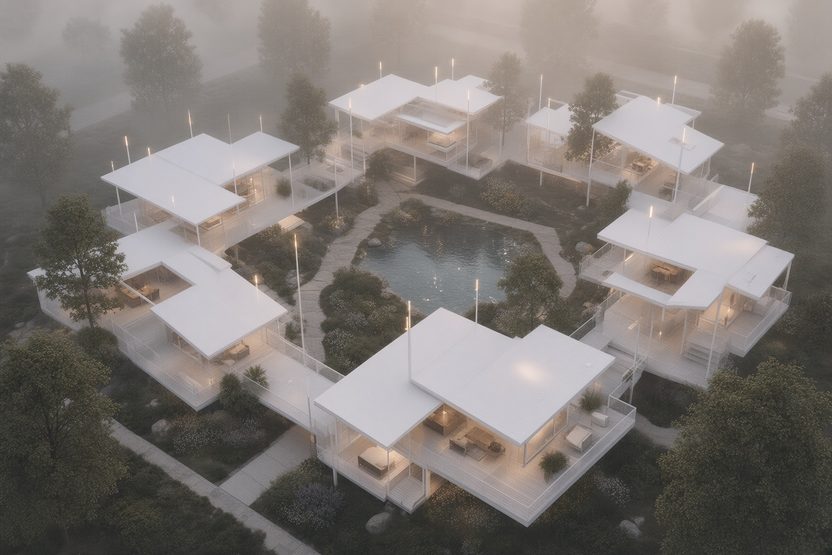
Lay turf, add a pool, build out hardscaping — bare ground to finished, same camera.
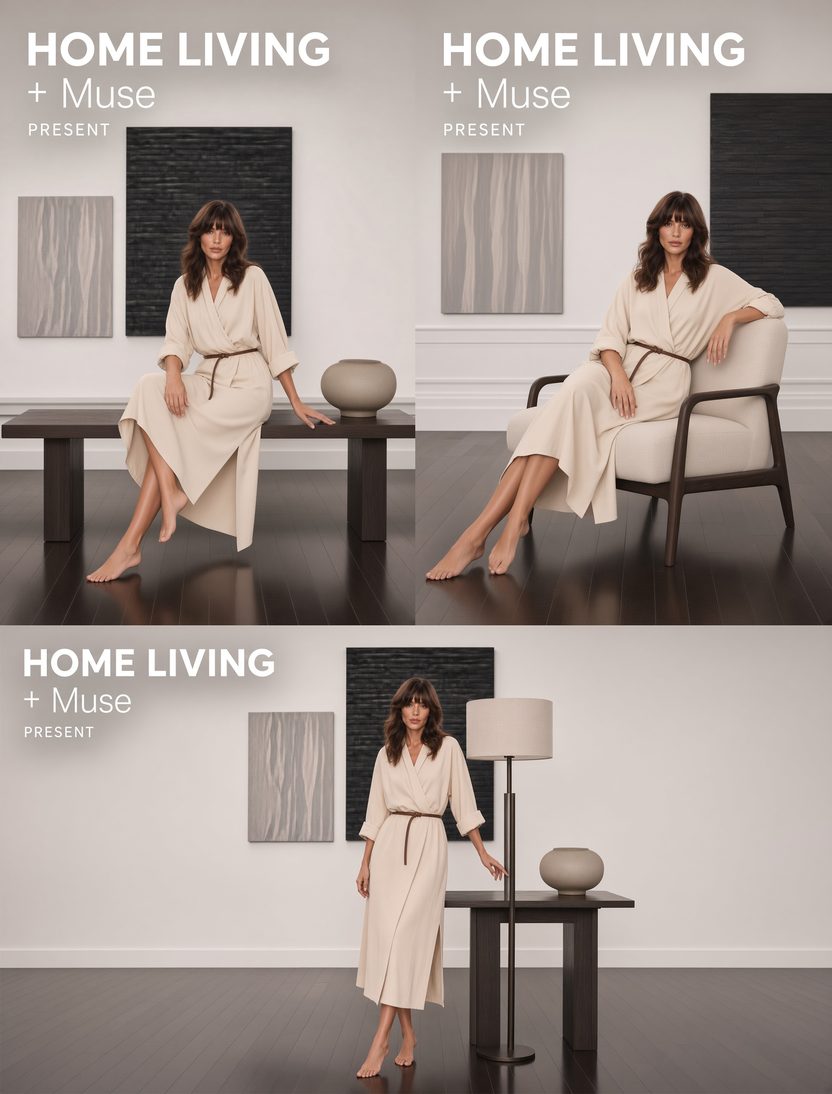
A cut-out becomes a marketing scene; a prototype spins off variants in form and proportion.
A finished still becomes a moving shot — no reshoot needed.
Remove clutter, cut out subjects, relight, and edit text in the frame.
Take a finished image up to a higher resolution.
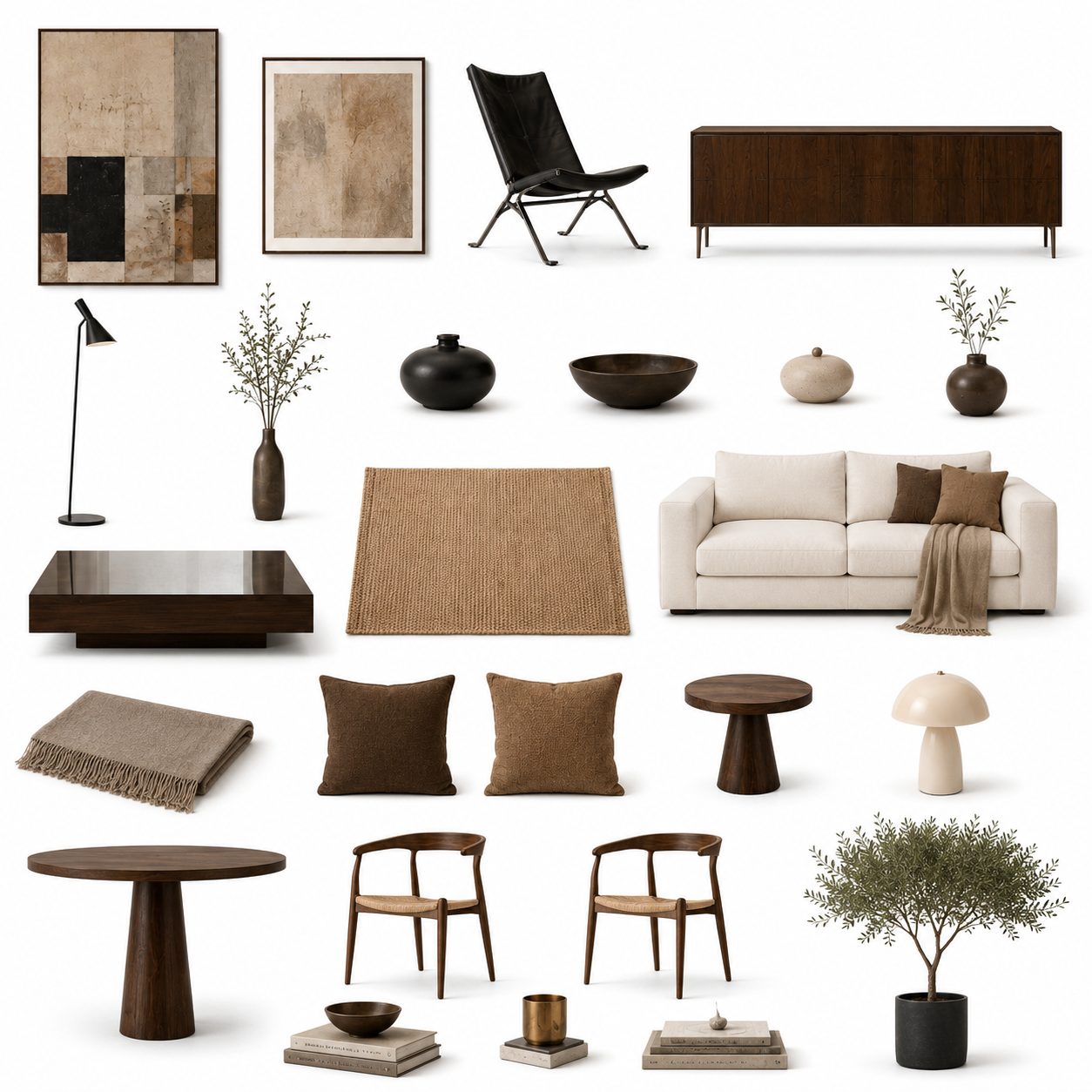
Pick the one that matches the job — no prompt writing.
The major image and video models, all on one canvas — switch any time.

Save a dialled-in prompt and reuse it in one click.
Skip the prompt writing — pick the skill that matches the task at hand: white-model rendering, bare-shell design, product scenes, soft-furnishing swaps. Drop in your image and go.
Turn white models, line art, or photos into diverse design directions with precise spatial control—explore materials and colors and visualize ideas in seconds.
Preserve the room's structure and render photoreal results in your chosen style—specify furniture, lighting, and decor for a full scheme, and design on site to close deals fast.
From a product cut-out, generate high-quality marketing visuals in one click—no complex prompts—across furniture, lighting, and more, sharply cutting rendering and photography costs.
Fine-tune a prototype's contours, structure, and proportions to rapidly spin off multiple distinct design options—expanding creative range and innovation speed.
Swap in diverse soft-furnishing styles over a home's existing finishes—preview schemes from quiet luxury to modern art and shorten the path from pitch to proposal.
Automatically detect and extract soft-furnishing items—furniture, lighting, accessories—with product and material details, making selection and proposals faster.
Browse Lovspark's full AI toolset and run a live demo — sign in only when you generate.
You stay in control at every step. The AI follows your intent.
Drag to compare — the same space, restyled six ways.
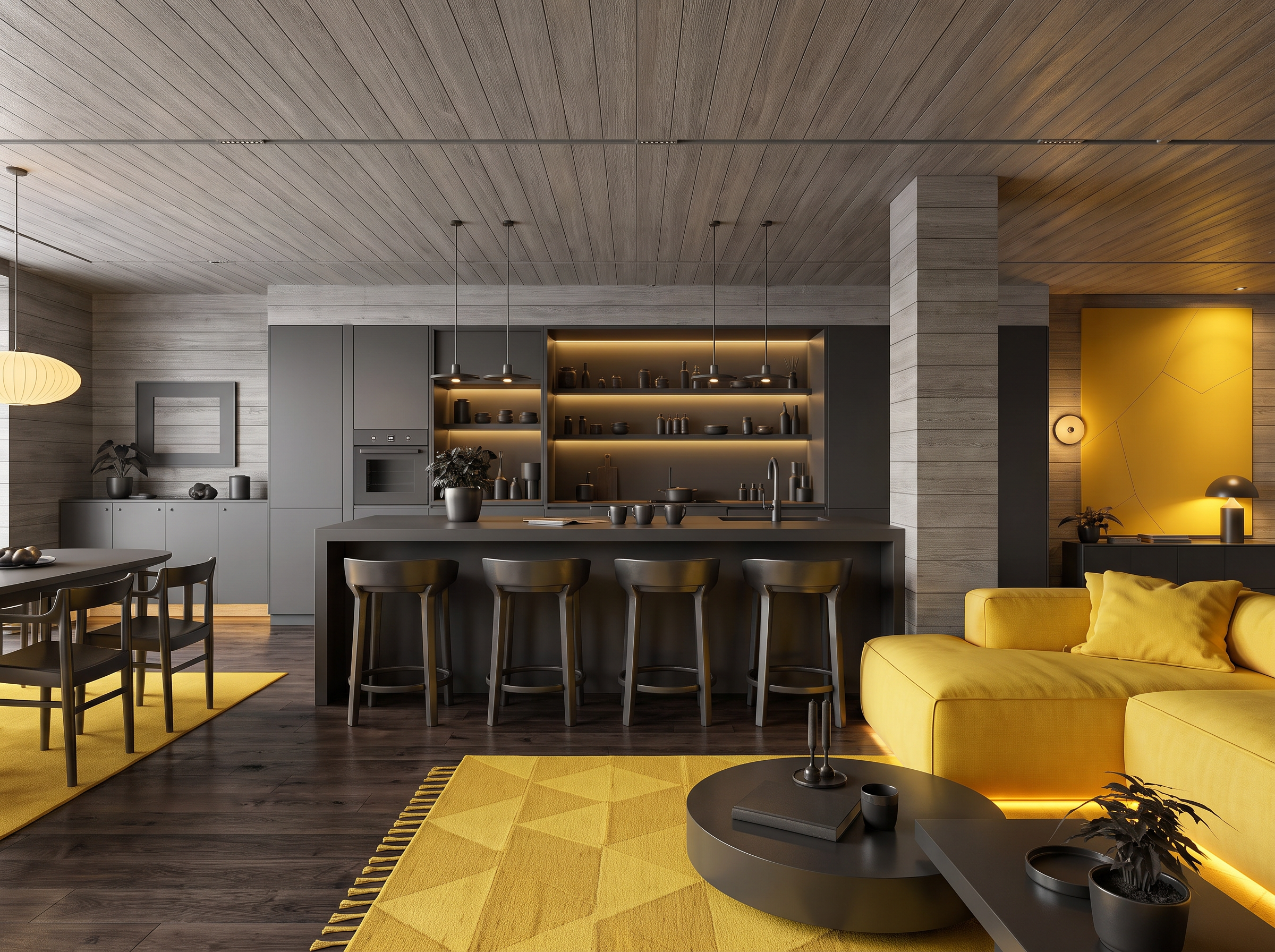
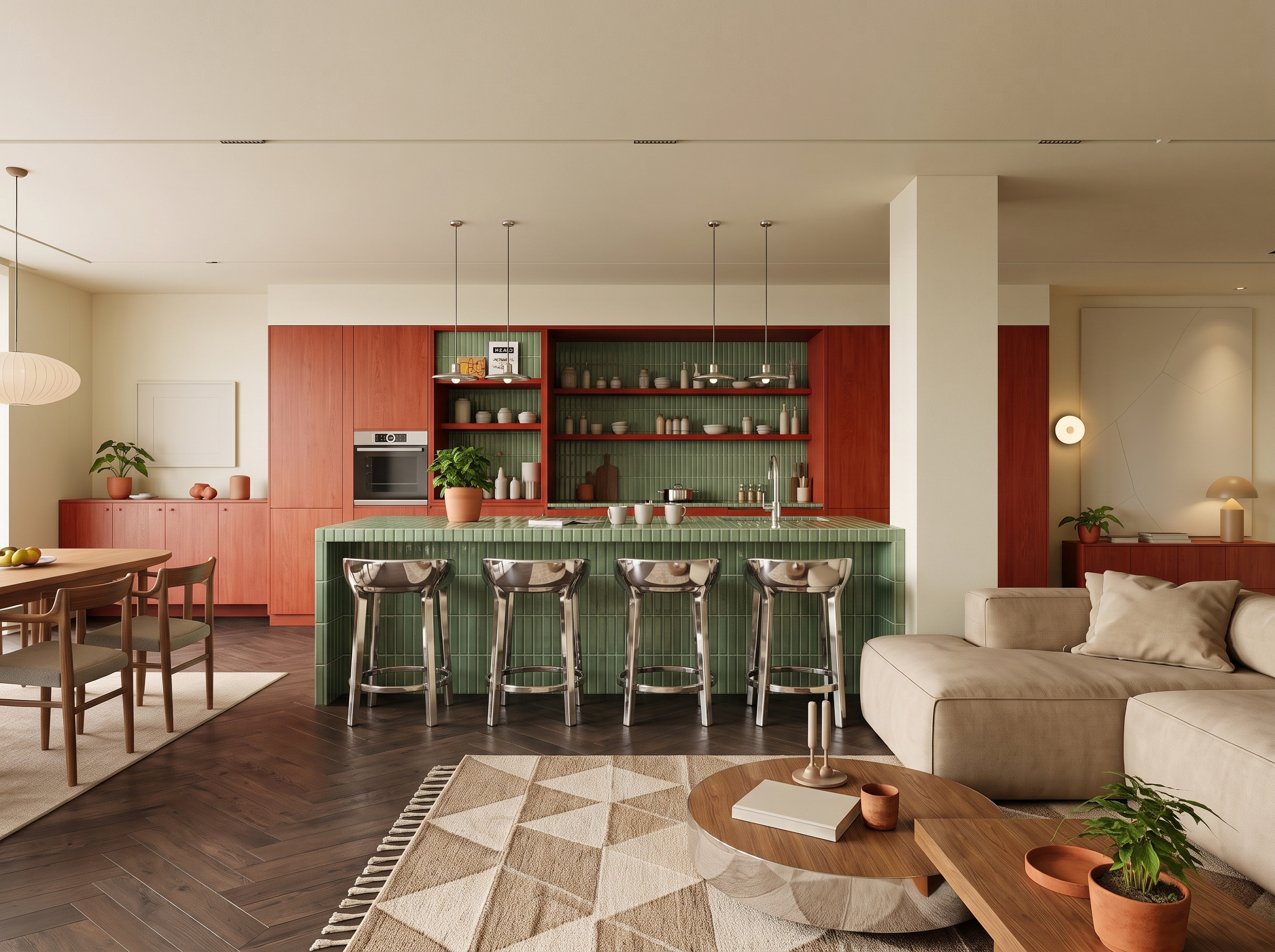
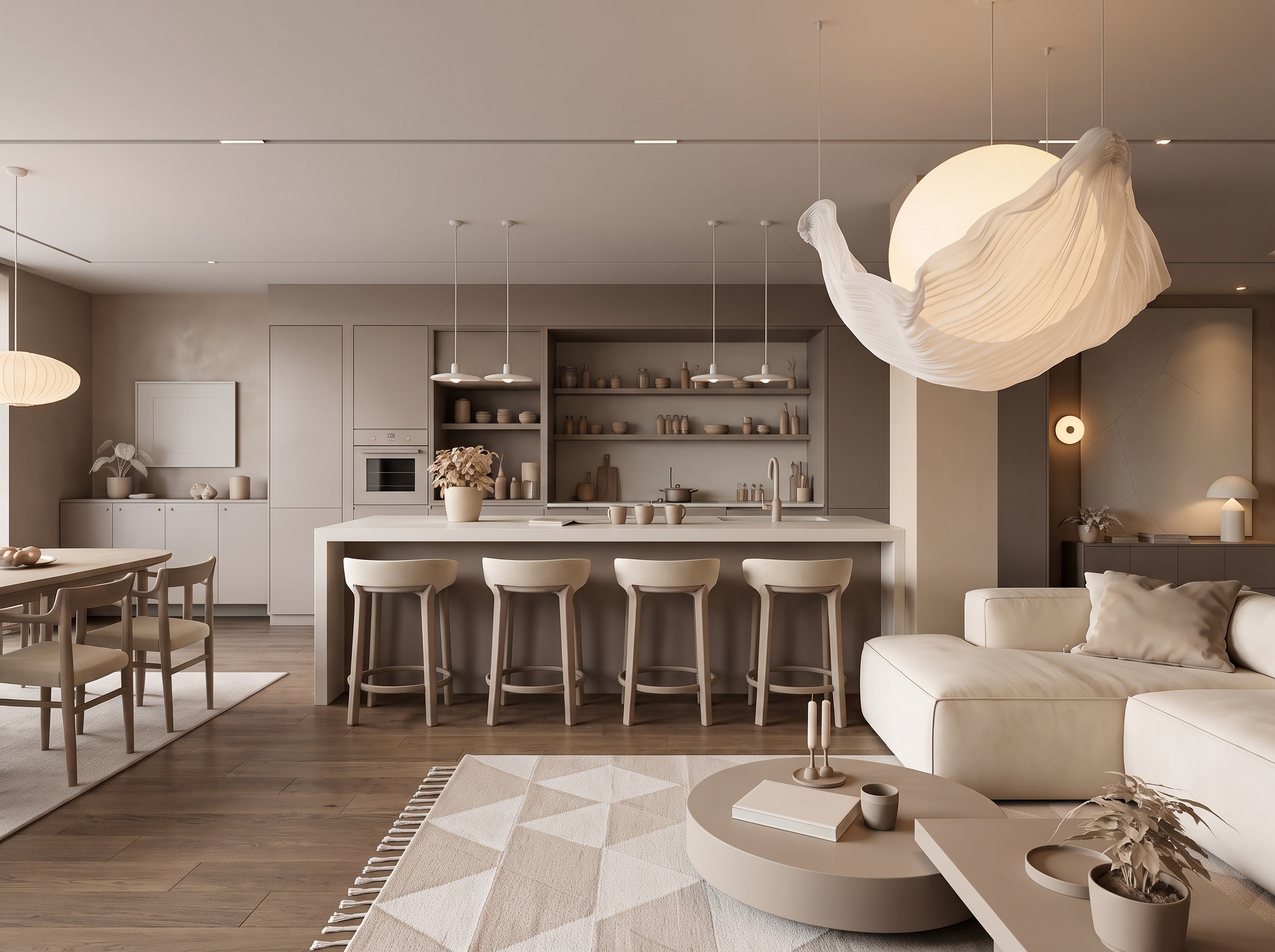
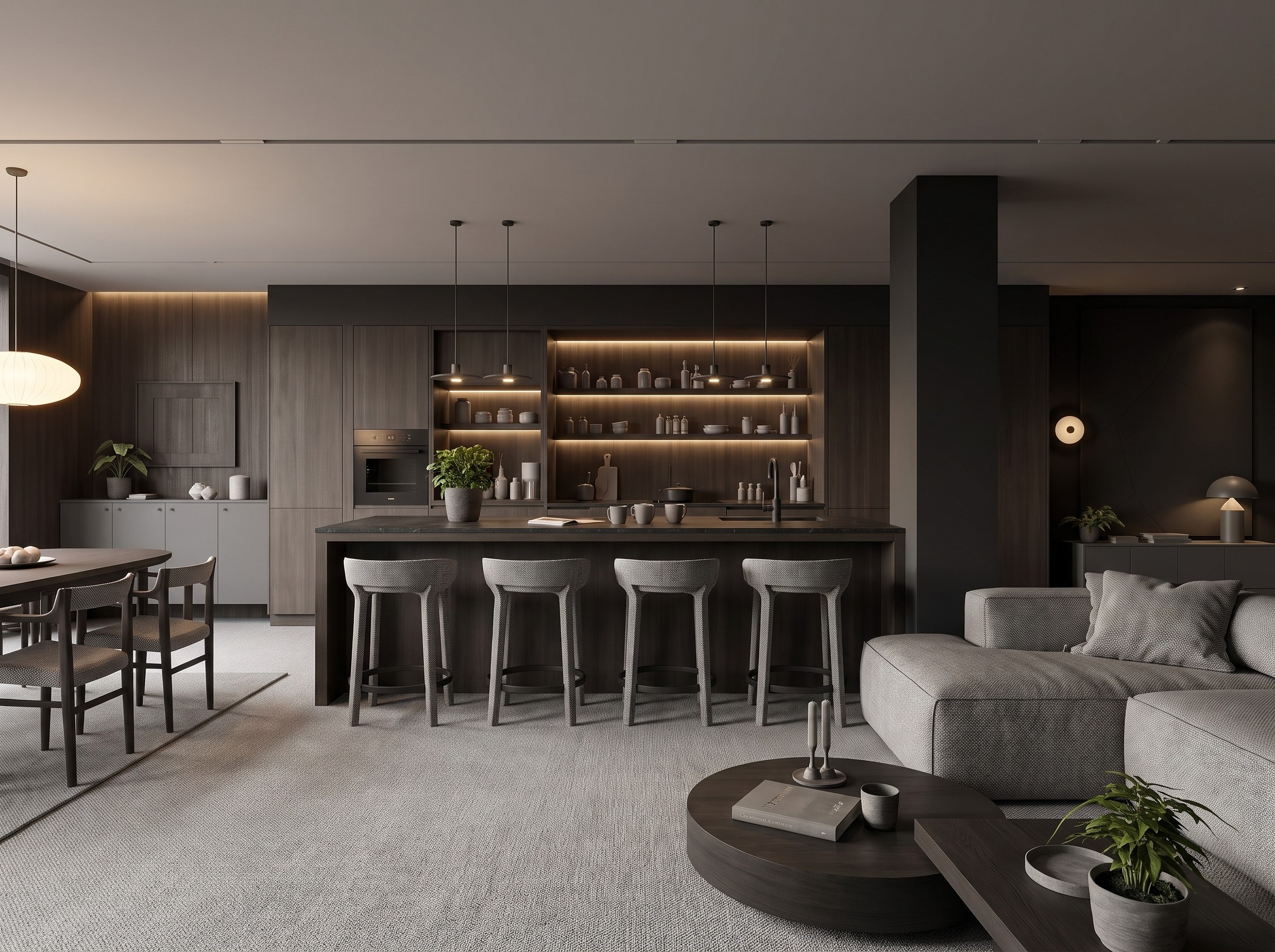
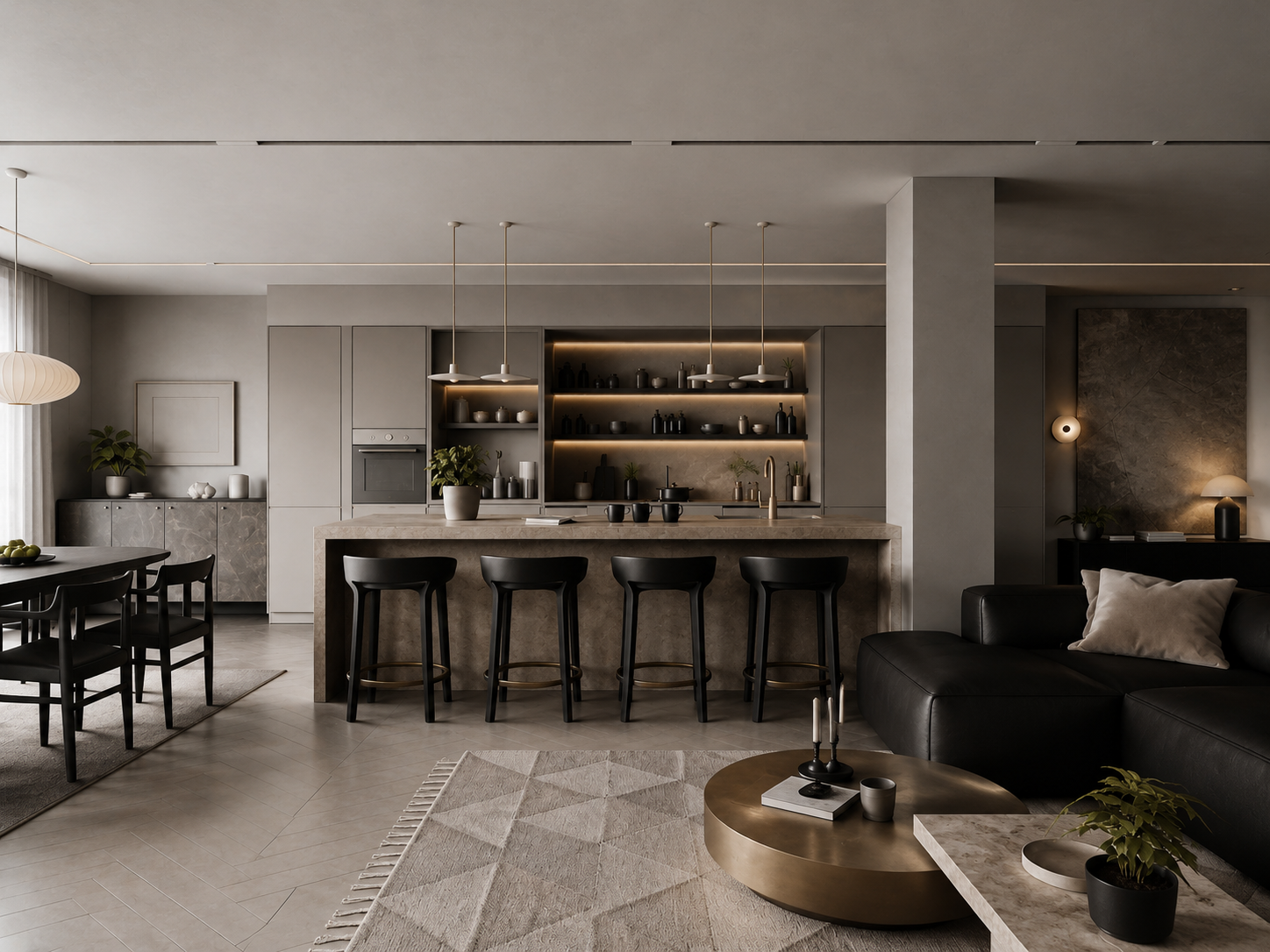
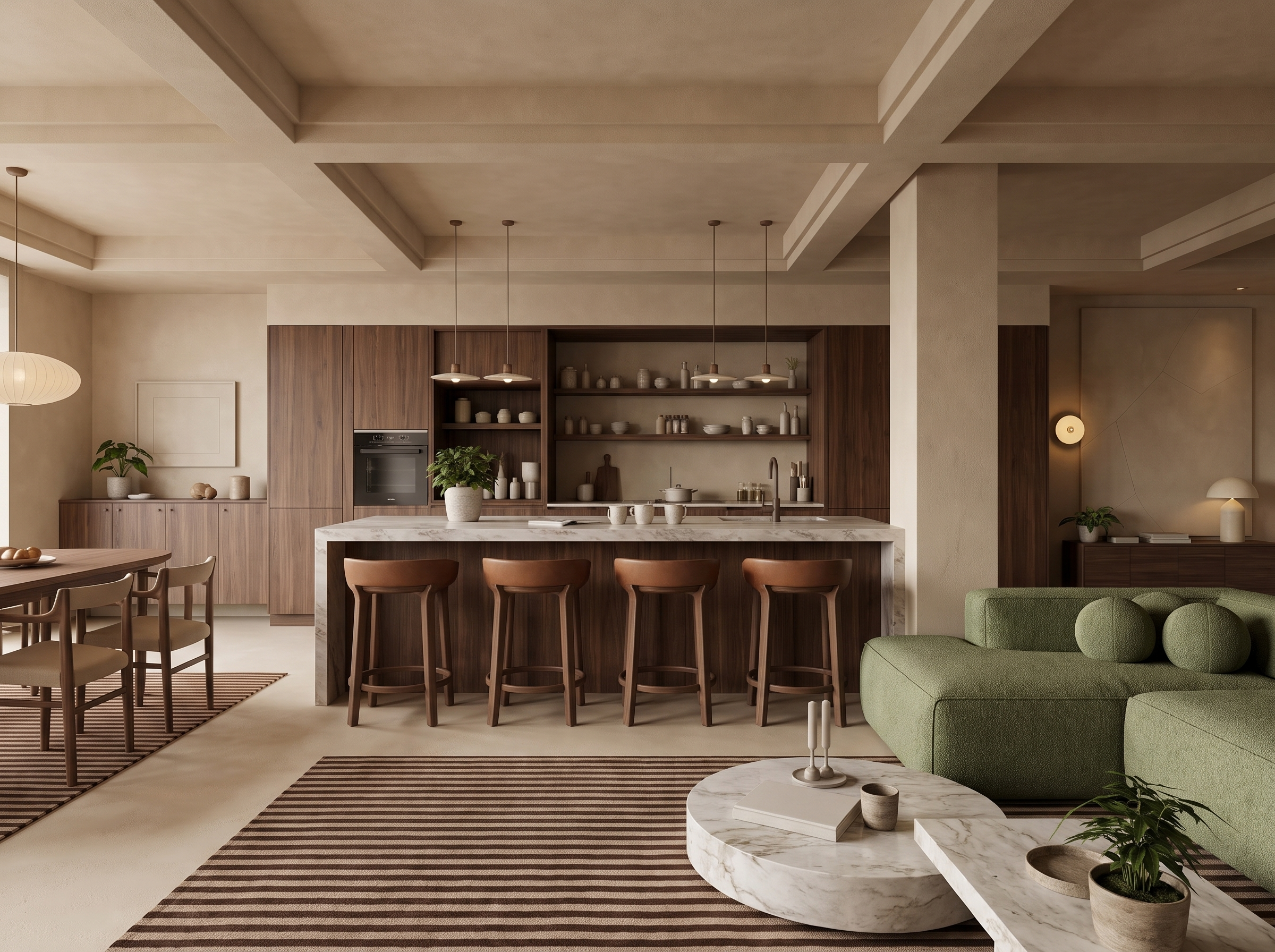
Design more, faster.
Generate editorial-style concepts
matched with real products.
Build a library of real catalog items, drop them into any scene with AI, and auto-generate material lists and design reports — all from one central hub.
Drop any catalog product into a render — the AI integrates it in scale, lighting, and material. No manual masking, no mockups.
Real suppliers, real SKUs. Search, filter, and reuse the same sofa or pendant across every project on the canvas.
Auto-generate FF&E schedules and BOM straight from a finished render — every fabric, finish, and fixture itemized.
One click to compile room-by-room reports — photos, supplier info, and lead times — client-ready PDF in seconds.
Scroll to watch an empty room transform — staged with real, shoppable catalog products, brought to life with people, then relit to set the mood.
A real public canvas — sketch, render, material swaps, added people and night shots, all kept side by side. Open it and pan around.
Loads the full canvas — pan and zoom freely, then exit at the top right to keep scrolling the page.
A vacant listing used to mean a shoot plus three days waiting on an outsourced retoucher. Now I upload the raw photo and hand the client four styles on the spot.
The part that matters is that one canvas keeps the sketch, the render and every material swap. I walk clients through the changes by dragging around it.
Swapping a sofa or a floor no longer means going back to the modelling software. I circle it, say it, and get through twenty versions in a day.
Bare yard to lawn and pool, fast enough that I can change the brief while the owner is still sitting there.
I don't pick the model. I describe what I want and it picks one, and the perspective comes back clean enough to skip a redo.
Batch runs save the most time — two dozen floor plans in one pass, and the style holds across all of them.
I send the share link straight to the client. They install nothing and still see how we got there, which cut a lot of back and forth.
Carrying a still through to a walkthrough and a video is the step that counts — listings with it convert noticeably better than photos alone.
We sell off plan, so the sales office only ever had floor plans to show. Now every unit type has a furnished render behind it and buyers stop asking what the room will feel like.
Half my agents had never opened an editing tool in their life. They upload, pick a style, done — I stopped being the bottleneck on every listing.
At concept stage the client cannot read an elevation. I put three facade materials on the same view and the conversation takes ten minutes instead of two meetings.
Cabinet fronts and worktops are where clients change their mind most. Swapping oak for walnut used to be an overnight re-render; now it is the length of a coffee.
My photos were shot in February under grey light. Turning them into a summer afternoon did more for the listing than any price change I tried.
Store fit-outs live or die on lighting. I test warm and cool schemes on the same shelf layout before anyone orders a single fixture.
Empty rentals photograph badly and everyone knows it. Staging them on screen cut my average days on market, and I never had to book a van.
On site I get one shot at a layout. Now I try four on the photo first and only carry in the furniture that actually won.
Owners pick siding and stone off a sample board and then hate it on the house. Showing it on their own elevation ended that argument.
I use it before I open the 3D software at all — block out the mood and the framing, then only build the one that survives.
One sofa, eleven room settings, no second shoot. The catalogue used to eat a whole quarter of our budget.
We start selling before the first slab is poured. The marketing set now comes out of the drawings instead of waiting on a CGI studio.
Old apartments are a hard sell until the owner sees the after. Putting before and after side by side closes more jobs than my portfolio does.
Shoot days do not care about the weather. An overcast set comes back with the light I would otherwise have waited three days for.
A bare shell unit means nothing to a tenant. Fitting it out on screen during the viewing is the one thing that moves them.
Three palettes for the same room, sent before the client has finished lunch. They pick one and I start sourcing that afternoon.
Start with Creator, scale to Pro when your projects grow.
Quick answers to the things people ask before signing up.