Home
首页
Academy
学院
Community
社区
Pricing
价格
Open app
进入应用
From the Lovspark team
来自 Lovspark 团队
Ideas and insights for the
modern
creator.
写给
现代
创作者的观点与洞察。
Subscribe
订阅
No spam, unsubscribe anytime.
不发垃圾邮件,可随时退订。
All projects
全部
Research
研究
Guides
指南
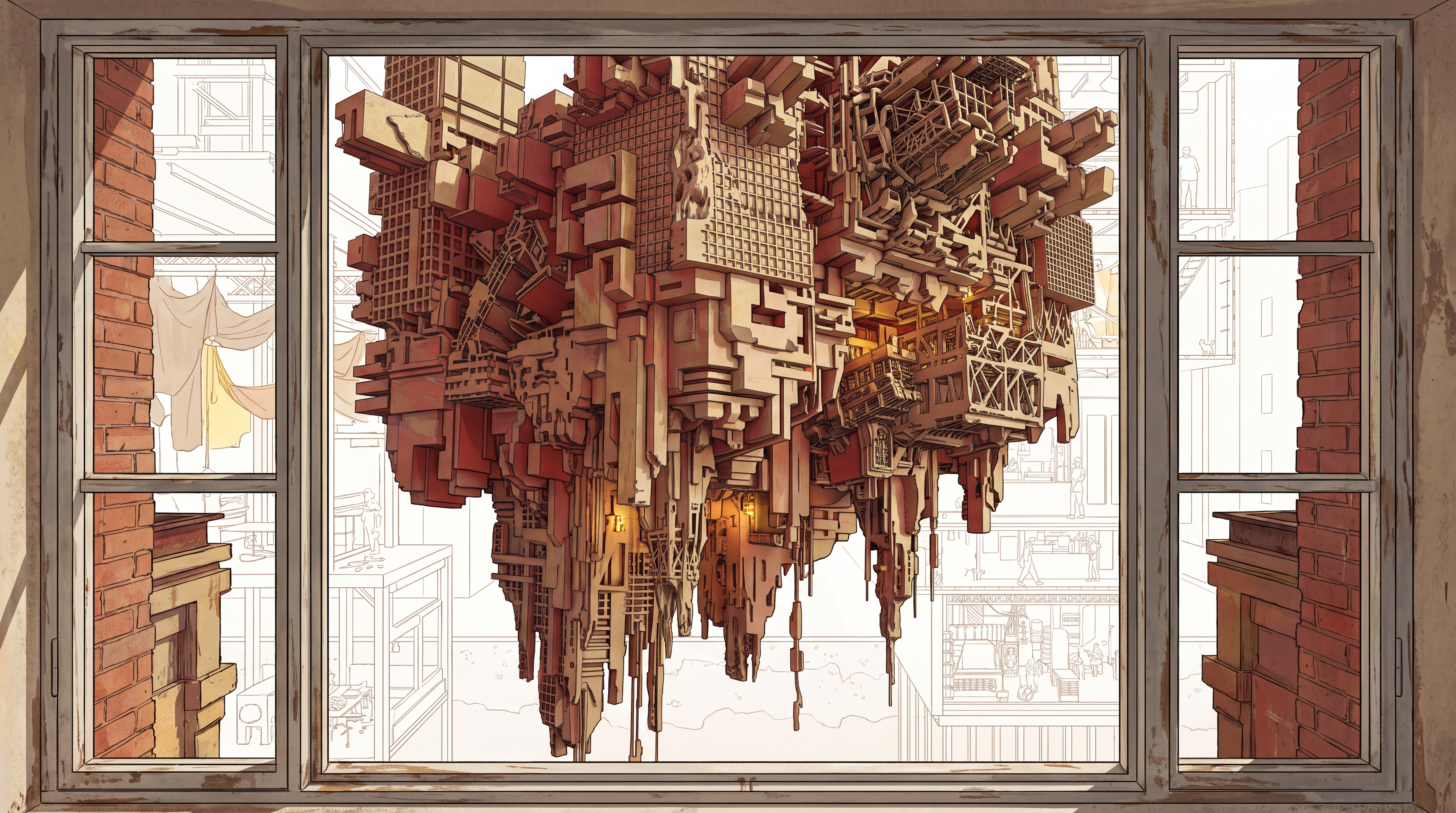
Reading a building in section
用剖面读懂一栋建筑
What a cutaway drawing shows that a render never will.
剖切图能讲清的东西,效果图讲不清。
How AI enters an interior design workflow
AI 怎么进入室内设计流程
Where it actually saves time — and where design judgment still decides.
它真正省时间的环节在哪, 又有哪些始终由设计判断决定。
AI Interior Design
AI 室内设计
From a real space to a clear design direction.
从真实空间,到清晰的设计方向。
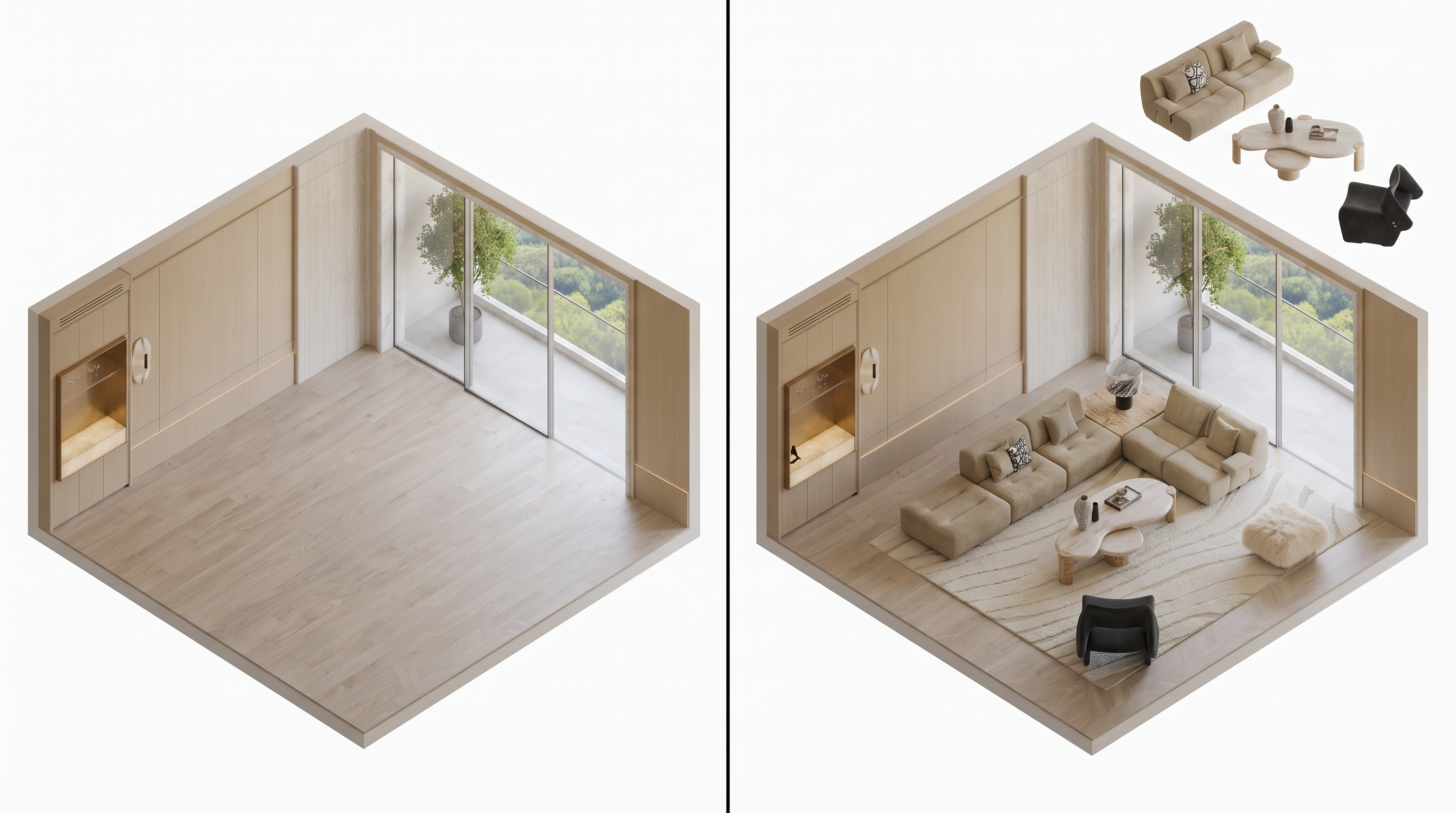
Virtual Staging
毛坯房设计
Empty rooms, finished interiors.
从空房照片生成室内效果图。
Finish Palette Render
白模渲染
White models to photoreal renders.
从白模生成逼真效果图。
Targeted Material Swap
精准材质替换
Swap materials without remodeling.
不重做场景也能换材质。
Ambience Shift
空间氛围转换
Change light, time, and mood.
改光线、时间与情绪。
AI Remodel Visualizer
旧房改造
Refresh dated rooms into modern interiors.
把老旧空间更新为现代室内。
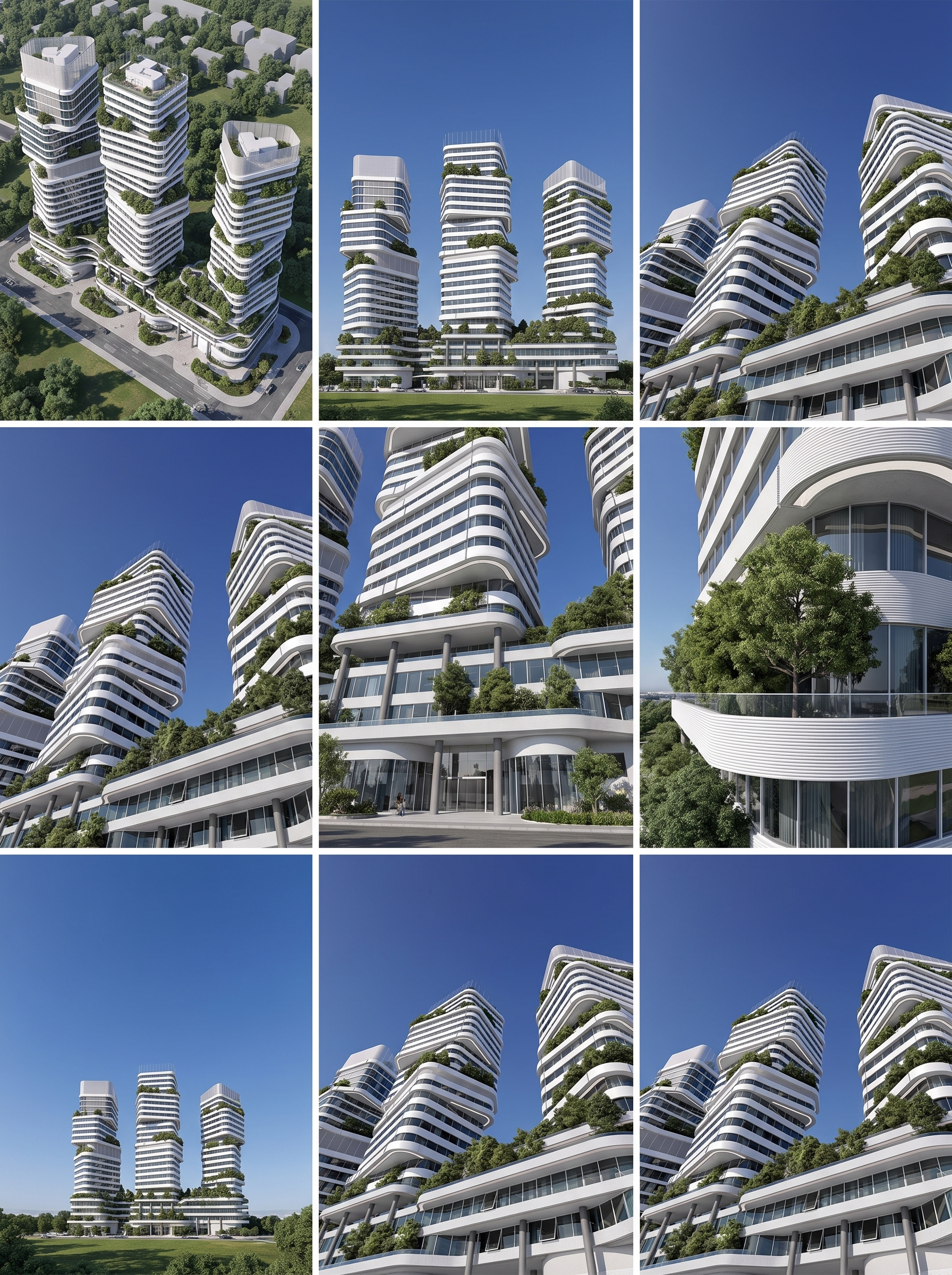
Architectural Angles
建筑多角度
Consistent multi-view architecture sets.
生成一致的多视角建筑套图。
Space to Axonometric
空间转轴测
Space photos to axon diagrams.
把空间照片变成轴测图解。
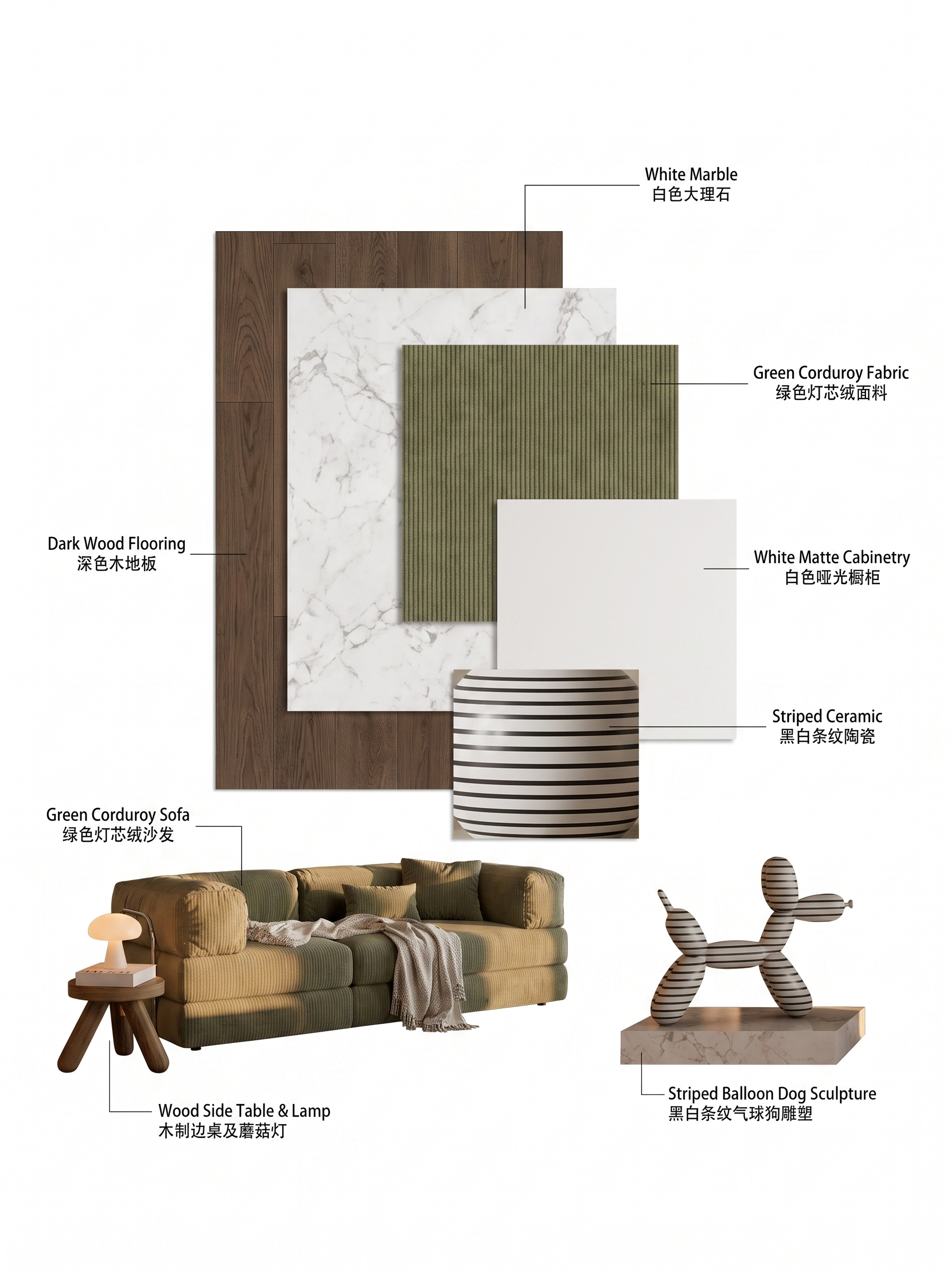
Material Extraction Analysis
材质提取分析
Pull material language from a scene.
从场景中提取材质语言。
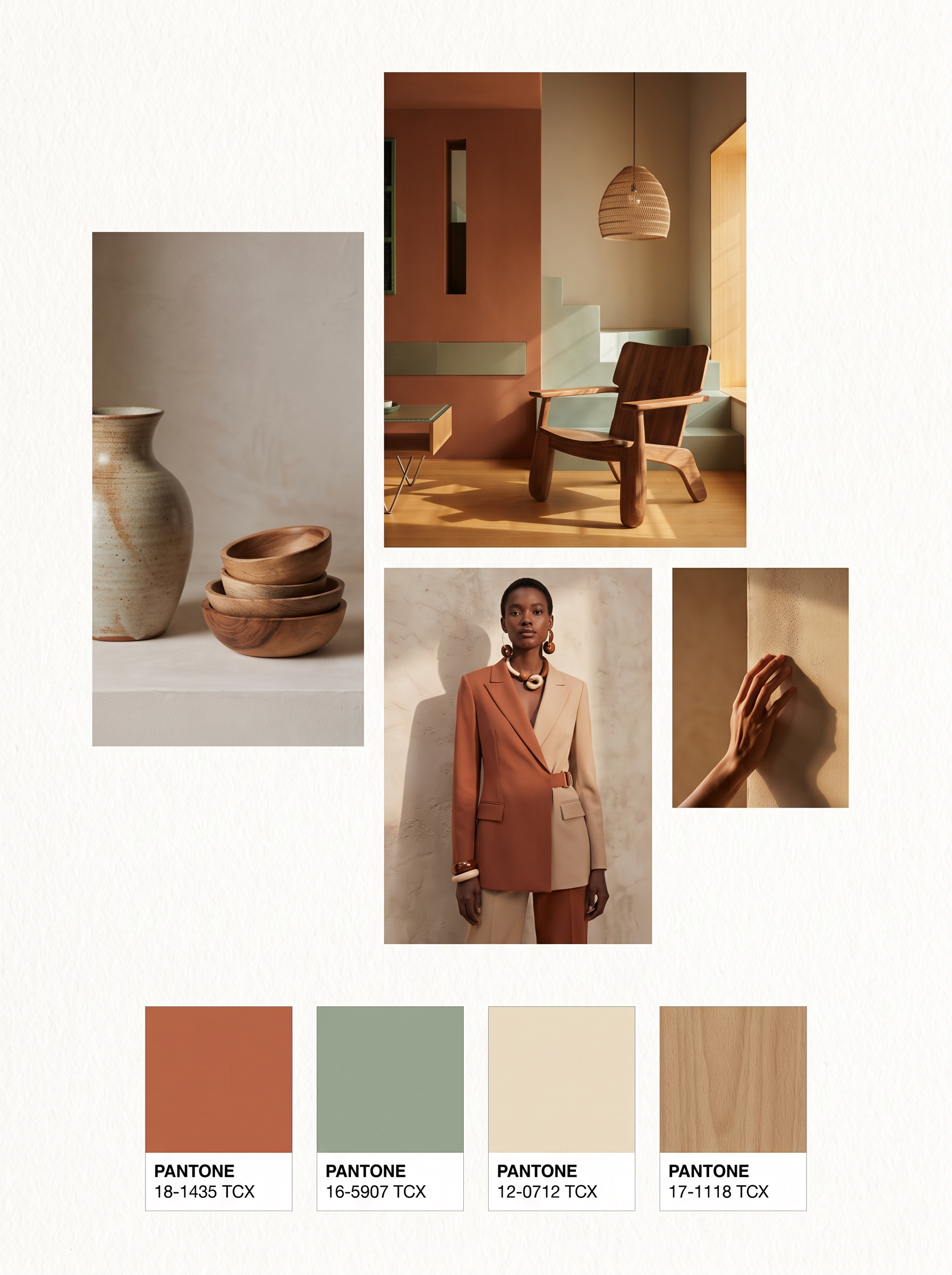
Scene to Moodboard
情绪色彩分析
Read palette and mood from an image.
解码色板与情绪调性。
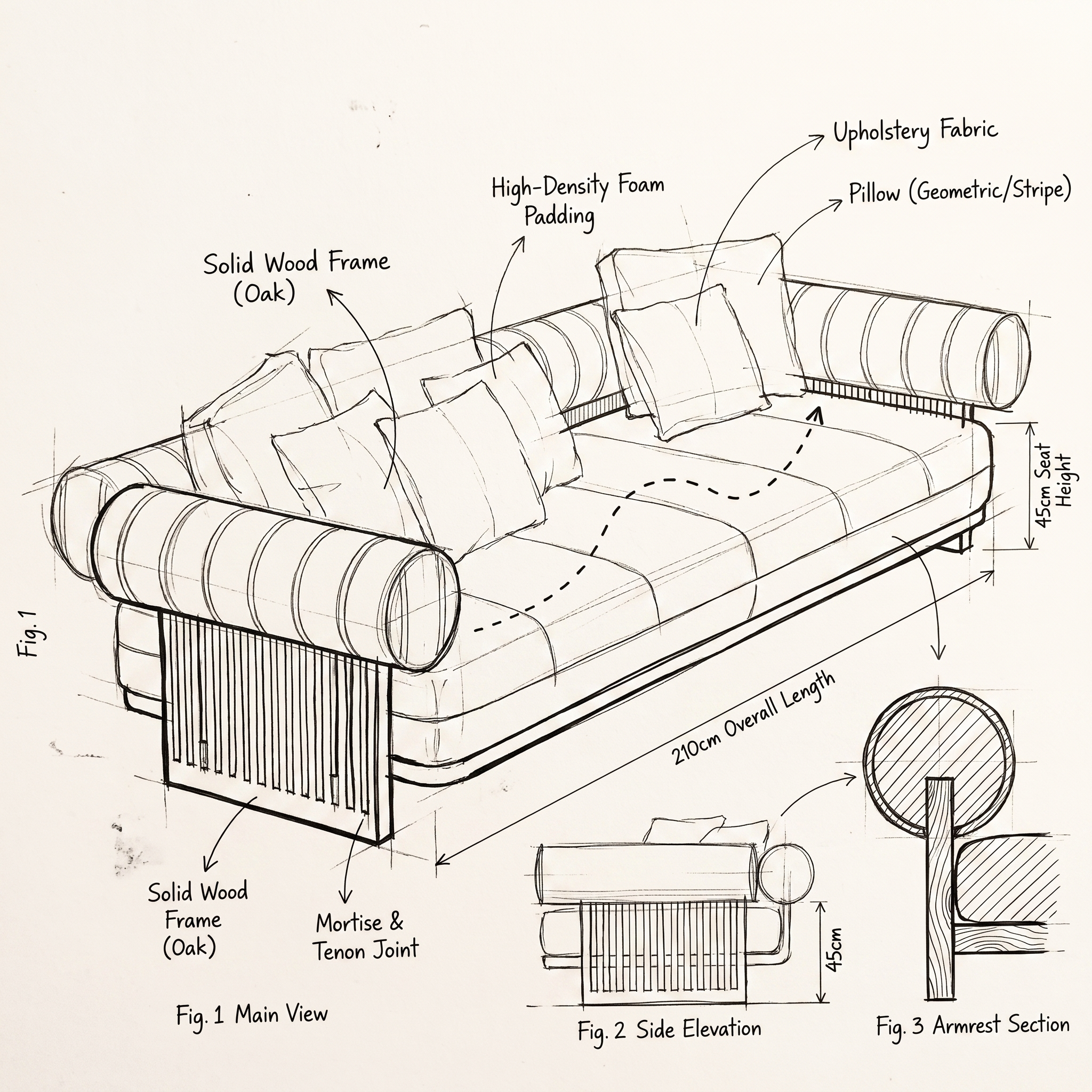
Product to Sketch
产品图转手绘稿
Sketches to furniture visuals.
从草图或产品线索到家具视觉。
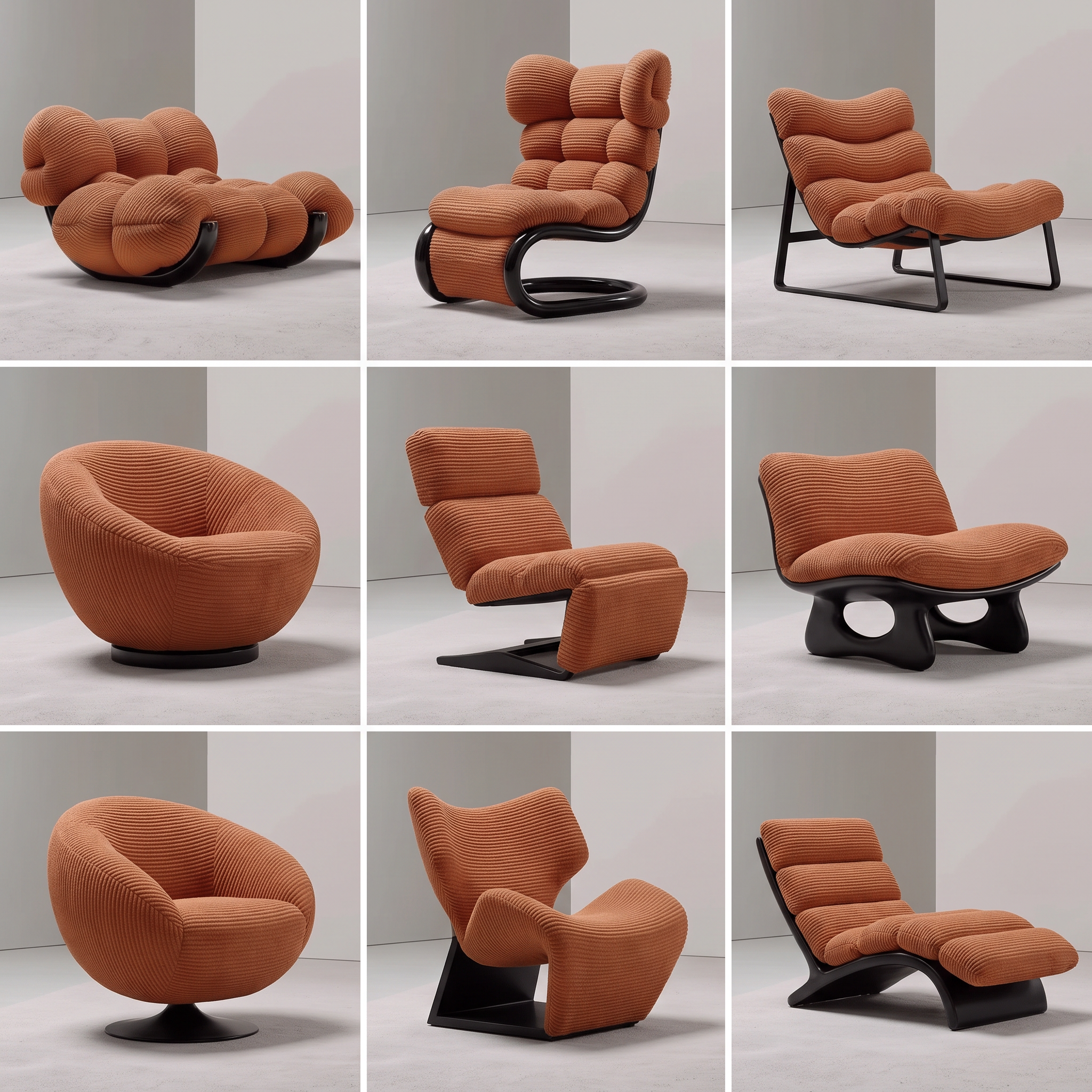
Product Variations
产品灵感裂变
One product cue, a family of ideas.
把一个产品线索扩展成灵感家族。
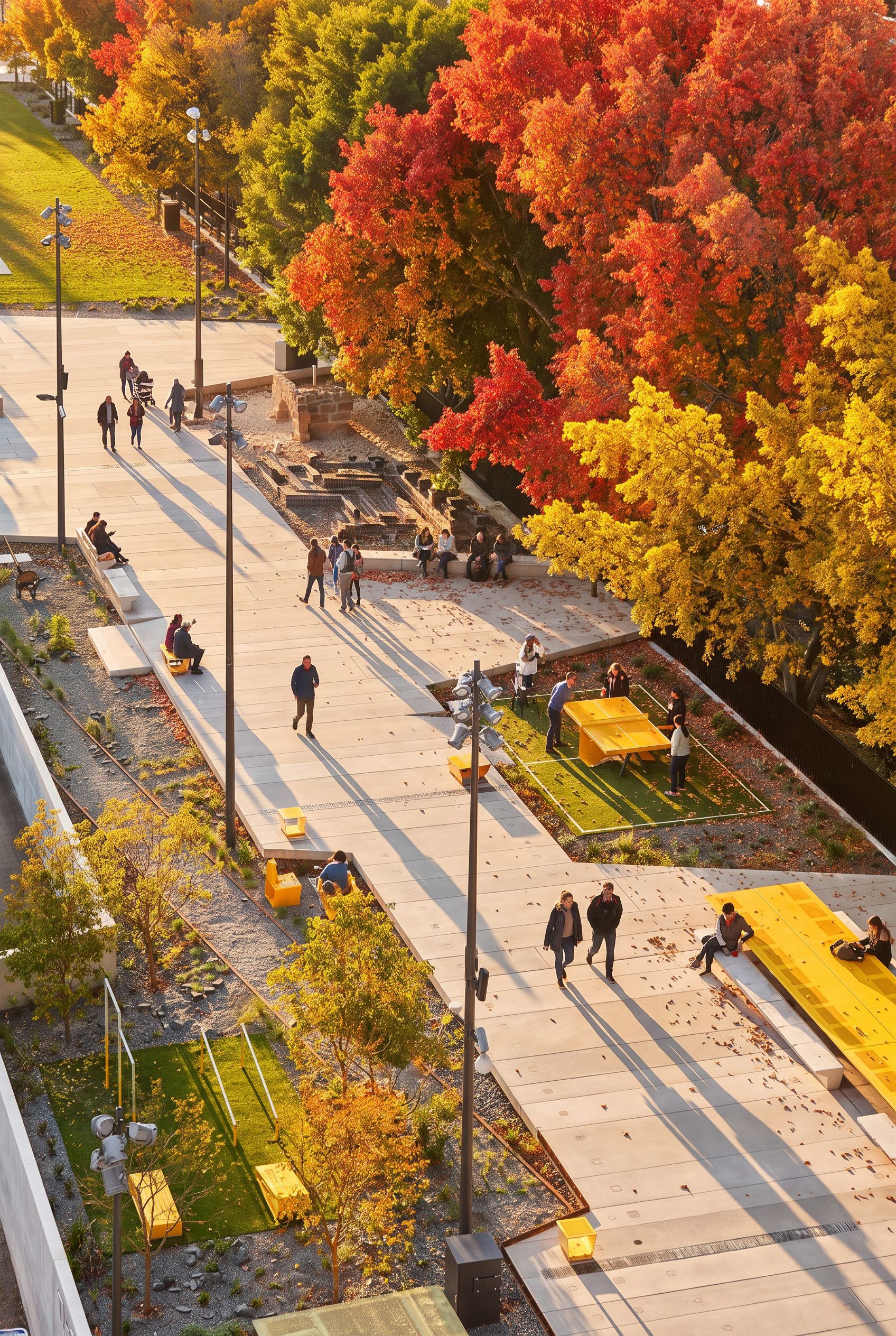
Seasonal Ambience Shift
四季氛围切换
Restage a space across the seasons.
让空间穿越四季重新演绎。
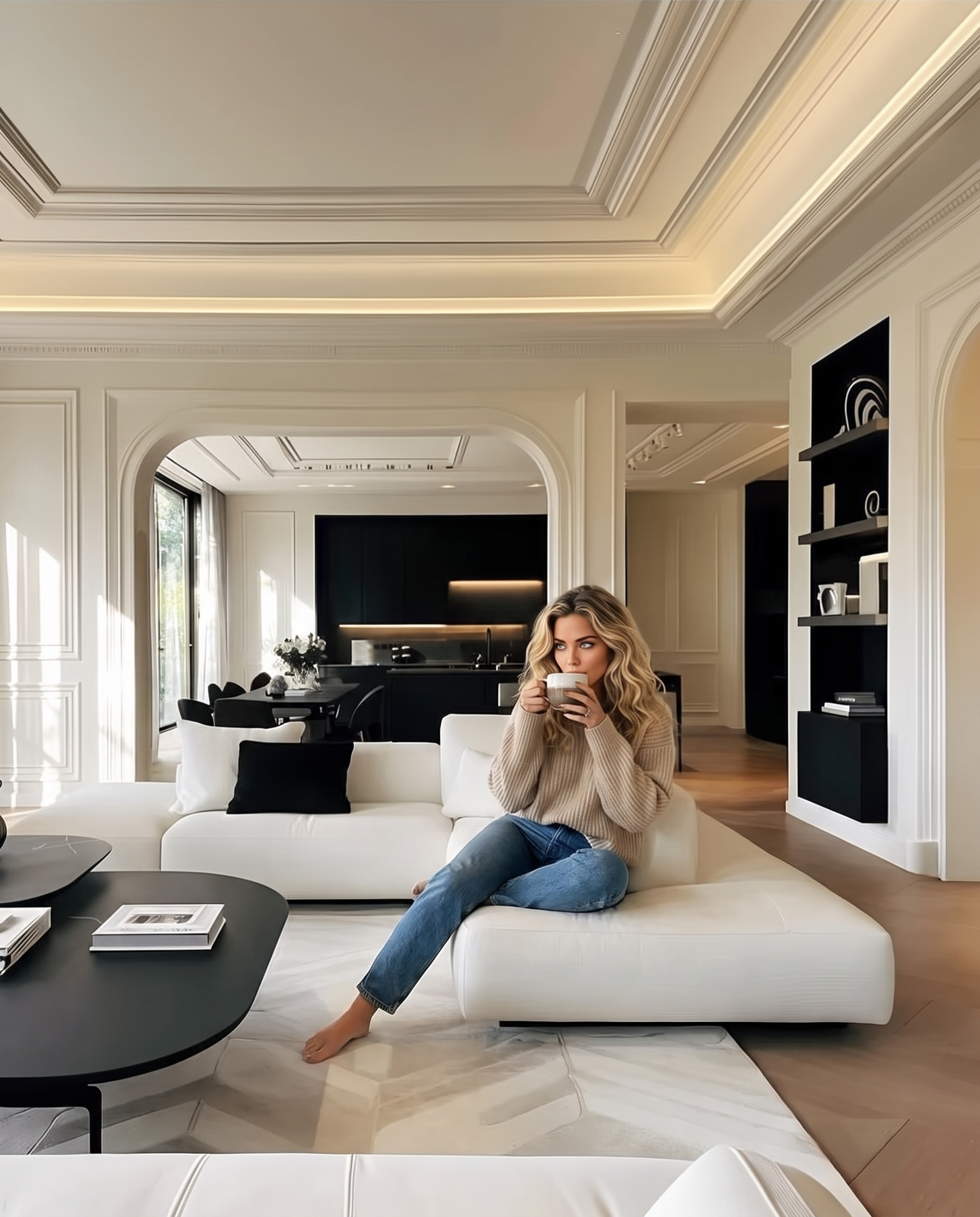
Add People
模特生成
Reference images to model-like visuals.
从图像生成模型向视觉方向。
Spatial Storyboard
空间分镜
One still, a multi-shot narrative.
把一张静帧变成多镜头叙事。
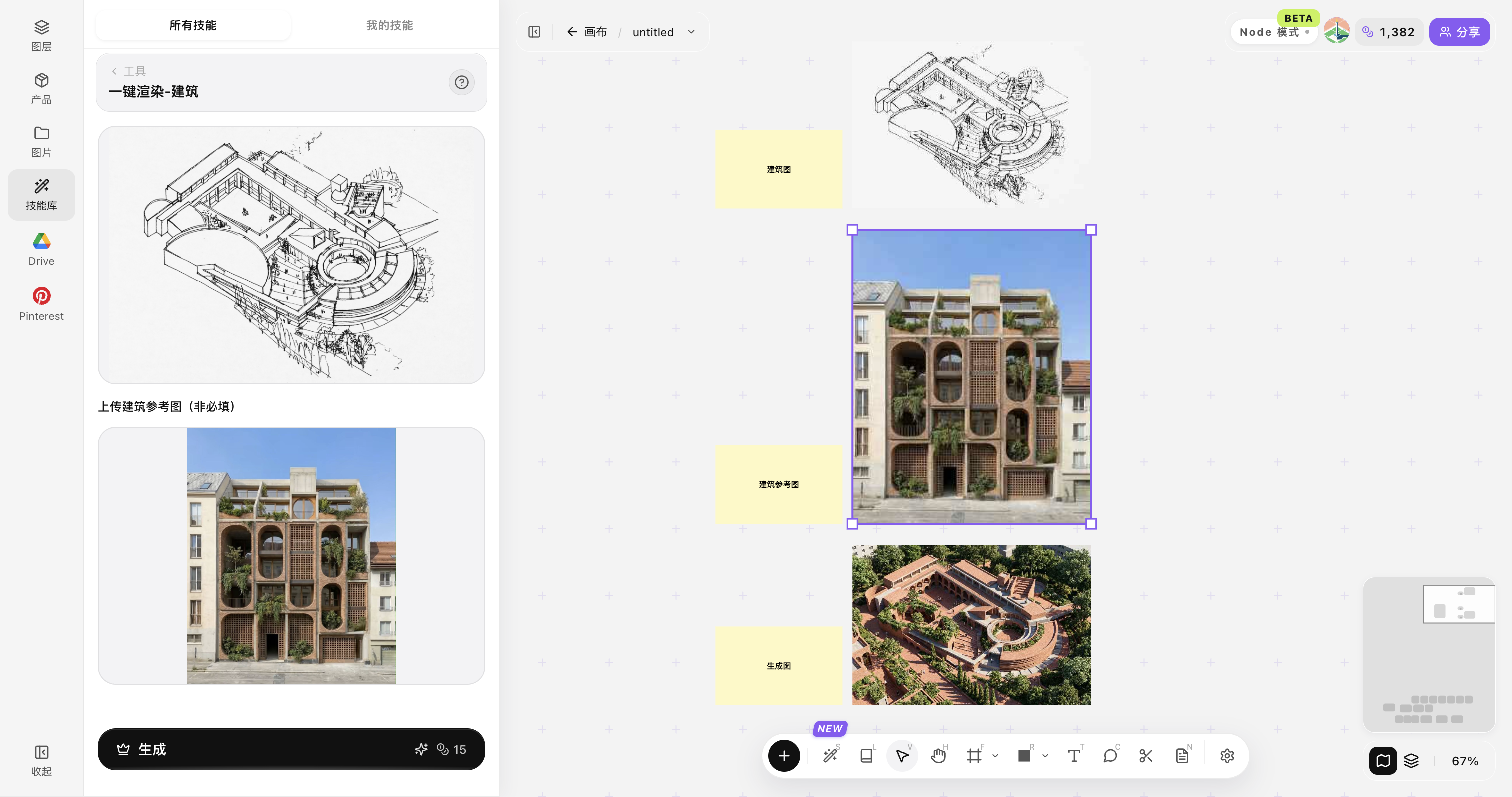
One-Click Render — Architecture
一键渲染-建筑
One click from architecture to render.
一键生成建筑效果图。
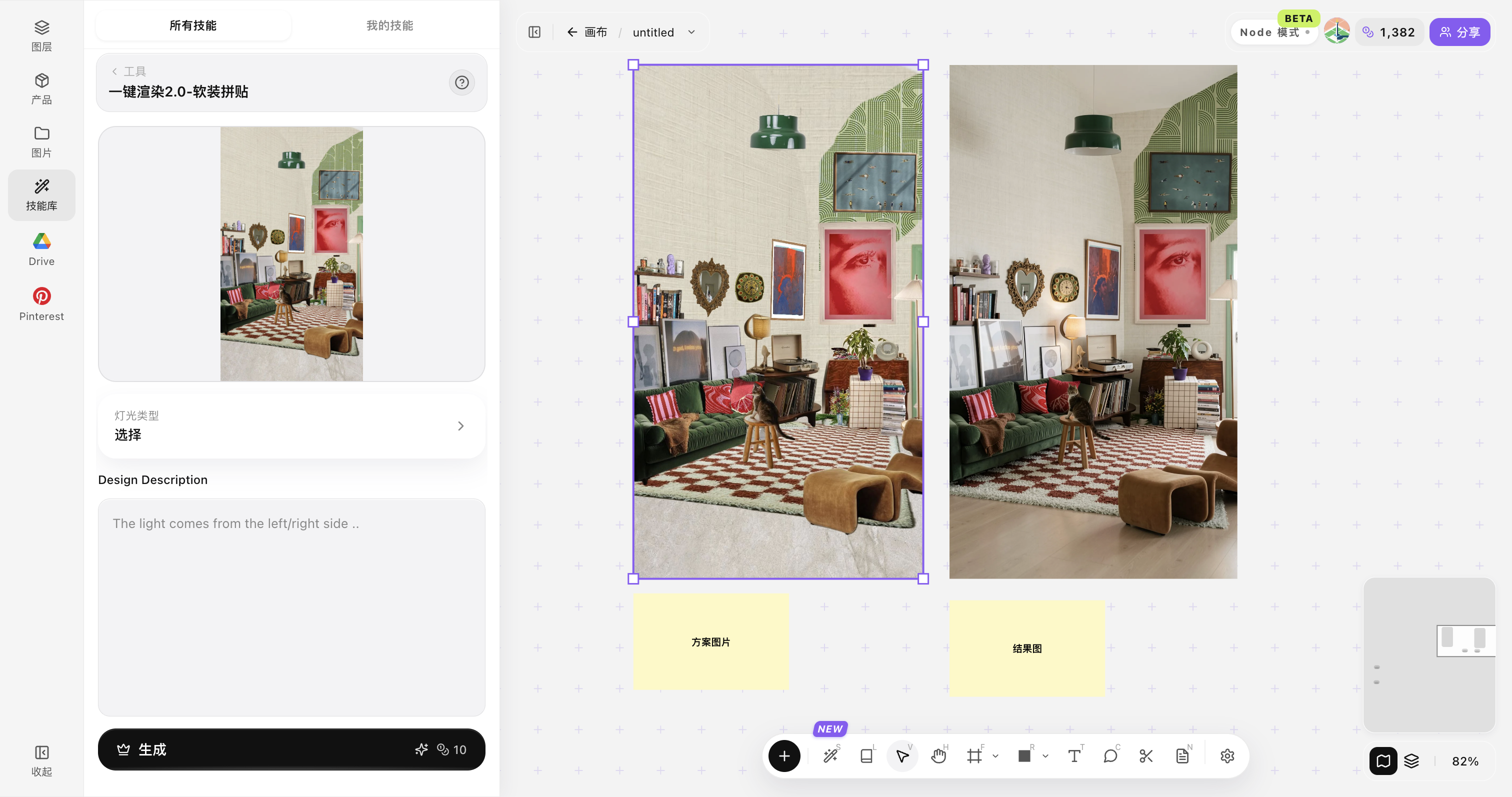
One-Click Render 2.0 — Soft Furnishing Collage
一键渲染2.0-软装拼贴
Soft furnishing collage to render.
从软装拼贴快速生成效果图。
Product Selective Add
产品指定添加
Add selected products to a scene.
将指定产品添加到场景中。
How spatial models read a room
空间模型如何理解房间
What the model sees in perspective, lighting, and materials.
模型如何理解透视、光照与材质。
What shipped this season
本季度上线了什么
Node canvas, workflow templates, and faster generation.
节点画布、工作流模板与更快的生成。