
What is Spatial Storyboard?
Direct answerCreate narrative coverage so presentations go beyond a single hero frame.
Lovspark Spatial Storyboard helps designers sell experiences — not just objects.
Use it for hospitality journeys, product lifestyle sequences, and architectural approach stories.
Keep identity continuous across shots while varying distance, focus, and moment.
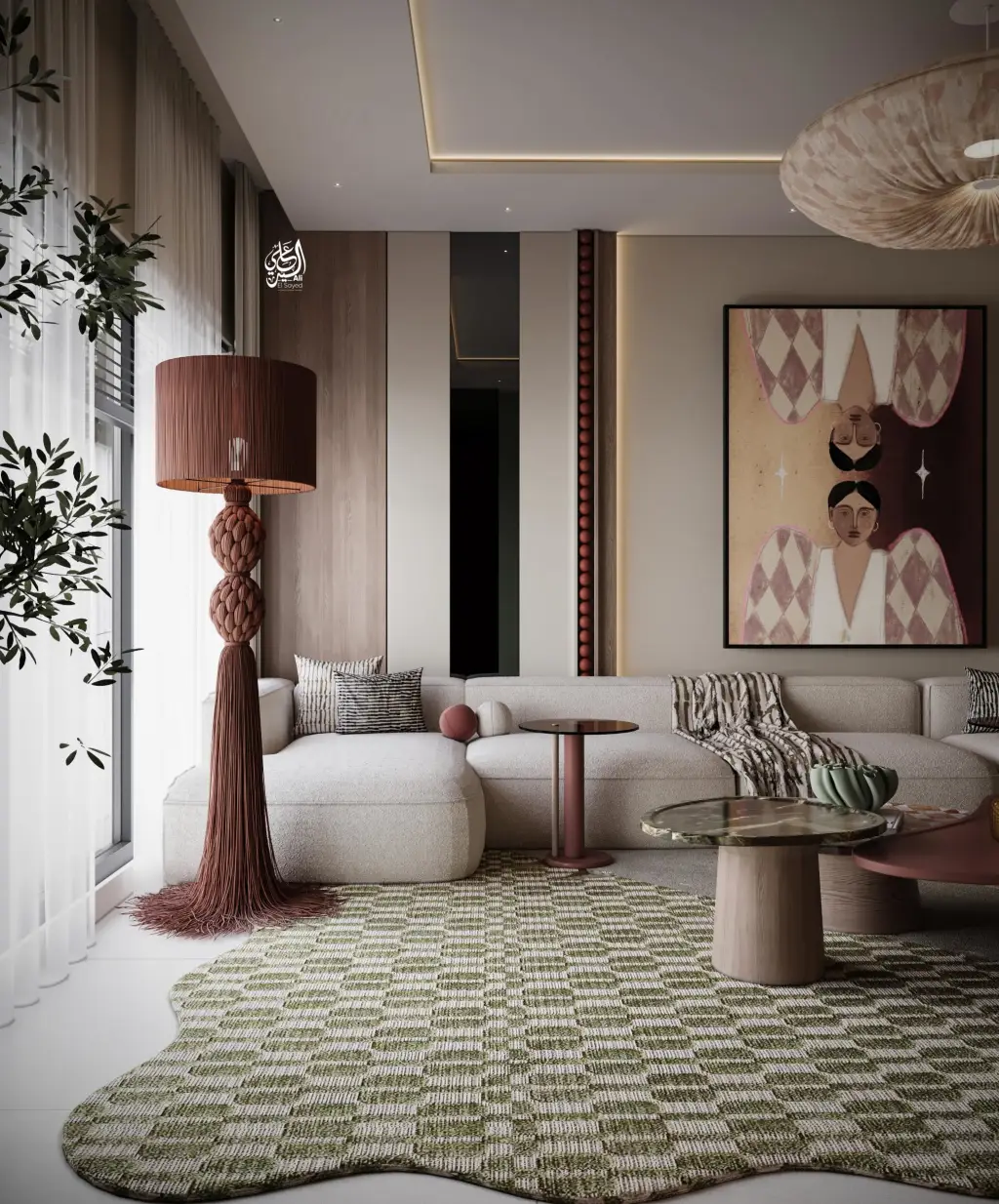
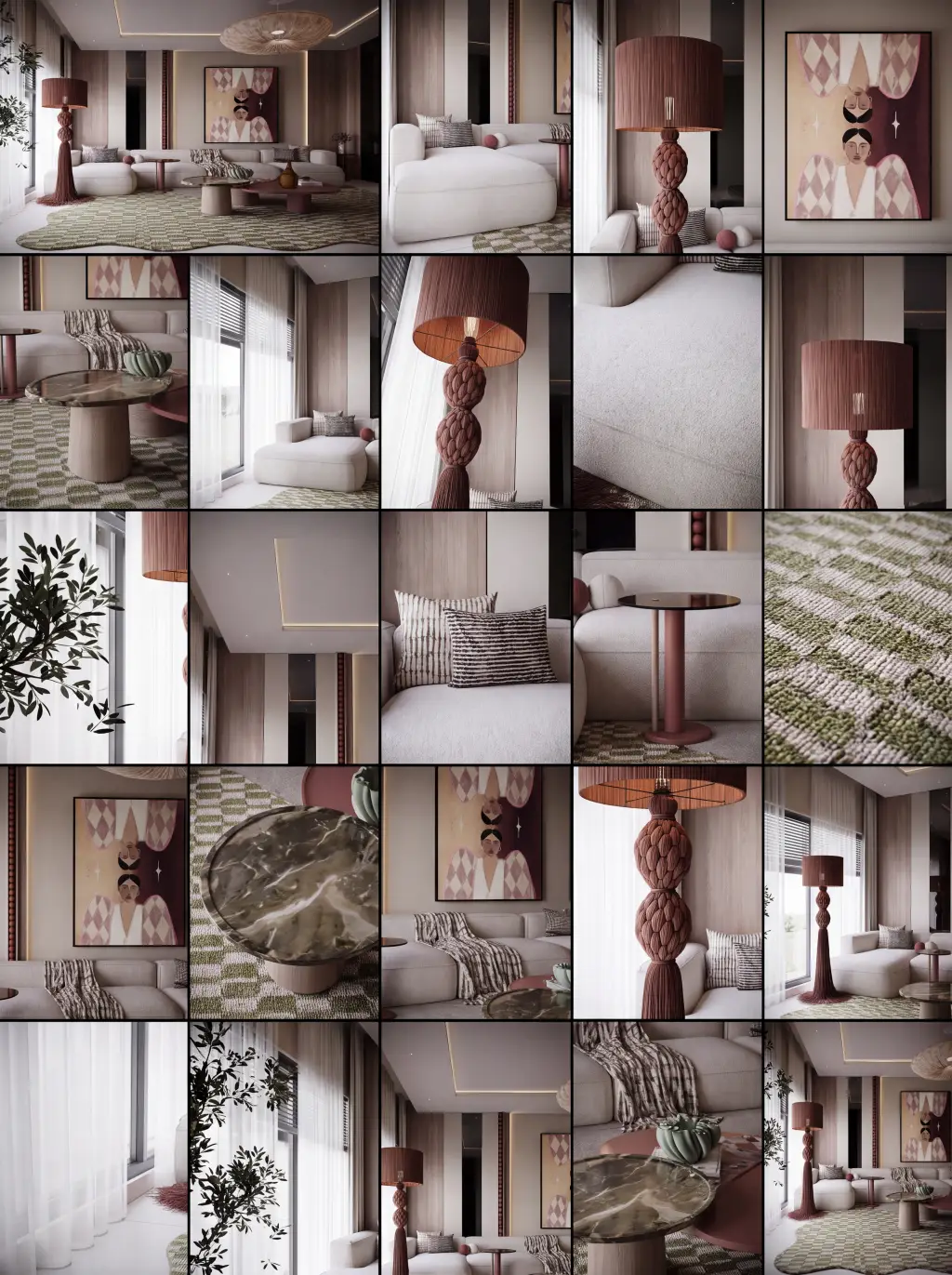
| Input | 1 hero still |
|---|---|
| Output | Multi-shot storyboard set |
| Focus | Narrative coverage and continuity |
| Best for | Video-generation source material |
| Also useful with | Ambience Shift |
- Hero space images
- Product lifestyle stills
- Key architectural moments
Updated by the Lovspark Product Team, based on the live product and real project examples.
Sources: Lovspark product documentation · Lovspark Academy
Spatial Storyboard feature panel
Open Skills library and choose Spatial Storyboard. Upload one key scene, choose a vertical or horizontal format and a 2×2, 3×3, 4×4, or 5×5 grid, then generate storyboard frames. No text prompt is required.
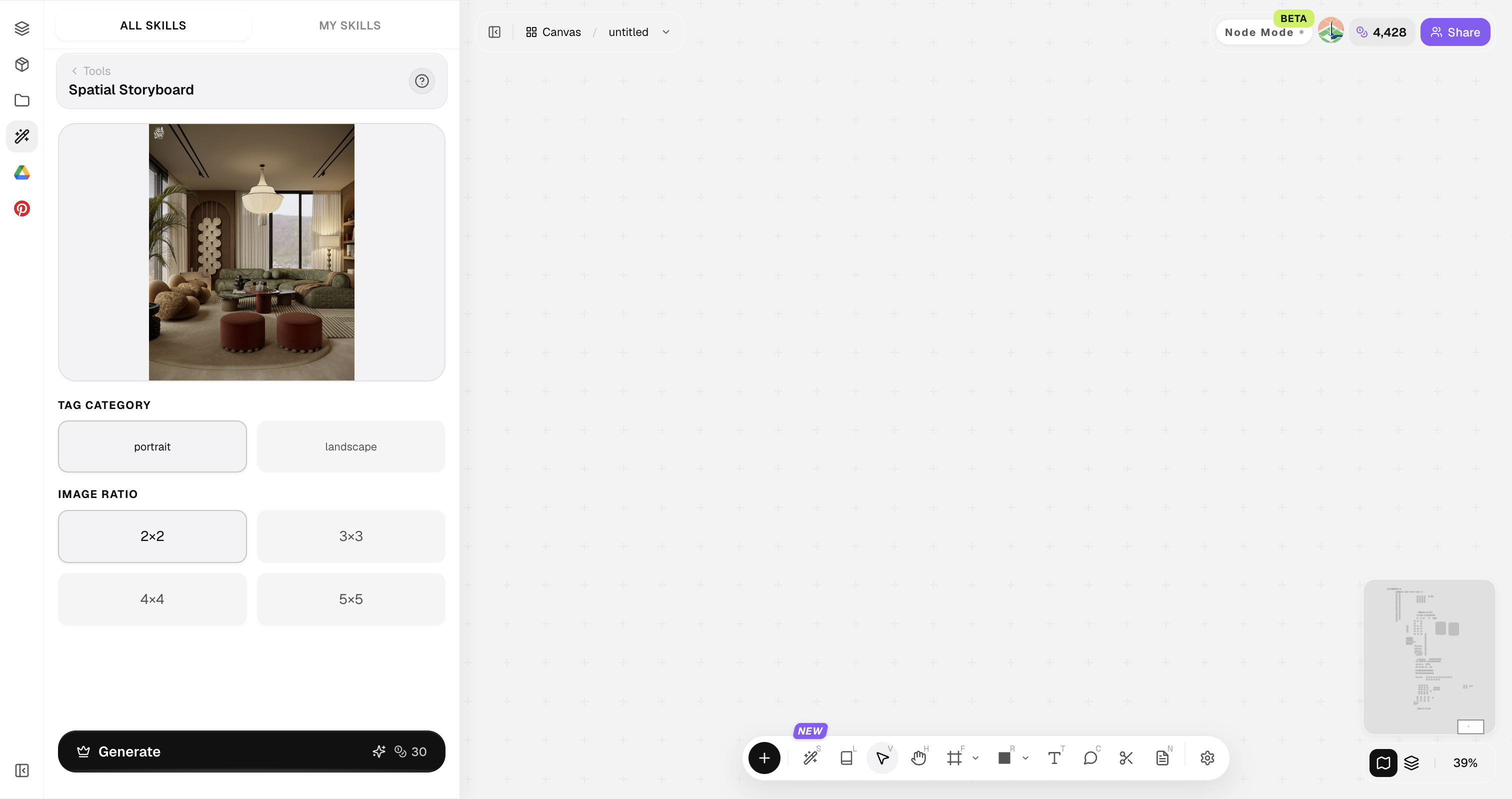
Use a clear scene image with the main space and its key design features visible.
How to use Spatial Storyboard
Four steps from one scene image to video-ready storyboard frames.
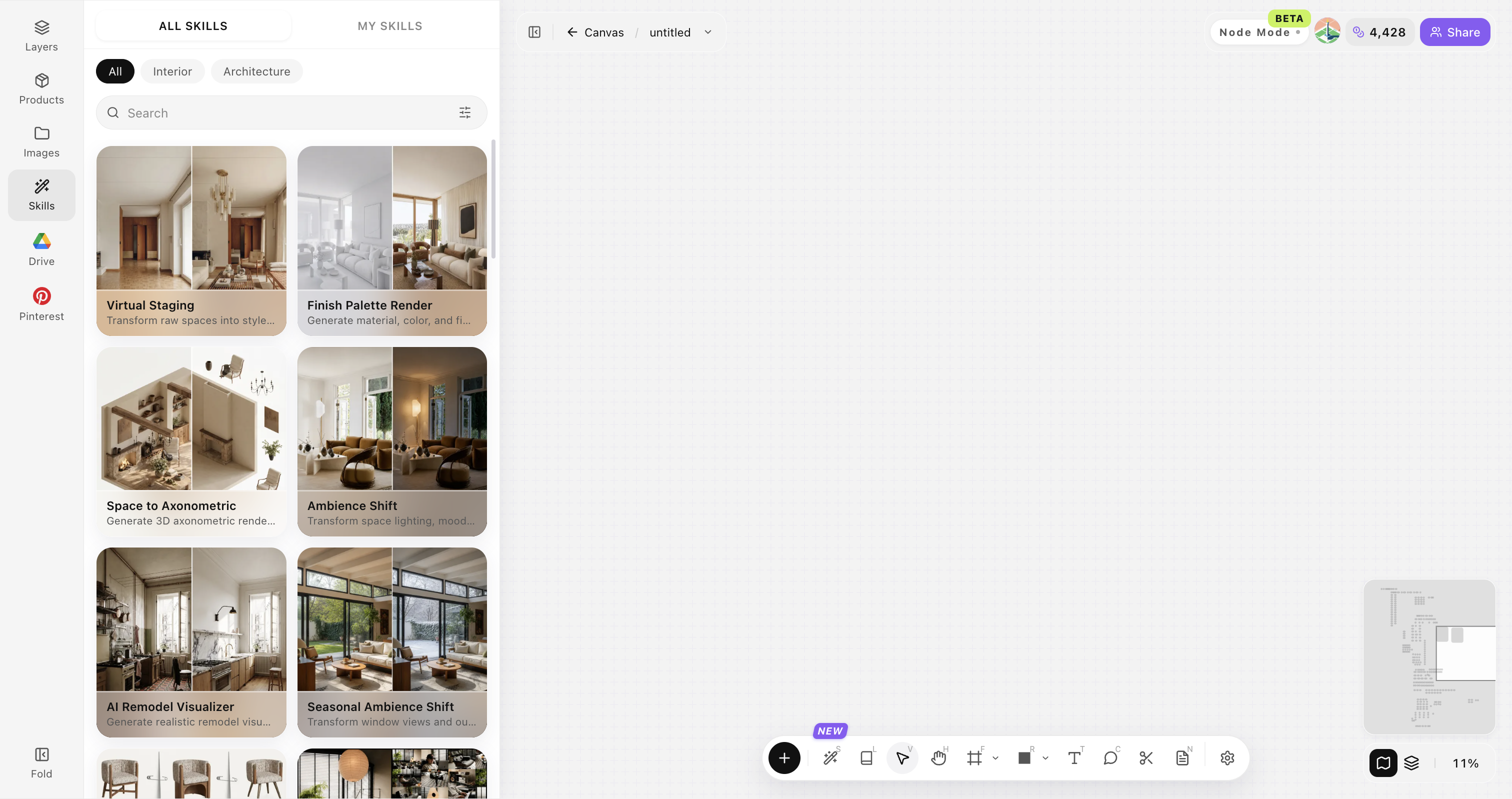
Open Skills library and choose Spatial Storyboard
Open Skills library, then choose Spatial Storyboard from the skill list to start this workflow.
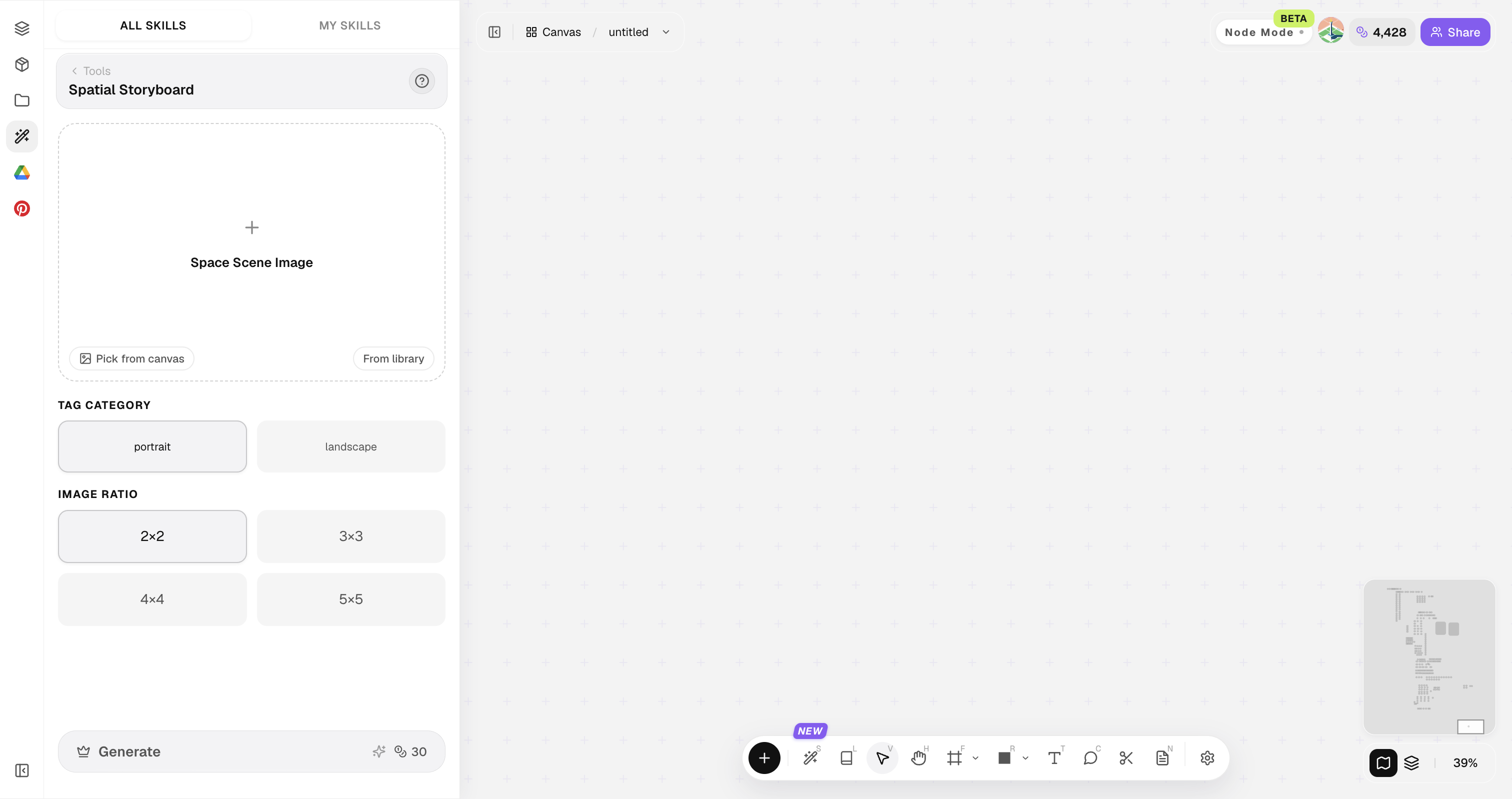
Upload your original image
Upload, paste, or drag in a clear original image. It becomes the base for this generation.
Choose the storyboard layout
Choose a horizontal or vertical layout and the grid size for the storyboard frames.
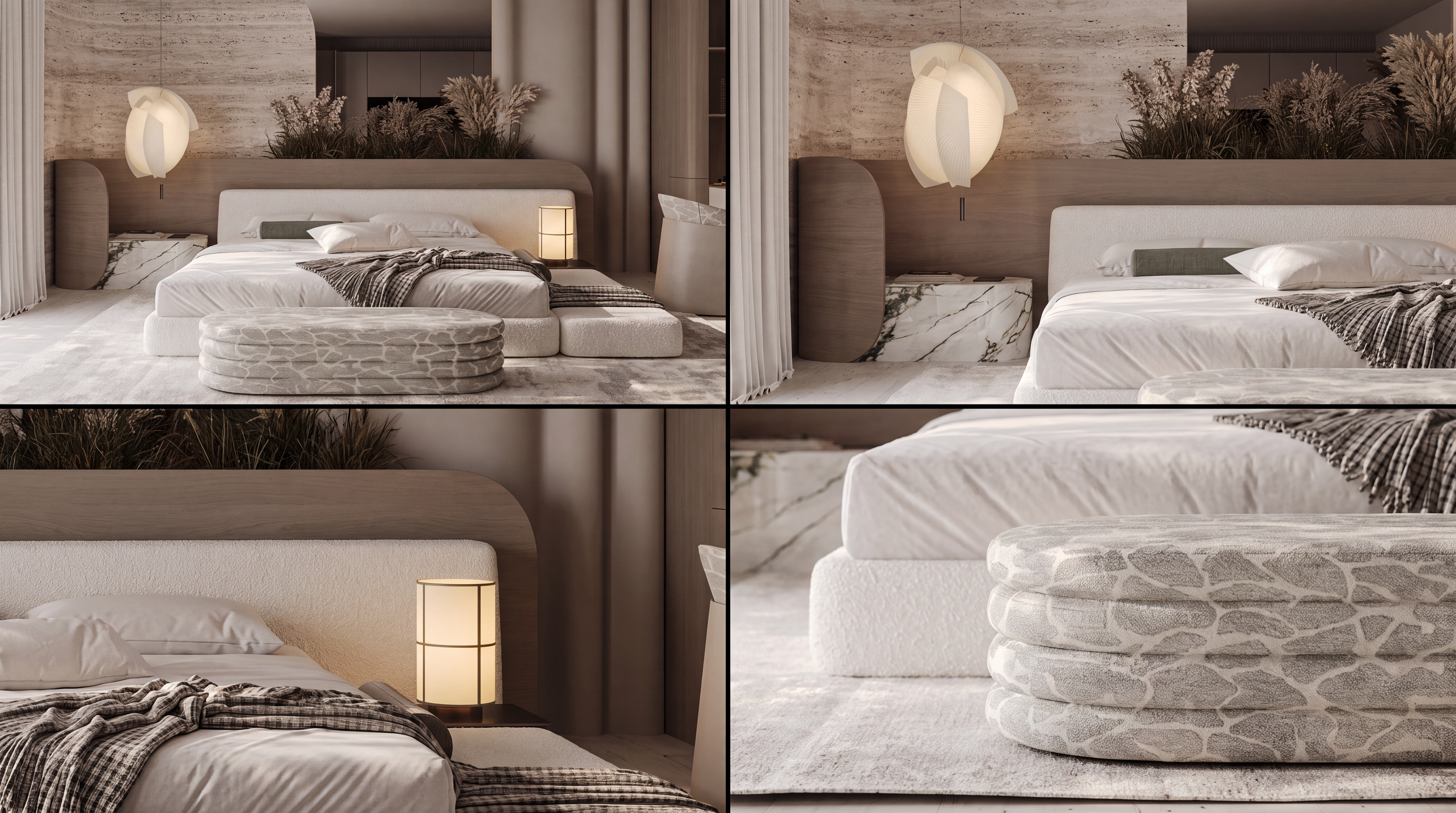
Use storyboard frames for video generation
After generating the storyboard, use its frames as source material for video generation or arrange them in a presentation sequence.
Choose a useful scene image
The storyboard follows the uploaded scene image; no text prompt is needed.
Use one clear scene
Choose a scene image with the main space, subject and key design features clearly visible.
Keep the main space complete
Avoid images that crop out the main furniture, entrance or other important spatial relationships.
Match the target video ratio
Choose horizontal or vertical output based on the video format you plan to create.
Choose the grid size you need
Use a smaller grid for a short sequence and a larger grid when you need more video source frames.
Use frames as video source material
Use the generated storyboard frames as source material for the next video-generation step.
Spatial Storyboard FAQ
Creates storyboard frames that can be used as source material for video generation.
What is Spatial Storyboard?
Spatial Storyboard turns one scene image into a grid of storyboard frames that can be used in presentations or as source material for video generation.
Is it video?
No. It produces still storyboard frames, which can be used as source material in a video-generation workflow.
Does it need a text prompt?
No. Upload the scene image, choose the output orientation and grid size, then generate the storyboard.
What image works best?
Use one clear scene image with the main space and important design features visible.
How can I use the results?
Use the storyboard frames as source material for video generation or arrange them as a visual sequence in a presentation.