
What is Space to Axonometric?
Direct answerTranslate a perspective scene into a diagrammatic axon so teams can discuss structure and composition more clearly.
Lovspark Space to Axonometric bridges photo space and analytical drawing.
Ideal for concept packages, teaching boards, and early analysis — where an axon often reads faster than a dense render.
It keeps the space recognizable while shifting into diagrammatic clarity.
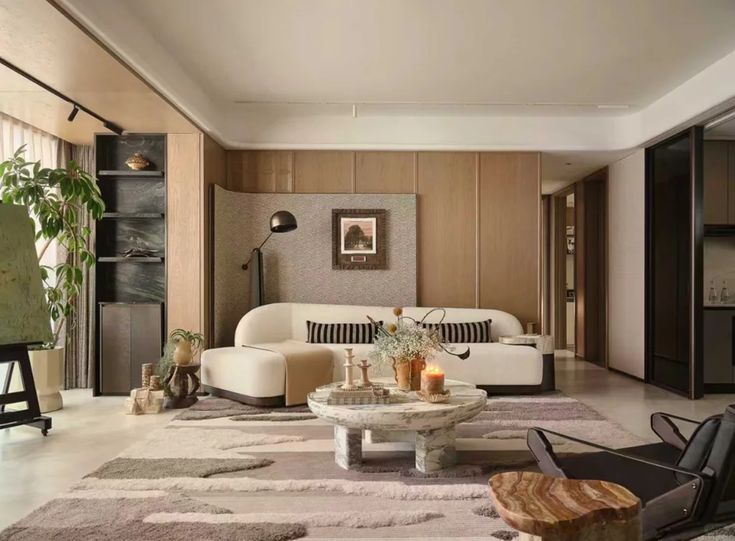
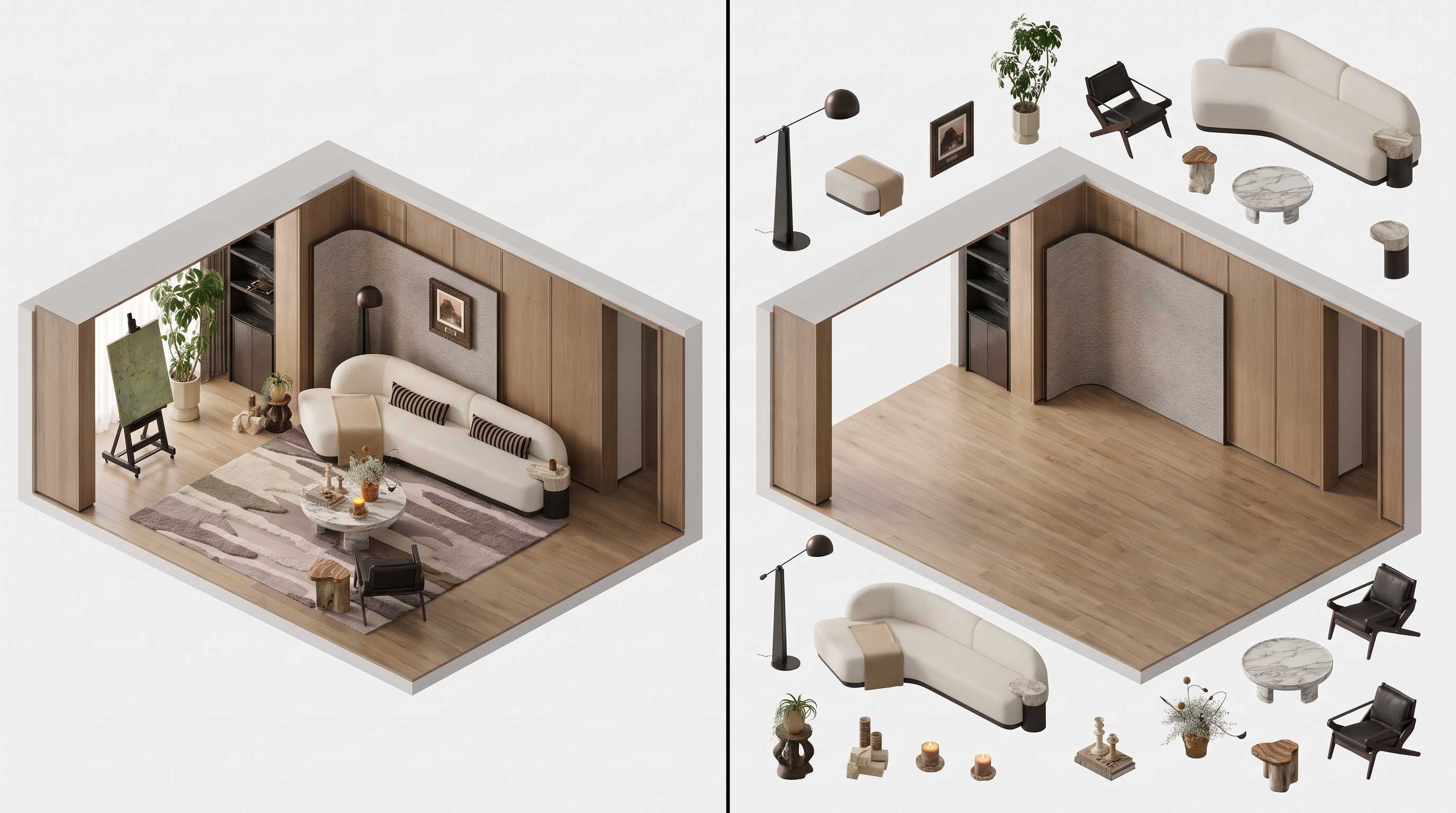
| Input | Space photo or interior view |
|---|---|
| Output | Axonometric diagram image |
| Focus | Volume, layering, relationships |
| Best for | Analysis boards, concept decks, education |
| Style | Diagrammatic / presentation axon |
- Interior photographs
- Designed room views
- Spaces needing analytical communication
Updated by the Lovspark Product Team, based on the live product and real project examples.
Sources: Lovspark product documentation · Lovspark Academy
Space to Axonometric feature panel
Open Skills library and choose Space to Axonometric. Upload a clear space photo or render, then click Generate to create an axonometric view that reveals the room's layout and spatial relationships.
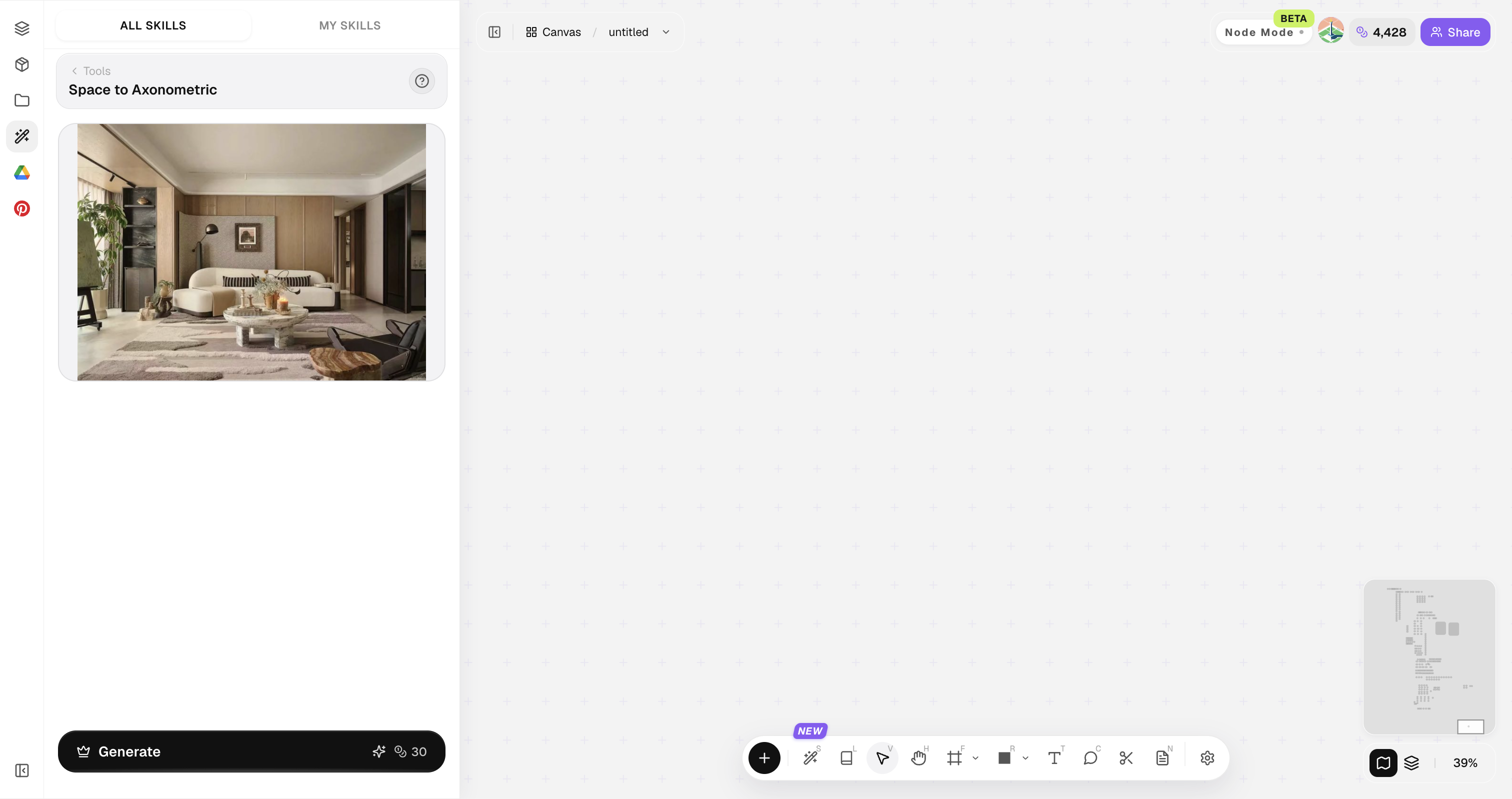
Prefer views where floor, walls, and major objects are all visible.
How to use Space to Axonometric
Three steps from perspective to diagram.
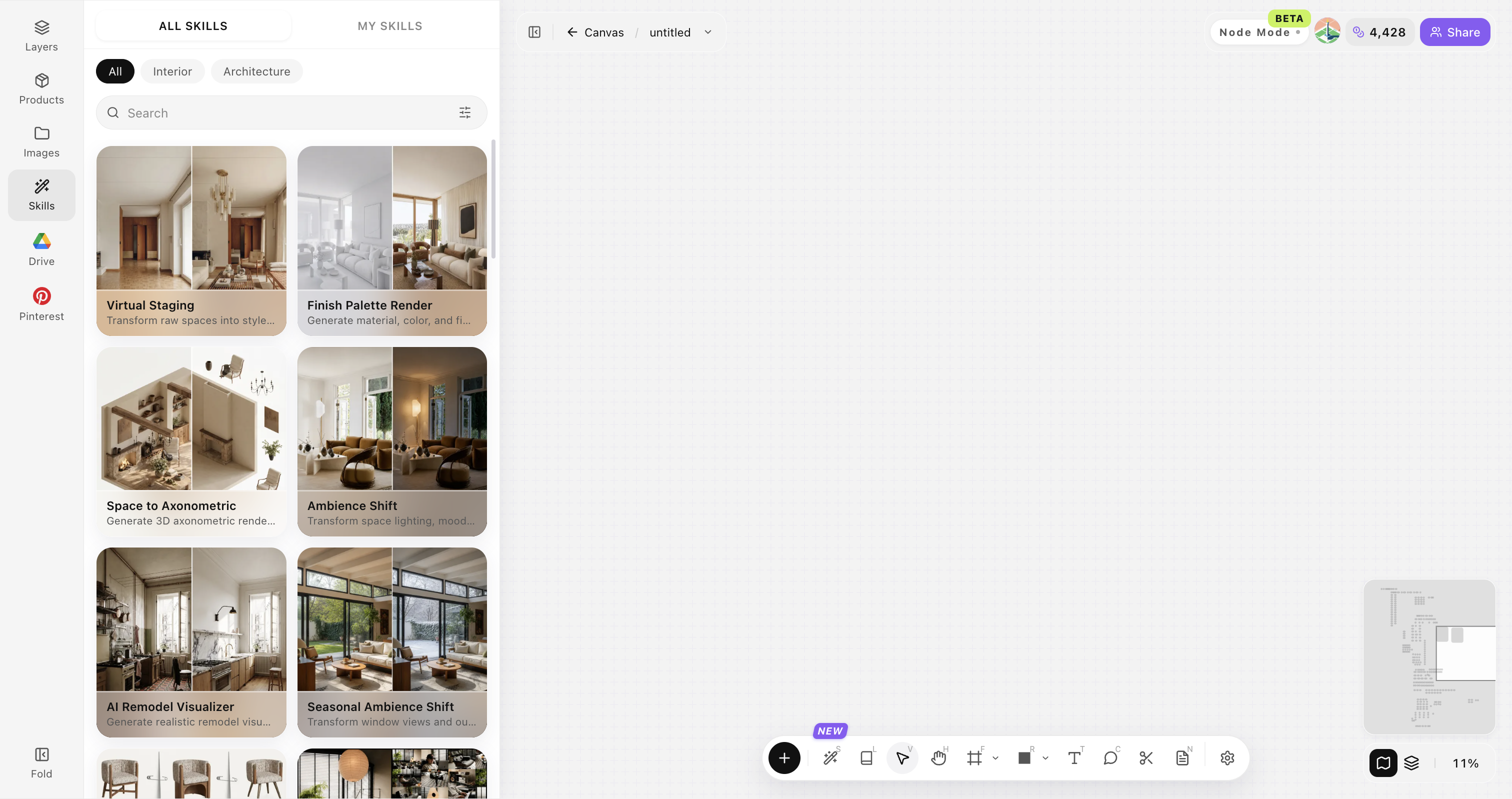
Open Skills library and choose Space to Axonometric
Open Skills library, then choose Space to Axonometric from the skill list to start this workflow.
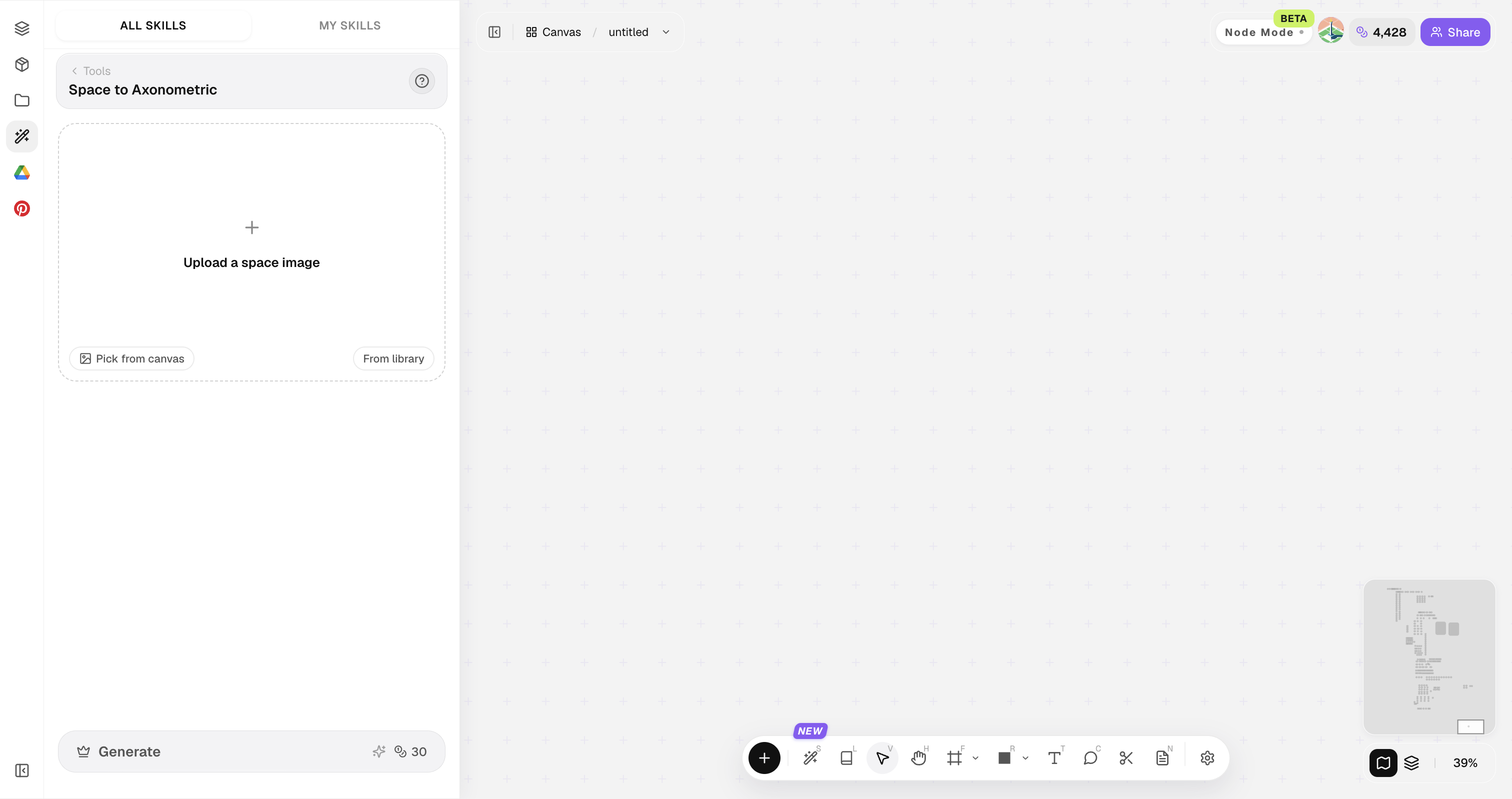
Upload your original image
Upload, paste, or drag in a clear original image. It becomes the base for this generation.
Set diagram intent
Analytical line axon, soft shaded axon, or presentation style.
Recommended source images
Use one complete, sharp interior image with the spatial structure clearly visible.
Show the complete room
Include floor, walls, ceiling, and the main furniture in one frame.
Use a clear perspective
Choose an unobstructed interior view with readable depth and room boundaries.
Use a sharp source image
Avoid motion blur, heavy shadows, and severely compressed images.
Use one defined room
Use one room with a clear structure; avoid combining several spaces in the same image.
Interior spaces only
This skill supports interior spaces only; exterior scenes and exploded axons are not supported.
Space to Axonometric FAQ
Best for communication and analysis — not measured construction drawings.
What is Space to Axonometric?
Space to Axonometric converts a space photo or designed view into an axonometric diagram for clearer analysis and presentation.
Can I use the dimensions for construction?
No. Use the result to understand spatial relationships and discuss the design; rely on site measurements and professional drawings for dimensions and construction details.
Can I use exterior scenes?
No. This skill is designed for interior spatial imagery.
Can it create exploded axonometric views?
No. It generates an axonometric diagram of the complete interior space, not separated components.
Who is the audience?
Design teams, students, and clients who need clearer spatial reading.