
What is Seasonal Ambience Shift?
Direct answerProduce coordinated season variants from a single design still — ideal for storytelling and marketing packages.
Lovspark Seasonal Ambience Shift turns one approved view into a four-season set.
Perfect for resorts, residential sales, courtyards — anywhere planting, light, and outdoor context matter.
Keep the architecture constant while nature and atmosphere move through the year.
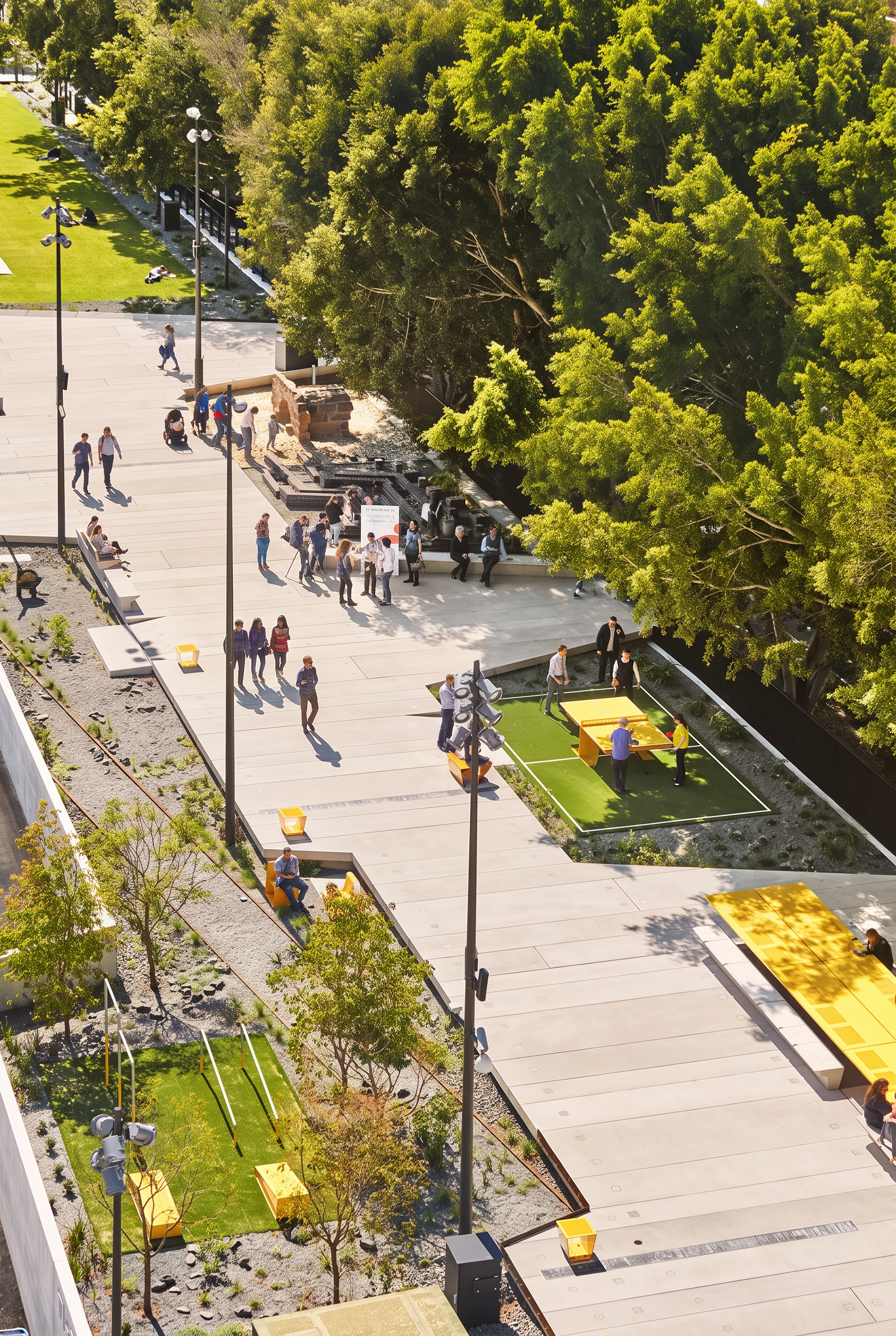
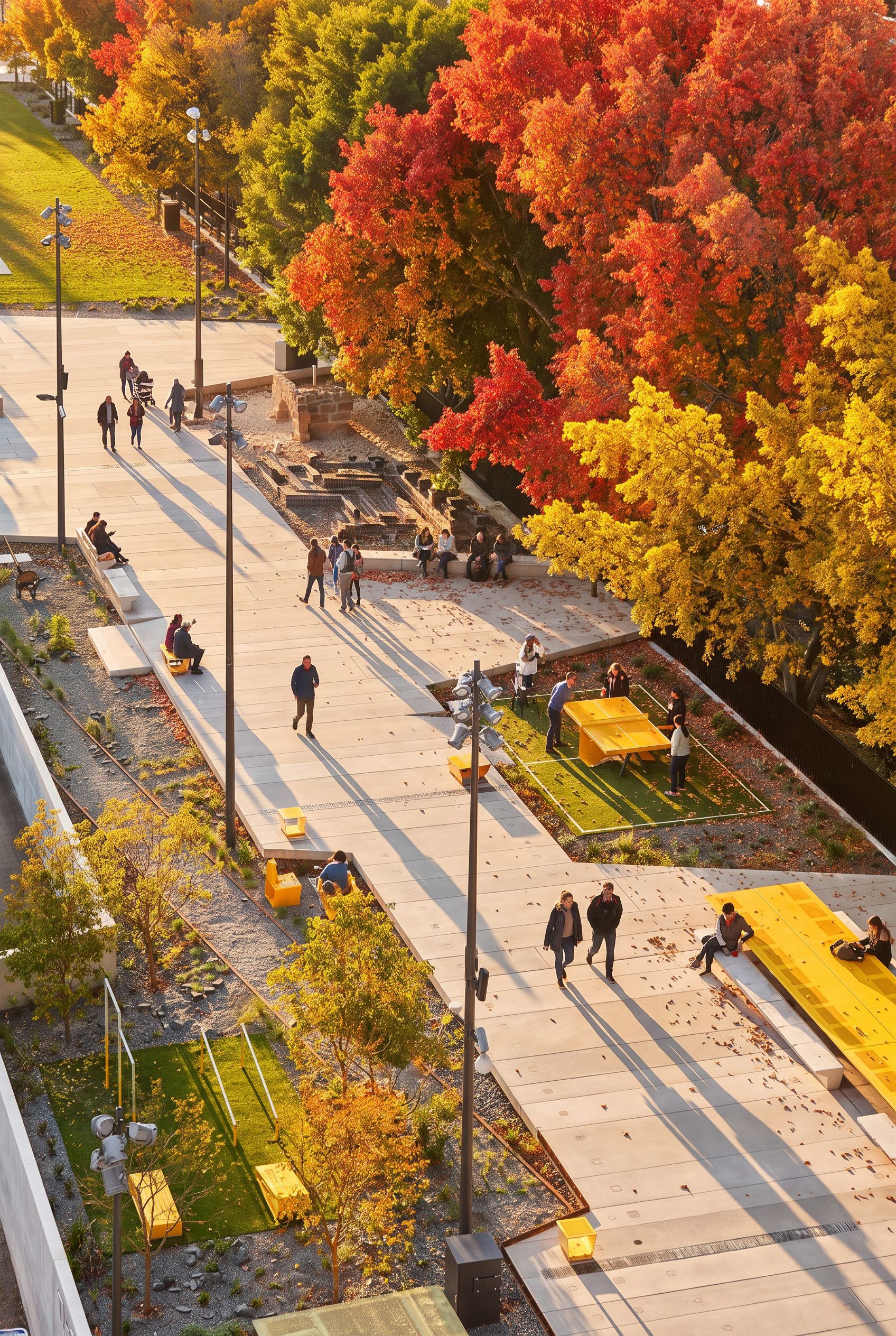
| Input | 1 exterior or garden-related scene |
|---|---|
| Output | Multi-season variants |
| Preserves | Architecture and core design |
| Best for | Campaign sets, hospitality, landscape stories |
| Typical set | Spring / Summer / Autumn / Winter |
- Courtyards and terraces
- Residential exteriors with planting
- Hospitality outdoor scenes
Updated by the Lovspark Product Team, based on the live product and real project examples.
Sources: Lovspark product documentation · Lovspark Academy
Seasonal Ambience Shift feature panel
Open Skills library and choose Seasonal Ambience Shift. Upload the original scene, select spring, summer, autumn, or winter, then generate the corresponding seasonal atmosphere.
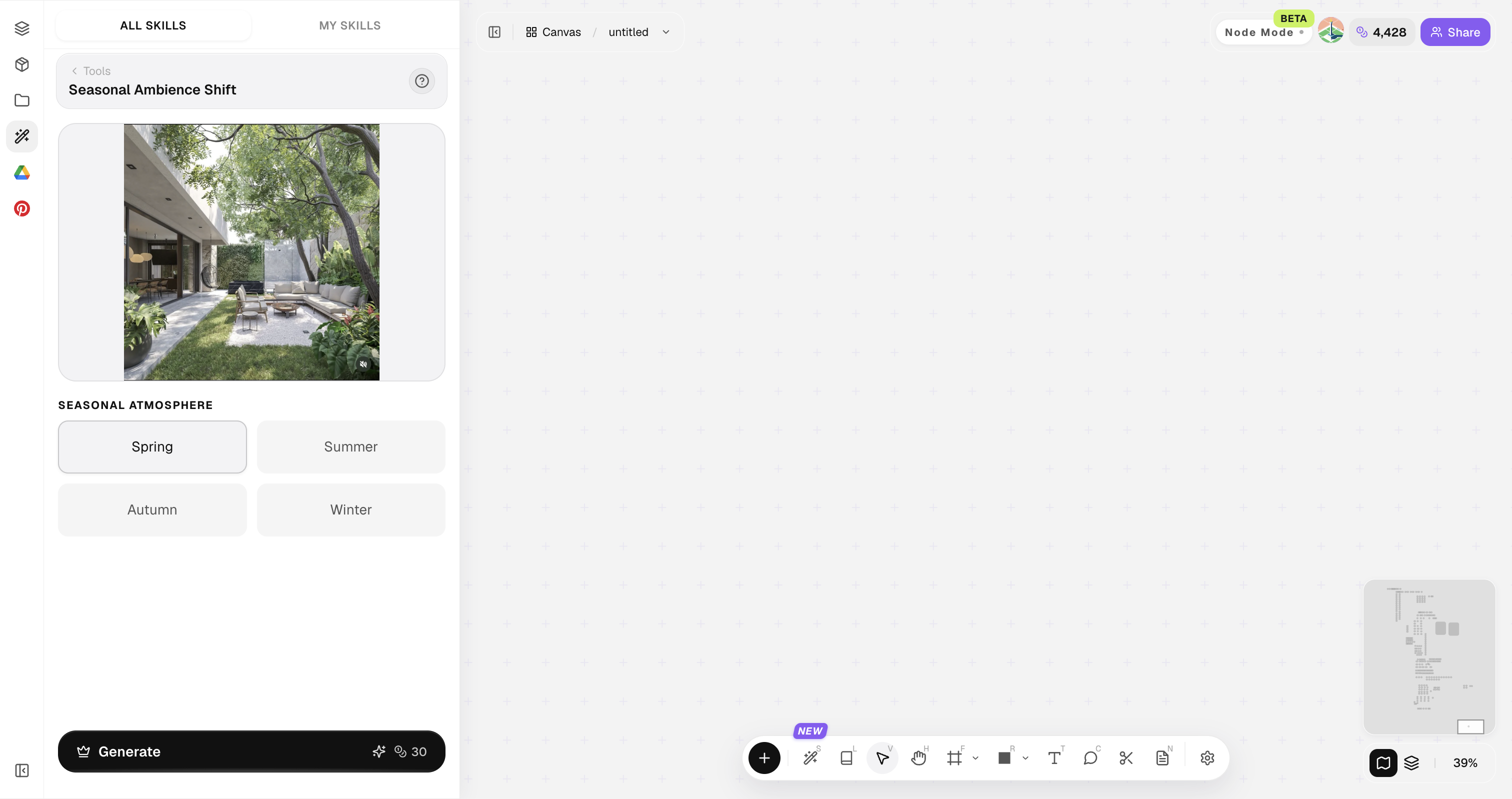
Scenes with visible planting or sky respond more dramatically to season shifts.
How to use Seasonal Ambience Shift
Three steps from one outdoor scene to four seasonal views.
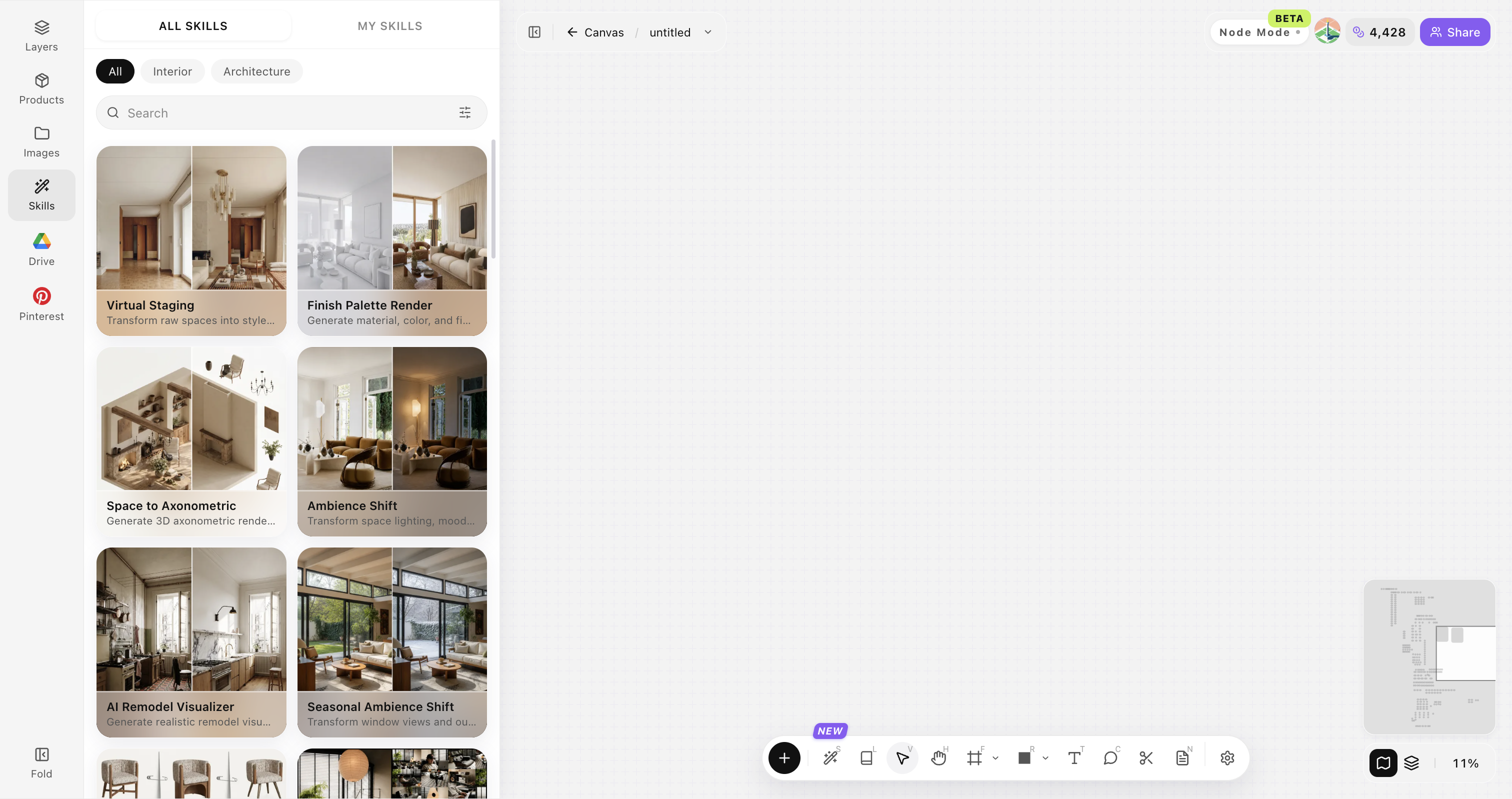
Open Skills library and choose Seasonal Ambience Shift
Open Skills library, then choose Seasonal Ambience Shift from the skill list to start this workflow.
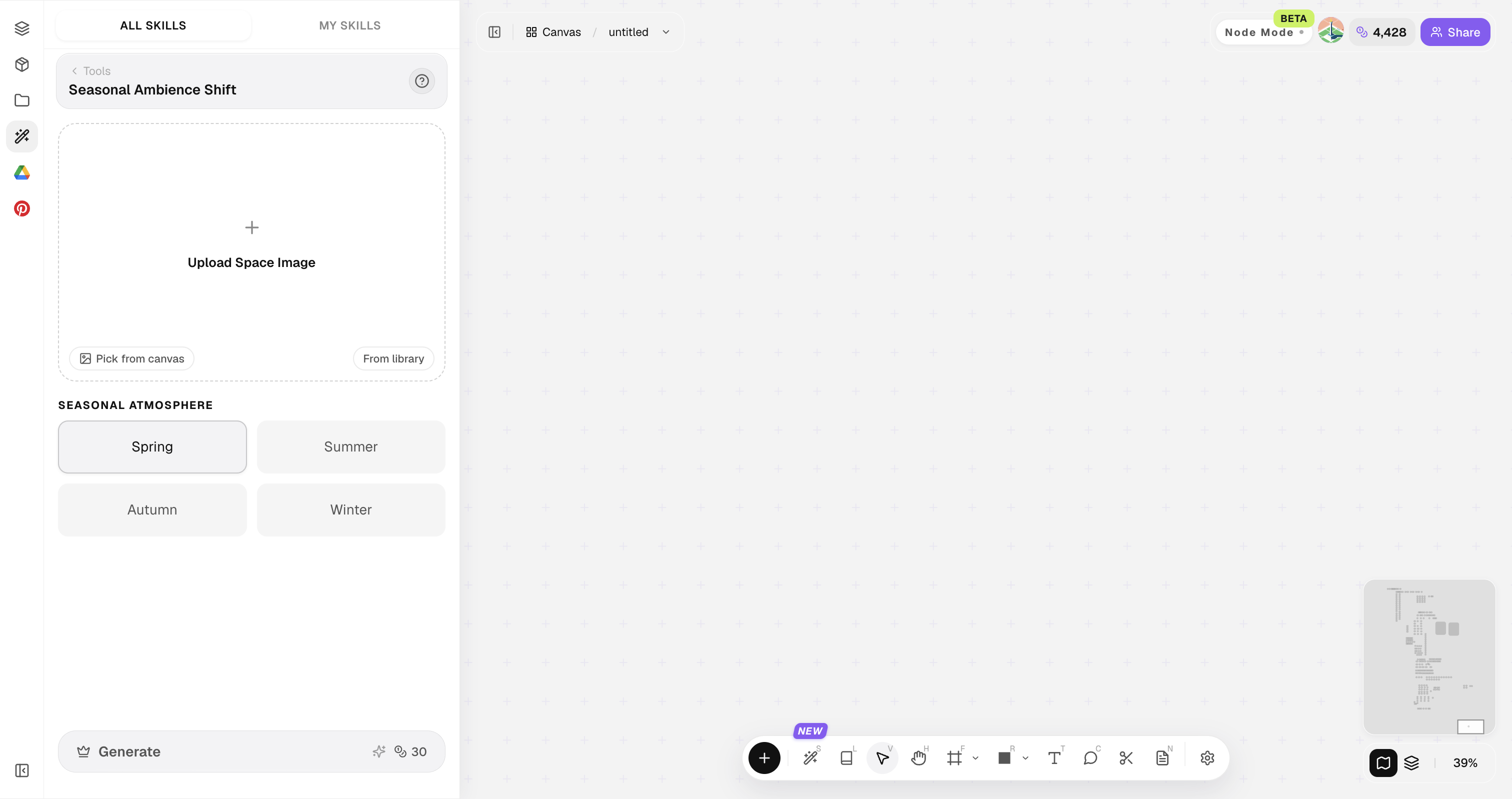
Upload your original image
Upload, paste, or drag in a clear original image. It becomes the base for this generation.
Generate four seasonal views
Select spring, summer, autumn and winter, then compare the four results side by side.
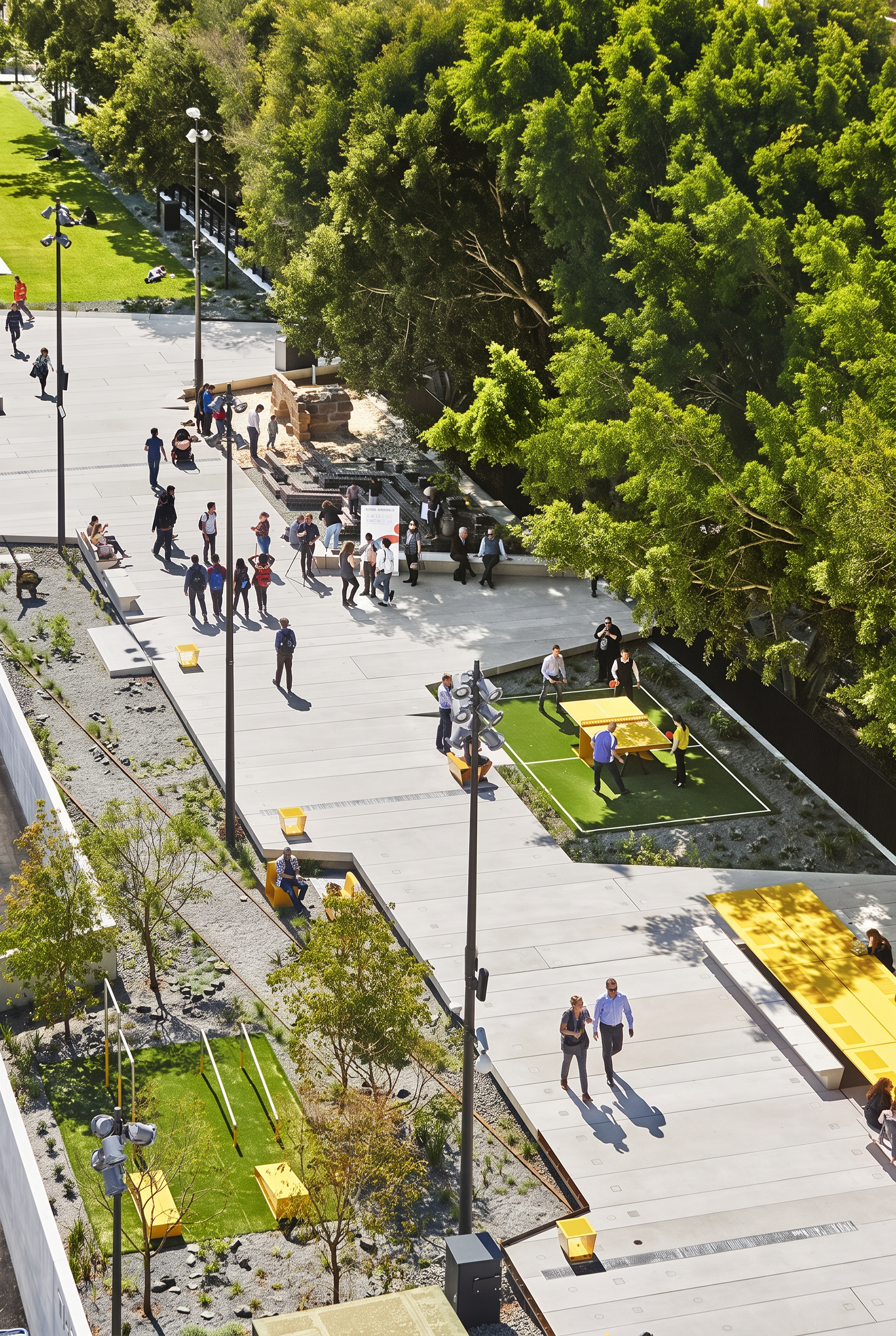
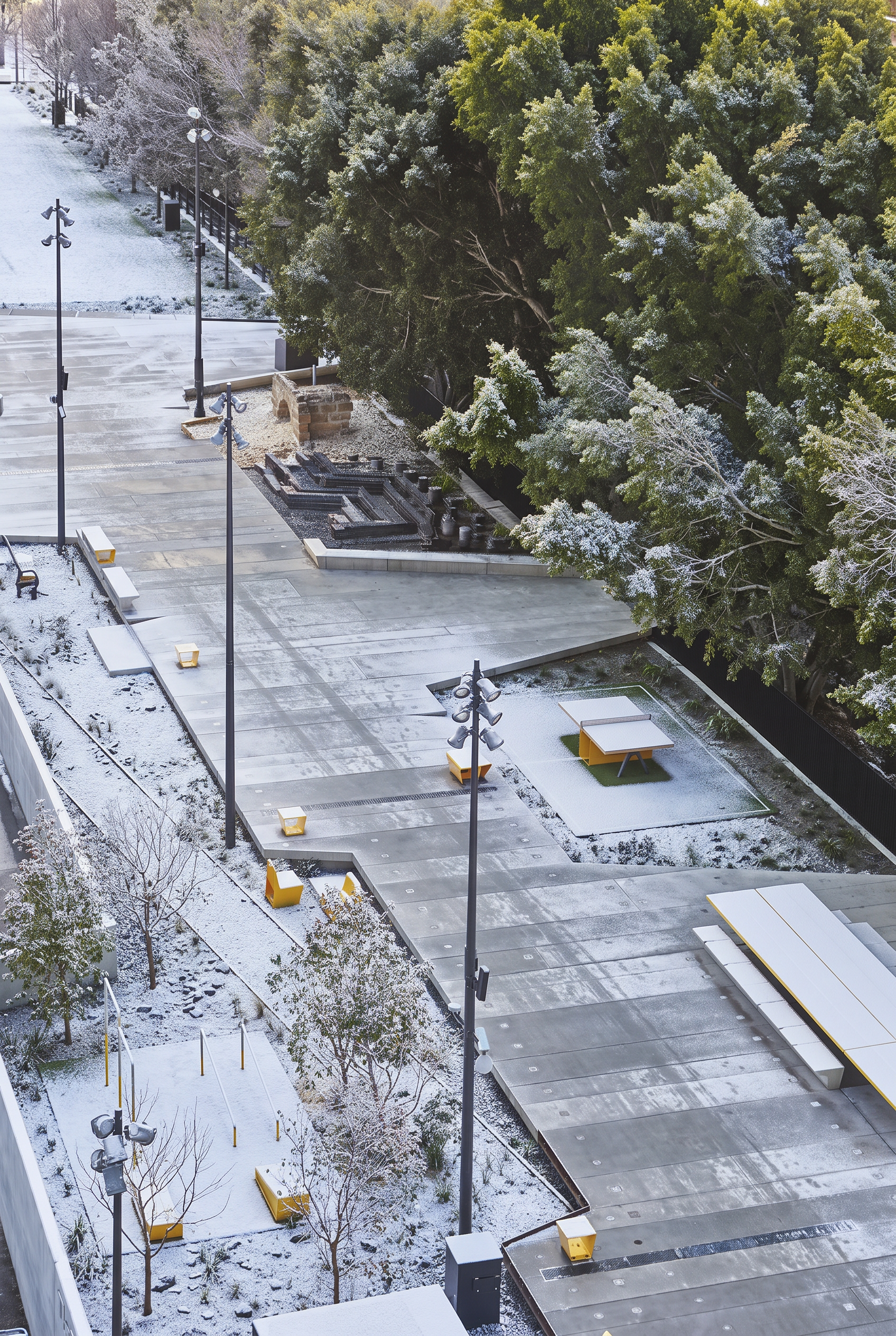
Choose a useful outdoor scene
Use an outdoor image where the building, planting and sky are clearly visible.
Keep the whole building visible
Avoid cropping the main building, ground plane or key landscaping.
Choose a scene with seasonal cues
Trees, grass, water and sky make the seasonal change easier to read.
Use a clear source image
Avoid blur, heavy backlight and large overexposed areas.
Keep the subject unobstructed
Do not let people, vehicles or large foreground objects block the building.
Compare all four seasons together
Place spring, summer, autumn and winter in one row to compare the scene quickly.
Seasonal Ambience Shift FAQ
Great for storytelling packages — not a climate simulation tool.
What is Seasonal Ambience Shift?
Seasonal Ambience Shift restages one approved scene across seasons while keeping architecture and core design identity stable for campaigns and hospitality decks.
Does it only work outdoors?
Best outdoors, but semi-outdoor interiors with large openings also work.
Can I get only winter?
Yes—generate targeted seasons as needed.
Will buildings change?
It prioritizes keeping architecture stable.
How many seasons to deliver?
Four is classic; two can be enough for short campaigns.