
What is Product to Sketch?
Direct answerProduct to Sketch turns one furniture photo or render into a clean design sketch while retaining its silhouette, major construction lines and proportions. No text prompt is needed.
Lovspark Product to Sketch turns an approved furniture image into a sketch for faster concept communication.
Use it for furniture photos, product renders and confirmed single-piece designs.
No modeling or text prompt is required before generating the sketch.
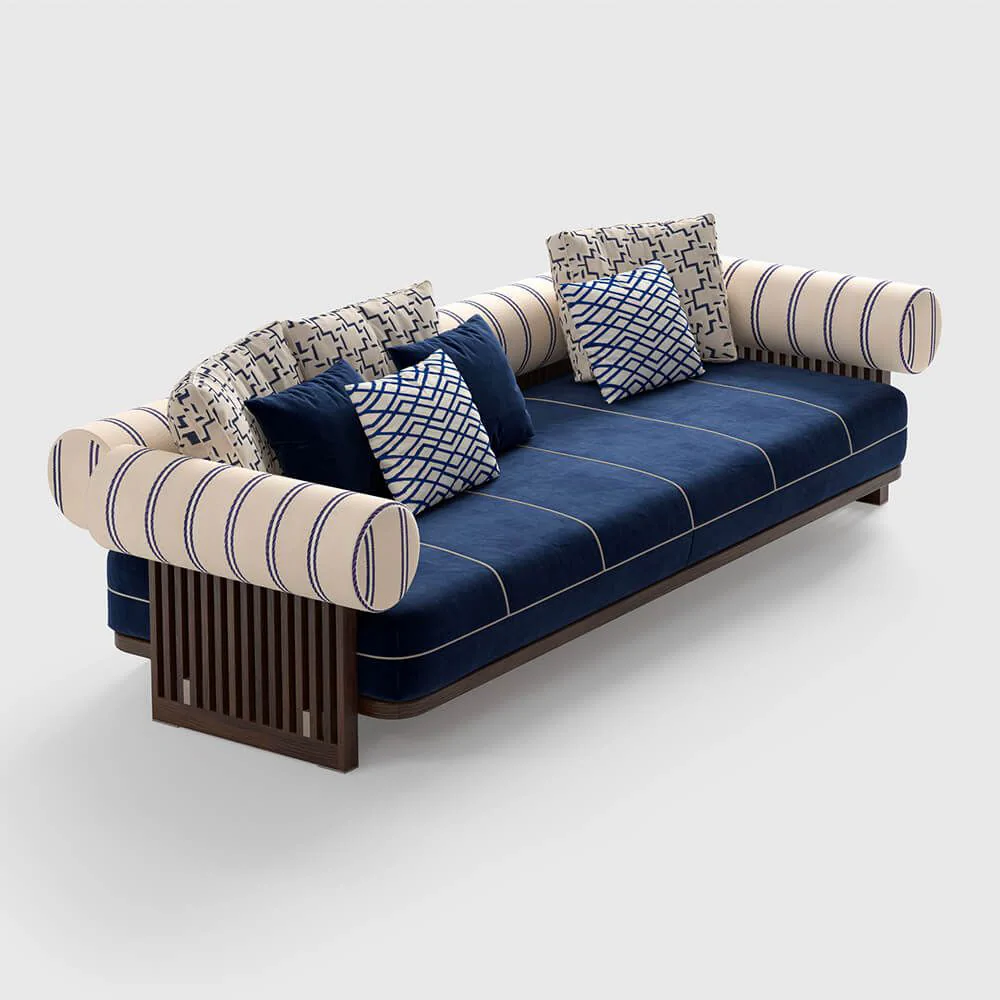
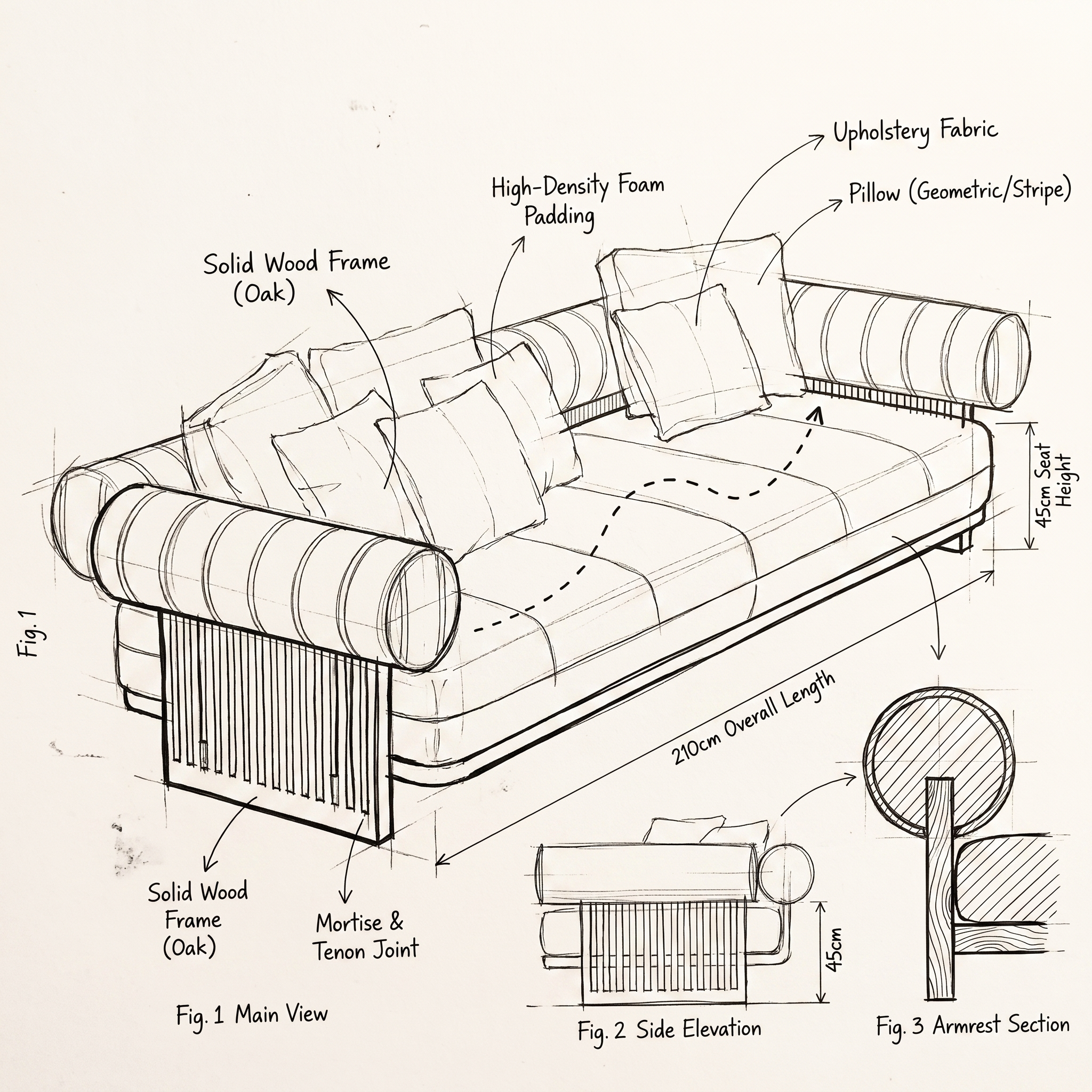
| Input | 1 furniture photo or render |
|---|---|
| Output | Furniture design sketch |
| Focus | Silhouette, structure, proportions |
| Best for | Concept communication, sketch studies |
| Also useful with | Product Variations |
- Single furniture photos
- Furniture renders with a clear outline
- Front, side or three-quarter furniture views
Updated by the Lovspark Product Team, based on the live product and real project examples.
Sources: Lovspark product documentation · Lovspark Academy
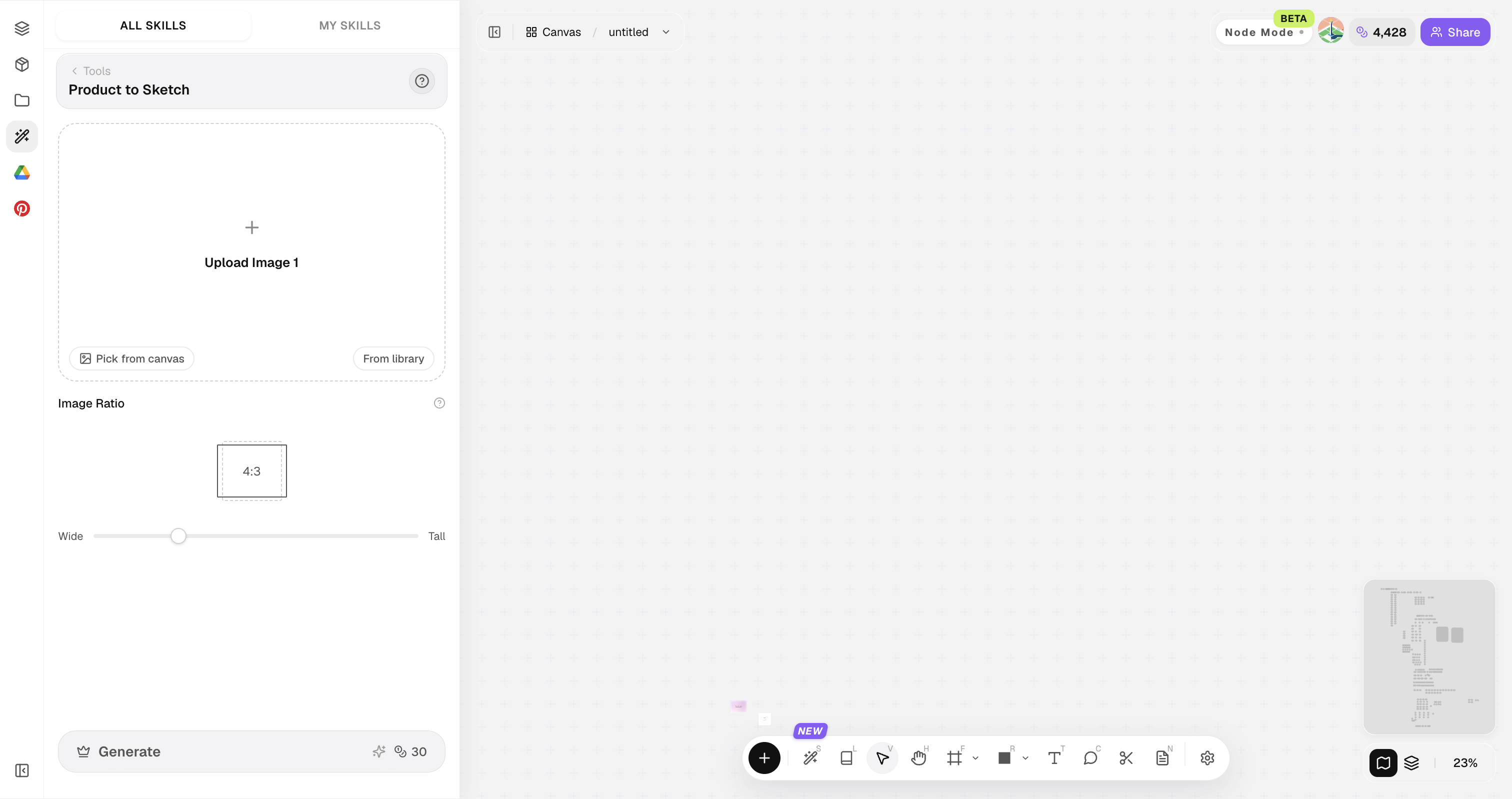
Product to Sketch feature panel
Open Skills library and choose Product to Sketch. Upload one furniture photo or render, set the image ratio, then generate a hand-drawn sketch. No text prompt is required.
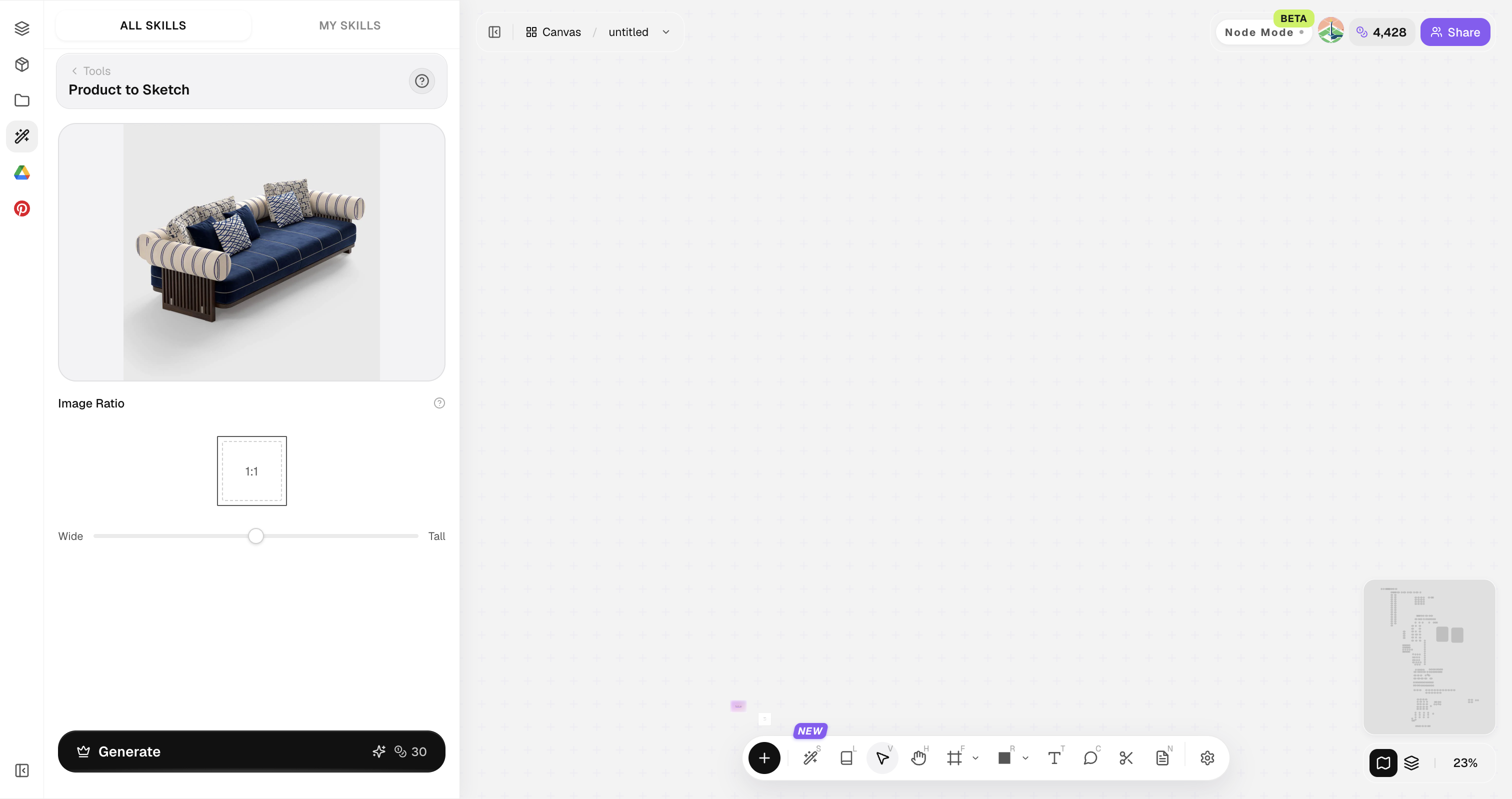
Use a clear image of one furniture piece with its full outline visible.
How to use Product to Sketch
Three steps from a furniture image to a design sketch.
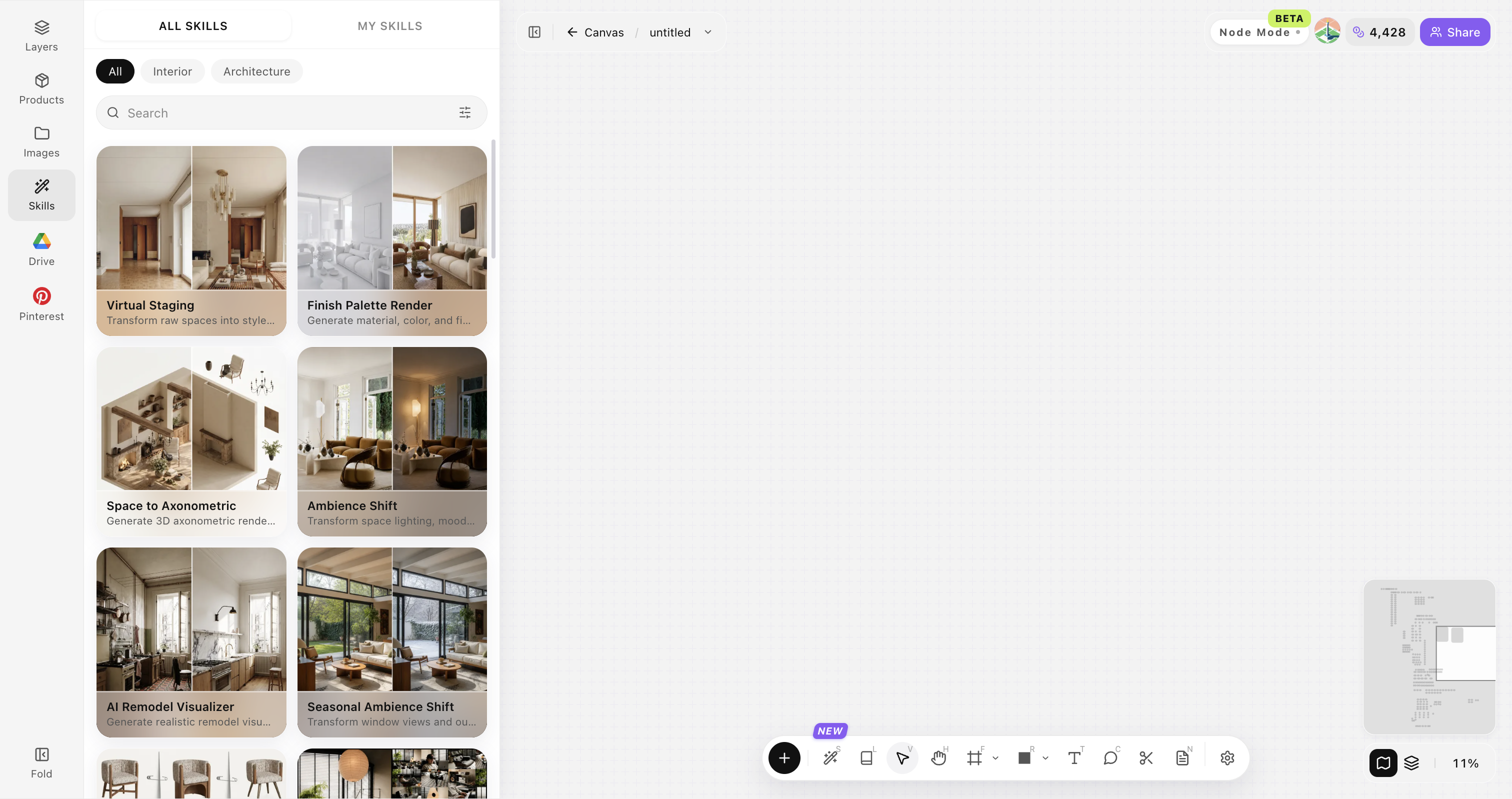
Open Skills library and choose Product to Sketch
Open Skills library, then choose Product to Sketch from the skill list to start this workflow.
Upload a furniture image
Upload, paste or drag in one clear furniture photo or render. It becomes the basis of the sketch.
Generate the furniture sketch
Choose the image ratio and click Generate. The sketch is created from the uploaded furniture image without a text prompt.
Choose a useful furniture image
Use one clear furniture image. The sketch follows the furniture shown in that image.
Show one furniture piece
Use an image with one primary furniture piece instead of a crowded group.
Keep the full silhouette visible
Avoid cropping the legs, arms, back or other defining parts.
Use a clear view
A front, side or three-quarter view makes the furniture structure easier to read.
Avoid obstructions
Keep people, props, text and watermarks away from the furniture.
Use a sharp image
Avoid blur, low resolution and heavy compression.
Product to Sketch FAQ
Great for ideation and pitch visuals — manufacturing still needs technical drawings.
What is Product to Sketch?
Product to Sketch turns one furniture photo or render into a hand-drawn design sketch for concept communication.
Can it replace CAD?
No. It accelerates concept visualization and design discussion. Manufacturing and detailing still need technical drawings.
Does it need a text prompt?
No. Upload a furniture image, choose the ratio and generate the sketch.
Good for custom millwork?
Yes for early form and finish talks.
Can I expand into a collection?
Yes—pair with Product Variations.