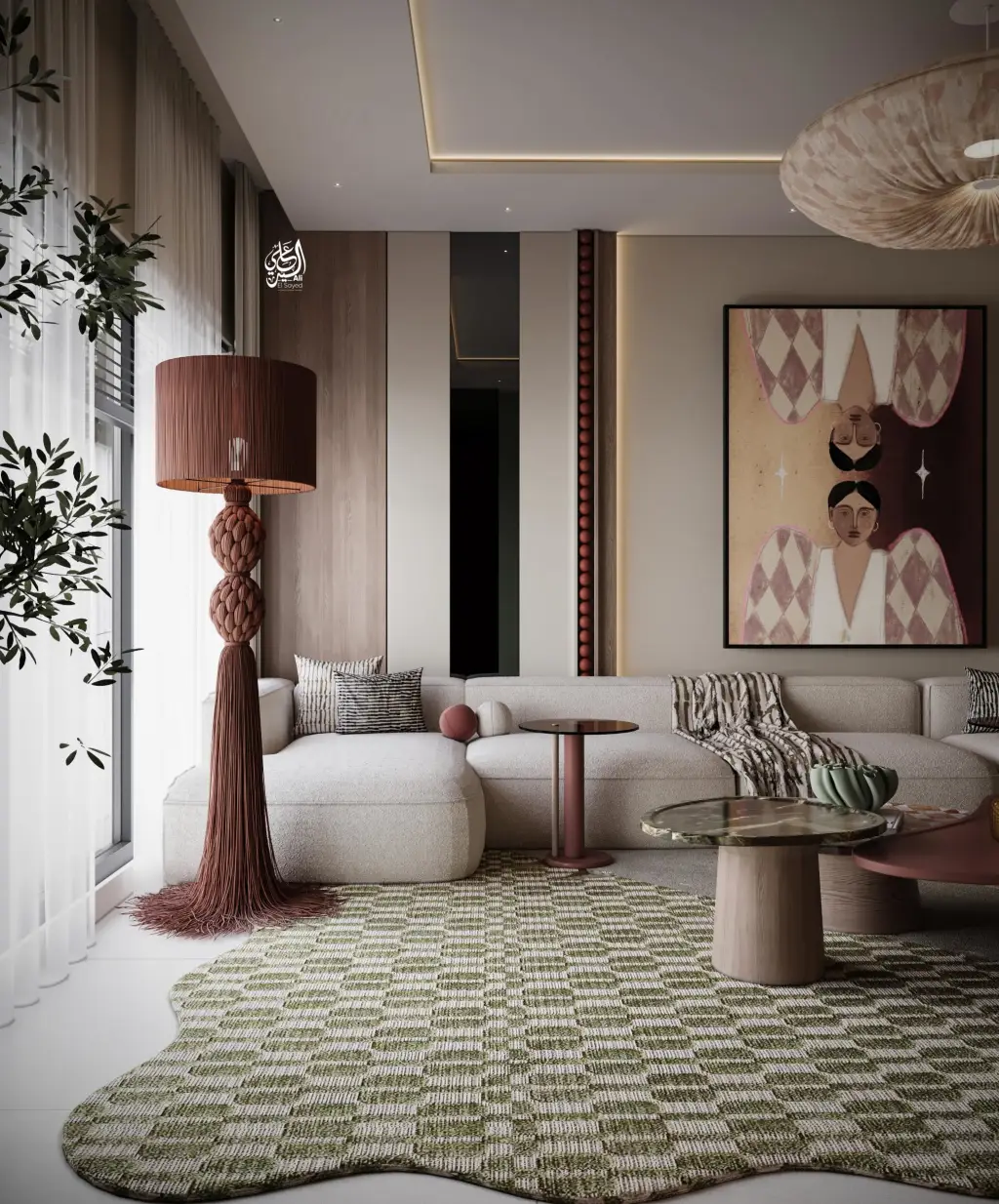
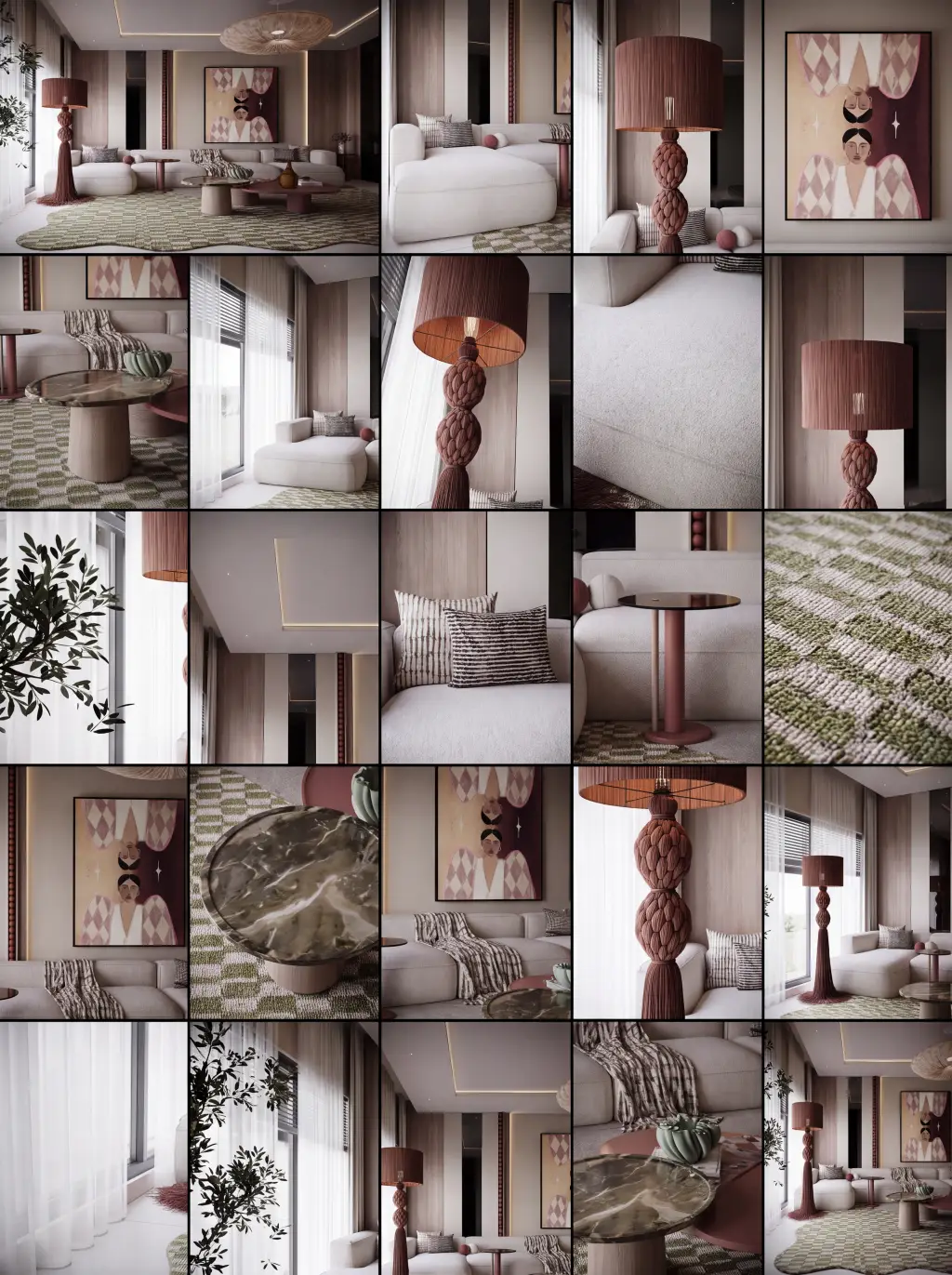
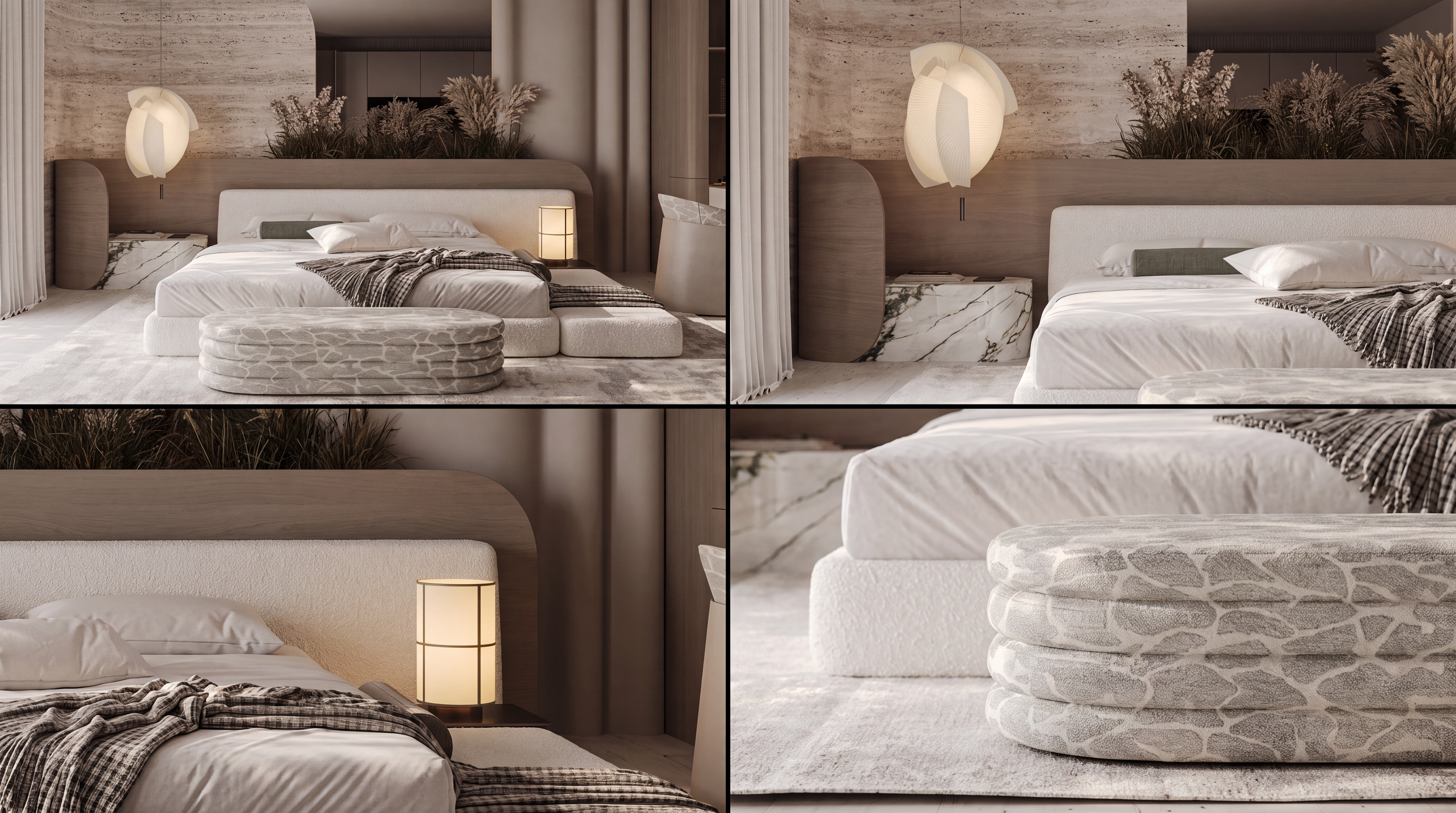
What is Spatial Storyboard?
In shortCreate narrative coverage so presentations go beyond a single hero frame.
Spatial Storyboard is for designers who sell experiences — not just objects.
Use it for hospitality journeys, product lifestyle sequences, and architectural approach stories.
Keep identity continuous across shots while varying distance, focus, and moment.


| Input | 1 hero still |
|---|---|
| Output | Multi-shot storyboard set |
| Focus | Narrative coverage and continuity |
| Best for | Pitches, campaigns, experience design |
| Also useful with | Ambience Shift / Architectural Angles |
- Hero space images
- Product lifestyle stills
- Key architectural moments
“One still is not a story.”
— Lovspark
Updated by the Lovspark Product Team, based on the live product and real project examples.
What does the Spatial Storyboard panel include?
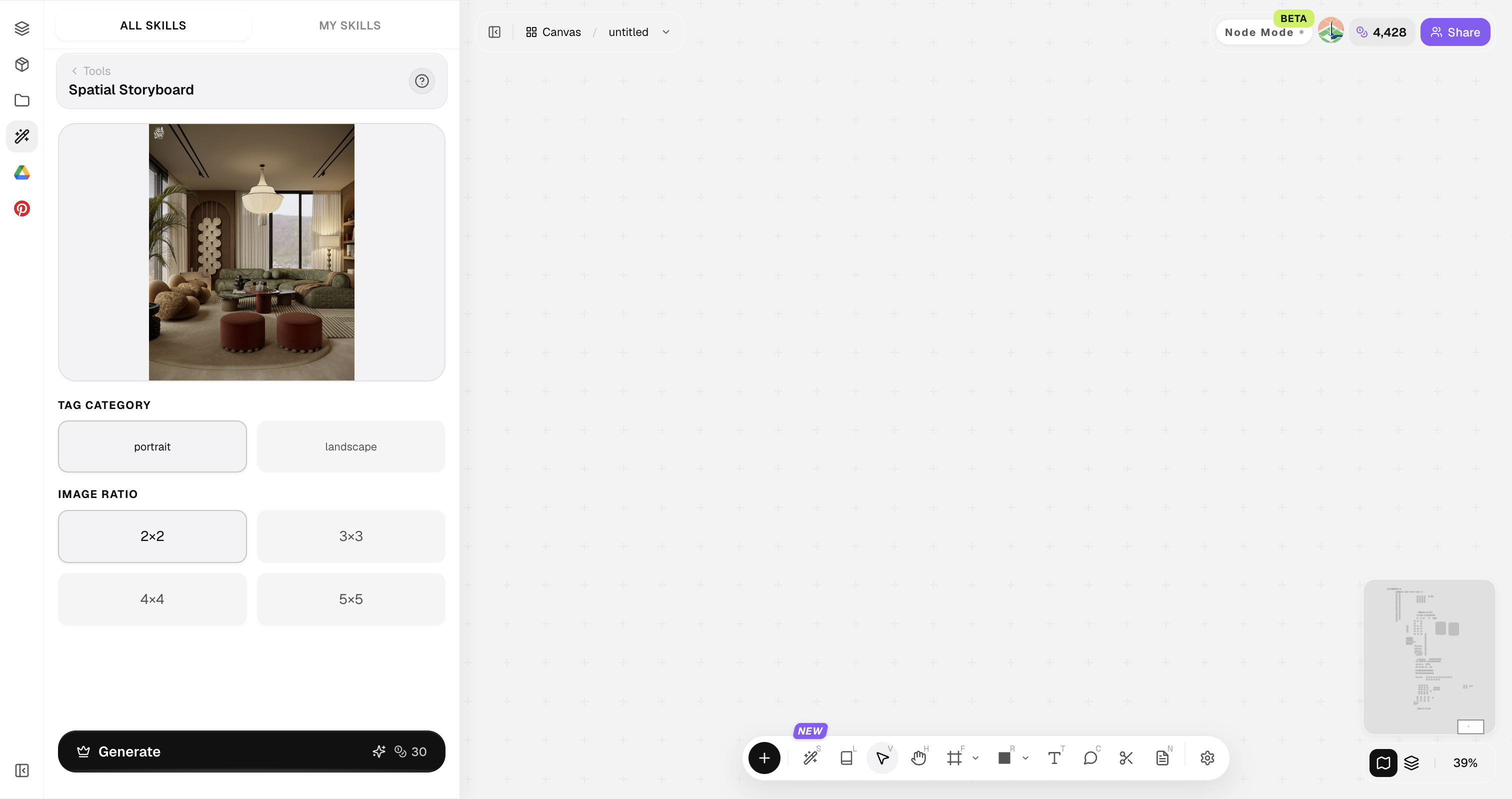
Open Skills library and choose Spatial Storyboard. The panel provides the original image, style reference, image ratio, and Generate button.

Start from the strongest story moment; weak heroes make weak sequences.
How do you build a multi-shot storyboard?
Four steps from hero still to sequence.
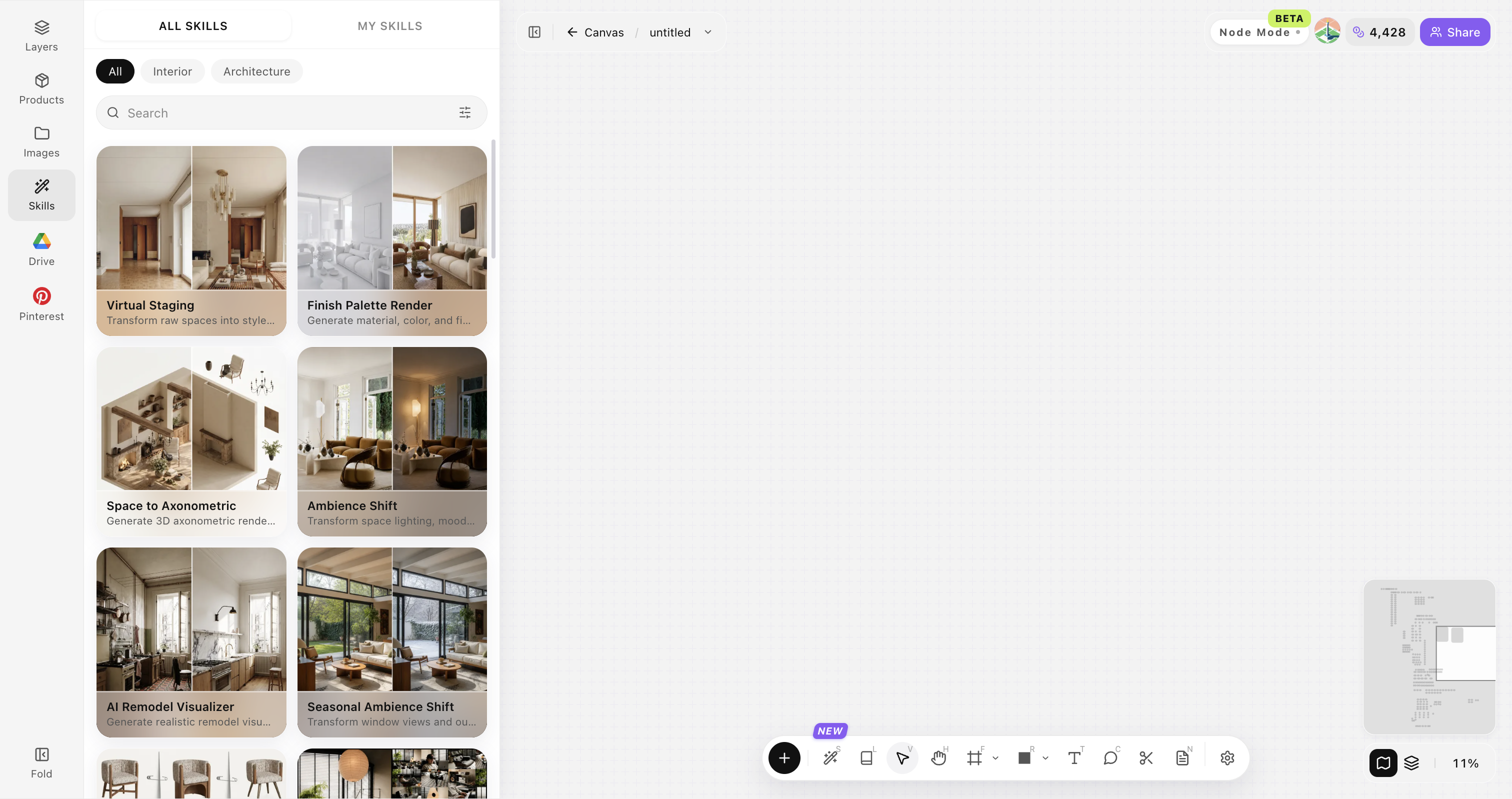
Open Skills library and choose Spatial Storyboard
Open Skills library, then choose Spatial Storyboard from the skill list to start this workflow.


Upload your original image
Upload, paste, or drag in a clear original image. It becomes the base for this generation.

Define narrative intent
Approach, enter, dwell, detail, depart—or product close-up journey.

Generate and order the shots
Click Generate and the results appear directly on the canvas. Compare the directions there, then continue refining the strongest option.

Tips for stronger storyboards
Think like an editor: variety with continuity.
Vary shot scale
Mix wide establishing frames, medium context shots, and close material or detail frames so the sequence feels cinematic and complete.
Keep materials and design features stable
Keep materials, palette, and key design features stable across shots so the sequence still reads as one project.
Limit sequence length
Curate a tight sequence of five to eight strong frames. Extra weak shots dilute the story and slow client decisions.
Write captions early
Write a short caption for each frame early. Captions force a clear journey—approach, enter, dwell, detail, depart.
Align lighting language
Keep lighting temperature and sun direction coherent across the set. Random lighting makes the storyboard feel discontinuous.
Spatial Storyboard FAQ
Built for narrative presentation packages — not timed animatics or video edits.
What is Spatial Storyboard?+
Spatial Storyboard expands one approved still into a multi-shot narrative set so presentations can show experience, not only a single hero image.
Is it video?+
It generates still-image sequences for storyboards and presentation decks. It is not a finished video editor with exact frame timing.
Can it follow a user journey?+
Yes. Define the journey beats you need—approach, enter, dwell, detail, and leave—and generate frames that cover those moments.
Good for products?+
Yes. It works well for lifestyle product packs, collection storytelling, and presentation sequences around a hero object.
How to present results?+
A numbered grid with short ordered captions is usually easiest for clients to follow in decks and review meetings.