What is Material Extraction Analysis?
In shortTurn a scene into a reusable finish language so teams can copy, compare, and talk materials more precisely.
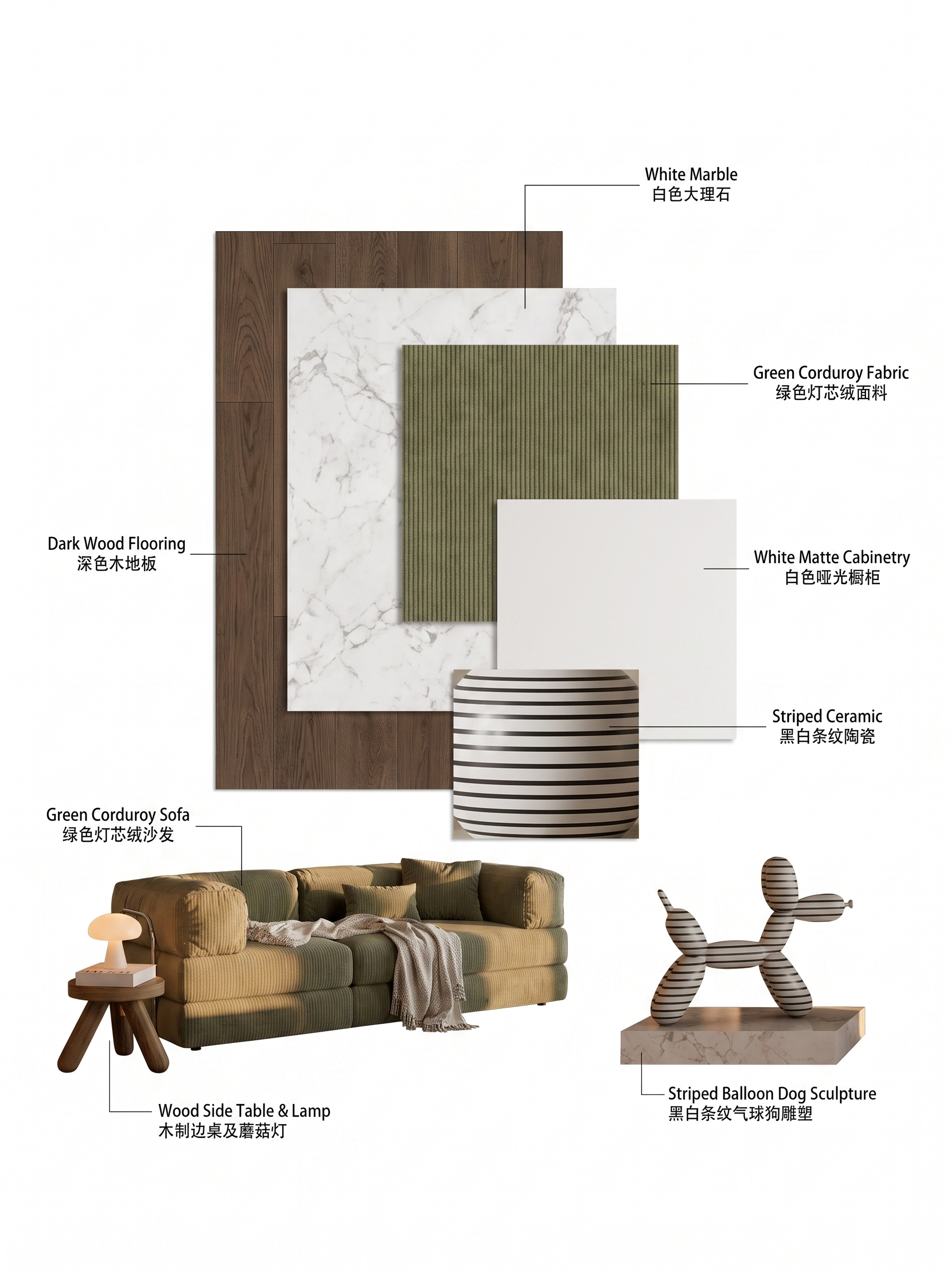
Material Extraction Analysis helps you reverse-engineer the finish system of a reference image.
Use it when a client loves a reference but you need a structured material reading — not just a vibe.
Outputs support mood boards, FF&E talks, and downstream material-swap decisions.


| Input | 1 design or reference image |
|---|---|
| Output | Material-focused analysis visualization |
| Focus | Finish types, palette, relationships |
| Best for | Spec talks, reverse design, teaching |
| Also useful with | Targeted Material Swap / Scene to Moodboard |
- Interior references
- Facade material close-ups
- Product or space photos with clear finishes
“Read the finishes before you copy the style.”
— Lovspark
Updated by the Lovspark Product Team, based on the live product and real project examples.
What does the Material Extraction Analysis panel include?
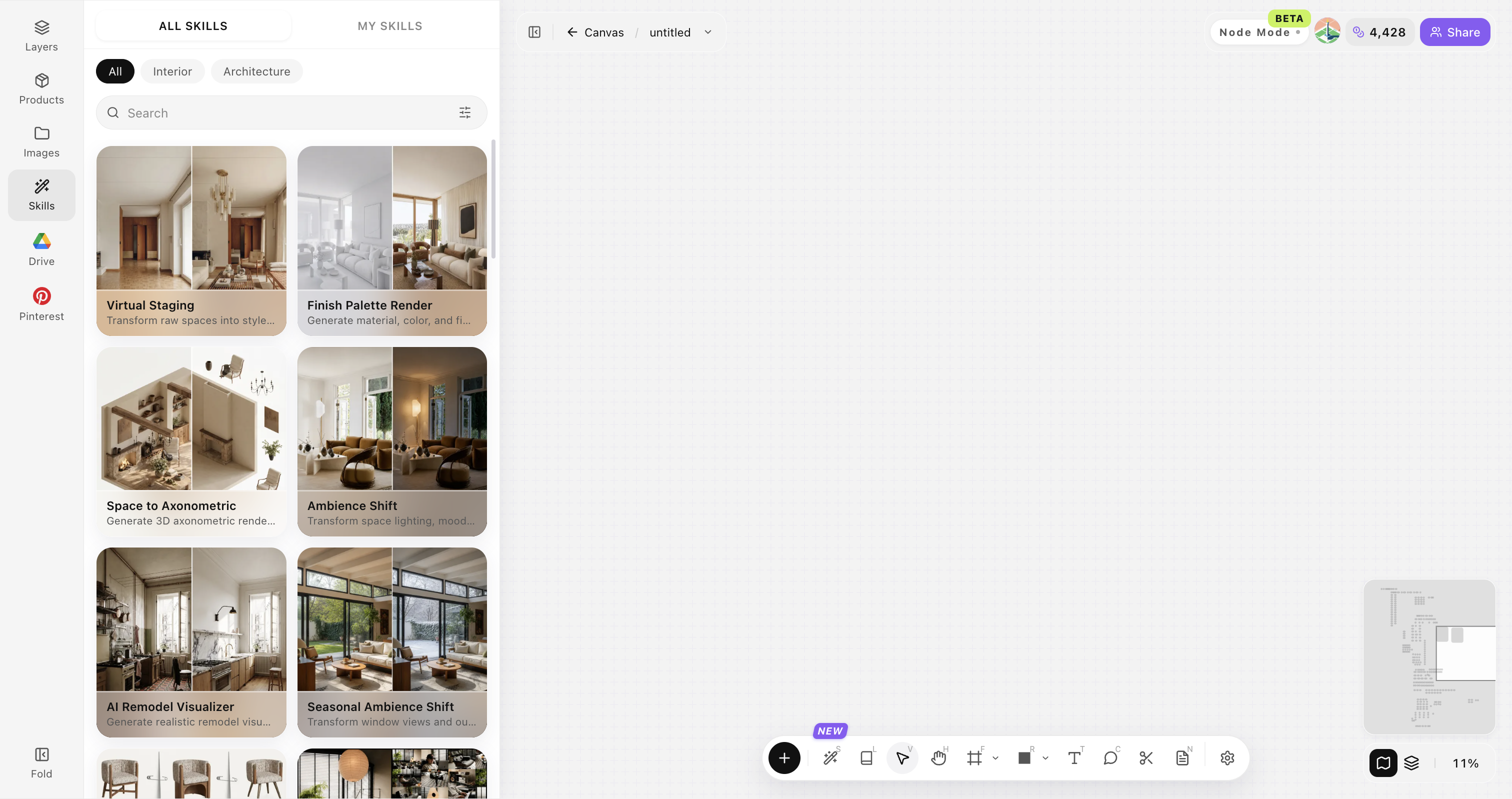
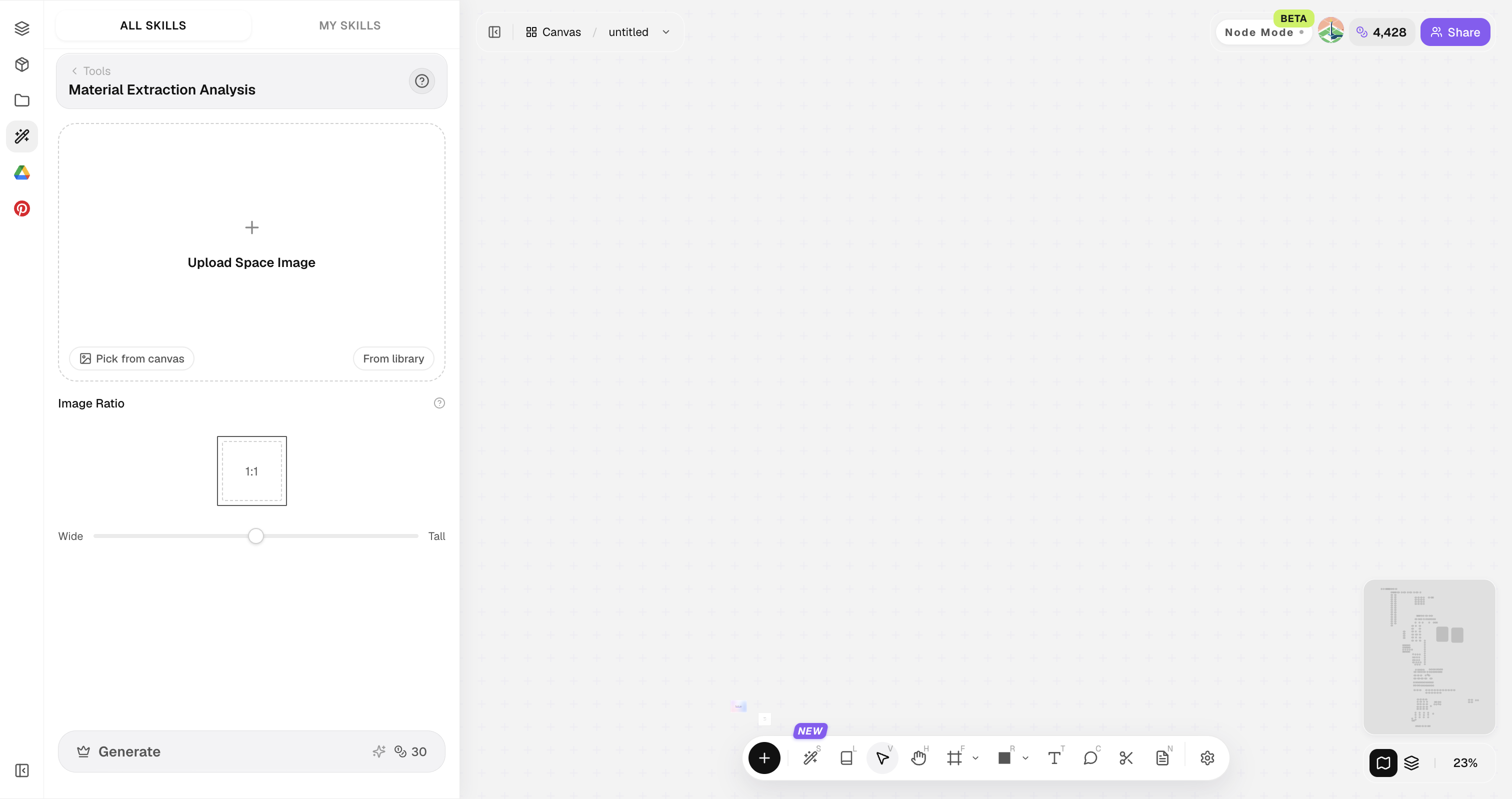
Open Skills library and choose Material Extraction Analysis. The panel provides the original image, style reference, image ratio, and Generate button.

Prefer images where materials aren't crushed by heavy filters or extreme noise.
How do you extract materials?
Four steps from reference to finish language.
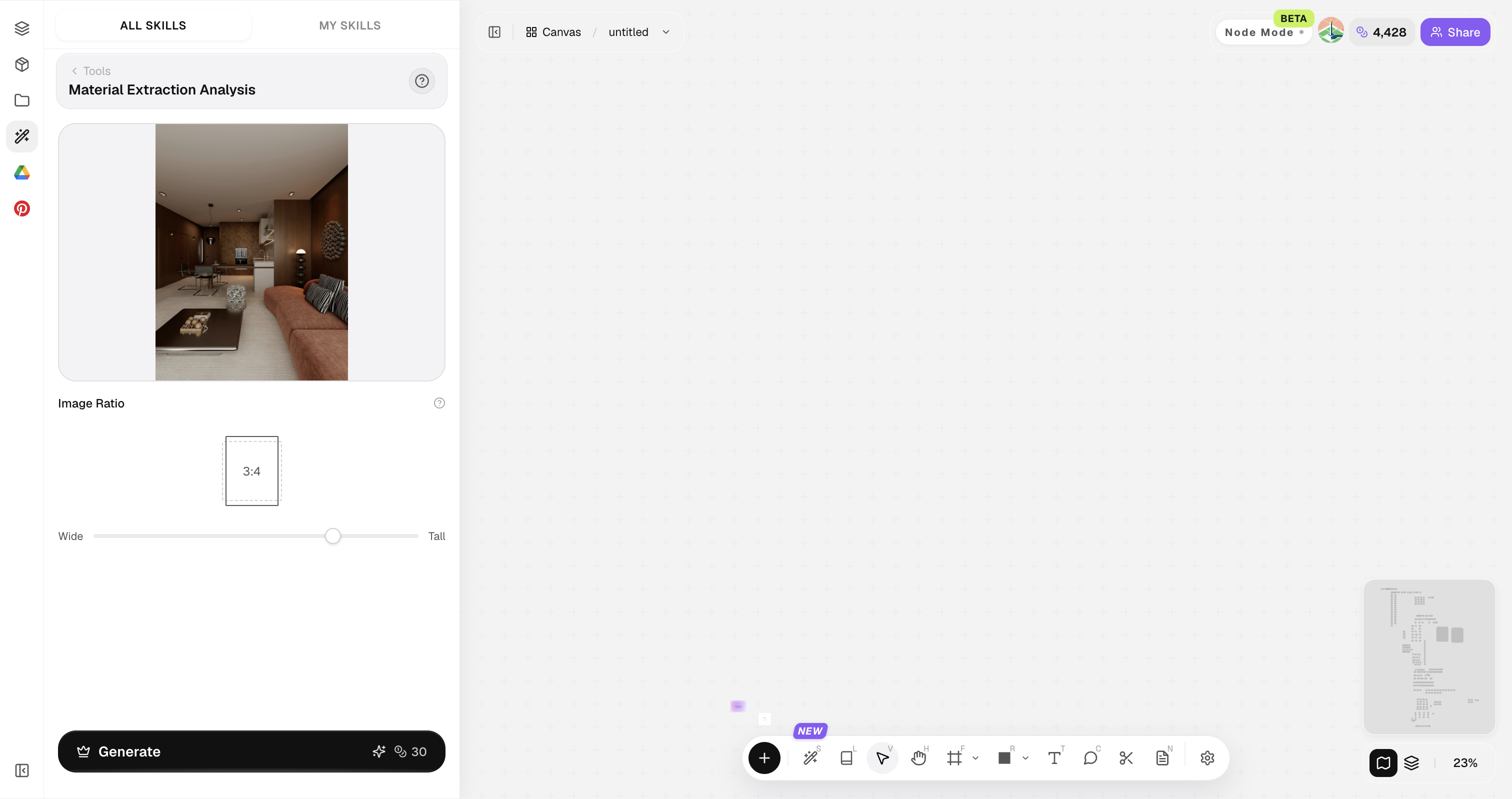
Open Skills library and choose Material Extraction Analysis
Open Skills library, then choose Material Extraction Analysis from the skill list to start this workflow.


Upload your original image
Upload, paste, or drag in a clear original image. It becomes the base for this generation.

Generate the analysis view
Create a material-focused reading of the scene.

Apply downstream
Click Generate and the results appear directly on the canvas. Compare the directions there, then continue refining the strongest option.

Tips for better material analysis
Clear source materials beat heavy artistic overlays.
Avoid heavy Instagram filters
Avoid heavy social-media filters. True color and balanced exposure make material extraction more reliable.
Include scale context
Include scale context. Show enough of the surface to read grain, jointing, and module size.
Separate structure vs finish
Separate structure from finish in your notes. Know what is geometry and what is cladding before you reuse the analysis.
Capture mixed materials
Capture mixed-material junctions. Corners and transitions teach how finishes relate more clearly than isolated swatches.
Export notes immediately
Export notes immediately after analysis. Label palette families while the material reading is still fresh.
Material Extraction Analysis FAQ
Great for design communication — still verify real product samples before procurement.
What is Material Extraction Analysis?+
Material Extraction Analysis analyzes a design image and visualizes its finish language so teams can discuss materials with clearer shared vocabulary.
Does it identify exact SKUs?+
No. It provides a visual finish language for discussion. Exact product SKUs and procurement still need sampling and specification.
Can it feed Targeted Material Swap?+
Yes—use extracted language as direction for swaps.
Works on exteriors?+
Yes for cladding, paving, and facade systems.
Who benefits most?+
Interior designers, material researchers, and educators.