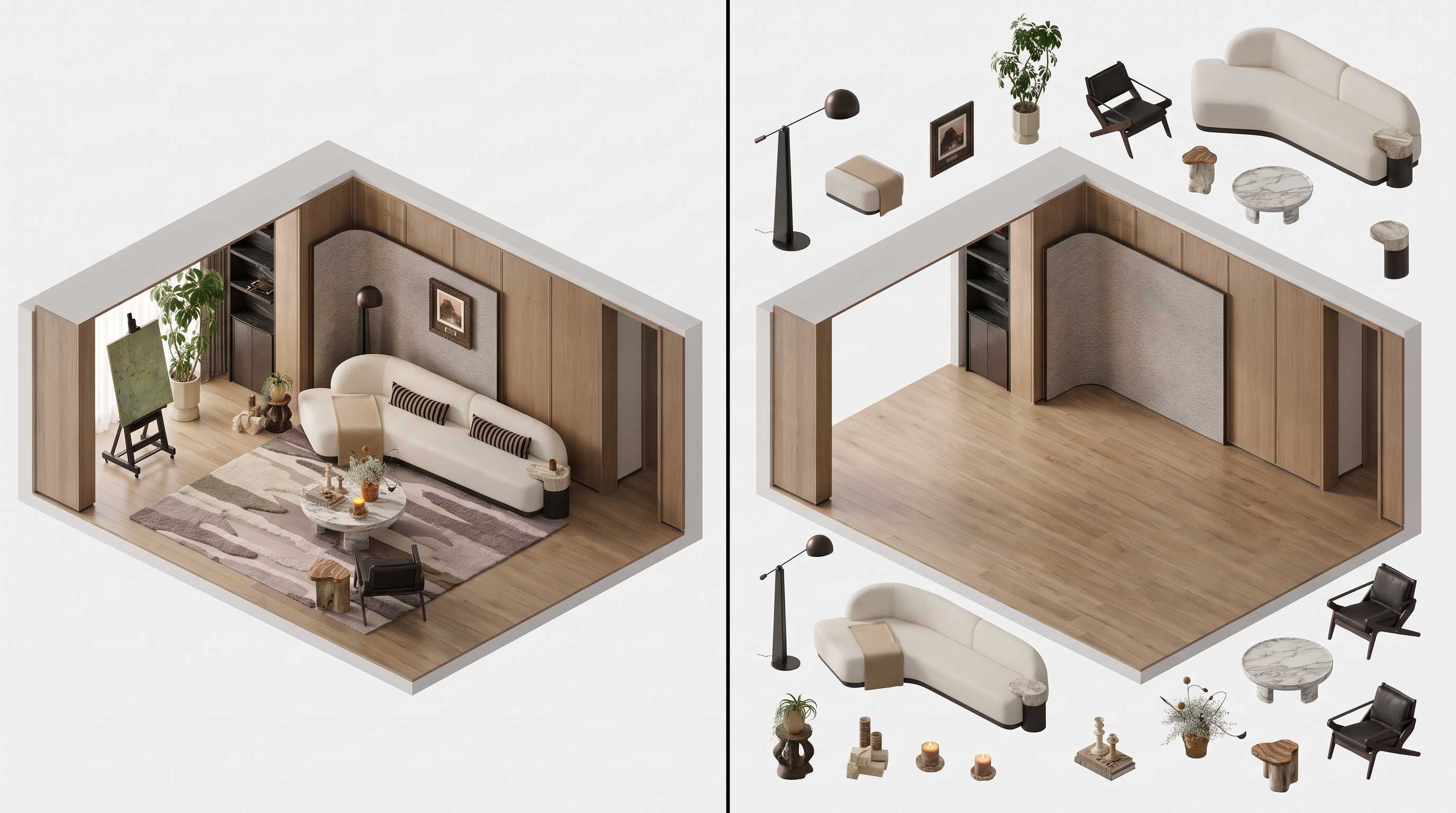
Axonometric diagram created in Lovspark
Lovspark ← All posts← 返回博客

Space to Axonometric
Space photos to axon diagrams

Transform a space photo into an axonometric drawing that clarifies volume, layers, and relationships for design reviews.

6 min read
Read on ↓

What is Space to Axonometric?

In shortTranslate a perspective scene into a diagrammatic axon so teams can discuss structure and composition more clearly.

Space to Axonometric bridges photo space and analytical drawing.

Ideal for concept packages, teaching boards, and early analysis — where an axon often reads faster than a dense render.

It keeps the space recognizable while shifting into diagrammatic clarity.

Space photo before axonometric conversion
Axonometric diagram created in Lovspark
Axon Photo
Space to Axonometric overview
InputSpace photo or interior view
OutputAxonometric diagram image
FocusVolume, layering, relationships
Best forAnalysis boards, concept decks, education
StyleDiagrammatic / presentation axon
Best inputs
  • Interior photographs
  • Designed room views
  • Spaces needing analytical communication

“From photo to spatial diagram.”

Lovspark

Updated by the , based on the live product and real project examples.

What does the Space to Axonometric panel include?

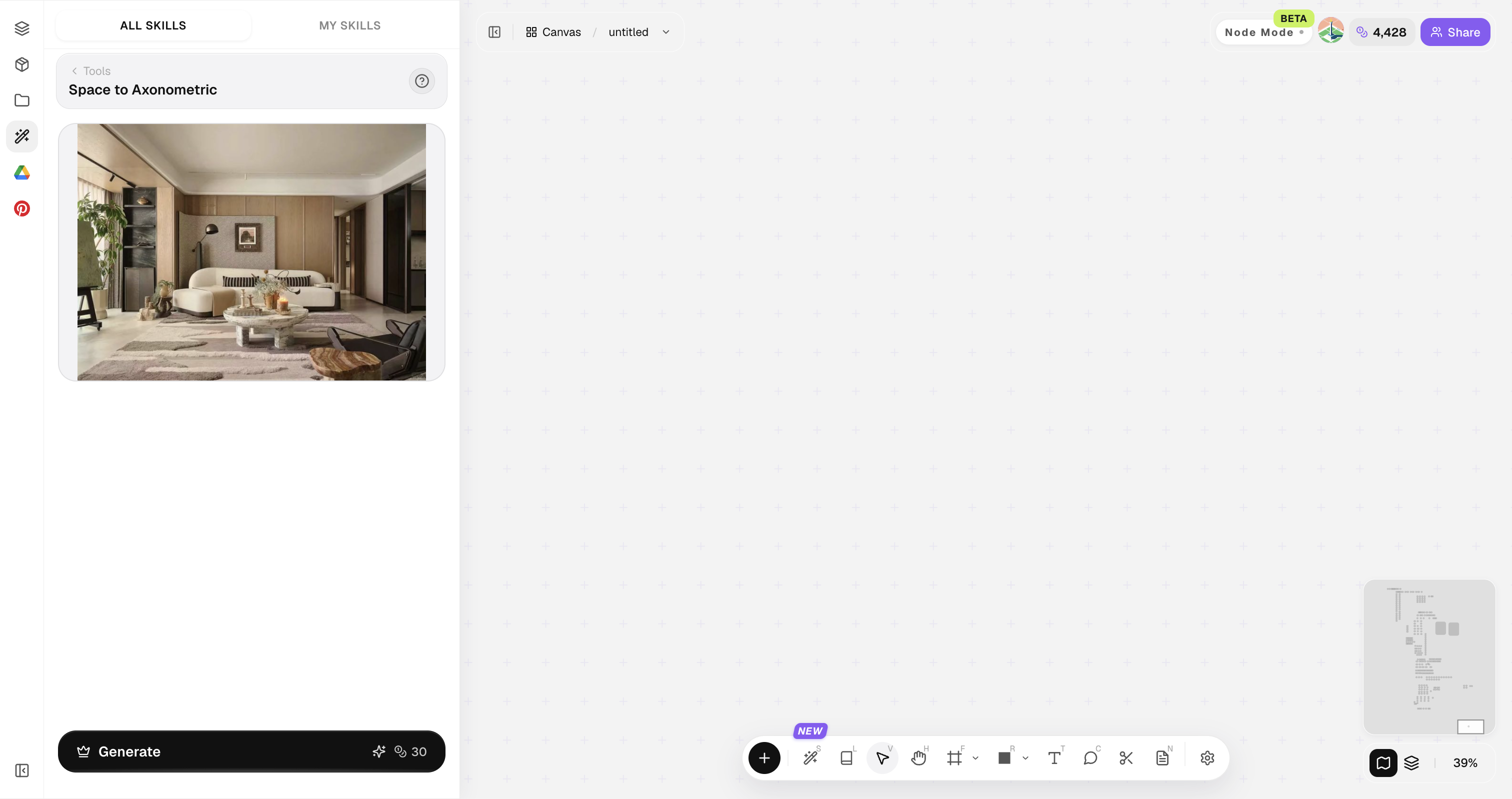
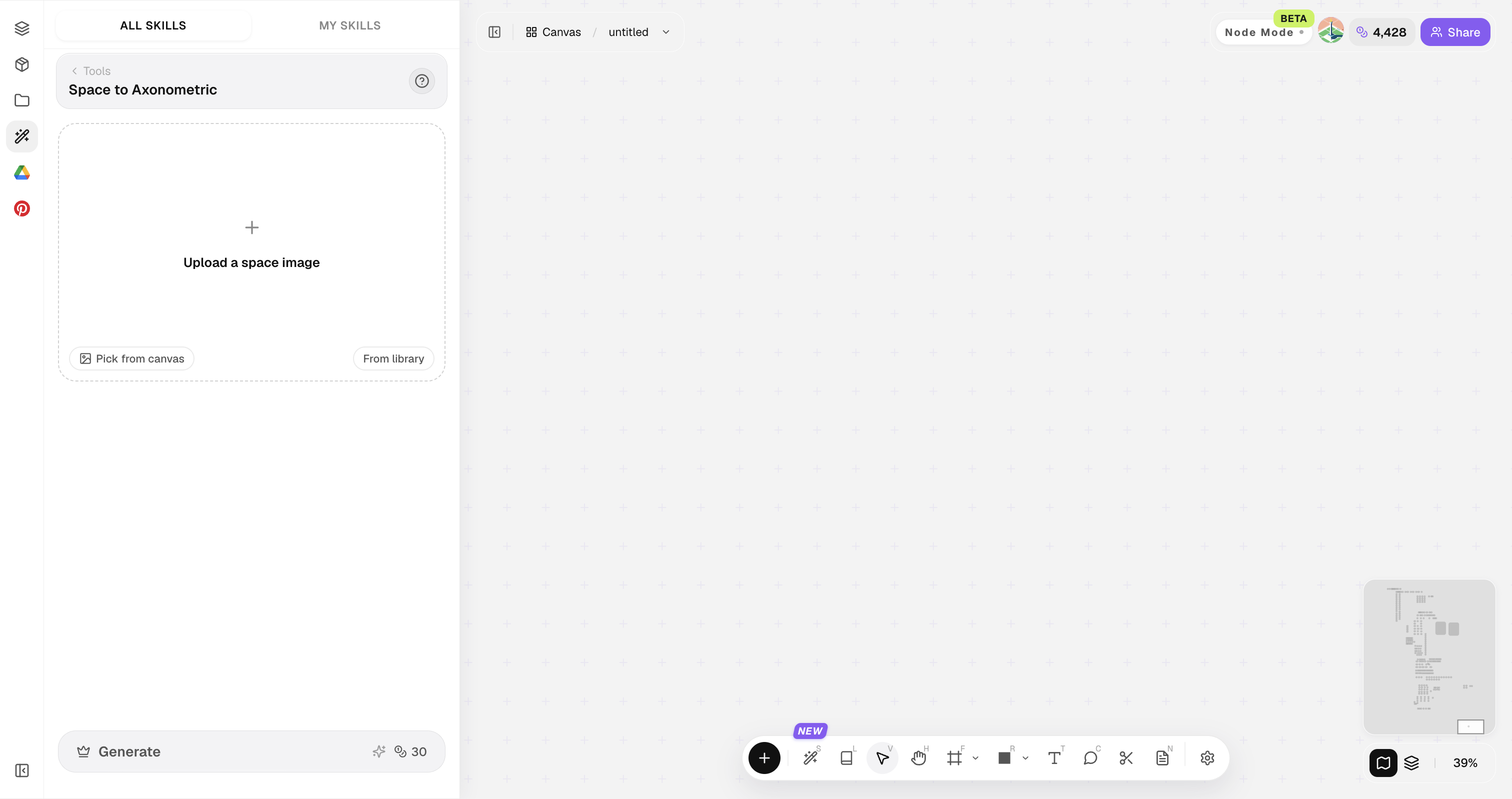
Open Skills library and choose Space to Axonometric. The panel provides the original image, style reference, image ratio, and Generate button.

Lovspark Space to Axonometric panel with uploaded images: original image, style reference, image ratio, and Generate button
Tip

Prefer views where floor, walls, and major objects are all visible.

How do you convert a space to axon?

Four steps from perspective to diagram.

1

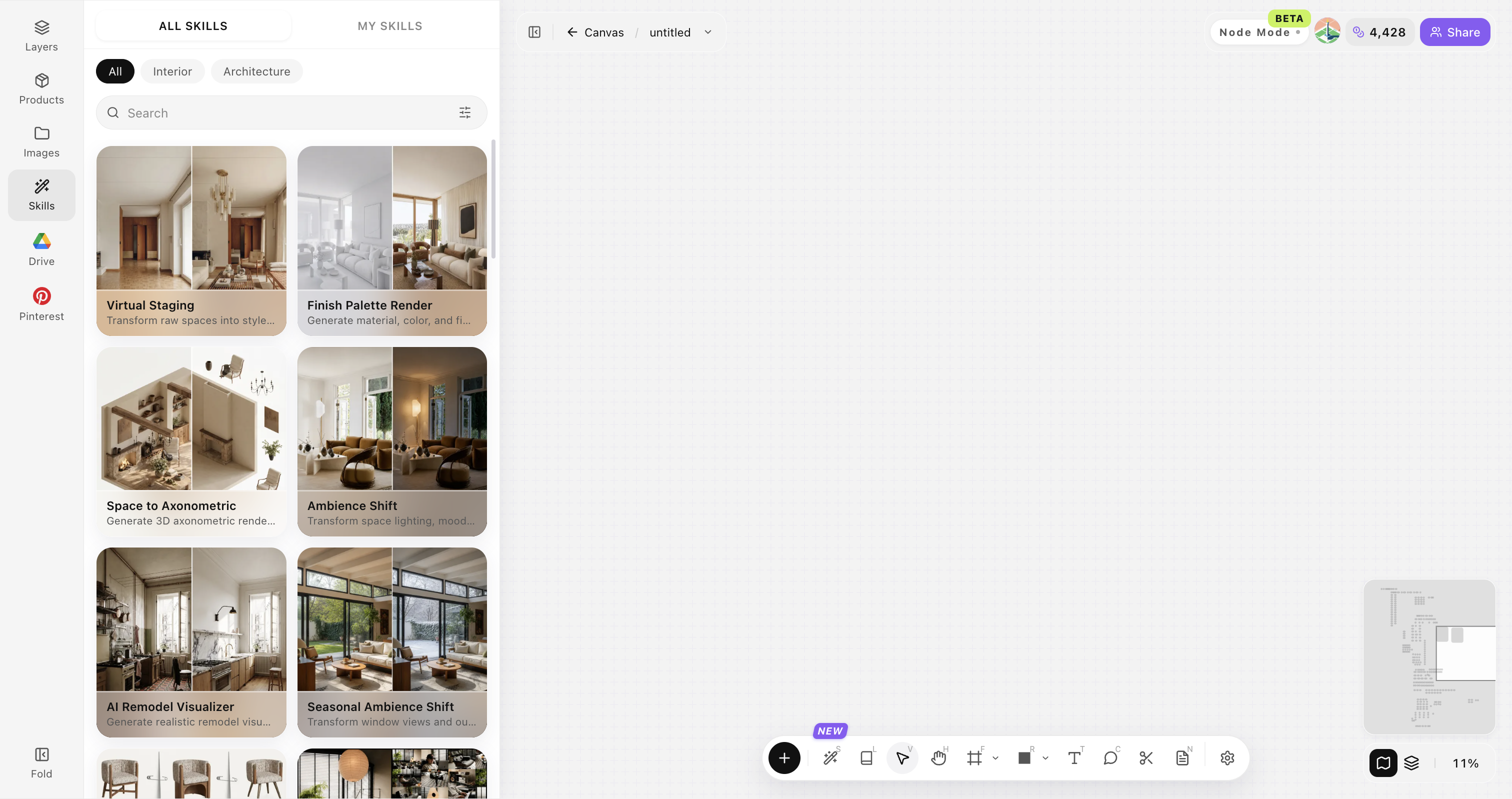
Open Skills library and choose Space to Axonometric

Open Skills library, then choose Space to Axonometric from the skill list to start this workflow.

Lovspark Skills library overviewEmpty skill panel ready for image upload or asset selection
2

Upload your original image

Upload, paste, or drag in a clear original image. It becomes the base for this generation.

Space photo before axonometric conversion
Start with a clear, well-framed photo so structure and perspective stay readable.
3

Set diagram intent

Analytical line axon, soft shaded axon, or presentation style.

Axonometric diagram created in Lovspark
4

Generate and annotate

Click Generate and the results appear directly on the canvas. Compare the directions there, then continue refining the strongest option.

Axonometric diagram created in Lovspark

Tips for clearer axon results

Clearer spatial structure in the source means clearer axon results.

01

Capture full volumes

Capture full volumes when possible. Extreme crops of a single wall make axon conversion less informative.

02

Reduce clutter when possible

Reduce temporary clutter when possible. Messy props and construction noise confuse layering in diagrammatic views.

03

Use consistent line language later

If you need publication-ready linework, export the axon and refine line weight in your vector or drawing tools.

04

Generate more than one style

Generate more than one axon style. Soft shaded axons help clients; harder analytical lines help design teams.

05

Pair with plan notes

Pair the axon with plan notes. Axon explains height and layering; plan explains organization and circulation.

Space to Axonometric FAQ

Best for communication and analysis — not measured construction drawings.

What is Space to Axonometric?+

Space to Axonometric converts a space photo or designed view into an axonometric diagram for clearer analysis and presentation.

Is it dimensionally exact?+

No. Use it for communication, then measure separately.

Does it work outdoors?+

Yes for courtyards and architectural exterior volumes.

Can I get exploded axon?+

Generate base axons first, then refine composition strategy.

Who is the audience?+

Design teams, students, and clients who need clearer spatial reading.

Lovspark

Create a space axon

Upload a space photo and generate an axonometric diagram.

Start designing →